How to Start a Sports YouTube Channel and Earn Money in 2026
Learning how to start a sports YouTube channel is a strong idea for a fan who loves to talk, analyse or coach a sport. Sports viewers are loyal, they return every week, and they watch live streams during big games. The trap is copyright: match footage belongs to leagues, clubs and broadcasters, and re-uploading highlights is the fastest way to lose your channel. This guide shows you how to choose a safe format, pick one sport, and earn money without breaking the rules.
In this guide
- Sports on YouTube in 2026: the opportunity and the copyright trap
- Step 1: Choose your format first
- Step 2: Pick one sport and one lane
- Step 3: Set up your channel
- Step 4: Film with simple gear
- Copyright and Content ID explained plainly
- Your first 10 videos and a 30-day plan
- Shorts strategy for sports
- Live streams for big games
- Titles, thumbnails and sports SEO
- How sports channels earn money
- Worked example: what a small sports channel could earn
- How to start a sports YouTube channel: what it costs and what to expect
- Common mistakes
- Risks and scams to watch for
- Frequently asked questions
Sports on YouTube in 2026: the opportunity and the copyright trap
Sports is one of the most passionate niches on YouTube. Fans search for match analysis, player stories, coaching tips and debate every day, and they return after every big game. A channel that covers one team or one league well can build a loyal audience faster than a general channel, because fans want a voice they agree with, argue with and come back to.
The copyright trap is the reason most sports highlight channels fail. Leagues, clubs and broadcasters protect match footage with Content ID, which matches uploaded video against a database of owned content, and with removal requests. Re-uploaded match footage generally cannot be monetised, and unedited clips also fail YouTube's reused content rule, which blocks channels that republish other people's content with little added value. Three copyright strikes in 90 days can make a channel subject to termination. Edits such as mirroring or sped-up audio that try to dodge detection fall under YouTube's spam policy as detection evasion. Read YouTube's copyright help page before you use any match footage.
Step 1: Choose your format first
Your format decides what you film, what gear you need, and how much copyright risk you take. Pick one format and build the channel around it.
| Format | What you make | Copyright risk |
|---|---|---|
| Sports talk | Opinion and debate about games and players | Low, your own words and face |
| Match analysis | Tactics, stats and breakdowns of games | Low, if you use your own graphics and short clips you have the right to use |
| Coaching | Drills, skills and training tips | Low, you film yourself or your own players |
| Documentary and stories | Athlete stories, history and records | Low, with your own narration and licensed images |
| Faceless storytelling | Narrated stories with stock footage and graphics | Low to medium, check the licence on every image and clip |
| Your own footage | Local or amateur games you film yourself | Low, with consent from players and extra care with minors |
| Highlight re-uploads | Clips of professional matches | High, do not build a channel on this |
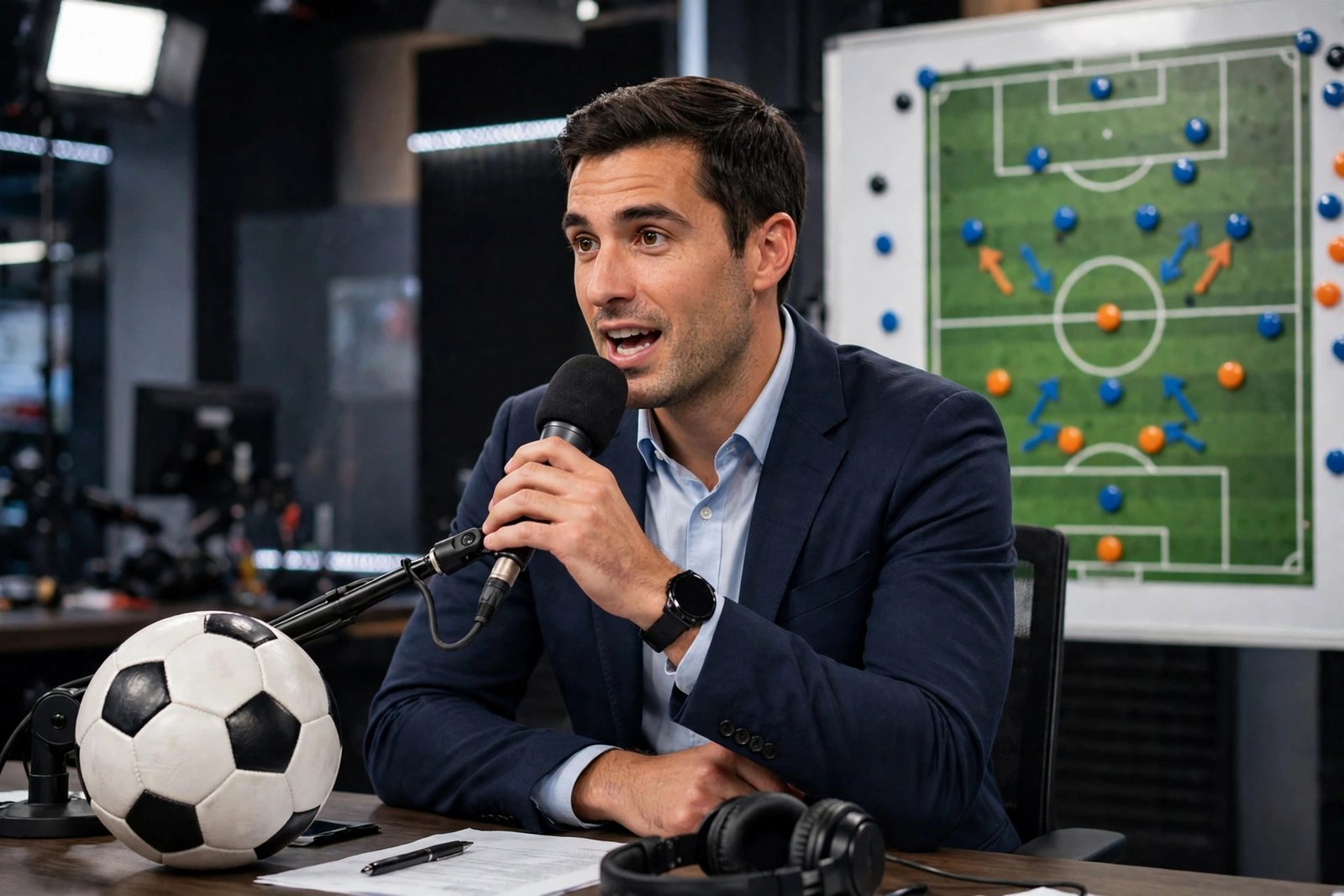
Sports talk is the easiest format to start, because it needs only a camera, a mic and an opinion. Analysis suits viewers who love tactics and stats, and it ages well, because a good breakdown stays useful after the match. Coaching suits players and coaches who can show a skill on camera. Documentary and storytelling suit creators who enjoy research and writing.
Step 2: Pick one sport and one lane
Pick one sport, then pick one lane inside it. A channel about "all sports" competes with every sports network at once. A channel about one team, one league or one kind of content has a real chance to be found and remembered.
A lane is a narrower focus, such as one team, one league, one position, or one style of show. Examples include a channel only about one football club, a basketball debate show, a cricket coaching channel, or a channel that explains the science behind famous athletes. Pick a sport you follow closely, because you will need to watch games and form opinions every week.
Step 3: Set up your channel
Set up the channel before you film your first video, so every upload lands in a finished home.
- Create a Google account and a channel. Sign in to YouTube, open Settings, and create a channel. YouTube's own help page explains the steps in YouTube's guide to creating a channel.
- Choose a name that fits your lane. A show name works well for sports talk, such as a name that includes your team or your sport. Keep it short and easy to search for.
- Add a profile picture and banner. Use a simple logo or a clean photo that shows your sport. Your banner should show the channel name and what the show covers.
- Write your About section. Say which sport and which lane you cover, how often you upload, and when your live streams run. Add a contact email for sponsorship enquiries.
- Set your channel defaults in YouTube Studio. Add a standard description template, and set your upload defaults so every video starts with the right settings.
- Turn on 2-Step Verification for your Google account. You will need it later to join the YouTube Partner Programme, so set it up now.
For the full setup walkthrough, read our guide to how to start a YouTube channel, which covers branding, Studio settings and upload defaults in detail.
Step 4: Film with simple gear
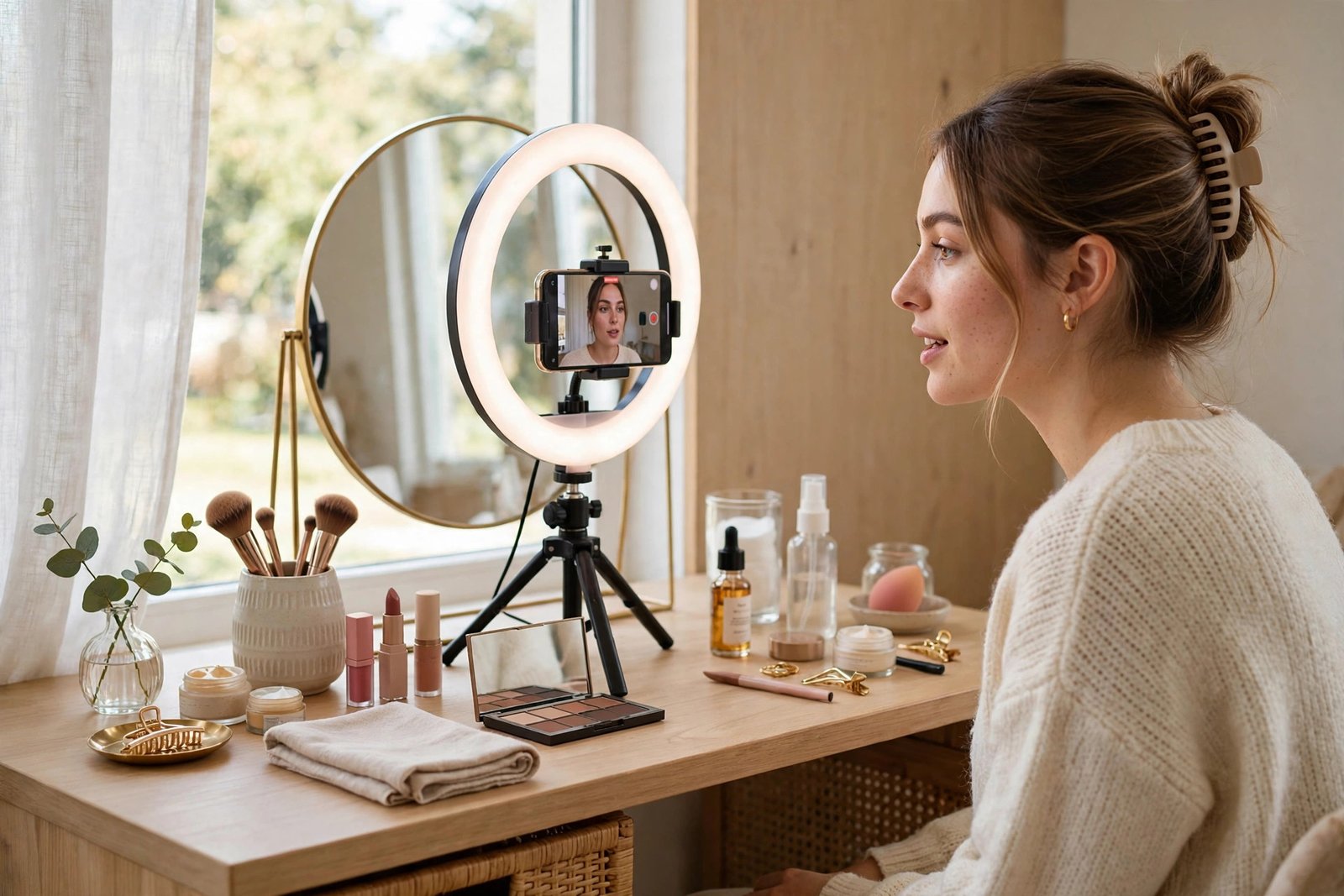
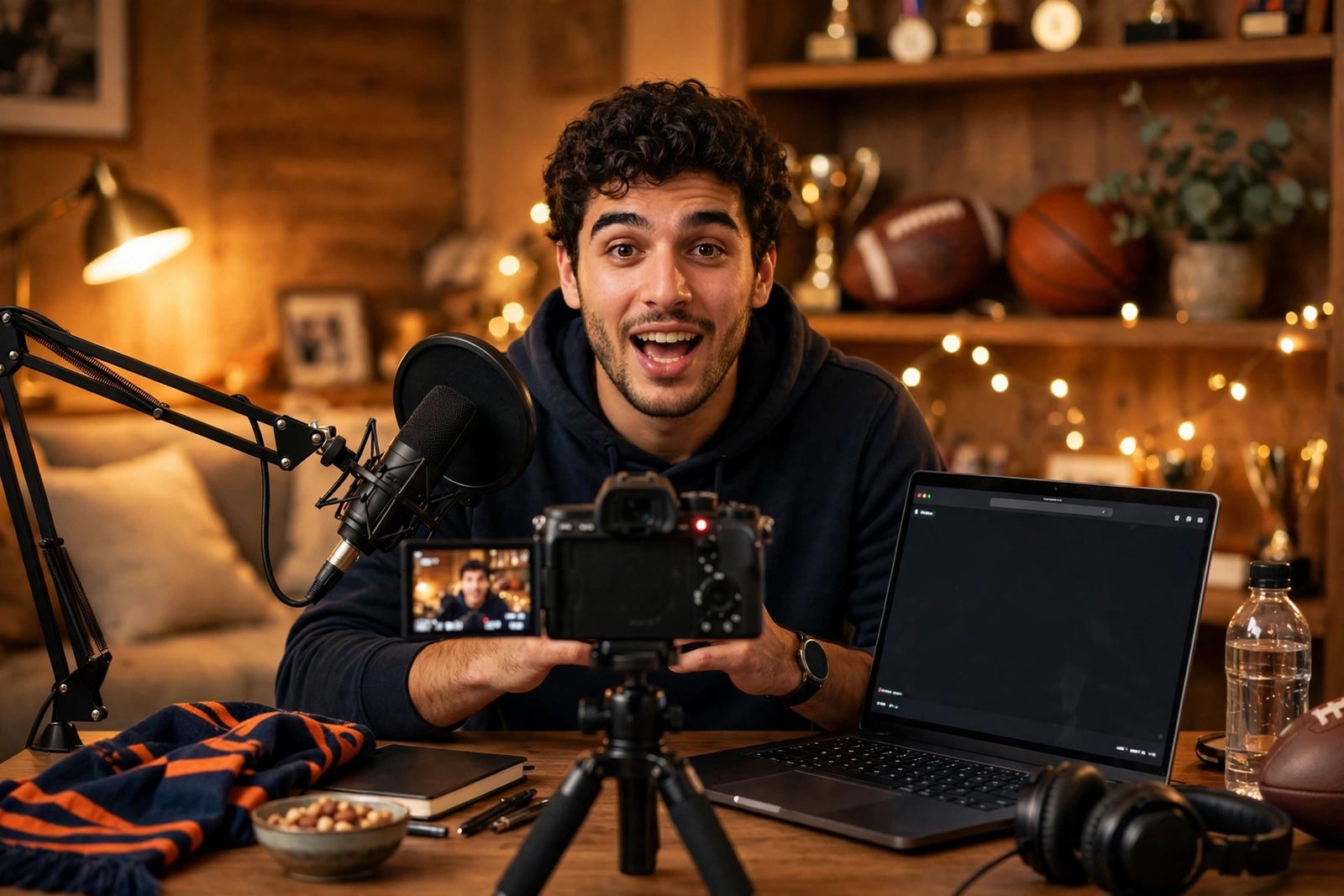
You can start a sports channel with a phone, a ring light and a clip-on mic. A phone made in the last few years films in good enough quality for talk and analysis videos. A ring light gives even light on your face, and a clip-on mic, called a lavalier mic, makes your voice clear. Film in a quiet room with a tidy background, such as a shelf with a ball or a shirt from your team.
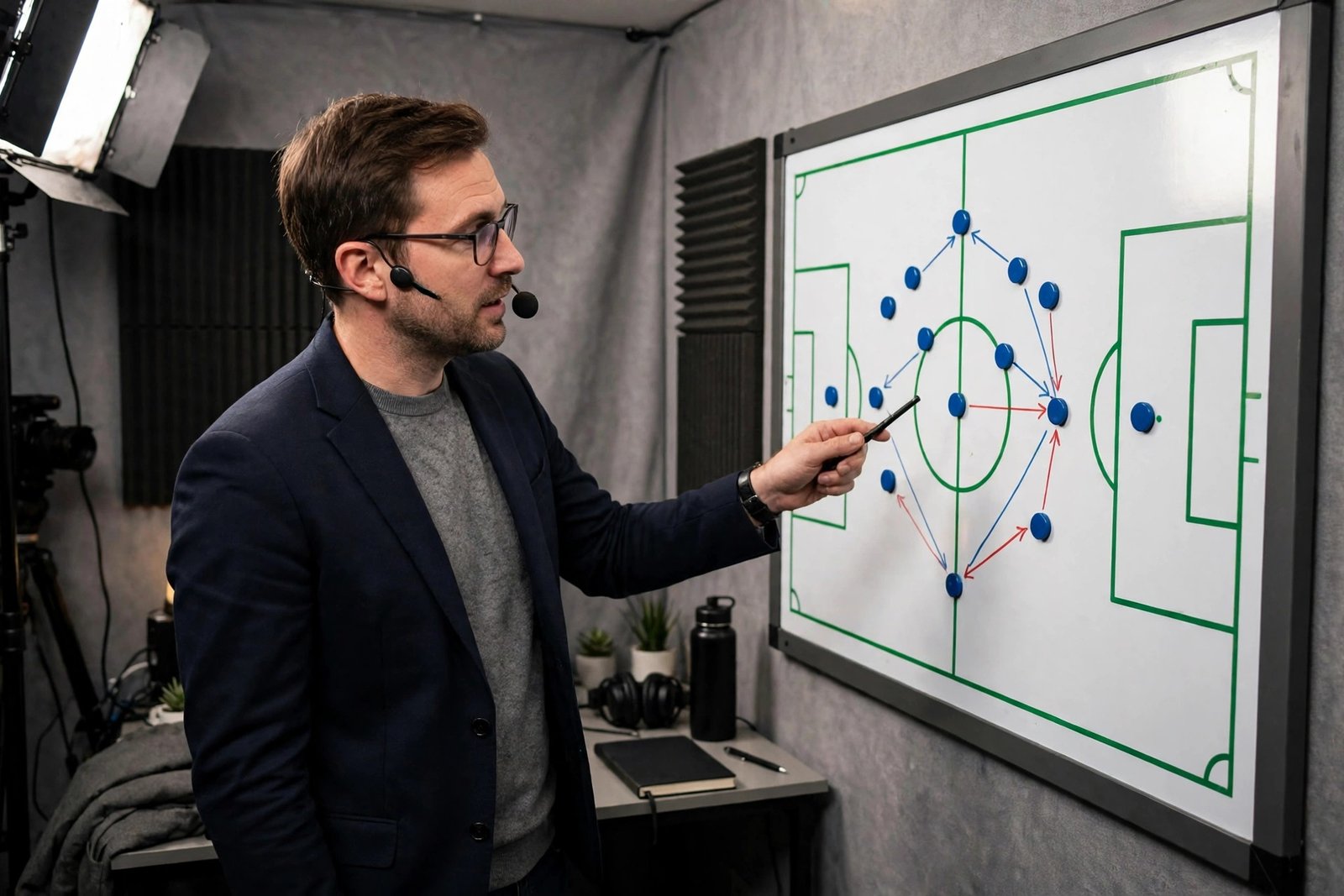
For analysis videos, add a simple graphics tool. You can draw tactics on a still image of a pitch or a court, or use slides with stats and short clips you have the right to use. Keep graphics clean and large, because many viewers watch on a phone. For coaching videos, film outdoors in daylight with a tripod, and show each drill from two angles.
Copyright and Content ID explained plainly
Copyright is the legal right to copy and share a piece of work, and it belongs to whoever created the work. On YouTube, two systems enforce it. A copyright strike comes from a formal removal request, and three strikes in 90 days can make a channel subject to termination. A Content ID claim is an automatic match that lets the rights owner take the ad revenue or block the video.
Fair use is often misunderstood. In the United States, fair use is a legal defence that can permit the use of copyrighted content for purposes such as commentary, criticism, research or news reporting. It is decided case by case in court, and no clip length is automatically safe. Adding commentary helps with the reused content rule, but it does not change who owns the footage.
Here is what is safe and what is not:
- Safe: your own opinions, your own analysis, your own graphics, your own footage of local or amateur games with consent, and stats from public sources.
- Risky: short clips of professional matches, even with commentary, because the rights owner can still claim them.
- Not safe: full highlight reels, unedited match clips, and edits that try to dodge detection, such as mirroring or sped-up audio.
After a strike, live streaming is restricted for 7 days, and for 14 days after a further strike. A strike usually expires after 90 days if you complete YouTube's Copyright School and have fewer than three strikes. Keep records of every licence and every permission, and never upload footage you do not own or have a clear right to use.
Your first 10 videos and a 30-day plan
Your first 10 videos should show what your channel is and give YouTube enough material to recommend. A practical 30-day plan for a sports talk channel looks like this:
- Week 1: a video that states your main opinion about your team or league, a Short with your hottest take, and a video that previews the next big game.
- Week 3: a player story or a history video, a coaching or tactics video, and a live stream after a big game.
Aim for two or three long videos a week plus a few Shorts, which is a realistic pace for one person. Record your reactions soon after the game ends, because fans search for reactions within hours. Keep a simple content calendar with the fixture list, so you never run out of topics. Check your analytics after a month to see which format kept viewers watching longest, and make more of that.
Shorts strategy for sports
Shorts are vertical videos under 3 minutes, and they are a strong discovery tool for sports. A 30-second hot take, a stat that surprises people, or a clip of your best analysis moment can reach far more people than a long video in its first week. Post a Short on the day of a big game, when fans are searching for reactions.
Repurpose your long videos into Shorts instead of re-uploading match clips. Take your best 30 seconds of analysis, add captions, and link to the full video in a pinned comment. Our guide to how to repurpose long videos into YouTube Shorts shows the cutting process, and our guide to how to grow YouTube Shorts explains how Shorts views count towards monetisation.
Live streams for big games
Live streams are where sports channels earn loyal fans and Super Chat income. A live watch-along, a post-match reaction, or a Q and A after a big game can run for an hour and keep viewers engaged. You do not need to show the match itself. Talk over the game, react to the score, and answer chat questions.
Set a regular stream time, such as straight after your team's game each week, so fans learn when to show up. Keep the stream simple: one camera, one mic, and a short list of talking points. Read the chat and use viewers' names, because that is what turns a viewer into a regular. Our guide to how to make money with YouTube Live explains the setup and the income options.
Titles, thumbnails and sports SEO
Sports viewers search with team names, player names and strong opinions. They type "Lakers biggest problem" or "why Arsenal lost" into the search box, so your title should match those words. Put the team or the player first, then your opinion in plain words, such as "This Loss Exposed the Lakers' Biggest Problem". Keep titles under 60 characters where you can.
Thumbnails need a clear image of the player or the team, with few words in large text. Use high contrast and a strong facial expression, because your thumbnail competes with dozens of others. Do not use a photo of a player who is not in the video, and do not promise a result in the thumbnail that the video does not deliver.
Write descriptions with the team, the player and the match in the first two lines, then add links to related videos on your channel. Research your stats before you publish, using trusted sources such as ESPN or Sports Reference, and name the source when you quote a number. Our guide to YouTube SEO and how to rank videos covers keyword research, and our guide to how to design YouTube thumbnails shows what makes a thumbnail get clicked.
How sports channels earn money
Sports channels earn from ads, fan funding, sponsorships, affiliates and merchandise, and the mix matters more than any single stream. The YouTube Partner Programme, known as YPP, is the route to ad income. The figures below come from YouTube's own Partner Programme page, checked on 2026-11-19.
| YPP tier | What you need | What it unlocks |
|---|---|---|
| Early tier | 500 subscribers, 3 public uploads in the last 90 days, plus 3,000 watch hours in the last 12 months or 3 million Shorts views in the last 90 days | Fan funding, such as channel memberships and Super Thanks, and Shopping features. No ad revenue. |
| Full tier | 1,000 subscribers, plus 4,000 watch hours in the last 12 months or 10 million Shorts views in the last 90 days | Ad revenue sharing, YouTube Premium revenue, and all fan funding features. |
Joining also needs 2-Step Verification, one active AdSense for YouTube account, and a channel that follows YouTube's monetisation policies. Review decisions typically take about one month. Note for readers in Pakistan: the early 500 subscriber tier is only open in the countries YouTube lists on its Partner Programme page, and as read on 2026-11-19 Pakistan does not appear in that list, while India does. Check the current country list on YouTube's own page.
YouTube also changes its rules from time to time. Some secondary sources report a change to the full tier thresholds from early 2027, but YouTube's own help page does not mention it as of 2026-11-19, so this guide does not print those figures as fact. Check YouTube's own Partner Programme page for the latest rules before you apply.
Beyond ads, sports channels earn from Super Chat during live streams, channel memberships, sponsorships from sports brands, affiliate links and their own merch. Be careful with betting affiliates. They are only legal in some countries, they must be disclosed clearly, and they should never be aimed at young viewers. If betting affiliates are not legal where you live, do not promote them. Our guide to how to monetize a YouTube channel explains each income route, our guide to how to make money with YouTube channel memberships covers fan funding, and our guide to how to get YouTube sponsorships covers brand deals.
Some guides claim sports talk channels can make six figures a year. That is possible for a large channel with many income streams, but no honest guide can promise it, and it is not a realistic target for a new channel. Treat such headlines as marketing, not as a plan.
Worked example: what a small sports channel could earn
Example only: these numbers are not typical results, and they are shown only to explain how the maths works.
Imagine a sports talk channel that reaches the full YPP tier after 12 months. It has 3,000 subscribers and publishes three long videos a week plus Shorts. It gets about 30,000 views a month. If advertisers pay an average of 4 dollars per 1,000 views after YouTube takes its share, the maths is 30 multiplied by 4, which is 120 dollars a month from ads. If live streams bring 30 dollars a month in Super Chat, and a small merch sale brings 20 dollars, the total is 170 dollars a month. Results vary with sport, audience country, upload schedule and the season.
How to start a sports YouTube channel: what it costs and what to expect
You can start a sports channel with a phone, a ring light and a clip-on mic, which costs roughly 50 to 100 dollars if you already own the phone. A tripod, a second light and a simple backdrop can wait until the channel earns. Editing software is free at the start, using DaVinci Resolve or CapCut.
A realistic timeline is 6 to 18 months of steady uploads to reach the full YPP tier, depending on your sport, your lane and how often you publish. Channels that cover a team with a large fan base can grow faster during a good season, while off-season months are slower. Plan for months with no income at all, and treat the channel as a hobby that may pay later.
Common mistakes
- Building the channel on highlight re-uploads, which cannot be monetised and risk strikes.
- Trying to cover every sport, which leaves no clear audience.
- Using edits that try to dodge detection, such as mirroring or sped-up audio, which break YouTube's spam policy.
- Posting only when your team wins, and going silent after a loss, when fans still want analysis.
- Quoting stats without checking them, which costs trust fast.
- Promising a result in the thumbnail that the video does not deliver.
- Promoting betting affiliates where they are not legal, or without clear disclosure.
- Spending hundreds of dollars on cameras before publishing a single video.
Risks and scams to watch for
Copyright is the biggest risk, as explained above. A second risk is the reused content rule, which can block monetisation even without a strike if your channel mostly republishes other people's material. A third risk is defamation. Do not accuse a player, a referee or a club of cheating, fixing or breaking the law unless you have solid evidence from a trusted source. State your opinion as opinion, and check your facts before you publish.
Watch out for scams aimed at small creators. A common one is a "sponsor" that offers a deal but asks you to pay for the product first, or a "network" that charges a joining fee. A real sponsor pays you or sends the product free. Never pay to join a network, never buy views or subscribers, and never share your Google account password. Tax rules apply to sports income too, and they differ by country.
Frequently asked questions
Can you monetise sports highlights on YouTube?
Generally, no. Re-uploaded match footage belongs to leagues, clubs and broadcasters, and it is protected by Content ID and removal requests. Unedited clips also fail YouTube's reused content rule. Channels that earn from sports make their own content, such as talk, analysis, coaching and documentaries, using their own words and footage.
Do I need to be a former athlete to start a sports channel?
No. Many popular sports channels are run by fans, not former players. What matters is that you know the sport well, you watch the games, you check your facts, and you can explain your opinion clearly. A former athlete has an advantage in coaching videos, but fans can win in talk and analysis.
How long does it take to make money from a sports channel?
A realistic range is 6 to 18 months of steady uploads to reach the full YPP tier. Super Chat and memberships can bring income sooner, once you have a loyal audience. Results vary with your sport, your lane, the season and how often you publish.
Can I use game highlights in my videos?
Only if you have the right to use them, such as a licence from the rights owner. Short clips with commentary are still owned by the rights holder, and they can be claimed or removed. Fair use is a legal defence decided case by case, not a permission slip. The safe route is to use your own graphics, your own footage and your own words.
How often should I upload sports videos?
Two or three long videos a week plus a few Shorts is a realistic pace for one person. Post reactions soon after big games, because fans search for them within hours. Consistency matters more than volume, so pick a schedule you can keep for a year.
Conclusion
Learning how to start a sports YouTube channel in 2026 comes down to choosing a safe format, picking one sport and one lane, and making your own content instead of re-uploading highlights. Film with simple gear, learn the copyright rules before you publish, and use live streams and Shorts to build a loyal audience. Reach the Partner Programme thresholds, then add memberships, Super Chat and sponsorships so ads are not your only income.
To keep building, read our guide to how to start a YouTube channel for the full setup, our guide to YouTube SEO and how to rank videos for getting found in search, and our guide to how to make money with YouTube Live for live stream income. Browse the rest of the YouTube Earning category for more channel guides.
Earning results vary, and nothing on this site is financial advice. Check YouTube's own Partner Programme page for the latest rules before you apply, and check your local tax rules when income starts.