How to Repurpose Long Videos Into YouTube Shorts in 2026
Learning how to repurpose long videos into YouTube Shorts is the fastest way to fill a Shorts feed without filming anything new. You already have a library of long videos, and inside each one are moments that can stand on their own: one tip, one answer, one clear demo. This guide shows you how to find those moments, cut them into vertical Shorts, polish them, and link each one back to the long video it came from. You will use YouTube free tools, your own editor, or an AI clipper, and you will learn which moments to clip and which to leave alone.
In this guide
- What makes a moment worth clipping
- Step 1: Find the moments
- Step 2: Pick your method
- Method A: Edit into a Short in the YouTube app
- Method B: Clips and Shorts in YouTube Studio
- Method C: By hand in a free editor
- Method D: With an AI clipping tool
- Polish every clip
- What not to clip
- The rules that catch people out
- A posting plan
- Filming your next long video so it clips well
- Measuring what worked
- Frequently asked questions
What makes a moment worth clipping
Not every minute of a long video makes a good Short. A good clip passes five checks, and a moment that fails two or more of them is not worth your time. Run each candidate moment through the table below before you cut anything.
| Check | What it means | Ask yourself |
|---|---|---|
| It stands alone | A stranger can follow it with no context | Would this make sense to someone who never saw the long video? |
| It opens on a claim | The first line promises something clear | Does the first sentence say what the viewer will learn? |
| It has a payoff | The clip ends with an answer or a result | Does the viewer get something by the end? |
| The speaker is in frame | The face or the hands stay visible after the vertical crop | Will the crop cut the speaker out of the picture? |
| It fits 20 to 45 seconds | The idea lands fast and ends cleanly | Can I cut this to under 45 seconds without rushing it? |
Shorts can be up to three minutes long for square or vertical uploads, so a longer clip is allowed, but the sweet spot for a repurposed clip is 20 to 45 seconds. That length is long enough for one idea and short enough to hold a viewer who is swiping fast. A moment that needs two minutes of setup to make sense is not a clip. It is a scene from a long video, and it should stay there.
Step 1: Find the moments
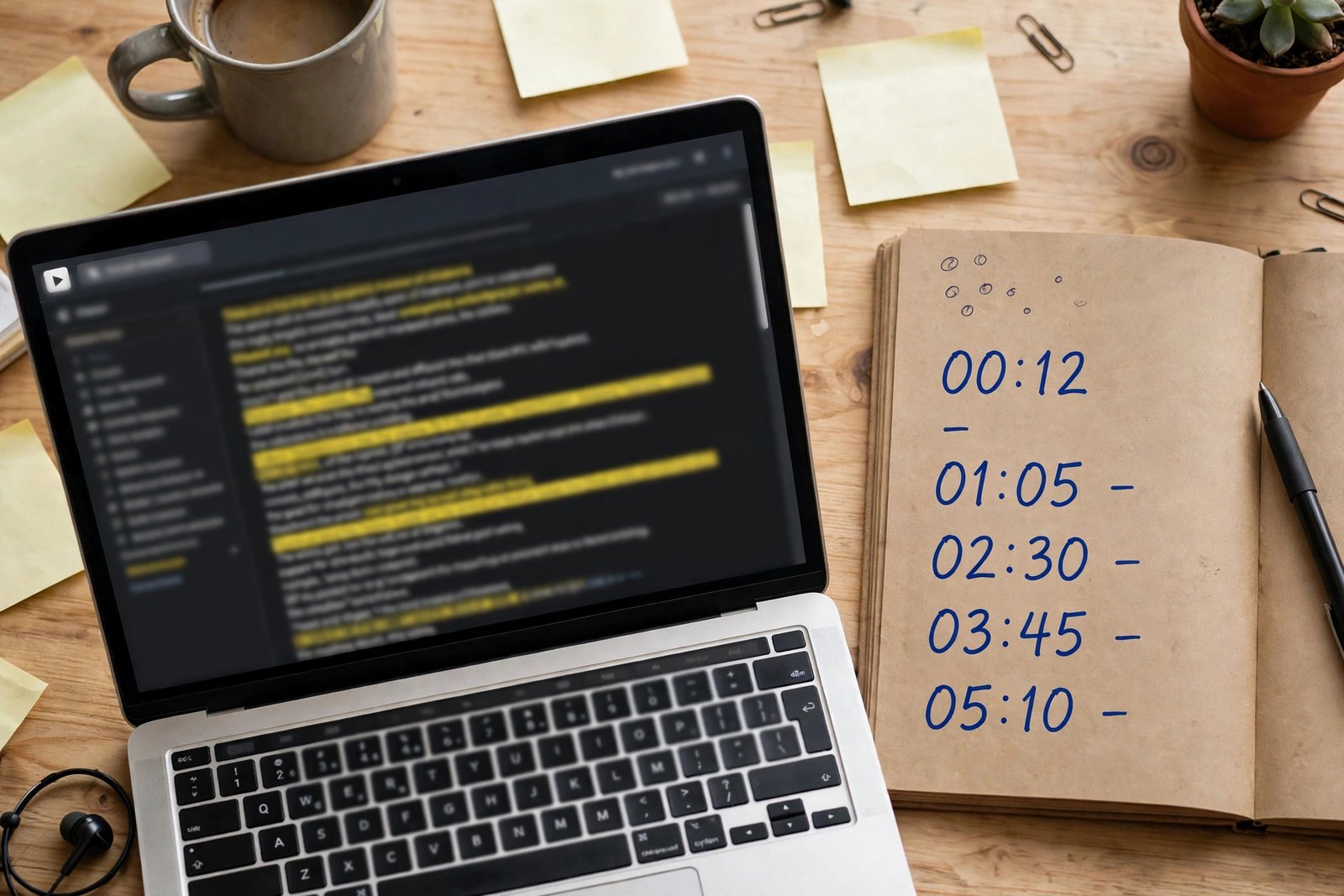
Watch the long video at 1.5 times speed and mark every moment that passes the five checks. Write down the start and end time of each one, plus one line on what it promises. A 12 minute tutorial usually has two or three good moments, and a 30 minute livestream may have five or six. Do not force it. One strong Short beats three weak ones.
Read the transcript if the video has one, because a transcript shows you the structure at a glance. Look for sentences that open on a claim, such as "the mistake most people make is", or "here is the fastest way to", because those lines make strong openings. Look for answers that end cleanly, such as a result, a number, or a before and after. YouTube Studio shows the transcript of your own videos, and you can search it for key words.
Ask your viewers as well. Read the comments and look for the moments people quote, praise, or ask about. A moment viewers already mention is a proven clip. If a section has no comments and low retention, it is probably not a clip.
Step 2: Pick your method
There are four ways to turn a long video into a Short, and each one suits a different level of control. The table below compares them, and the sections after it explain each one step by step.
| Method | Cost | Control | Speed | Best for |
|---|---|---|---|---|
| YouTube app, Edit into a Short | Free | Low | Fastest | One quick clip from your own video |
| YouTube Studio, Clips and Shorts | Free | Medium | Fast | Clips picked from the transcript |
| By hand in a free editor | Free | Full | Slowest | Clips that need reframing and captions |
| AI clipping tool | Free trial, then paid | Medium | Fast | Finding many candidate moments at once |
If you want one clip fast, use the YouTube app. If you want to pick moments from the transcript, use YouTube Studio. If the clip needs careful reframing, captions, or a new opening, cut it by hand. If you have a long video and want help finding the moments, try an AI clipper, but check every suggestion before you publish. Most creators use two of them: the fast tool for simple clips, and the editor for the clips that matter most.
Method A: Edit into a Short in the YouTube app
Open the YouTube app on your phone, go to your long video, and tap the Remix button, then Edit into a Short. Pick the segment you want, up to 60 seconds, and the app will open it in the Shorts editor. You can add text, filters, and a voiceover, then publish it as a Short. Shorts made this way link back to the original video, so viewers can tap through to the long version.
This method has limits, and they are set by YouTube. Only public long-form videos you uploaded can be edited into a Short this way. Private and unlisted videos, and videos with third-party copyright claims, cannot be used. You cannot use music or other sounds from the Audio Library on Shorts made this way, so use the original audio or record a new voiceover. These rules come from the official Create YouTube Shorts from your videos help page, checked on November 7, 2026. Use this method when the moment is already strong and needs no reframing.
Method B: Clips and Shorts in YouTube Studio
Open YouTube Studio on a computer, go to the video, and look for the Clips and Shorts tools. You can pick a segment by selecting text in the transcript, or by setting start and end times. YouTube also offers AI-powered suggestions where available, which pick moments it thinks will work as Shorts. Auto captions are added where available. YouTube says you will not be penalised for using your own content in a clip or Short, which removes the worry that repurposing your own video will hurt the channel.
This method suits creators who want to work from the transcript, because you can read the words and pick the moment without re-watching the whole video. These details come from the official Video Clips and Shorts in YouTube Studio help page, checked on November 7, 2026. AI suggestions are a starting point, not a finished clip. Watch every suggested clip in full before you publish it.
Method C: By hand in a free editor
Cutting by hand gives you full control, and it is the best method for clips that need real work. Import the long video into a free editor, such as CapCut, and follow these steps.
First, find the moment on the timeline and cut it out, with a clean start and a clean end. The start should be the claim, not the sentence before it. The end should be the payoff, not the next topic. Second, change the project to 9:16, which is tall, and reframe the shot so the speaker stays in the centre. Third, burn captions into the picture, because many people watch Shorts without sound, and captions carry the message when the sound is off. Fourth, add a short title at the top, in large text, that names the idea. Fifth, export at 1080 by 1920 pixels, which is the vertical size for Shorts, with the same export settings you use for long videos.
This method takes 20 to 30 minutes per clip for a beginner, which is slower than the app, but the result is a Short that looks made, not cut. Use it for your best moments, and use the faster methods for the rest. For the editing basics, read how to edit YouTube videos for beginners.
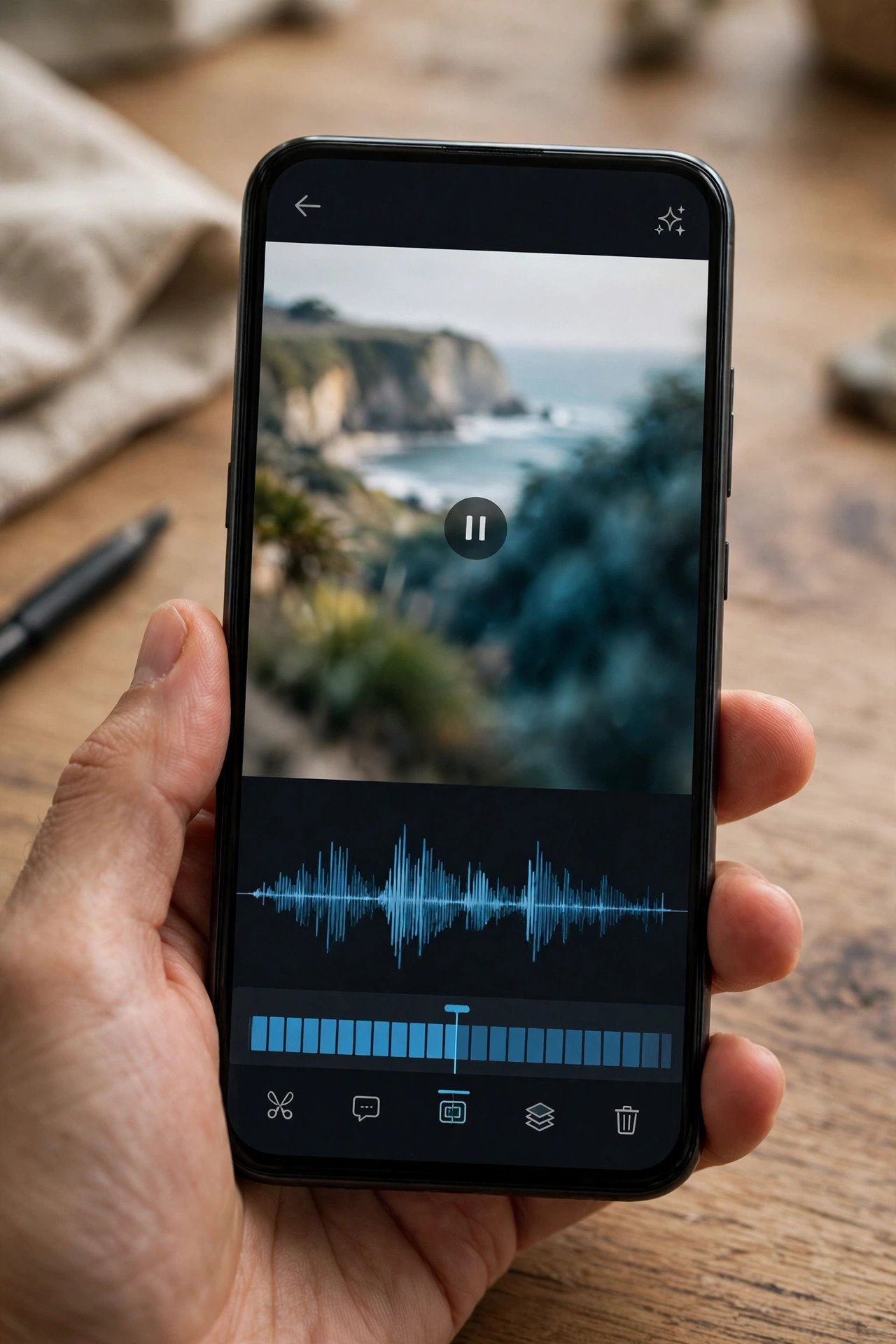
Method D: With an AI clipping tool
An AI clipping tool watches your long video, reads the transcript, and suggests Shorts for you. The workflow is the same across most tools: paste the video link or upload the file, set the length and style, let the tool generate suggestions, then review each one and publish or export the ones that pass your five checks.
AI clippers are good at finding moments you missed, and they are fast. They are bad at judging whether a moment stands alone, whether the framing works after the crop, and whether the captions are right. Expect to fix one in three suggestions, and expect to reject one in three outright. Do not pay for a tool until you have tried the free trial on a video you know well. Check the price and export limits before you commit, because prices change often, and a free plan may add a watermark.
Polish every clip
Every clip needs the same polish, whatever method you used. Put the hook in the first one to three seconds, so the viewer knows the payoff before they swipe. Burn captions in, in large text, with a few words per line, near the middle of the screen. Check the loop, because a Short restarts when it ends, so the last second should flow back into the first. Add a title and two or three hashtags that match the topic. End with a call to action that points to the long video, and add a Related Link where YouTube allows it. Watch the finished Short on your phone before you publish it.
What not to clip
Only clip videos you own or have permission to reuse. Do not clip other creators videos, even with credit, because that is a copyright risk and it can lead to a claim or a strike. Do not clip music-heavy moments, because the music can trigger a claim and the clip adds little on its own. Do not clip moments that need the full video to make sense, or a joke that only works for viewers who watched the whole video. Also avoid clipping a moment that is mainly a sales pitch. A Short that only sells will be swiped away.
The rules that catch people out
Three rules catch creators out, so know them before you publish. First, Shorts can be up to three minutes long for square or vertical uploads made on or after October 15, 2024, according to the official Understand three-minute YouTube Shorts help page, checked on November 7, 2026. Do not repeat the old 60 second limit. That limit applies only to the Edit into a Short tool, which picks up to 60 seconds from a long video.
Second, the copyright claim rule for Shorts over one minute is changing, and different reads of the same help page give different answers. Check the live help page on the day you publish, and keep licensed music out of longer clips. If a Short has a copyright claim, it may be limited or blocked, so the safest clips are the ones with your own voice and no third-party music.
Third, only clip what you own. YouTube says you will not be penalised for using your own content in a clip or Short, but that promise covers your own videos, not other people's. If you are unsure whether you have the right to use a clip, leave it out.
A posting plan
One long video can give you two to four Shorts, and you should not post them all at once. Space them out, so each one gets its own chance, and so your feed does not fill with clips from a single video. A simple plan is one Short every two to three days from the same long video, then move on to the next long video.
Example only: these numbers are made up and are not typical results. Imagine a 12 minute tutorial about changing a bicycle tyre. You find three moments that pass the five checks: the tools list, the trick for removing a tight tyre, and the check at the end. You cut three Shorts, one per moment, and post them on Monday, Thursday, and the following Monday. Each Short links back to the long tutorial. After two weeks, you check which Short brought the most viewers to the long video, and you cut two more Shorts in that style from your next tutorial. That is the method, not a promise of views. Your numbers will differ, but the plan stays the same: a few clips, spaced out, each linked back.
Do not post the same clip to several platforms on the same day without checking the rules of each one. A clip made for YouTube Shorts can work on TikTok and Instagram, but each platform has its own size, caption, and music rules. For the TikTok side, read how to earn money from TikTok.
Filming your next long video so it clips well
The best way to make repurposing easy is to film with clips in mind. Break your long video into sections that each stand alone, with a clear opening line and a clear payoff. Keep the speaker near the centre of the frame, so the vertical crop does not cut them out. Film a few vertical extras after the main shoot, such as a close shot of the hands or the tool. Note the timestamps as you film. A short note such as "tyre trick at 06:10" saves you a full re-watch when you sit down to clip.
Measuring what worked
After two weeks, open YouTube Studio and check three numbers for each Short: Shorts views, how many viewers tapped through to the long video, and new subscribers. Views tell you which clip caught attention. Tap-throughs tell you which clip sent viewers to the long video, which is the real goal of repurposing. Repeat what worked and stop what did not. For the full guide to the numbers, read YouTube analytics explained.
Frequently asked questions
How do I turn a YouTube video into a Short?
Open the YouTube app, go to your public long video, tap Remix, then Edit into a Short, and pick a segment of up to 60 seconds. You can also use Clips and Shorts in YouTube Studio, or cut the moment by hand in a free editor. Shorts made from your own videos link back to the original, and YouTube says you will not be penalised for using your own content this way.
Can I make Shorts from my own long videos without a penalty?
Yes. YouTube says you will not be penalised for using your own content in a clip or Short. The rule covers videos you uploaded yourself. Do not clip other creators videos, because that is a copyright risk and can lead to a claim or a strike, even with credit.
How long should a repurposed Short be?
The sweet spot is 20 to 45 seconds, which is long enough for one idea and short enough to hold a viewer who is swiping fast. Shorts can be up to three minutes long for square or vertical uploads, but a repurposed clip that runs past a minute usually needs a strong reason to keep going. Keep it short, and let the long video carry the detail.
Can I post the same clip to TikTok and Instagram?
Yes, but check each platform rules first, because sizes, captions, and music rules differ. A clip made for YouTube Shorts usually fits, but you may need to change the captions or remove a watermark. Do not post the same clip everywhere on the same day if you want to see which platform responds best.
Why can't I see Edit into a Short on my video?
The Edit into a Short option only appears on public long-form videos you uploaded yourself. It does not appear on private or unlisted videos, or on videos with third-party copyright claims. It also does not appear on videos you do not own. If your video is public and yours, and the option still does not show, update the YouTube app and check again.
How many Shorts can I get from one long video?
A 12 minute tutorial usually gives two or three good Shorts, and a 30 minute livestream may give five or six. The number depends on how many moments pass the five checks: stands alone, opens on a claim, has a payoff, speaker in frame, and fits 20 to 45 seconds. One strong Short beats three weak ones, so do not force it.
Conclusion: let your long videos work twice
Repurposing is simple once you have the method. Find moments that stand alone, open on a claim, and end with a payoff. Pick the fastest method for simple clips and the editor for the ones that matter. Polish every clip with a fast hook, burned-in captions, and a link back to the long video. Then space the clips out, measure which ones bring viewers back, and film your next long video so it clips well.
Your next step is to open your most watched long video, read the transcript, and mark three moments that pass the five checks today. For the wider system, read how to grow your YouTube Shorts, how to make YouTube videos that get views, and how to edit YouTube videos for beginners. You can also browse all our guides in the YouTube earning category.
Results vary with niche, audience, and consistency, and nothing on this site is financial advice. Shorts rules were checked against the official YouTube Help pages on November 7, 2026.