How to Use YouTube Live to Earn Money in 2026
Learning how to make money with YouTube Live starts with a clear picture, because live income does not come from one source. It comes from several separate sources at once: ads on the stream, paid chat messages from viewers, monthly memberships, affiliate links, sponsorships, and your own products. Some of these need the YouTube Partner Program. Some need no subscribers at all. This guide explains each method, who can use it, how to set up a first stream, and how to run a first month without burning out. It is written for beginners with a small channel, and it makes no promises about income.
In this guide
- How earning from YouTube Live actually works
- The eligibility table: which methods need what
- Method 1: Live stream ads
- Method 2: Super Chat and Super Stickers
- Method 3: Channel memberships
- Method 4: Affiliate links during a live stream
- Method 5: Selling your own products and courses
- Method 6: Brand sponsorships
- Method 7: External tips and paid communities
- Method 8: Lead generation
- Setting up your first live stream
- Running the stream well
- After the stream
- A four-week starter plan
- Common mistakes
- Frequently asked questions
How earning from YouTube Live actually works
A live stream earns in three ways at once. YouTube pays for ads shown on the stream, viewers pay to stand out in the chat or to join as members, and you earn from links and offers you mention on camera. The first two are built into YouTube. The third is your own business, run through the stream.
That mix is why a small, engaged live audience can earn more than a large, passive one. A hundred viewers who talk, ask, and support the channel are worth more live than a thousand viewers who watch in silence. Live income rewards interaction, not view count, and it rewards consistency. One stream a week, at the same time, builds a habit in your viewers.
Live income is also slow at first. Most small channels earn nothing from their first streams, and that is normal. The first month is for learning the setup, finding a format, and building a small regular audience. The money follows the audience, not the other way round.
The eligibility table: which methods need what
Not every method needs the same access. The table below shows what each method needs, in plain terms. Check your own access in the Earn section of YouTube Studio, because eligibility depends on your country, your channel standing, and the rules YouTube applies on the day.
| Method | Needs the Partner Program | Needs fan funding access | Needs no minimum |
|---|---|---|---|
| Live stream ads | Yes | No | No |
| Super Chat and Super Stickers | No, but needs fan funding access | Yes | No |
| Channel memberships | No, but needs fan funding access | Yes | No |
| YouTube Shopping on live | Yes, and a linked store | No | No |
| Affiliate links in chat and description | No | No | Yes |
| External tips (Ko-fi, PayPal, Streamlabs) | No | No | Yes |
| Sponsorships and brand reads | No | No | Yes |
| Lead generation (calls, bookings) | No | No | Yes |
Fan funding is the name YouTube uses for the features that let viewers pay you directly, including Super Chat, Super Stickers, and memberships. To use them, you must meet the minimum requirements for fan funding, live in a country where the features are available, and accept the Commerce Product Module, which is the agreement that covers selling on YouTube. The exact limits are set by YouTube and can change, so check the Earn section in YouTube Studio for the numbers that apply to your channel today.
Ads on live streams need the full YouTube Partner Program. The official YouTube Partner Program overview and eligibility page, checked on November 7, 2026, lists the full thresholds as 1,000 subscribers with 4,000 qualified watch hours in the last 12 months, or 1,000 subscribers with 10 million qualified Shorts views in the last 90 days. Livestreams that are unlisted, deleted, or not converted to a video on demand do not count toward qualified watch hours.
Method 1: Live stream ads
Live stream ads work like ads on uploaded videos, with one difference: you can run mid-roll ads during the stream, not only before and after it. YouTube places pre-roll ads before viewers join, and post-roll ads after the stream ends, and you can run a mid-roll ad at a natural break, such as the end of a section or before a question and answer part.
Run mid-rolls sparingly, and announce them. Tell viewers you will take a short break, run the ad, and come back to their questions. An unannounced ad in the middle of an answer feels like an interruption, and viewers leave. One mid-roll per hour is a sensible limit for a small stream. Ads pay per view, so a small stream earns little from ads alone. Treat ads as a bonus, not as the main income.
Method 2: Super Chat and Super Stickers
Super Chat lets a viewer pay to highlight their message in the live chat, so it stays visible longer and stands out from the rest. Super Stickers are paid animated images a viewer can send in the chat. Both are fan funding features, so you need fan funding access to use them, and they are not available on every stream. The official Super Chat and Super Stickers eligibility, availability and policies page, checked on November 7, 2026, says they are not available on age-restricted, unlisted, private, or Made for Kids videos, on videos with YouTube Giving fundraisers, or when live chat or comments are turned off.
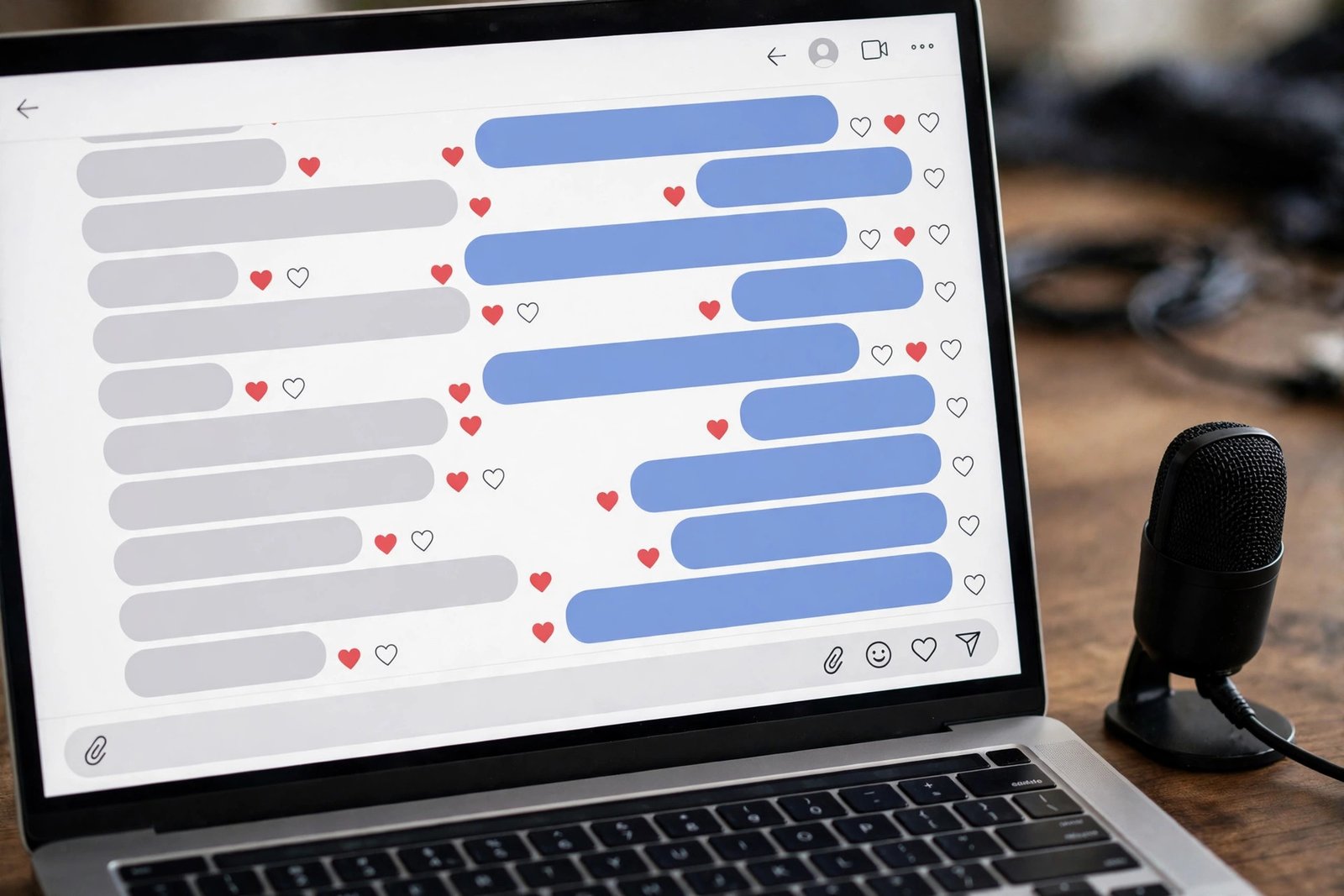
To encourage Super Chat without begging, answer paid messages by name, on camera, and give them a real answer. Run themed prompts, such as "ask me one question about your channel", so viewers have a reason to pay for a highlight. Read the message out loud, thank the viewer, and move on. Do not promise to answer every paid message if you cannot.
The revenue split for Super Chat is set by YouTube, and the official page opened on November 7, 2026 does not state it. Check the Earn section in YouTube Studio for the split that applies to your channel, and do not trust a percentage quoted on a blog. What matters more than the split is the behaviour behind it: a stream where viewers feel heard will earn more Super Chat than a stream where the chat is ignored, whatever the split is.
Method 3: Channel memberships
Channel memberships let viewers pay a monthly fee to support the channel and get perks in return. Perks that work well on live streams include a member badge beside the name in chat, custom emotes, member-only chat during the stream, and a member-only stream once a month. The badge and emotes matter, because they show in every chat message, and other viewers see them.
Memberships are the most predictable live income, because they repeat every month, but they take the longest to build. A viewer joins only after they have watched several streams and trust the channel. Do not launch memberships on your first stream. Wait until a small group of regulars asks for a way to support you. Then launch with two tiers, not five: a low tier with a badge and emotes, and a higher tier with a member-only stream or a monthly question and answer. You set the price of each tier in YouTube Studio. Keep the perks simple and keep them. A perk you promise and then drop will cost you members faster than a perk you never offered.
Method 4: Affiliate links during a live stream
Affiliate links need no subscriber minimum, so they are the best method to start with. Pick a product you have used and can recommend honestly, put the link in the video description and pin it in the chat, and mention it on camera when it fits the stream. A link to a tool you are showing on screen, or a book you are quoting from, feels natural. A link to a product you never mention feels like spam.
Disclosure applies to live streams too. If you share an affiliate link, say so on camera and near the link, in plain words, so viewers know you may earn a commission if they buy through it. That disclosure is a legal rule in many countries, including the United States, and it is also a trust rule everywhere. A viewer who learns about the link from someone else will trust you less than a viewer you told yourself. For the full guide to this method, read how to use YouTube for affiliate marketing.
Method 5: Selling your own products and courses
Selling your own products on a live stream works best when the product solves the problem the stream is about. A stream that teaches a skill can sell a course that goes deeper. A stream that reviews a tool can sell a template or a checklist that saves the viewer time. YouTube Shopping lets eligible creators show products on a live stream, but it needs the Partner Program and a linked store, so check your eligibility in YouTube Studio first.
Use honest urgency, not fake urgency. A live-only discount code that ends when the stream ends is honest, because the code really does end. A countdown that resets every stream is not honest, and viewers notice. Show the product on camera, explain who it suits and who it should skip, and answer questions about it live.
Method 6: Brand sponsorships
A brand sponsorship on a live stream is usually a short read, where you talk about a product for one to two minutes in your own words. Brands pay for a live read because the audience is watching now, and they can ask questions at once. Small channels can get sponsorships, but they need a clear audience and a media kit that says who watches, what the stream covers, and what a sponsorship includes.
Pitch a live read with a simple offer: the product, the time on camera, the link in the description, and the price. Disclose the sponsorship on camera and near the link, in plain words, so viewers know it is a paid mention. That disclosure is a legal rule in many countries. Do not accept a sponsorship for a product you would not recommend to a friend, and do not read a brand script without changing it into your own words. For the full guide, read how to get YouTube sponsorships and how to get brand deals as a small creator.
Method 7: External tips and paid communities
External tips let viewers support you outside YouTube, through tools such as Streamlabs, PayPal, or Ko-fi. These tools bypass the YouTube fee structure, but they have their own fees and rules, so do not claim the creator keeps 100 percent. Check the fee page of the tool you use, and tell viewers what it is, if you mention it at all.
A paid community, such as a Patreon or a private group, works like memberships but outside YouTube. It suits creators who want more control over perks, or who want to offer things YouTube does not allow. It also splits your audience across two places, so it adds work. Start with one home for your supporters, either YouTube memberships or an outside community, and add the second only when the first is working. Put the tip link in the description and mention it once per stream, not every ten minutes.
Method 8: Lead generation
Lead generation means using the stream to find clients or customers, not to earn from the stream itself. A live audit, a question and answer session, or a live demo can bring one viewer who books a call, buys a service, or joins a course. One viewer like that can be worth more than a thousand views, because a service or a course pays far more than an ad.
This method suits creators who sell a skill, such as a designer, a coach, a consultant, or a tutor. Run a stream that shows the skill in action, answer real questions from the chat, and end with one clear next step, such as booking a free call. Do not pitch in every sentence. Teach for most of the stream, and make the offer once, near the end.
Setting up your first live stream
You can go live from your phone or your computer. A phone is the simplest start: open the YouTube app, tap Create, then Go Live, and follow the steps. A computer gives you more control, through YouTube Studio or a streaming app, and it suits longer streams with slides or a guest. Pick the phone for your first stream, and move to a computer when you want more control.
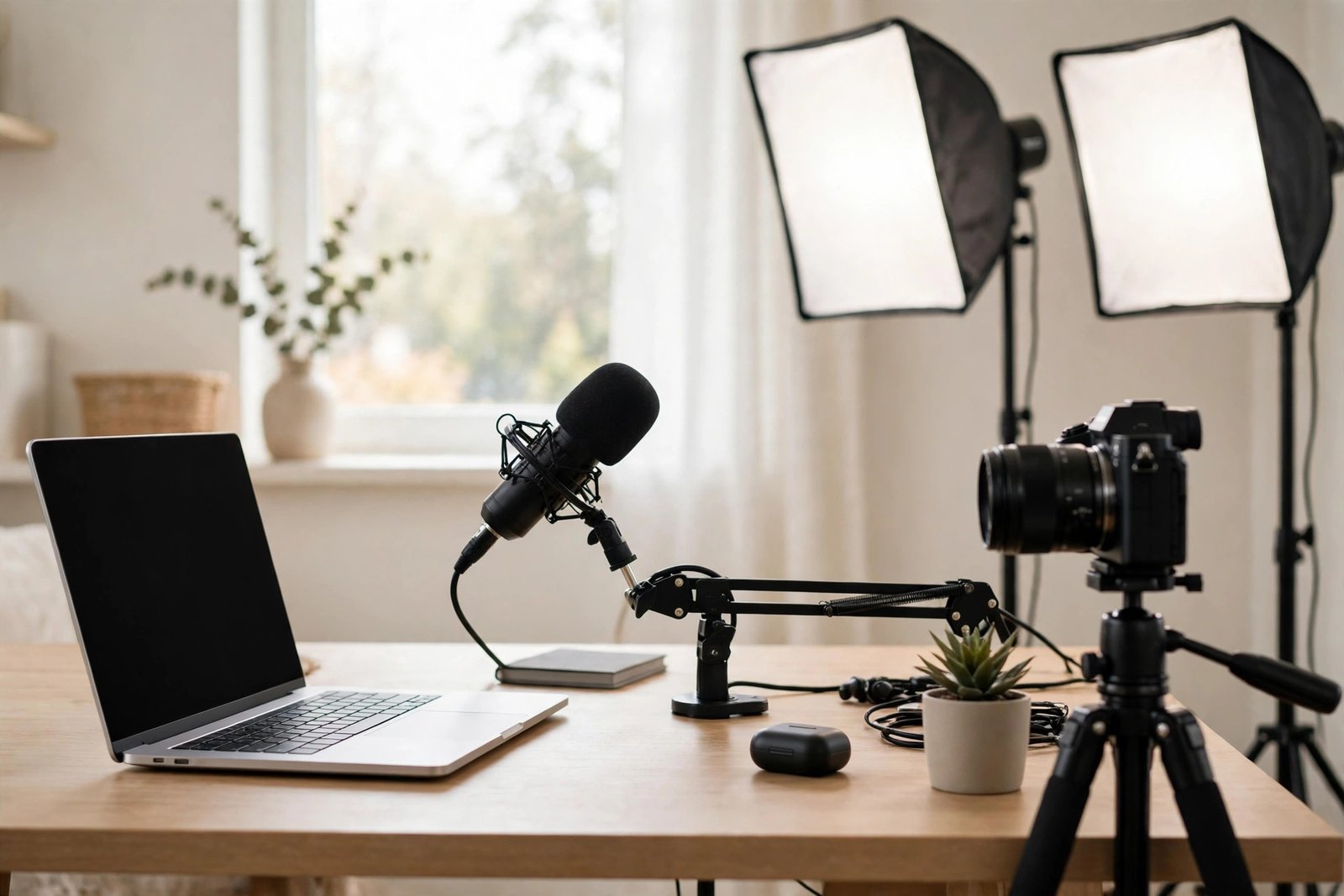
You need four things for a stable stream: a camera, a microphone, light, and internet. The camera can be your phone or a webcam. The microphone matters most, so use an external microphone if you have one, and test it before you go live. Put one lamp in front of you, not behind you. Use a wired internet connection if you can, because Wi-Fi can drop at the worst moment. Run a private test stream first, with no viewers, to check the sound, the light, and the framing.
Set up chat moderation before you go live. Appoint one or two moderators from viewers you trust, add blocked words for spam and abuse, and turn on slow mode if the chat moves too fast. A stream with a toxic chat will lose viewers, and a stream with no moderation will attract spam.
Running the stream well
Pick a schedule and keep it. One stream a week, at the same time, is better than three streams in one week followed by a month of silence. Tell viewers the schedule in the channel About section and in the community tab, and start on time. A stream that starts late loses the viewers who showed up on time.
Pick one format and repeat it. A weekly question and answer, a live tutorial, or a live review are all good formats, because viewers know what to expect. Open with a short welcome, state the topic in one sentence, and start the first demo or question within two minutes. Talk to the chat, not at it. Read names out loud, answer questions as they come, and ask the chat a question every ten minutes. Take a short break every 45 minutes on a long stream, and announce it first. If a troll appears, let a moderator handle it.
After the stream
The work is not over when the stream ends. First, archive the stream as a video on demand, which is the recorded version of the stream, so viewers who missed it can watch later. Check that the archive is public, and fix the title and description, because the live title may not suit a replay. Second, cut the best moments into short videos and Shorts, and link them back to the full stream. Third, thank the Super Chat supporters and new members by name in a community post, and answer any questions you missed.
Then review the numbers in YouTube Studio. Check how many viewers watched live, how long they stayed, when they left, how many Super Chats arrived, and how many viewers tapped the links. Write down the three numbers that matter most, and plan one change based on them. A stream that improves by one small thing each week will grow faster than a stream that changes everything at once. For the full guide to the numbers, read YouTube analytics explained.
A four-week starter plan
Start with one stream a week, one format, and one method to test at a time. The table below gives a simple plan for the first month.
| Week | Format | Method to test | What to measure |
|---|---|---|---|
| Week 1 | 30 minute question and answer | Affiliate link in the description | How many viewers stayed past 10 minutes |
| Week 2 | 45 minute live tutorial | Super Chat, if you have access | How many chat messages arrived |
| Week 3 | 45 minute live review or demo | One product offer of your own | How many viewers tapped the link |
| Week 4 | 60 minute stream with a guest or co-host | Memberships, if you have access | How many regulars returned from week 1 |
Example only: these numbers are made up and are not typical results. Imagine a 60 minute question and answer stream in week four with 40 live viewers at the peak. Five viewers send a Super Chat, three click the affiliate link, and two join as members. That is a good result for a small channel, but it is not a promise. Your numbers will differ, and many first streams will earn nothing at all. After four weeks, keep the format that brought the most regulars back, drop the method nobody used, and test one new method next month.
Common mistakes
- Running too many mid-roll ads, so viewers leave in the middle of an answer.
- Ignoring the chat while you talk, so viewers stop writing and stop watching.
- Streaming with no schedule, so viewers never know when to show up.
- Promising income from live streams, to yourself or to viewers, before you have an audience.
- Streaming without a plan, so the first ten minutes are spent deciding what to do.
- Launching memberships on the first stream, before any viewer has asked for a way to support you.
- Reading a brand script word for word, instead of turning it into your own words.
- Forgetting to archive the stream, so viewers who missed it live cannot watch the replay.
Frequently asked questions
Do you get paid for live streaming on YouTube?
Yes, you can be paid for live streaming through ads, Super Chat and Super Stickers, channel memberships, affiliate links, sponsorships, and your own products. Ads need the YouTube Partner Program, Super Chat and memberships need fan funding access, and affiliate links, tips, and sponsorships need no minimum. Most small channels earn nothing from their first streams, and income grows with a regular audience.
How much can you earn from a single live stream?
It varies too much to give a useful number. A small stream may earn nothing, while a larger stream with an engaged audience may earn from several sources at once. Income depends on live viewers, how many interact, the niche, and which methods you use. Do not trust any figure that promises a set amount per stream.
Can small channels monetize live streams?
Yes, small channels can monetize live streams through affiliate links, external tips, sponsorships, and lead generation, all of which need no subscriber minimum. Ads need the Partner Program, and Super Chat and memberships need fan funding access, which have their own limits. Check the Earn section in YouTube Studio for the limits that apply to your channel.
Do I need subscribers to earn from YouTube Live?
No, not for every method. Affiliate links, external tips, sponsorships, and lead generation can start with no subscribers, as long as you have viewers and something honest to offer them. Ads, Super Chat, and memberships do need eligibility, so they come later. Start with the methods that need nothing, and add the rest as the channel grows.
How does Super Chat work?
Super Chat lets a viewer pay to highlight their message in the live chat, so it stays visible longer and stands out. You need fan funding access to use it, and it is not available on age-restricted, unlisted, private, or Made for Kids videos, or when live chat or comments are turned off. The revenue split is set by YouTube, so check the Earn section in YouTube Studio for the split that applies to you.
How do I enable monetization on YouTube Live?
Open YouTube Studio, go to the Earn section, and check which features are available to your channel. Ads need the Partner Program, so you must meet the thresholds and apply. Super Chat and memberships need fan funding access, which has its own limits. Turn each feature on in the Earn section, and test it on a private stream before you use it live.
Conclusion: one stream a week, one method at a time
Earning from YouTube Live is a mix, not a single trick. Ads, Super Chat, memberships, affiliate links, sponsorships, and your own products each play a part, and each one needs a different level of access. Start with the methods that need no minimum, run one stream a week in one format, talk to the chat, and archive every stream so it keeps working after you go offline.
Your next step is to pick a format, set a time for next week, and run a 30 minute test stream for your first viewers. For the wider system, read how to monetise your YouTube channel, how to make money on YouTube without ads, and how to get YouTube sponsorships. You can also browse all our guides in the YouTube earning category.
Results vary with niche, audience, and consistency, and nothing on this site is financial advice. Eligibility rules were checked against the official YouTube Help pages on November 7, 2026. The official YouTube channel monetisation policies page also says that artificially inflating views, subscribers, likes, watch time, or ad impressions can lead to removal from the Partner Program or termination of the channel.