Starting a YouTube channel in 2026 does not require a studio, a large budget, or an audience waiting for you. It requires one clear promise to a specific viewer, a channel that looks trustworthy on first sight, and a small set of videos that prove you can keep that promise. Many beginners spend weeks on logos and equipment before they record anything. A better order is to decide what the channel helps viewers do, set the channel up properly once, then publish three useful videos and learn from how real viewers respond. This guide covers setup only. It will not tell you how to qualify for ads, how to grow a channel system over months, or how to package a single video for maximum views. Those topics have their own guides, linked where they matter as a next step.
Decide your promise
Before you create anything, write one sentence that completes this test: this channel helps a specific viewer do a specific thing. For example, this channel helps beginner home cooks make a weeknight dinner in thirty minutes, or this channel helps new freelancers write their first client proposal. If your sentence could describe ten different channels, narrow it. Pick one viewer, one problem, and one kind of result. Then run the ten-question test: can you list ten video questions your viewer already asks? If you can list ten easily, you have enough material to start. If you struggle past three, your promise is either too narrow or too unfamiliar to you, and you should adjust it before you choose a name. This test saves more time than any equipment purchase, because a channel with no clear promise makes every later decision harder, from titles to thumbnails to what to film next.
Choose a name and profile
A name should be easy to say aloud, easy to spell, and easy to remember after one hearing. Avoid long phrases, hard spellings, and numbers that force you to explain them. Write down ten candidate names, then check each one in three places: as a YouTube channel name, as a handle, and as a search term on YouTube to see what already exists. A worked example shows why this matters. Suppose you pick "Thirty Minute Table" for the home cook channel above. You search YouTube and find a small channel with a very similar name that posts restaurant reviews. Even if the exact name is free, a viewer searching for you may land on the wrong channel. A better choice might be "Thirty Minute Table at Home", if that handle is free and no close competitor uses it. Check the handle separately, because a channel name and a handle are not the same thing. The handle is the short unique name viewers use to mention and find you, and someone else may already hold the handle you want even when the display name is free. Keep a shortlist, check availability calmly, and do not pay for a name or buy an existing account to skip this step. Buying accounts breaks platform rules and risks losing the channel later.
Complete the profile
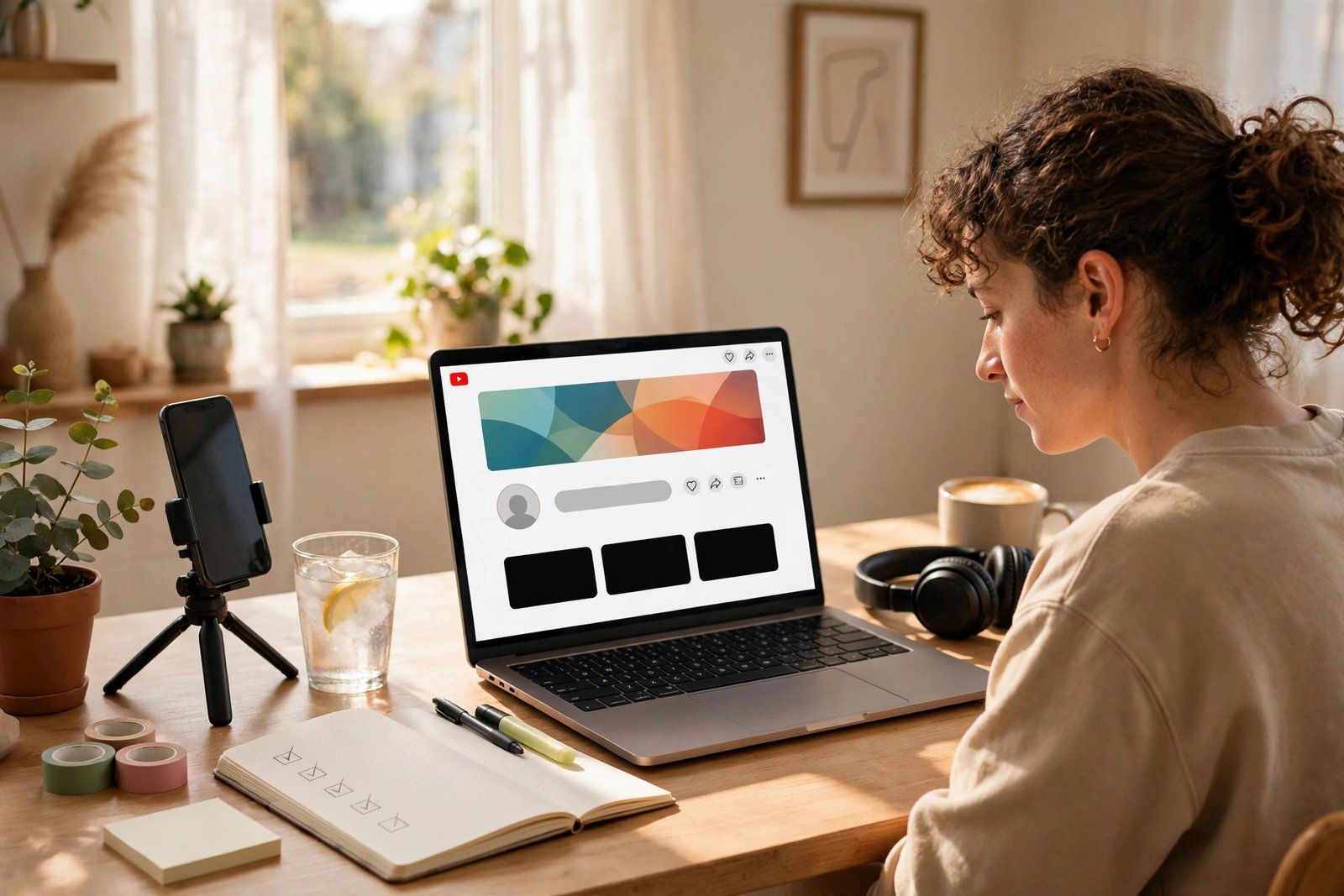
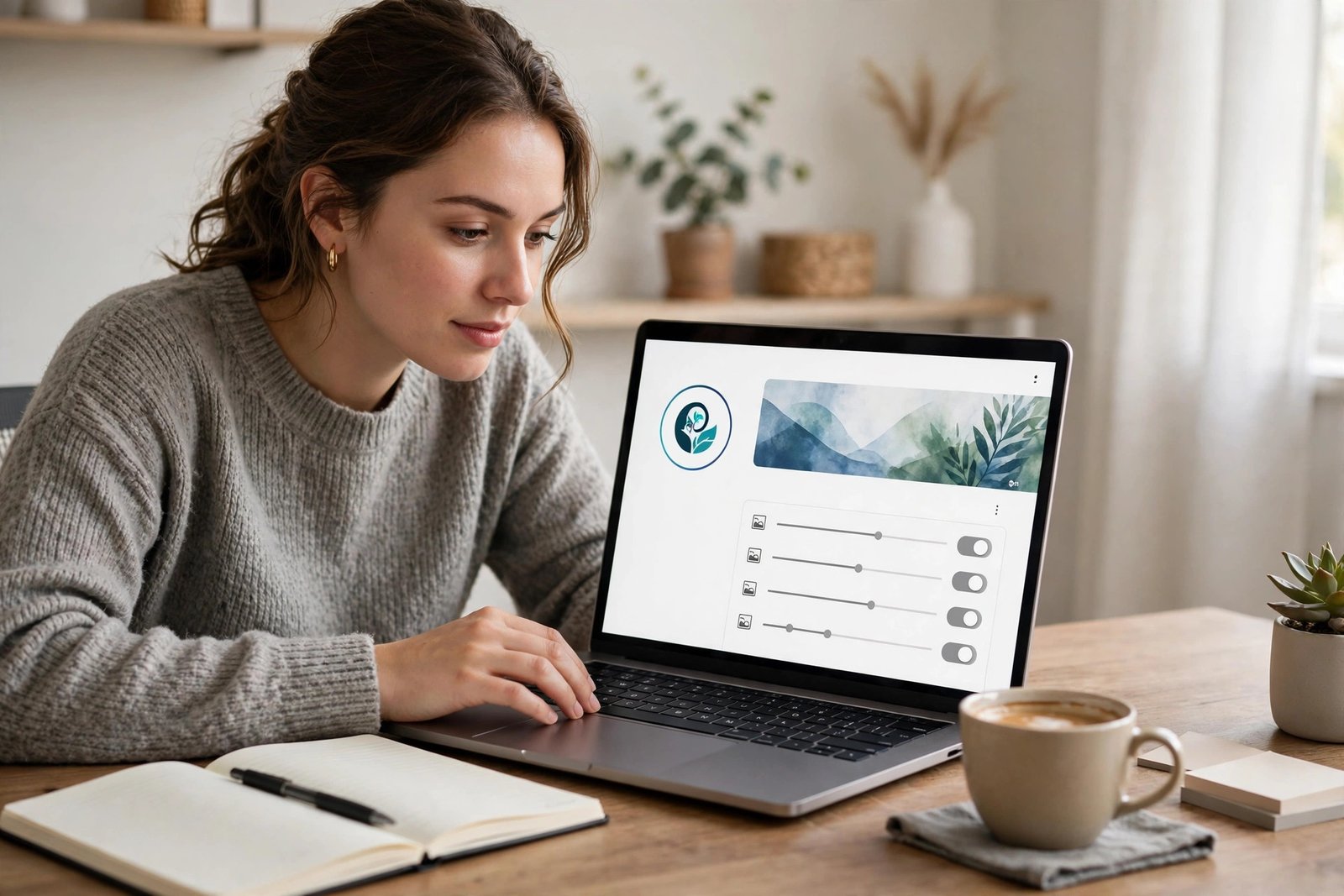
Once the name is settled, complete the profile before you upload. Upload a clear profile picture that reads well at small sizes, because most viewers first see it as a tiny circle next to a comment or a search result. A simple face photo, a clear object, or a plain initial mark works better than a busy illustration. Add a banner that states the channel promise in a few words, and check it on both a phone and a computer, because the banner crops differently on each. Write a description that says who the channel is for, what viewers will learn or get, and how often you plan to publish. Keep it honest. If you plan one video a week, say one video a week. A description that promises daily videos you cannot make will disappoint the first subscribers you earn. Add links only to pages you actually control, such as a blog or a contact page, and leave anything else for later. For help building a home base outside YouTube, read How to Start a Blog in 2026.
Secure the account
Security is setup work, not an afterthought. Turn on two-step verification for the Google account behind the channel before you publish anything. Use a strong, unique password stored in a password manager, not a password you reuse elsewhere. Think carefully about whether the channel should sit on a personal Google account or a Brand Account. A Brand Account lets you give other people limited roles, such as manager or editor, without sharing your personal login, which matters if a friend helps you edit or upload. If you work alone, a personal account is simpler, but check the permission settings anyway so you know who can access the channel. Never share your password with a collaborator, an editor, or a service that offers to grow your channel. A legitimate helper works through proper channel permissions, not through your login. If you ever see a login you do not recognise, change the password and review the account activity straight away.
Plan three videos
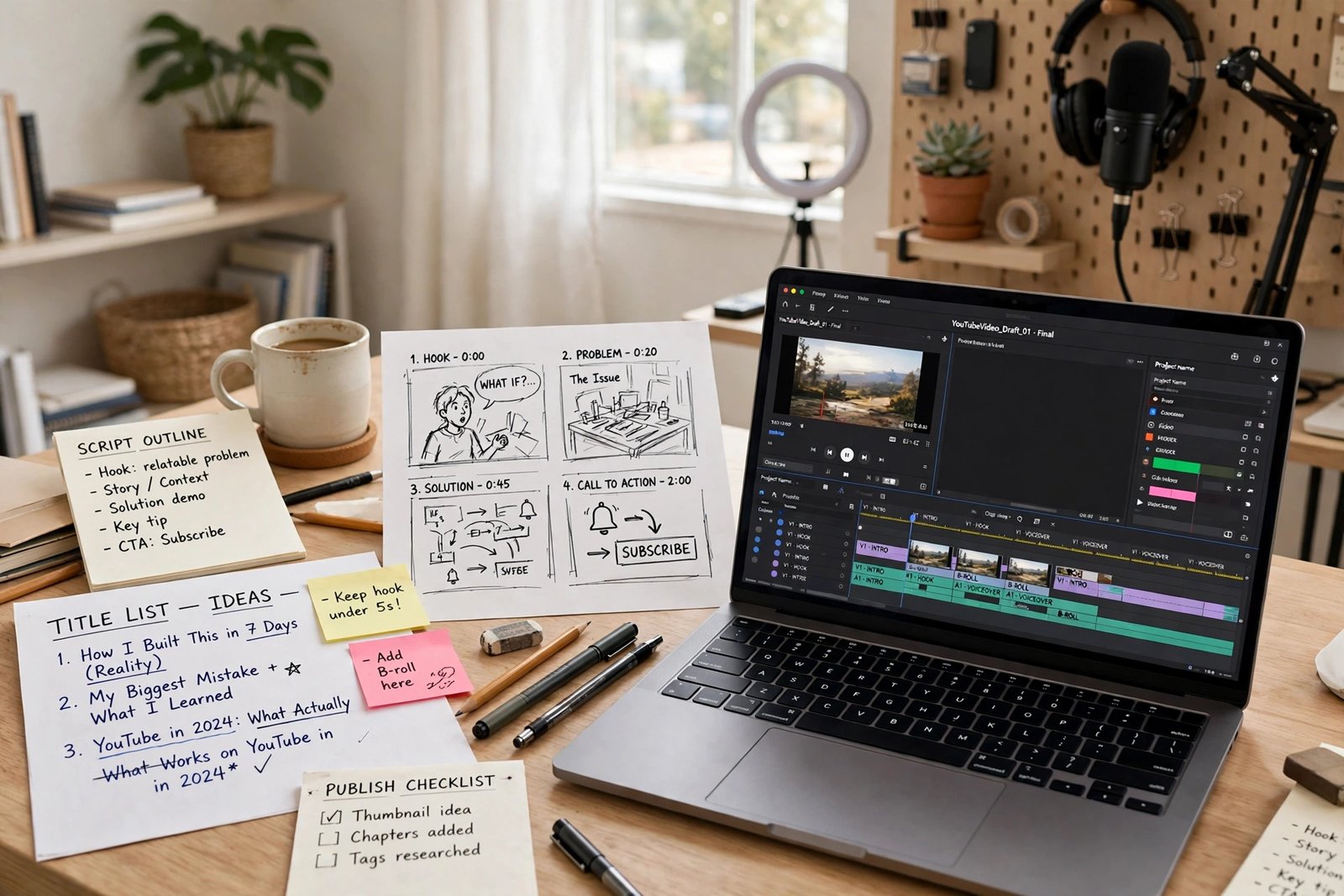
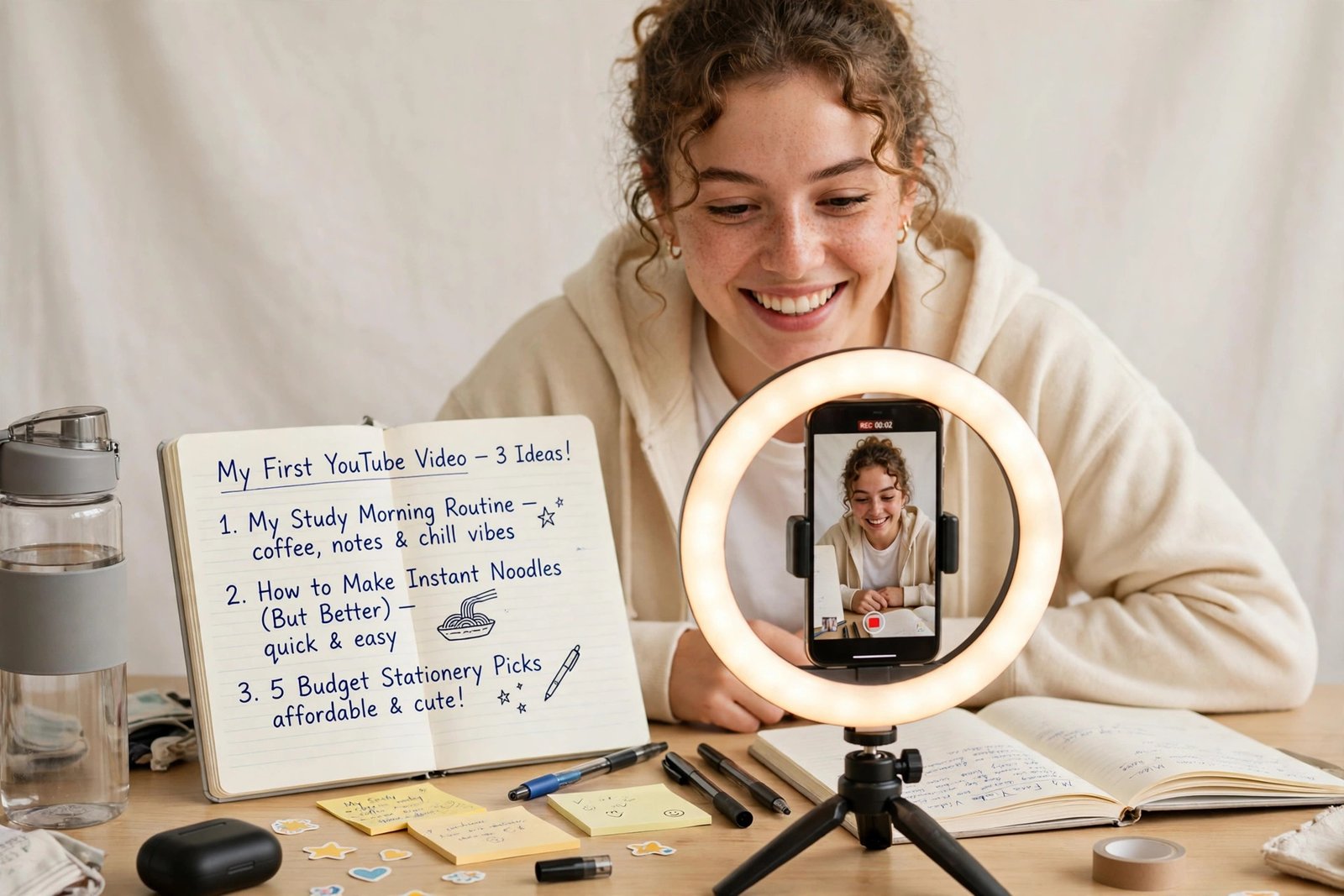
Your first three videos should work as one series, not as three unrelated experiments. A series tells a new viewer what to watch next and gives you a reason to mention the other videos at the end of each one. Plan them around one beginner journey. For the home cook example, the three videos could be: a simple method for planning five weeknight dinners, one full cook-along dinner from start to finish, and a pantry setup video that makes the first two easier. For a freelancer channel, the three could be: how to choose one service to offer, how to write a first proposal, and how to price a first project. Notice the pattern. Each video answers one question, each one stands alone, and together they show the full promise of the channel. Write a one-sentence promise for each video, then a short list of the points it must cover, then stop planning and film. A series plan that never gets filmed helps nobody.
Film with a phone
You do not need expensive equipment to start. A recent phone, a small tripod, and a quiet room are enough for most beginner channels. Film in a bright room facing a window in daylight, or use one affordable ring light if you film at night. Sound matters more than camera quality, so record in a quiet room, close windows and doors, and speak close to the phone. If your voice echoes or sounds distant, move closer before you buy anything. Set the phone to its highest video quality, lock the exposure and focus on your face or subject by tapping and holding on most phones, and film horizontally for long-form videos. Before you film a full video, record a thirty-second test and watch it back with sound. Check three things: can you hear every word clearly, is your face or subject well lit and in focus, and is the background free of clutter and distractions? Fix the worst problem first, then film. Most first videos fail on sound or lighting, not on camera resolution.
Edit for clarity
Edit for clarity only. Cut pauses, mistakes, and repeated points. Add captions, because many viewers watch with sound off at first and captions help everyone follow along. Keep the structure simple: state the promise in the first lines, show the steps in order, then close with the result and one next video to watch. Do not use music, clips, or images you do not have the right to use. Copyright claims can limit a video or a channel, and a first video blocked for a music track is a needless setback. Use only your own footage, properly licensed material, or the audio options YouTube itself provides, and check the usage terms before you publish. If you use artificial intelligence tools to help write, edit, or generate parts of a video, check YouTube's current disclosure guidance in YouTube Studio and disclose where required. Rules in this area change, so the Studio guidance matters more than any older tutorial.
Publish checklist
Use this publish checklist for every early upload. First, confirm the title states the video promise clearly and the thumbnail matches it, without exaggerating what the video delivers. Second, write a description whose first two lines say what the video covers and who it is for, then add chapters or timestamps if the video has clear sections. Third, add the video to the right playlist, so a viewer who finishes it sees the next video in the series. Fourth, check captions, check that no copyrighted material slipped in, and watch the full video once on a phone. Fifth, publish at a time you can sustain each week, not at a time a blog post told you was magical. A beginner routine that works is three useful uploads in the first month and one honest lesson written down after each one. Note what was hard, what viewers asked in comments, and what you will change next time. Subscriber counts in month one tell you very little, because a new channel has almost no distribution yet. The lesson log tells you far more.
Risks and limitations
Starting a channel carries real limits worth stating plainly. Early videos usually get few views, because YouTube has little data about who wants your videos yet. That is normal, not proof that the channel has failed. Time is the main cost. A single useful video can take several hours across planning, filming, editing, and publishing, even with a phone setup, and that time competes with work, study, and family. Faceless channels are possible, using narration, screen recordings, or footage without showing your face, but they still need a clear voice, good sound, and original material. A faceless channel is not a shortcut around quality. Finally, platform rules, features, and formats change. Shorts, for example, are short vertical videos up to three minutes long, and the details of features and eligibility change over time, so check current guidance in YouTube Studio before you build a plan around one feature. For what comes after setup, read How to Grow a YouTube Channel in 2026 and How to Make YouTube Videos That Get Views in 2026. For monetization requirements, read How to Monetize a YouTube Channel in 2026 only when you are ready to check eligibility, not as a reason to delay your first video.
Frequently asked questions
Do I need expensive equipment to start a YouTube channel?
No. A recent phone, a small tripod, and a quiet, well lit room are enough to start. Spend your first effort on clear sound, good light, and a useful topic. Buy better equipment only after you know which limitation actually holds your videos back.
How long should a first video be?
As long as it needs to deliver its one promise, and no longer. Many beginner tutorials work well between five and fifteen minutes, because that leaves room for real steps without padding. Cut anything that does not help the viewer reach the result.
How often should a beginner upload?
As often as you can sustain without dropping quality. One good video a week beats three rushed videos followed by a month of silence. Set a schedule you can keep for three months, then review it honestly.
Can I start a faceless YouTube channel?
Yes, if the content is original and useful. Narration over your own footage, demonstrations, or screen recordings can work without showing your face. You still need clear sound, a clear structure, and material you have the right to use. Faceless does not mean low effort.
What should my first video be about?
The most common beginner question in your topic, answered in a way a complete beginner can follow. Pick a question from your ten-question test, make it the first video in your three-video series, and use it to learn the full filming and publishing process once.
Conclusion
A good channel launch is a short list done well: one clear promise tested with ten questions, a name and handle checked for confusion, a complete profile, secure account settings, three videos planned as one series, phone filming with a thirty-second test, simple editing, and a publish checklist used every time. Do those steps in order, write down one lesson after each upload, and resist buying gear or chasing subscriber counts before you have three videos a viewer can actually use. Your next step is to film the thirty-second test today, then record the first video in your series this week, and use the YouTube Earning category page to find the monetization, growth, and video craft guides when you need them.