How to Start a Health and Fitness YouTube Channel and Earn Money in 2026
A health and fitness YouTube channel can earn money, but only if viewers trust you and keep watching. Many new fitness channels fail because they copy big creators instead of helping one clear group of people. This guide shows you how to start a health and fitness YouTube channel in 2026, pick a niche you can serve for years, film workouts people can follow safely, and build income from ads, affiliates, coaching and digital products.
This guide is for beginners who like fitness and want to teach it on video. You do not need a gym, a camera crew or a coaching certificate to start. You do need clear teaching, honest claims and a steady upload plan. For the basic channel setup steps, read our guide on how to start a YouTube channel. This guide covers what is specific to health and fitness.
In this guide
- Why a fitness channel can earn money
- Step 1: Pick one fitness audience and one promise
- Step 2: Choose video formats that fit fitness
- Step 3: Set up the channel the right way
- Step 4: Film workouts people can follow safely
- Step 5: Edit for clarity, not for flash
- Step 6: Titles, thumbnails and YouTube search
- Step 7: Publish on a schedule you can keep
- How a fitness channel earns money
- What it costs and what to expect
- Worked example
- Common mistakes
- Risks and scams to watch for
- Frequently asked questions
Why a health and fitness YouTube channel can earn money
Fitness is one of the most searched topics on YouTube. People look for home workouts, form guides, meal ideas and beginner routines every day. A video that answers one clear question can keep getting views for years, because the question does not change.
Fitness channels earn in more ways than most niches. Ads pay once you join the YouTube Partner Programme. Affiliate links can earn commission when viewers buy equipment, apps or supplements you recommend. Coaching, workout plans and courses can earn more than ads once you have trust. Sponsors pay fitness channels to feature products, but only when the audience is clear and engaged.
The catch is trust. Fitness advice affects health. Viewers check whether you know what you are doing, whether your form is safe and whether you admit what you do not know. A channel that teaches clearly and stays honest grows slower at first, but it keeps viewers longer.
Step 1: Pick one fitness audience and one promise
A health and fitness YouTube channel that tries to serve everyone serves no one. Pick one audience and one promise you can keep for at least 50 videos. The audience is who you help. The promise is what changes for them.
Good audience choices include beginners over 40 who want to move without pain, busy parents who have 20 minutes a day, office workers with back pain, women who want strength training at home, or runners who want to avoid injury. Each of these groups searches for different videos, buys different products and trusts different advice.
Write your promise in one sentence. For example: "I help busy parents build strength at home in 20 minutes a day, with no gym." If you cannot write that sentence, your niche is still too wide. Test it by listing 20 video titles that fit it. If the titles come easily, the niche has enough material. If you stall at five, narrow it further or pick a different group.
Check the competition before you commit. Search YouTube for your niche and watch the top five videos. Note what they cover well and what they skip. Many fitness channels skip safety warnings, skip beginner versions of each move and skip realistic timelines. Those gaps are your opening.
Step 2: Choose video formats that fit fitness
Fitness viewers want to follow along or learn fast. Pick two or three formats and repeat them, so viewers know what to expect from your channel.
| Format | Best for | Time to make |
|---|---|---|
| Follow-along workout | Viewers who train with the video | 2 to 4 hours |
| Form guide | Teaching one move correctly | 1 to 2 hours |
| What I eat in a day | Nutrition interest and affiliate links | 1 to 2 hours |
| 7-day challenge | New subscribers and watch time | 3 to 5 hours |
| Myth busting | Search traffic and shares | 2 to 3 hours |
| Q and A | Trust and community | Under 1 hour |
Follow-along workouts bring the most watch time, because viewers play the whole video. Form guides bring search traffic, because people search for one move at a time. Challenges bring subscribers, because viewers return each day. Myth busting videos work when you correct a common mistake with a clear demo.
Start with form guides and short follow-along workouts. They are the easiest to film well, and they prove you can teach. Add challenges once you have 10 videos and a small audience that will join in.
Step 3: Set up the channel the right way
Create the channel with a clear name that says what you teach. Your own name works if you plan to coach. A brand name works if you plan to grow a team later. Keep it short, easy to spell and easy to say out loud.
Write a channel description that answers three questions in plain words. Who is the channel for? What will viewers learn? Why should they subscribe? Add your main keyword once, in a natural sentence. Do not stuff the description with keywords.
Add a profile photo that shows your face clearly, or a simple logo. Add a banner that states your promise in a few words. Organise your videos into playlists by topic, such as beginner workouts, form guides and nutrition basics. Playlists keep viewers watching longer, and watch time is what YouTube rewards.
Set your channel defaults in YouTube Studio before your first upload. Add a standard description block with your social links and a short disclosure line for affiliate links. This saves time on every upload and keeps your disclosures consistent.
Step 4: Film workouts people can follow safely
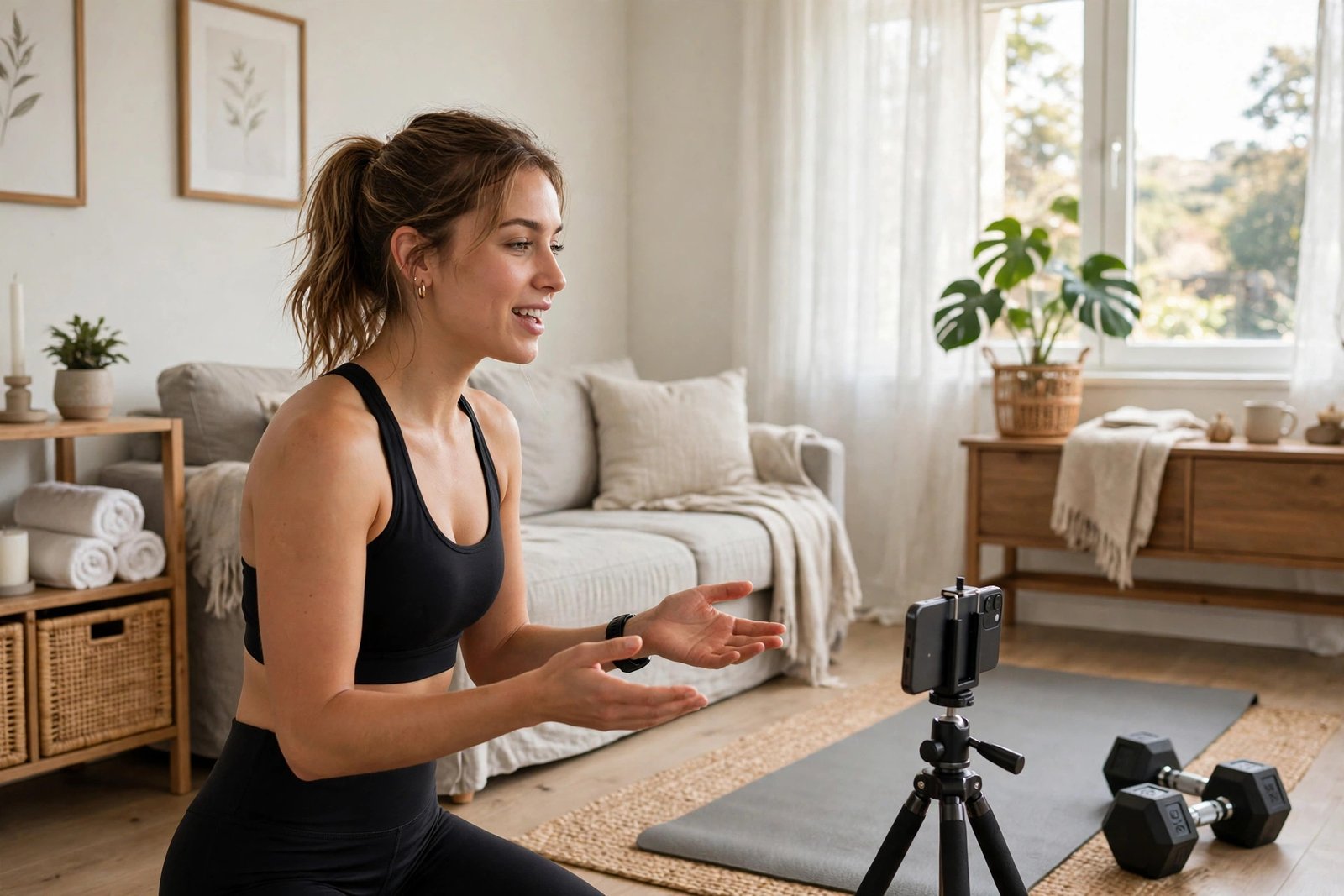
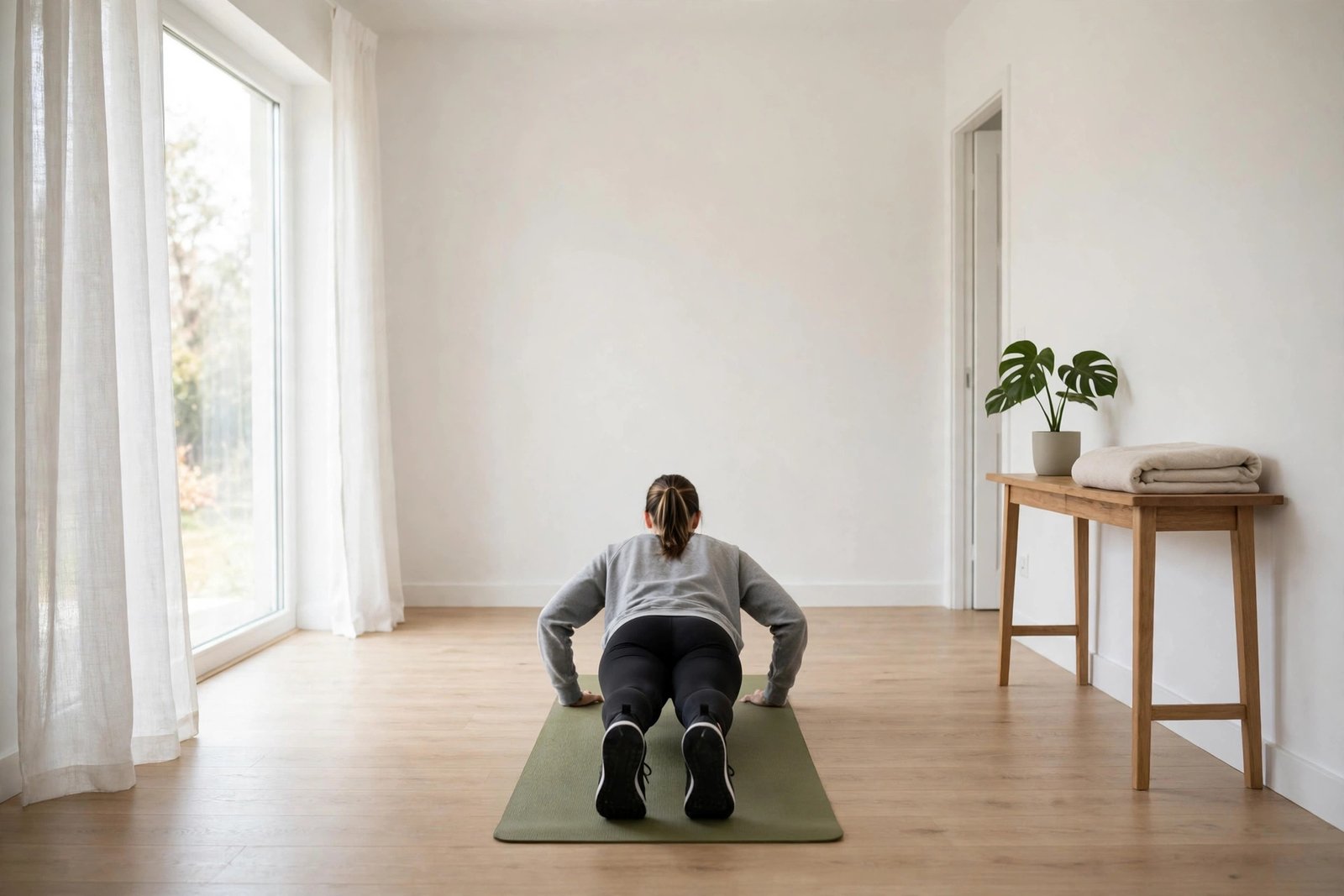
Fitness video is different from other video, because bad form on camera can hurt a viewer who copies you. Film each move from the front and from the side, so viewers can see the joint angles. Show the common mistake, then show the correct version. Speak the key cue out loud while you demo it.
Keep the space tidy and well lit. Film near a window or use one soft light in front of you. A messy background makes viewers doubt your advice before you speak. Wear clothes that show the working muscles clearly and that let you move freely.
Use a phone on a tripod to start. A phone camera is good enough for fitness video when the light is good and the shot is steady. Spend your first money on sound, not on a camera. A small lapel microphone or a USB microphone costs little and makes a big difference, because viewers leave fast when they cannot hear you clearly.
Show a beginner version and a harder version of every move. Say who should skip the move. If a move is not safe for people with knee pain, back pain or high blood pressure, say so in the video and in the description. Add a short line in every description that tells viewers to check with a doctor before starting a new exercise programme, especially if they have a health condition.
Never claim a workout burns a set number of calories, melts fat from one body part or gives results in a set number of days. These claims are not true for everyone, and they break trust with viewers who try them and see no change.
Step 5: Edit for clarity, not for flash
Edit each video so a beginner can follow it without rewinding five times. Cut dead air, cut failed reps and cut long pauses. Add text on screen for the move name, the rep count and the key cue. Add chapters so viewers can jump to the move they need.
Use free editing software to start. CapCut works on a phone. DaVinci Resolve works on a computer and costs nothing. Learn three skills first: cutting clips cleanly, adding text overlays and fixing audio levels. Fancy effects can wait until your teaching is solid. For a full editing walkthrough, read how to edit YouTube videos for beginners.
Keep your videos as short as the lesson allows. A form guide can be 6 to 10 minutes. A follow-along workout can be 15 to 30 minutes. A myth busting video can be 8 to 12 minutes. Watch time matters more than length, so cut anything that does not help the viewer.
Step 6: Titles, thumbnails and YouTube search
Your title and thumbnail decide whether anyone clicks. Write titles that name the viewer, the move and the benefit. "Beginner Squat Form: Fix These 3 Mistakes" is clearer than "Squat Workout". Use the words people type into search, such as "beginner", "at home", "no equipment" and "for bad knees".
Make thumbnails that show one clear idea. Use a still from the video that shows the move, add three to five words in large text and keep the colours high contrast. Most viewers see the thumbnail small on a phone, so test it at a small size before you publish. For more on this, search for guides on writing YouTube titles and designing thumbnails before you publish.
Write descriptions that help search and help viewers. Put the main point and any affiliate link in the first two lines, because the rest stays hidden until a viewer taps to expand. Add timestamps for each section, list the equipment used and add your safety note. Learn the basics of YouTube SEO so your videos can rank on YouTube and on Google search.
Step 7: Publish on a schedule you can keep
One video a week is enough to start. Two a week is better if you can keep it up for six months. Pick fixed days and publish at the same time, so viewers know when to return. Batch record when you can. Film three videos in one session, then edit them across the week. This saves setup time and keeps you publishing when life gets busy.
Reply to comments in the first day after you publish. Answer form questions, thank people who tried the workout and ask what they want next. Comments tell you what to film next, and they show YouTube that viewers care about your channel.
Track four numbers in YouTube Studio: average view duration, click through rate, subscribers gained per video and watch time. If viewers leave early, fix the first 30 seconds. If few people click, fix the title and thumbnail. If viewers watch but do not subscribe, check whether your videos promise a clear next step.
How a fitness channel earns money
Do not rely on ads alone. Ads pay little at the start, and fitness ad rates vary by audience, location and season. Build several income streams, and add them in order as your audience grows.
| Income stream | What it needs | When it starts |
|---|---|---|
| Ad revenue | YouTube Partner Programme membership | After 1,000 subscribers and 4,000 watch hours, or 10 million Shorts views |
| Affiliate links | A programme that fits your niche | From your first video, with disclosure |
| Coaching | Trust and a way to book calls | After a few hundred loyal viewers |
| Workout plans and courses | A product viewers asked for | After 1,000 subscribers |
| Sponsorships | A clear audience and engagement data | Usually after 5,000 to 10,000 subscribers |
| Channel memberships | Partner Programme membership | After 1,000 subscribers |
Affiliate income often beats ad income for small fitness channels. A viewer who buys a resistance band set or a fitness app through your link can earn you more than hundreds of ad views. Only recommend products you have used and that fit your audience. Read our guide on health and fitness affiliate programs to compare programmes before you join one.
Coaching and digital products usually earn the most per viewer. A simple 4-week beginner workout plan can sell for a modest price to viewers who already trust your teaching. Learn how to package that knowledge in how to sell courses on YouTube.
YouTube Partner Programme requirements
Ad revenue starts when you join the YouTube Partner Programme. As of November 2026, the official YouTube Help page lists two paths to full ad revenue. You need 1,000 subscribers with 4,000 qualified watch hours in the last 12 months, or 1,000 subscribers with 10 million qualified Shorts views in the last 90 days. Watch hours from the Shorts feed do not count toward the 4,000 hours. You also need no active Community Guidelines strikes, two-step verification on your Google account and a linked AdSense for YouTube account.
In some countries, a lower tier opens earlier. It needs 500 subscribers, three public uploads in 90 days and either 3,000 watch hours in 12 months or 3 million Shorts views in 90 days. This tier unlocks fan funding and Shopping features, but not ad revenue. Check the official YouTube Partner Programme eligibility page before you apply, because thresholds change over time. If you plan to tag products in your videos, check the YouTube Shopping affiliate programme eligibility page too.
What it costs and what to expect
You can start a health and fitness YouTube channel for very little money. A phone, window light and free editing software are enough for your first 10 videos. Spend money only when you know which videos your audience wants.
| Item | Typical cost |
|---|---|
| Phone and tripod | $0 to $40 (use the phone you own) |
| Lapel or USB microphone | $20 to $60 |
| Ring light or soft light | $25 to $60 |
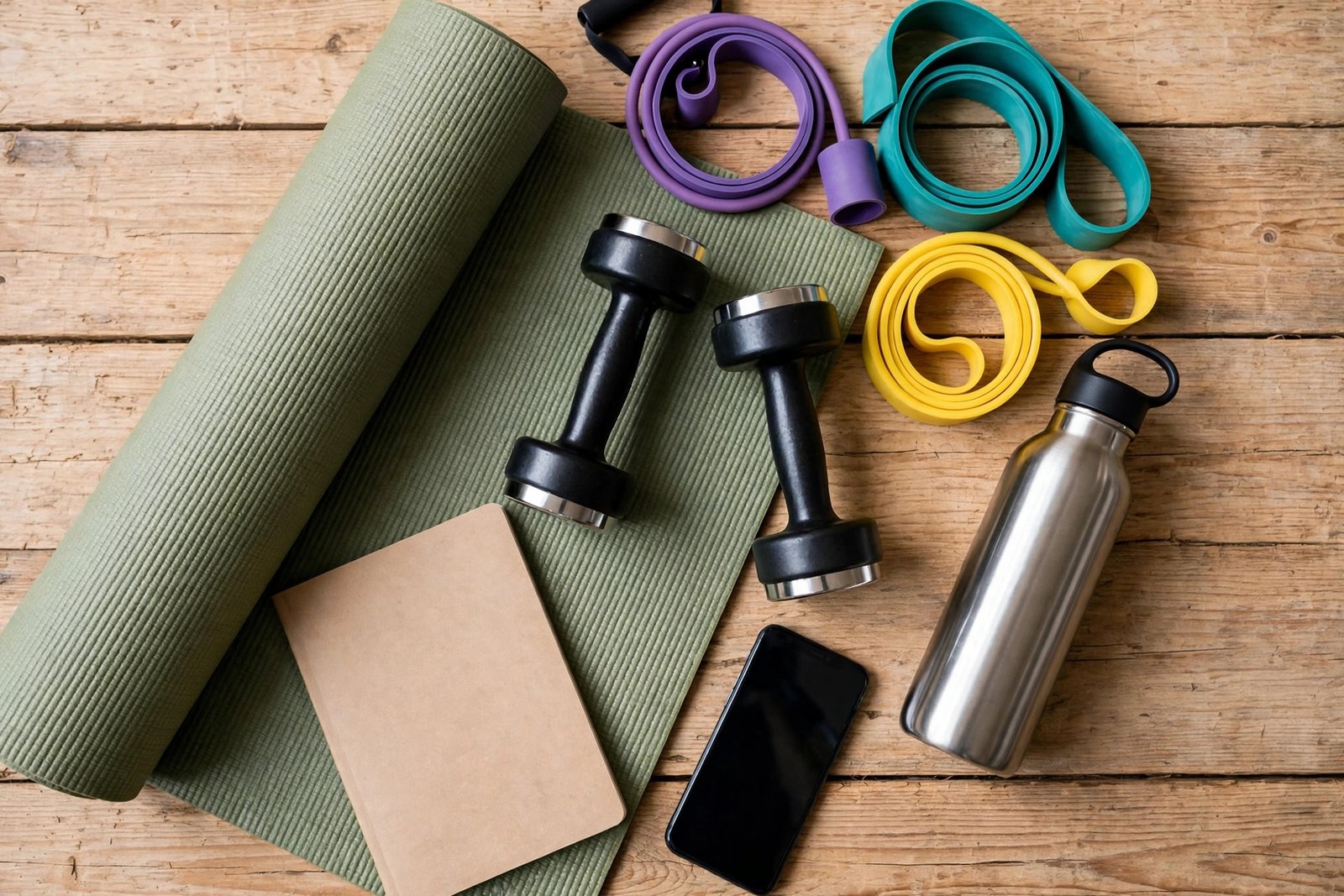
| Yoga mat and basic equipment | $30 to $80 |
| Editing software | $0 (CapCut or DaVinci Resolve) |
| Thumbnail tool | $0 to $13 per month |
| Total startup | $75 to $250 |
Expect slow growth for the first three to six months. Most new channels earn nothing from ads in that time, because they have not met the Partner Programme thresholds yet. Your first income is more likely to come from an affiliate link or a small coaching client than from ads. Plan for 6 to 12 months of steady uploads before ad revenue becomes regular, and even then it will be modest until your views grow. Results vary with niche, effort, audience, competition and advertiser demand.
Worked example
Example only: these numbers are not typical results. They show how the maths works for a small fitness channel.
Imagine a channel that gets 20,000 views in a month. Suppose ad revenue works out at $4 per 1,000 views for this example. Divide 20,000 by 1,000 to get 20, then multiply 20 by $4 to get $80 in ad revenue.
Now add affiliate income. Suppose 100 viewers click an equipment link and 5 of them buy. That is a 5 percent conversion rate. If each sale earns a $10 commission, multiply 5 by $10 to get $50.
Add the two together: $80 plus $50 equals $130 for the month. This example uses made-up rates to show the method. Real ad rates and conversion rates vary widely, so your own numbers will differ.
Common mistakes
- Filming workouts without showing safe form or beginner versions.
- Copying big fitness creators instead of serving one clear audience.
- Making health claims you cannot support, such as spot fat loss or fixed calorie burns.
- Buying views, subscribers or fake engagement, which breaks YouTube rules.
- Uploading for three weeks, then stopping for two months.
- Spending hundreds on a camera before testing whether viewers like your teaching.
- Ignoring comments, so you never learn what viewers want next.
- Promoting supplements you have never used, or hiding that a link pays you.
- Making videos too long, with slow intros that lose viewers in 30 seconds.
- Forgetting the safety note in the description of every workout video.
Risks and scams to watch for
Fitness is a high-risk niche for bad advice. A viewer who copies poor form can get hurt, and a viewer who follows bad nutrition advice can harm their health. Keep your advice inside your knowledge. If you are not a qualified nutritionist, do not write meal plans for medical conditions. If you are not a physiotherapist, do not promise to fix pain. Say what you know, say what you do not know and point viewers to a doctor or a qualified professional for medical questions.
Watch for supplement brands that offer free products or payment for a positive review without disclosure. You must disclose paid promotion and affiliate links clearly, on camera and in the description. A brand that asks you to hide the payment is asking you to break the rules.
Avoid "certification in a weekend" courses that promise a coaching credential and guaranteed clients. Real qualifications take study and practice. Check any course with the body that issues it before you pay.
Be careful with your own health too. Filming hard workouts every day to feed an upload schedule can lead to injury and burnout. Plan rest days, film easier videos between hard ones and keep a backlog of simple videos for weeks when you cannot train hard.
Frequently asked questions
Do I need a personal trainer certificate to start a fitness YouTube channel?
No. You do not need a certificate to teach general fitness on YouTube. You do need to teach safely, show correct form and stay inside your knowledge. A certificate helps your credibility and your confidence, and it matters more if you plan to sell coaching. Tell viewers about your real background and do not claim a qualification you do not hold.
How many subscribers do I need to earn money from a fitness channel?
You need 1,000 subscribers plus 4,000 watch hours in 12 months, or 10 million Shorts views in 90 days, to earn ad revenue through the YouTube Partner Programme. Affiliate links have no subscriber minimum, so you can earn commission from your first video if viewers buy through your links. Coaching and digital products can start even earlier, once viewers trust you.
How much can a small fitness channel earn?
It varies too much to give a single figure. A small channel with a few thousand views a month may earn only a few dollars from ads, but it can earn more from affiliate links and coaching if the audience is focused. Ad rates depend on the audience, the country, the season and the advertiser. Do not plan your budget around a fixed monthly figure.
Can I film fitness videos at home without a gym?
Yes. Many successful fitness channels film at home with a mat, a few dumbbells and resistance bands. A tidy room, good light and clear sound matter more than a gym. Show moves that viewers can do in a small space, and say what equipment they need before the workout starts.
What fitness topics earn the most on YouTube?
Topics with buying intent tend to earn more, such as equipment reviews, app reviews and beginner programmes that lead to a paid plan. Weight loss and strength content for adults over 35 also attracts strong advertisers. But the topic matters less than the audience. A focused channel with loyal viewers earns better than a broad channel with the same views.
How long does it take for a fitness channel to grow?
Most new channels take 6 to 12 months to reach 1,000 subscribers with steady weekly uploads. Some grow faster if they pick a clear niche and publish searchable form guides. Growth depends on your consistency, your teaching quality and how well your titles match what people search for. There is no fixed timeline, so judge your progress by watch time and returning viewers, not only by subscriber count.
Conclusion
Starting a health and fitness YouTube channel takes a clear niche, safe teaching and steady uploads. Pick one audience, film workouts they can follow, disclose every affiliate link and add income streams in order as trust grows. Do not chase quick money with hype or unsafe claims, because trust is the asset that pays in this niche.
Next, read how to monetize a YouTube channel, how to start a faceless YouTube channel if you prefer not to appear on camera, and how to sell courses on YouTube when you are ready to sell a plan. Then browse all YouTube earning guides to plan your next step.
Reader note: facts about Partner Programme thresholds were checked on the official YouTube Help pages in November 2026, and they can change, so check the official page before you apply. Health, tax and payment rules differ by country, so check your local rules and a qualified professional where needed. Earning results vary; nothing on this site is financial advice.