How to Start a Music YouTube Channel and Earn Money in 2026
Learning how to start a music YouTube channel is the first step for a musician, producer or singer who wants listeners to find their work. YouTube is where people search for new songs, covers, beats and relaxing music, and a channel can turn those listeners into fans, streaming income and paying customers. The catch is copyright. Music is the most copyright-heavy niche on YouTube, so you must clear your rights before your first upload. This guide shows you how to choose a format, handle copyright, distribute your music, and earn money.
In this guide
- Which kind of music channel should you start?
- Copyright first: what you must clear before uploading
- Step 1: Set up the channel
- Step 2: Distributors and YouTube Music
- Step 3: Get an Official Artist Channel
- Your first 10 uploads and a 30-day plan
- Shorts, live streams and 24/7 radio
- Titles, thumbnails and music SEO
- How music channels earn money
- Worked example: what a small music channel could earn
- How to start a music YouTube channel: what it costs and what to expect
- When Content ID claims your own video
- Common mistakes
- Risks and scams to watch for
- Frequently asked questions
Which kind of music channel should you start?
Pick one format and build the channel around it. Mixing originals, covers, beats and lo-fi streams on one channel confuses both viewers and YouTube, so choose the format that matches what you already make.
| Format | What you upload | Copyright risk |
|---|---|---|
| Original songs | Your own music, music videos, lyric videos | Low, if you own every part of the song |
| Covers | Your version of someone else's song | Medium, you need the publisher's permission to earn from it |
| Beats | Instrumental beats for rappers and singers | Low for your own beats, high if you use uncleared samples |
| Lo-fi and ambient | Relaxing music for study, sleep and work | Low if you compose it yourself, high if you reuse other people's loops |
| DJ mixes | Mixed sets of many tracks | High, every track belongs to someone else |
| Music lessons | Tutorials for an instrument or singing | Low, you teach with your own playing |
Originals and beats give you the most control, because you own the work. Covers can grow fast, because people search for songs they already know, but the publisher can claim the ad revenue. Lo-fi and ambient channels can run with simple visuals, such as a still image or an animated scene, and they suit creators who prefer not to appear on camera. DJ mixes are the hardest to monetise, because the rights sit with many owners at once.
Copyright first: what you must clear before uploading
Copyright is the legal right to copy and share a piece of work, and it belongs to whoever created the work. On YouTube, two systems enforce it. A copyright strike comes from a formal removal request and can lead to channel termination after three strikes. A Content ID claim is an automatic match that lets the rights owner take the ad revenue or block the video. Read YouTube's copyright help page before you upload anything.
Covers need permission from the song's publisher, not just the singer. Many publishers allow covers to stay up but take the ad revenue through Content ID. That is normal, and it is still worth doing for the exposure, but do not plan your income around cover ads. Samples need clearance too. A short sample of another artist's recording is still their property.
The trap that catches new musicians is the allowlist problem. When you send your own song to a distributor, the distributor may claim every upload that contains your song, including the upload on your own channel. Ask your distributor to allowlist your channel before you release the song, so your own uploads are not claimed. If a claim lands on your own video, dispute it through YouTube Studio and contact your distributor.
For background music in vlogs or tutorials, use the YouTube Audio Library or a licensed music service. Never use a chart song as background music and hope it goes unnoticed. It will be found, and the claim will take the revenue or block the video.
Step 1: Set up the channel
Set up the channel so it matches your artist name everywhere else. Use the same name on YouTube, Spotify and Apple Music, so fans can find you in one search.
- Create a Brand Account channel. A Brand Account lets you use a stage name instead of your personal Google account name, and it lets you add managers later. YouTube's own help page explains the steps in YouTube's guide to creating a channel.
- Use matching profile and banner images. Your profile photo should be 800 by 800 pixels, and your banner should be 2560 by 1440 pixels. Use the same artist photo across your streaming profiles.
- Write an About section that says what you make. Name your genre, your release schedule and where listeners can find you. Add links to your streaming profiles and your contact email for bookings.
- Set the channel category to Music in YouTube Studio. This helps YouTube place your videos in music search and on the music shelves.
- Turn on 2-Step Verification for your Google account. You will need it to join the YouTube Partner Programme later.
For the general setup steps, read our guide to how to start a YouTube channel. Keep this channel music only. A separate channel for vlogs or gaming keeps your music audience clean and helps YouTube recommend your songs to the right people.
Step 2: Distributors and YouTube Music
A distributor is a company that sends your music to streaming services and to YouTube Music. Well-known distributors include DistroKid, CD Baby and TuneCore. They charge a fee per release or per year, and they collect your streaming royalties. Check each one's current fees on its own site before you choose, because fees change.
When your distributor delivers a song to YouTube, YouTube creates an Art Track for it. An Art Track is a simple video with your album art and the audio, and it lives on a Topic channel named after you. That is how your music appears on YouTube Music. Your own channel uploads are separate, and you should upload a proper video version too, such as a lyric video or a visualiser.
Use one distributor for all your releases. Switching distributors mid-catalogue can split your streams and cause duplicate Art Tracks. Before you release your first song, ask the distributor to allowlist your YouTube channel, as explained above, so its Content ID system does not claim your own uploads.
Step 3: Get an Official Artist Channel
An Official Artist Channel, known as an OAC, brings your subscribers, your Topic channel and your uploads together in one place. It also gives you a music note badge and access to artist tools, including Insights for Artists, ticketing and merch shelves.
YouTube's own Official Artist Channel page, checked on 2026-11-19, sets the requirements. You must own and run a channel focused on your music, and you must have at least 1 official music release on YouTube delivered by a music distributor or label. You must also meet one of four conditions: work with a YouTube Partner Manager, be part of the YouTube Partner Programme, be part of a label network, or have your music distributed by a listed music partner. Some guides say you need three releases, but YouTube's own page says one.
Apply through your distributor or label, not through YouTube directly. Ask them to request the OAC for you when your first release goes live. It is also wise to have at least one public video uploaded to your channel before you apply, because YouTube says requests from channels with no public videos may be rejected or need extra checks.
Your first 10 uploads and a 30-day plan
Your first 10 uploads should show what your channel is and give YouTube enough material to recommend. A practical plan for a singer or producer looks like this:
- Your best original song, as a lyric video or a simple performance video.
- A second original song in the same style.
- A cover of a well-known song, with permission arranged.
- A Short of your best song hook, under 60 seconds.
- A behind-the-scenes video showing how you made a song.
- A live acoustic version or a stripped-back performance.
- A third original song.
- A Short answering a fan question or showing a studio moment.
- A playlist-ready track, such as a relaxing or focus version of your song.
- A video that introduces you and tells viewers what to expect next.
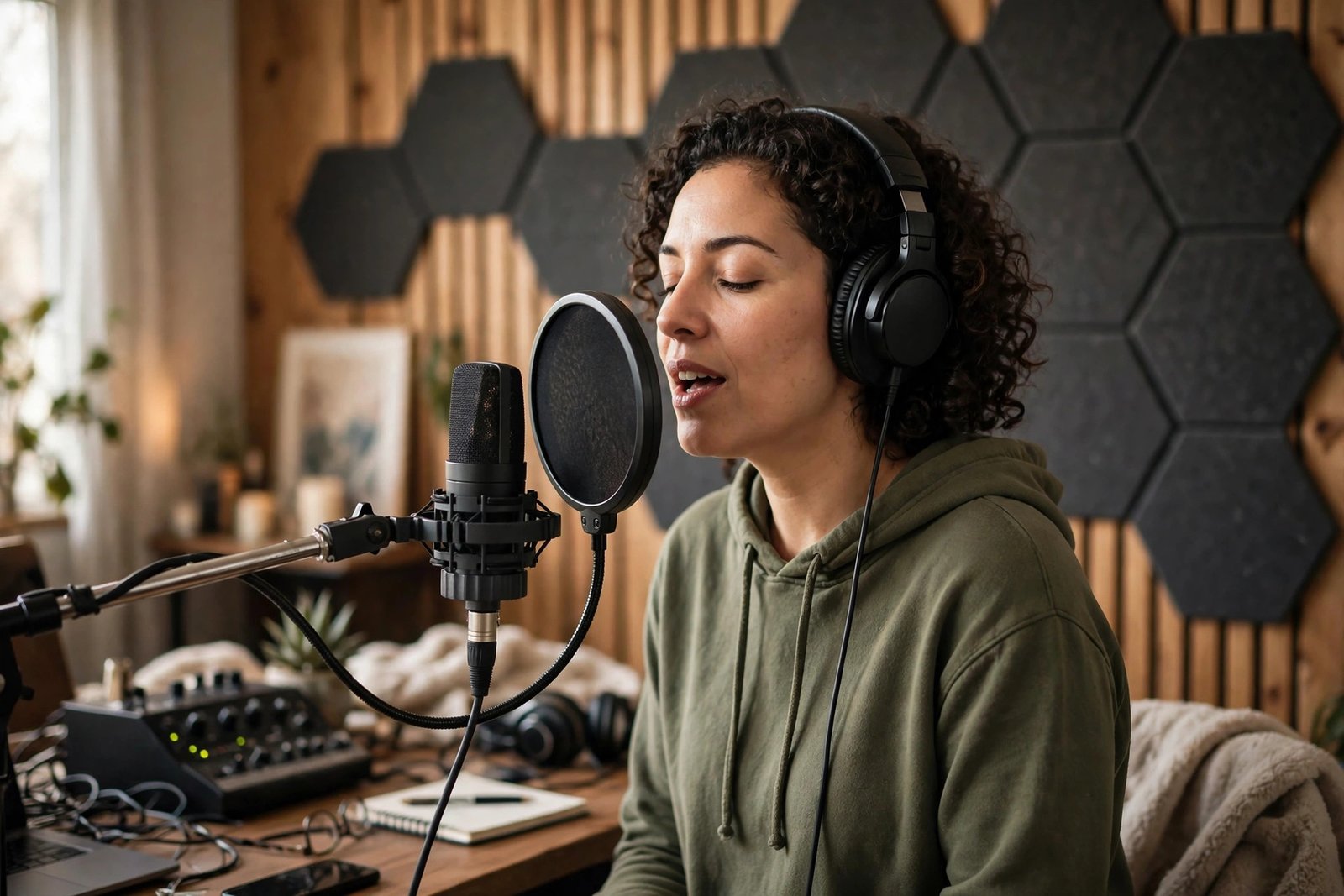
Shorts, live streams and 24/7 radio
Shorts are short vertical videos up to 3 minutes long, and they are a strong tool for music. A 30-second clip of your best chorus can reach people who would never find a full song. Post the hook of each new release as a Short on the day the song comes out, and link it to the full video.
Live streams suit musicians who enjoy performing. A live acoustic set, a Q and A, or a studio session can earn Super Chat income and build a loyal audience. Keep streams simple at first: one camera, one mic and a set list you know well. Our guide to how to make money with YouTube Live explains the setup and the income options.
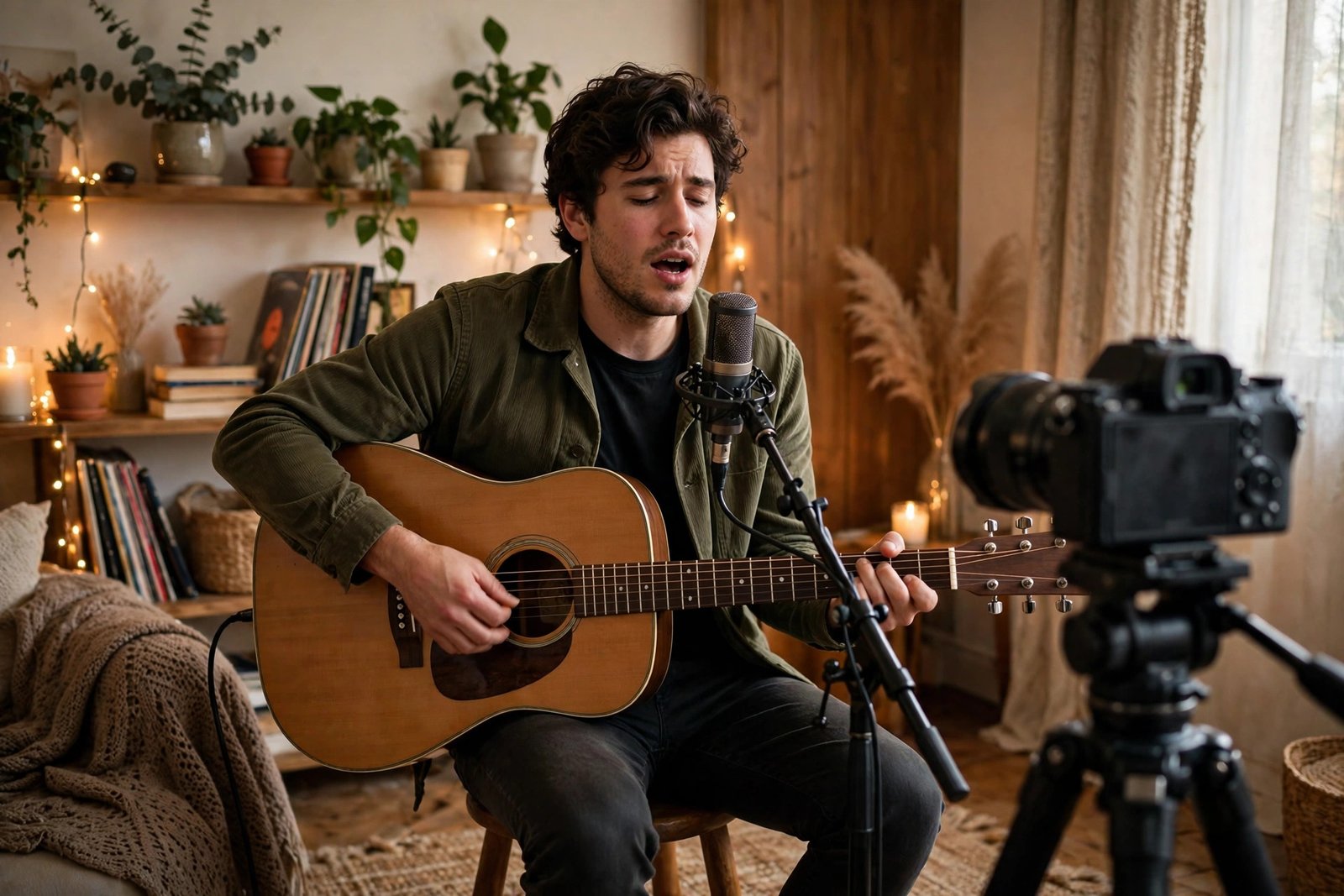
Some music channels run 24/7 radio streams of lo-fi or ambient music. These streams can build large audiences, but they need care. Every track in the stream must be yours or fully licensed, and a Short longer than one minute with an active Content ID claim can be blocked worldwide. Live stream copyright rules also differ from upload rules, so check each track's rights before it goes into a stream.
Titles, thumbnails and music SEO
Music search is simple and direct. People search for a song name, an artist name, a mood or a use, such as "relaxing piano music for sleep". Put the song title and the artist name in your video title, then add the mood or use in plain words, such as "Relaxing Lo-Fi Beats for Study and Sleep". Keep titles under 60 characters where you can.
Thumbnails for music should show the artist or a clear mood image, with few words in large text. A face looking at the camera works well for performances, while a calm image works for lo-fi and ambient tracks. Do not promise a song in the thumbnail that is not in the video.
Write descriptions with the song title, the genre, the mood and the credits in the first lines. Add links to the song on Spotify and Apple Music, and list who wrote, produced and performed it. Group your songs into playlists by mood or album, because playlists keep listeners on your channel longer. Our guide to YouTube SEO and how to rank videos covers music keyword research, and our guide to how to write YouTube titles shows how to keep titles clear and clickable.
How music channels earn money
Music channels earn from more sources than ads alone, and for most musicians the non-ad income matters more. The YouTube Partner Programme, known as YPP, is the route to ad income. The figures below come from YouTube's own Partner Programme page, checked on 2026-11-19.
| YPP tier | What you need | What it unlocks |
|---|---|---|
| Early tier | 500 subscribers, 3 public uploads in the last 90 days, plus 3,000 watch hours in the last 12 months or 3 million Shorts views in the last 90 days | Fan funding, such as channel memberships and Super Thanks, and Shopping features. No ad revenue. |
| Full tier | 1,000 subscribers, plus 4,000 watch hours in the last 12 months or 10 million Shorts views in the last 90 days | Ad revenue sharing, YouTube Premium revenue, and all fan funding features. |
Joining also needs 2-Step Verification, one active AdSense for YouTube account, and a channel that follows YouTube's monetisation policies. Review decisions typically take about one month. Note for readers in Pakistan: the early 500 subscriber tier is only open in the countries YouTube lists on its Partner Programme page, and as read on 2026-11-19 Pakistan does not appear in that list, while India does. Check the current country list on YouTube's own page.
YouTube also changes its rules from time to time. Some secondary sources report a change to the full tier thresholds from early 2027, but YouTube's own help page does not mention it as of 2026-11-19, so this guide does not print those figures as fact. Check YouTube's own Partner Programme page for the latest rules before you apply.
Beyond ads, music channels earn from streaming royalties through their distributor, selling beats to other artists, sync licensing for film, TV and adverts, merchandise, channel memberships, Super Chat during live streams, and teaching through courses or one-to-one lessons. YouTube pays creators 55 percent of ad revenue on standard videos and 45 percent on Shorts, as of November 2026. Beat sales and sync deals can pay far more than ads for a small channel, but they take time to build. Our guide to how to monetize a YouTube channel explains each route, our guide to how to make money with YouTube channel memberships covers fan funding, and our guide to how to earn money with YouTube Super Chat and Super Thanks covers live stream income.
Worked example: what a small music channel could earn
Example only: these numbers are not typical results, and they are shown only to explain how the maths works.
Imagine a beat producer who reaches the full YPP tier after 12 months. The channel has 1,500 subscribers and publishes two videos a week, mostly beat uploads and Shorts. It gets about 20,000 views a month. If advertisers pay an average of 3 dollars per 1,000 views after YouTube takes its share, the maths is 20 multiplied by 3, which is 60 dollars a month from ads. If the producer also sells two beat licences a month at 30 dollars each, that adds 60 dollars, and streaming royalties add about 20 dollars. The total is 140 dollars a month. Results vary with genre, audience country, release frequency and luck.
How to start a music YouTube channel: what it costs and what to expect
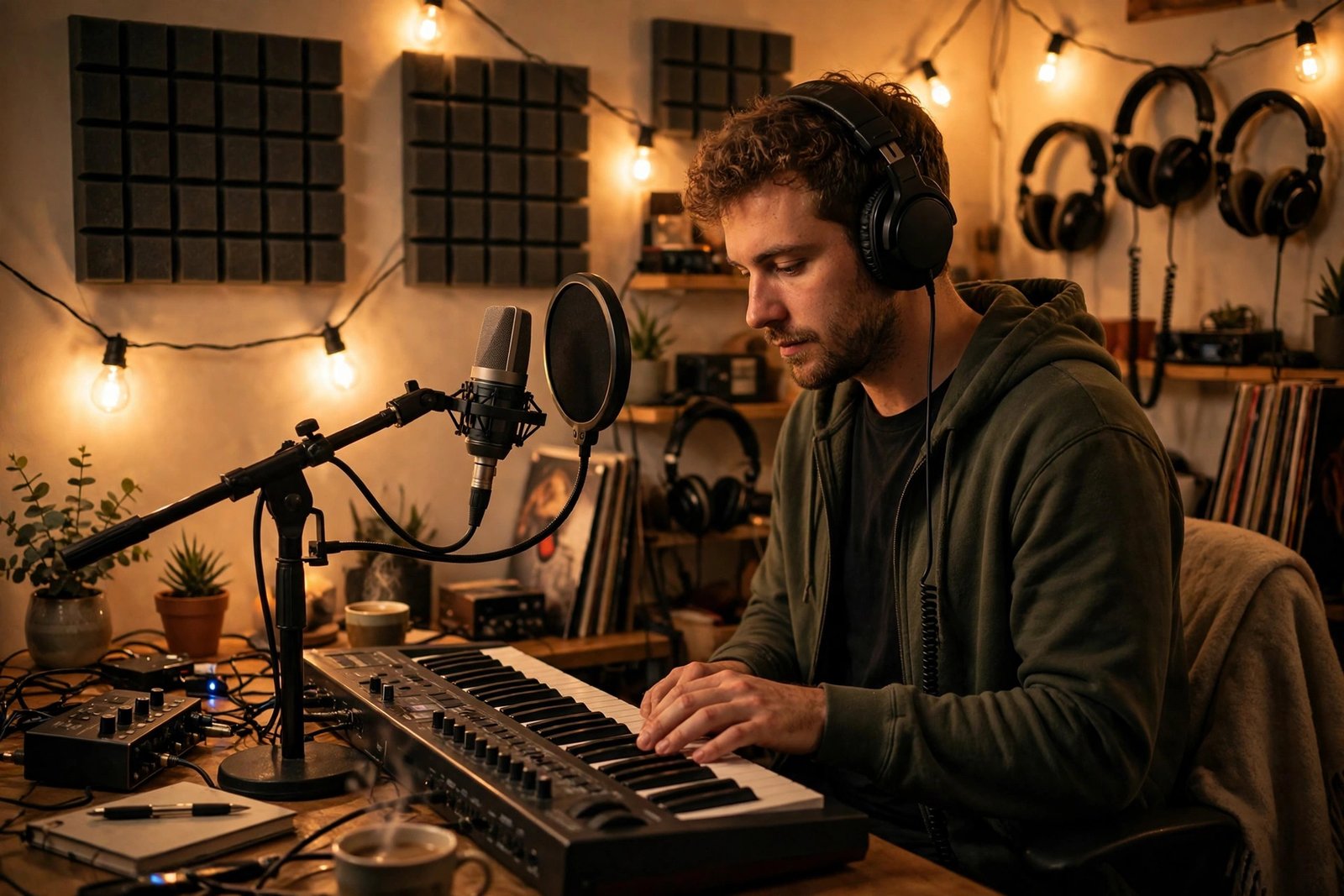
You can start a music channel with a phone, a free audio app and a quiet room. A basic home setup with a USB microphone, headphones and a simple audio programme costs roughly 100 to 300 dollars. A distributor charges a yearly or per-release fee, so check the current price on the distributor's own site before you commit.
A realistic timeline is 6 to 18 months of steady uploads to reach the full YPP tier, based on the range other music guides report for new artists. Some channels get there faster with a song that spreads, and many take longer. Income before that point usually comes from beat sales, streaming royalties or lessons, not from ads. Plan for months with no income at all.
When Content ID claims your own video
If Content ID claims your own song, do not panic, and do not delete the video at once. Open YouTube Studio, go to the video, and read the claim. It will name the claimant and the song it matched.
First, check whether the claimant is your own distributor. If it is, ask the distributor to allowlist your channel or release the claim, and send them proof that you own the recording, such as the project file or the distribution receipt. Second, if the claim is wrong and no distributor is involved, dispute it in YouTube Studio and explain that you own the recording. Third, if the claim is from a publisher because you used a cover or a sample, accept that the revenue may go to them.
A claim is not a strike. It does not count towards the three strikes that can end a channel, but it can take the ad revenue or block the video in some countries. A strike comes only from a formal removal request. Keep records of every licence, every distributor receipt and every permission email, so you can prove your rights fast when a claim appears.
Common mistakes
- Uploading a cover or a song with samples before clearing the rights, then losing the revenue or the video.
- Forgetting to ask the distributor to allowlist your channel, so your own uploads get claimed.
- Mixing covers, beats, vlogs and gaming on one channel, which confuses viewers and YouTube.
- Using a different artist name on YouTube than on Spotify, so fans cannot find you in one search.
- Posting ten songs in one week and then nothing for two months.
- Using a chart song as background music in a video and hoping it will not be found.
- Applying for an Official Artist Channel before your first release is live.
- Spending hundreds of dollars on studio gear before publishing a single song.
Risks and scams to watch for
Music creators are a common target for scams. A common one is a message offering a record deal, a playlist placement or a feature, then asking for a fee to proceed. Real labels and real playlist curators do not charge artists to listen. Another scam is a "promoter" who promises thousands of streams for a payment, then uses fake streams that can get your music removed. Never buy streams, views or subscribers.
Be careful with contracts. Read every distributor and sync deal before you sign, and check what rights you give away and for how long. If a deal offers money upfront in exchange for owning your songs, get independent advice before you agree. Tax rules also apply to music income, and they differ by country, so check with your local tax authority when income starts.
Frequently asked questions
Do I need permission to upload covers on YouTube?
Yes, in practice. The song's publisher owns the composition, and they can claim the video through Content ID and take the ad revenue. Many covers stay up with the revenue going to the publisher. You need a licence if you want to earn the ad revenue yourself or release the cover on streaming services.
How many subscribers do I need to monetise a music channel?
You need 500 subscribers for the early YPP tier, which unlocks fan funding and Shopping features but no ad revenue. You need 1,000 subscribers plus 4,000 watch hours, or 10 million Shorts views, for the full tier with ad revenue. Check YouTube's own Partner Programme page for the latest rules and the country list, because the early tier is not open everywhere.
What is an Official Artist Channel?
It is a channel that brings an artist's subscribers, Topic channel and uploads together in one place, with a music note badge and artist tools. You need at least 1 official release delivered by a distributor or label, plus one of YouTube's other conditions, such as being in the Partner Programme. You apply through your distributor.
Can I use copyrighted music in my videos?
Only if you have permission, a licence, or a use that fits a copyright exception such as fair use, and fair use is a legal defence decided case by case, not a permission slip. The safe routes are music you made yourself, music from the YouTube Audio Library, or a licensed track. Never assume a short clip is automatically safe.
How do I avoid copyright claims on my own music?
Ask your distributor to allowlist your YouTube channel before you release each song, so its Content ID system does not claim your own uploads. Keep your project files and distribution receipts as proof of ownership, and dispute any wrong claim through YouTube Studio.
Conclusion
Learning how to start a music YouTube channel in 2026 comes down to choosing one format, clearing your rights before you upload, and releasing music on a steady rhythm. Set up a Brand Account channel with your artist name, send your songs through a distributor, ask for the allowlist, and apply for an Official Artist Channel once your first release is live. Build income from ads, streaming, beats and fan funding together, because no single stream pays much at the start.
To keep building, read our guide to how to start a YouTube channel for the full setup, our guide to YouTube SEO and how to rank videos for getting your songs found, and our guide to how to get YouTube sponsorships for brand deals that fit musicians. Browse the rest of the YouTube Earning category for more channel guides.
Earning results vary, and nothing on this site is financial advice. Check YouTube's own Partner Programme and Official Artist Channel pages for the latest rules, and check your local tax rules when income starts.