How to Start a Parenting YouTube Channel and Earn Money in 2026
You love talking about family life, and you wonder if a parenting YouTube channel could earn money. The short answer is yes, it can, but it takes time, and it works best as a slow project, not a quick income. A parenting YouTube channel is a channel where a parent shares advice, routines, product reviews, or daily family life, and earns money from ads, sponsors, affiliates, or their own products once the audience grows. This guide shows you how to start one, what to post, how to keep your children safe, and what earning really looks like.
In this guide
- What a parenting YouTube channel is, and who it suits
- Step 1: Pick a clear niche and audience
- Step 2: Decide how much of your children to show
- Step 3: Set up your channel the right way
- Step 4: Plan your first 10 videos
- Step 5: Film and edit with simple tools
- Step 6: Publish, and help people find your videos
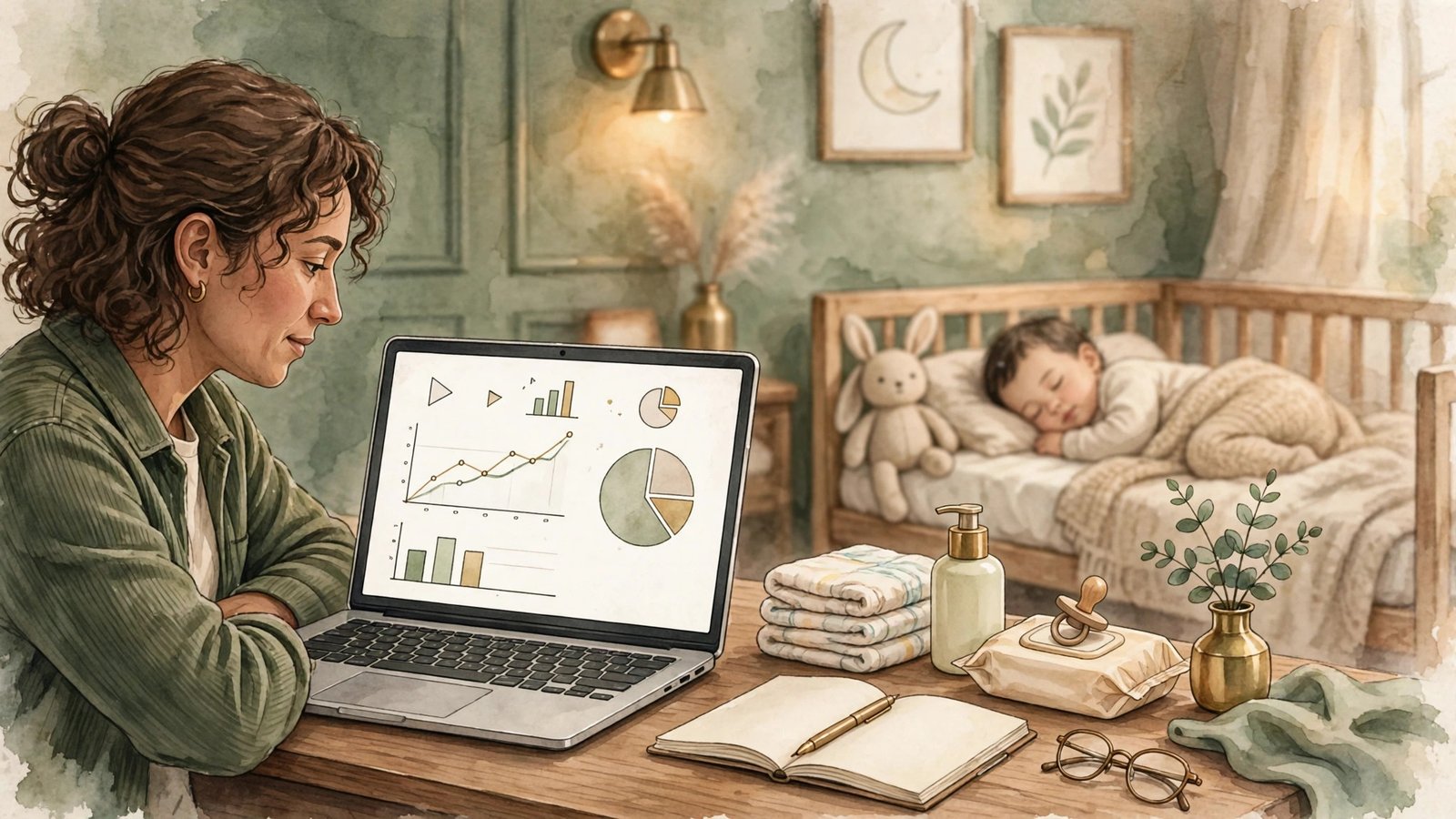
- Step 7: Grow your audience steadily
- How a parenting YouTube channel earns money
- Made-for-kids rules, and what they change
- What it costs and what to expect
- Common mistakes
- Risks and scams to watch for
- Frequently asked questions
What a parenting YouTube channel is, and who it suits
A parenting YouTube channel is a video channel built around family life and raising children. Some focus on advice, such as sleep and school routines. Others focus on daily life, such as morning routines and meal prep. Some focus on products, such as prams, toys, and baby gear. The best channels pick one clear angle and stay with it. This channel suits a parent who enjoys talking, filming, and helping other parents, and who can keep going for months without much income. It does not suit you if you need money in the first month, or if you do not want your family life on the internet. Your audience is mostly other parents at the same stage as you. Before you start, read the general how to start a YouTube channel guide on EarnQuill.
Step 1: Pick a clear niche and audience
A broad parenting YouTube channel tries to help everyone, and it helps no one well. A clear niche helps YouTube understand who should see your videos. Pick one main audience and one main problem you can help with.
Good niches include new parents, budget family life, toddler activities, single parents, special needs parenting, working parents, homeschooling families, and parents of teenagers. Choose a niche you live every day, because viewers can tell when advice comes from real life. Write down your niche in one sentence, such as "I help new parents set up simple baby routines." If a video idea does not fit that sentence, drop it.
Step 2: Decide how much of your children to show
This is the most important decision in this guide, and you should make it before you film anything. Children cannot give informed consent to a public video life, and a video posted today can still be online when they are adults. Decide your limits now, in writing, and share them with your partner or family. On a parent-led channel, you are on camera, and your children appear rarely, or not at all. This is the safest approach, and it still earns well. With limited appearance, your children appear in short clips, with no full name, no school name, and no home address. On a full family vlog, your children are on camera often. This carries the most risk, and it is the hardest to undo later. Never share your child's full name, school, address, or daily routine. Never film children in unsafe ways, or film a child who is upset, ill, or in distress. Comfort comes first, and the camera stays off. Ask your partner before you film them, and listen if an older child says no. Report and block anyone who asks for personal details about your children.
Step 3: Set up your channel the right way
Set up your channel in one focused session. You need a Google account, a channel name, a short description, and a clear profile picture. Use a name with the words "parent", "mum", "dad", or "family" in it, plus your niche.
Write a channel description of two or three sentences. Say who the channel helps, what kind of videos you post, and how often you post. Use the phrase parenting YouTube channel once, in a natural way. Set your audience setting at channel level in YouTube Studio. Create a simple banner and profile picture with the same colours. Turn on two-step verification for your Google account, because it is a Partner Programme requirement later, and it protects your channel.
Step 4: Plan your first 10 videos
Plan your first 10 videos before you publish the first one. A small batch helps you stay consistent, and it gives a new viewer a reason to subscribe. Use three or four content pillars: advice, routines, product reviews, and activities. Each video should answer one clear question.
| Stage | Advice video idea | Routine video idea | Activity or review idea |
|---|---|---|---|
| New parents | How to set up a simple baby sleep routine | A calm morning with a newborn | Honest review of a baby carrier you use daily |
| Toddlers | How to handle tantrums without shouting | A toddler bedtime routine that works | Five rainy-day activities with things at home |

Plan a mix of short and long videos. Shorts, which are videos under 60 seconds, can help new viewers find you. Longer videos, of 8 to 15 minutes, build watch time. A simple plan is one longer video each week, plus two or three Shorts. Film your first five videos before you publish any of them, so a busy week does not break your schedule.
Step 5: Film and edit with simple tools
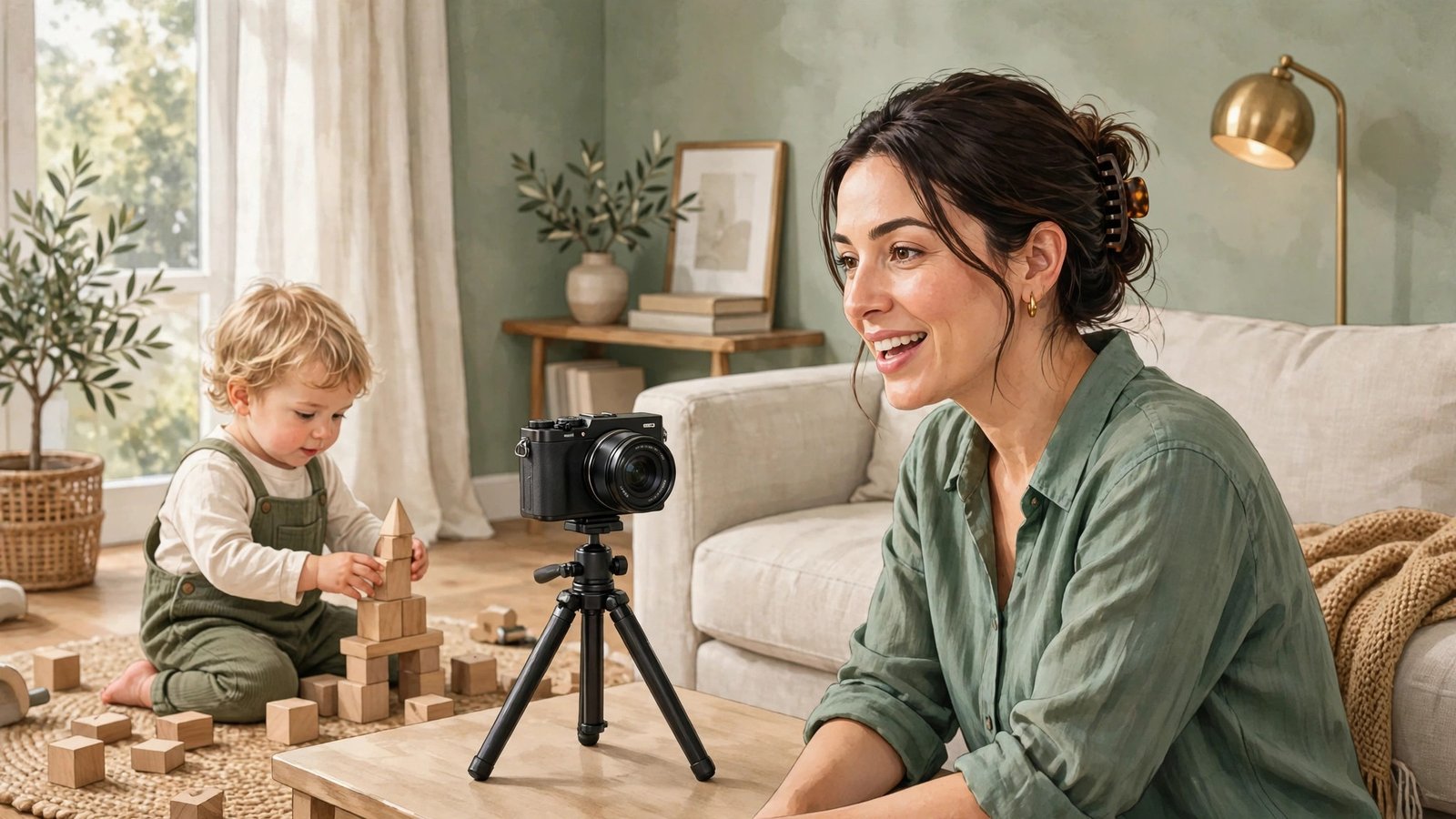
You do not need expensive equipment to start a parenting YouTube channel. A modern phone, natural light, and clear sound are enough for your first 20 videos. Spend your money on sound first, because viewers leave fast when they cannot hear you. Film near a window, with the light on your face. Use your phone on a small tripod, and a low-cost lapel microphone, if you can.
Edit with a free tool, such as CapCut or DaVinci Resolve. Cut out long pauses and repeats. Add simple captions for key points, and add chapters so viewers can jump to the part they need. Film when your children are calm and rested.
Step 6: Publish, and help people find your videos
A good video still needs a clear title, a clear thumbnail, and a clear description, or people will not click it. Write titles that state the problem and the viewer, such as "Toddler Bedtime Routine for Working Parents". Make thumbnails that are simple and honest, with one clear photo and two or three large words at most. Do not use a misleading picture, or a promise the video does not keep.
Write a description that says what the video covers, and add timestamps for longer videos. Publish on a schedule you can keep. One video a week is a good start for most parents. Use YouTube Analytics to learn. Check once a week which videos keep viewers watching, note one lesson, and apply it to the next video.
Step 7: Grow your audience steadily
Growth on YouTube is slow at first, and that is normal. Most new channels grow little in the first three months, then grow faster once they have 20 to 30 videos. Reply to comments in the first day after you publish, when you can. Ask a simple question at the end of each video, such as "What does bedtime look like in your house?" Share your videos where parents already gather, but only where sharing is welcome, and only once per video. Do not buy views, subscribers, or comments.
How a parenting YouTube channel earns money
A parenting YouTube channel can earn money in several ways, but none of them starts fast. The main routes are ads, affiliates, sponsorships, digital products, services, and fan funding. The table below shows each route and when it usually starts.
| Income route | When it usually starts |
|---|---|
| YouTube ads | After you join the YouTube Partner Programme |
| Affiliate commission | From your first videos, if you link products you use |
| Sponsorships | Usually after a few thousand subscribers |
| Digital products | After you have an audience that trusts you |
| Services and coaching | After you have proof that your advice helps |
| Memberships and Super Chat | After you join the Partner Programme, only on videos not made for kids |
AdSense for YouTube is the payment system for ad income. The amount per view varies by country, by advertiser, by season, and by video topic. No reliable public figure states what a parenting channel earns per 1,000 views, so this guide states none. Be careful with any guide that gives you an exact figure with no source, because it is a guess, not a fact. For the full detail on ads, read how to monetise a YouTube channel on EarnQuill. Affiliate income often starts before ad income. An affiliate commission is a small payment you earn when a viewer buys through your special link, at no extra cost to the viewer. Only recommend products you have used, and say clearly that the link is an affiliate link. Read the YouTube affiliate marketing guide.
Sponsorships can pay more than ads, but they need trust and proof. Start with small brands you already use, and send a short pitch with your channel link and one clear video idea. Read how to get YouTube sponsorships before you pitch anyone. Always disclose a paid partnership. Digital products fit parenting well. A printable routine chart, a meal plan, or a short course can all work. Keep the first product simple, and sell it only after viewers ask for it. Read how to sell digital products with YouTube for the steps. Services, such as sleep coaching, can earn money with a small audience. Memberships and Super Chat are not available on videos set as made for kids. For routes that do not depend on ads, read how to make money on YouTube without ads.
Made-for-kids rules, and what they change
YouTube requires every creator to tell it whether a video is made for kids. This rule comes from an agreement with the US Federal Trade Commission, and it helps creators follow the Children's Online Privacy Protection Act, known as COPPA, a US law that limits how online services collect personal data from children under 13. You must set the audience for each video honestly. If you are unsure, get legal advice. A video is likely made for kids if children are the main audience, or if it is directed at children, even when adults also watch it. YouTube Help lists factors to weigh, such as the subject, whether child actors appear, and whether the video includes songs, stories, or play for children. A video is not made for kids just because it is family friendly, or just because children might see it.
The setting changes what your video can do, and what it can earn. On a video set as made for kids, YouTube does not show personalised ads, and it turns off comments, notifications, cards, end screens, channel memberships, and Super Chat. Personalised ads are matched to the viewer, while the ads that remain are matched to the video topic. YouTube Help says that marking content as made for kids may reduce income for some creators. Read the full detail on the YouTube made for kids help page. Set the audience for each video when you upload it, and do not rely on YouTube to set it for you.
What it costs and what to expect
Starting a parenting YouTube channel is low cost, because you already own most of what you need. The table below shows the usual startup costs, in US dollars. Prices vary by country, and you may already own some items.
| Startup cost | Usual range |
|---|---|
| Phone you already own | 0 dollars |
| Small tripod | 15 to 30 dollars |
| Lapel microphone | 20 to 50 dollars |
| Editing software | 0 dollars, free versions are enough |
| Total to start | 35 to 80 dollars |
Here is a worked example, with the maths shown step by step. Example only: these numbers are made up, and they are not typical results, and they are not a promise of income. A tripod and microphone cost 60 dollars. One video per week for 26 weeks gives 26 videos. At 4 hours per video, that is 104 hours in six months, because 26 times 4 equals 104. Ad income in the first six months is 0 dollars, because you have not yet met the Partner Programme thresholds.
In the first month, you set up the channel and publish four videos. In months four to six, you may reach a few hundred subscribers. In months six to 12, you may reach 1,000 subscribers and start to build watch hours, if you post weekly. The YouTube Partner Programme needs 1,000 subscribers and 4,000 qualified watch hours in the last 12 months, or 1,000 subscribers and 10 million qualified Shorts views in the last 90 days, as of November 2026, plus a review, no active Community Guidelines strikes, two-step verification, and a linked AdSense for YouTube account. Check the YouTube Partner Programme eligibility page for the current rules. Income from YouTube is usually taxable, and the rules differ by country.
Common mistakes
- Do not try to cover every parenting topic at once. Pick one niche and stay with it for your first 30 videos.
- Do not film your children every day, or share details that could identify them, such as their school or full name.
- Do not set a video as not made for kids when it is clearly directed at children, just to keep comments and memberships.
- Do not buy subscribers, views, or comments. Bought numbers do not watch, and they harm your channel.
- Do not ignore sound and light. Viewers leave a video they cannot hear, even if the advice is good.
Risks and scams to watch for
Parenting channels attract brands, and they also attract scams. A brand that asks you to pay for a sample, a listing fee, or a "partnership pack" is a warning sign. A real brand pays you, or sends a free sample, and it never asks you to pay to start. A message that promises guaranteed income, or a viral video, if you pay for a course is also a warning sign. No one can guarantee views or income on YouTube. A company that offers bought subscribers breaks YouTube rules. A sponsor that asks you to hide that a video is paid for should be refused. A stranger who asks for personal details about your children should be reported and blocked.
Frequently asked questions
How much can a parenting YouTube channel earn?
No reliable public figure states what a parenting channel earns, because income per view varies by country, advertiser, season, and video topic. A channel earns from ads only after it joins the YouTube Partner Programme, and it can also earn from affiliates, sponsors, and products. Expect no income for the first months.
Can I show my kids on YouTube?
Yes, but decide clear limits before you start, and follow them every time. Do not share your child's full name, school, address, or daily routine, and do not film them when they are upset, ill, or in distress. Many creators build a successful parent-led channel with little or no child footage.
How long does it take to monetise a parenting YouTube channel?
It usually takes six to 12 months of weekly posting to reach 1,000 subscribers and 4,000 watch hours, or 10 million Shorts views, and then a review follows, which can take about a month.
Do I need expensive equipment to start a parenting YouTube channel?
No. A modern phone, natural light, and a low-cost lapel microphone are enough for your first videos. Spend money on clear sound first.
What should I post on a parenting YouTube channel?
Post videos that answer one clear question for one clear audience, such as a sleep routine for new parents, or an honest review of a product you use daily.
Conclusion
To start a parenting YouTube channel, pick one clear niche, decide how much of your children to show, set up your channel, plan your first 10 videos, film with simple tools, publish weekly, and build your income slowly through ads, affiliates, sponsors, and products, while you set the made-for-kids audience honestly on every video. Start small, protect your family, and keep going.
To go further, read how to monetise a YouTube channel, how to make money with YouTube affiliate marketing, and how to start an education YouTube channel and earn money, then browse the full YouTube Earning category for more guides. The facts in this guide were checked against YouTube Help in November 2026. Rules differ by country, so check your local tax and child safety rules. Earning results vary; nothing on this site is financial advice.