
How to Make Money on Pinterest in 2026
Pinterest does not pay you for views or pins. That one fact clears up most confusion about how to make money on Pinterest. Pinterest is a visual search engine, not a creator payout platform for most users. People search for ideas, save what they like, and click through to buy, read, or book. Your income comes from what the pin points to, not from the pin itself.
That is good news for beginners. You do not need a large following to start, because search can bring people to your pins. It is also a warning. A pin with many saves but no clicks to a product, a service, or a monetised page earns nothing. This guide explains the six real routes, how to set up for search, and how long each route usually takes.
In this guide
- The six real routes, in one table
- Setup for search
- A Pinterest search workflow
- Route by route: how each one works
- Disclosure and account rules
- How to measure what works
- Frequently asked questions
The six real routes, in one table
| Route | How you earn | What you need first | Realistic wait |
|---|---|---|---|
| Affiliate pins | Commission when someone buys through your link | An affiliate program that allows Pinterest traffic, and honest disclosure | Weeks to months |
| Own physical products | Profit on each sale | A shop, clear product photos, and stock or a fulfilment partner | Weeks to months |
| Print on demand | Profit after base cost and fees | Designs, a print partner, and a shop or listing page | Weeks to months |
| Digital products | Profit on each download or course sale | A product, a checkout page, and a clear pin funnel | Weeks to months |
| Sponsored pins | A fee from a brand | An engaged audience in a clear niche, and proof of clicks | Months |
| Services and site traffic | Client fees, or ad and affiliate income from your site | A service offer or a monetised blog, and pins that send clicks | Weeks to months |
Pinterest ads are not a seventh route. Ads cost money, and they only help if the page they point to already converts visitors into buyers, subscribers, or clients. Treat ads as a booster for a working funnel, not as income on their own.
Setup for search
Start with a business account. A business account gives you analytics, advertising tools if you need them later, and a clearer profile for brands. Claim your website if you have one, so Pinterest can link your pins to a verified site. If you do not have a website, you can still start with affiliate links or a shop page, but check each program's terms first, because some programs require a website or restrict direct linking.
Organise your boards by search terms, not by vague ideas. A board called "Small kitchen ideas" helps search more than a board called "My favourites". A board called "Beginner sourdough recipes" is even clearer, because it matches what a person types. Write board descriptions in plain words that name the topic, the audience, and the benefit.
The Verified Merchant Program is worth checking if you sell products. It can add trust signals to your shop, but eligibility and requirements change, so check Pinterest's current merchant pages before you promise yourself a badge or a feature. Do not build your plan around a badge you have not yet earned.
A Pinterest search workflow
Pinterest search rewards clear, useful pins over clever pins. Use this simple workflow for each topic.
- Find the search term. Type your topic into Pinterest search and note the suggested words that appear. Check Pinterest Trends for seasonal patterns, such as gift guides before holidays or garden ideas in spring.
- Name the board and the pin for that term. Use the term in the pin title, in the first line of the description, and in the board name where it fits naturally.
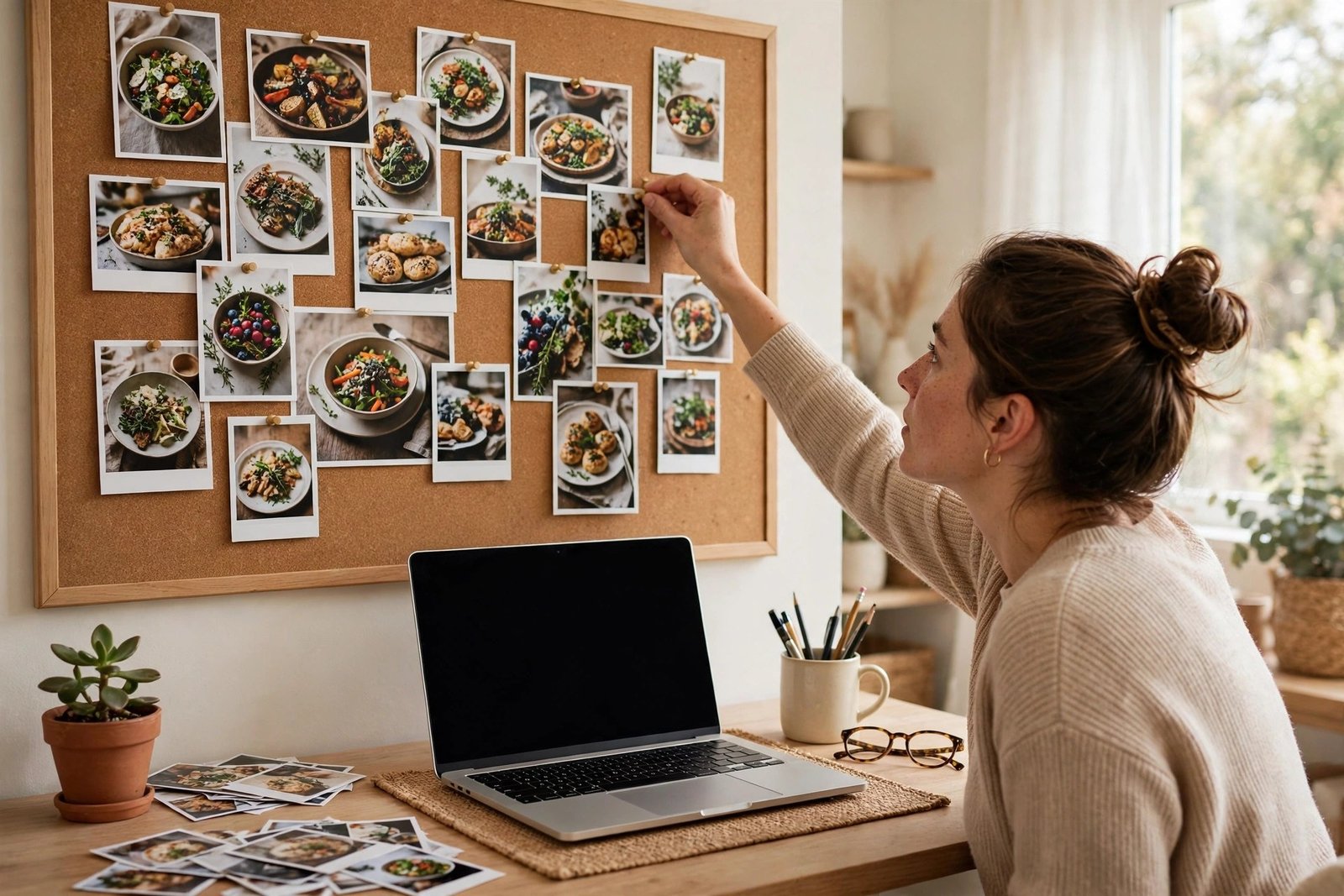
- Design a vertical image with readable text. Use one clear photo or graphic, a short title overlay, and plenty of contrast. Make sure the image still makes sense without the overlay, because many users scan quickly.
- Write a description that helps a human. Say what the pin shows, who it is for, and what happens after the click. Add a few relevant keywords in natural sentences, not as a pile of tags.
- Link to the right page. Send product pins to the product page, recipe pins to the recipe, and service pins to the service page. A pin that links to a generic homepage wastes the click.
Keyword research is the gap most guides skip. Do not publish ten pins and hope for the best. Publish a small set of pins for one search term, watch which ones earn clicks, and make more pins in that style. Search traffic builds slowly, and pins can keep working for months, so early patience matters more than early volume.
Route by route
Affiliate pins
Affiliate pins link to a product through your affiliate link, or to a blog post that contains affiliate links. You earn a commission when someone buys. This route suits beginners because you do not need stock, but it has strict terms. Some affiliate programs ban direct linking from Pinterest, some require disclosure in a specific place, and some change commissions without warning. Read the terms for each program, and keep a note of which programs allow Pinterest traffic.
Disclosure matters here. Say that a pin contains an affiliate link, or that you may earn a commission. Keep the disclosure close to the link, in plain words. For program choice and first sale steps, see how to start affiliate marketing and best affiliate programs for beginners.
Worked example, labelled clearly. Example only: these numbers are not typical results, and they show the maths only. You pin a kitchen tool that costs 40 dollars. Your affiliate commission rate is 5 percent. One sale earns 2 dollars. To earn 100 dollars from that pin, you would need 50 sales. That maths shows why affiliate pins need either higher priced products, higher commission rates, or many pins that each send clicks over time.
Own physical products
If you sell physical products, Pinterest can act as a shop window. Product pins can show live pricing and stock where that feature is available in your country, and they link straight to the product page. Good product photography matters more than clever copy. Show the product in use, show its size against a familiar object, and show the detail that buyers care about, such as fabric, finish, or packaging.
Costs include stock, packaging, postage, platform fees, and your time. Price with those costs in mind, not with the sale price alone. If a product goes out of stock, update or remove the pin link quickly, because a dead link wastes clicks and trust.
Print on demand
Print on demand means a partner prints and ships a product only after a customer orders it. You design the product, such as a mug, a shirt, or a phone case, and the partner handles production and delivery. You earn the sale price minus the base cost and fees. This route needs no stock, but margins can be thin, and quality depends on your partner.
The research for this guide found a phone case example with a base cost near 10 euros and a sale price range of 35 to 60 euros, in an opened competitor guide. That example is a vendor example, not a promise, and your own margin will depend on your partner, your product, your shipping costs, and any platform fees. Order a sample of your own design before you promote it, so you can check print quality, colours, and delivery time. For a related guide, see how to start AI print on demand.
Digital products
Digital products suit Pinterest well, because a pin can point to a clear, useful download. Planners, templates, guides, and short courses all work when the pin shows the result clearly. A planner pin should show a filled page, not a blank cover. A template pin should show the template in use. A course pin should show the outcome, such as a finished project, not just a portrait of the teacher.
Costs are lower than for physical products, but you still need time to make a good product, a checkout page, and a way to deliver the file. Price with care, and test the full buying path yourself before you pin it. For product and pricing help, see how to create your first digital product and how to price digital products.
Sponsored pins
A sponsored pin is a paid post for a brand. The brand pays a fee for a pin, a set of pins, or a board feature. This route needs proof. Brands ask for monthly views, outbound clicks, and audience details, not just follower count. Keep a simple media sheet with your best boards, your click rates, and examples of past pins that sent traffic.
Use the paid partnership label where Pinterest provides one, and disclose the sponsorship in the pin description as well. Agree the fee, the number of pins, the link destination, and the usage rights in writing before you publish. For small creator deals in general, see how to get brand deals as a small creator.
Services and site traffic
Pinterest can also bring clients and readers. A designer can pin portfolio work that links to a booking page. A coach can pin a free guide that links to a service page. A blogger can pin article images that link to posts with ads or affiliate links. In each case, the pin is a door, not the destination. Make the destination page clear, fast, and easy to act on, or the click is wasted.
If you offer services, see how to start freelancing and how to find freelance clients. If you run a blog, see how to grow blog traffic. Both help you turn a Pinterest click into a client or a reader who returns.

What it costs and what to expect
A free business account and free pin design tools can get you started. Costs grow when you buy stock, pay a print partner, buy design software, or run ads. Time is the main cost for most beginners. Researching search terms, designing pins, and writing descriptions takes longer than most new users expect, and the first pins often earn little.
Expect months, not days, before search traffic becomes steady. Pins can keep working long after you publish them, which is a strength, but it also means early results look slow. Set a realistic goal for the first 90 days, such as publishing a set number of pins for one niche, learning which search terms send clicks, and making one working funnel, rather than chasing a fixed income figure. Earnings vary with your niche, your product prices, commission rates, competition, and how well your destination page converts. Tax rules differ by country, so keep records of sales, fees, and expenses, and check your local tax authority when income becomes regular.
Disclosure and account rules
Follow three rules on every pin. First, disclose affiliate links and sponsorships in plain words. Second, use original images or images you have the right to use, and label AI modified content where Pinterest asks for a label. Third, avoid spammy pinning, such as posting the same pin many times in a short period, using misleading titles, or linking to pages that do not match the pin. Those habits can limit your account, and recovery can take time.
Do not buy followers, saves, or clicks. Bought engagement does not bring buyers, and it can harm your account standing. Focus on saves and outbound clicks from real users, because those signals show that people value the pin and want more.
How to measure what works
Pinterest Analytics shows several useful numbers. Impressions show how often a pin appeared. Saves show that people want to keep it. Pin clicks show interest in the image, and outbound clicks show that people actually left Pinterest for your page. Outbound clicks matter most for income, because income happens on your page, not on Pinterest.
Review your pins each week. Keep the search terms, image styles, and topics that send outbound clicks. Pause the pins that only collect impressions with no clicks, and check whether the link, the title, or the image is the problem. A simple weekly note, with the top five pins by outbound clicks, will teach you more than a large dashboard you never read.
Frequently asked questions
Do I need followers to make money on Pinterest?
No set follower count is required for affiliate pins, product pins, or site traffic, because search can send people to your pins. Brand deals are different. Brands usually want an engaged audience and proof of clicks, so sponsored pins take longer to win. Focus on search terms and outbound clicks first, and follower count will follow if your pins are useful.
Does uploading images alone earn money on Pinterest?
No. Pinterest does not pay for uploads, views, or saves on their own, except for application based programs that are not open to everyone. Income comes from sales, commissions, client work, or site income after a click. A pin without a working destination page earns nothing, however popular it looks.
How long do pins keep working?
Pins can keep sending traffic for months, because Pinterest is a search engine as well as a feed. That long life is why clear titles and accurate links matter. A seasonal pin may peak at one time of year and rest quietly at other times, so plan seasonal pins ahead of the season, not during it.
What about the Creator Fund and Idea Pins?
Treat both with care. The research for this guide found the Creator Fund described in vague terms, with no clear current availability, amounts, or eligibility in the opened guides. Do not plan income around it until you check Pinterest's current program pages. The same care applies to format names. Older guides still use the term Idea Pins, while newer sources describe those formats as merged into standard pins. Use Pinterest's current format names in your own pins, and check the help pages if you are unsure.
How often should I pin?
Steady and useful beats frequent and repetitive. A small, regular set of new pins for one niche, with varied images and accurate links, works better than many duplicate pins in one day. Watch your outbound clicks, and increase volume only when your pins already send clicks to pages that convert.
Conclusion
Pinterest income starts with a clear destination. Choose one route, build one funnel that works, and make pins that help real searchers find it. Research the search term, design a clear vertical image, write an honest description, and link to the right page. Then repeat for the next term in the same niche, and review your outbound clicks each week.
Your next step this week is simple. Open a business account, pick one niche, and publish five pins that each link to a working product, service, or article page. Then read how to make money on Facebook in 2026, how to turn a small social media following into income, and how to start affiliate marketing, and browse all guides in the Social Media Earning category. Earning results vary, and nothing on this site is financial advice.