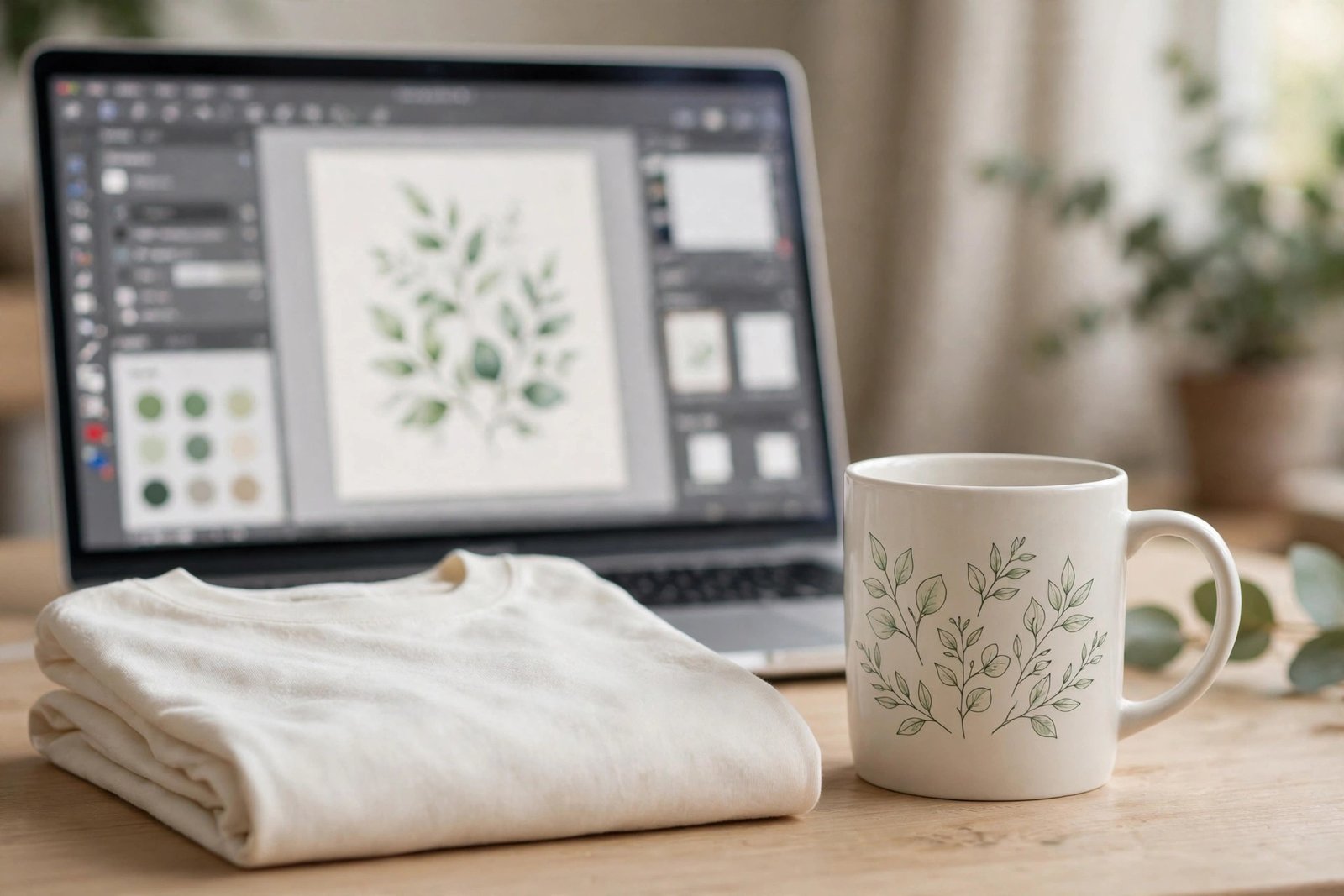
AI print on demand means selling products such as t-shirts, mugs, and posters that are printed only after a buyer orders them. You design the product, a print provider makes and ships it, and you keep the margin above print, shipping, and marketplace costs. You never hold stock, but you do need good designs, print ready files, and listings buyers can find and trust. This guide walks you through one first product properly, so you can repeat the process instead of guessing at each step.
What AI print on demand is, and what AI does not do for you
When a buyer orders, the print provider prints your design on the chosen product, packs it, and ships it to the buyer. You pay production and shipping costs at that point, and you keep the difference between the sale price and those costs, minus marketplace and payment fees. AI helps with ideas, drafts, cleanup, and listing text. It does not choose your niche, judge taste, check print quality, set a profitable price, or handle a buyer whose order arrives wrong. Those jobs stay with you, and they are where most beginners either succeed or fail.
Choose a niche you can actually sell to
A good first niche passes four tests: a specific audience you can name, gift potential, buyers with spending power, and room to compete without copying bestsellers. Test demand before you design a full catalogue. Search the marketplace for your idea, read bestseller listings, check search trends for the same phrases, and look for clues in reviews about what buyers wanted and did not get. Be careful with AI trend claims: an AI tool can invent a trending niche, so check it against live marketplace data before you trust it.
Niches that work well for a first shop include hobby and profession gifts, such as designs for nurses, teachers, runners, or gardeners, and calm home decor such as botanical or minimalist prints. Avoid niches built on trademarked characters, slogans, brands, or real people at the start, because those listings get removed and can put your shop at risk. If you want to sell art rather than merch, our guide to selling AI art online covers digital downloads and wall art in detail.
Pick your selling route before you design anything
| Route | Best for | Trade-off |
|---|---|---|
| Etsy plus a print provider | Beginners who want built in buyers | Listing and transaction fees, plus production partner disclosure |
| Shopify or WooCommerce plus a print provider | Sellers who want brand control | More setup, and you must bring your own traffic |
| Marketplace upload sites | Low setup effort | Lower control, and royalties or margins differ by site |
Choose by budget, time, and traffic. If you have no audience yet, a marketplace with built in buyers is usually the better first route. If you already have traffic, an owned store gives you more control. Printify's print on demand overview explains the basic model in plain terms: create an account, choose products, customise them with a design, and list them online, paying production and shipping when an order is placed.
Set up your first product the right way
Choose one hero product for your first launch, such as a t-shirt or a mug, and learn that product properly before adding five more. Connect your print provider to your sales channel, set the product details, colours, and shipping options, and check that the provider's print area matches your design. Then order one sample and judge it like a buyer: check the print sharpness, the colours, the placement, the fabric or material, and the packaging. A sample costs money, but it prevents the far larger cost of selling a product you have never seen.
Make your first AI design print ready
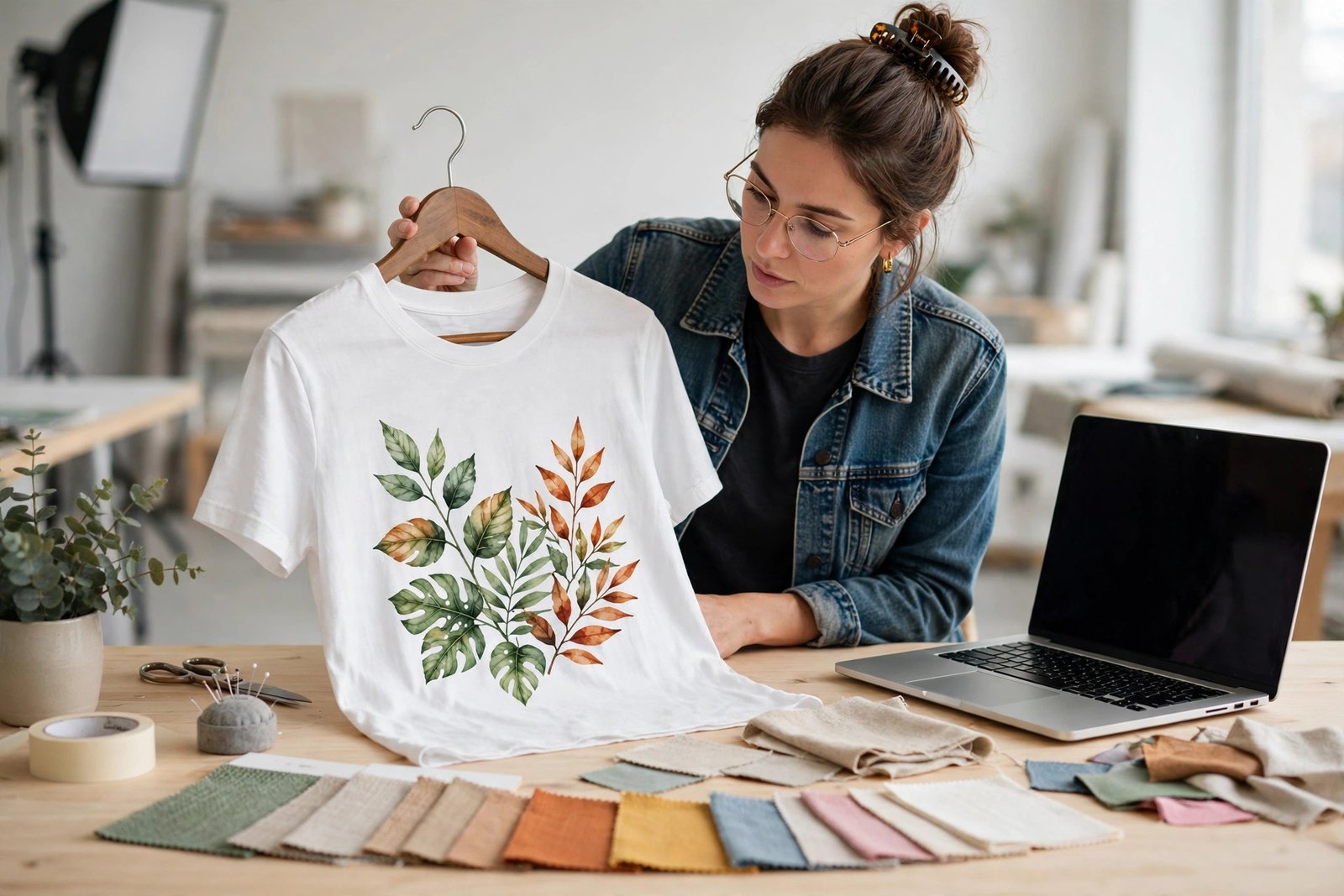
Write a prompt that controls subject, style, palette, and background in one clear instruction, then generate several variants and keep only the strongest one. Fix text letter by letter, because AI text errors are the most visible print failure, and check edges and backgrounds before export. Use a limited colour palette for apparel, a transparent PNG where the product needs it, and a file sized for the actual print dimensions.
Run this pre-upload checklist every time:
- File sized for the print area at 150 to 300 DPI, checked in the provider's file guidelines
- Transparent PNG for apparel and merch, or the format the provider asks for
- Text proofread at full size, letter by letter
- Colours checked against the product colour, not only on screen
- Safe margins respected, so no important detail sits at the edge
- Design inspected at 100 percent zoom, not only as a small preview
Printful's help article on DPI, resolution, and actual print file size explains why a file must be sized to actual print dimensions, and its guide to preparing a print file covers the checks for printed products. A design can look sharp on screen and fail at print size, so never skip the full size check.
Publish a listing buyers can find and trust
Write a title that leads with what the buyer searched for, such as the audience and the product, then the style. Tags should use buyer words, including the audience, the occasion, and the style. Your description should answer buyer questions: what the product is, what it is made of, which sizes or colours are available, how long shipping takes, and what happens if the print arrives faulty. Mockups matter as much as the design: show the product worn or in use, on a plain background, and at a realistic scale, rather than only showing the flat design file.
Where a marketplace requires it, disclose your production partner plainly, and do not describe AI generated work as handmade where that would mislead buyers. Check the current marketplace policy pages before you publish, because disclosure and production partner rules change.
Price it with a worksheet
Separate every cost before you set a price: print cost, shipping cost, marketplace listing fee, transaction fee, payment processing fee, and any tool subscription shared across products. Profit per sale is what remains after all of those. A simple worksheet, using illustrative figures only, might look like this for one t-shirt: sale price, minus print cost, minus shipping, minus marketplace and payment fees, equals profit per sale. Work it out with your provider's live prices and your marketplace's live fees, because costs copied from an old guide will be wrong.
Check the live listing on a phone after publishing, because most buyers shop on mobile. If the title is cut off, the mockup looks small, or the price looks wrong on mobile, fix it before you promote the listing.
Get your first views without guessing
Search friendly titles and tags come first, before paid ads. A new shop should not pay for ads until it has organic sales and a listing that converts, because ads send traffic to a listing that may not yet be ready. Simple, repeatable promotion helps: Pinterest pins for each product, short videos showing the product in use, and posts in niche communities where the audience already gathers, without spamming.
Measure the first 30 days by views, clicks, favourites, and sales, not by feelings. Views with no clicks usually mean the mockup or title needs work. Clicks with no sales usually mean the price, the product details, or the reviews need work. No views at all usually means the search terms are wrong or the niche is too crowded for a new listing to rank yet.
Handle orders, problems, and buyers well
When a print arrives wrong, late, or damaged, reply quickly, ask for a photo, and contact your print provider for a reprint or replacement where the fault is real. Refunds and replacements handled politely protect your shop rating far more than arguing about fault. Keep messages short, factual, and friendly, and track which designs earn views, clicks, and sales so you can retire weak designs, improve listings that almost convert, and expand winners to new products, such as moving a winning t-shirt design to a mug or a tote bag.
Grow from one product to a small catalogue
Use a repeatable weekly routine: research one niche clue, design one product properly, list it fully, and review last week's data. Expand a winning design without copying yourself by changing the product, the colour, or the layout, while keeping the style consistent. Paid promotion makes sense only after a listing converts organically and you know the profit per sale, so you can judge whether an ad click is worth paying for.
Costs, profit, and honest expectations
Startup costs are low but not zero: a possible AI tool subscription, marketplace listing fees, and at least one sample order. Income varies with niche, design quality, price, competition, and effort, and a headline monthly figure from another guide is not a promise for your shop. A new shop needs time to gain search trust, and many beginners see little or no revenue in the first month. That is normal, not a sign to quit after two weeks, provided listings are improving and data is being reviewed.
Follow a 30 day launch plan. Week 1: validate a niche and choose one hero product. Week 2: make the design print ready and order a sample. Week 3: publish the listing fully and check it on mobile. Week 4: review the data, fix the weakest part, and plan the next product. If you want to sell services instead of products, read our guide to offering AI services as a freelancer, and for a broader start, read our beginner guide to making money with AI. You can browse all of our AI earning guides for the full collection.
Frequently asked questions
Do I need design skills to start AI print on demand?
No, but you need taste and a quality check. AI can draft a design, but you must judge it, fix text and edges, and check it at print size before listing it.
Can I sell AI generated designs on Etsy?
Yes, provided you follow Etsy's current rules, including AI disclosure and production partner disclosure where required, and you avoid trademarked characters, slogans, and brands. Check the current Etsy policy pages before you open a shop.
Do I need to buy inventory?
No. Print on demand products are made after a buyer orders, so you pay production and shipping costs per order, not upfront stock costs.
How much does it cost to start?
Startup costs are low: a possible AI tool subscription, marketplace listing fees, and a sample order. Check live provider and marketplace prices before you price anything.
How many designs do I need before I see sales?
There is no fixed number, and volume alone does not guarantee sales. A small catalogue of well targeted, print ready listings with good search titles usually beats a large catalogue of rushed designs.
What happens if a customer receives a faulty print?
Reply quickly, ask for a photo, and contact your print provider for a reprint or replacement where the fault is real. Polite, fast handling protects your shop rating.