How to Get a Remote Customer Service Job in 2026
Learning how to get a remote customer service job is a good first step into remote work, because these roles hire beginners more often than most remote jobs do. The work is real, the hours are usually fixed, and you do not need a degree to start. The catch is that the competition is high, and many listings ask for experience you may not have on paper. This guide shows you how to turn the experience you already have into a strong application, where beginners actually get hired, and how to pass the tests and the interview.
This guide is for beginners who want a remote customer service job, including people with no office experience and people changing careers from retail, hospitality, or care work. You will learn what the job involves, what employers ask for, how to write your CV, which employers hire beginners, how to set up your home office, and how to avoid the scams that target this kind of job.
In this guide
- What the job really involves
- What employers actually ask for
- Step 1: Turn past jobs into customer service experience
- Step 2: Pick the right first employers
- Step 3: Set up your home office and pass the tech check
- Step 4: Learn the basics of one help desk tool
- Step 5: Apply well and track applications
- Step 6: Pass the tests and the interview
- What it costs and what to expect
- Common mistakes
- Risks and scams to watch for
- Frequently asked questions
What the job really involves
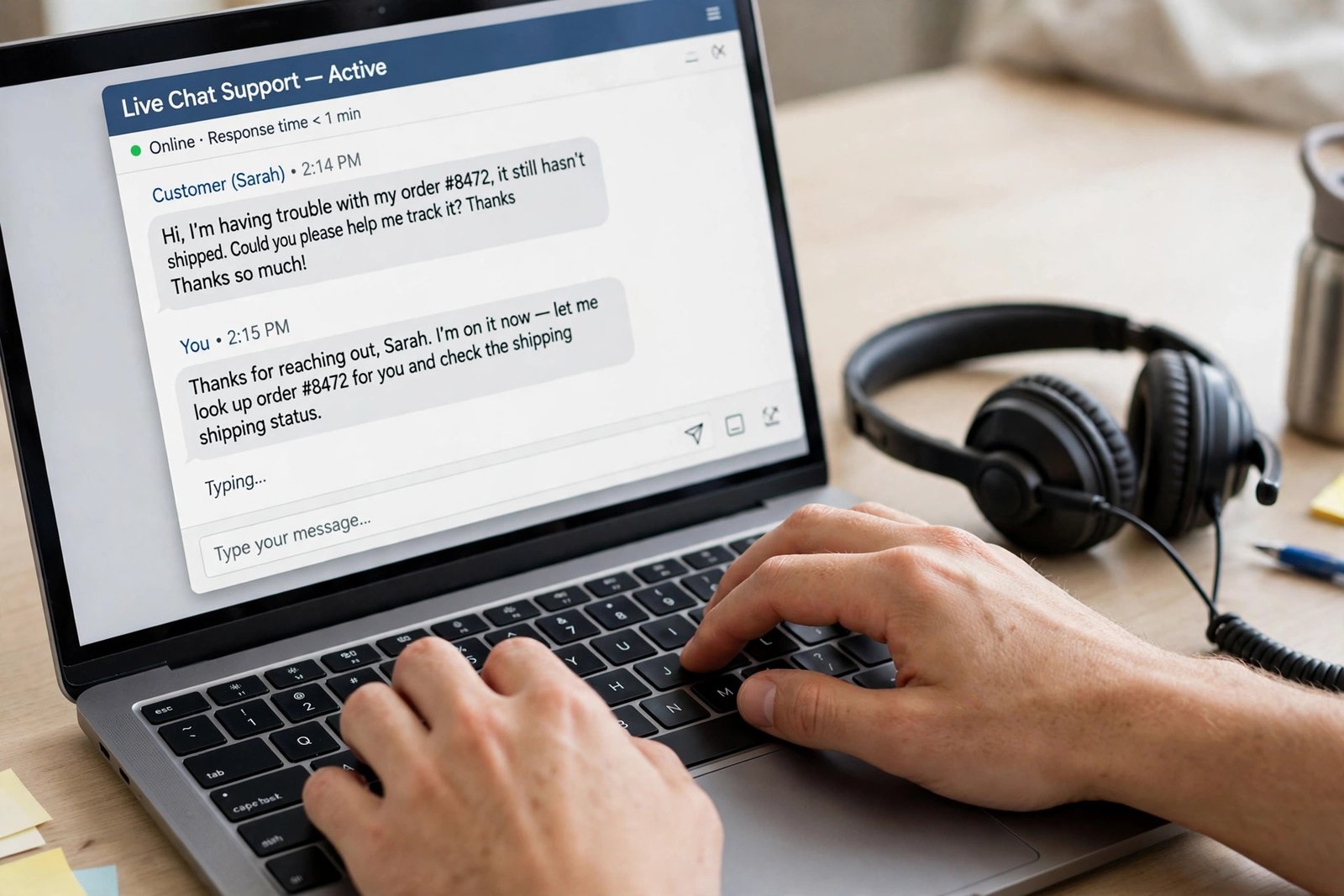
A remote customer service job means helping customers from your home, by phone, live chat, or email. You answer questions, fix simple problems, take orders, and pass harder problems to a specialist team. You work set shifts, and your work is measured, usually by how fast you reply, how many cases you close, and how customers rate you.
A typical day starts with logging in to the help desk system, which is the software that holds customer messages. You work through a queue of messages, one at a time. Between messages you update notes, check the product guide, and ask a team lead for help when a case is unclear. Some roles are mostly phone calls, some are mostly chat, and some mix both.
The three types of role suit different people, so pick the type that fits you, not the one that pays a little more.
| Role type | What you do | Who it suits | What to watch for |
|---|---|---|---|
| Phone support | Take calls, solve problems live, log each call | Confident speakers who like talking | Long calls, angry callers, fixed talk time targets |
| Live chat support | Answer written chats, often two or three at once | Fast typists who write clearly | Juggling several chats at once, short reply targets |
| Email support | Answer emails within a set time, usually hours | Careful writers who like time to think | Large backlogs after weekends, detailed replies |
Chat-only roles are a good first step if you are nervous about phone work, and several employers hire for chat only. Email roles are rarer for beginners, because they often go to staff who already know the product. Phone roles hire the most beginners, because the volume of calls is high and the training is standard.
What employers actually ask for
Most listings ask for the same short list, and it is less demanding than it looks. The first item is usually one year of customer-facing work, and retail, hospitality, care work, and call centre work all count. A degree is rarely required, and when a listing says a degree is preferred, it usually means it is nice to have, not essential.
Employers also ask for clear spoken and written English, a typing speed of around 30 to 40 words per minute, and a calm manner under pressure. They check that you can use a computer, follow a script, and learn a new system quickly. A quiet place to work, a reliable internet connection, and a headset are standard requirements.
Location limits matter more than most beginners expect. Many listings say US only, or name the states where you must live, because of tax and employment law. If you live outside the United States, look for outsourcing companies and global employers that hire in your country, and check the location line on every listing before you apply. Applying for a US-only role from another country wastes your time and the employer's time.
Step 1: Turn past jobs into customer service experience
"No experience" in a job listing rarely means no work history at all. It usually means about one year of customer-facing work, and most people already have that. Your job is to translate your past jobs into customer service language on your CV.
Start by listing every job where you dealt with people: shop work, waiting tables, hotel reception, care work, delivery driving, and school or volunteer work. For each one, write down what you did that matches support work. Did you calm an unhappy customer? Did you explain a product? Did you take bookings? Did you handle money? Each of those is a customer service skill.
Then rewrite your CV bullets in the employer's language. A weak bullet says "Worked in a shop." A strong bullet says "Served 50 customers a day in a busy shop, handled complaints calmly, and processed returns following store policy." The second version shows the same job, but it proves the skills the employer wants. For the full CV method, read how to write a CV for remote jobs.
Here is a worked example of a before and after CV line for a retail worker.
| Before | After |
|---|---|
| Worked at a clothing store for two years. | Helped 60 customers a day in a busy clothing store, answered questions about sizes and returns, and resolved complaints calmly following store policy. |
| Answered the phone sometimes. | Took customer calls about orders and delivery times, logged each call in the store system, and passed urgent cases to the manager the same day. |
Use three or four bullets like this, and put them at the top of your CV, under a short summary that names the role you want. Keep the whole CV to two pages at most.
Step 2: Pick the right first employers
Beginners get hired fastest by outsourcing companies, which are firms that run customer service for other brands. These companies hire in volume, train new staff, and accept people with retail or hospitality experience. Healthcare and telehealth support is a second good route, because it needs patient, careful people more than it needs technical skill. Tech and finance support pays better, but it usually asks for product knowledge or previous support work, so aim for it as your second job, not your first.
| Employer type | Why beginners get hired | What the work looks like | Watch out for |
|---|---|---|---|
| Outsourcing companies | High volume hiring, full training, low entry bar | Support for several brands, set scripts, shift work | Night shifts and weekend work are common |
| Healthcare and telehealth | Needs patience and care, not tech skill | Booking, patient questions, prescription queries | Background checks and strict privacy rules |
| Tech and finance | Better pay, clearer career path | Product support, account questions, billing help | Usually asks for previous support experience |
Check the employer's own careers page, not just a job board, and read the reviews from current staff before you apply. Look for the shift pattern, the training length, and whether the role is full time or part time. If a company hires in your country, its careers page will say so.
Step 3: Set up your home office and pass the tech check
Most employers run a tech check before they offer you the job. They check your internet speed, your computer, and your headset, and some ask you to run a speed test on a video call. Prepare for this before you apply, so a failed check does not cost you an offer.
You need a quiet room with a door you can close, a desk and a chair you can sit at for a full shift, and a wired internet connection if you can manage it. Wi-Fi works, but a cable is more stable, and a dropped call during a test looks bad. Most listings ask for a download speed of at least 10 to 25 megabits per second, but the exact figure varies, so check the listing and test your speed on the day you apply.
Your computer should be a laptop or desktop made in the last five years, with a working webcam and a USB headset with a microphone. A phone headset is not enough for most employers. Test the microphone on a call with a friend, and check that background noise is low. If you share your home, agree quiet hours with the people you live with before your first shift.
Step 4: Learn the basics of one help desk tool
A help desk tool is the software that holds customer messages, and every support team uses one. The best known are Zendesk, Salesforce, Intercom, Freshdesk, Gorgias, and Kustomer. You do not need to learn them all. Learn one well, and put it on your CV.
Zendesk offers free learning material on its own site, and you can practise the basic flow in an afternoon: open a ticket, which is a single customer case, read the customer message, write a reply, set the ticket status, and close it when the case is done. Learn the words the team uses, such as ticket, queue, escalation, which means passing a case to a senior person, and macro, which is a saved reply you can reuse.
When you write your CV, name the tool and say what you can do with it. "Basic Zendesk: open and reply to tickets, set status, and escalate urgent cases" is stronger than "good computer skills", because it tells the employer exactly what you can do on day one.
Step 5: Apply well and track applications
Apply early, because many customer service roles close once enough good applications arrive. Set up alerts on the job boards you use, and apply within two days of a listing going live. Apply directly on the employer's careers page when you can, because applications sent through the company site are often seen first.
Aim for five tailored applications a day, not fifty copied ones. Tailored means you read the listing, you change your CV summary to match the role, and you write a short cover note that names the product and the shift pattern. A copied application is easy to spot, and it rarely gets a reply.
Track every application in a simple sheet, with the company, the role, the date you applied, and the result. This stops you applying for the same role twice, and it shows you which kind of listing gets replies. If you hear nothing after two weeks, send one polite follow-up email, then move on. If you are rejected, keep the feedback, fix the weak point, and apply again for the next role. For more on finding genuine listings, read how to find legitimate online jobs.
Step 6: Pass the tests and the interview
Most employers test you before the interview. The usual tests are a typing test, a short grammar and spelling test, and a scenario test, where you read a customer message and write a reply. Practise typing for ten minutes a day until you reach 40 words per minute with few errors. For the scenario test, read the message twice, answer the question directly, use the customer's name, and end with a clear next step.
The interview is usually by video, and the questions are predictable. Expect "Tell me about a time you dealt with an unhappy customer", "How do you handle a customer who is angry?", and "Why do you want to work from home?" Answer with a real example from your past work, using the same structure each time: what happened, what you did, and what the result was. Keep each answer under two minutes.
Prepare three questions of your own, such as "What does training look like in the first month?" and "How is the team organised across shifts?" Good questions show you are serious about the job. For the full interview method, read how to pass a remote job interview.

What it costs and what to expect
Starting this work costs very little. A good USB headset costs around 30 to 60 dollars, and a wired internet connection may cost nothing extra if you already have broadband. You do not need to pay for training, and any employer that asks you to pay for training or equipment before you start is a warning sign, which the scams section below covers.
Pay varies by country, employer, and shift, and no honest guide can promise a figure. Coursera's 2026 guide cites a Glassdoor median of 47,000 dollars a year for a remote call centre representative in the United States, and that figure is a cited median, not a promise for a beginner. Night and weekend shifts often pay a little more, and chat-only roles sometimes pay a little less than phone roles. Check the pay on the listing itself, and compare several listings in your country before you judge what is normal.
Example only: these numbers are not typical results. Imagine a role pays 15 dollars per hour, and you work 35 hours a week. That is 525 dollars a week, or 2,100 dollars in a four-week month, before tax. If your headset cost 45 dollars and your internet already costs 40 dollars a month, your first month costs are 85 dollars, so you keep 2,015 dollars before tax in that example. Real pay, hours, and tax will differ, so use your own figures.
Expect a realistic timeline. From your first application to your first pay cheque, allow four to eight weeks: one to two weeks of applications, one to two weeks of tests and interviews, and one to two weeks of training before you start taking customers alone. Training is usually paid, but check this in the offer letter.
Common mistakes
- Applying only for the highest paid roles, and ignoring the outsourcing companies that actually hire beginners.
- Sending the same generic CV to every listing, instead of matching it to the role.
- Applying for US-only roles from another country, then wondering why there is no reply.
- Skipping the tech check, then failing it on the interview day.
- Treating the scenario test as a chat with a friend, instead of a structured reply with a clear next step.
- Giving up after ten applications, when most beginners need forty or more to get an offer.
Risks and scams to watch for
This kind of job attracts scams, because it is popular with beginners. The Federal Trade Commission, the US consumer protection agency, says honest employers will never ask you to pay to get a job. If a listing asks for a fee for training, equipment, a background check, or a starter kit, walk away. Read the FTC guidance on job scams before you apply anywhere, and report a scam at ReportFraud.ftc.gov.
Watch for these warning signs. The recruiter contacts you on a messaging app, not by email from the company domain. The job promises very high pay for very little work. You are offered the job without an interview or a test. You are sent a cheque and told to deposit it, then send part of the money back, or buy gift cards with it. That is a fake cheque scam, and the cheque will bounce while the bank asks you to repay the full amount. You are asked for bank details before any work is agreed. A real employer asks for bank details only after you have signed a contract, and only through a secure payroll form.
Verify every employer before you apply. Search the company name plus the words "scam", "review", or "complaint", and check that the careers page sits on the real company website. For the full checklist, read how to spot online job scams.
Frequently asked questions
Can I get a remote customer service job with no experience?
Yes, if you count the customer-facing work you already have, such as retail, hospitality, or care work. Most beginners start with an outsourcing company, which trains new staff and hires in volume. Build your CV around real examples of helping customers, and apply for roles that say entry level or no experience required.
Do I need a degree for a remote customer service job?
No, most listings do not require a degree. They ask for clear English, good typing, a calm manner, and a reliable home setup. A degree can help for senior roles later, but it is not needed to start.
How much do remote customer service jobs pay?
Pay varies by country, employer, and shift, so there is no single figure. Check the pay on each listing and compare several listings in your country. Night and weekend shifts often pay a little more, and phone roles often pay a little more than chat-only roles.
What equipment do I need to work customer service from home?
You need a quiet room, a computer made in the last five years, a USB headset with a microphone, a webcam, and a reliable internet connection. A wired connection is more stable than Wi-Fi. Check the exact speed the listing asks for, and test it before you apply.
Can I get a remote customer service job outside the US?
Yes, but you must check the location line on every listing. Many roles are US only, or limited to certain states. Outsourcing companies and global employers hire in many countries, so look for those first, and check the employer's careers page for your country.
How long does it take to get hired?
Allow four to eight weeks from your first application to your first pay cheque. This covers applications, tests, interviews, and training. Applying early and tracking your applications helps, because many roles close once enough good applications arrive.
Conclusion: start with outsourcing, then move up
Getting a remote customer service job in 2026 is a realistic first step into remote work, if you aim at the employers that actually hire beginners. Translate your past jobs into customer service language, set up your home office, learn one help desk tool, and apply early with a tracked, tailored application. Then prepare for the tests and the interview, and check every employer for scams before you share personal details.
Your next step is to rewrite your CV today, using the worked example above. Then read how to get a remote job with no experience, how to work as a virtual assistant for a related remote role, and how to spot online job scams before you apply anywhere. You can also browse all our guides in the online jobs category.
Note for the reader: pay, location rules, and tax rules differ by country, so check the listing and your local rules. Earning results vary; nothing on this site is financial advice.