Learning how to sell Lightroom presets online starts with a simple question: does your editing style look good on other people's photos, not just your own? A preset is a saved set of edits that a buyer applies to their own photos in one click. If it only works on your camera, your light, and your subjects, it will disappoint buyers and earn refunds. This guide shows you how to build a pack that works, package it properly, price it, and sell it without hype.
In this guide
- What is a Lightroom preset, and who buys one?
- Step 1: Build a pack worth paying for
- Step 2: Export the files buyers expect
- Step 3: Choose where to sell
- What each channel keeps from a 25 dollar sale
- Step 4: Price the pack
- Step 5: Build a product page that sells
- Step 6: Launch to the people who already like your work
- How to market presets
- Protecting your presets, honestly
- Tax, refunds, and support, before launch
- What it costs and what to expect
- Common mistakes
- Frequently asked questions
What is a Lightroom preset, and who buys one?
A Lightroom preset is a file that stores a set of edits, such as exposure, colour, contrast, and tone curves, so a buyer can apply your look to their photo with one click. The buyer still needs Lightroom, and they still need a decent photo, but the preset saves them time and gives them a style they like.
The buyers are usually amateur photographers, content creators, and small business owners who take their own photos and want them to look consistent. Wedding photographers buy presets for a moody look, travel creators buy them for bright holiday colours, and food bloggers buy them for warm, clean tones.
A preset is not a magic fix. It cannot save a badly exposed photo, and it cannot make every photo look good. Buyers who expect a miracle will ask for a refund, so your listing must be honest about what a preset can and cannot do.
Step 1: Build a pack worth paying for
A pack worth paying for starts with a clear style. Pick one look and make it consistent across the whole pack, so buyers know what they are getting.
Choose a niche that sells
Choose a niche where you already take good photos. Wedding, portrait, travel, food, real estate, and newborn photography all have buyers who want presets. Pick the niche where your own work is strongest.
Think about the buyer's problem, not your style alone. A wedding photographer wants skin tones that stay natural in church light and in bright sun. A real estate photographer wants clean, bright rooms. Build for the problem, and the style will follow.
Create the look, and test it properly
Build your preset on your own photos first, then test it on photos you did not take. Use photos from friends, free stock photos, and different cameras and lighting conditions. A preset that only works on your camera is not ready to sell.
Test across skin tones and lighting. This is the most common failure in preset packs. A preset that makes one skin tone look warm and healthy can make another look orange or grey, so test on a wide range of people and scenes before you sell.
When you save the preset, uncheck Exposure and White Balance before you save. Those two settings depend on each photo, and a preset that forces your exposure onto a buyer's photo will ruin it. Leave those settings for the buyer to adjust, and say so in your install guide.
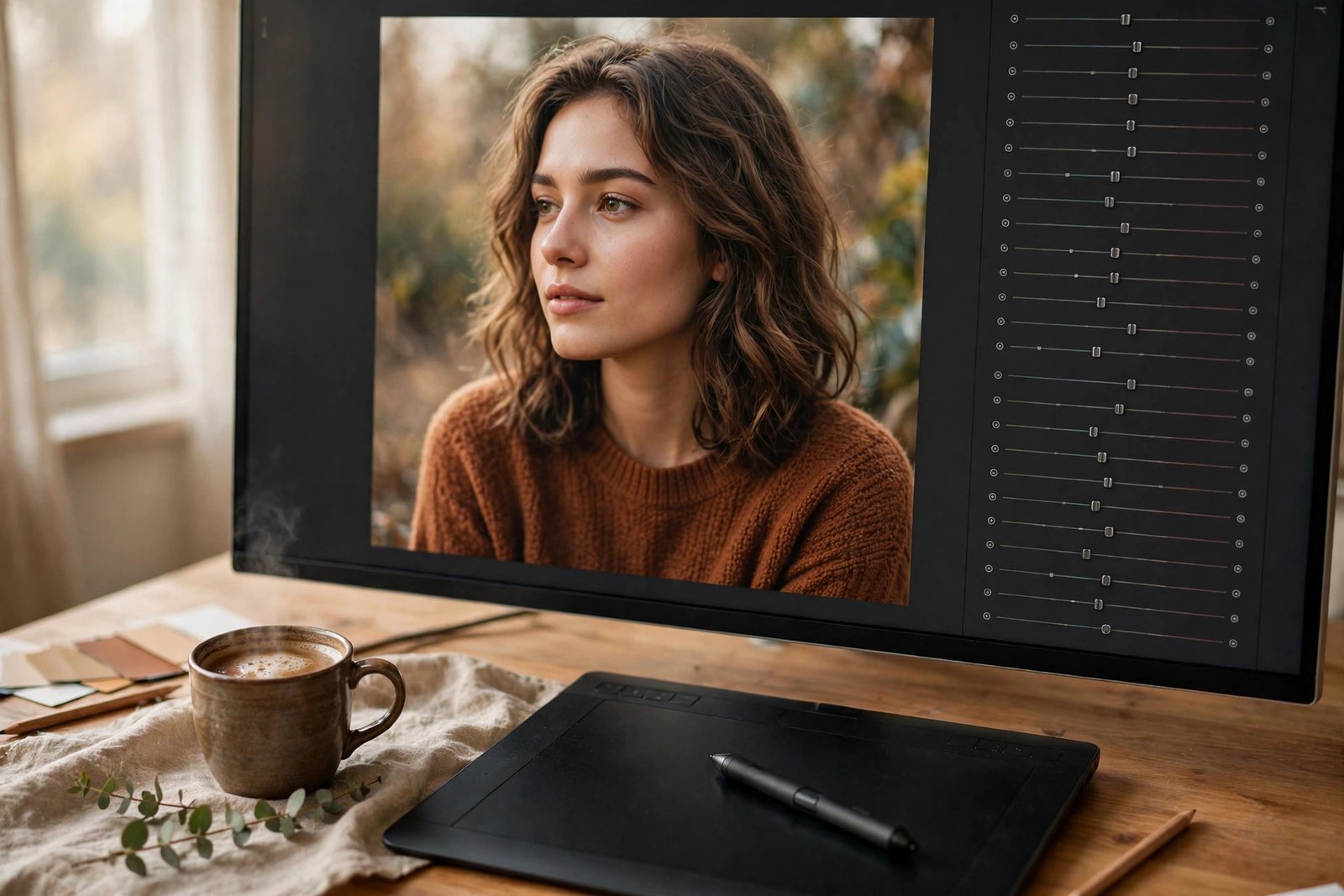
Include variations in the pack. A pack of 10 to 15 presets usually includes the main look plus lighter, darker, warmer, and cooler versions, so buyers can pick the one that fits their photo. Name each preset clearly, such as "Golden Hour Warm" or "Clean Bright", so buyers can tell them apart.
Step 2: Export the files buyers expect
Buyers use different versions of Lightroom, and each one needs a different file format. Getting this wrong is the most common cause of support emails, so package the files carefully.
XMP for desktop, DNG for mobile
Desktop Lightroom Classic and the desktop Lightroom app use XMP files, which are small files that store your edit settings. Mobile Lightroom uses DNG files, which are copies of a photo with your edits baked in, and the buyer imports the DNG and saves the preset from it.
Include both formats in your pack whenever you can, so desktop and mobile buyers are both covered. Test the install on each version yourself. Adobe's own help page on applying, creating, importing, and exporting presets in Lightroom Classic explains the steps.
| Lightroom version | File format | How the buyer installs it |
|---|---|---|
| Lightroom Classic on desktop | XMP | Imports the XMP file into the Presets panel |
| Lightroom on desktop | XMP | Imports the XMP file into the Presets panel |
| Lightroom on mobile | DNG | Imports the DNG file and saves it as a preset |
| Lightroom on tablet | DNG | Imports the DNG file and saves it as a preset |
Write the install guide
Include a short PDF install guide in the pack. It should cover desktop Classic, desktop Lightroom, and mobile DNG import, each in a few clear steps with screenshots.
The guide should also say what to do when a preset looks wrong. Tell the buyer to adjust exposure and white balance first, then to try a lighter or cooler variation from the pack. A short troubleshooting section in the guide will save you many support emails.
Step 3: Choose where to sell
You can sell presets on a marketplace, from your own website, or both. Marketplaces bring buyers to you, while your own site keeps more of each sale but brings no traffic on its own.
Marketplaces (Etsy, Creative Market, FilterGrade)
Etsy is the most popular marketplace for presets, because buyers already search there for photo products. Listing is simple, but you must follow Etsy's file rules: a listing allows 5 files of 20MB each, so a large pack may need to be split or delivered by a download link. Etsy fees are clear, and they are covered in the table below.
Creative Market sells presets too, but onboarding is invite-only, so you must apply and wait. It suits design-led packs with strong visuals. FilterGrade is a smaller marketplace made for presets and photo tools, and it is worth checking if your niche fits its audience.
Your own website or checkout
Selling from your own site keeps the most money, and it lets you build an email list of buyers. You can use a checkout tool such as Gumroad or Payhip, and you can offer bundles and discounts that marketplaces do not allow.
Most sellers start on Etsy to get their first sales and reviews, then move buyers to their own checkout over time. Our guide to sell digital products on Etsy explains the Etsy route in detail, and our guide to sell digital products with email marketing shows how to build the list that makes your own checkout work.
What each channel keeps from a 25 dollar sale
Etsy's fees are verified from its own fees page, which states a 0.20 US dollar listing fee, a 6.5 percent transaction fee, and Offsite Ads fees of 12 to 15 percent. Check the live fee pages of other channels before you compare them, because their fees change.
| Channel | Fee on a 25 dollar sale | What you keep, before payment fees |
|---|---|---|
| Etsy, no Offsite Ad | 6.5 percent plus 0.20 US dollars | About 23.18 US dollars |
| Etsy, with Offsite Ad | 6.5 percent plus 0.20 US dollars plus 12 to 15 percent | About 19.43 to 20.18 US dollars |
| Your own checkout | Payment fee only, varies by tool | Check the live pricing page |
| Creative Market | Varies by seller terms | Check the live seller terms |
Example only: on Etsy, a 25 US dollar sale without an Offsite Ad costs 1.63 US dollars in transaction fees and 0.20 US dollars in listing fees, which is 1.83 US dollars in total, so you keep about 23.18 US dollars before payment processing. 25 multiplied by 0.065 equals 1.625, and 1.625 plus 0.20 equals 1.825, so 25 minus 1.825 equals 23.175, which rounds to about 23.18 US dollars. That is an example only, and payment processing and currency fees still apply.
Step 4: Price the pack
Price by pack size and by niche, not by how long the preset took to make. A single preset usually sells for 5 to 10 US dollars, a starter pack of 5 presets for 10 to 15 US dollars, a standard collection of 10 to 15 presets for 15 to 29 US dollars, and a premium bundle for 29 to 49 US dollars or more. These are common price bands from 2025 to 2026 guides, so check what similar packs in your niche charge before you set your price.
Do not price a pack of 10 presets at 5 US dollars to win sales. A very low price attracts buyers who expect full support for almost nothing, and it signals that the pack is not worth much. A fair price with a clear refund policy earns more trust than a bargain price.
Offer a free sample preset if you can. One free preset from the pack lets buyers test the look on their own photos, and it turns curious visitors into buyers. Give the sample away on your own site in exchange for an email address, so you build a list at the same time.
Step 5: Build a product page that sells
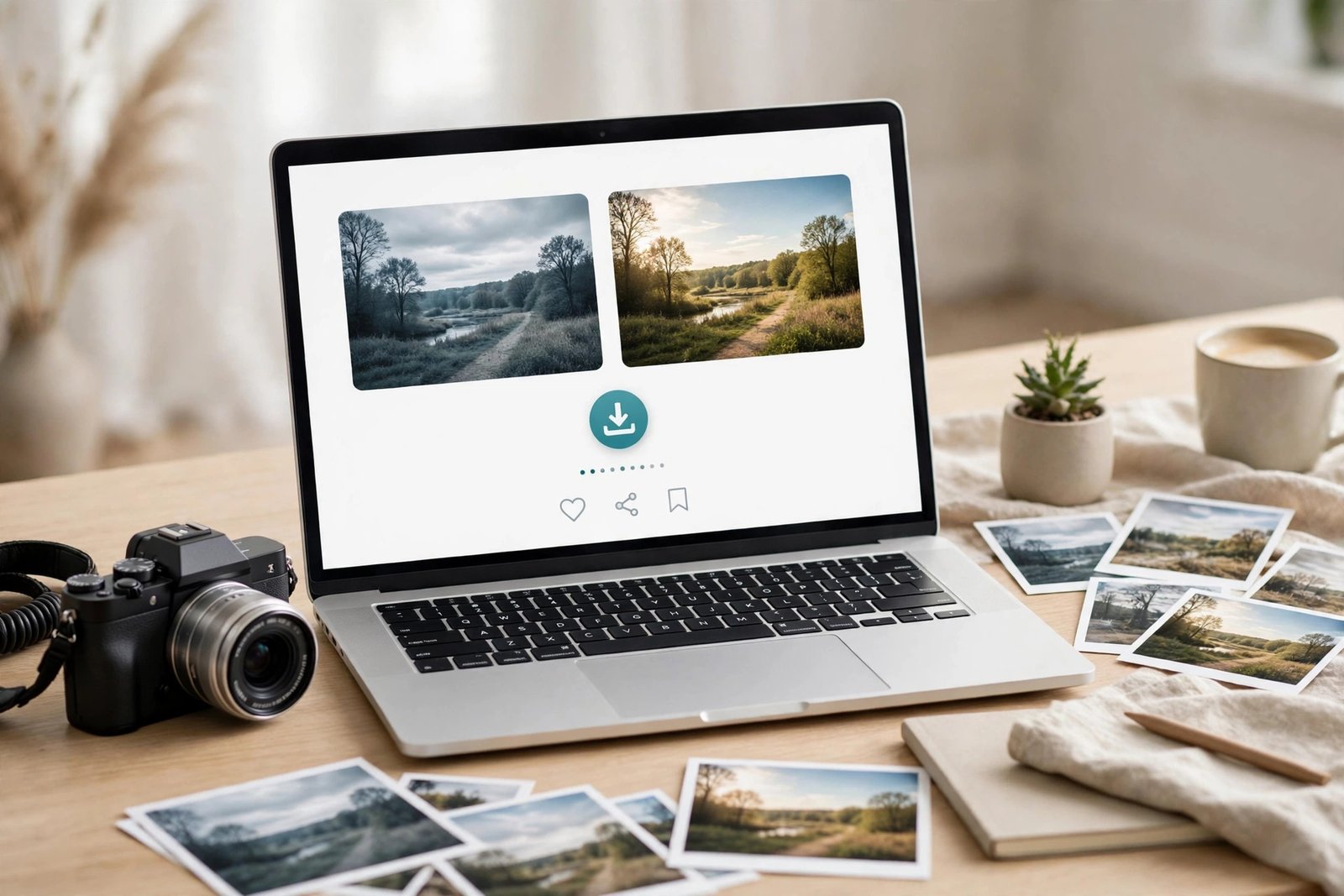
A preset product page sells with pictures, not words. Show before and after samples on at least five different photos, in different light and on different subjects. Use a slider or a side-by-side layout, and do not edit the "before" photo to make the "after" look better.
Write a short description that names the niche, the number of presets, the file formats, and the Lightroom versions it works with. Say clearly that results vary by photo, and that the buyer should adjust exposure and white balance. Honest wording reduces refunds and earns better reviews.
Include the install guide in the listing description, and say that support is available by email. Add a short FAQ on the page for the questions buyers always ask, such as whether the pack works on mobile.
Step 6: Launch to the people who already like your work
Your first buyers are the people who already follow your photography. Announce the pack to your email list, your Instagram followers, and any photography community you are part of. Show the before and after samples, and offer a launch discount for the first week.
Do not launch to strangers first. Cold traffic rarely buys a preset from an unknown seller, and paid ads before you have reviews will cost more than they earn. Launch to your own audience, collect reviews, and then spend on traffic.
If you have no audience yet, start by giving away a free sample preset and posting before and after photos where your niche gathers. A free sample that works well is the best advert for a paid pack, and it costs you nothing but time.
How to market presets
Before and after Reels are the best marketing for presets, because they show the change in two seconds. Post a short Reel that shows the raw photo, then the preset applied, then the exposure adjusted. Keep it honest, and use the same photo for both sides.
Pinterest brings steady traffic to preset pages, because photographers search there for editing ideas. Pin your before and after samples with a clear title that names the niche, such as "Moody wedding Lightroom presets". Our guide to promote digital products with Pinterest covers the method.
YouTube tutorials also work well. A short video that shows you editing a photo with your preset teaches the buyer and sells the pack at the same time. Email marketing is the third channel: send your list a new sample each month.
Protecting your presets, honestly
Be honest with yourself about piracy. A preset file cannot be locked with DRM, and anyone who buys it can share it. Watermarks and licence terms do not stop sharing, and chasing every shared copy wastes time.
What you can do is make buying easy and fair. Price the pack fairly, deliver it fast, include a good install guide, and answer support emails quickly. Most buyers will pay for a good product from a seller they trust, and the few who share it were unlikely to buy anyway.
Do not buy a service that promises to stop preset piracy. No service can do that, and the money is better spent on your next pack.
Tax, refunds, and support, before launch
Sort out tax before your first sale. Etsy and some checkout tools handle tax collection for you, but your own website may not. Digital product tax rules differ by country. Check your local tax authority or a qualified accountant before you launch.
Write your refund policy before launch, and put it on the product page. Most preset sellers offer a refund if the files do not work as described, but not if the buyer simply does not like the look. Say what the buyer should do first, such as trying a different variation or adjusting exposure.
Plan for support. Most support emails ask the same few questions: how to install, why the preset looks different on their photo, and whether it works on mobile. Answer those questions in your install guide and on the product page, and set a response time you can keep, such as within two working days.
What it costs and what to expect
Your costs are mostly time. Building and testing a pack takes one to three weeks, depending on how many photos you test it on. Listing on Etsy costs 0.20 US dollars per listing, and a checkout tool on your own site costs little to start.
Expect a slow start. A new preset pack with no reviews can take weeks to get its first sale, even in a good niche. Sales grow as reviews build and as your before and after posts reach more people. If you need income this month, presets are the wrong choice.
Do not repeat the earnings stories from other guides as facts. One named seller is often quoted as earning over 200,000 US dollars from presets, without saying over how many years or from what audience size, and other guides claim six-figure revenue without a source. Those are single examples, not typical results, and this guide does not repeat them as facts. Your results will depend on your niche, your audience, and how well your pack works on other people's photos.
Common mistakes
- Selling a preset that only works on your own camera and your own light.
- Saving Exposure and White Balance into the preset, so it ruins the buyer's photos.
- Including only XMP files, so mobile buyers cannot install the pack.
- Using one photo for all your before and after samples, so buyers cannot judge the preset.
- Pricing a pack of 10 presets at 5 US dollars and then drowning in support emails.
- Launching to strangers with paid ads before you have any reviews.
- Promising that the preset will make any photo look professional.
- Forgetting the install guide, so every buyer emails you the same question.
Frequently asked questions
Where can I sell Lightroom presets?
You can sell Lightroom presets on Etsy, Creative Market, and FilterGrade, or from your own website with a checkout tool such as Gumroad or Payhip. Most sellers start on Etsy for its built-in buyers, then move buyers to their own checkout over time. Creative Market is invite-only, so you must apply first.
How much should you charge for a Lightroom preset pack?
A pack of 10 to 15 presets usually sells for 15 to 29 US dollars, with single presets at 5 to 10 US dollars and premium bundles at 29 to 49 US dollars or more. Check what similar packs in your niche charge, and price for the support you will give.
Do people still buy Lightroom presets?
Yes, because photographers and creators want a consistent look without editing every photo from scratch. The market is crowded, so a new pack needs a clear niche, honest before and after samples, and a pack that works on many different photos.
Do you need a licence to sell Lightroom presets you made?
No licence is needed to sell presets you created yourself, because they are your own work. You do need to own the rights to any photos you use in your samples, and you must not sell presets copied from someone else. If you use sample photos from other photographers, get their written permission first.
What file format do you sell Lightroom presets in?
Sell XMP files for desktop Lightroom and Lightroom Classic, and DNG files for mobile Lightroom. Include both formats when you can, and include a PDF install guide that covers each version. Test the install on each version before you sell.
Can I sell Lightroom presets without a website?
Yes. You can sell on Etsy, Creative Market, or FilterGrade without your own website, and you can deliver files through those marketplaces. A website helps later, because it lets you build an email list and keep more of each sale.
Conclusion: how to sell Lightroom presets online in 2026
That is how to sell Lightroom presets online in 2026: build one clear look, test it on many different photos and skin tones, export both XMP and DNG files with a proper install guide, start on a marketplace such as Etsy, price the pack fairly, and launch it to the people who already like your work. Keep posting honest before and after samples, answer support quickly, and let reviews build your sales over time.
Next, read sell stock photos online, learn photo editing online, and sell digital products on Etsy if you want to grow your Etsy shop beyond presets. Browse all our guides in Digital Products guides.
Reader note: Etsy fee figures were verified from Etsy's own fees page on 2026-11-13, and the Adobe help page on presets was verified from its search result content on the same date, so open it again before you rely on it. Tax rules for digital products differ by country, so check your local rules and a qualified accountant. Earning results vary; nothing on this site is financial advice.