How to Sell Stock Photos Online in 2026
You can sell stock photos online by uploading your photos to stock agencies, where businesses, publishers, and creators pay to use them, or by selling photo packs direct from your own shop. A stock photo is a ready made image a buyer licences for a project, such as a website header, a brochure, or a social media post. This guide explains how to sell stock photos online in 2026, from choosing agencies to keywording your work so buyers can find it. It is a slow income stream, not a quick one, and results vary a lot by portfolio size, subject choice, and quality.
In this guide:
- How stock photo selling actually pays
- Step 1: Choose your routes, agencies, direct sales, or both
- Step 2: Shoot what buyers need, and avoid oversupplied subjects
- Step 3: Prepare files and releases properly
- Step 4: Apply and pass review
- Step 5: Keyword every image so buyers can find it
- Step 6: Price direct packs and run both channels
- Costs, time, and risks
- Common mistakes
- Frequently asked questions
How stock photo selling actually pays
Stock agencies usually pay photographers a royalty, which is a share of the price the buyer pays. Many buyers buy through subscriptions, so the agency sets the download price and your share is a small amount per download. A percentage alone does not tell you the cash per download, because subscription prices differ and some downloads pay very little. Other buyers pay per image, which can pay more for a single use. Direct sales work differently. You set the price for a pack or a single image licence, and you keep most of the sale after payment fees, but you must find the buyers yourself.
Two licence types matter. A royalty free licence lets a buyer pay once and use the image many times within the licence terms. A rights managed licence prices use by size, duration, and placement, and it is usually sold through larger agencies. Most beginners start with royalty free work, because it is simpler and the market is bigger. Always read the licence terms of any agency you join.
One important warning from the research for this guide: published royalty rates for one agency, Alamy, conflict across guides. Some sources state one rate, others state a tiered rate that falls if annual earnings are low. This guide therefore gives no single Alamy figure. Check the current contributor terms on the official Alamy contributor page before you rely on any rate, and treat any rate you read elsewhere as time sensitive. The same caution applies to every agency. Rates, payout thresholds, and rules change, so verify them on the official page at the time you apply.
Step 1: Choose your routes, agencies, direct sales, or both
The main agency routes are Adobe Stock, Shutterstock, iStock and Getty Images, and Alamy. Start with one or two large agencies rather than spreading a small portfolio thinly across ten sites. Alamy rate tiers need a careful read, as noted above, and smaller niche libraries can wait until your portfolio grows.
Direct sales mean selling photo packs from your own shop or a marketplace such as Etsy. You set the price, choose the licence, and keep more per sale. The trade off is traffic. Nobody finds your shop unless you bring them there through search, social media, or an email list. Many photographers run both channels: agencies for reach, and direct packs for margin. If you do this, check exclusivity rules first. Some agency agreements limit where else you may sell the same image, while non exclusive agreements let you sell the same photo on several sites. Never break an exclusivity term you have agreed to.
| Route | Main benefit | Main drawback |
|---|---|---|
| Large agencies | Huge buyer traffic, no need to find buyers | Small pay per download, strict review |
| Niche or editorial agencies | Better fit for specialist work | Smaller buyer pool, stricter rules |
| Direct packs (own shop or Etsy) | You set the price and keep more per sale | You must bring all the traffic yourself |
| Both channels, non exclusive | Reach plus margin | More admin, and exclusivity rules to track |
The guide to choosing an earning platform sets out a simple decision method, and the Etsy seller review explains Etsy fees, strengths, and downsides.
Step 2: Shoot what buyers need, and avoid oversupplied subjects
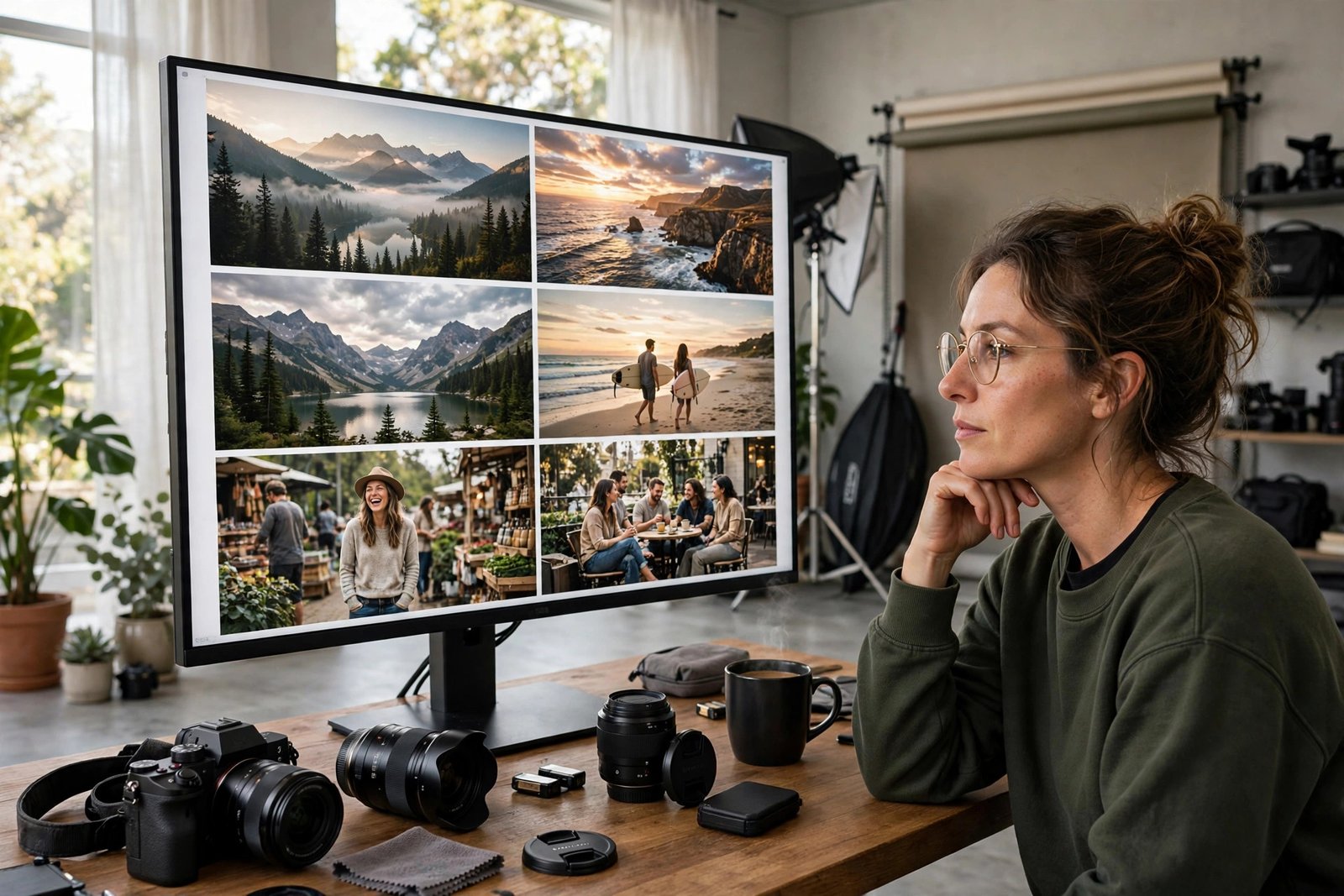
Buyers need photos that show real life, real work, and real places. Strong subjects include small business work, healthcare, education, remote work, and food preparation, with natural light and genuine expressions. Photos that show a clear concept, such as teamwork or budgeting, also sell, because buyers search for ideas, not just objects.
Some subjects are oversupplied. Sunset landscapes, generic handshakes, and posed business people in suits have been photographed millions of times. You can still shoot them, but only if your version adds something new, such as a specific place, a real activity, or an underrepresented group of people. Aim for photos that look like they belong in a real article or advert, with clean composition, good light, and space for text where a designer might add a headline. A photo with copy space, which is empty area in the image, is often more useful to a buyer than a tightly cropped shot.
You do not need the most expensive camera, but you do need sharp, well exposed, high resolution files. A recent phone can work in good light, but a dedicated camera gives more control in low light. Agencies reject photos for noise, blur, and poor lighting far more often than for subject choice.
Step 3: Prepare files and releases properly
Prepare each file to the agency standard before you upload. Export high resolution JPEG files, check sharpness at full size, remove dust spots and distracting objects, and keep colours natural. Avoid heavy filters that make skin tones look odd. Keep a clean, organised folder system with the original files, the edited exports, and the release forms, so you can find any image later.
Releases are legal forms that matter a great deal. A model release is a signed form from a recognisable person in the photo, giving permission for commercial use. A property release is a similar form for private property, such as a distinctive home, a branded building, or a work of art. You need a model release when a person is recognisable and the photo will be sold for commercial use. Photos without releases can often be sold as editorial only, which means they may be used for news and reporting, but not for advertising or product promotion. Editorial only photos have a smaller market, so get releases whenever you can. Use the release form supplied by the agency, keep a copy for every shoot, and never fake a signature.
Check each platform rules on AI generated images, since they differ, before you sell any AI work.
Step 4: Apply and pass review
Each agency has a contributor application. You usually create an account, confirm your identity and tax details, and upload a small test batch of your best photos. Reviewers check technical quality, commercial usefulness, and legal safety. Rejections are normal, even for good photographers, so treat the first batch as a test, not a verdict on your work.
Common rejection reasons include noise in shadows, soft focus, overexposure, visible brand logos, and missing releases. Fix what you can and resubmit only when the problem is truly fixed. Do not upload the same rejected photo unchanged to many agencies in the hope that one will accept it. A photo rejected for a legal reason, such as a visible trademark, will be a problem everywhere. Build a habit of reviewing your own work at full size before upload. If a photo looks soft or noisy on your screen, a reviewer will see it too.
Step 5: Keyword every image so buyers can find it
Keywording is the work that decides whether buyers ever see your photos. A keyword is a search word attached to the image, such as "baker", "bread oven", or "small business". Most agencies suggest 15 to 50 keywords per image, plus a clear title and a short description. The title should say what the photo shows in plain words. The description can add context, such as the place, the activity, and the mood. Keywords should cover who is in the photo, what they are doing, where they are, and what concept the photo shows.
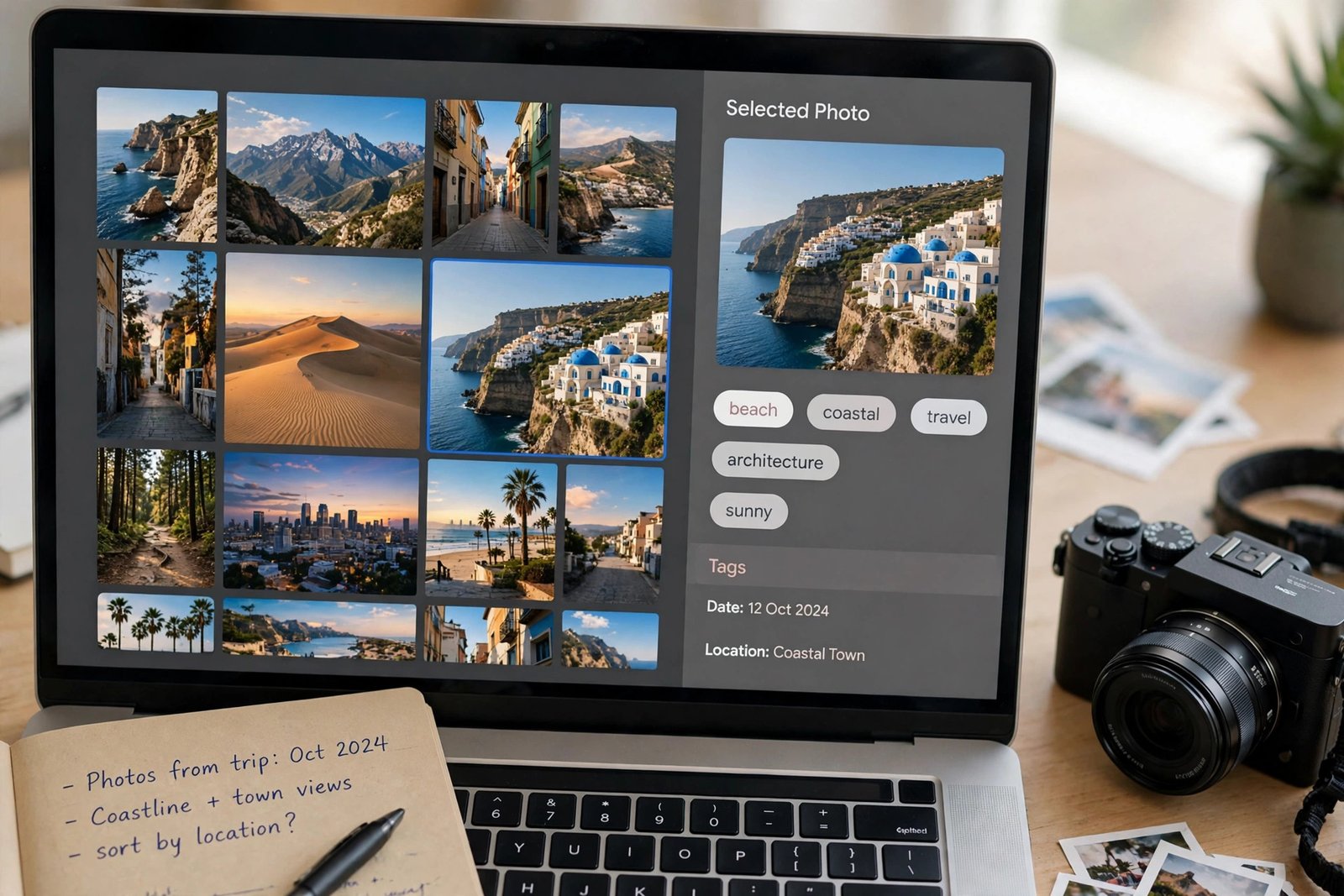
Example only: this keyword set is an illustration, not a promise of sales. For a photo of a baker sliding bread into an oven, a title might be "Baker placing fresh bread into an oven in a small bakery". Useful keywords might include baker, bakery, bread oven, fresh bread, small business, artisan food, and baking. Avoid keywords that do not match the photo, since misleading keywords frustrate buyers. Spell check every word.
Step 6: Price direct packs and run both channels
Direct packs work best when they solve one buyer job. A pack of 20 photos on one theme, such as "small bakery at work", is easier to sell than 20 unrelated photos. Give the pack a clear licence in plain words: what the buyer may do, how many projects they may use it in, and what they may not do, such as reselling the photos or claiming them as their own. Include a preview sheet with watermarked thumbnails, so buyers can see the style without getting full resolution files for free. Deliver full files only after payment, through your shop download system.
| Direct pack format | Suits | Pricing thought |
|---|---|---|
| Small themed pack, 10 to 20 photos | Bloggers and small businesses | Lower price, easy first buy |
| Large themed pack, 50 plus photos | Designers and content teams | Higher price, better value per photo |
| Single image licence, own shop | A buyer who needs one exact photo | Price by use, and state the licence clearly |
Example only: these numbers are not typical results. Suppose you sell a 20 photo bakery pack for 25 US dollars, and you sell 4 packs in a month. That is 100 dollars before payment fees and tax. If you sell none, it is zero. Start with a test batch of 20 to 50 strong photos, then aim for milestones of 100, 500, and 1,000 images, fixing rejections at each stage. Do not promise yourself income at any portfolio size.
Protect your previews with watermarks and lower resolution files, and never send full resolution files before payment. If you find unlicenced use, keep a record and follow the platform takedown process, focusing on the largest misuses first.
Costs, time, and risks
Startup costs can be low if you already own a camera, since agency accounts are free to join. Time is the largest cost: shooting, editing, keywording, and uploading 100 photos can take many weeks. Income is usually slow at first, and a small portfolio may earn nothing for months.
Risks include rejection, low pay per download, changing royalty rules, and misuse of your photos. Agencies can also change acceptance rules or close contributor programmes. Keep your original files and your release forms, so you can move your work if a platform changes. Tax rules differ by country, and agency payouts may need to be reported as income. Keep simple records of payouts, and check your local tax authority or a qualified accountant if you are unsure.
Common mistakes
- Uploading photos without checking sharpness at full size, which leads to avoidable rejections.
- Using vague titles such as "nice photo", which no buyer will ever search for.
- Adding keywords that do not match the photo, which hurts trust and search quality.
- Photographing only oversupplied subjects with nothing new to offer buyers.
- Forgetting model releases, then finding the best photos can only be sold as editorial only.
- Breaking an exclusivity agreement by selling the same photo direct when the agency forbids it.
- Judging the whole idea after 20 photos, when stock income needs a much larger portfolio.
- Spending on new gear before learning to keyword and edit well, which are the skills that actually sell photos.
Frequently asked questions
Do I need a professional camera to sell stock photos?
No, but you need sharp, high resolution, well exposed files. A recent phone can work for some subjects in good light, but a dedicated camera gives better control in low light and for large uses. Agencies judge the file, not the brand of camera, so test your files at full size before you apply.
Can I sell the same photo on multiple sites?
Yes, if your agreements are non exclusive. Many photographers sell the same photo on several agencies and direct. If you agree to an exclusive deal with one agency, you must not sell that photo elsewhere. Always read the exclusivity terms before you upload.
How much can you earn selling stock photos?
Earnings vary widely with portfolio size, subject demand, and agency download prices. Many contributors earn small amounts per download, and income builds slowly. Do not treat any per download figure you read online as a promise, since rates change.
What photos sell best on stock sites?
Photos that show real work, real people, and real places with a clear concept tend to sell well, especially in business, health, education, food, and remote work. Underrepresented subjects and locations also help, because buyers look for images they have not seen a hundred times before.
Do I need a model release for stock photos?
You need a model release when a recognisable person appears in a photo sold for commercial use. Without one, the photo may only be sold as editorial only, which limits its market. Get releases at the shoot, use the agency form, and keep a copy with the photo files.
What is the difference between royalty free and rights managed?
A royalty free licence lets a buyer pay once and use the image many times within the licence terms. A rights managed licence prices use by factors such as size, duration, and placement. Beginners usually start with royalty free work, because it is simpler and the market is larger.
Conclusion
Start with one or two agencies, upload a test batch of your strongest, well keyworded photos with releases in place, fix rejections properly, and build toward a larger portfolio one theme at a time. Add direct packs only for themes where you can bring your own buyers, and keep your licences clear. Your useful next step is to pick your ten strongest photos this week, keyword them properly, and submit them as a test batch. For related reading, see the guide to learning graphic design online for editing skills, the guide to selling templates online for direct pack ideas, and the Digital Products category page. Earning results vary, and nothing on this site is financial advice.
================================================================================