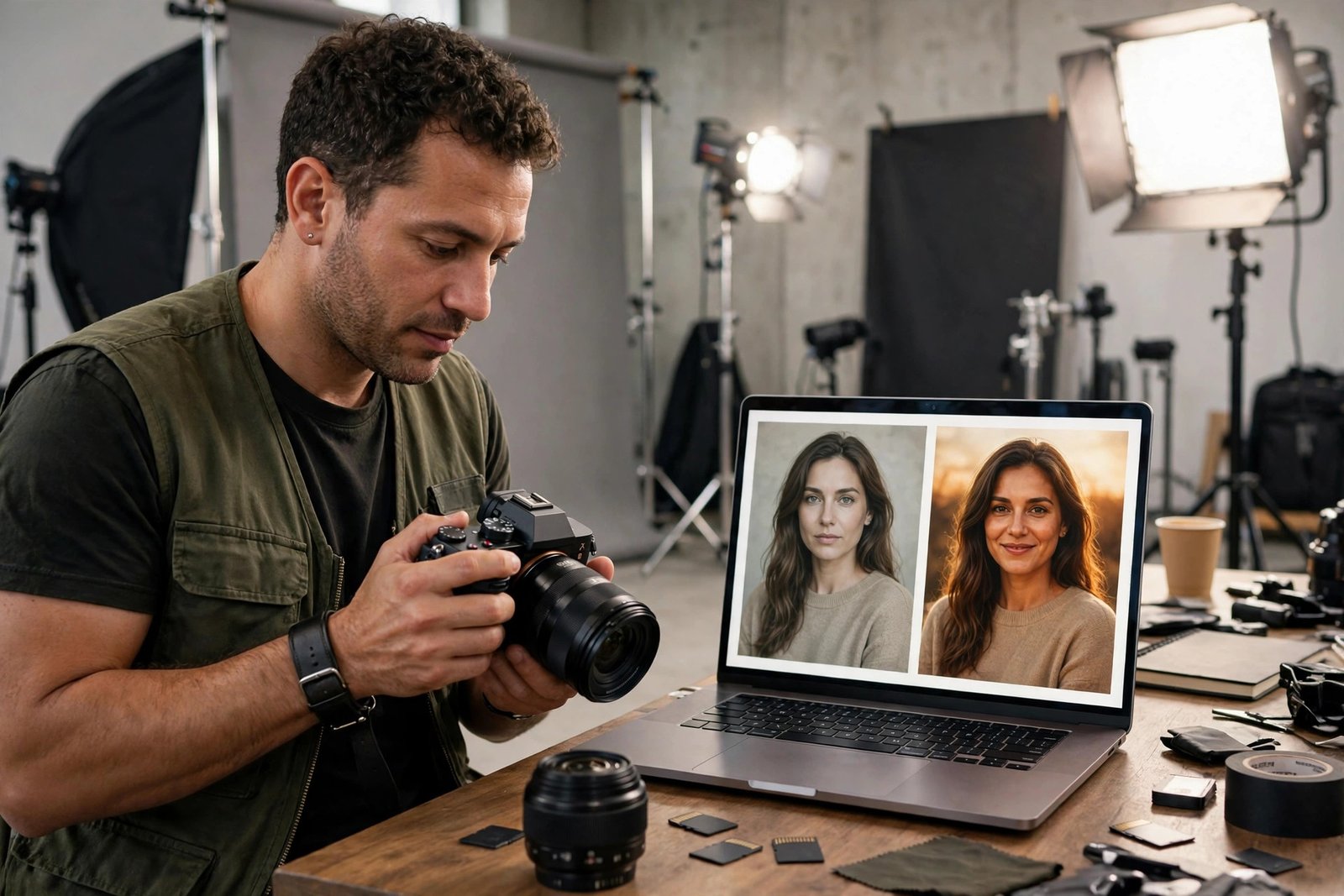
Learning how to sell stock videos online starts with a simple idea: film clips that other people need, upload them to a stock library, and earn a share each time a buyer licenses one. It sounds simple, and the work is simple to explain, but the income is slow. Most clips sell rarely, and a useful library takes months to build. This guide shows you what to film, how to prepare clips, where to sell them, and how to stay honest about the income.
In this guide
- What is stock video, and who buys it?
- How selling stock video works
- Step 1: Choose what to film
- Step 2: Film clips buyers actually want
- Step 3: Edit and prepare your clips
- Step 4: Sort out model releases and property releases
- Step 5: Choose where to sell
- Step 6: Title, keyword, and upload your clips
- How much can you earn, honestly?
- What to do when a clip is rejected
- Common mistakes
- Risks and things to watch for
- Frequently asked questions
What is stock video, and who buys it?
Stock video is ready-made footage that buyers license instead of filming themselves. A clip of a city street, a handshake, a sunrise, or a chef chopping vegetables can appear in a business video, a news segment, a wedding film, a YouTube video, or an advert.
The buyers are usually video editors, marketers, small businesses, and creators who need footage fast. They search a stock library, preview a clip, pay a licence fee, and download it. They do not want art for its own sake. They want a clean, usable clip that fits their project without extra work.
That is good news for a beginner. You do not need a cinema camera or a film crew. You need steady, well-lit, honest clips of real life, filmed with care and uploaded with good keywords.
How selling stock video works
You sign up as a contributor on a stock marketplace, upload your clips, and wait for review. Each clip is checked for technical quality, legal problems, and commercial value. Accepted clips go live in the library, and you earn a share of each licence sale.
Most marketplaces use a royalty-free licence. That means a buyer pays once and can use the clip in many projects, within the licence terms. A smaller number of sales use a rights-managed licence, where the price depends on how the buyer will use the clip. Royalty-free is the standard for beginners, and it is what most of this guide covers.
You keep the copyright to your clips under a non-exclusive deal, which means you can sell the same clip on more than one site. Some sites offer exclusive deals that pay more per sale but stop you selling elsewhere. Start non-exclusive until you know which sites sell your work best.
Step 1: Choose what to film
Film what buyers search for, not what you enjoy filming most. The best-selling clips solve a problem for an editor: a business handshake, a family cooking dinner, a drone shot over a coastline, a nurse checking a patient, a shopkeeper opening a store.
Start with subjects near you. Your town, your work, your hobbies, and your family life all contain footage buyers need. A clean shot of a local market, a craftsman at work, or a rainy street can sell, because buyers need real places and real people.
Avoid subjects that are hard to sell. Clips with recognisable logos, brand names, or famous landmarks can be rejected for legal reasons. Clips of events that need permission, such as concerts or private venues, are also risky. When in doubt, film something else.
Pick one or two niches to start. Business and lifestyle clips suit most beginners, because they are easy to film and always in demand. Drone footage sells well if you can fly legally in your country, and you must check local drone rules before you fly. Travel and nature clips also sell, but they need good light and steady camera work.
Step 2: Film clips buyers actually want
A stock clip should be 10 to 30 seconds long, steady, and easy to cut into a longer video. Film with a tripod or a gimbal when you can, and avoid shaky handheld shots. Keep the camera still and let the action move inside the frame.
Light matters more than the camera. Film in soft daylight or golden hour when you can, and avoid harsh midday sun that creates hard shadows. If you film indoors, use a window as your main light and add a simple lamp to fill the shadows.
Film each idea in more than one way. Shoot a wide shot, a medium shot, and a close shot of the same subject, and film it for 15 seconds longer than you think you need. Editors like choice, and a clip that is too short is hard to use.
Check your sound too. Many stock sites want clean natural sound or no sound at all, and a clip with wind noise or a loud background will be rejected. Record a few seconds of quiet room tone at each location, and mute the audio in editing if it adds nothing.
Step 3: Edit and prepare your clips
Edit each clip before you upload it. Cut the shaky start and end, fix the exposure and white balance, and export at the highest quality your camera supports. Most marketplaces accept 4K and Full HD, and 4K clips usually earn more because buyers can crop them.
Keep your export settings simple. Use a common codec such as H.264, keep the frame rate the same as the original footage, and do not add music, text, or logos to the clip. Buyers add their own music and text, and anything you add will limit the clip's uses.
Name your files clearly before upload, using the subject and the location, such as "baker-kneading-dough-morning". A clear filename helps you find the clip later and helps the site process it correctly.
| Clip setting | What to aim for |
|---|---|
| Length | 10 to 30 seconds, steady and easy to cut |
| Resolution | Full HD or 4K, at the highest quality your camera supports |
| File format | MP4 in H.264, at the same frame rate as the original footage |
| Sound | Clean natural sound, or mute the audio if it adds nothing |
| Extras | No music, text, logos, or watermarks added to the clip |
If you are new to editing, our guide to edit videos for beginners covers the basics, and the same skills apply to stock clips.

Step 4: Sort out model releases and property releases
A model release is a signed form from a recognisable person in your clip, giving you permission to sell footage of them. A property release is the same idea for a recognisable private place, such as a home, a shop, or a private building.
You need a model release for any clip where a person is recognisable, even if they are in the background. You need a property release for private property that is clearly identifiable. You do not need a release for a public street scene where people are small and unrecognisable, but the rules differ by site, so check each marketplace's own requirements.
Get the release signed at the time of filming, not later. Keep a photo of the signed form on your phone, and keep the original in a folder with the clip. Most marketplaces have their own release form you can download and use.
Never film someone who has said no, and never film children without a parent's written permission. A clip that breaks these rules can be rejected, and it can also create legal trouble. When in doubt, leave the person out of the frame.
Step 5: Choose where to sell
The four main stock video marketplaces are Shutterstock, Adobe Stock, Pond5, and Storyblocks. Each one works a little differently, and the right choice depends on your clips and your goals.
Stock marketplaces (Shutterstock, Adobe Stock, Pond5, Storyblocks)
Shutterstock has the largest buyer audience, and it is a good first site for most contributors. Adobe Stock is built into Adobe's tools, so buyers who already use Premiere Pro find it easily, and you can sign up through the Adobe Stock contributor programme, which explains signing up with an Adobe ID and the content types it accepts. Pond5 lets contributors set their own prices, which suits sellers who want more control. Storyblocks uses a subscription model, where buyers download many clips and contributors earn from the subscription pool.
Check each site's current commission and payout rules on its own contributor pages before you upload, because these figures change and third-party guides often disagree. This guide states no royalty percentage as fact, because the ranges in competitor guides are unsourced. Payouts usually go by PayPal or bank transfer, and most sites have a minimum payout amount you must reach before they pay you.
Selling from your own store
You can also sell clips from your own website, using a shop or a download store. You keep more of each sale, but you must bring your own buyers, which is hard for a new seller. Most contributors start on marketplaces and add their own store later, once they have a library and an audience. Our guide to launch a digital product on Gumroad shows how a hosted storefront works, and the same steps fit video clips.
| Marketplace | Best for | What to check first |
|---|---|---|
| Shutterstock | Largest audience, good first site | Contributor terms, review rules, payout threshold |
| Adobe Stock | Buyers who use Adobe tools | Contributor programme terms and accepted content |
| Pond5 | Sellers who want to set their own prices | Price control, commission, payout rules |
| Storyblocks | Steady subscription income | How subscription earnings are shared |
| Your own store | Sellers with an audience | Payment fees, delivery, and how buyers find you |

Step 6: Title, keyword, and upload your clips
Good keywords are what make a clip sell. Buyers search with plain words, so title and keyword your clips the way a buyer would search. A clip of a dog running on a beach should be titled "Happy dog running on a beach at sunset", with keywords such as dog, beach, sunset, running, pet, summer, and ocean.
Write the title first, then add 10 to 30 keywords that describe what is in the clip, where it was filmed, and how a buyer might use it. Include the subject, the action, the setting, the mood, and the season. Do not add keywords that are not in the clip, because that hurts your search ranking and can get the clip rejected.
Choose the right category for each clip, such as business, lifestyle, nature, or travel. A clip in the wrong category will not be found by the buyers who need it.
Upload in small batches and watch the results. Upload 10 clips, see which ones are accepted, and learn from the rejections before you upload the next batch. A steady pace of a few clips a week beats a single large upload that fills your library with weak clips.
How much can you earn, honestly?
Stock video income is slow and uneven. A clip may sell once a month, once a year, or never. The income comes from the size of your library and how well your clips match what buyers search for, not from any single clip.
Example only: if you film 10 clips a week for 10 weeks, you will have 100 clips in your library. 10 multiplied by 10 equals 100. That is a useful starting library, and it is the kind of steady pace that gives you a real chance of regular sales. It is not a promise of income, and some clips in that library will never sell.
Do not believe guides that call stock video passive income. The income is only passive after months of filming, editing, keywording, and uploading. If you stop uploading, your library slowly goes out of date, and sales fall. Treat it as a side income that grows with your library, not as a salary.
If you also sell photos, our guide to sell stock photos online uses the same marketplace skills, and many contributors sell both.
What to do when a clip is rejected
Rejections are normal, and every contributor gets them. Read the reason the site gives, and do not take it personally. The most common reasons are technical problems, such as noise, poor focus, or shaky footage, and legal problems, such as a missing release or a visible logo.
Fix what you can and resubmit only if the site allows it. If the clip has a logo in the frame, crop it out or film the shot again without the logo. If the clip is too dark, brighten it in editing and check it on a different screen. If the site says the clip has no commercial value, accept the decision and move on, because arguing rarely helps.
Keep a note of your rejection reasons. If the same reason appears again and again, fix the filming habit that causes it. Rejections are free feedback, and contributors who learn from them improve faster than those who ignore them.
Common mistakes
- Uploading shaky or poorly lit clips and hoping the site will accept them.
- Filming recognisable people without a signed model release.
- Using keywords that are not in the clip, which hurts search ranking.
- Selling the same clip as exclusive on one site and non-exclusive on another.
- Expecting fast income from a small library of ten or twenty clips.
- Adding music, text, or a watermark to the clip, which limits how buyers can use it.
- Ignoring rejections instead of learning from the reasons given.
- Filming logos and brand names that force a rejection.
Risks and things to watch for
Be careful with sites that charge you to upload or to join as a contributor. Real stock marketplaces do not charge contributors to join. They earn from the sale, not from you. A site that asks for an upfront fee is a warning sign.
Check the licence terms before you upload. A non-exclusive deal lets you sell the same clip elsewhere, while an exclusive deal does not. Do not sign an exclusive deal for a whole library without understanding what you give up.
Drone footage needs care. Many countries require a licence or registration to fly a drone, and some places ban drones entirely. Check your local rules before you fly, and never fly over crowds or near airports.
Tax rules for stock income differ by country, and some marketplaces ask for tax forms before they pay you. Check your local tax authority or a qualified accountant, and keep records of every payout.
Frequently asked questions
Where can I sell stock videos?
You can sell stock videos on Shutterstock, Adobe Stock, Pond5, and Storyblocks, which are the four main marketplaces. You can also sell from your own website once you have an audience. Most beginners start with one or two marketplaces and add more as their library grows.
How much can you earn selling stock videos?
Earnings vary widely, and most clips sell rarely. Income depends on the size of your library, the quality of your keywords, and how well your clips match buyer demand. Some contributors earn a small side income after a year of steady uploads, while others earn very little. Results vary, and no figure in this guide is a promise.
Do I need a model release for stock video?
Yes, if a person is recognisable in the clip. A model release is a signed form that gives you permission to sell footage of that person. You also need a property release for recognisable private property. Check each marketplace's own rules, because the details differ by site.
What video format do stock sites accept?
Most sites accept MP4 files in H.264, in Full HD or 4K, at the same frame rate as the original footage. Check each site's contributor page for its current file size and length limits, because these change. Export at the highest quality your camera supports, and do not add music or text to the clip.
Can I sell the same clip on more than one site?
Yes, if your deal is non-exclusive, which is the standard for most contributors. You can upload the same clip to several marketplaces and earn from each one. Do not sell the same clip as exclusive on one site and non-exclusive on another, because that breaks the exclusive deal.
Conclusion: how to sell stock videos online in 2026
That is how to sell stock videos online in 2026: film steady, well-lit clips that buyers search for, prepare them cleanly, get your releases signed, choose one or two marketplaces to start, and keyword every clip the way a buyer would search. Build your library a few clips a week, learn from rejections, and give it a year before you judge the income.
Next, read sell stock photos online, how to price digital products, and sell music and sound packs online if you want to add more creative products to your library. Browse all our guides in Digital Products guides.
Reader note: royalty figures in other guides are unsourced, so this guide states no royalty percentage as fact, and you should check each marketplace's current contributor terms. The Adobe Stock contributor page was checked on 2026-11-13. Tax rules differ by country, so check your local rules and a qualified accountant. Earning results vary; nothing on this site is financial advice.