How to Sell Digital Products on Etsy in 2026
Learning how to sell digital products on Etsy is a good first step if you can make a useful file once and sell it many times. A digital product is a file a buyer downloads, such as a planner, a template, a printable, or a set of fonts. You make it once, you list it, and Etsy handles the shop front, the payment, and the delivery. That sounds simple, and the setup is simple, but the sales are not automatic. This guide shows you the full process, from picking a product to getting your first sales, with the real fees and the common mistakes.
This guide is for beginners who have a skill they can turn into a file, and who want to sell on Etsy rather than build their own website first. You will learn what counts as a digital product on Etsy, what it costs, how to set up a shop, how to make files and mockups, how to write a listing buyers can find, and how to test the delivery before you publish.
In this guide
- What counts as a digital product on Etsy, and what does not
- What it costs: the full fee picture on a 12 dollar sale
- Step 1: Pick a product buyers already search for
- Step 2: Make the file
- Step 3: Open the shop
- Step 4: Make mockups that show the product in use
- Step 5: Write the listing
- Step 6: Test the delivery before you publish
- Step 7: Launch and get found
- What it costs and what to expect
- Common mistakes
- Risks and scams to watch for
- Frequently asked questions
What counts as a digital product on Etsy, and what does not
A digital product on Etsy is a file the buyer downloads after payment. There is no shipping, no stock, and no parcel to post. Common examples are printable wall art, budget planners, spreadsheet templates, social media templates, fonts, SVG files for craft machines, Lightroom presets, and Notion templates sold as a PDF with a duplicate link inside.
Etsy has one firm rule: the product must be your own work, or a design you made. You cannot resell a file you bought from someone else unless you have changed it into a new product, and you cannot sell a file you do not have the right to use. That includes stock photos, fonts, and graphics with a licence that forbids resale. Check the licence for every asset you use. If the licence says personal use only, you cannot sell a product that contains it.
Etsy also asks sellers to disclose when a listing uses AI-generated content. If you used an AI tool to make part of the product, say so in the listing. Buyers deserve to know what they are buying, and honest disclosure protects your shop.
A digital listing is different from a physical listing in three ways. First, the buyer gets the file at once, so your file must be correct on the day you publish. Second, refunds are harder, because a buyer can download the file and then ask for their money back. Third, the buyer cannot touch the product before they buy, so your mockups and your description do the selling.
What it costs: the full fee picture on a 12 dollar sale
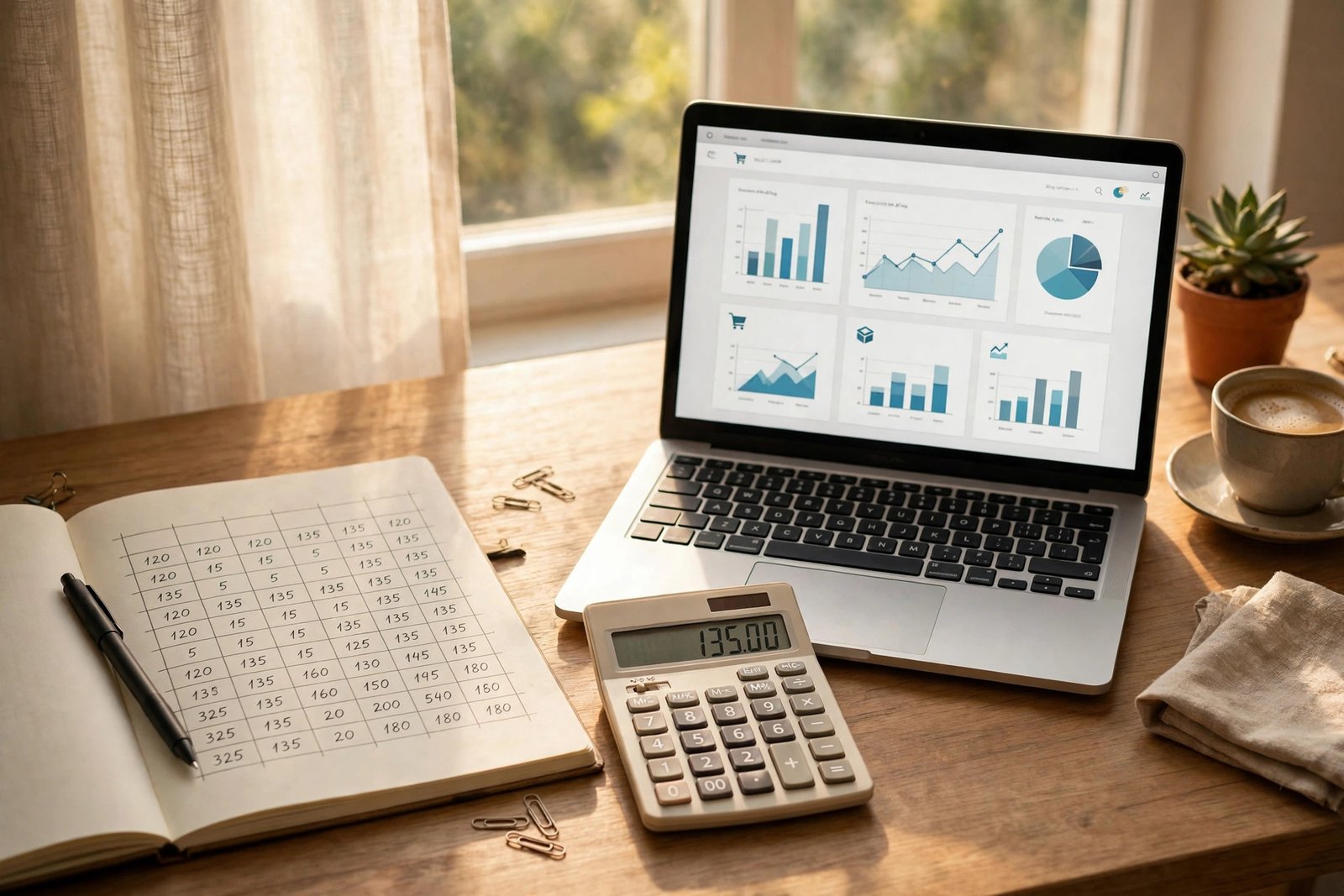
Etsy fees are the part most guides skip or get wrong, so here are the verified figures, as of November 2026, from the official Etsy fee page. The listing fee is 0.20 dollars per listing, charged whether or not the item sells. A listing lasts four months, and it costs another 0.20 dollars to renew it. The transaction fee is 6.5 percent of the total order amount, including postage and gift wrap, which matters more for physical goods than for digital files. The payment processing fee is a set rate plus a percent of the total sale price, and it varies by country. In the United States it is 3 percent plus 0.25 dollars. Check the official Etsy fee page for your own country, because the processing rate is different in many places. The Etsy fees and taxes help page covers the same fee structure, plus listing expiry and auto-renew rules. Etsy may also charge a one-time shop setup fee in some countries, so check the fee page before you open a shop.
There is one more fee to know about. Etsy Offsite Ads can promote your listings on other sites, and Etsy charges a fee only when a sale comes from one of those ads. Competitor guides report this fee as 12 or 15 percent, depending on how much your shop has earned, but this figure was not read on an official Etsy page in this run, so check it on the Etsy fee page before you rely on it. You can turn Offsite Ads off in some cases, and you should know the rate before you decide.
| Fee on a 12 dollar digital file | Amount in dollars |
|---|---|
| Sale price | 12.00 |
| Listing fee | 0.20 |
| Transaction fee at 6.5 percent | 0.78 |
| Payment processing at 3 percent plus 0.25 dollars | 0.61 |
| Total fees | 1.59 |
| You keep | 10.41 |
Example only: these numbers are not typical results. Imagine you sell a 12 dollar budget planner. The listing fee is 0.20 dollars. The transaction fee is 6.5 percent of 12 dollars, which is 0.78 dollars. The processing fee is 3 percent of 12 dollars, which is 0.36 dollars, plus 0.25 dollars, which is 0.61 dollars. Add the three fees together and you get 1.59 dollars. Take that from 12 dollars and you keep 10.41 dollars, which is about 87 percent of the price. Cheap files suffer more. On a 2 dollar file, the same fees take a much larger share, so very low prices rarely pay.
Step 1: Pick a product buyers already search for
Do not start with what you enjoy making. Start with what buyers already search for. Open Etsy and type a few words into the search bar, such as "budget planner", "wedding invitation template", or "SVG bundle". Etsy shows suggestions as you type, and those suggestions are real searches from real buyers. Write down the phrases that appear.
Then look at the top listings for each phrase. Check how many reviews they have, how long they have been listed, and what their titles say. A product with many sellers and many reviews has demand, but it also has strong competition. A product with no sellers at all may have no demand. The sweet spot is a phrase with steady demand and listings you can beat on quality, clarity, or design.
Pick a narrow niche first. "Budget planner for couples" is better than "planner", because the buyer knows at once that it is for them. "Wedding invitation template for a small ceremony" is better than "invitation template". A narrow product is easier to design, easier to describe, and easier to find in search.
Check the price range before you commit. The table below shows typical price ranges reported by competitor guides for common digital products on Etsy. These are reported ranges, not verified market prices, so use them as a starting point and check live listings in your own niche.
| Product type | Typical price range in dollars |
|---|---|
| Printable wall art | 3 to 10 |
| Digital planner | 8 to 25 |
| Spreadsheet template | 5 to 20 |
| Canva social media template pack | 10 to 30 |
| SVG bundle for craft machines | 3 to 15 |
| Font set | 10 to 40 |
| Lightroom preset pack | 10 to 25 |
Step 2: Make the file
Your file must work the first time the buyer opens it. That is the whole job. Make the product in a tool you know well, such as Canva, Affinity, PowerPoint, or a spreadsheet app. Keep the design clean, and test it on a phone as well as on a computer, because many buyers open downloads on their phones.
Etsy accepts common file formats, including PDF, PNG, JPG, ZIP, SVG, EPUB, MP3, and MP4. Each file can be up to 20 MB, and each listing can hold up to five files. If your product is larger than that, put the files in a ZIP file, which counts as one file. If the ZIP file is still too large, put a PDF in the listing with a download link to a cloud folder, and explain that clearly in the description. Buyers must know what they will receive and how they will get it.
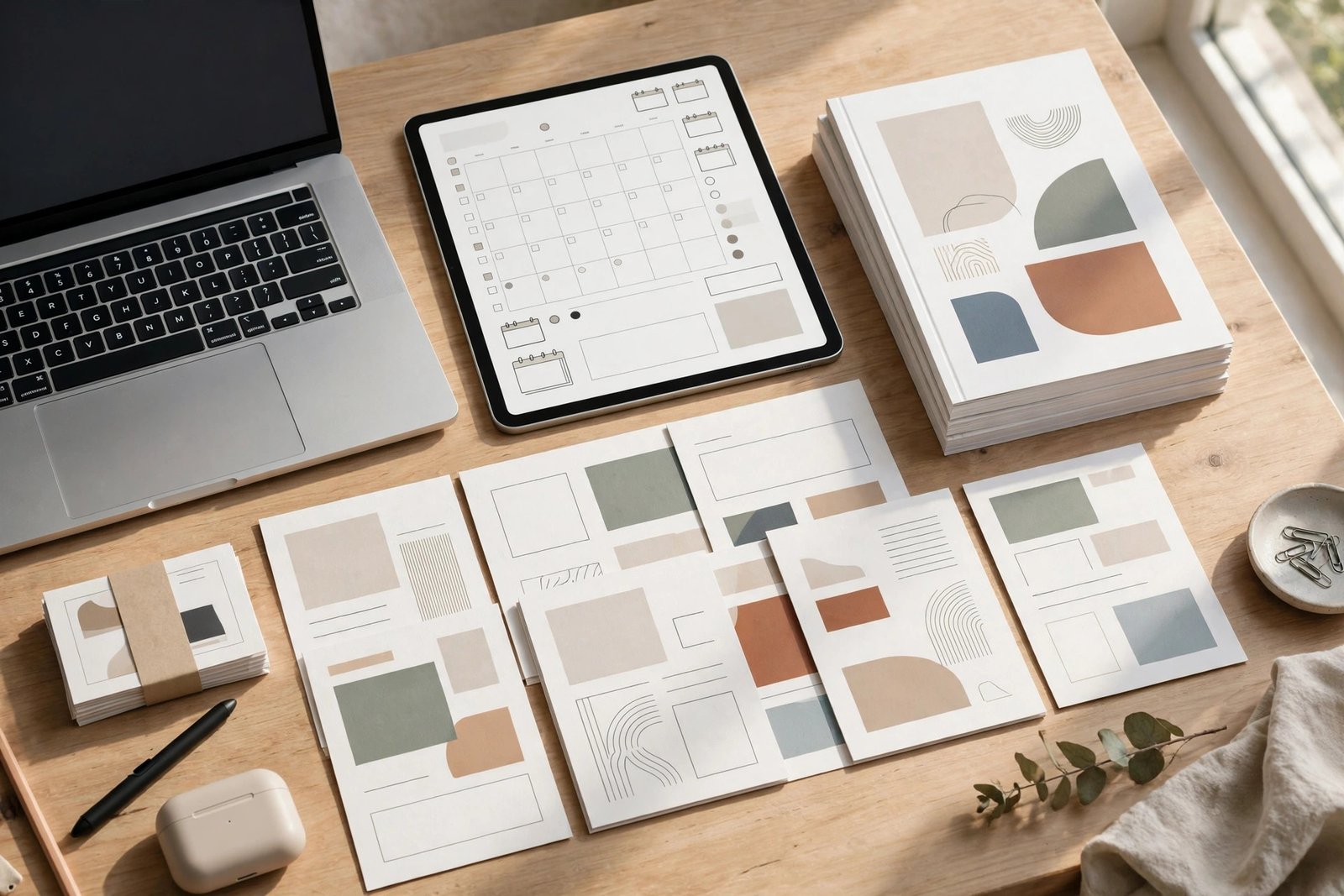
For templates, include a short instruction page inside the file. Tell the buyer how to open it, how to edit it, and what they need, such as a free Canva account. For planners, state which apps the file works in, such as GoodNotes or Notability, and say whether it is hyperlinked. For fonts and SVGs, state which software can open them.
Name your files clearly, such as "budget-planner-2026.pdf", so the buyer can find them after the download. Check every link inside the file, and open the final file on a different device before you upload it.
Step 3: Open the shop
Opening an Etsy shop takes about an hour, plus a wait for the identity check. Go to Etsy, choose to sell, and pick your shop language, your country, and your currency. Then choose a shop name. Pick a name that is short, easy to spell, and free on other platforms too, because you may want the same name later on Pinterest or Instagram.
Etsy will ask you to set up Etsy Payments, which is how buyers pay you and how you receive payouts. You will need a bank account, and Etsy may ask for ID. Competitor guides report that the ID check usually takes 24 to 48 hours, so do not plan to publish on the same day you open the shop.
Write your shop policies before you publish. State that digital products are delivered at once by download, that files cannot be returned once downloaded, and that you will help if a file does not open. Be honest and clear. A buyer who cannot download a file will message you, and a clear policy makes that conversation easier. For the general Etsy setup, including physical goods, read how to sell on Etsy, and for an honest review of the platform, read the Etsy seller review.
Step 4: Make mockups that show the product in use
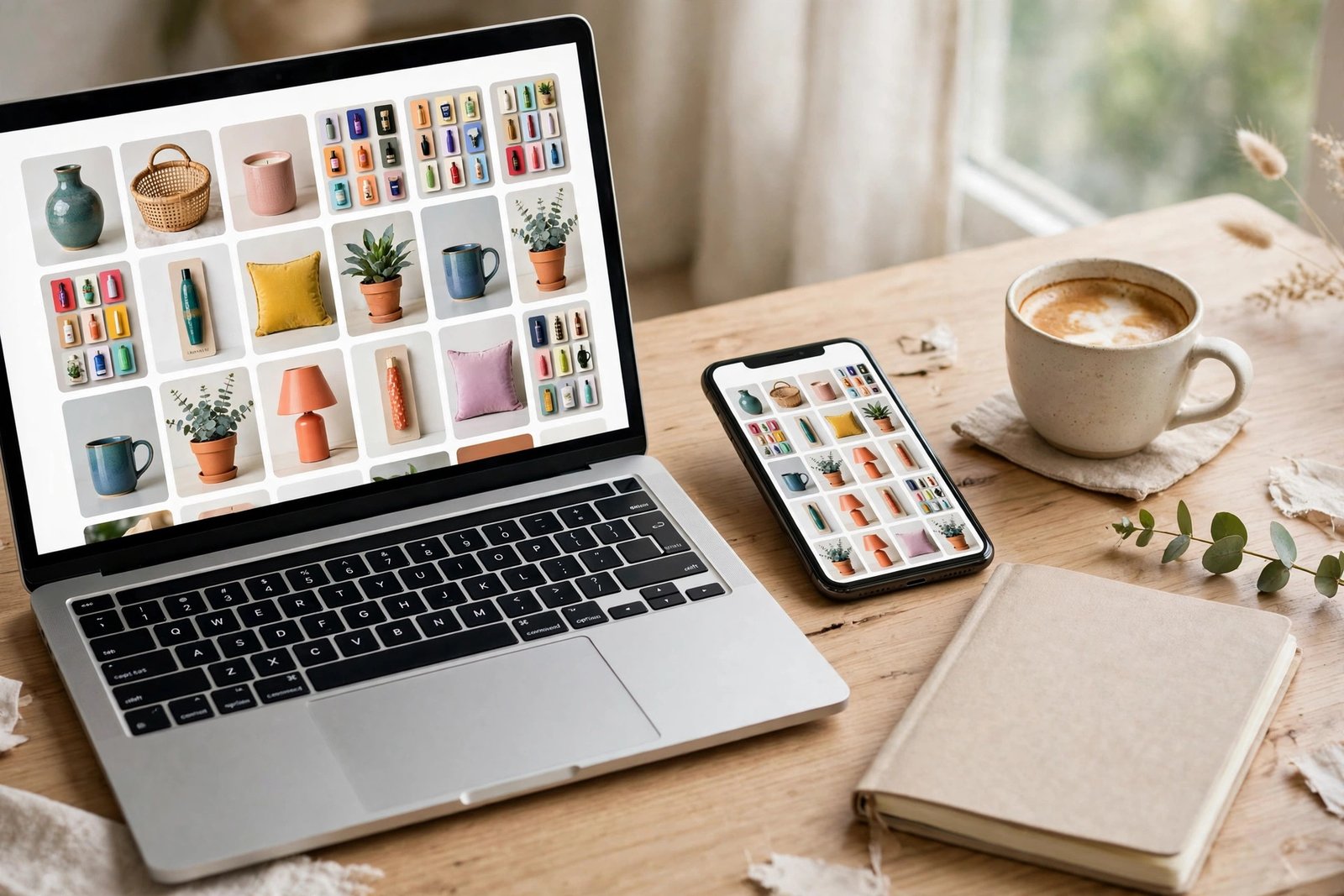
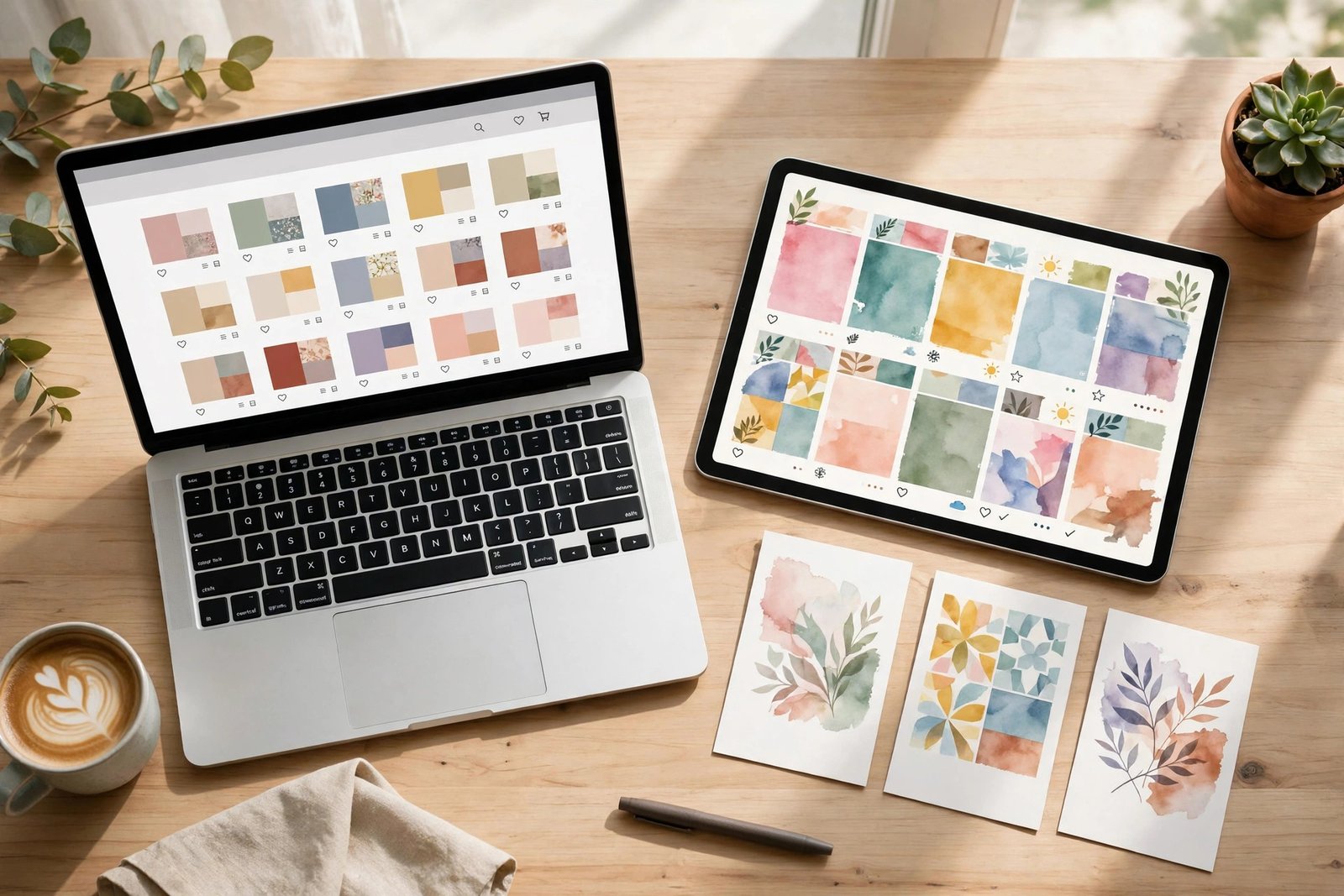
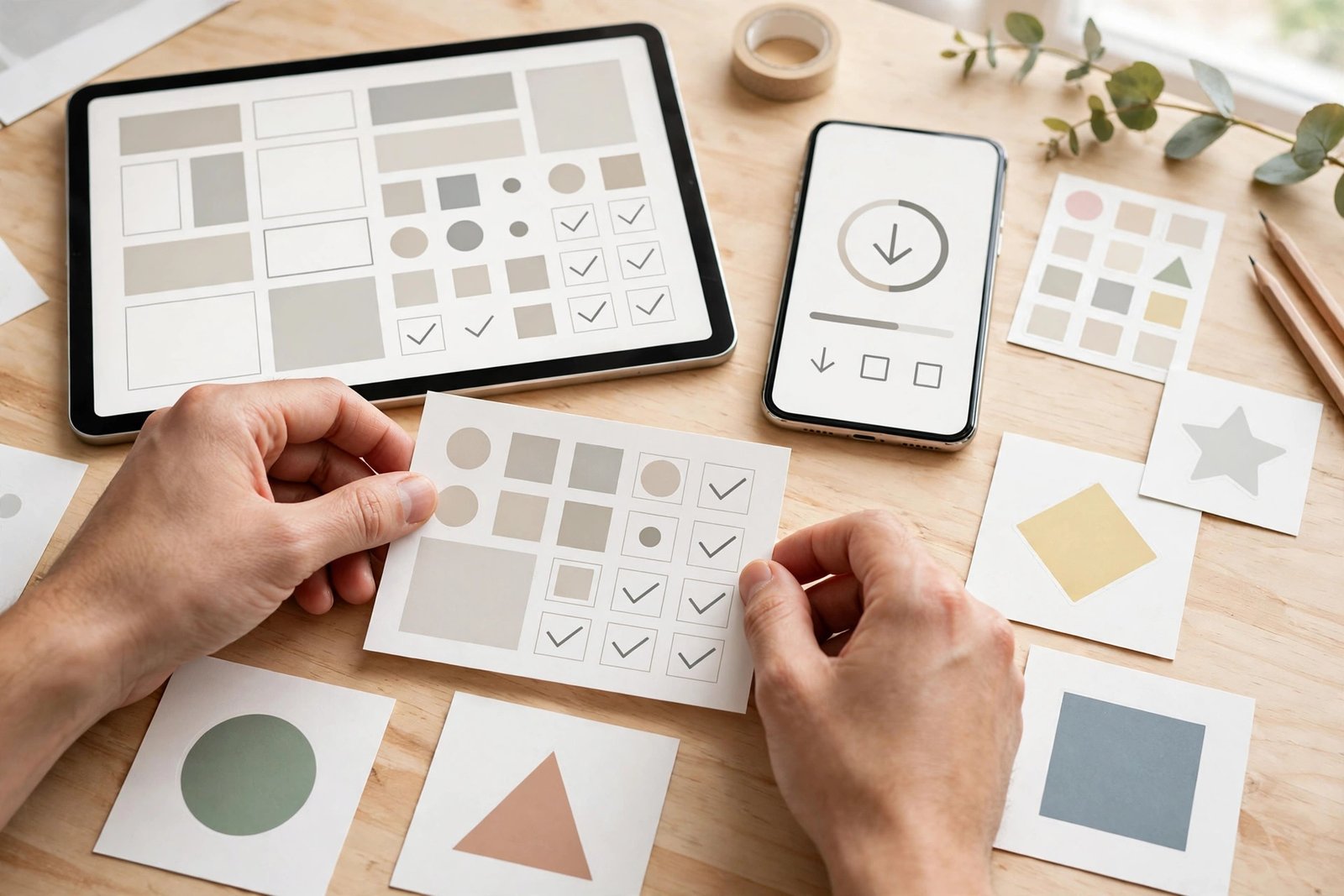
A buyer cannot touch a digital file, so the mockup is the product in their mind. Etsy allows up to ten photos per listing, and you should use at least five. Show the product in use: a planner open on a tablet, a printable framed on a wall, a template on a phone screen. Show the inside pages, not just the cover. Show what the buyer actually gets.
Make the first image the clearest one, because it appears in search results. Use a plain background, good light, and a short headline on the image if it helps, such as "Weekly budget planner". Keep the text large enough to read on a phone. Avoid clutter, and avoid stock photos of people that have nothing to do with the product.
You can make mockups in Canva, or with a mockup tool, or by taking a photo of a tablet showing your file. The method matters less than the result: the buyer must be able to see, in three seconds, what the product is and who it is for.
Step 5: Write the listing
A good Etsy listing has four parts: a clear title, a helpful description, all 13 tags, and a fair price. The title is what Etsy search reads, so put the most important words first. "Budget planner printable, monthly budget tracker, personal finance planner" tells Etsy and the buyer what the product is. Avoid vague words such as "amazing" or "beautiful", because nobody searches for them.
The description should answer the buyer's questions in order: what the product is, what is included, what file format it is, how the buyer receives it, what they need to open it, and what to do if it does not open. List the contents as bullet points, and state the file size and the number of pages. Say what the product is not, too. If a planner is undated, say so. If a template needs a free Canva account, say so.
Use all 13 tags. Tags are short phrases buyers might search for, such as "budget planner printable", "monthly budget tracker", or "personal finance planner". Use different phrases in each tag, and avoid repeating the same words in every tag. Etsy also reads the title, the tags, and the description together, so keep them consistent.
Price the product using the fee maths from the earlier section. A 12 dollar file keeps about 10.41 dollars after fees in the United States. A 5 dollar file keeps much less in percentage terms, so do not price a useful product at 2 dollars just to get a sale. Check what similar products sell for, and price near the middle of the range for your quality level. For a full method, read how to price digital products.
Step 6: Test the delivery before you publish
This is the step most new sellers skip, and it is the step that prevents the most bad reviews. Before you publish, buy your own listing. Use a second account, or ask a friend to buy it, then download the file exactly as a buyer would. Open it on a phone, open it on a computer, and check every page and every link.
Check three things. First, does the file download at once, with no extra steps? Second, does it open in the app you promised, such as GoodNotes or Canva? Third, does it look right on a small screen? If the file is a ZIP file, check that it opens and that the files inside have clear names. If the file has a download link to a cloud folder, check that the link works for someone who is not signed in to your account.
Fix anything that fails, then test again. A listing that works the first time earns good reviews. A listing that fails earns a refund request and a one-star review, and that review stays on your shop.
Step 7: Launch and get found
Publish with at least five listings if you can. One listing rarely gets found, because Etsy search favours shops with more choice. Five listings in one niche give buyers a reason to browse your shop, and they give Etsy more pages to show in search. For ideas on your first product, read how to create your first digital product.
After launch, the work is search and promotion. Etsy search reads your titles, tags, and descriptions, so update them when you learn which words buyers use. Pinterest is the strongest free channel for Etsy sellers, because a pin can send buyers to a listing for months. For the full method, read how to sell digital products with Pinterest in 2026.
Etsy Ads can help, and competitor guides report that sellers often start at 1 to 3 dollars a day, but ads only work when the listing already converts. Do not pay for ads on a listing with no sales and no reviews. Wait until one listing sells on its own, then test ads on that listing for two weeks and check whether the sales cover the ad cost.
Be patient with the timeline. Competitor guides report that organic Etsy search traffic often takes four to eight weeks to build for a new shop. That is a reported range, not a promise, and your shop may be faster or slower. Use the waiting time to add listings, improve mockups, and answer buyer messages quickly.
| Period | Focus | What done looks like |
|---|---|---|
| Days 1 to 7 | Setup and first listings | Shop open, five listings live, delivery tested |
| Days 8 to 14 | Promotion | Pins made for each listing, shop shared once |
| Days 15 to 30 | Learning | Titles and tags updated from search terms buyers use |
| Days 31 to 60 | Review | Best listing identified, weak listings improved or removed |
What it costs and what to expect
Your costs are low. The listing fee is 0.20 dollars per listing, and the other fees only apply when you sell. Your main costs are time and any design tool you pay for, such as a Canva subscription. A free Canva account is enough to start.
Income varies widely, and no honest guide can promise a figure. Etsy reports 95.5 million active buyers and 8.1 million active sellers in its 2024 annual report, as cited by a competitor guide, which means there is demand and there is competition. Some shops sell in the first week, and some take months to get their first sale. Your results depend on your niche, your product quality, your prices, and how many listings you have. Do not expect a full income from one listing, and do not believe any guide that promises one.
Common mistakes
- Launching with a single listing, then wondering why nobody finds the shop.
- Pricing a useful product at 2 dollars, then losing most of it to fees.
- Writing a vague title, such as "Beautiful planner for you", that nobody searches for.
- Using only one mockup image, so the buyer cannot see what is inside the file.
- Skipping the delivery test, then learning from a buyer that the file does not open.
- Using a font or a graphic with a personal use licence, then selling it in a product.
- Ignoring buyer messages, which hurts your shop standing and your reviews.
Risks and scams to watch for
Watch for buyers who ask for the file by email before they pay, or who ask you to send a free copy to "test" it. Real buyers buy through Etsy, and Etsy handles the payment and the delivery. Never send a file outside Etsy to someone who has not paid.
Watch for messages that claim to be from Etsy and ask you to click a link to "verify" your shop. Check the sender, and go to Etsy directly in your browser instead of clicking a link in a message. Etsy does not ask for your password or your bank details by message.
Also watch for copyright risk in your own listings. Do not use a brand name, a cartoon character, or a celebrity name in your product unless you have the right to do so. Etsy removes listings that break intellectual property rules, and repeated removals can close a shop. For more on scams in general, read how to spot online job scams, because many of the same warning signs apply.
Frequently asked questions
Do I need a business licence to sell digital products on Etsy?
It depends on where you live. Some countries and states require a business registration for any selling, and some do not. Check your local rules before you open a shop, and ask a qualified accountant if you are unsure.
How much can I make selling digital downloads on Etsy?
There is no reliable typical figure, because earnings depend on your niche, your prices, and how many listings you have. Some sellers earn a few dollars a month from a small shop, and some earn much more from a large shop with many listings. Treat any income figure in a guide as a report, not a promise.
What file formats does Etsy accept for digital downloads?
Etsy accepts PDF, PNG, JPG, ZIP, SVG, EPUB, MP3, and MP4, among others. Each file can be up to 20 MB, and each listing can hold up to five files. Use a ZIP file if your product has many files.
How do buyers receive digital files on Etsy?
The buyer downloads the files at once after payment, from their Etsy account or from the confirmation email. They do not need to wait for shipping. Test this yourself by buying your own listing before you publish.
Can I sell Canva templates on Etsy?
Yes, if the template is your own design and the Canva licence allows it. Sell the template as a PDF with a link to the Canva template inside, and state clearly that the buyer needs a free Canva account. Check the Canva licence for any element you used.
How many listings do I need before sales start?
There is no fixed number, but most guides suggest starting with at least five listings in one niche. More listings give buyers more choice and give Etsy more pages to show in search.
Conclusion: start with five listings in one niche
Learning how to sell digital products on Etsy comes down to a simple sequence. Pick a product buyers already search for, make a file that works the first time, write a clear listing with all 13 tags, test the delivery by buying your own listing, and then keep adding listings while you learn what buyers want. Price fairly, answer messages quickly, and do not expect instant sales.
Your next step is to open Etsy search today and write down ten phrases buyers use in your niche. Then build your first product with how to create your first digital product, price it with how to price digital products, and learn the planner route with how to create and sell digital planners online in 2026. You can also browse all our guides in the digital products category.
Note for the reader: fees, payout rules, and platform requirements differ by country, so check the official Etsy fee page for your country. Earning results vary; nothing on this site is financial advice.