How to Sell Digital Products with Pinterest in 2026
Learning how to sell digital products with Pinterest starts with a fact most guides get wrong: Pinterest is not a social feed. It is a visual search engine, which is a search tool where people look for ideas with pictures, not with words alone. People open Pinterest to plan a wedding, to find a budget planner, to choose a template, or to learn a skill. They search, they save what they like, and they click through to buy when they are ready. A pin you make today can still send buyers to your product in six months, because Pinterest shows old pins in search results long after they were posted.
This guide shows you how to set up a free business account, claim your website, find what buyers search for, design pins that get clicks, link each pin to the right page, schedule pins in batches, and track what works. It is only about selling your own digital products with Pinterest, not about making money on Pinterest in general. For the general guide, read how to make money on Pinterest.
In this guide
- What you need first: a product, a place to sell it, a business account
- Step 1: Set up a free Pinterest business account
- Step 2: Claim your website and set up boards
- Step 3: Find what buyers search for
- Step 4: Design pins that get clicks
- Step 5: Make several pins for one product
- Step 6: Link each pin to the right page
- Step 7: Schedule and post consistently
- Step 8: Track what works and fix weak pins
- The content mix and the email list
- Pinterest ads in brief
- What it costs and what to expect
- Rules and risks
- Common mistakes
- Frequently asked questions
What you need first: a product, a place to sell it, a business account
Before you open Pinterest, you need three things. First, a digital product that is ready to sell, with a clear name, a fair price, and a working download. Second, a place to sell it, such as an Etsy listing or your own store, with a page that matches the pin. Third, a Pinterest business account, which is free and gives you analytics and ads.
Do not start pinning before the product page is ready. A pin that links to a half-finished page wastes the click, and the buyer will not come back. If your product is a planner, read how to create and sell digital planners online in 2026 first. If it is a printable, read how to sell printables online.
Step 1: Set up a free Pinterest business account
A Pinterest business account is free, and it gives you access to analytics and ads. There are two ways to get one: create a new business account, or convert a personal account into a business account. The signup email must not already be in use on another Pinterest account. New business accounts can only be created from a desktop device at this time, so use a computer, not a phone, to sign up. Business accounts are public, so a private personal account must be switched to public before you convert it. Your pins and followers stay the same when you convert. It is no longer possible to link a personal account to a business account. These facts are from the official Pinterest help page, read in full on 2026-11-09. For the official steps, read Get a business account.
When you set up the profile, use your shop name, and write a short bio with the words buyers search for, such as "printable planners and budget templates for busy mums". Add a profile photo, such as your logo, and a cover image. Pinterest suggests a cover image size of 800 by 450 pixels, according to one competitor guide, so check the current size on the Pinterest help page before you upload.
Step 2: Claim your website and set up boards
Claiming your website means telling Pinterest that you own a website, so that Pinterest can show your name on pins from that site. You claim it in your account settings, by adding a small piece of code to your site or by uploading a file. Follow the steps in your Pinterest settings, and check that the claim worked before you pin.
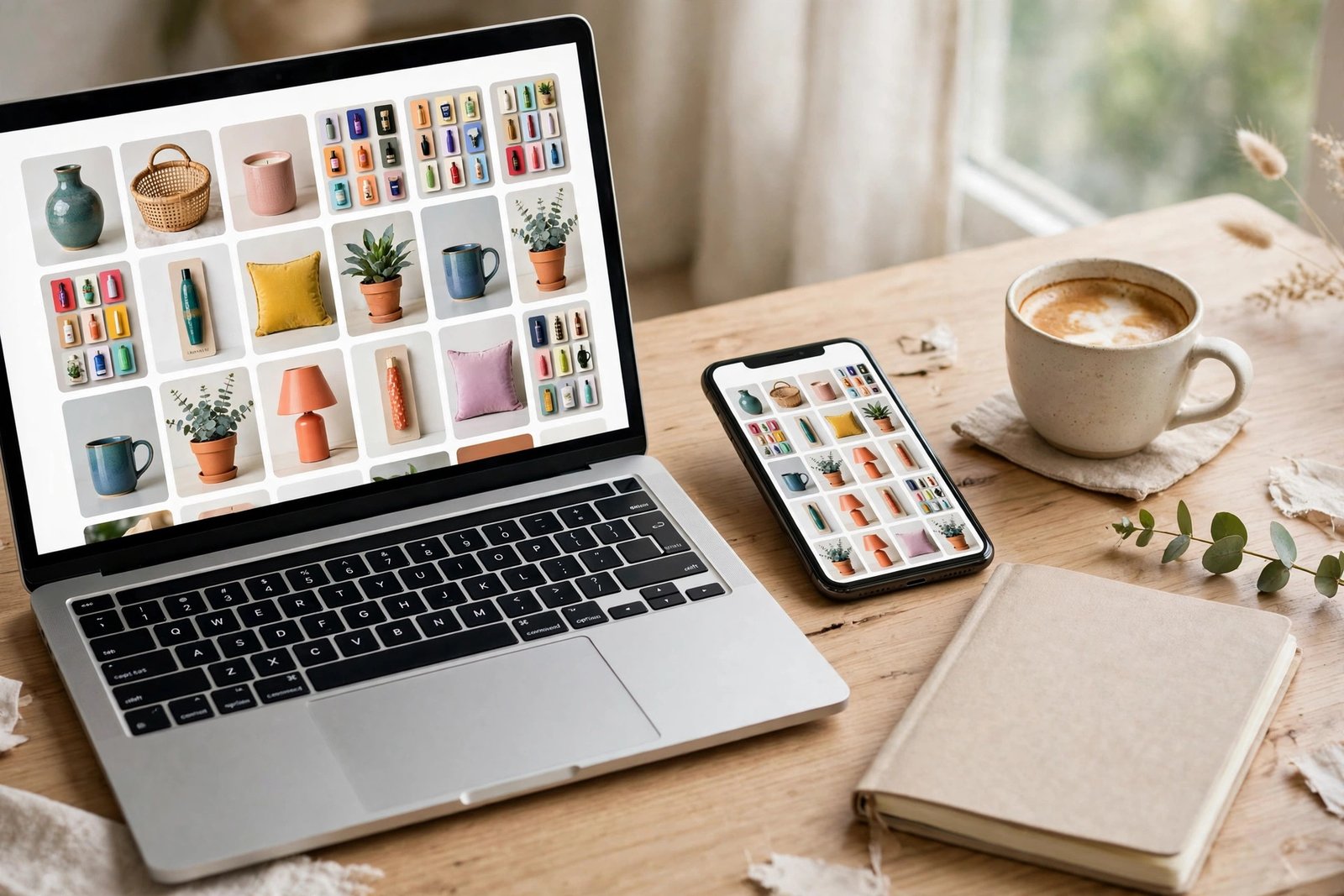
Then set up boards. A board is a folder where you save pins on one topic, such as "Budget planners" or "Wedding templates". Make five to eight boards to start, one for each product type or buyer need. Give each board a clear name with the words buyers search for, and write a short description for each board with the same words. Then add ten to twenty pins to each board, including pins from other creators, so that the board looks useful before you add your own pins. A board with only your own pins looks like an advert, and buyers ignore it.
Step 3: Find what buyers search for
Pinterest search is your keyword research tool, and it is free. Type a word into the Pinterest search bar, such as "budget planner", and Pinterest shows suggestions as you type. Those suggestions are real searches from real buyers. Write them down. Then click a suggestion and look at the top pins. Check their titles, their descriptions, and the words they use. Those words are the keywords for your pins.
Also check Pinterest Trends, which is a free tool that shows what people search for on Pinterest, by topic and by time. Use it to find seasonal searches, such as "wedding planner" in spring or "school planner" in August. Plan your pins around those seasons, a few weeks before the search rises.
Use the keywords in four places: your profile bio, your board titles and descriptions, your pin titles, and your pin descriptions. Do not repeat the same keyword in every pin. Use different phrases for different pins, so that Pinterest can show your product for more searches.
Step 4: Design pins that get clicks
A pin is a tall image, usually 1000 by 1500 pixels, which is a 2:3 ratio. That size fills a phone screen well, and it is the size Pinterest recommends. A square pin or a wide pin gets less space on the screen, and fewer clicks.
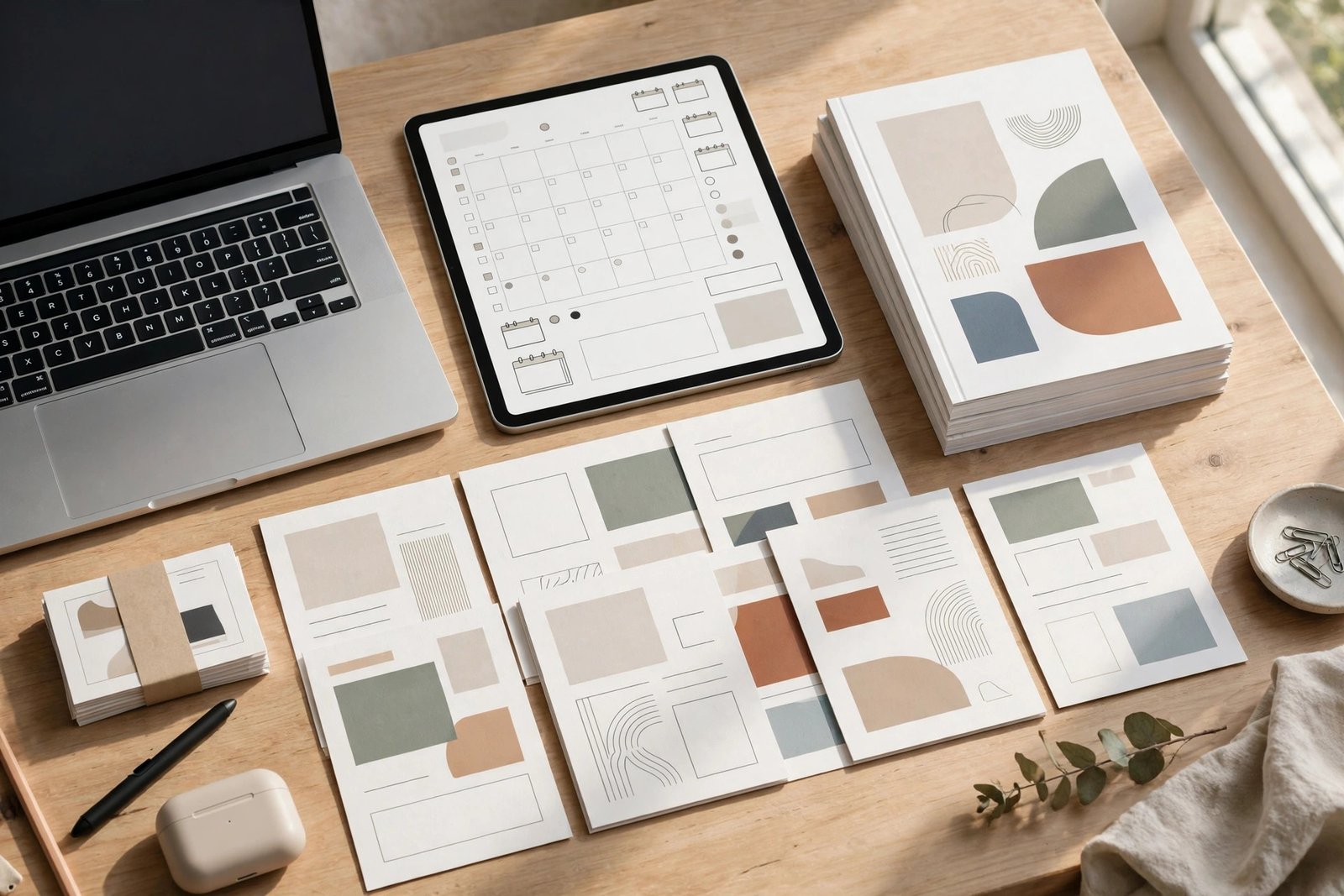
A good pin has four parts: a clear product mockup, a short headline, a benefit, and your branding. The headline should say what the product does, such as "Plan your week in 10 minutes", not just what it is, such as "Weekly planner". The benefit should say who it is for, such as "for busy mums" or "for freelance writers". Use one main colour and one accent colour, with high contrast between the text and the background, so that the pin is easy to read on a small screen. Leave white space around the text, and do not crowd the pin with five images and ten words.
Video pins also work well for digital products. A video pin is a short clip, usually 6 to 15 seconds, that shows the product in use, such as a hand tapping through a planner on a tablet. Keep the video short, show the product in the first two seconds, and add text on the video for viewers who watch without sound. Do not use a video that is only a slideshow of still images. Buyers can tell, and they scroll past it.
Step 5: Make several pins for one product
One pin per product is not enough. Make three to five pins for each product, with different headlines, different images, and different keywords. One pin might say "Budget planner for couples", another might say "Save money with a monthly budget tracker", and a third might show the planner on a tablet with a short video. Each pin reaches a different buyer, and each pin gives Pinterest a new chance to show your product.
Change one thing at a time, so that you can learn what works. If you change the headline, the image, and the keywords all at once, you will not know which change made the difference. Keep a note of which pin gets the most clicks, and make more pins like it.
Step 6: Link each pin to the right page
Each pin must link to the page that matches what the pin promises. A pin for a budget planner must link to the budget planner product page, not to your shop home page. A pin for a free weekly spread must link to the free download page, not to a paid product. A pin that links to the wrong page wastes the click, and the buyer will not trust your next pin.
There are three good destinations for a pin. First, the product page itself, such as an Etsy listing or a Gumroad page, for buyers who are ready to buy. Second, a freebie page, such as a free sample of the planner, for buyers who want to try before they buy. Third, a blog post that teaches the skill and links to the product at the end, for buyers who are still learning. Choose the destination that fits the pin, and check the link before you publish the pin.
If you sell on Etsy, link the pin directly to the Etsy listing. Etsy buyers are used to buying from Pinterest, and a direct link is faster than a link to a blog post that then links to Etsy. For the Etsy method, read how to sell digital products on Etsy in 2026.
Step 7: Schedule and post consistently
Consistency matters more than volume. One pin a day, or three pins a week, posted every week, works better than twenty pins in one day and then nothing for a month. Pinterest rewards accounts that post regularly, because it shows that the account is active.
Use the native Pinterest scheduler, which is free and built into Pinterest, or a scheduling tool such as Tailwind, which is a paid tool that many sellers use. The native scheduler is enough to start: you can schedule pins in advance, in batches, without logging in every day. Tailwind adds extra features, such as board lists and analytics, but you do not need it to start. Check the current price of any paid tool before you pay for it.
Batch your work. Set aside one hour a week to design five pins, write their titles and descriptions, and schedule them across the week. That is more efficient than designing one pin a day, and it keeps your account active while you work on products.
Step 8: Track what works and fix weak pins
Pinterest analytics is free with a business account, and it shows four numbers that matter: impressions, which is how many times a pin was shown; saves, which is how many times a buyer saved the pin; pin clicks, which is how many times a buyer clicked the pin to see it bigger; and outbound clicks, which is how many times a buyer clicked through to your product page. Outbound clicks are the number that matters most, because they are the buyers who left Pinterest to see your product.
Check the analytics once a week, and look for patterns. A pin with many impressions but few clicks has a weak headline or a weak image. Change the headline, or make the image clearer, and test it again. A pin with many clicks but no sales has a weak product page, or the pin promises something the page does not deliver. Fix the page, or change the pin so that it matches the page. A pin with few impressions may need better keywords, or a better board. Move it to a board with a clearer name, and update the title with the words buyers search for.

Use UTM tags to track which pins bring sales, if your store supports them. A UTM tag is a short code added to a link, such as "?utm_source=pinterest", that tells your analytics tool where the visitor came from. It is optional, but it helps you see which pins earn money, not just which pins get clicks.
The content mix and the email list
Do not pin only your products. One competitor guide suggests a content mix of 10 percent product pages, 40 percent freebies, and 50 percent helpful long-form content, such as blog posts and tutorials. That mix is a suggestion from one guide, not a rule, but the idea is sound: buyers follow accounts that help them, not accounts that only sell to them. Pin helpful content from other creators too, as long as it fits your boards and your buyers.
An email list turns Pinterest traffic into repeat buyers. Offer a free sample, such as a one-page weekly spread, in exchange for an email address. Then send one helpful email a week, with a link to a new product or a new tutorial. Pinterest brings new buyers, and email brings them back. For the full email method, read how to sell digital products with email marketing.
Pinterest ads in brief
Pinterest ads can help once your organic pins already work. An ad is a pin you pay to show to more people, and you can target it by keyword, by interest, or by audience. Start small, with a low daily budget, and test one pin for two weeks. Check whether the sales cover the ad cost before you spend more. Do not pay for ads on a pin that gets no clicks for free, because paying will not fix a weak pin. Also check whether Pinterest ads are available in your country, because ads and shopping features are not available everywhere.
What it costs and what to expect
Pinterest is free to start. A business account costs nothing, the native scheduler costs nothing, and Canva has a free tier that is enough to design pins. Your costs are time and any paid tool you choose, such as Tailwind, which you should check on its live pricing page before you pay.
Income varies, and no honest guide can promise a figure. Pinterest traffic builds slowly. One competitor guide reports that steady traction takes three to four months, which is a reported range, not a promise. Your results depend on your product, your pins, your keywords, and how consistently you post. Expect few sales in the first month, and more as your pins age and Pinterest shows them to more buyers. A pin you make today can still bring buyers in six months, so the work compounds, but it does not pay at once.
Example only: these numbers are not typical results. Imagine you make five pins for one planner, and each pin gets 1,000 impressions in a month. That is 5,000 impressions. If 2 percent of those impressions lead to an outbound click, that is 100 clicks to your product page. If 2 percent of those clicks lead to a sale, that is two sales. At 19 dollars per planner, that is 38 dollars in sales from five pins in one month. That is an example to show how the maths works, not a promise. Your click rate and your sales rate will be different.
Rules and risks
Pinterest has rules that sellers must follow. If you use affiliate links in a pin, disclose the affiliate relationship clearly, and check the Pinterest rules for affiliate links before you post. Do not post the same pin many times a day, and do not use misleading headlines that promise something the product does not deliver. Pinterest can flag accounts that post spam, which is repetitive or misleading content, and a flagged account can lose reach or be closed.
Do not buy followers or pay for fake engagement. Pinterest can detect it, and it does not bring buyers. Build your account slowly, with real pins and real keywords, and the traffic will last longer.
Also watch for copyright risk. Do not use someone else's images in your pins, and do not use a brand name or a cartoon character in a pin unless you have the right to do so. Use your own mockups, your own photos, and your own words.
Common mistakes
- Making one pin per product, then wondering why the product gets no traffic.
- Writing a vague headline, such as "Beautiful planner", that nobody searches for.
- Linking a pin to your shop home page, instead of to the product page the pin promises.
- Posting twenty pins in one day, then nothing for a month.
- Expecting sales in the first week, then giving up before Pinterest has time to show the pins.
- Ignoring the analytics, so you keep making pins that get impressions but no clicks.
- Pinning only your own products, so buyers see an advert, not a helpful account.
Frequently asked questions
Do I need a website to sell on Pinterest?
No, you do not need your own website. You can link a pin directly to an Etsy listing or a Gumroad page. A website helps, because you can claim it and build an email list, but it is not required to start.
How much does a Pinterest business account cost?
A Pinterest business account is free. It gives you access to analytics and ads at no cost. You only pay if you choose to run ads, or if you pay for a scheduling tool.
Can you really make money with Pinterest?
It is possible, but there is no reliable typical figure. Pinterest sends buyers to your product page, and some of those buyers will buy. Your results depend on your product, your pins, and how consistently you post. Expect a slow start.
How often should you post on Pinterest?
One pin a day, or three pins a week, posted every week, is a good starting point. Consistency matters more than volume. Batch your pins once a week and schedule them in advance.
How do I make my pins go viral?
There is no reliable way to make a pin go viral, and any guide that promises one is misleading you. Make clear pins with good keywords, post them consistently, and let Pinterest show them to buyers over time. A pin that gets steady clicks for months is worth more than a pin that gets a short burst of views.
How long does it take to get sales from Pinterest?
One competitor guide reports three to four months for steady traction, which is a reported range, not a promise. Your timeline will depend on your product, your pins, and your niche. Use the waiting time to make more pins and improve your product pages.
Do Pinterest users buy digital products?
Yes, many Pinterest users search for planners, templates, printables, and guides, and they click through to buy. Pinterest users often plan purchases, such as a wedding or a new routine, which makes them good buyers for digital products. That does not mean every pin will sell. It means the audience is there if your product fits what they search for.
Conclusion: make five pins per product, post weekly, fix what is weak
Learning how to sell digital products with Pinterest comes down to a simple sequence. Set up a free business account, claim your website, find the words buyers search for, design tall pins with a clear headline, make several pins for each product, link each pin to the right page, schedule them in batches, and check the analytics once a week. Fix the weak pins, keep the strong ones, and give the account three to four months to build.
Your next step is to open Pinterest search today and write down ten phrases buyers use in your niche. Then design your first three pins for one product with how to sell digital products on Etsy in 2026, build your email list with how to sell digital products with email marketing, and price your product with how to price digital products. You can also browse all our guides in the digital products category.
Note for the reader: Pinterest rules, ads availability, and shopping features differ by country and change over time, so check the official Pinterest help centre for your country. Earning results vary; nothing on this site is financial advice.