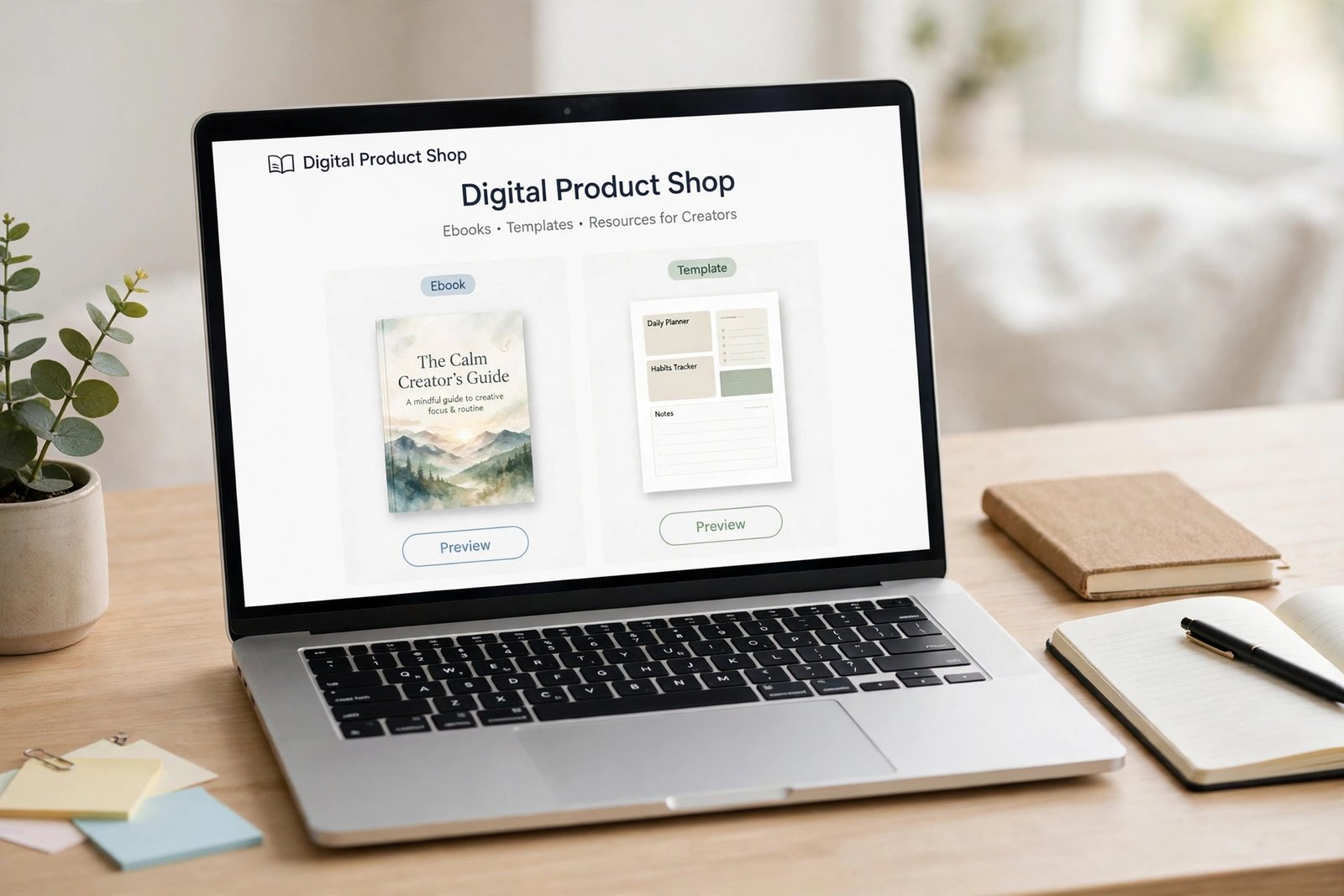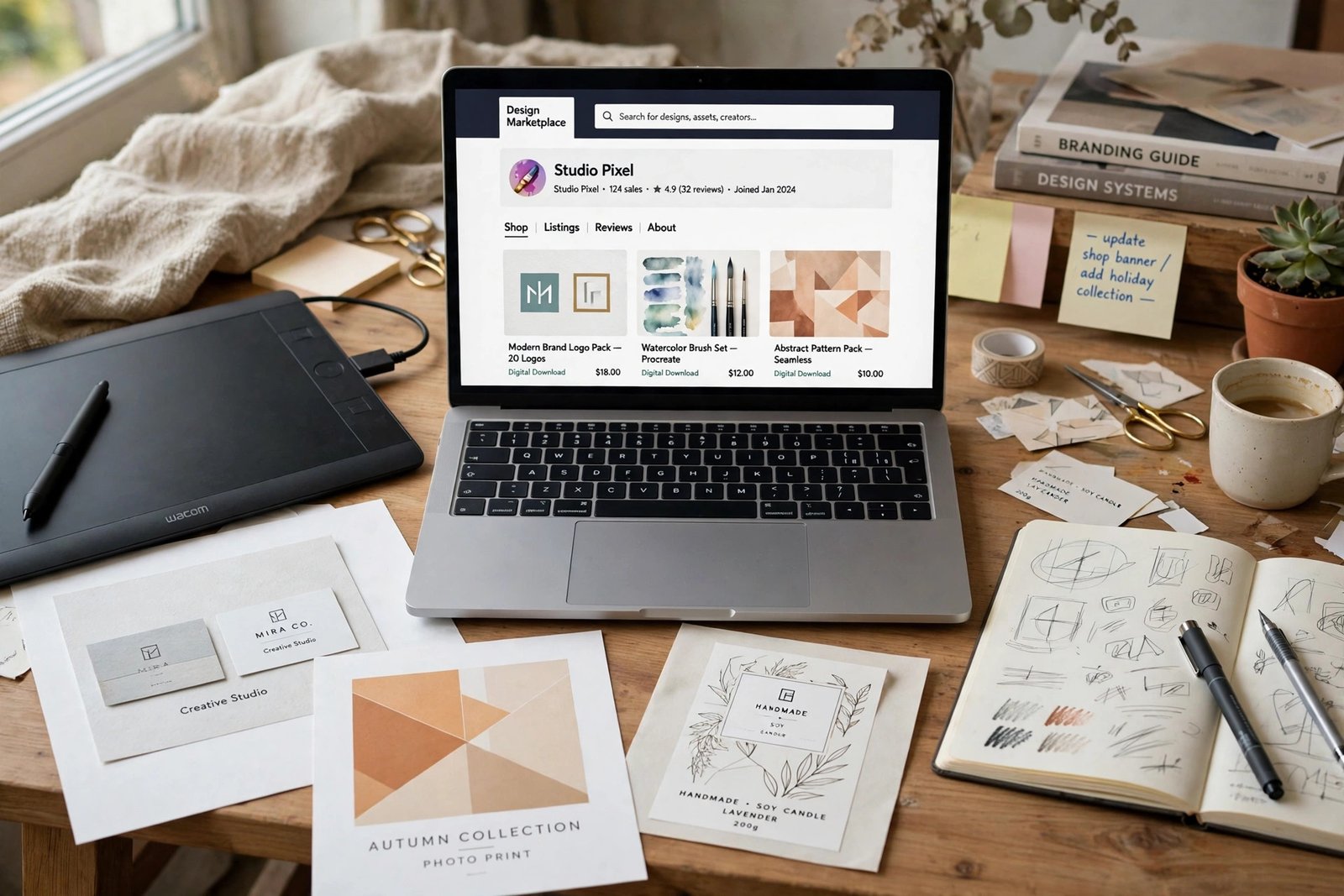
Learning how to sell digital products with TikTok starts with one fact that saves most beginners a wasted month: TikTok sells the product, but the checkout lives elsewhere. TikTok Shop is built for physical goods, and digital downloads mostly do not fit its rules. The sale happens when a viewer taps the link in your profile and buys from your own store. This guide explains the rules first, then shows you how to build the store, make videos that sell without feeling like ads, and track which videos bring in sales. It suits beginners who have a finished digital product, such as a template, a guide, or a planner, and are willing to post short videos regularly.
In this guide:
- Can you sell digital products on TikTok Shop
- How to sell digital products with TikTok: where the sale actually happens
- Step 1: Build the store your bio link opens
- Step 2: Set up your profile to sell
- Step 3: Make videos that sell without feeling like ads
- Step 4: Film a template walkthrough that converts
- Step 5: Sell without showing your face
- Step 6: Turn one recording into a week of posts
- Step 7: Track which videos sell
- What to do before you have 1,000 followers
- Rules to follow
- Common mistakes
- Frequently asked questions
Can you sell digital products on TikTok Shop
For most sellers, the answer is no. TikTok Shop is a marketplace for physical goods that can be shipped, and digital products do not fit that model. In the United States, TikTok has a Virtual Goods category for digital products, but it is limited to sellers who are invited and approved before they can list. The permitted categories include software, digital games, online courses, virtual gift cards, and virtual tickets. The listing price must not exceed 500 US dollars, delivery must happen within 2 business days, and virtual goods are non-returnable and non-refundable. TikTok's own Virtual Goods Requirements page states these rules, and it also says sellers must not misrepresent digital entitlements as physical goods.
In the United Kingdom, the picture is stricter. TikTok Shop UK's unsupported products guide lists digital downloads, such as books, magazines, newspapers, music, and videos, and memberships, services, warranties, and subscriptions as unsupported. That means you cannot list them on TikTok Shop UK at all. Rules differ by country, so check your own market's Seller Center before you plan around TikTok Shop.
Do not try the physical workaround. Some guides suggest listing a printed postcard with a QR code, or bundling a digital file with a cheap physical item, to get a digital product onto TikTok Shop. This breaks TikTok's rule against misrepresenting digital goods as physical goods, and it risks your shop. A shop that loses its selling rights loses its videos, its followers, and its income in one move. Sell digital products through your bio link instead. It is slower to set up, but it follows the rules.
How to sell digital products with TikTok: where the sale actually happens
The sale happens on your own store, reached through the link in your TikTok profile. A viewer watches your video, taps your profile, taps the link, and lands on a page where they can buy. That page is your bio link store, and it must do three jobs: show the product clearly, answer the buyer's doubts, and take payment without friction.
The link itself has a rule. TikTok's help page says you can add a website link to your profile if you have 1,000 followers or more, or a Registered Business Account. If you have fewer than 1,000 followers and no business verification, the link field may not appear on your screen. That is normal, and it is not a fault with your account. The section below on what to do before 1,000 followers shows how to sell while you grow.
Use a link page that holds more than one link, such as a simple page with your main product, a free sample, and your email signup. One link alone wastes the visit. A viewer who is not ready to buy today may still take the free sample and join your list, and that list is what brings the sale later.
Step 1: Build the store your bio link opens
Build the store before you post your first selling video. A viewer who taps a link and finds a broken page will not come back. Your store needs one main product, a clear price, a short description that says what the buyer gets, and a checkout that works well on a phone, because most TikTok viewers are on mobile.
Keep the page simple. Show the product in use, list what is included, name the file formats, and say how delivery works. Put the buy button where the viewer can see it without scrolling far. Test the page on your own phone before you link it, and buy your own product once to check that the download link arrives.
If you do not have a store yet, how to sell digital products on Shopify shows how to set up a full shop, and how to launch a digital product on Gumroad shows a lighter checkout with no monthly fee. Either works for TikTok traffic. Pick the one you can build this week, not the one that looks best on paper.
Step 2: Set up your profile to sell
Your profile is your shop window. Write a bio line that says what you sell and who it is for, such as "Budget planners for new freelancers. Link below." Use a profile name that people can search for, and include your store name or product words in it, so buyers can find you by searching. Pin your two or three best selling videos to the top of your profile, so a new visitor sees proof that your product works.
Make the first three seconds of each pinned video show the result. A budget planner video should open on a finished budget, not on a blank screen. A template video should open on the finished design, not on the empty file. Viewers decide in seconds whether to keep watching, and the result is what holds them.
Step 3: Make videos that sell without feeling like ads
The videos that sell digital products do not look like ads. They look like useful help, with the product doing the work on screen. Pick from the formats below, and use two or three of them each week, so your account does not feel repetitive.
| Video format | What you show | Why it sells |
|---|---|---|
| Before and after | A messy budget, then the same budget organised | The result is clear in seconds |
| Walkthrough | You using the template for one real task | Buyers see how it works |
| Mistake fix | A common mistake, then the fix with your product | It helps first, then sells |
| Quick tip | One useful tip, with the product on screen | It builds trust fast |
| Comparison | The old way, then the new way with your product | The value is easy to see |
| Answer a comment | You answering a real viewer question | It shows you listen |
| Behind the scenes | You building or updating the product | It builds a connection |
| Result story | What the product helped someone finish | It shows the outcome, not the file |
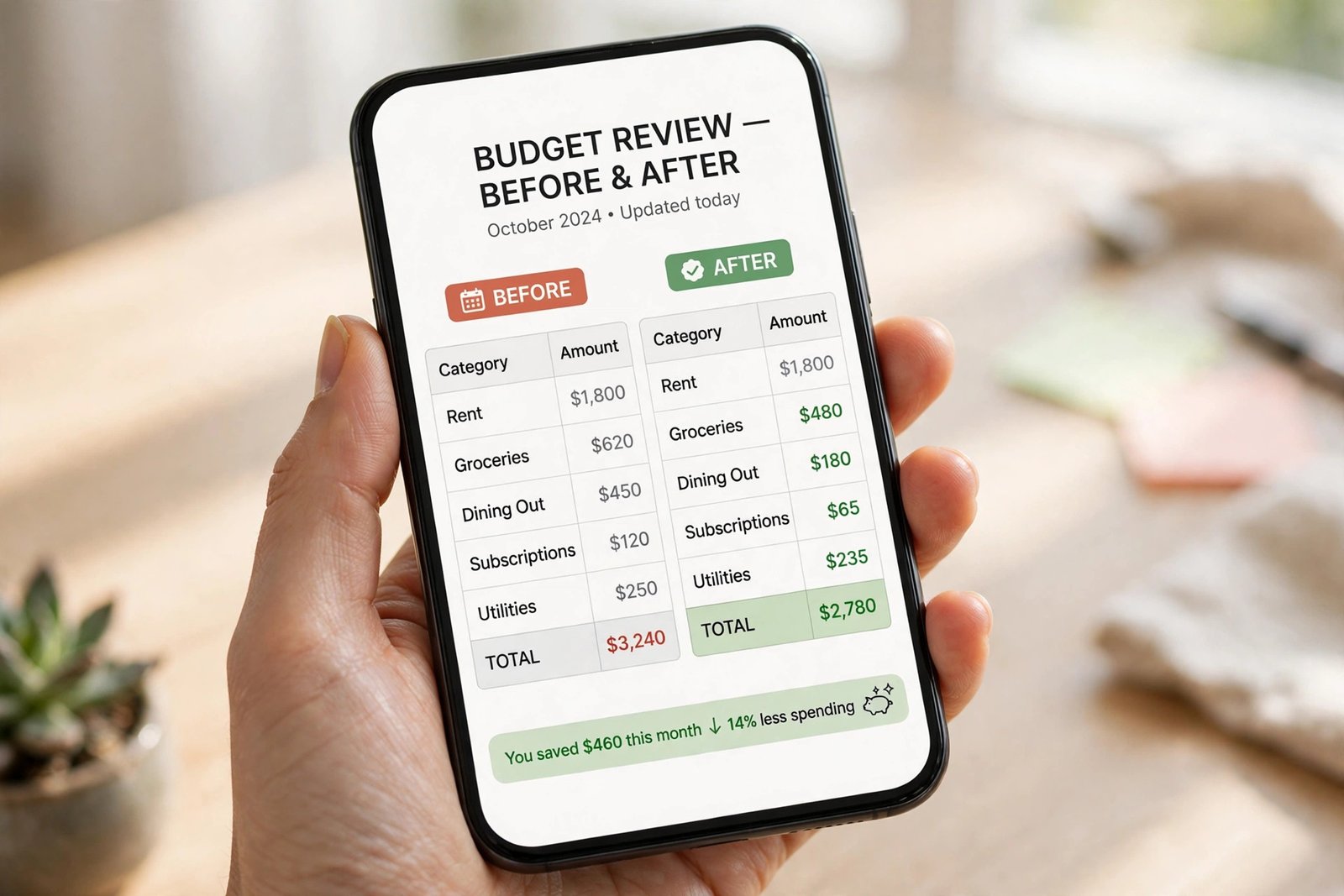
Keep each video short, usually 30 to 60 seconds, and keep one clear call to action at the end, such as "The link is in my bio." Do not ask viewers to do three things at once. One video, one product, one action.
Step 4: Film a template walkthrough that converts
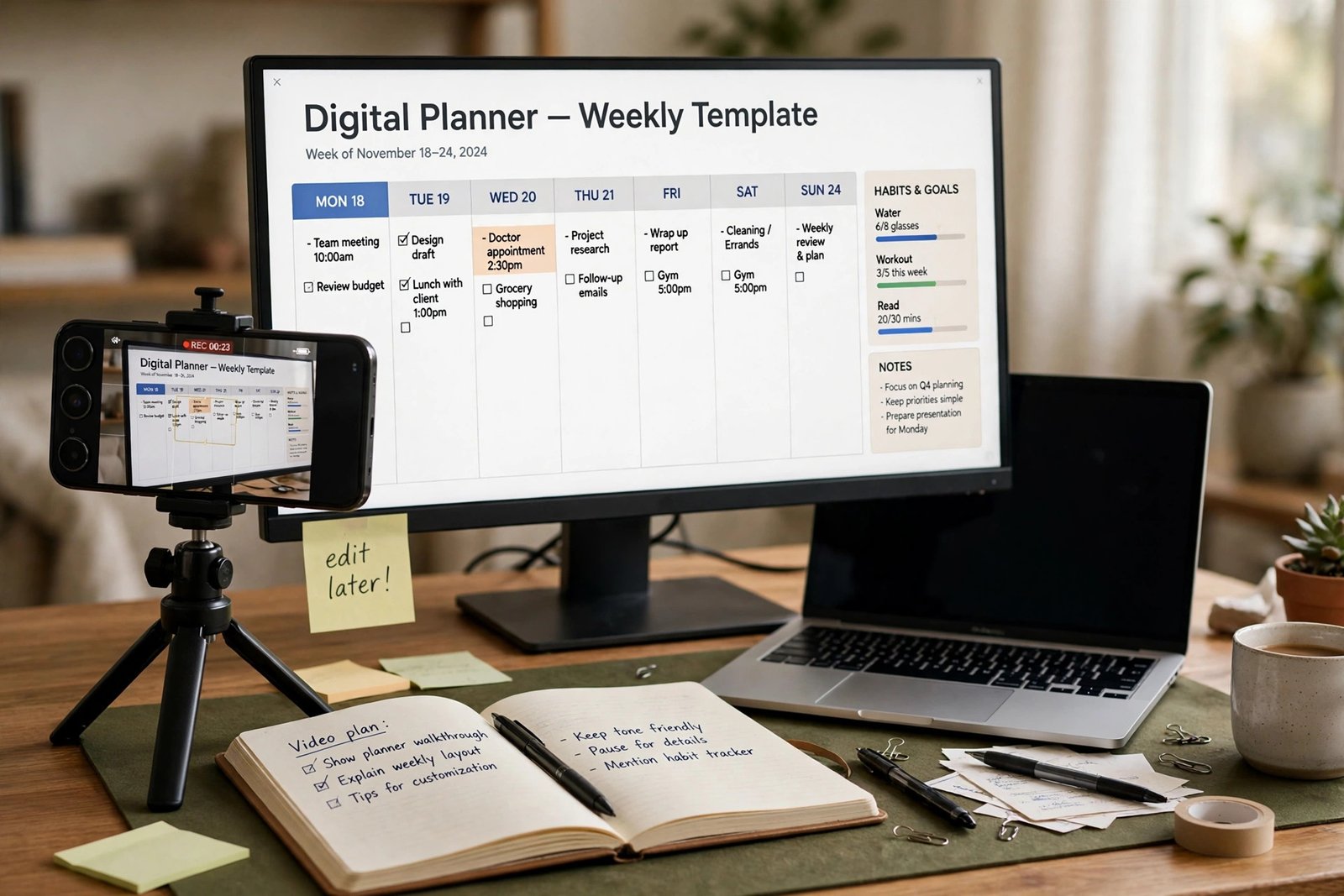
A walkthrough is the single best video format for templates, planners, and guides, so learn to film it well. Start by picking one use case, such as planning a weekly budget, and film only that. Open on the finished result, so the viewer sees the value in the first three seconds. Then show the steps in order, at a steady pace, with your voice explaining what you are doing. End with one call to action: the link in your bio.
Record your screen, not your face, if you prefer. A screen recording with a clear voiceover sells just as well as a video of a person, and it suits products that live on a screen. Keep the recording clean: close other tabs, hide notifications, and use a real example, not placeholder text. Real numbers and real words make the product feel useful. Placeholder text makes it feel unfinished.
Film in good light, keep the phone steady, and check the sound before you post. A video with clear sound and a steady picture beats a clever video that viewers cannot hear or follow.
Step 5: Sell without showing your face
You do not need to show your face to sell on TikTok. Many digital product sellers never appear on camera, and their accounts work well. Use screen recordings with a voiceover, hands on screen showing a printed planner, or a visual signature that viewers recognise, such as the same colours, the same desk, and the same style of text on every video.
A voiceover is enough to build trust, because viewers hear a real person explaining a real product. If you do not want to use your voice either, use text on screen and music, and keep the words short and clear. What matters is that the product is shown in use, and that the viewer can see the result. Your face is optional. Your product is not.
Step 6: Turn one recording into a week of posts
You do not need to film every day. One good recording can become a week of posts if you plan it. Record a 10 minute session of you using your product for a real task. Then cut it into short clips, one tip or one step per clip. Each clip becomes a video, with its own opening line and its own call to action.
| Day | Post | What it shows |
|---|---|---|
| Monday | Before and after | The messy start, then the organised result |
| Tuesday | Quick tip | One useful tip from the recording |
| Wednesday | Walkthrough | One step, shown in full |
| Thursday | Answer a comment | You answering a viewer question |
| Friday | Mistake fix | A common mistake and the fix |
| Saturday | Behind the scenes | You updating or improving the product |
| Sunday | Rest, or repost the best video of the week | The video that earned the most saves |
Post at times when your audience is awake, and reply to comments quickly, because replies bring the video back to more viewers. Save your best videos as drafts, so you always have something ready to post on a busy day.
Step 7: Track which videos sell
Views do not pay you. Sales do. Track which videos bring in sales, so you can make more of what works and stop making what does not.
Use UTM tags on your bio link. A UTM tag is a short code added to a link that tells your analytics which video or post the visitor came from. Most link tools let you make a different link for each video, so you can see which video sent the buyers. Check the numbers weekly: how many people visited the store, how many bought, and which video sent them. A video with 10,000 views and no sales is worse than a video with 500 views and five sales.
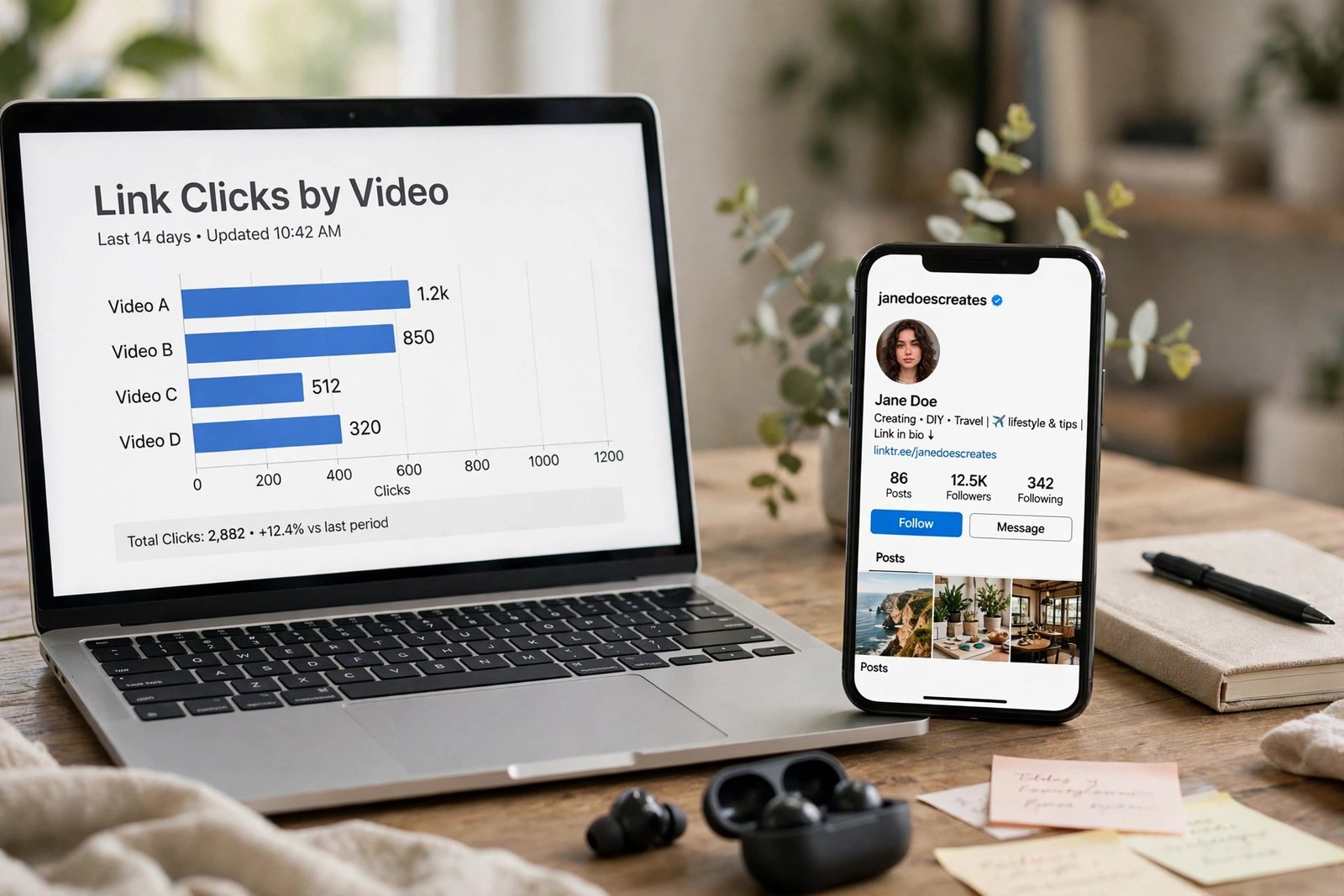
Keep a simple record: the video title, the date posted, the views, the store visits, and the sales. After a month, you will see a pattern. Make more of the format that sells, and retire the format that only gets views.
Worked example (example only: these numbers are not typical results). A seller posts 3 videos a week for a 15 dollar planner template. In one month, the videos send 200 people to the store, and 10 of them buy, which is 150 dollars in sales. If the store is on Gumroad, each 15 dollar direct sale keeps 13 dollars before card processing, because the fee is 10 percent plus 50 cents, so 10 sales keep 130 dollars before card processing. The tracking shows which videos sent the 10 buyers, and the seller makes more videos in that format next month.
For a full method on turning traffic into sales, read how to sell digital products with email marketing, because most viewers will not buy on the first video, and email is how you reach them again.
What to do before you have 1,000 followers
If you have fewer than 1,000 followers and no business verification, you cannot add a clickable link yet, but you can still sell. Put your store name in your bio as plain text, and say it out loud in your videos, so viewers can search for it. Make your store name easy to spell and easy to search, and keep it the same everywhere.
Use the time to build the list and the catalogue. Offer a free sample on your store, and mention it in your videos, so viewers who find your store can join your list even before you have a link. Record videos now, so you have a backlog ready when the link appears. Post consistently, reply to comments, and use the same product words in your video captions, so TikTok learns who your videos are for. Growth to 1,000 followers is slower without a link, but it is normal, and the videos you make now are what get you there.
Rules to follow
Follow TikTok's rules, because a banned account ends the whole plan. Turn on the content disclosure setting when a post promotes your own product or service, so viewers know the video is promoting something you sell. Use only images, music, and clips you have the right to use. Do not buy followers or views, because fake numbers do not buy products, and TikTok removes accounts that use them. Do not make income claims in your videos. Say what the product does, not what the buyer will earn. If you show a result, show a real one, and say that results vary.
Read the rules for your own market before you list anything, because TikTok updates its policies often, and the rules in one country may differ from the rules in another. The links below go to TikTok's own pages, so check them before you act.
Common mistakes
- Trying to list a digital download on TikTok Shop, where it does not belong.
- Listing a digital product as a physical item to get around the Shop rules.
- Posting videos with no link, no store, and no way for viewers to buy.
- Making videos about the product, instead of videos that show the product solving a problem.
- Using three calls to action in one video, so the viewer does none of them.
- Buying followers to reach 1,000 faster, then finding that none of them buy.
- Forgetting the content disclosure setting on videos that promote your own product.
- Judging videos by views alone, instead of tracking which ones bring sales.
- Quitting after two weeks, before the account has had time to find its audience.
Frequently asked questions
Can you sell digital products on TikTok?
Yes. The sale happens through the link in your profile, which opens your own store. TikTok Shop itself is built for physical goods, and digital downloads mostly do not fit its rules, so the bio link store is the route most sellers use.
Can you sell digital products on TikTok Shop?
Mostly no. In the United States, digital products fall under the Virtual Goods category, which is limited to sellers who are invited and approved, with a 500 dollar price cap and delivery within 2 business days. In the United Kingdom, digital downloads are listed as unsupported on TikTok Shop. Check your own market's Seller Center before you plan around the Shop.
How many followers do you need to sell on TikTok?
You need 1,000 followers or a Registered Business Account to add a clickable website link to your profile, according to TikTok's help page. Before that, you can still sell by putting your store name in your bio as plain text and saying it in your videos, so viewers can search for it.
Can I sell digital products on TikTok without showing my face?
Yes. Screen recordings with a voiceover, hands on screen, and text on screen all work well. Viewers buy because they see the product solving a problem, not because they see your face. Keep a consistent visual style so viewers recognise your videos.
How do I know which TikTok videos make sales?
Use a different tracked link for each video, and check your store analytics weekly. Record the video title, the views, the store visits, and the sales. A video with fewer views and more sales is better than a video with many views and no sales. Make more of the format that sells.
Do I need TikTok Shop to sell digital products?
No. TikTok Shop is optional, and for most digital products it is not the right route. A bio link store on Shopify, Gumroad, or your own site is enough. Focus on videos that show the product in use, and on a store page that works well on a phone.
Conclusion
Selling digital products with TikTok comes down to a clear sequence. Learn the Shop rules first, so you do not waste time on a route that does not fit. Build the store your bio link opens, set up your profile to sell, and make short videos that show the product solving a real problem. Then track which videos bring sales, make more of those, and build your email list, because most viewers will not buy on the first video.
Next, read how to earn money from TikTok for the full picture of TikTok earning, how to sell on TikTok Shop if you also sell physical goods, and how to sell digital products with Pinterest for a second traffic channel that keeps working while you sleep. Then browse all digital products guides to plan your next product.
Reader note: Shop rules were checked on TikTok's Seller Center pages for the United States and the United Kingdom in November 2026, and TikTok updates its policies often, so check the live pages for your market before you list. The profile link rule was checked against TikTok's help page wording in November 2026. Tax rules differ by country, so speak to a qualified professional where you live. Earning results vary; nothing on this site is financial advice.