Learning how to sell digital products on Creative Market is a good move if you make design assets and want buyers who already shop for them. Creative Market is a curated marketplace for fonts, graphics, templates, add-ons, photos, and themes, and it has an application gate: a real person reviews your work before you can open a shop. Shops are paid 50 percent of net revenue on standard licences. This guide shows you how to build a portfolio that gets approved, apply for a shop, list products buyers can use, price them, and get noticed. It suits designers who have finished work to show and are willing to build a catalogue over time.
In this guide:
- What is Creative Market and who buys there
- What you can sell
- Step 1: Build a portfolio that gets approved
- Step 2: Apply for a shop
- Step 3: Set up payouts and taxes
- Step 4: Create products buyers can use
- Step 5: List your first product
- How to sell digital products on Creative Market: how you get paid
- Pricing your products
- Preview images that sell
- Getting noticed
- Common mistakes
- Frequently asked questions
What is Creative Market and who buys there
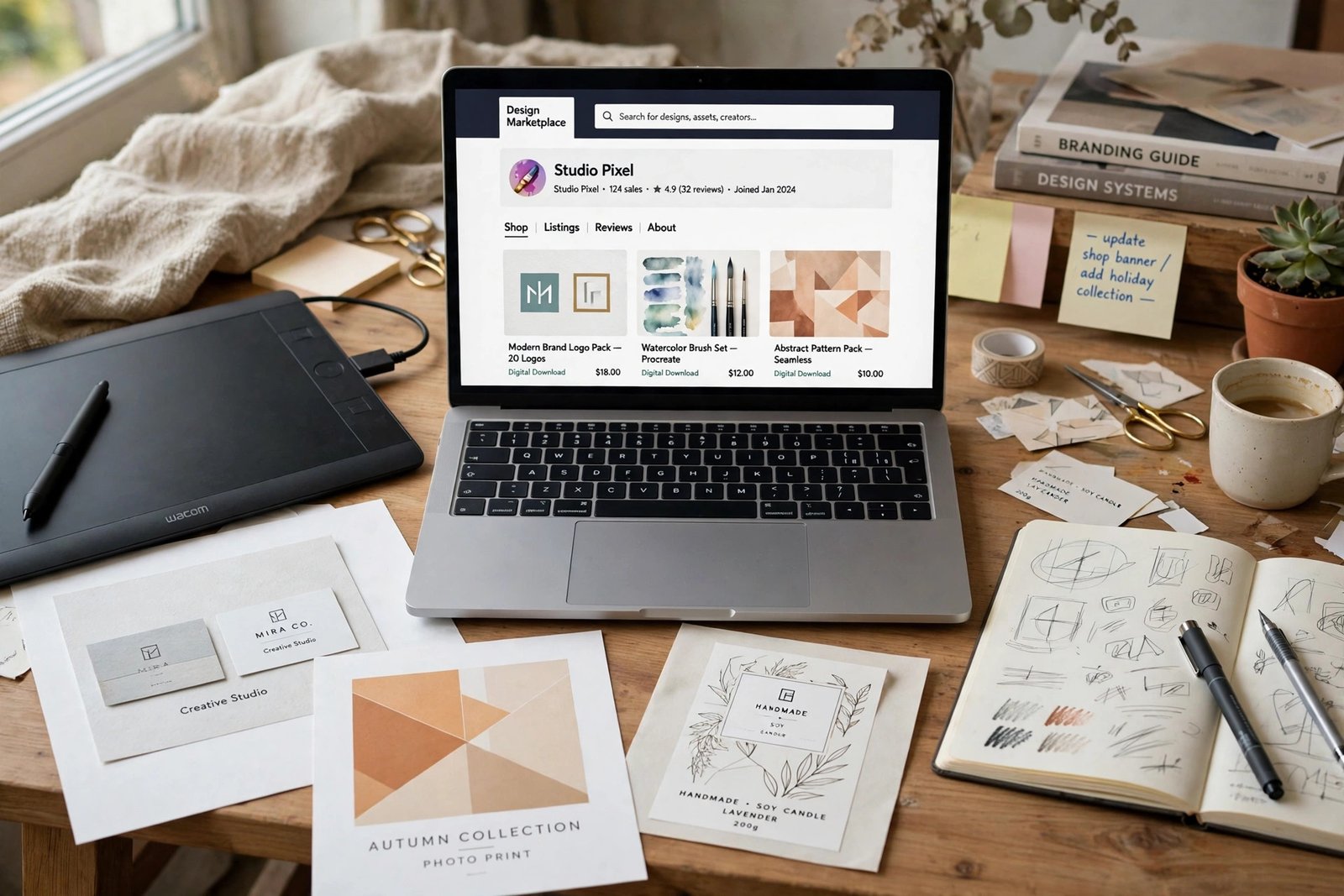
Creative Market is an online marketplace where designers sell design assets to other designers, small businesses, and makers. Buyers come for fonts, graphics, templates, textures, brushes, mockups, photos, and website themes. They are usually working on a real project: a logo, a wedding invitation, a shop, a book cover, or a social media campaign. They want files they can use straight away, with a clear licence and no surprises.
The marketplace is curated, which means not everyone gets in. A reviewer looks at your portfolio before you can open a shop, and the standard is real: your work must be original, well made, and ready to sell. That gate is also the reason buyers trust the site. A shop on Creative Market tells a buyer that your work passed a human review, and that matters when they choose between two similar products.
Creative Market is not exclusive. Its Shop Terms say licences are non-exclusive, so you can sell the same product on other marketplaces too. But there is a price rule to know: you must not price an asset higher than the lowest price you offer for it on any other marketplace. Keep that in mind when you set prices across channels.
What you can sell
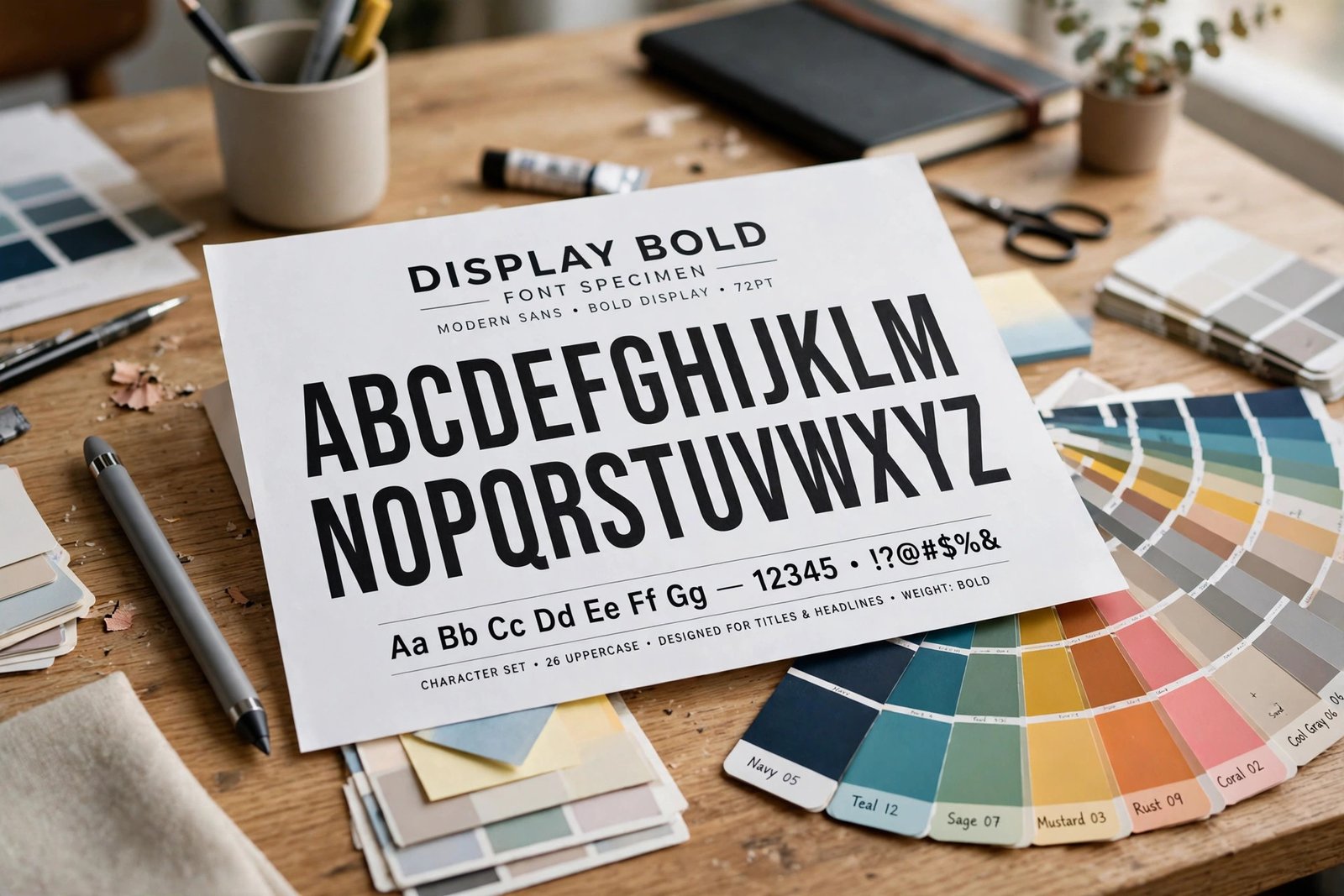
Creative Market accepts a wide range of digital design assets. The main categories are fonts, graphics, templates, add-ons, photos, and themes. Fonts include display fonts, handwriting fonts, and serif and sans serif families. Graphics include illustrations, icons, patterns, textures, and hand drawn elements. Templates include social media templates, presentation templates, resume templates, and website templates. Add-ons include brushes, presets, actions, and styles for design software. Photos include stock photos and styled mockup photos. Themes include website and shop themes.
| Product type | What buyers get | Typical price |
|---|---|---|
| Fonts | Installable font files with a licence | 10 to 50 dollars |
| Graphics and illustrations | Files to place in designs | 5 to 30 dollars |
| Templates | Editable files for social media, print, or web | 8 to 40 dollars |
| Add-ons and presets | Brushes, actions, or presets for design apps | 5 to 30 dollars |
| Photos and mockups | Images to use in projects | 5 to 25 dollars |
| Website themes | Full theme files for a shop or site | 20 to 60 dollars |
The prices above are typical ranges for single products on the marketplace. They are not promises of what you will earn. A product that solves a specific need, such as a wedding invitation template set, can charge more than a general pack of the same file type. Check the prices of the best sellers in your category before you list.
Do not sell work you did not make. Every product must be your own original work, or work you have the right to sell. Do not resell free assets, do not upload another designer's files, and do not sell a product made from a pack you bought with a licence that forbids resale. Creative Market checks, and a shop caught selling copied work loses its account.
Step 1: Build a portfolio that gets approved
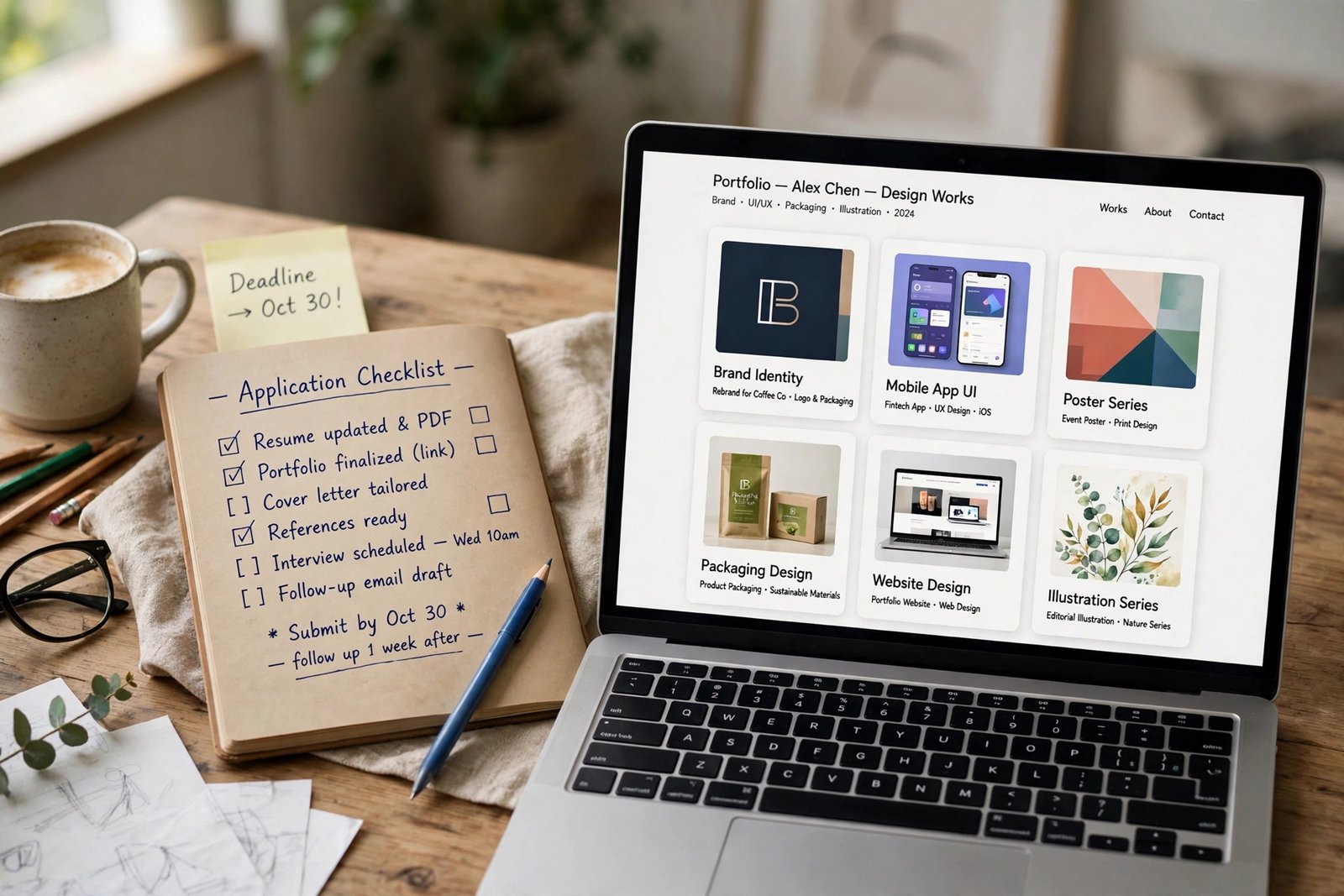
Your portfolio is your application. Creative Market's help page on opening a shop says the portfolio must be online and linkable, with no attachments or downloads, and no link shorteners. They want 10 to 20 examples of your best work, and your account email must be visible on the portfolio page, so the reviewer can reach you.
Pick your 10 to 20 best pieces, not everything you have ever made. Choose work that shows range and quality: different styles, different uses, and finished pieces, not sketches. If you have client work you can show, include it. If you have only personal projects, make them look finished, with mockups that show the work in use. A font shown on a poster sells the idea better than a font shown as a plain alphabet list.
Build the portfolio on a site you control, such as your own website, Behance, or Dribbble. Make sure every link works, every image loads, and the page looks tidy on a phone. A broken link or a half finished page tells the reviewer that your shop will be half finished too. Ask a friend to open the portfolio and tell you what looks weak, then fix it before you apply.
Step 2: Apply for a shop
Apply from the Open a Shop page on Creative Market. Fill in the shop request with your portfolio link, a short description of what you sell, and your contact details. A real human reviews each shop request, so write like a person, not like a form. Say what you make, who buys it, and why your work fits the marketplace.
The review takes time. Some sellers wait a week, others wait longer. The help pages do not promise a fixed time, so do not plan a launch date around the approval. While you wait, keep making products, so you have a catalogue ready when the shop opens.
If your application is waitlisted, do not give up. The help pages say a waitlisted applicant should submit a second shop request with new work. That means the reviewer wants to see growth. Make new pieces, improve your weakest work, and apply again with a stronger portfolio. If your application is refused, read the reason, fix the problem, and try again when your work is stronger.
Step 3: Set up payouts and taxes
Before your first sale, set up how you get paid. Creative Market pays through Tipalti, which handles payouts to sellers in many countries. The minimum payout is 20 US dollars, so you must earn at least that much before you can withdraw. Payout requests close at the end of the month, and payments are processed early in the next month, so a sale in November is usually paid in early December. Plan for that delay, and do not count on fast cash.
You will also need to complete tax forms. Creative Market asks for the tax forms that apply to your country, and it may hold tax from your payouts if the forms are missing. Fill them in as soon as your shop is approved, not after your first sale. Tax rules differ by country, so if you are unsure, speak to a qualified accountant where you live. Keep records of every sale and every payout, because you will need them for your own tax return.
Step 4: Create products buyers can use
A product that buyers can use straight away earns better reviews than a clever product that needs fixing. Organise your files before you upload them. Name the folders clearly, such as "OTF", "TTF", and "Readme", and name the files so the buyer can find them. Include a short readme file that says what is inside, how to install or open the files, and what the licence allows.
For fonts, include the installable OTF or TTF files, and only list a product as a font if it is a real installable font. A graphic alphabet, which is a set of letter images, is not a font, and listing it as one will confuse buyers and earn complaints. Font licences on Creative Market are provided by Creative Market, so read the licence terms for fonts before you list, and say clearly what each licence covers.
For templates, include the file in the app it was made for, and say which version it needs. For graphics, include the file in a format the buyer can open, and organise layers with clear names. For photos, include high resolution files with no watermarks. Test every file yourself: open it on a different computer, install the font, open the template, and check that nothing is missing. A missing file is the most common reason for a bad first review.
Step 5: List your first product
List your first product through the Product Editor. Upload the file, which can be up to 4 GB. Add at least one screenshot, at 910 by 607 pixels or larger, with 1820 by 1214 pixels recommended. The first screenshot is the cover, so make it the clearest image of the product in use. Add more screenshots that show the product from different angles, in different uses, and at different sizes.
Write a title that says what the product is and who it is for, such as "Modern Wedding Invitation Template Set". Write a description that says what is included, what formats the buyer gets, what software they need, and what the licence allows. Add tags that name the style, the use, and the mood, so buyers can find the product in search. There is no approval step for each product, so your listing goes live when you publish it. Check it after publishing, and fix any mistake straight away, because buyers may find it before you do.
Set the price after you have checked the prices of similar products in the same category. If you are new, price in the same range as the best sellers, not far below them. A very low price can signal low quality, and it earns little per sale. Read how to price digital products for a full pricing method before you set your first prices.
How to sell digital products on Creative Market: how you get paid
Creative Market pays shops 50 percent of net revenue on standard licences, according to its Shop Terms, which were last updated in September 2026. Net revenue means the sale price minus any taxes, refunds, and payment fees, so the amount you keep is 50 percent of what is left after those deductions. Rates can vary by shop and product, so read the Shop Terms for your own shop.
There is a second rate to know. On sales under the Enterprise Sales Programme, known as ESP, where Creative Market sells a custom licence to a large buyer, shops are paid 30 percent on custom licences, or 50 percent when a first time customer comes from the shop's own referral. These sales are rare for new sellers, but they are worth knowing about, because a single ESP sale can be large.
Worked example (example only: these numbers are not typical results). A seller lists a template at 20 dollars. On a standard licence sale, the shop keeps 50 percent of net revenue, which is 10 dollars before any deductions for tax or refunds. Ten sales in a month keep 100 dollars. A font listed at 40 dollars keeps 20 dollars per sale, so five sales keep 100 dollars. The maths is simple, but the traffic is the hard part: Creative Market brings buyers, but a new shop with few products and no reviews will sell slowly at first.
| Channel | What the shop keeps on a 20 dollar sale | Who finds the buyers |
|---|---|---|
| Creative Market | 10 dollars (50 percent of net revenue) | The marketplace brings design buyers |
| Etsy | 18.50 dollars before payment processing | The marketplace brings craft and design buyers |
| Your own store | 19.12 dollars before the plan cost | You find every buyer yourself |
Creative Market may also change a product's price or offer discounts at its discretion, according to the Shop Terms. That means your product may appear in a sale at a lower price, and your share is based on the discounted price. Read the Shop Terms before you list, so you understand how discounts affect your payout.
Pricing your products
Price by the category and by the use. A single font at 15 dollars, a template set at 25 dollars, and a full website theme at 49 dollars are all normal on the marketplace, because each one serves a different buyer with a different budget. Check the best sellers in your category, and price in the same range.
Remember the price parity rule. The Shop Terms say you must not price an asset higher than the lowest price you offer for it on any other marketplace. If you sell the same font for 15 dollars on Etsy, you cannot list it for 20 dollars on Creative Market. Keep your prices the same across channels, and if you want to change a price, change it everywhere at the same time. If you also list on Etsy, Etsy's help page for digital listings sets the listing rules for the same products there.
Offer bundles when you have enough products. A set of five templates for the price of three gives buyers a reason to spend more, and it raises your average sale without extra work. If you also sell fonts, read how to sell fonts online for font specific pricing and licence tiers, because fonts are the best selling category on Creative Market and the pricing works differently from graphics.
Preview images that sell
Your preview images do the selling, because buyers cannot open your product before they buy it. Make five or six images for every listing. The first is the cover, and it must read well as a small thumbnail. The second shows the product in use, such as a template on a real invitation or a font on a real poster. The third shows a close up, so buyers can see the detail. The fourth shows what is included, with the file formats and the number of files. The fifth shows the product in a second use, so buyers can see it is flexible.
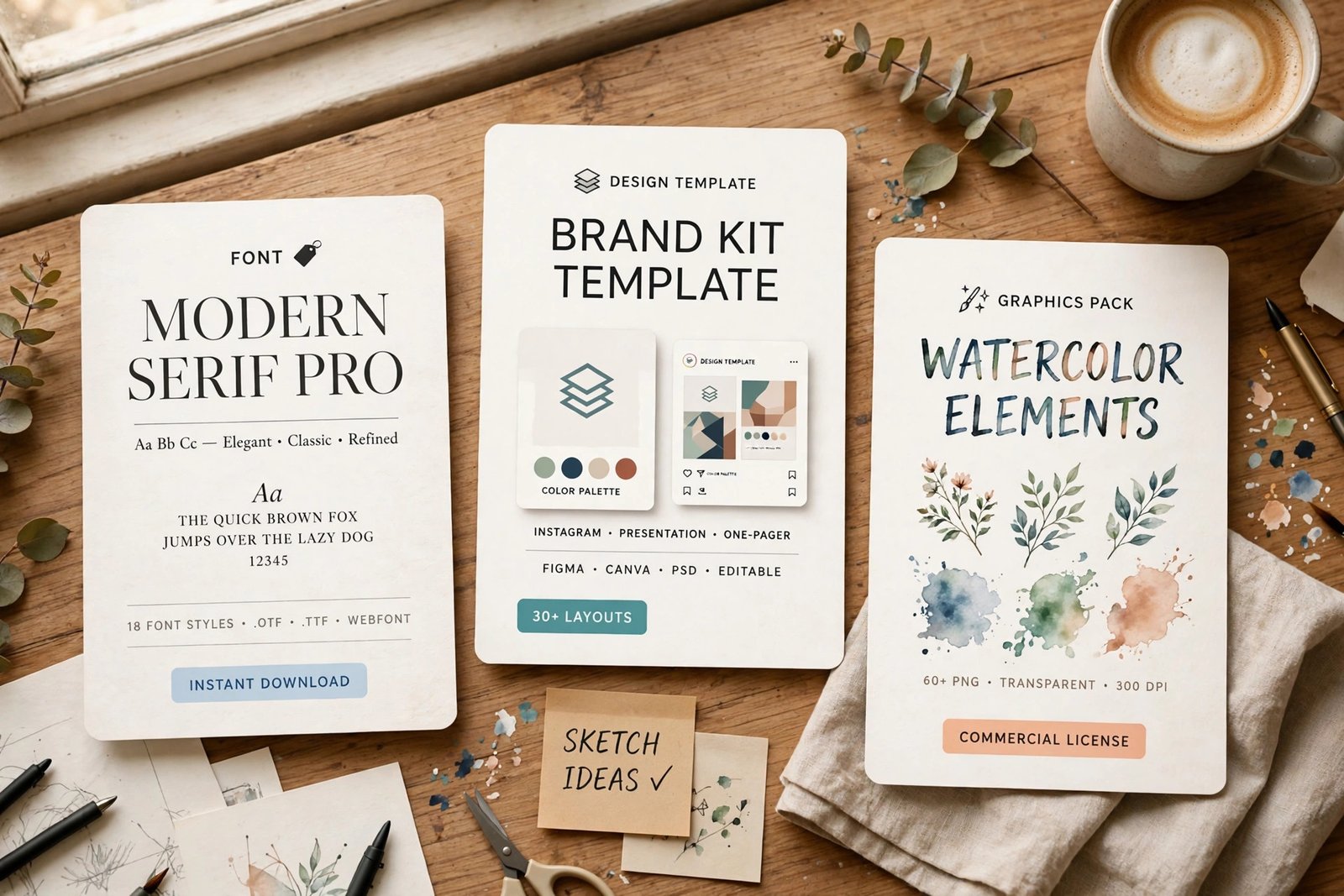
Use real words and real examples in your previews, not placeholder text. A template filled with a real wedding invitation looks like a product. The same template filled with "Lorem ipsum" looks like a demo. Keep the images clean, with no watermarks across the product, because buyers need to see what they are buying.
Getting noticed
A new shop does not get noticed on its own. Upload regularly, because each new product is a new chance to appear in search and in the weekly themes. Creative Market runs weekly themes that highlight products on a topic, so make products that fit the coming themes when you can. Write titles and tags that name the style, the use, and the buyer, so search can find your work.
Bring your own traffic too. Share your products on Pinterest and Instagram, where design buyers already browse. Read how to sell digital products with Pinterest for the full method, and link from your social profiles to your shop. Link your shop from your portfolio and your own site, and link from your other marketplace listings to your Creative Market shop where the rules allow it. Each link is a new path for a buyer to find you.
Ask buyers to leave a review after a sale, and reply to questions quickly. A shop with reviews and fast replies looks alive, and buyers trust a live shop more than a silent one. Keep your shop tidy: remove old products that no longer sell, update the ones that do, and keep your best sellers at the top.
Common mistakes
- Applying with a weak portfolio, then wondering why the shop was refused.
- Listing a graphic alphabet as a font, when it is not an installable font file.
- Pricing the same product higher on Creative Market than on Etsy, which breaks the price parity rule.
- Uploading files with messy names, missing formats, or no readme.
- Using only one preview image, so buyers cannot see the product in use.
- Expecting fast sales from a new shop with two products and no reviews.
- Forgetting the tax forms, then finding payouts held back.
- Copying another seller's product or preview images, which risks losing the shop.
- Ignoring the Shop Terms, then being surprised when a price changes or a discount appears.
Frequently asked questions
How do I sell on Creative Market?
Build a portfolio of 10 to 20 of your best pieces, then apply from the Open a Shop page. A real human reviews your work. If you are approved, set up payouts and tax forms, then list your first product through the Product Editor with screenshots, a description, tags, and a price.
Is it hard to get accepted on Creative Market?
It is a real gate, but it is fair. The reviewer looks for original, well made work that is ready to sell. A tidy portfolio with 10 to 20 finished pieces, shown in use with good mockups, has a much better chance than a large portfolio of unfinished work. If you are waitlisted, improve the work and apply again.
How much does Creative Market take?
Shops are paid 50 percent of net revenue on standard licences, according to the Shop Terms. On custom licences sold through the Enterprise Sales Programme, shops are paid 30 percent, or 50 percent when a first time customer comes from the shop's own referral. Rates can vary by shop and product, so read the Shop Terms for your own shop.
What is the minimum payout on Creative Market?
The minimum payout is 20 US dollars. Payout requests close at the end of the month, and payments are processed early in the next month. You must earn at least 20 dollars before you can withdraw, so plan for the delay.
Can I sell the same products on Etsy and Creative Market?
Yes, because Creative Market licences are non-exclusive. But the Shop Terms say you must not price an asset higher than the lowest price you offer for it on any other marketplace. Keep your prices the same across channels, and change them everywhere at the same time.
What sells on Creative Market?
Fonts, templates, graphics, add-ons, photos, and themes all sell, and fonts are among the strongest categories. Products that solve a specific need, such as wedding stationery or social media templates for a niche, tend to sell better than general packs. Check the best sellers in your category before you make your next product.
Conclusion
Selling on Creative Market comes down to a clear sequence. Build a portfolio of your best work, apply for a shop, set up payouts and tax forms, and list products that buyers can use straight away, with clear files, good preview images, and fair prices. Then upload regularly, bring your own traffic, and build the catalogue, because a shop with many good products and real reviews sells far more than a shop with two listings.
Next, read how to sell fonts online to price and licence your fonts, how to sell digital products on Etsy to list the same products on a second marketplace, and how to sell WordPress themes online if themes are your product. Then browse all digital products guides to plan your next product.
Reader note: fee, payout, and application figures were checked on the Creative Market Shop Terms and Help Center in November 2026, and marketplace rules change, so check the live pages before you apply. Tax rules differ by country, so speak to a qualified professional where you live. Earning results vary; nothing on this site is financial advice.