Learning how to monetise a blog with digital products is the next step for many bloggers who have traffic but little income. Ads pay a few cents per reader, and affiliate links only pay when someone buys from another company. A digital product is different: you make it once, and you can sell it again and again to the readers who already trust you. This guide shows you how to find a product idea, check that readers want it, build a small first version, price it, and sell it from your blog.
In this guide
- What digital products are, and why they suit blogs
- How to find a product idea in your readers' problems
- How to validate before you build
- How to choose the right format and price
- Where to sell, and what the fees are
- How to build a sales page, promote it and launch
- What it costs, refunds and tax, and common mistakes
What digital products are, and why they suit blogs
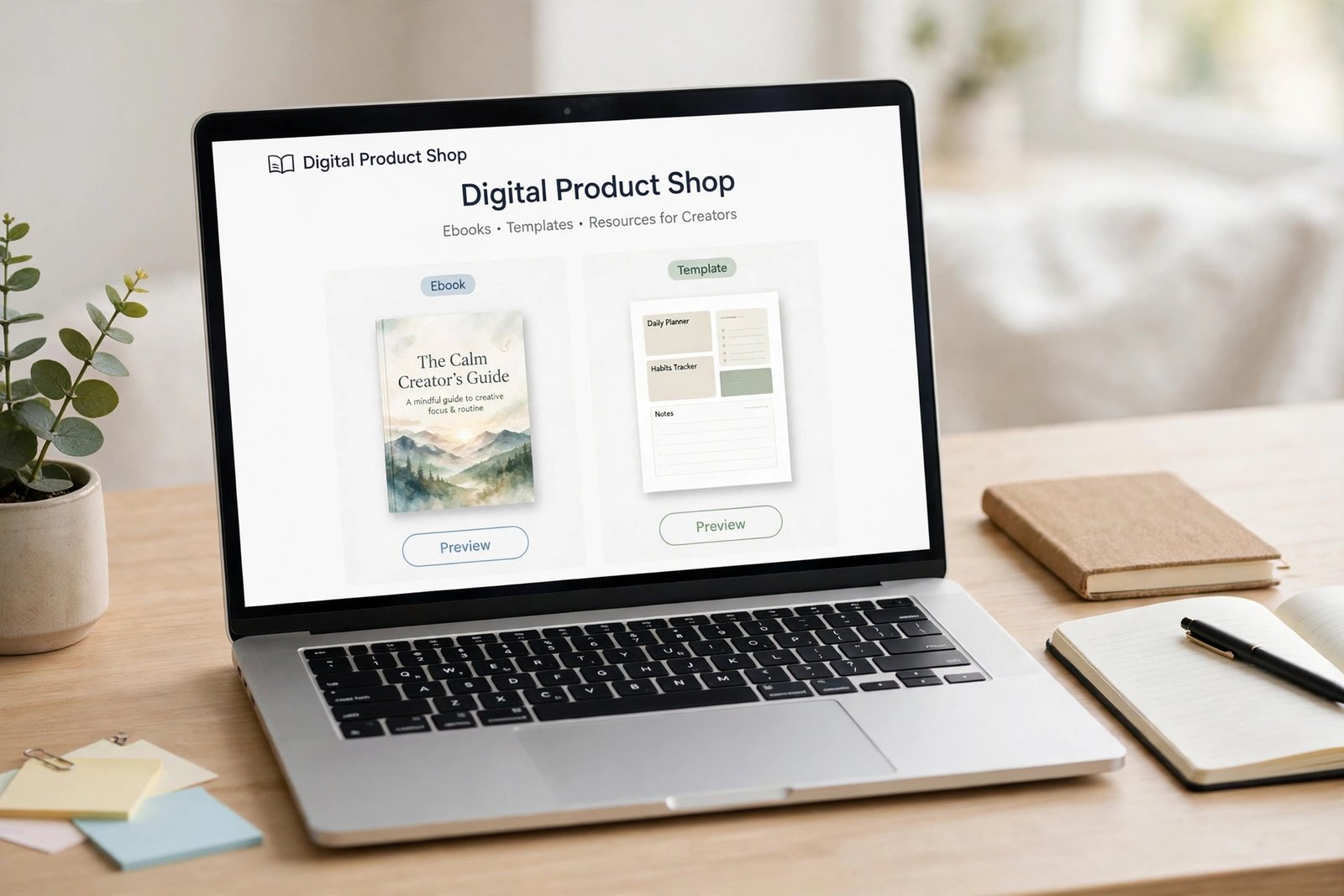
A digital product is a file or an online resource that a customer downloads or uses online. For bloggers, common products are ebooks, templates, printables, checklists, workbooks, email courses, video tutorials and stock photos. The buyer gets the file at once, and you have no stock, no packaging and no shipping to manage.
Digital products suit blogs for three reasons. First, your readers already trust you, so they are more likely to buy from you than from a stranger. Second, your blog posts already show what you know, so the product is a deeper version of help you already give for free. Third, the income does not depend on traffic alone. A small blog with 1,000 loyal readers can sell more products than a large blog with readers who never return. If you have not made a product before, read our guide to how to create your first digital product first.
Step 1: Find a product idea in your readers' problems
A good product solves a problem your readers already have, and finding that problem is the first step in how to monetise a blog with digital products. Do not start with what you want to sell. Start with what your readers keep asking about. Look in four places: the comments on your blog, the emails readers send you, the search terms that bring people to your blog, and your most read posts. If ten readers ask how to plan their meals for the week, a meal planning template is a better product than an ebook about cooking in general.
Write down every problem you find, then pick the one that meets three tests: readers ask about it often, you can solve it clearly, and the solution fits in a file or a short course. A problem that needs personal coaching is not a good first product.
Step 2: Validate before you build
Validation means checking that readers will pay for your product before you spend weeks making it.
Use this short checklist, and treat it as a pass or fail test:
- At least five readers have asked about the problem in comments or emails.
- You can describe the product in one sentence that a reader understands at once.
- Ten or more people join a waitlist when you mention the idea in a post or an email.
- At least three people say they would pay for it when you ask them directly, not just that it sounds nice.
Pass signals are specific: readers name the problem, join the waitlist, and ask when it will be ready. Fail signals are vague: people say "interesting" and move on, or nobody joins the waitlist. If the idea fails, do not build it.
A simple way to test is a pre sell. Offer the product at a lower price before it is finished, with a clear delivery date.
Step 3: Choose the right format
Match the format to the job the product does: a checklist suits a quick task, a template suits repeated work, an ebook suits a topic that needs explaining, and a course suits a skill that needs teaching over days or weeks.
| Format | Best for | Effort to make | Typical price range |
|---|---|---|---|
| Checklist or printable | A quick task done right | Low | 5 to 15 US dollars |
| Template or spreadsheet | Repeated work, such as budgets or planners | Low to medium | 9 to 29 US dollars |
| Ebook or workbook | A topic that needs explaining | Medium | 9 to 29 US dollars |
| Email course | A skill learned over days | Medium | 19 to 49 US dollars |
| Video course | A skill that needs showing | High | 49 to 199 US dollars |
Start with a small format. A 10 page checklist that solves one problem well sells better than a 100 page ebook that tries to solve five. You can always add a bigger product later. For format ideas, read our guide to how to sell templates online and our guide to how to sell ebooks online.

Step 4: Create a small first version
Keep your first version focused on one problem, for one reader, in a clear order. Write the content first, in a simple document, then design it with a clean layout and clear headings. Canva is a free tool many bloggers use to design printables, templates and ebook covers, and it has templates to start from.
Include only what the buyer needs to get the result. Test the product yourself from start to finish, then ask two or three readers to test it and tell you what confused them. Fix what they found before you launch.
Step 5: Price on value, not file size
Price your product on the result it gives the buyer, not on how many pages it has. A one page template that saves a reader two hours a week is worth more than a 50 page ebook they never finish. Ask three questions when you set a price: what does the buyer save in time or money, what do similar products charge, and what would your reader think is fair?
| Price band | What it suits | What to watch for |
|---|---|---|
| 5 to 15 US dollars | Checklists, printables, small templates | Needs many sales to add up, so it suits blogs with steady traffic |
| 15 to 49 US dollars | Ebooks, workbooks, email courses | A good starting band for most first products |
| 49 to 199 US dollars | Video courses and full systems | Needs strong trust and proof the method works |
Avoid three pricing mistakes. Do not price at 1 US dollar, because buyers doubt the quality and you earn almost nothing after fees. Do not copy a competitor's price without checking what their product includes. Do not offer a big discount every week, because readers learn to wait for the sale.
You can also sell bundles, such as a template plus a checklist for a little more than the template alone.
Step 6: Choose where to sell
You can sell from your own blog or from a marketplace. Selling from your own blog keeps control and builds your email list, but a marketplace brings buyers to you for a larger fee.
| Platform | Fees as of November 2026 | Best for |
|---|---|---|
| Gumroad | No monthly fee. 10 percent plus 50 cents on direct sales, 30 percent on sales through Gumroad Discover | A simple start with no monthly cost |
| Easy Digital Downloads | Free core plugin on WordPress. Paid passes from 99.50 US dollars a year for extra features | Selling from your own WordPress blog |
| Podia | Paid monthly plans, check the live pricing page | Courses, memberships and products in one place |
| Etsy | Listing and transaction fees apply, check the live fee page | Printables and templates to Etsy's buyers |
Gumroad's fees come from its own pricing page, which states no monthly fee, 10 percent plus 50 cents on direct sales, and 30 percent on sales through Gumroad Discover. Gumroad is the merchant of record and handles sales tax collection worldwide. Easy Digital Downloads states on its own site that the core plugin is free to download and use forever, with yearly passes from 99.50 US dollars for extra features such as subscriptions and software licensing, and that the free version includes Stripe, PayPal and Square. Patreon can also sell one off digital products, and its support page states that new creators pay a standard 10 percent platform fee plus payment processing of 2.9 percent plus 30 cents on card payments in US dollars. Fees change, so check the live pricing page of any platform before you choose it. Our guide to how to launch a digital product on Gumroad walks through the simplest route step by step.
Step 7: Build a simple sales page
A sales page explains your product and asks the reader to buy. It must answer five questions, in this order: what is it, who is it for, what problem does it solve, what exactly do you get, and what does it cost.
Add a short list of what is inside, a sample page or screenshot so buyers can see the quality, and a clear buy button. Add a refund policy, which this guide covers below, and answer the two questions buyers ask most: how do I get the file, and what if it does not help me.
Never use fake testimonials, fake earnings claims or fake scarcity on a sales page. If you have real feedback from test readers, use it with their permission. If you have none, say nothing.
Step 8: Promote through your existing content
Your blog is your best sales channel, because the readers are already there. Promote the product in four places. First, add a short mention at the end of your most read posts on the same topic, with a link to the sales page. Second, offer a free sample, such as one page of the template, in exchange for an email address. This is called a lead magnet, and it grows the list you will sell to later. Third, send an email to your list when the product launches, and one reminder a week later. Fourth, pin the product on Pinterest, where readers save ideas to buy later.
Do not promote the product in every post. Recommend it only where it genuinely helps the reader of that post.
Launch plan: how to monetise a blog with digital products in two weeks
- Days 1 to 3: tell your email list that a product is coming, and open a waitlist.
- Days 4 to 7: share a sample page or a short video of the product, and answer questions from the waitlist.
- Day 8: open sales with a launch price for the first week, and email the waitlist first.
- Days 9 to 11: share the product in one blog post and one social post, and reply to every question.
- Day 12: send a reminder email to your list, with the launch price ending date.
- Days 13 to 14: close the launch price, thank your first buyers, and ask them what they think of the product.

What it costs and what to expect
Your first product can cost from 0 to about 100 US dollars. Design tools such as Canva have a free plan, Gumroad has no monthly fee, and payment fees run about 3 percent plus 30 cents per sale on most processors. Your time is the main cost.
Expect slow sales at first when you learn how to monetise a blog with digital products. A first product often sells a few copies a month, not hundreds. Sales grow as your traffic grows, as you add more products, and as past buyers recommend you. Anyone who promises big product income from a small blog is selling a course, not a career.
Worked example: a first product launch
Example only: these numbers are not typical results. They show how the maths works, not what you will earn.
- You sell a meal planning template for an assumed 15 US dollars.
- You sell it on Gumroad through direct sales, which cost 10 percent plus 50 cents per sale. On a 15 US dollar sale, the fee is 1.50 US dollars plus 50 cents, which is 2 US dollars. You keep 13 US dollars.
- You sell 20 copies in the launch month. Multiply 20 by 13 to get 260 US dollars.
- In the next five months you sell 5 copies a month. Multiply 5 by 13 to get 65 US dollars a month, then multiply 65 by 5 to get 325 US dollars.
- Total in this example: 260 plus 325 is 585 US dollars in six months, before tax.
Many first products sell less than this, and some sell more. The income follows the size and trust of your audience.
Refunds, licensing, tax and records
Write a clear refund policy on the sales page before you launch. A common choice is a 14 day refund for buyers who ask, because digital files cannot be returned once downloaded. State the policy plainly and honour it. A fair refund policy builds trust and rarely costs much, because most buyers keep a product that helps them.
State the licence on the sales page too. A personal licence means the buyer can use the product for themselves, but not share it, resell it or give it away. If you allow business use, say so and price it higher. Keep records of every sale: the date, the amount, the platform and the fees. Tax rules differ by country, and some platforms collect tax for you while others leave it to you. Check your local tax authority or a qualified accountant before you treat product income as a business.
Common mistakes
- Building a product nobody asked for, then wondering why nobody buys it.
- Making the first product too big, so it never gets finished.
- Pricing on page count instead of the result the buyer gets.
- Hiding the refund policy or the licence terms from the sales page.
- Using fake testimonials or fake earnings claims to sell the product.
- Promoting the product in every post, which reads as spam.
Frequently asked questions
What digital products can I sell on my blog?
You can sell ebooks, templates, printables, checklists, workbooks, email courses, video tutorials and stock photos. The best choice is the format that solves your readers' most common problem, so start with one small product before you try a full course.
How do I create a digital product for my blog?
Start with a problem your readers ask about, then check that they will pay for a solution. Write the content in a simple document, design it in Canva, and test it with a few readers. Keep the first version small and focused on one problem.
Where can I sell digital products from my blog?
You can sell from your own WordPress blog with Easy Digital Downloads or WooCommerce, or from a hosted platform such as Gumroad, Podia or Etsy. Gumroad is the simplest start because it has no monthly fee, and selling from your own blog gives you more control.
How much should I charge for a digital product?
Charge for the result the buyer gets, not for the number of pages. Small checklists and printables usually sell for 5 to 15 US dollars, ebooks and workbooks for 15 to 49, and video courses for 49 to 199. Check what similar products charge, and ask your readers what they think is fair.
Do I need a big audience to sell digital products?
No, you do not need a big audience. A small blog with 1,000 loyal readers can outsell a large blog with readers who never return, because trust matters more than traffic.
How do I validate a digital product idea?
Ask readers directly, open a waitlist, and watch what happens. If at least ten people join and a few say they would pay, the idea has passed a basic test. If nobody joins, pick another idea.
Conclusion
You now know how to monetise a blog with digital products: pick one problem your readers already have, check that they will pay for a solution, and build a small first version. Price it on the result it gives, choose a platform with fees you understand, and launch it to your email list. Then listen to your first buyers and improve the product.
Your next step is to read our guide to how to create your first digital product, then plan your next income stream with our guide to how to monetise a blog with memberships, and read our guide to how to sell ebooks online to see how one product format works in depth. You can browse all our blogging guides for more help.
Facts in this guide were checked against official pages on 17 November 2026, including the Gumroad pricing page, the Easy Digital Downloads site and the Patreon support page. Fees change, so check the live pricing page of any platform before you choose it. Rules and tax treatment differ by country. Check your local tax authority or a qualified accountant before you treat product income as a business. Earning results vary; nothing on this site is financial advice.