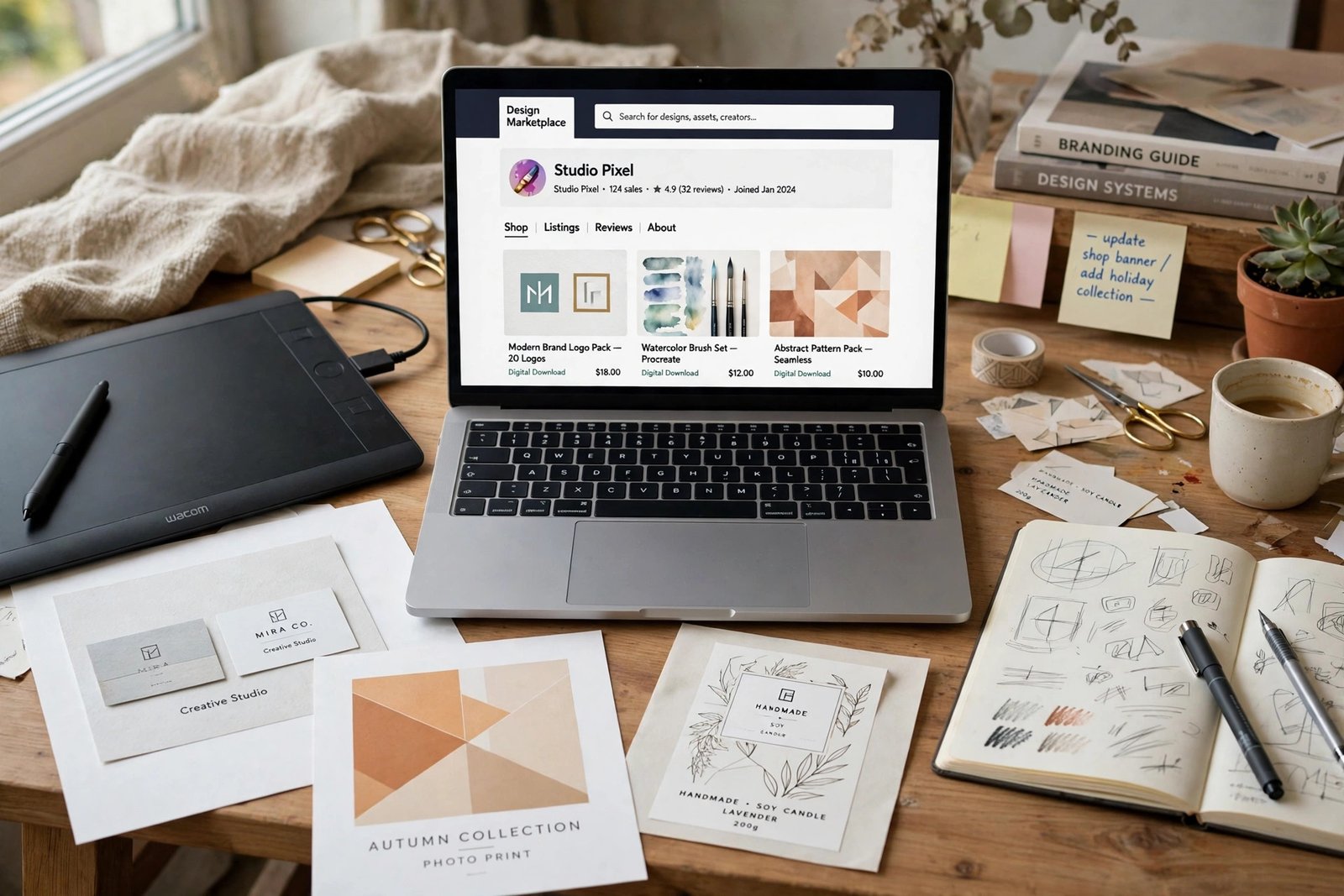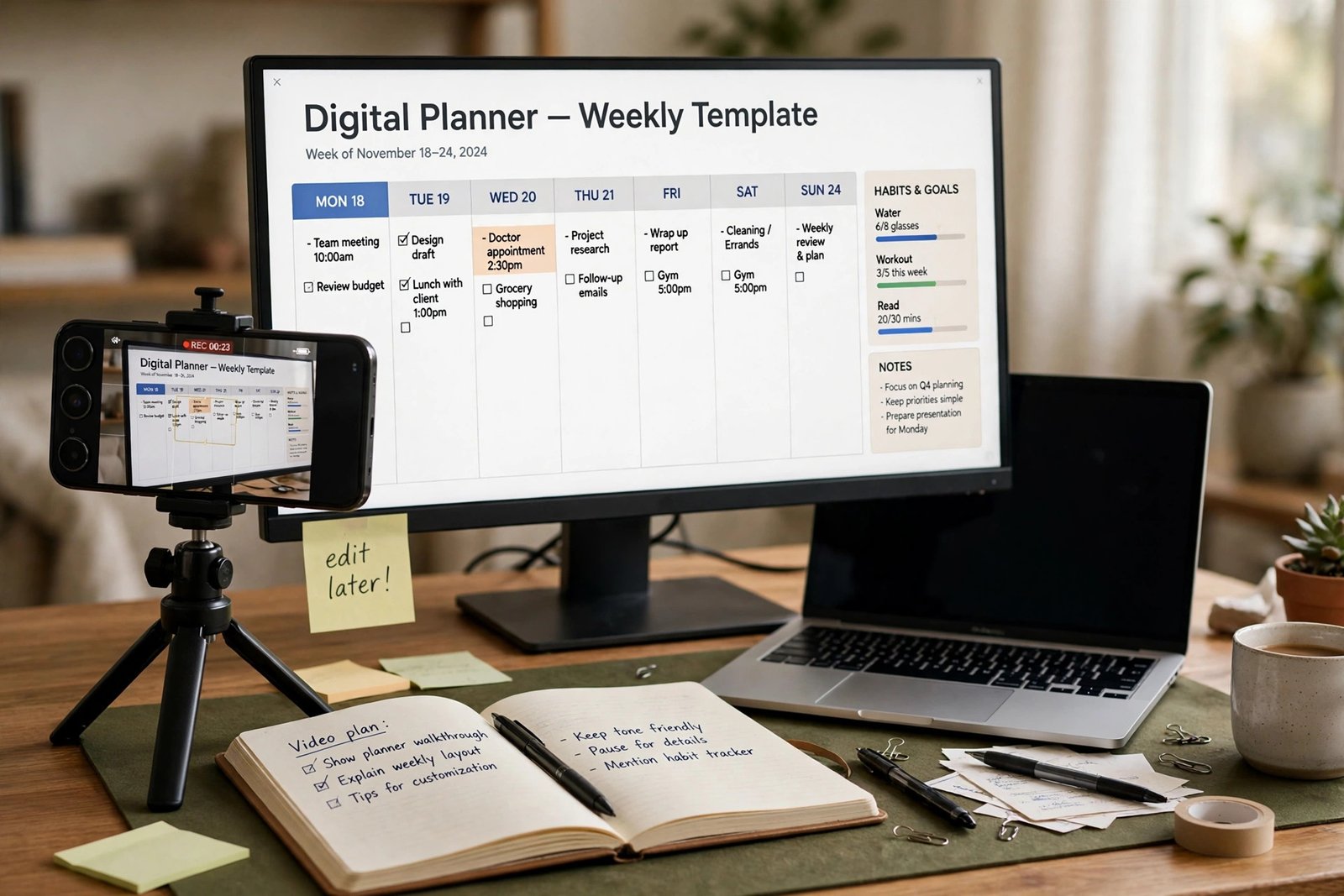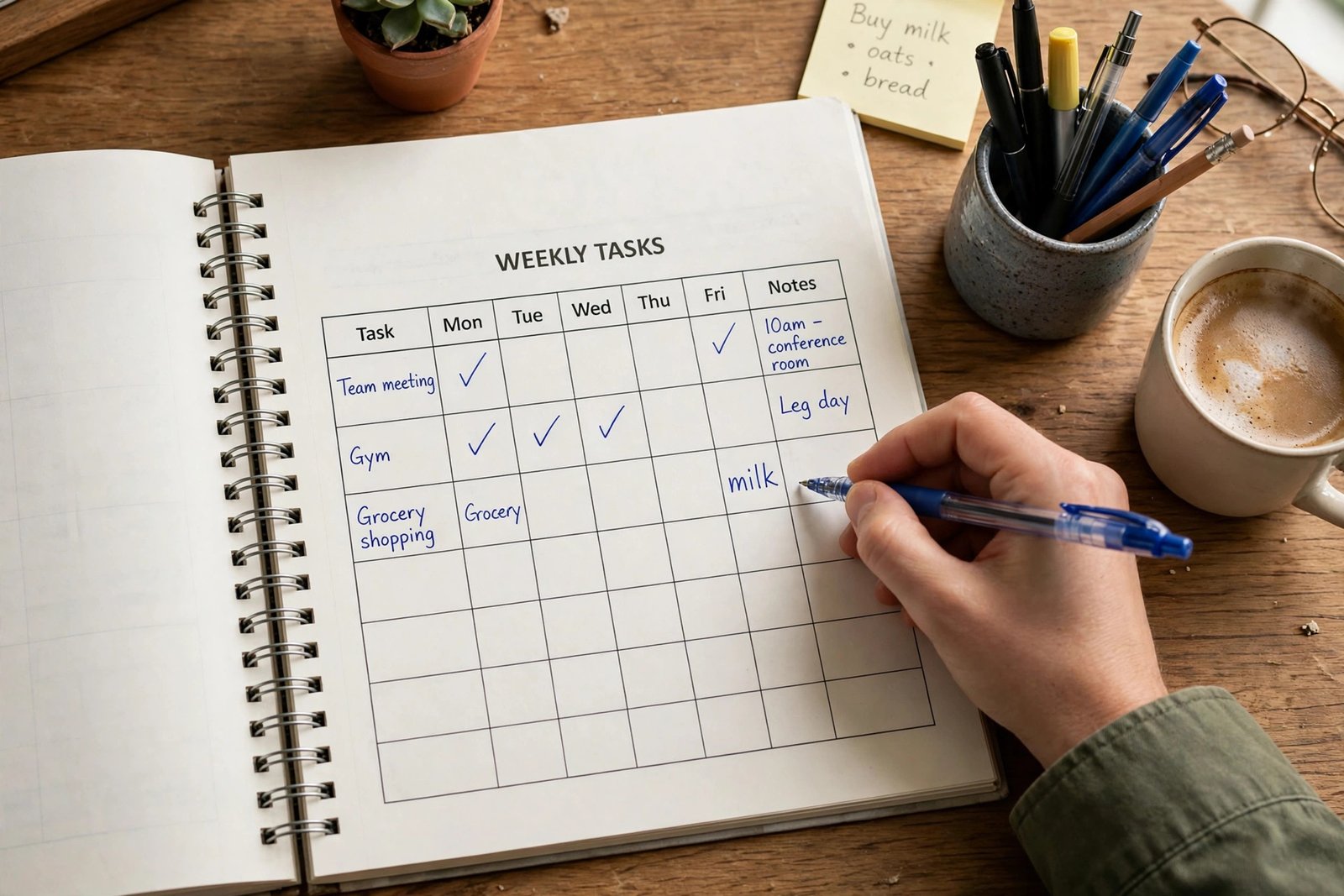
Learning how to create and sell digital workbooks online is a good fit if you can teach one clear skill or guide someone through one clear change. A workbook is a tool the buyer uses, not a book they only read. They write in it, answer questions in it, track progress in it, and finish it with something done. This guide shows you how to pick the outcome, build the pages with free tools, decide between printable and fillable formats, test it with real people, price it, and sell it on Etsy, Gumroad, your own site, or as a paperback on Amazon KDP. It suits beginners who have knowledge worth sharing and no audience yet.
In this guide:
- What is a digital workbook
- Step 1: Pick one buyer and one outcome
- Step 2: Outline the workbook before you design anything
- Step 3: Choose your page types
- Step 4: Build it with free tools
- Step 5: Printable or fillable, decide early
- Step 6: Test it with 3 real people
- Step 7: Price the outcome, not the page count
- How to create and sell digital workbooks online: where to sell them
- Selling a paperback on Amazon KDP
- Listing photos that sell
- Common mistakes
- Frequently asked questions
What is a digital workbook (and how it differs from a journal, a planner, and an ebook)
A workbook guides the buyer through a task. A budget workbook helps them build a budget. A job search workbook helps them apply for jobs. A language workbook helps them practise new words. Each page has a job to do, and the buyer writes, ticks, or fills something in.
A journal is different: it is mostly blank or lightly prompted pages for free writing, with no fixed outcome. A planner is different too: it organises time, with calendars and daily pages, but it does not teach a skill. An ebook is different again: it explains and informs, but the reader does not write in it. These differences matter on marketplaces, because buyers search for the format they want, and Amazon KDP treats low content books, such as journals and planners, under different rules from full workbooks. A workbook with real teaching content is not a low content book, and you should not tick the low content box for it.
The best workbooks are narrow. A workbook that promises to fix someone's whole life will not sell, because the buyer cannot picture the result. A workbook that promises one result in 30 days will sell, because the buyer can picture it clearly.
Step 1: Pick one buyer and one outcome
Start with one buyer and one outcome. The buyer is a specific person, such as a new freelancer who needs a first budget, or a parent who wants a reading routine for a child. The outcome is one finished thing, such as a finished budget, a finished CV, or a finished 30 day reading log.
Write the outcome as one sentence: "After this workbook, the buyer will have a monthly budget they can follow." If you cannot write that sentence, the idea is too broad. Narrow it until you can.
Then check that people want it. Search Etsy and Gumroad for workbooks on your topic, and read the reviews on the best sellers. Note what buyers praise and what they complain about. Search Google for the problem your workbook solves, and read the questions people ask in forums and comments. If people ask the same question often, a workbook that answers it has a market. If nobody asks, pick another outcome.
Step 2: Outline the workbook before you design anything
Open a blank document and outline before you touch any design tool. A clear outline saves hours of redesign later. Start with the outcome, then list the steps the buyer must take to reach it, in order. Each step becomes a section. Each section gets its pages.
A simple outline for a 30 page workbook looks like this: a cover and a "how to use this workbook" page, a short introduction that states the outcome, then five sections of four to five pages each, then a final review page and a "what to do next" page. Each section starts with a short explanation, then the pages where the buyer works.
Keep the scope tight. A workbook of 20 to 40 pages that does one job well sells better than a workbook of 100 pages that does five jobs badly. Buyers judge a workbook by whether they finish it, not by how thick it is.
Step 3: Choose your page types
A good workbook mixes page types, so the buyer never faces ten identical pages in a row. Each type has a job, and the mix keeps the work interesting.
| Page type | What it does | Example |
|---|---|---|
| Explanation | Teaches one idea in short words | How a budget works, in one page |
| Worksheet | The buyer fills in a table or form | Monthly income and spending table |
| Prompt | The buyer writes a short answer | "Write down your three biggest costs" |
| Checklist | The buyer ticks off steps | "Before you send your CV" checklist |
| Tracker | The buyer records progress over days | 30 day habit tracker grid |
| Planner | The buyer plans the next step | Weekly action plan page |
| Answer key | Shows the correct answers | Answers for a quiz or exercise |
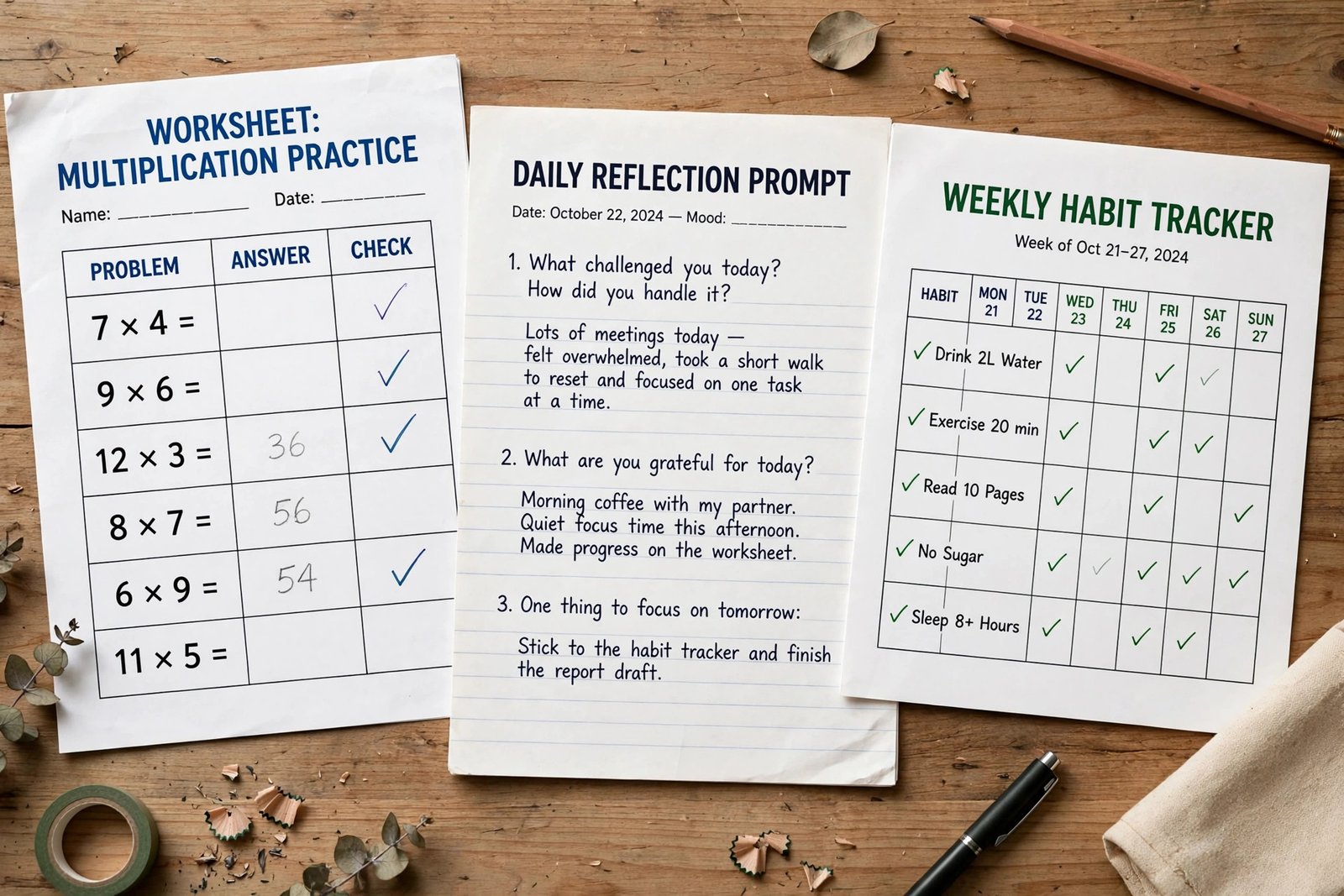
Plan the mix before you build. A workbook that is all explanation is an ebook. A workbook that is all blank tables is a notebook. Aim for about half teaching and half doing, and put the doing pages right after the teaching page they belong to, so the buyer uses the idea while it is fresh.
Step 4: Build it with free tools
You do not need paid software to make a good workbook. Google Docs works well for text heavy workbooks, because it is free, it exports to PDF, and it is easy to edit. Google Slides works well for visual workbooks, because you control the layout of each page. Canva works well for designed workbooks, because it has templates, shapes, and fonts built in, and it exports to PDF in print quality.
Set the page size first. US Letter and A4 are the two standard sizes for printables. Pick the size your buyers use: US Letter for buyers in the United States, A4 for buyers in most other countries. Set the margins wide enough to print safely, and keep the text at least 11 point size, so it stays readable when printed.
Design for printing, even if the buyer uses it on screen. Use dark text on a light background, leave white space around each exercise, and avoid large blocks of solid colour, because they use a lot of ink. Add page numbers and a contents page, so the buyer can find their place. When the design is done, export it as a PDF. Use PDF Standard for a file the buyer reads on screen, and PDF Print for a file the buyer prints, because PDF Print keeps the quality high.
Step 5: Printable or fillable, decide early
Decide the format before you design, because it changes how you build the pages. A printable workbook is a PDF the buyer prints at home. It needs writing lines, boxes, and tables with enough space for handwriting. A fillable workbook is a PDF the buyer types into on a screen, using form fields. It needs clickable fields, checkboxes, and enough space for typed answers.
Printable workbooks sell better on Etsy, where buyers expect to print. Fillable workbooks sell better to buyers who work on a tablet or a laptop, such as students and office workers. You can offer both in one listing, with two files, but only do that if you have tested both. A fillable field that does not work, or a printable page that cuts off at the edges, will earn a bad review fast.
State the format clearly in the title and the description. Write "Printable PDF, US Letter and A4" or "Fillable PDF for tablet and computer" in the first lines, so buyers never have to guess. If the buyer needs a PDF reader or a specific app, say so, and say it is free.
Step 6: Test it with 3 real people
Before you list a workbook, test it with three real people who match your buyer. Give them the file, ask them to work through it, and watch where they stop, skip, or get confused. Do not explain anything while they work. If they cannot finish an exercise without your help, the exercise is unclear.
Ask them three questions after they finish: what was the most useful page, what was confusing, and would they pay for it. Fix the confusing pages first, then the dull ones. Check every answer in the workbook yourself. A wrong answer in a worksheet is the fastest way to lose trust, because the buyer trusted you to get it right. Do every exercise yourself, check every answer, and do not copy exercises from another workbook. Copying another workbook's exercises is both unfair and risky, because it can break copyright rules.
Test the print too. Print the workbook at home, on the paper your buyers will use, and check that nothing is cut off, that the text is big enough to read, and that the writing lines have room for a pen. Then test the file on a phone, because some buyers will open it there first.
Step 7: Price the outcome, not the page count
Price a workbook by the result it gives, not by how many pages it has. A 20 page workbook that helps a buyer land a job is worth more than a 60 page workbook that only fills time. Look at what similar workbooks sell for on Etsy and Gumroad, then price in the same range.
Typical price bands for a digital workbook are 5 to 10 dollars for a short workbook of 10 to 20 pages, 10 to 20 dollars for a full workbook of 20 to 40 pages, and 20 to 40 dollars for a long workbook with a clear result, such as a full job search system. These are typical ranges, not promises of what you will earn.
The fee maths matters, because the same workbook keeps a different amount on each platform. The table below uses verified figures as of November 2026. Etsy charges a 0.20 dollar listing fee plus a 6.5 percent transaction fee, with payment processing extra and varying by country. Gumroad's pricing page confirms 10 percent plus 50 cents on direct sales, plus card processing, and 30 percent on Discover sales. The own site row assumes Shopify Payments at 2.9 percent plus 30 cents, before the monthly plan cost.
| Sale price | Etsy keeps (before processing) | Gumroad keeps (before card processing) | Own site keeps (before plan cost) |
|---|---|---|---|
| 5 dollars | 4.47 dollars | 4.00 dollars | 4.55 dollars |
| 10 dollars | 9.15 dollars | 8.50 dollars | 9.41 dollars |
| 20 dollars | 18.50 dollars | 17.50 dollars | 19.12 dollars |
Worked example (example only: these numbers are not typical results). A seller lists a 10 dollar workbook on Etsy and sells 20 copies in a month. Each sale keeps 9.15 dollars before payment processing, so 20 sales keep 183 dollars before processing fees. The same workbook on Gumroad keeps 8.50 dollars per direct sale, so 20 sales keep 170 dollars before card processing. The difference is small, so choose the platform by where your buyers are, not by the fee alone.
How to create and sell digital workbooks online: where to sell them
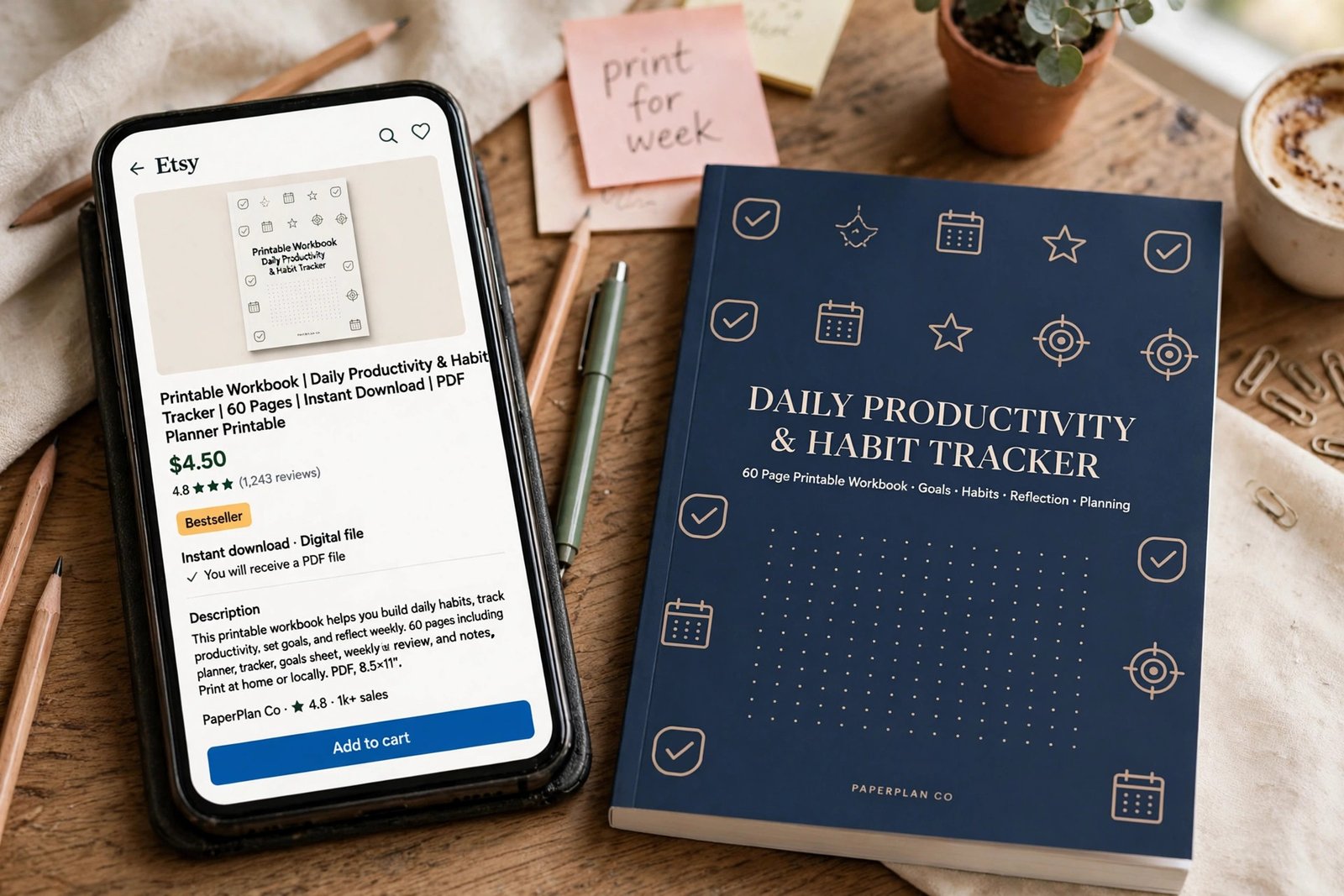
Etsy is the most common place to sell a printable workbook, because buyers already search there for printables and planners. Etsy's help page for digital listings confirms the rules for digital items: up to five digital files per listing, 20 MB per file, file names limited to 70 characters and shown to buyers exactly as uploaded, no variations on digital items, and the item must be made or designed by you. Gumroad suits sellers who want a simple checkout and a page they can link from anywhere, with no monthly fee. Your own site suits sellers with an audience, because you keep the most per sale and you own the customer list.
| Channel | Who it suits | Main cost | Main trade off |
|---|---|---|---|
| Etsy | Printable workbooks, new sellers | Listing fee plus transaction fee | Built in buyers, but fees on every sale |
| Gumroad | Simple checkout, link from anywhere | 10 percent plus 50 cents per direct sale | No monthly fee, but you find the buyers |
| Own site | Sellers with an audience | Monthly plan plus card fees | You keep more, but you find every buyer |
| Amazon KDP paperback | Buyers who want a printed book | Printing cost per copy | Real book, but slower to update |
List the workbook in more than one place when the rules allow it. A printable PDF on Etsy and a paperback on Amazon KDP reach different buyers, and neither stops the other from selling.
Selling a paperback on Amazon KDP
A paperback version on Amazon KDP reaches buyers who want a real book they can write in. The royalty depends on the list price. On Amazon.com, KDP's paperback royalty page confirms a 60 percent royalty on paperbacks listed at 9.99 dollars and above, and 50 percent at 9.98 dollars and below, minus the printing cost. Sales through Expanded Distribution pay 40 percent. The minimum list price must cover the printing cost, which depends on page count, ink, and trim size, and Amazon shows it when you set the price.
Worked example (example only: these numbers are not typical results). A paperback workbook listed at 12.99 dollars earns a 60 percent royalty, which is 7.79 dollars, minus the printing cost for that book. If the printing cost is 3 dollars, the royalty is about 4.79 dollars per copy. The exact printing cost depends on your page count, so check it in KDP before you set the price.
Do not make a fill-in workbook for Kindle. Kindle is for reading, not for writing in, and a workbook with blank tables does not work as an ebook. Use KDP paperback for the printed version, and sell the digital PDF on Etsy or Gumroad.
Mind the low content box. When you publish on KDP, Amazon asks whether the book is low content, which means it has little or no written content, such as a blank journal or a simple planner. A workbook with real teaching content is not a low content book. If you tick the low content box by mistake, your book gets no free ISBN and no Look Inside sample, and it may be rejected. Read the question carefully, and tick the box only if your book truly has almost no written content.
Order a proof copy before you publish. Check the cover, the page order, the margins, and the print quality. A proof copy costs a few dollars and saves you from a book full of mistakes that buyers will review.
Listing photos that sell
Buyers cannot open your workbook before they buy it, so your listing photos do the selling. Use five or six images. The first is the cover, clear and readable as a small thumbnail. The second shows the contents page, so buyers can see what is inside. The third shows a filled in page, so buyers can see what the finished work looks like. The fourth shows a blank page, so buyers can see the writing space. The fifth shows what the buyer gets: the file formats, the page sizes, and the number of pages.
Fill in a page by hand for the photo, with neat handwriting and real answers, not scribbles. Buyers want to see the workbook used, not just designed. Show the printed version too, if you sell a paperback, so buyers can see the real book.
For more on selling printables, read how to sell printables online, and for the ebook side of the same skill, read how to sell ebooks online. If you also make planners, how to create and sell digital planners online shows how a similar product is built and listed.
Common mistakes
- Making a workbook for Kindle, where a fill-in book does not work.
- Ticking the low content box on KDP for a workbook with real teaching content.
- Using blank photos that show nothing, instead of filled in pages that show the result.
- Selling a workbook made from a resold pack of pages you did not write yourself.
- Skipping the test with real people, then finding out the exercises are unclear from a buyer's review.
- Pricing by page count instead of by the result the buyer gets.
- Forgetting to state the format, so buyers do not know if the file is printable or fillable.
- Copying exercises from another workbook, which risks a copyright complaint.
- Launching with no traffic plan, then wondering why a good workbook does not sell.
Frequently asked questions
How do I create a workbook to sell?
Pick one buyer and one outcome, outline the workbook before you design it, and build it with a free tool such as Google Docs, Google Slides, or Canva. Mix page types, such as worksheets, prompts, checklists, and trackers, then test it with three real people and fix what confuses them.
Where is the best place to sell workbooks?
Etsy suits printable workbooks because buyers already search there for them. Gumroad suits a simple checkout you can link from anywhere. Your own site keeps the most per sale but needs your own traffic. A paperback version on Amazon KDP reaches buyers who want a printed book.
How much should I charge for a workbook?
A short workbook of 10 to 20 pages often sells for 5 to 10 dollars, a full workbook of 20 to 40 pages for 10 to 20 dollars, and a long workbook with a clear result for 20 to 40 dollars. Price the result, not the page count, and check what similar workbooks sell for on the same platform.
Can I sell a workbook on Kindle?
A fill-in workbook does not suit Kindle, because Kindle is for reading, not for writing in. Sell the digital PDF on Etsy or Gumroad, and sell a printed version as a KDP paperback if you want a book buyers can write in.
Is a workbook a low content book?
A workbook with real teaching content is not a low content book. Low content means a book with little or no written content, such as a blank journal. Ticking the low content box by mistake means your book gets no free ISBN and no Look Inside sample, so read the question carefully on KDP.
Do I need an audience to sell a workbook?
No, but it helps. Etsy and Amazon bring buyers to your listing, so you can sell without an audience if your title, photos, and reviews are good. An audience makes it faster, because you can launch to people who already trust you. Start with the marketplaces, and build the audience while you sell.
Conclusion
Creating and selling a digital workbook comes down to a clear sequence. Pick one buyer and one outcome, outline the workbook before you design it, mix page types that teach and ask the buyer to work, build it with free tools, test it with three real people, and price the result, not the page count. Then list it where your buyers already shop, and consider a paperback version on KDP for buyers who want a real book.
Next, read how to sell printables online to list your first workbook, how to sell ebooks online to turn your knowledge into a longer guide, and how to sell digital products on Etsy to get the listing rules right. Then browse all digital products guides to plan your next product.
Reader note: fee and royalty figures were checked on Etsy's help pages, Gumroad's pricing page, and Amazon KDP's paperback royalty page in November 2026, and prices change, so check the live pages before you list. Tax rules differ by country, so speak to a qualified professional where you live. Earning results vary; nothing on this site is financial advice.