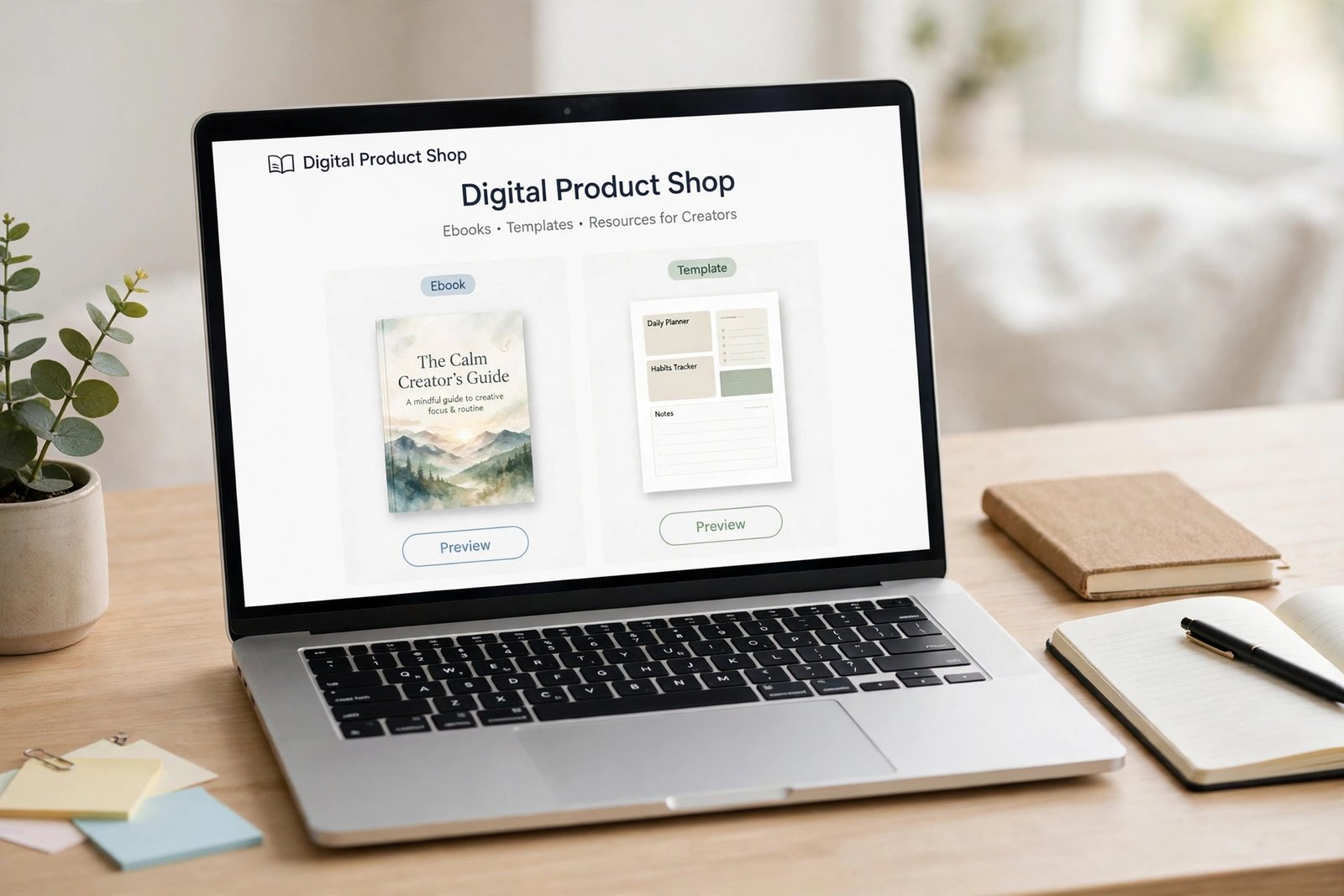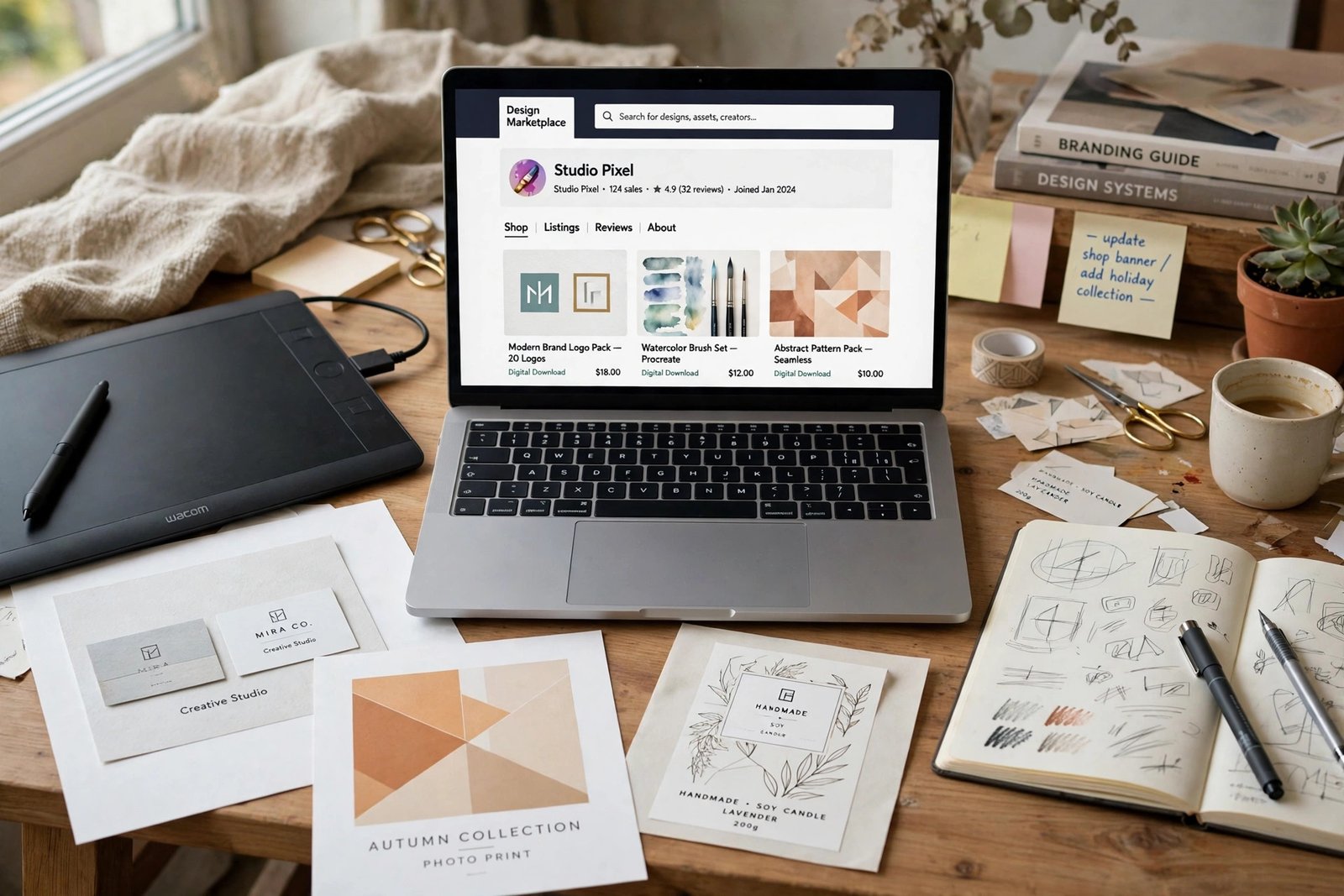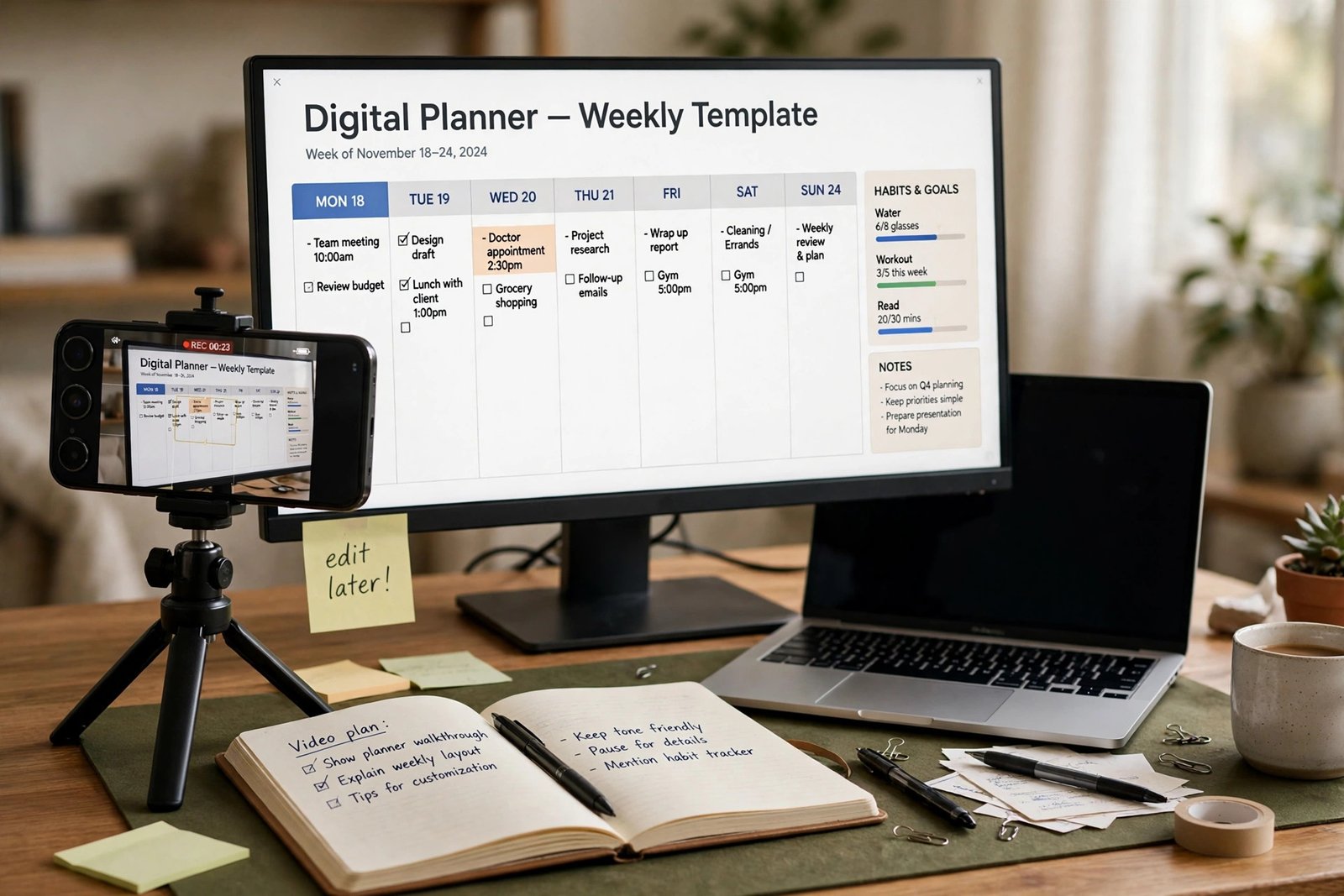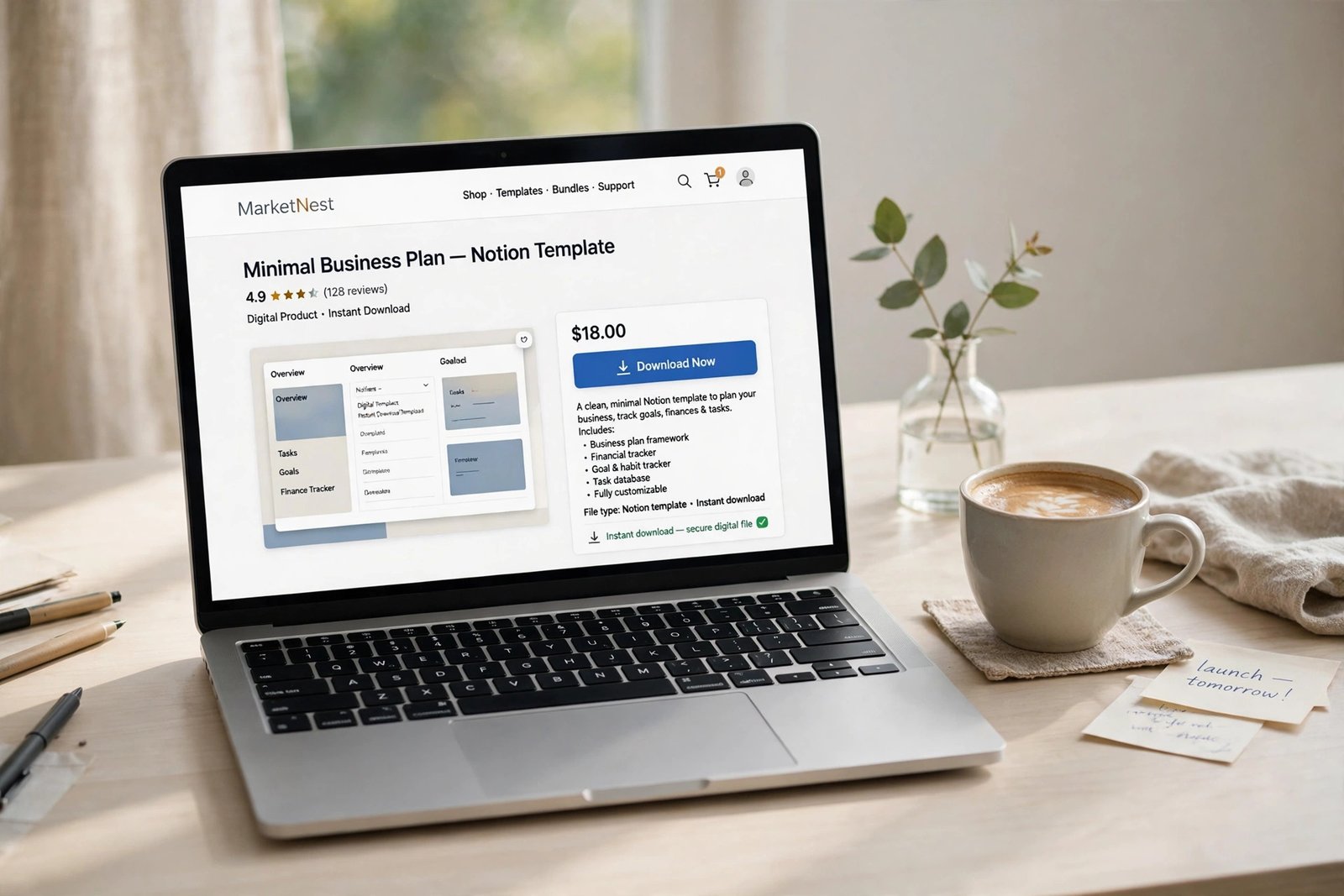
Learning how to sell digital products on Shopify is a good move if you already run a shop, or if you want one place for your products, your email list, and your checkout. Shopify was built for physical goods, so digital files need one extra step: a delivery app that sends the download link after payment. This guide walks you through that setup, from creating your first product to pricing it, protecting the file, and bringing in buyers. It suits beginners who have a finished file to sell, such as a template, a guide, or a set of presets.
In this guide:
- What you can sell on Shopify, and what sells best
- How to sell digital products on Shopify: is it the right choice for you
- Step 1: Set up your store and create your first product
- Step 2: Install the Digital Products app and attach your file
- Step 3: Turn off shipping and set up automatic delivery
- Step 4: Price your product
- Step 5: Build a product page that sells
- What it costs
- Taxes on digital goods
- Protecting your downloads
- Marketing without paid ads
- Common mistakes
- Frequently asked questions
What you can sell on Shopify, and what sells best
A digital product is a file or a link that the buyer downloads or opens after paying. There is nothing to pack and nothing to post. On Shopify, the products that sell best are the ones that solve one clear problem for one clear buyer. A budget spreadsheet for new freelancers sells better than a general spreadsheet pack. A wedding invitation template sells better than a pack of random graphics.
| Product type | What buyers get | Typical price |
|---|---|---|
| Templates and planners | A file to edit and reuse | 5 to 40 dollars |
| Ebooks and guides | A PDF to read | 5 to 30 dollars |
| Courses and workshops | Video lessons and worksheets | 30 to 200 dollars |
| Presets and stock assets | Files to use in creative work | 10 to 60 dollars |
| Fonts and graphics | Files to install or place in designs | 10 to 50 dollars |
| Printables | PDFs to print at home | 3 to 20 dollars |
The prices above are typical ranges seen in online shops. They are not promises of what you will earn. Your price should reflect the result the buyer gets, not the number of pages in your file. A short checklist that saves a buyer three hours of work can be worth more than a 100 page guide that saves them nothing.
Before you build anything, check that people want it. Search for the product on Etsy and Creative Market, read the reviews on the best sellers, and note the words buyers use. If you already have an audience, ask them what they would pay to solve. If you need help choosing a first product, read how to create your first digital product before you go further.
How to sell digital products on Shopify: is it the right choice for you
Shopify is a full online store. That is its strength and its weakness for digital sellers. You get a branded shop, a reliable checkout, discount codes, bundles, email tools, and analytics in one place. You also pay a monthly plan fee whether you sell or not, and you must set up delivery yourself.
Ask yourself four questions before you commit:
- Will you sell more than a few products? A shop makes sense when your catalogue grows. One file does not need a full store.
- Do you want your own brand and your own customer list? Shopify gives you both. A marketplace gives you its traffic but keeps the customer relationship.
- Do you want to sell physical goods later? If yes, Shopify handles both in one shop.
- Can you afford the monthly plan while sales are slow? If not, start on a lighter checkout and move later.
If you only have one file and no plans for a store, a simpler tool wins. How to launch a digital product on Gumroad shows a route with no monthly fee. If you want your own shop and you plan to grow it, keep reading.
Step 1: Set up your store and create your first product
Start with a Shopify account and pick a plan. As of November 2026, the Basic plan costs 39 US dollars a month on monthly billing, or 29 US dollars a month when paid yearly. Check Shopify's pricing page before you sign up, because plan prices change.
Choose a store name that matches your product niche, and pick a clean free theme. You do not need a paid theme to start. Add your logo, a short description of what you sell, and your contact details. Then connect a payment method. Shopify Payments is the built-in option in most countries. If it is not available where you live, Shopify lists the payment gateways that work in your country, so check that list before you build.
Now create your first product. Go to Products, then Add product. Give it a clear title that says what it is and who it is for, such as "Freelance Budget Planner for New Designers". Write a description that explains the result, what is included, what file format the buyer gets, and what they need to open it. Add your mockup images. Set the price. Then, before you save, find the Shipping section and turn off the physical product setting. This is the step most beginners miss, and it is what stops Shopify from charging postage on a file. Shopify's own help pages confirm that this setting must be deactivated so no shipping charges apply to digital goods.
If you are new to Shopify as a whole, how to start an ecommerce store with Shopify covers the full store setup in detail, so this guide stays focused on the digital parts.
Step 2: Install the Digital Products app and attach your file
Shopify does not send download links on its own. You need a delivery app, and the simplest one is Shopify's own free Digital Products app. Install it from the Shopify App Store, open it, and choose the product you just created. Upload your file or paste a link to hosted content. The app supports files and links, and Shopify's Digital Products help page confirms it allows up to 50 files per variant, with a combined size of 5 GB. Supported link providers include Notion, Canva, Google Drive, Teachable, Thinkific, Kajabi, Dropbox, YouTube, and Vimeo.
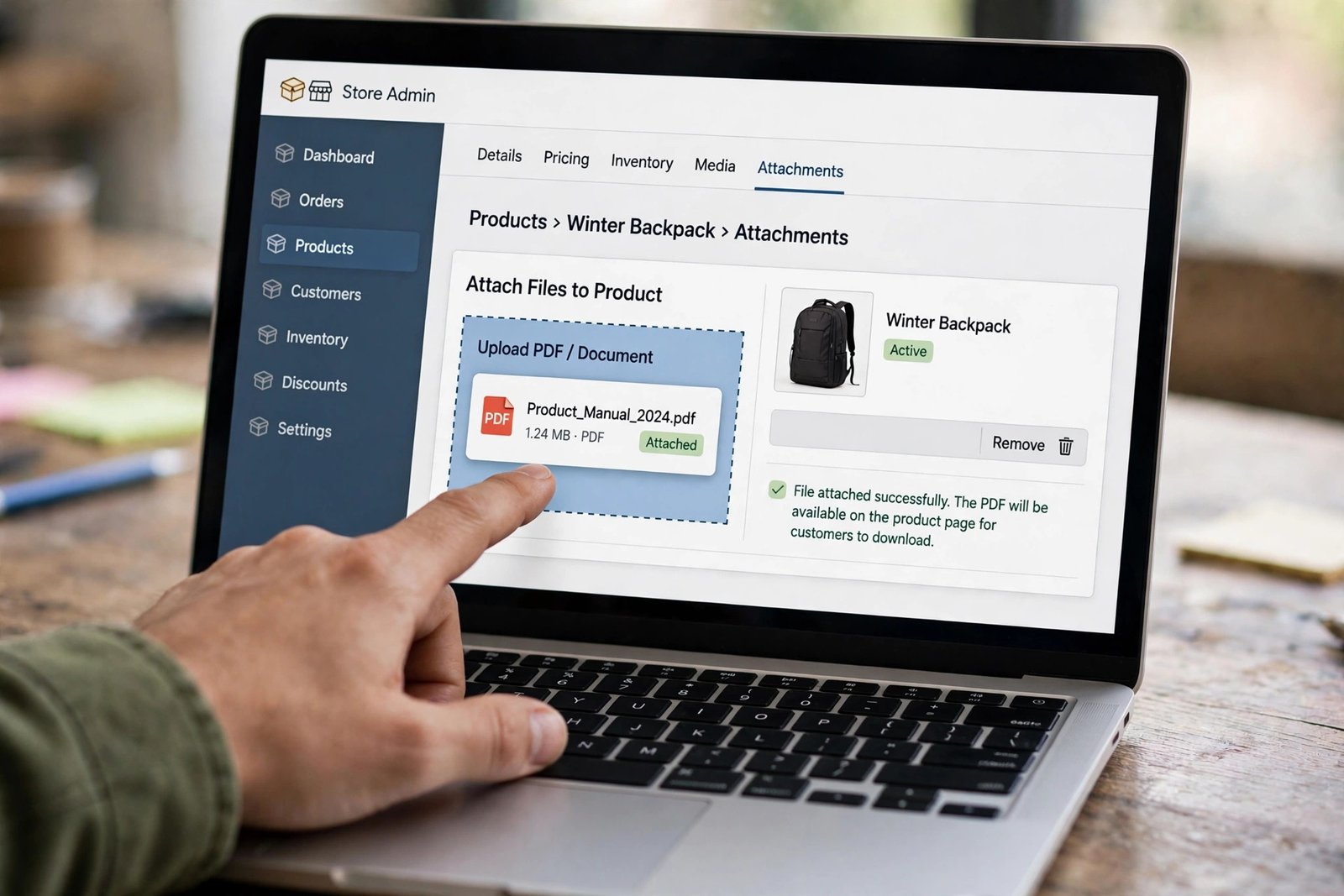
Set the download limit and the access rules. A limit of 3 to 5 downloads per purchase is a fair starting point. It lets an honest buyer re-download after a failed connection, and it stops one link from being shared around the internet. Choose whether the file is sent automatically after payment. For most products, automatic delivery is the right choice, because buyers expect instant access and you do not want to send files by hand at midnight.
Other delivery apps exist, such as Sky Pilot and SendOwl, and they add features like PDF stamping, licence keys, and video streaming. Start with the free app. Move to a paid app only when you can name the feature you are missing.
Step 3: Turn off shipping and set up automatic delivery
Go back to your product and check three things. First, the physical product setting is off, so no shipping rate appears at checkout. Second, the product has no weight and no inventory tracking that would block a sale. Third, the Digital Products app is attached and set to deliver automatically.
Then place a test order. Shopify's guide to selling services or digital products recommends this, and it is the only way to be sure the buyer experience works. Use a test payment method or a 100 percent discount code, buy your own product, and open the download email. Check that the link works, that the file opens, and that the file is the final version, not a draft. Then refund or cancel the test order and fix anything that looks wrong.
Two checkout problems are common with digital carts. The first is a "no shipping method" error, which means the physical product setting is still on somewhere in the product or the store. The second is an abandoned cart, which often means the buyer was surprised by tax or by a forced account creation. Keep guest checkout on if your theme allows it, and show the tax clearly on the product page.
Step 4: Price your product
Price the result, not the file. A buyer pays for the problem your product solves, not for the hours you spent making it. Start by looking at what similar products sell for on Etsy, Creative Market, and other Shopify stores. Then pick a price that sits in the same range, and test it. A price that is too low can hurt you twice: it earns little per sale, and it makes buyers doubt the quality.
Three pricing methods work well for digital goods. Value based pricing sets the price from the result, such as a planner that saves a freelancer an hour a week. Tiered pricing offers a basic version and a fuller version, such as a single template for 12 dollars and a bundle of five for 29 dollars. Bundle pricing groups related products at a discount, which raises the average order value without much extra work.
Read how to price digital products for a full pricing method, including how to test prices and when to raise them. As a rule, do not race to the bottom. A shop full of 2 dollar files needs huge traffic to pay the monthly plan, while a small shop with fairly priced products can work with far fewer visitors.
Step 5: Build a product page that sells
Your product page does the selling, so build it like a helpful shop assistant, not a file dump. Show mockups of the product in use: a planner open on a desk, a template filled in with real text, a preset applied to a real photo. Show what is included in a short list, and name the file formats. Add a preview, such as two or three sample pages of a guide, so buyers know what they are getting. Add a short FAQ on the page itself that answers the questions buyers ask most, such as how delivery works, whether they can print the file, and what happens if they lose the link.
Write the description for a person who has never bought a digital product. Say "You get a PDF file by email straight after payment, and you can download it 5 times" instead of "Instant download, PDF, 5 downloads". Plain words build trust, and trust sells.
What it costs
Selling on Shopify has a fixed monthly cost plus a fee on each sale. The plan is the fixed part. The card fee is the per sale part. When you use Shopify Payments, the online standard card rate is 2.9 percent plus 30 cents per order, as of November 2026. If you use a third party payment gateway instead, Shopify adds a 2 percent transaction fee on top of what that gateway charges. Check the pricing page for your country, because card rates differ by region.
Worked example (example only: these numbers are not typical results). A seller charges 25 dollars for a budget planner template. The card fee is 2.9 percent of 25 dollars, which is 73 cents, plus 30 cents, which comes to about 1.03 dollars. The seller keeps about 23.97 dollars from that sale before the plan cost. Ten sales in a month keep about 239.70 dollars, and the 39 dollar Basic plan leaves about 200.70 dollars before any other costs, such as apps or ads. One sale a month does not cover the plan. That is the honest maths, and it is why pricing and traffic matter more than the platform.
| Sale price | Card fee (2.9 percent plus 30 cents) | Seller keeps per sale |
|---|---|---|
| 10 dollars | 0.59 dollars | 9.41 dollars |
| 25 dollars | 1.03 dollars | 23.97 dollars |
| 50 dollars | 1.75 dollars | 48.25 dollars |
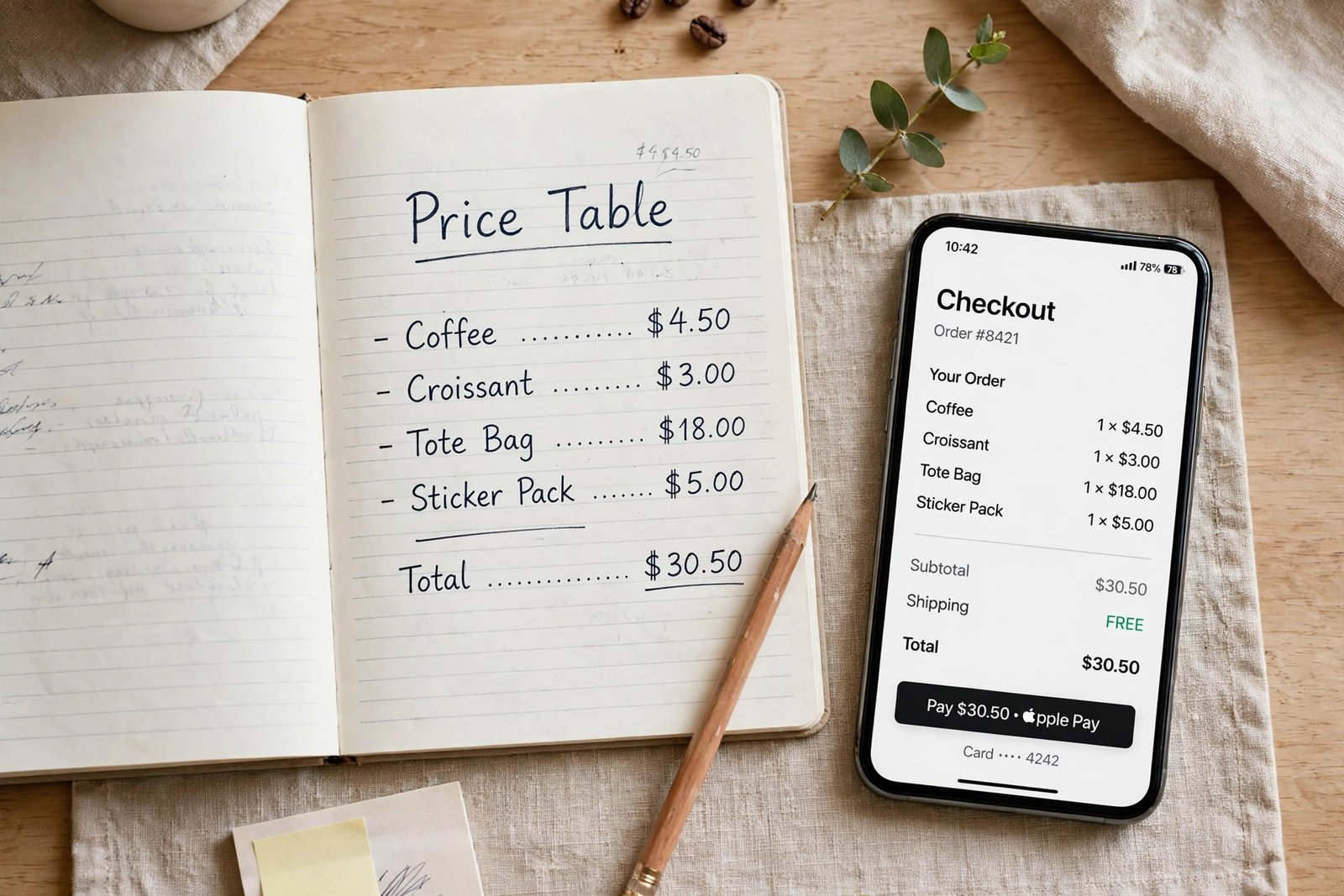
The table assumes Shopify Payments with no extra transaction fee. Paid delivery apps, paid themes, and ads add to the monthly cost. Add them up before you launch, and write the total down, so you know how many sales you need to break even.
Taxes on digital goods
Tax on digital goods is not optional, and it is not the same as tax on physical goods. In the European Union, buyers pay VAT at the rate of their own country, no matter where the seller is based. Shopify's help page on digital product taxes explains this, and it offers a "Charge VAT on digital goods" setting that applies the right rate from the buyer's billing address. Sellers in the EU can register for the One-Stop Shop scheme for sales to other EU countries, and sellers outside the EU can register for the Non-Union One-Stop Shop scheme. In the United States, sales tax on digital goods varies by state, and some states do not charge it at all.
You do not need to become a tax expert, but you do need to set the tax settings correctly and check them when you start selling to a new country. If you are unsure, speak to a qualified accountant where you live. Tax rules differ by country, and this guide is general information, not tax advice.
Protecting your downloads
A digital file can be copied, so protect it in ways that are fair to honest buyers. Set a download limit in the delivery app, such as 5 downloads per purchase. Use PDF stamping if your delivery app offers it, so each copy carries the buyer's email or order number. Write short licence terms on the product page: the buyer may use the file for their own work, but may not resell it, share it, or give it away. Keep the terms in plain words.
Do not lock the file so tightly that real buyers cannot use it. Heavy protection annoys paying customers and does little to stop determined pirates. A clear licence, a download limit, and a watermark are enough for most products. If you find your file shared on a pirate site, send a takedown request to the site host, and move on. Chasing every copy costs more time than it saves.
Marketing without paid ads
Shopify does not bring you traffic. You bring the traffic, and the shop converts it. Start with the channels that cost time, not money. Pinterest works well for templates, planners, and printables, because people search there with buying intent. Read how to sell digital products with Pinterest for the full method. Short video works well for showing a product in use, and how to sell digital products with TikTok shows how to drive traffic from videos to a bio link store.
Build an email list from day one. Offer a small free sample, such as two pages of your planner, in exchange for an email address. Then email your list when you launch a new product. Email is the one channel you own, and it keeps working when social media algorithms change. Search traffic grows slowly but lasts: write a blog post that answers the same problem your product solves, and link from the post to the product page.
Common mistakes
- Leaving the physical product setting on, so buyers see shipping charges on a file.
- Skipping the test order, then finding out the download link is broken from a buyer's email.
- Pricing by page count instead of by the result the buyer gets.
- Uploading a draft file, or a file with placeholder text still in it.
- Writing a product description that lists features but never says who the product is for.
- Forgetting tax settings, then getting a surprise when selling to buyers in the EU.
- Launching with no traffic plan, then wondering why a good product does not sell.
- Copying another seller's product, images, or wording, which risks a takedown and damages trust.
Frequently asked questions
Can you sell digital products on Shopify?
Yes. Shopify supports digital products, but you need a delivery app to send the download link. The free Digital Products app handles files and links, and it delivers automatically after payment.
Do I need an app to sell digital products on Shopify?
Yes, for downloads. Shopify on its own does not send files to buyers. Install the free Digital Products app, attach your file to the product, and set it to deliver automatically. Paid apps add features like PDF stamping and licence keys.
How much does Shopify take from a digital sale?
With Shopify Payments, the online standard card rate is 2.9 percent plus 30 cents per order, as of November 2026. On a 25 dollar sale, that is about 1.03 dollars, so the seller keeps about 23.97 dollars before the monthly plan cost. A third party gateway adds a 2 percent Shopify transaction fee.
Is Shopify worth it for digital products only?
It is worth it if you plan to grow a catalogue, build a brand, and own your customer list. It is too much tool if you have one file and no plans for a store. In that case, a lighter checkout such as Gumroad costs less to start, and you can move to Shopify later.
Do I need a business licence to sell digital products?
Rules differ by country and by region. Some places ask you to register a business before you sell, while others let you sell as an individual and declare the income on your tax return. Check your local rules or ask a qualified accountant before you launch.
What happens if a buyer loses a download link?
Most delivery apps let the buyer re-download from their account or from the original email, up to the download limit you set. State the limit on the product page, and help buyers who contact you by re-sending the link or resetting their download count.
Conclusion
Selling digital products on Shopify comes down to a clear sequence. Set up the store, turn off the physical product setting, install the Digital Products app, attach your file, test the order yourself, and price the result, not the page count. Then bring traffic from Pinterest, short video, email, and search, and let the shop do the selling while you build the next product.
Next, read how to price digital products to set your prices with confidence, how to sell digital products with Pinterest to bring in buyers without ads, and how to sell digital products with TikTok to turn short videos into sales. Then browse all digital products guides to plan your next product.
Reader note: plan and card fee figures were checked on Shopify's pricing page and help pages in November 2026, and prices change, so check the live pages before you sign up. Tax rules differ by country, so speak to a qualified professional where you live. Earning results vary; nothing on this site is financial advice.