How to Sell on TikTok Shop in 2026
Learning how to sell on TikTok Shop means learning one idea first. On TikTok, discovery and checkout live in the same app. A viewer watches a short video, taps the product, and buys without leaving TikTok. You do not need followers to open a shop. This guide is for sellers, not affiliate creators, and it walks through the full setup: documents, fees, shipping, listings, videos, and creators.
In this guide
- Seller or creator: which route fits you
- Step 1: Check your market and seller type
- Step 2: Gather documents before you apply
- Step 3: Register in Seller Center and pass verification
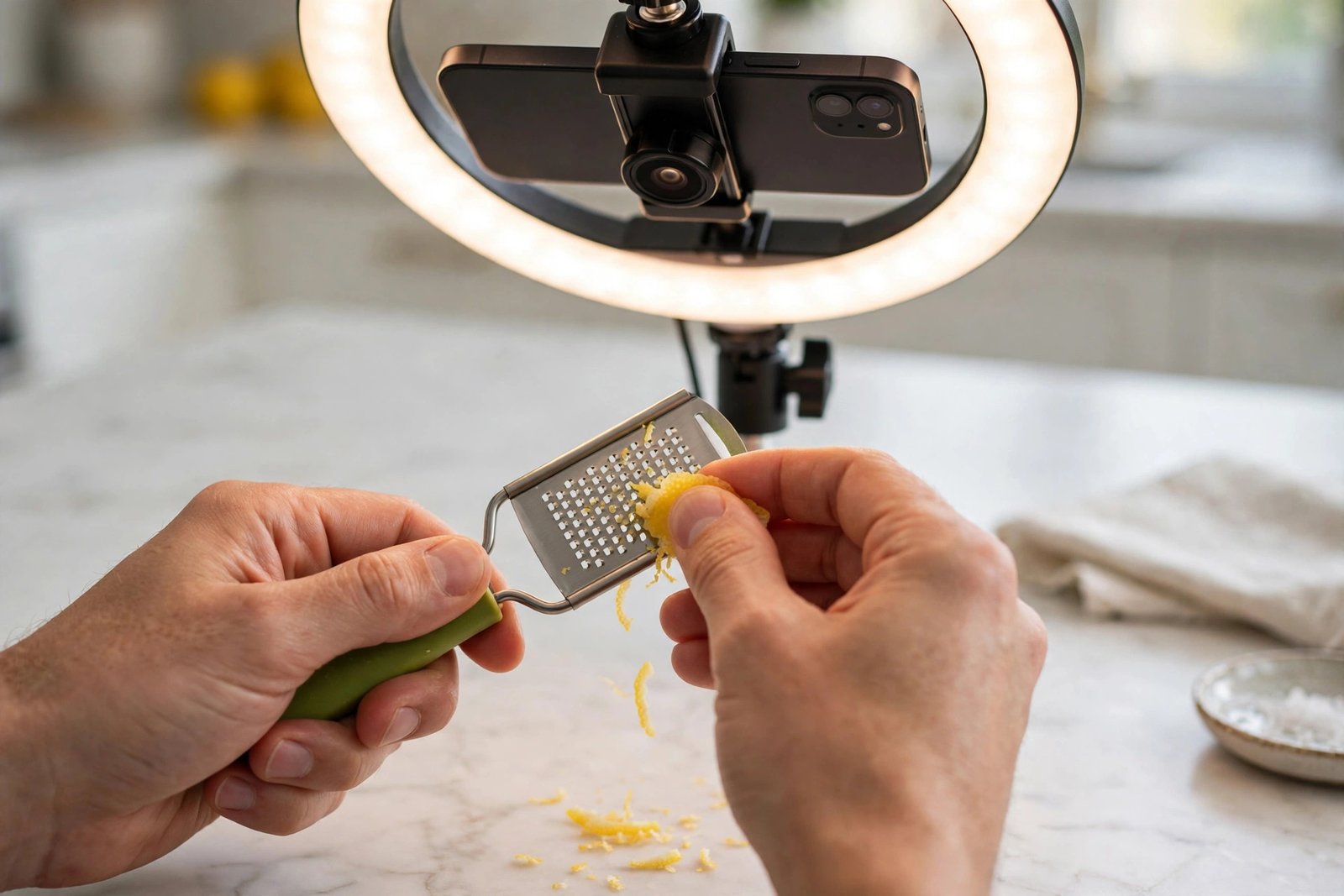
- Step 4: Set up shipping, warehouse, and returns
- Step 5: List your first products
- Step 6: Link your TikTok account and start selling
- Fees and payouts
- Worked margin example (example only)
- Check demand before you list
- Working with creators
- The 2-day shipping rule and shop health
- Filming product videos that sell
- Your first-month test plan
- Common mistakes
- Frequently asked questions
Seller or creator: which route fits you
| Route | What you do | What you need |
|---|---|---|
| Seller | You own the stock, list products, ship orders, and handle returns | Documents, a warehouse address, and stock |
| Affiliate creator | You make videos for products other sellers list, and earn a commission on sales | A TikTok account and, in the US, 1,000 followers to apply yourself |
This guide covers the seller route. If you want the creator route instead, read how to earn money from TikTok, which explains Creator Rewards, LIVE gifts, and Shop affiliate work in full. Do not mix the two routes in your head: a seller holds stock and ships, a creator holds no stock and earns commission. This guide to how to sell on TikTok Shop is written for sellers, so the rest of it assumes you hold stock.
Step 1: Check your market and seller type
TikTok Shop runs in a growing list of markets, and the rules differ by market. Open Seller Center for your country and check two things before you do anything else: that your country has a Seller Center, and whether you will register as an individual or as a business. You cannot switch the seller type later, so choose carefully. An individual registration suits a sole seller. A business registration suits a registered company, and it needs company documents.
If your country has no Seller Center, you cannot open a shop there. Two routes remain open to you. First, check whether the creator programme is open in your country, because you may be able to earn commission by promoting other sellers' products. Second, use TikTok videos to send viewers to a shop or checkout you run elsewhere, such as your own website. Do not use a VPN or a fake address to open a shop in another country. TikTok will ask for documents that match the country, and a mismatch will get the shop rejected.
You must be 18 or older to register. You also need a TikTok account to link to the shop, but you do not need followers on it. There is no follower minimum to open a shop or to link your official account.
Step 2: Gather documents before you apply
Have every document ready before you start the application, because an incomplete application wastes days. The exact list depends on your seller type and your market, but the usual pattern is:
| Seller type | Documents you will need |
|---|---|
| Individual | A government photo ID, such as a passport, driving licence, or national ID card, and your tax details |
| Sole trader | Photo ID, proof of the trading name, and tax details |
| Company | Company registration papers, the tax ID, and ID for each owner who holds 25 percent or more of the business |
Your documents must be current, not expired, and not cropped or screenshotted. The name on every document must match exactly. If TikTok cannot match your tax details, it may apply backup withholding of 24 percent in the US, so get the tax details right the first time. Keep a copy of everything you submit, and note the date you submitted it.
Step 3: Register in Seller Center and pass verification
Go to TikTok Shop Seller Center and choose your market. Create the account, pick your seller type, and upload the documents you gathered. TikTok will check them and may ask for more. This can take a few days.
Shops are rejected for a small set of common reasons. The ID is expired, cropped, or does not match the name on the account. The business name does not match the registration papers. The warehouse address is a PO box instead of a street address. A product in the first listing breaks a rule. When TikTok rejects an application, it shows the reason in Seller Center. Fix exactly what it names, and reapply. Do not submit the same documents again unchanged and hope for a different result. If the reason is unclear, use the Help Center chat in Seller Center, where live agents can be reached daily.
Step 4: Set up shipping, warehouse, and returns
Add your warehouse address in Seller Center. It must be a street address where stock is kept, not a PO box. Then choose how you will ship. The three options in most markets are Seller Shipping, where you buy your own labels; TikTok Shipping, where you use TikTok's labels and carriers; and Fulfilled by TikTok, where TikTok stores and ships your stock. In the US, TikTok has been moving sellers away from Seller Shipping and towards its own logistics, so check what your Seller Center offers today.
Set your returns policy before your first sale. Say how many days a buyer has to return an item, who pays for return shipping, and what condition the item must be in. When an order is refunded, TikTok returns the referral fee minus an administration fee of 20 percent of that fee, capped at 5 US dollars per SKU. A SKU is one product variant, such as one size or colour. Put the returns policy where buyers can find it, and honour it quickly. Slow refunds are one of the fastest ways to lose a shop's good standing.
Step 5: List your first products
A good listing answers the buyer's questions before they ask them. TikTok's listing rules for most markets are: a title of 25 to 200 characters, at least 5 images of at least 600 by 600 pixels, and a description of at least 500 characters. Use the title to say what the product is, not to stuff it with claims. Use photos from useful angles, show the size next to a familiar object, and show the product in use. Write the description in plain words: what it is, what it is made of, the size, what is in the box, and who it suits.
Some products need extra approval before you can list them, such as beauty, electronics, toys, and food. Some products are banned outright. You cannot list digital files, such as gift cards, game codes, or software licences, unless TikTok has invited you as a Virtual Goods seller. Check the prohibited products list in Seller Center before you buy stock for a new category.
Step 6: Link your TikTok account and start selling
Link your TikTok account to the shop as its official account. Then start selling through three routes: your own videos, LIVE sessions, and affiliate creators who promote your products for commission.
Post your first product video the day the shop opens. A shop with no videos gets no traffic. Make one video per product to start, then make more for the products that get views. Go LIVE once a week if you can, even for 20 minutes, because LIVE lets buyers ask questions and buy in the moment.
Fees and payouts
There is no fee to register a shop, no listing fee, and no monthly fee. TikTok takes a referral fee on each sale instead. The referral fee covers the marketplace commission and payment processing, and it does not cover shipping or tax.
The US rate is the one most guides argue about, so here is the honest picture. TikTok's own published fee table lists 6 percent on most US categories, with 5 percent on fine jewellery and pre-owned items, and 3 percent on the part of a pre-owned or collectible sale above 10,000 US dollars. That table was dated 10 August 2026 and was still listed at 6 percent when independent guides checked it in October and November 2026. Separate trade reports said the standard US rate rose to 8 percent on 4 August 2026 for most non-food categories. TikTok's public table does not show that rise, and no updated TikTok policy page has been found. So do not plan on either figure alone. Check the fee for your category in your own Seller Center and in your settlement statement, because that is the number you will actually pay. The UK rate is 9 percent on most categories. Other markets range from about 1 percent to 8 percent by category.
The fee is worked out as the referral rate times the customer payment plus any discount TikTok funded, minus tax. Customer-paid shipping counts in the customer payment. If an order is refunded, TikTok returns the referral fee minus the administration fee described above.
Payout timing depends on your shop tier. New shops wait about 31 days after delivery before the money is released. Standard tier shops wait about 8 days. Shops with a high performance score get paid faster. TikTok has also run new seller promotions in the past, but the promotion page returned an error when checked in October 2026, and the fee table lists no reduced rate, so do not plan on a discount. Check your Seller Center for any current offer. For the full rules, see TikTok Shop Academy.
Worked margin example (example only)
Example only: these numbers are not typical results. They show the maths on one order, so you can run your own figures the same way.
You sell a kitchen gadget for 30 US dollars. Your costs are:
| Cost | Amount |
|---|---|
| Product cost | 12.00 US dollars |
| Referral fee at 6 percent | 1.80 US dollars |
| Creator commission at 10 percent | 3.00 US dollars |
| Shipping you pay | 4.00 US dollars |
| Packaging | 1.00 US dollar |
| Total costs | 21.80 US dollars |
| You keep, before ads and tax | 8.20 US dollars |
Recheck: 30 minus 1.80 minus 3.00 minus 4.00 minus 12.00 minus 1.00 equals 8.20. If you then spend 5 US dollars on ads to get that sale, you keep 3.20 US dollars. Run this maths for every product before you list it. A product that looks profitable at the sale price can lose money once fees, commission, and shipping are counted.
Check demand before you list
Do not list a product because you like it. Check whether buyers are searching for it. TikTok's Creator Search Insights tool shows how many people searched for a phrase in the last seven days, and how many videos already cover it. A search with many weekly searches and few videos is a gap worth testing. A search with few searches and many videos is a crowded corner.
Also check the product's reviews on other shops. If buyers keep complaining about the same fault, do not list that product until you have a better version. One bad product can sink a new shop's rating.
Working with creators
Creators are TikTok users who make videos about your products and earn a commission on the sales they bring. There are two ways to work with them. Open collaboration lets any eligible creator pick your product and set their own video. Targeted collaboration lets you invite specific creators and agree the commission and the brief in advance.
Set the commission before you invite anyone. In the US, commissions commonly range from 1 percent to 80 percent of the sale, and the rate you set is what the creator earns. A low rate gets no creators. A high rate eats your margin, so run the worked example above with the commission included.
Samples matter. You can send free samples, which the creator must show in a public video within 14 days and keep public for at least 3 days. You can also send refundable samples, where the creator must reach an agreed sales goal within 120 days or pay for the sample. Agree which kind you are sending in writing, and track every sample you send.
Write a short brief for each creator: what the product does, who it is for, the three points to show, and what not to claim. Ask creators to disclose the paid relationship in the video. Creators under 5,000 followers are limited in the US to shops with a 95 percent performance score for their first 30 days, so check your score before you invite small creators.
The 2-day shipping rule and shop health
TikTok expects you to hand every order to a carrier within two business days of the order, measured by the carrier scan, not by the day you print the label. This rule changed on 26 January 2026. If you ship late, your Late Dispatch Rate rises. A Late Dispatch Rate above 10 percent costs you points, can cap your daily orders, and can hold your payouts longer. You can appeal a late dispatch decision twice.
Your Shop Performance Score is the number that controls your benefits. A score of 2.5 opens Flash Deals. A score of 3.5 opens affiliate eligibility. A score of 4.0 opens higher-tier benefits. The score falls when you ship late, cancel orders, or get complaints, so protect it like a credit score. If your score falls, fix the cause first, then wait for it to recover. There is no shortcut back.
Filming product videos that sell
No competitor guide in this batch gives a beginner filming plan, so here is one you can follow with a phone.
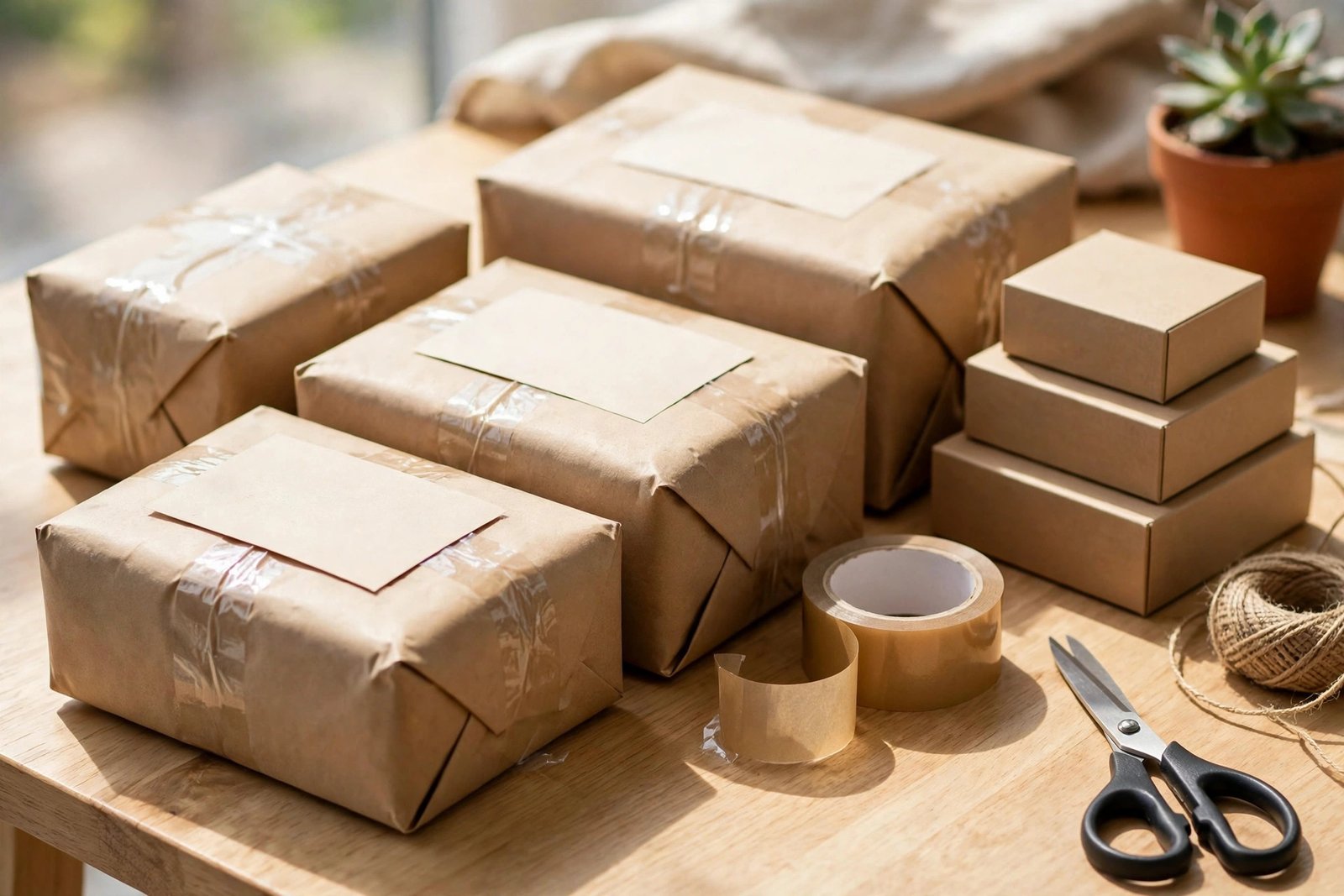
Film in daylight near a window, or with a ring light in front of you. Put the phone on a small tripod at chest height. Show the product in the first two seconds, before you say anything. Then show the problem it solves in five seconds: the mess, the tangle, or the slow job. Then show the product fixing it in ten seconds, with your hands in frame. End with the price and a clear next step, such as "Tap the basket to see it".
Keep the video between 15 and 60 seconds. Add captions, because many viewers watch with the sound off. Use your own voice or a licensed sound, and never use a song you do not have the right to use. Make three videos per product: one that shows the problem, one that shows the product in use, and one that answers the most common question about it. Post one a day for the product you most want to sell, and watch which of the three gets the most clicks to the shop.
Your first-month test plan
Use this test plan to learn how to sell on TikTok Shop in your first month without guessing.
| Week | Focus | What good looks like |
|---|---|---|
| 1 | Register, verify, set up shipping, and list five products | Shop live with five complete listings |
| 2 | Film three videos per product and post daily | At least one video over 1,000 views |
| 3 | Invite five creators with a clear brief and a fair commission | Two creators post, and you can see clicks to the shop |
| 4 | Review the numbers: views, visits, orders, and margin per order | One product with a clear profit, and a list of what to fix |
Do not expect many sales in month one. A new shop with no audience is testing, not earning. If a product gets views but no orders, the price or the listing is the problem. If it gets visits but no orders, the reviews or the shipping cost is the problem. If it gets orders but little margin, the fee and commission maths is the problem. Fix the right problem.
Common mistakes
- Listing products before stock is ready, then cancelling orders when they sell.
- Copying claims from another seller, such as "best" or "number one", without proof.
- Using fake tracking numbers, which TikTok detects and punishes.
- Ignoring returns until buyers complain in public.
- Setting a creator commission so low that nobody accepts it.
- Spending on ads before the listing and the margin are right.
- Selling digital files, which TikTok Shop does not allow for most sellers.
- Opening a shop with a fake address or a VPN to dodge the country rules.
For the selling skills behind the shop, read how to sell on Etsy and how to start dropshipping as a beginner. Both cover the same basics of stock, pricing, and customer care.
Frequently asked questions
How do I start selling on TikTok Shop?
Check that your country has a Seller Center, gather your ID and tax details, register as an individual or a business, add a street warehouse address, list your products, link your TikTok account, and post your first product video. The whole setup can take a few days if your documents are ready.
How much does TikTok Shop charge sellers?
There is no registration, listing, or monthly fee. TikTok takes a referral fee on each sale. Its published US table lists 6 percent on most categories, but trade reports say 8 percent since August 2026. Check the fee for your category in your own Seller Center, because that is the number you will pay.
Do I need 1,000 followers for TikTok Shop?
No. You do not need followers to open a shop or to link your official account. The 1,000 follower rule applies to affiliate creators who want to apply for the creator programme themselves in the US.
Can I sell digital products on TikTok Shop?
No, not as a normal seller. TikTok Shop does not allow digital files such as gift cards, game codes, or software licences, except for invited Virtual Goods sellers. Sell digital products through your own website instead, and use TikTok videos to send buyers there.
How long does TikTok Shop take to pay?
New shops wait about 31 days after delivery. Standard tier shops wait about 8 days. Shops with a high performance score are paid faster. The exact timing shows in your Seller Center under your shop tier.
What happens if I ship late on TikTok Shop?
Your Late Dispatch Rate rises, and above 10 percent you lose points, your daily orders can be capped, and your payouts can be held longer. You can appeal a late dispatch decision twice, but the fix is to ship on time, not to appeal often.
Conclusion
That is how to sell on TikTok Shop in 2026: check your market, register with matching documents, set up shipping and returns, list products with honest photos and full descriptions, and sell through your own videos, LIVE, and creators. Check the real referral fee in your Seller Center, run the margin maths before you list, and ship within two business days to protect your shop health. Start with five products, test for a month, and grow the one that sells.
Next, read how to earn money from TikTok, how to sell products on Instagram, and how to start a reselling side hustle. Browse all our guides in social media earning.
Reader note: TikTok Shop rules, fees, and payout timing differ by market and change often. The US fee figures in this article come from TikTok's own published table dated 10 August 2026, as checked by independent guides in October and November 2026, and the reported 8 percent rise comes from trade reports that TikTok's public table does not show. Check your own Seller Center before you set prices. For the official entry points, see TikTok Shop Seller Center and TikTok Shop Academy. Earning results vary; nothing on this site is financial advice.