How to Create and Sell Digital Planners Online in 2026
Learning how to create and sell digital planners online is a good fit if you like design and you use a planner yourself. A digital planner is a PDF file that a buyer opens on a tablet, in an app such as GoodNotes or Notability, and writes on with a stylus. It is not a printable. Nobody prints it. The buyer taps a tab to jump to a month, taps a date to open a day, and writes straight on the page. That tap-to-jump navigation is what makes a digital planner worth paying for, and it is also the part most new sellers get wrong.
This guide shows you how to pick a niche, plan the pages, design the planner, add hyperlinks that work, test it in the real apps, and sell it on Etsy or your own store. You will also learn how to price it, how to list it, and what to do when sales are slow.
In this guide
- What a digital planner is, and what it is not
- What buyers actually use: GoodNotes, Notability, and other apps
- Step 1: Pick a narrow niche
- Step 2: Plan the pages: dated or undated
- Step 3: Design it in Canva, Keynote, or PowerPoint
- Step 4: Add hyperlinks that work
- Step 5: Export as an interactive PDF and test it
- Step 6: Choose where to sell
- Step 7: List it well
- Step 8: Price it
- How to get first sales
- What it costs and what to expect
- Common mistakes
- Risks and scams to watch for
- Frequently asked questions
What a digital planner is, and what it is not
A digital planner is an interactive PDF, which is a PDF file with links inside it that jump from one page to another. The buyer opens it in an annotation app, which is an app that lets you write on a PDF with a stylus. They write on it, they add stickers, and they use the tabs to move around. When the year ends, they can reuse an undated planner, or buy a new dated one.
A printable planner is different. The buyer prints it on paper and writes on it with a pen. A digital planner is never printed. If you sell a file as a digital planner but it has no links and no tabs, buyers will feel misled, and they will ask for a refund. The links are the product.
A digital planner is also not a Notion template. A Notion template is a live workspace the buyer duplicates into their Notion account. A planner is a PDF used in a tablet app. The two products serve different buyers, and they need different instructions. For the Notion route, read how to sell Notion templates online in 2026.
What buyers actually use: GoodNotes, Notability, and other apps
Most buyers use one of two apps: GoodNotes or Notability, both on iPad. GoodNotes is the most common choice for planner buyers, and Notability is the second. Both apps let the buyer write on a PDF, add pages, and follow links. But they do not behave in exactly the same way, and that is where sellers get into trouble. A file that works well in GoodNotes may open differently in Notability, and a file that works on iPad may not work the same way on an Android tablet.
Android buyers often use Xodo or Samsung Notes. These apps can open a PDF and let the buyer write on it, but their link support and their page handling can differ from GoodNotes. You do not need to test every app, but you should test the two main ones, GoodNotes and Notability, and you should state clearly in your listing which apps you tested and which apps the planner is made for.
Check the current free plan limits on the GoodNotes help centre before you state them in a listing, because the limits change. The research for this guide found a second-hand report that free GoodNotes users can edit up to three notebooks, but that figure was not read directly on the GoodNotes help centre, so it is not stated here as fact.
Step 1: Pick a narrow niche
A generic daily planner will not stand out, because thousands of sellers already offer one. A narrow planner for one kind of buyer will. The buyer should see the title and think, "This is for me."
| Niche planner | Who buys it | Pages it must include |
|---|---|---|
| Marathon training planner | Runners training for a race | Training log, race countdown, pace tracker, rest day notes |
| ADHD friendly weekly planner | Adults who need simple structure | One day per page, large boxes, habit tracker, brain dump page |
| Student planner | University and college students | Term dates, assignment tracker, exam countdown, reading list |
| Small business planner | Solo business owners | Weekly goals, content plan, money tracker, client notes |
| Wedding planner | Couples planning a wedding | Budget tracker, guest list, supplier list, countdown |
Pick a niche you understand. If you run, make a running planner. If you study, make a student planner. Your own experience shows in the page choices, and buyers notice when a planner was made by someone who uses one.
Check demand before you design. Search Etsy for your niche phrase, such as "ADHD weekly planner", and look at the top listings. Check their review counts and their prices. Also check Pinterest search suggestions for the same phrase. If buyers search for it and the top listings have reviews, there is demand.
Step 2: Plan the pages: dated or undated
Before you open a design tool, plan the pages on paper. List every page the buyer needs, in the order they will use them. A typical planner has a cover, a contents page, a year view, twelve monthly pages, weekly spreads, daily pages, a habit tracker, a goal page, and a notes section. A niche planner adds its own pages, such as a training log for runners or a budget tracker for a business owner.
Then decide: dated or undated. A dated planner has real dates printed on it, such as "Monday 4 January 2026". It feels ready to use, and buyers like it, but it only sells well in the months before that year starts, and it becomes useless when the year ends. An undated planner has blank date boxes the buyer fills in. It sells all year, and the buyer can reuse it, but it needs clearer instructions, because the buyer must write the dates in.
| Choice | Best for | Watch out for |
|---|---|---|
| Dated | Buyers who want to start at once, New Year sales | Sales drop after January, new version needed each year |
| Undated | Steady sales all year, buyers who start mid-year | Buyer must fill in dates, so add a clear example page |
Most new sellers should start with an undated planner, because it sells all year and you only need to make it once. Add a dated version later, in October or November, when buyers start searching for next year.
Keep the page count sensible. A planner with 50 to 100 pages is enough for most buyers. A planner with 500 pages sounds impressive, but it makes a large file, it slows down the app, and most buyers never use half the pages.
Step 3: Design it in Canva, Keynote, or PowerPoint
You do not need expensive design software. Canva is the most common tool for new planner sellers, because it is easy to use and it has templates to start from. Keynote and PowerPoint also work well, because they handle links and page sizes cleanly. Affinity Publisher is a good paid option if you want more control.
Use a page size that fits a tablet screen, such as US Letter or A4 in portrait. Use a font size of at least 11 points for body text, because smaller text is hard to read on a tablet. Leave white space around the writing areas, because the buyer needs room to write with a stylus. Use a consistent colour scheme, with one main colour and one accent colour, and keep the design calm. A busy page with five colours and three fonts looks messy when the buyer writes on it.
Design the cover last, after you know what is inside. The cover should show the planner name, the niche, and one clear image of a page. Do not put a long list of features on the cover. Save that for the listing description.
Step 4: Add hyperlinks that work
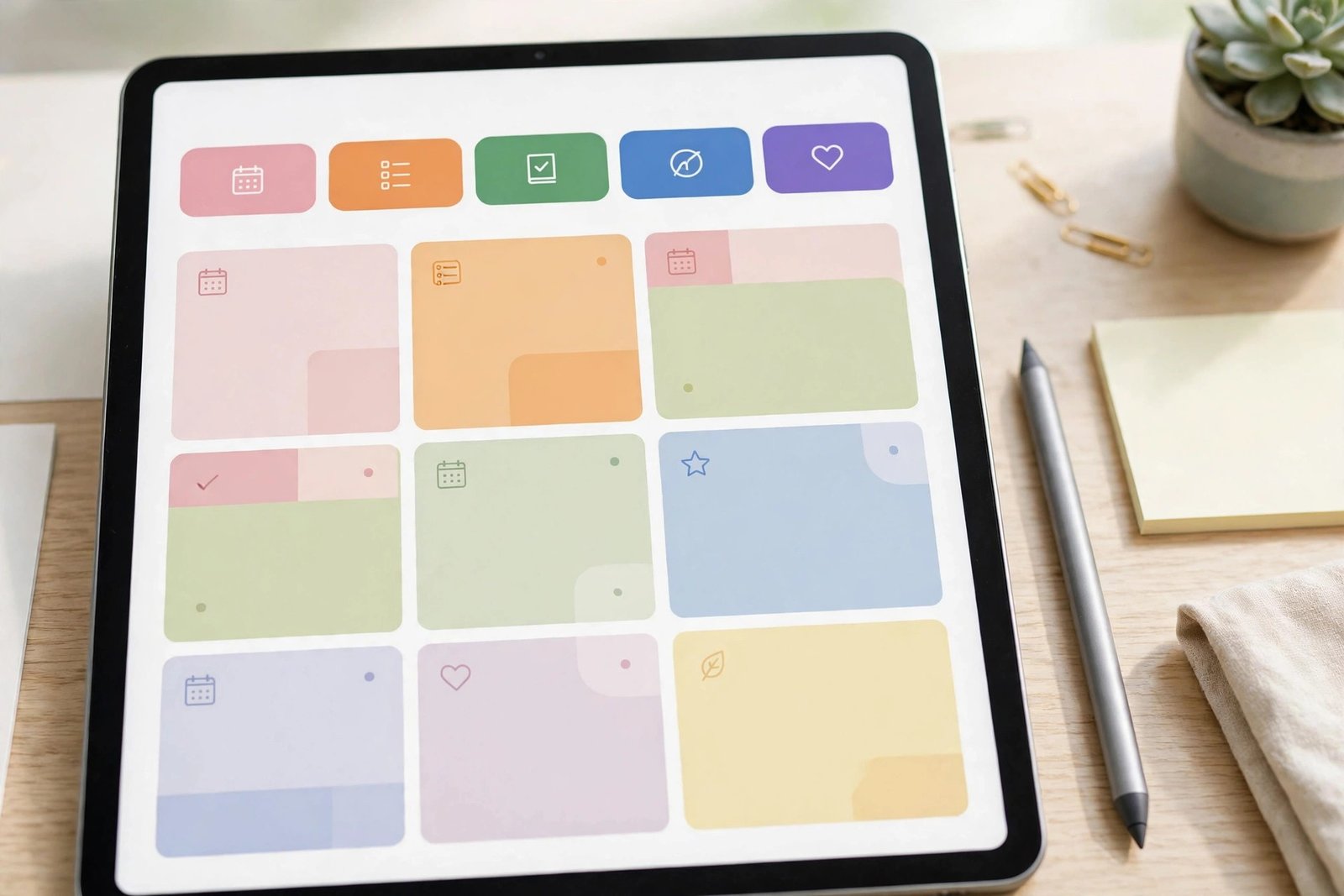
Hyperlinks are the heart of a digital planner, and this is the step most guides skip. A hyperlink is a clickable area on a page that jumps to another page. In a planner, the tabs along the top or the side link to months, the contents page links to sections, and each month page links back to the contents page.
In Canva, select the tab text or shape, click the link icon, and choose the page it should jump to. In Keynote or PowerPoint, select the tab, add a link, and choose the slide. Then export the file as a PDF, and make sure the export keeps the links. Some export settings strip links, so check the setting before you export.
Test every tab. Open the PDF, tap each tab, and check that it lands on the right page. Then tap the "back to contents" link on each section and check that it returns. A planner with one broken tab will earn a bad review, because the buyer uses the tabs every day.
Step 5: Export as an interactive PDF and test it
Export the planner as a PDF, and check the file size. A file under 20 MB can be uploaded to Etsy as a single file. A larger file needs to be split, compressed, or delivered as a ZIP file. Keep the file size down by using simple graphics and by avoiding large photos.
Then test the file in the real apps. This is the file-format trap that one competitor guide warns about: a PDF that works in GoodNotes does not always work the same way in Notability, and it may not work at all in some Android apps. Test in GoodNotes first, then in Notability, then on a phone if you can. Use this checklist:
- Open the file in GoodNotes and tap every tab.
- Open the file in Notability and tap every tab.
- Write on three pages with a stylus and check that the ink stays on the page.
- Add a sticker or an extra page and check that the file still works.
- Download the file from Etsy as a buyer would, and check that it opens.
Fix any broken link before you publish. Then write a short quick start guide, one page inside the download, that tells the buyer how to import the file into GoodNotes and Notability. Buyers who cannot import the file will ask for a refund, and a one-page guide prevents most of those messages.
Step 6: Choose where to sell
Etsy is the best place to start, because buyers already search there for planners. Your own store, on Gumroad or Payhip, gives you more control and lets you keep the buyer's email address, but you must find every buyer yourself. Creative Market is another option, but it has its own review process for sellers.
| Channel | What you keep on a 29 dollar sale | Main advantage | Main drawback |
|---|---|---|---|
| Etsy | About 25.80 dollars after fees | Buyers already search there | Etsy owns the customer, not you |
| Payhip | About 26.41 dollars after fees | Simple store, you keep buyer details | You must find every buyer yourself |
| Gumroad | About 24.46 dollars after fees | Easy setup, good for bundles | Higher fees than the others listed |
| Own store with a checkout tool | Varies by tool | Full control over the customer | You build the traffic yourself |
The figures in this table are competitor-reported fee comparisons from one guide, dated June 2026, and they should be checked against the live fee pages before you rely on them. The Etsy figure can be checked with your own maths, and the official Etsy fee page lists the listing fee, the transaction fee, and the processing fee. The Etsy fees and taxes help page covers the same fee structure in more detail. On a 29 dollar sale, the listing fee is 0.20 dollars, the transaction fee at 6.5 percent is 1.89 dollars, and the processing fee at 3 percent plus 0.25 dollars is 1.12 dollars, which leaves 25.79 dollars, or about 25.80 dollars. That matches the reported figure. For the full Etsy fee method, read how to sell digital products on Etsy in 2026.
Start on Etsy, and add your own store later, once you have sales and an email list. Do not try to launch on three platforms at once.
Step 7: List it well
Your listing must say which apps the planner works in, because that is the first question buyers ask. Put "For GoodNotes and Notability" in the title or in the first line of the description. State whether the planner is dated or undated. List the pages inside, with the page count. State the file size and the file format.
Use mockups that show the planner on a tablet, with a stylus, so the buyer can see how it looks in use. Show the contents page, a weekly spread, and a daily page. Use at least five images. For the full listing method, read how to sell digital products on Etsy in 2026.
Step 8: Price it
Digital planners usually sell for 5 to 30 dollars, according to competitor guides, with most good planners in the 10 to 25 dollar range. A simple undated weekly planner might sell for 9 dollars. A full dated planner with 100 pages and a sticker pack might sell for 25 dollars. Price too low, and buyers may think the planner is low quality. Price too high, and buyers will choose a cheaper one.
Example only: these numbers are not typical results. Imagine you sell a planner for 19 dollars. The Etsy listing fee is 0.20 dollars. The transaction fee at 6.5 percent is 1.24 dollars. The processing fee at 3 percent plus 0.25 dollars is 0.82 dollars. Add the fees together and you get 2.26 dollars. Take that from 19 dollars and you keep 16.74 dollars per sale, before tax. If you sell ten planners in a month, that is 167.40 dollars before tax. That is an example, not a promise. Your sales will depend on your niche, your listing, and your promotion.
How to get first sales
Pinterest is the best free channel for planners, because buyers search Pinterest for planner ideas and then click through to Etsy. Make three pins for each planner, with different headlines, and link them to the Etsy listing. Short video is the second best channel: a 15-second clip of you tapping through the planner tabs shows buyers how it works in a way a photo cannot.
An email list helps too, even a small one. Offer a free one-page sample of the planner, such as a weekly spread, in exchange for an email address. Buyers who try the sample are more likely to buy the full planner. For the full Pinterest method, read how to sell digital products with Pinterest in 2026, and for the email method, read how to sell digital products with email marketing.
What it costs and what to expect
Your costs are low. Canva has a free tier that is enough to start. Etsy charges 0.20 dollars per listing, and the other fees only apply when you sell. Your main cost is time: a good planner takes 20 to 40 hours to design, link, and test.
Income varies widely, and no honest guide can promise a figure. Planners are a popular product type, which means there is demand and there is competition. Some sellers report steady sales after a few months, and some report very few sales. Your results depend on your niche, your design quality, your listing, and how much you promote. Expect a slow start. A new planner rarely sells in its first week, and it can take two to three months for Etsy search to show it to buyers.
Common mistakes
- Making a generic daily planner with no niche, then wondering why it does not sell.
- Forgetting the hyperlinks, so the planner is just a set of pages with no navigation.
- Testing the file only on a computer, then learning from a buyer that the tabs do not work on a tablet.
- Pricing the planner at 3 dollars, which signals low quality and leaves little after fees.
- Using only one mockup image, so the buyer cannot see the inside pages.
- Selling a dated planner in June, when buyers want an undated one or next year's version.
- Launching on Etsy only, with no Pinterest pins and no email list to bring buyers back.
Risks and scams to watch for
Watch for buyers who ask for the file by email before they pay. Real buyers buy through Etsy, and Etsy handles the payment and the delivery. Never send the file outside Etsy to someone who has not paid.
Watch for refund requests from buyers who bought the wrong app version. State clearly which apps the planner works in, and include a quick start guide in the download. If a buyer still cannot use it, help them first, and only then consider a refund. A clear listing prevents most refund requests.
Also watch for licence risk. Do not use stock graphics, fonts, or stickers with a personal use licence in a product you sell. Check the licence for every asset, and keep a note of where each asset came from.
Frequently asked questions
Can you make money selling digital planners?
It is possible, but there is no reliable typical figure. Planners are a popular product, which means demand exists and competition is strong. Your results depend on your niche, your design, your price, and your promotion. Expect a slow start.
How much do digital planners sell for?
Most planners sell for 5 to 30 dollars, according to competitor guides, with most good planners in the 10 to 25 dollar range. Check live listings in your niche before you set your price.
Where can I sell digital planners for free?
Etsy charges a small listing fee, so it is not free, but it is cheap to start. Gumroad and Payhip also charge fees on sales. There is no major platform that lets you sell planners with no fees at all. Check the live fee pages before you choose.
Is there still demand for digital planners?
Yes, buyers still search for planners, but the market is crowded. A narrow niche planner with good hyperlinks and clear mockups has a better chance than a generic daily planner. Check Etsy search and Pinterest search for your niche before you build.
How do I format a digital planner for GoodNotes?
Export it as an interactive PDF with hyperlinks, in a tablet page size, and test it in GoodNotes before you publish. Include a one-page quick start guide that tells the buyer how to import the file. State in the listing that you tested it in GoodNotes.
Do I need an iPad to make a digital planner?
No, you can design a planner on a computer in Canva, Keynote, or PowerPoint. But you do need to test it on a tablet, in GoodNotes or Notability, before you sell it. Borrow a tablet if you do not own one, or ask a friend to test it for you.
Conclusion: pick a niche, build the links, test on a tablet
Learning how to create and sell digital planners online comes down to three things. Pick a narrow niche, build hyperlinks that work, and test the file in GoodNotes and Notability before you publish. Then list it clearly, price it fairly, and promote it on Pinterest while Etsy search builds.
Your next step is to choose your niche today and write down the pages your planner needs. Then learn the shop side with how to sell digital products on Etsy in 2026, price it with how to price digital products, and bundle it later with how to create a digital product bundle in 2026. You can also browse all our guides in the digital products category.
Note for the reader: fees, app limits, and platform rules differ by country and change over time, so check the official fee pages and app help centres for your country. Earning results vary; nothing on this site is financial advice.