How to Start a Gaming YouTube Channel and Earn Money in 2026
A gaming YouTube channel can earn money, but gaming is one of the most crowded niches on YouTube. Millions of channels post gameplay every day, and a plain playthrough with light commentary will not stand out. This guide shows you how to start a gaming YouTube channel in 2026, build around one audience instead of one game, pick a format that fits your personality, and earn from ads, memberships, sponsorships and affiliate links.
This guide is for beginners who play games and want to make videos about them. You do not need expensive gear or a huge audience to start. You need a clear concept, a recording habit and a reason for viewers to pick your video over the next one. For the basic channel setup steps, read our guide on how to start a YouTube channel. This guide covers what is specific to gaming.
In this guide
- Why a gaming channel can earn money
- Step 1: Build around one audience, not one game
- Step 2: Choose a format that fits you
- Step 3: Set up the channel and the minimum kit
- Step 4: Record every session and plan your first 10 videos
- Step 5: Make titles and thumbnails that tell a story
- Step 6: Use Shorts to grow, long videos to earn
- Step 7: Read your analytics and fix one thing at a time
- How a gaming channel earns money
- What it costs and what to expect
- Worked example
- Common mistakes
- Risks and scams to watch for
- Frequently asked questions
Why a gaming channel can earn money
Gaming has one of the largest audiences on YouTube. People watch gameplay to learn, to relax, to follow a story and to decide whether to buy a game. A video that helps a player beat a hard level or choose a game can keep getting views for years, because new players keep searching for the same help.
Gaming channels earn in several ways. Ads pay once you join the YouTube Partner Programme. Channel memberships and Super Chats pay from loyal fans. Affiliate links for game keys, headsets and controllers can earn commission. Sponsorships from hardware and software brands pay well in gaming. Your own products, such as guides and coaching, can earn more than ads once you have trust.
The catch is competition. A generic playthrough competes with thousands of similar videos. The channels that grow give viewers a reason to choose them: a clear point of view, a challenge, a story or a skill nobody else teaches. Your personality and your ideas matter more than your gear.
Step 1: Build around one audience, not one game
Build your channel around a type of viewer, not one title. Games age out. A game that is popular this year may be quiet next year, and a channel built on one game can fade with it. Audience interests last much longer.
Start with one main game you already play for several hours a week, but think about the audience behind it. A channel about "a Gold to Platinum support player who fixes one mistake per game" can later cover other games for the same viewers. A channel about "only the funniest rounds from VALORANT games with friends" can grow into other team games with the same tone.
Write your concept as one sentence that names the audience, the content and the tone. For example: "I show casual Minecraft players how to build bases that look great without mods." Then write 10 video titles that fit that sentence. If all 10 come easily, the concept has enough material. If you stall at five, adjust the audience or the scope.
Check the game publisher's video policy before you upload. Most publishers allow gameplay videos with ads, but some restrict paywalled content such as members-only videos. For example, Riot Games allows ad revenue on League of Legends and VALORANT videos, but it does not allow you to put that content behind a paywall without a written licence. Check the policy once for each game you cover, and check it again before you open channel memberships.
Step 2: Choose a format that fits you
There is no single gaming format that works for everyone. Pick one main format and one secondary format, and repeat them for your first 10 videos so viewers know what to expect.
| Format | Best for | Time to make |
|---|---|---|
| Tutorials and guides | Search traffic and high ad rates | 3 to 5 hours |
| Reviews and first impressions | Buying intent and affiliate links | 2 to 4 hours |
| Lets Play with a challenge | Watch time and personality | 2 to 3 hours |
| Video essays | Loyal viewers and shares | 5 to 10 hours |
| Livestreams | Super Chats and community | 1 to 3 hours per stream |
| Shorts clips | New viewers and subscribers | Under 1 hour |
Tutorials and guides earn the best ad rates, because they attract viewers who search for help. Reviews earn well too, because viewers are close to buying. Lets Play videos are the easiest to start, but they are also the most crowded, so give each one a clear premise, such as a challenge, a restriction or an experiment. A video called "I beat this game without using any weapons" has a reason to exist. A video called "Playing this game, part 12" does not.
Start with tutorials or guides for your main game. They are evergreen, they rank in search and they prove you know the game. Add Shorts as your secondary format, cut from your best moments.
Step 3: Set up the channel and the minimum kit
Create the channel with a clear name that carries the key words of your concept. A game or genre name tells viewers what you cover. A personal name gives you more room to change games later. Keep it short, easy to spell and easy to say out loud. Do not change the name during your first 10 videos, because you need clean data on what works.
Write a channel description that answers three questions in plain words. Who is the channel for? What will viewers learn? Why should they subscribe? Add your main keyword once, in a natural sentence. Do not stuff the description with keywords.
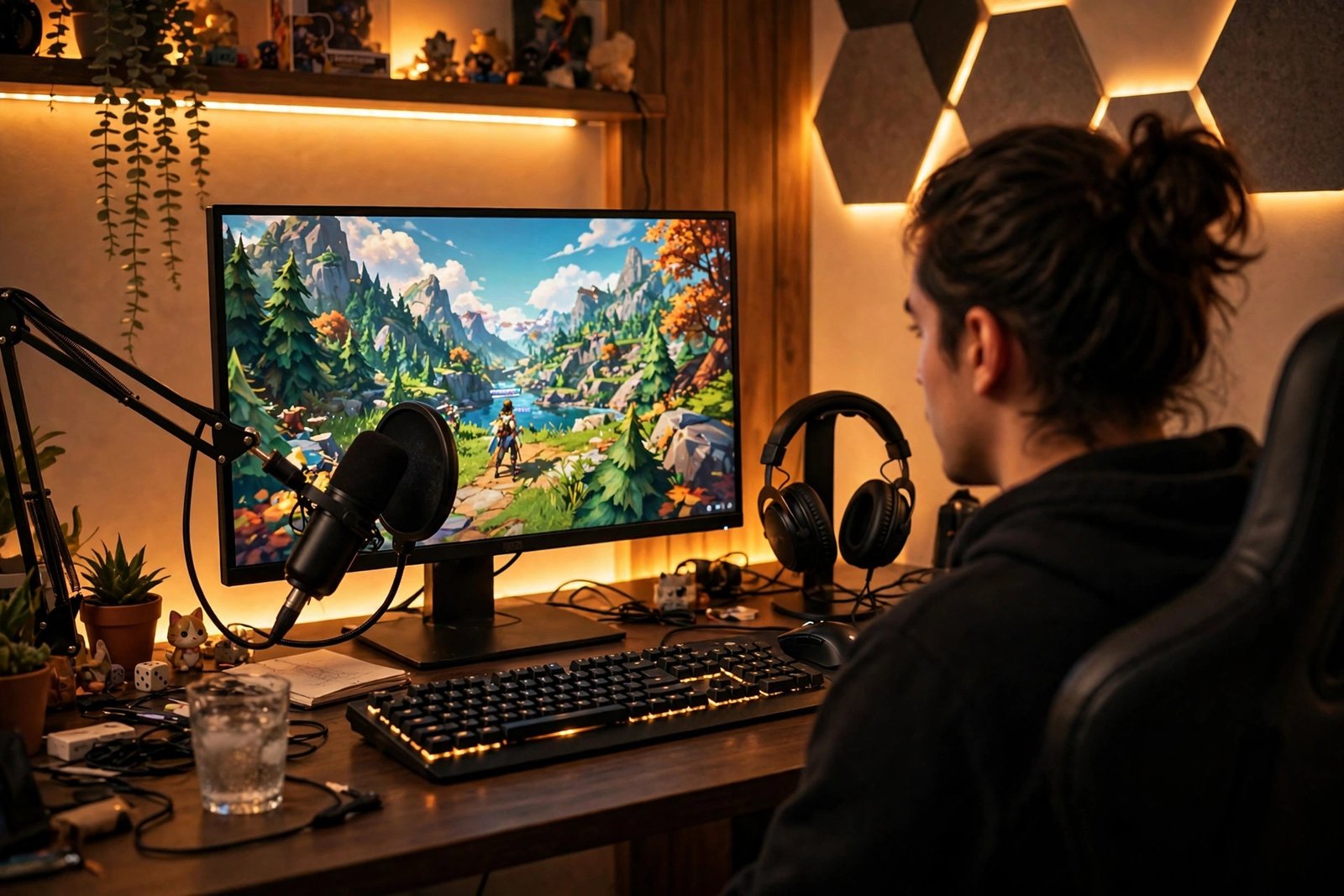
You need three things to start recording: a computer or console that runs your game smoothly, a microphone viewers can understand, and recording software. OBS Studio is free and open source for recording and livestreaming on PC. Consoles have built-in recording features. A webcam is optional. A capture card is only needed for some console setups. Hold off on expensive gear until you have seen how your first 10 videos do.
Set your channel defaults in YouTube Studio before your first upload. Add a standard description block with your social links and a short disclosure line for affiliate links. This saves time on every upload and keeps your disclosures consistent.
Step 4: Record every session and plan your first 10 videos
The best gaming moments happen when you are not expecting them. Build the habit of recording every match, not only the ones that feel promising. With OBS Studio, start the recording before each match. With an app that records supported games automatically, every match is saved without that step. Either way, pick what to post from a list of recordings, instead of missing your best moments because you forgot to press record.
Post your first 10 videos at two a week for five weeks, in the same format. Videos 1 to 3 repeat your main format unchanged, to set a baseline. Videos 4 to 6 keep the format but change only the first 30 seconds, so you can test what hooks viewers. Videos 7 and 8 test your secondary format, cut from earlier material. Videos 9 and 10 remake your main format using whichever setup had the longest average view duration. Change one thing at a time, so you can tell why the numbers moved.
Check your audio before you publish. Record a short test, listen to it with headphones and check that game sound and your microphone are both clear. Bad audio makes viewers leave faster than bad video. Keep your room quiet, sit close to the microphone and keep the game volume below your voice.

Edit with free software to start. DaVinci Resolve works on a computer and costs nothing. CapCut works on a phone. Learn three skills first: cutting clips cleanly, adding text overlays and fixing audio levels. For a full editing walkthrough, read how to edit YouTube videos for beginners.
Step 5: Make titles and thumbnails that tell a story
Your title and thumbnail decide whether anyone clicks. Start with a strong idea, then package it so viewers understand why it might be worth their time. Instead of "Playing This Weird Indie Game", try a title that frames the experience around a story, such as "This Tiny Game Cured My Doomscrolling Habit". The second title can interest someone who has never heard of the game, because the idea is bigger than the game's name.
Make thumbnails that reinforce the premise instead of repeating the title. Aim for one obvious focal point and make sure the important parts are clear on a phone or a TV. Keep text to three to five words. Test the thumbnail at a small size before you publish. For more on this, search for guides on writing YouTube titles and designing thumbnails before you publish.
Before you record a video, search YouTube for the idea and look at what viewers already watch. Ask what you can add that existing videos do not. It may be a better story, a different opinion, newer information, more skill or an experiment nobody has tried.
Step 6: Use Shorts to grow, long videos to earn
Gaming Shorts can introduce your channel to viewers who may never find your long videos. Gaming naturally produces short moments such as clutch plays, funny fails, glitches and reactions. Cut these from footage you already have, instead of filming new content for Shorts.
Shorts pay very little from ads, because the Shorts revenue pool is small. Treat Shorts as a subscriber tool, not as an income stream. A Short that performs well on one game should point viewers to a long video on the same game. Pin a long video to your channel that matches the Short's topic, so new viewers have somewhere to go next.

On YouTube, videos uploaded on or after 15 October 2024 that are square or vertical and 3 minutes or less are classed as Shorts. Keep your clips inside that limit and switch them to a vertical 9:16 shape. Learn the method in how to grow YouTube Shorts and how to repurpose long videos into YouTube Shorts.
Step 7: Read your analytics and fix one thing at a time
After your first 10 videos, open YouTube Studio Analytics and look at four numbers for each video: average view duration, intro retention, impressions click through rate and subscribers gained. Do not judge a video by views alone.
If many viewers leave in the first 30 seconds, fix your intro. If the click through rate is low, fix the title and thumbnail. If viewers watch to the end but do not subscribe, check whether your concept is consistent from video to video. If retention is good but views are low, the idea may need a stronger hook or a better search title. YouTube Studio explains what each number means in its help pages.
Keep a simple log. For each video, note the format, the title, the thumbnail idea and the four numbers. After 10 videos, the pattern will be clear. Double down on what held viewers longest, and drop what did not work, even if you enjoyed making it.
How a gaming channel earns money
Do not rely on ads alone. Ads pay little at the start, and gaming ad rates vary by sub-niche, audience, location and season. Tutorials and reviews tend to earn higher ad rates than plain Lets Play videos, because they attract viewers with buying intent. Build several income streams, and add them in order as your audience grows.
| Income stream | What it needs | When it starts |
|---|---|---|
| Ad revenue | YouTube Partner Programme membership | After 1,000 subscribers and 4,000 watch hours, or 10 million Shorts views |
| Affiliate links | A programme that fits your niche | From your first video, with disclosure |
| Channel memberships | Partner Programme membership | After 1,000 subscribers |
| Super Chats and Super Thanks | Partner Programme membership | After 1,000 subscribers |
| Sponsorships | A clear niche and engagement data | Usually after 10,000 to 25,000 subscribers |
| Patreon or fan funding | A loyal community | After a few thousand loyal viewers |
Affiliate links work well in gaming. Game key marketplaces, headset brands and controller brands all run affiliate programmes. Put the link in every video description, even when the video is not about gear, and mention it naturally when you use the product on camera. Learn the method in our guide on how to use YouTube for affiliate marketing.
Sponsorships usually pay far more per video than ads, but they come later. Brands want to see a clear niche, steady views and an engaged audience. When you pitch a brand, send your media kit with your audience size, your average views and your engagement rate. For the full method, read how to get YouTube sponsorships.
YouTube Partner Programme requirements
Ad revenue starts when you join the YouTube Partner Programme. As of November 2026, the official YouTube Help page lists two paths to full ad revenue. You need 1,000 subscribers with 4,000 qualified watch hours in the last 12 months, or 1,000 subscribers with 10 million qualified Shorts views in the last 90 days. Watch hours from the Shorts feed do not count toward the 4,000 hours. You also need no active Community Guidelines strikes, two-step verification on your Google account and a linked AdSense for YouTube account.
In some countries, a lower tier opens earlier. It needs 500 subscribers, three public uploads in 90 days and either 3,000 watch hours in 12 months or 3 million Shorts views in 90 days. This tier unlocks fan funding and Shopping features, but not ad revenue. YouTube has also announced higher thresholds for new applicants from 1 February 2027, so check the official YouTube Partner Programme eligibility page before you apply, because thresholds change over time. If you plan to tag products in your videos, check the YouTube Shopping affiliate programme eligibility page too. For a full walkthrough of the programme, read how to monetize a YouTube channel.
What it costs and what to expect
You can start a gaming YouTube channel for very little money if you already own a computer or console that runs your games. Spend money on sound first, because viewers leave fast when they cannot hear you clearly.
| Item | Typical cost |
|---|---|
| Computer or console | $0 (use what you own) |
| Microphone | $0 to $80 (headset mic, then USB mic) |
| Recording software | $0 (OBS Studio) |
| Editing software | $0 (DaVinci Resolve or CapCut) |
| Webcam | $0 to $50 (optional) |
| Capture card | $0 to $150 (only for some console setups) |
| Total startup | $0 to $280 |
Expect slow growth for the first three to six months. Most new channels earn nothing from ads in that time, because they have not met the Partner Programme thresholds yet. Your first income is more likely to come from an affiliate link than from ads. Plan for 6 to 12 months of steady uploads before ad revenue becomes regular, and even then it will be modest until your views grow. Results vary with niche, effort, audience, competition and advertiser demand.
Worked example
Example only: these numbers are not typical results. They show how the maths works for a small gaming channel.
Imagine a channel that gets 20,000 views in a month. Suppose ad revenue works out at $3 per 1,000 views for this example. Divide 20,000 by 1,000 to get 20, then multiply 20 by $3 to get $60 in ad revenue.
Now add affiliate income. Suppose 60 viewers click a headset link and 3 of them buy. That is a 5 percent conversion rate. If each sale earns a $15 commission, multiply 3 by $15 to get $45.
Add the two together: $60 plus $45 equals $105 for the month. This example uses made-up rates to show the method. Real ad rates and conversion rates vary widely by game, audience and season, so your own numbers will differ.
Common mistakes
- Building the whole channel around one game, then fading when the game fades.
- Posting plain playthroughs with no premise, story or challenge.
- Buying views, subscribers or fake engagement, which breaks YouTube rules.
- Spending hundreds on gear before testing whether viewers like your videos.
- Uploading for three weeks, then stopping for two months.
- Ignoring analytics and judging every video by views alone.
- Copying a big creator's format instead of finding your own angle.
- Promoting game keys from shady marketplaces without checking their reputation.
- Making thumbnails that repeat the title instead of adding to it.
- Forgetting to check the game publisher's video policy before opening memberships.
Risks and scams to watch for
Gaming has more scams than most niches, because young audiences and free game keys attract fraud. Watch for fake sponsorship emails that offer a free game key or a paid video, then ask you to download a file or log in through a link. Real sponsors do not ask you to install software or share your password. Check the sender's domain carefully, because scammers copy real brand names with one letter changed.
Watch for game key marketplaces with a poor reputation. Some sell keys bought with stolen cards, which can lead to revoked games and angry viewers. Check reviews of any marketplace before you promote it, and tell viewers if you have doubts. Your reputation is worth more than a commission.
Be careful with copyrighted music and game soundtracks. YouTube's Content ID system can claim your video's ad revenue if it contains music you do not own the rights to. Use music from YouTube's free audio library or a licensed source, and mute in-game music if you are not sure about its rights.
Look after your own health too. Long recording sessions, late nights and toxic comments can wear you down. Set a weekly upload limit you can keep, take breaks from competitive games that frustrate you and use YouTube's comment filters to block abuse. A channel that lasts is one where the creator still enjoys making videos.
Frequently asked questions
How many subscribers do I need to earn money from a gaming channel?
You need 1,000 subscribers plus 4,000 watch hours in 12 months, or 10 million Shorts views in 90 days, to earn ad revenue through the YouTube Partner Programme. Affiliate links have no subscriber minimum, so you can earn commission from your first video if viewers buy through your links. Channel memberships and Super Chats also need Partner Programme membership.
Do I need a good computer to start a gaming YouTube channel?
No. You need a computer or console that runs your chosen game smoothly, a microphone viewers can understand and free recording software. Many channels start with a basic setup and upgrade later. Audio quality matters more than video quality at the start, so spend your first money on a decent microphone.
Can I start a gaming channel without showing my face?
Yes. Many successful gaming channels are voice-only or faceless. Your ideas, commentary and editing matter more than your face. If you prefer not to appear on camera, look for faceless gaming formats, such as voice-only commentary and highlight videos, which work without a facecam.
What games should I make videos about?
Start with games you genuinely enjoy and understand, then think about the audience behind them. One game can be your foundation without becoming your whole identity. Pick a game that produces moments worth watching, and check the publisher's video policy before you upload.
Are Lets Play channels still worth starting?
Yes, but generic Lets Play videos are very competitive. Give each video a clear purpose, such as a challenge, an experiment, a story or a strong opinion. A Lets Play with a premise grows better than one with no reason to watch, and it earns better ad rates too.
How long does it take for a gaming channel to grow?
Most new channels take 6 to 12 months to reach 1,000 subscribers with steady uploads. Some grow faster if they pick a clear niche and publish searchable tutorials. Growth depends on your consistency, your ideas and how well your titles match what people search for. Judge your progress by watch time and returning viewers, not only by subscriber count.
Conclusion
Starting a gaming YouTube channel takes a clear concept, a recording habit and a reason for viewers to pick your video. Build around one audience, give each video a premise, use Shorts to grow and long videos to earn, and add income streams in order as trust grows. Do not chase quick money with fake engagement or shady sponsors, because trust is the asset that pays in this niche.
Next, read how to monetize a YouTube channel, how to get YouTube sponsorships when your audience is ready, and how to grow YouTube Shorts to bring new viewers to your long videos. Then browse all YouTube earning guides to plan your next step.
Reader note: facts about Partner Programme thresholds were checked on the official YouTube Help pages in November 2026, and they can change, so check the official page before you apply. Game publisher video policies differ by game, and tax and payment rules differ by country, so check your local rules and a qualified professional where needed. Earning results vary; nothing on this site is financial advice.