
How to Make Money on WhatsApp in 2026
Learning how to make money on WhatsApp starts with one plain fact. WhatsApp does not pay you for chats, views, or messages. You earn by selling something to the people you reach on it. That something can be a product, a service, a digital product, or a product you recommend for a commission. This guide is for beginners and small sellers who already use WhatsApp every day and want to turn it into a sales channel without spending much money.
In this guide
- How earning on WhatsApp actually works
- Step 1: Set up WhatsApp Business properly
- Step 2: Pick one thing to sell
- Seven ways to make money on WhatsApp
- WhatsApp Channels: set up and use them
- Status: a daily routine that brings sales
- Broadcast lists, groups, and Channels
- Getting paid
- What it costs and what to expect
- Your first 30 days
- Common mistakes
- Risks and scams to watch for
- Frequently asked questions
How earning on WhatsApp actually works
Think of WhatsApp as the counter in a small shop. People walk up, ask questions, look at what you sell, and pay you. The app itself takes no cut of that sale and pays you nothing for the chat. Your income comes from the margin on a product, the fee for a service, or the commission on a sale you refer.
Meta says WhatsApp has more than 3 billion users, so the audience is real. But a big audience means nothing on its own. You need three things: people who trust you, something clear to sell, and a simple way to take payment. Everything in this guide builds those three things in that order.
If you already sell on another platform, WhatsApp works well as the place where you answer questions and close sales. Read our guide to how to make money on Facebook for a second channel that pairs well with it.
Step 1: Set up WhatsApp Business properly
Do not sell from your personal WhatsApp. Install the free WhatsApp Business app and use a separate number for the business. A second SIM or a virtual number keeps your personal chats private and stops business messages from waking you at midnight.
Set up the business profile first. Add a clear business name, a photo that shows what you sell, a short description of who you help, your hours, your location or delivery area, and a link to your website or catalogue. A complete profile answers the first questions a buyer asks, so fewer chats end without a sale.
Then switch on the free business tools. Set a greeting message that welcomes new contacts and says when you reply. Set an away message for nights and busy hours. Use labels to sort chats, for example new enquiry, paid, waiting for delivery, and repeat buyer. Labels stop orders from getting lost when chats pile up.
Build your catalogue
A catalogue is a shelf of products on your business profile. Customers can browse it without leaving the chat. To add an item, open the WhatsApp Business app, go to Business tools, then Catalog, then Add new item. Add up to 10 photos or videos, a name, a price, a short description, a website link if you have one, and a product code. WhatsApp reviews every item against its messaging policy, and customers only see it once it is approved. You can group items into collections, for example best sellers or gifts under a set price, so buyers find things fast.
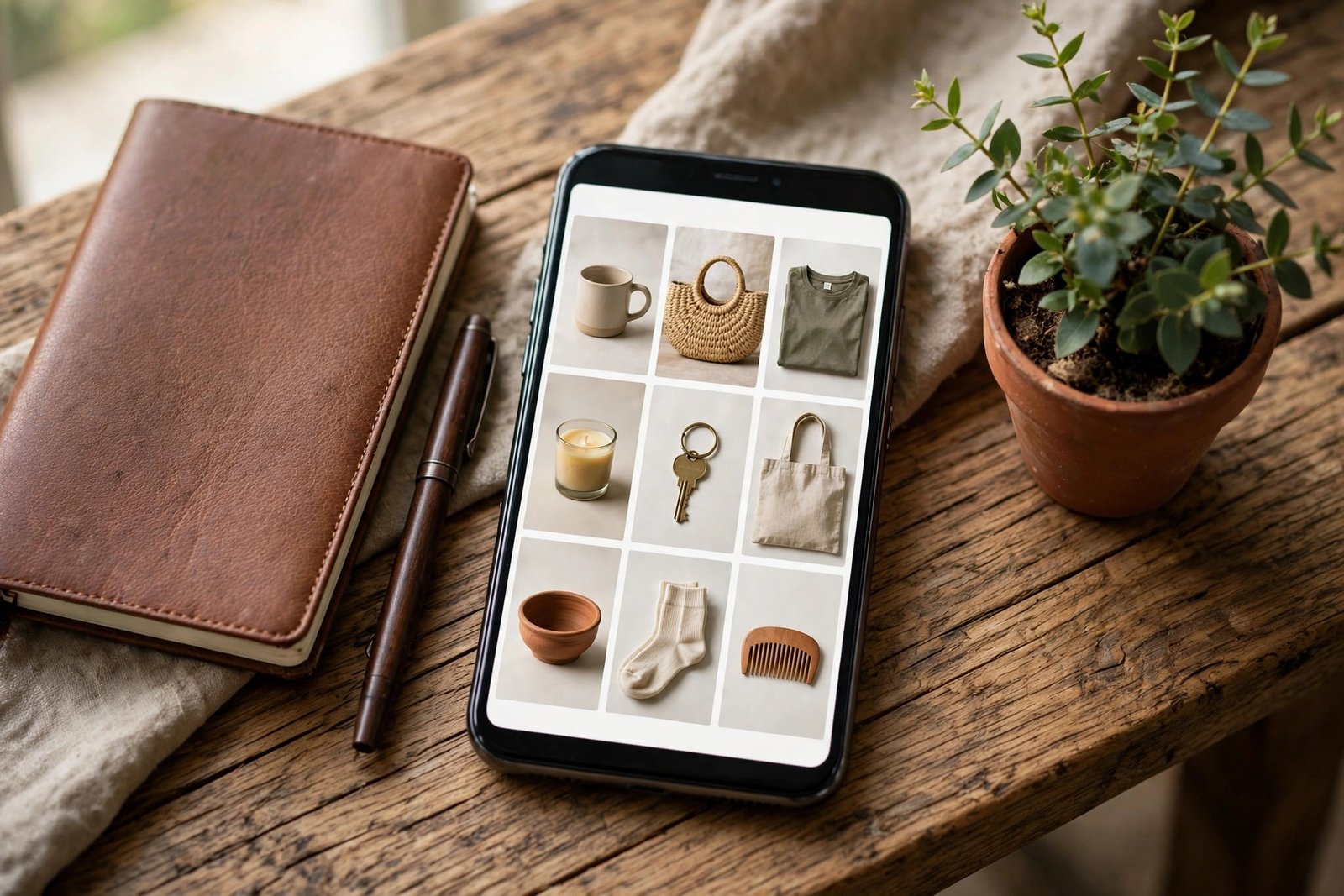
Keep the catalogue honest. Use your own photos, show the real price, and mark items out of stock when they sell out. A buyer who finds a price in the catalogue and a different price in the chat will not trust you twice. For the full steps, see the WhatsApp Help Center guide to creating and maintaining a catalog.
Step 2: Pick one thing to sell
Do not list ten unrelated products on day one. Pick one thing you can supply, price, and deliver without stress. Good first choices are a product you already make, a service you already do, or a digital product you can send as a file. Test demand before you buy stock. Post the item in your Status for a week and count the questions. If nobody asks, change the product or the price, not the app. Testing demand is the cheapest way to learn how to make money on WhatsApp, because it costs nothing and tells you the truth.
Price with all costs in mind. Work out the product cost, packaging, delivery, payment fees, and your time. Then set a price that leaves a margin after all of them. If you need help with pricing, read how to set freelance rates, which explains the same maths for services.
Seven ways to make money on WhatsApp
1. Sell your own products
This is the most direct route. List physical products in your catalogue, share items into chats, and take orders by message. It suits makers, home bakers, resellers, and small shops. You need stock or a reliable supplier, plus a delivery plan. Start with a small range you can keep in stock.
2. Resell for commission
You do not need your own stock to resell. Agree with a supplier that you will find buyers and take a fixed commission on each sale. Share the supplier catalogue with your contacts, take the order, and pass it to the supplier. Confirm the commission in writing before you start, and confirm who handles delivery and returns.
3. Affiliate marketing
Recommend products you have used and earn a commission when someone buys through your link. Share the link in a chat only when it fits the conversation, and say clearly that it is an affiliate link. A short note such as "I earn a small commission if you buy through this link" keeps trust. Never paste links into groups where nobody asked for them. Learn the basics in how to start affiliate marketing.
4. Sell a service or consultation
If you have a skill, sell time instead of stock. Tutors, coaches, designers, writers, and repair people all close work on WhatsApp. Use your Status to show recent work, use your catalogue to list services with prices, and use a short call to close the sale. Send a written quote before you start work, and take a deposit for larger jobs.
5. Sell digital products
Guides, templates, presets, and short courses sell well on WhatsApp because delivery is instant. You send the file after payment, so there is no shipping cost. Make the product first with our guide to how to create your first digital product. Keep the file small enough to send in a chat, and keep a backup of every order.
6. Run a paid group or community
A paid group works when members get something they cannot get for free: weekly lessons, direct answers, templates, or early access to products. Charge a monthly fee and deliver on a fixed schedule. Be honest about what members get and how much time you will spend in the group. A group with 20 paying members and a clear weekly routine beats a group of 500 silent members.
7. Manage WhatsApp for small businesses
Many small shops know WhatsApp matters but have no time to run it. Offer to manage it for them: answer chats, update the catalogue, post Status updates, and follow up on orders. Charge a monthly fee for a set number of hours. This is the same skill as social media management, and you can price it the same way. See how to make money as a social media manager for the service model.
WhatsApp Channels: set up and use them
A WhatsApp Channel is a one-way broadcast feed. Followers read your updates but cannot reply in the Channel itself. It suits sellers who want a public list of buyers without the noise of a group.
To create one, open WhatsApp, go to the Updates tab, tap Channels, then Create channel. Give it the name of your business, add a short description that says what followers will get, and add a clear photo. Then invite people with the Channel link from your Status, your other profiles, and your business card.
Post to the Channel two or three times a week. Mix new products, restocks, short tips, and a weekly offer. Keep each update short and end with a clear next step, such as "Message us to order" or "See the full catalogue on our profile". Check which updates get the most views and post more of that kind. Availability of Channels, Status ads, and Promoted Channels varies by country, so check what your app shows before you plan around them.

Status: a daily routine that brings sales
Status is where most small WhatsApp sellers make their money. It is a short photo or video that disappears after 24 hours, and your contacts see it at the top of their Updates tab. A simple daily routine works best.
Post one product in the morning with a clear price and a way to order. Post one useful tip or behind-the-scenes clip in the afternoon, such as packing an order or showing how a product works. Post one short video of 30 seconds or less in the evening, because video holds attention longer than a still photo.
Do not post ten product photos in a row. People mute sellers who flood their Status. Three short updates a day, every day, will bring more orders than a burst of twenty once a week. Reply fast when someone asks about a Status post, because the buyer is warmest in the first hour.
Broadcast lists, groups, and Channels: when to use each
| Tool | Best for | Limit to know |
|---|---|---|
| Broadcast list | Sending one offer to many buyers at once | Only reaches people who saved your number, and lists have a size limit, so keep them small and targeted |
| Group | Discussion, community, and repeat buyers | Needs daily attention and clear rules, or it turns into noise |
| Channel | Public updates, new products, and offers | One-way only, so sales still close in a private chat |
| Status | Daily selling and short videos | Disappears after 24 hours, so post regularly |
Use all four for different jobs. A Channel announces, Status sells daily, a group keeps loyal buyers close, and a broadcast list sends a time-limited offer to people who already bought from you. Never add people to a group or a broadcast list without their agreement. That is the fastest way to get reported and blocked.
Getting paid
WhatsApp Business does not take payment for you, so you must arrange it yourself. Use a payment link from your bank, a payment app, or a card link, and send it in the chat after the buyer confirms the order. Bank transfer and local mobile money work well in many countries. PayPal works for international buyers but charges fees, so include them in your price.
Write your payment and delivery terms before your first sale. Say when payment is due, how long delivery takes, who pays for delivery, and what happens if the buyer changes their mind. Put the same terms in your catalogue description and in a pinned message. Refund quickly when the mistake is yours, because one honest refund protects your name better than one kept sale.
What it costs and what to expect
The WhatsApp Business app is free to download and use. Your costs are your phone and data, your stock, packaging, delivery, and payment fees. Meta Verified is an optional paid subscription that adds a verified badge and support; you do not need it to start selling.
One change matters if you grow. From 1 October 2026, Meta charges per delivered message on the WhatsApp Business Platform. The Platform is the paid connection that larger businesses and software tools use, not the free Business app on your phone. On the Platform, each business number gets its first 1,000 service messages free each month, and rates after that depend on the message type and the customer country. As an example, on Meta's rate card effective 1 October 2026, a marketing message to a US or Canadian number costs 0.025 US dollars and a utility message costs 0.0034 US dollars per delivered message. Rates change each quarter, so check Meta's current rate card before you budget for bulk messaging. If you only use the free Business app, these charges do not apply to you.
Expect a slow start. A realistic first month is a working catalogue, a daily Status habit, and a handful of sales to people you already know. Income grows when buyers return and recommend you, which takes weeks, not days. Results vary with your product, your prices, your audience, and how much time you put in.
Your first 30 days
This plan shows how to make money on WhatsApp in your first month without spending on ads.
| Week | Focus | What good looks like |
|---|---|---|
| 1 | Set up the Business app, profile, catalogue, greeting and away messages | A complete profile and at least 10 items in the catalogue |
| 2 | Post one product and one tip in Status every day, and share the catalogue link with your contacts | Replies and questions every day, even if no sale yet |
| 3 | Start a Channel, post twice a week, and ask your first buyers for a short review | A Channel with your first followers and one or two reviews to share |
| 4 | Review what sold, drop what did not, and set prices for the next month | A short list of your best sellers and a plan for month two |
Common mistakes
- Buying stock before testing whether anyone wants the product.
- Mixing personal and business chats on one number, so orders get lost.
- Spamming contacts with offers they never asked for.
- Promising delivery dates you cannot control.
- Hiding the price and making every buyer ask for it.
- Copying photos and prices from another seller without checking the product.
- Taking payment with no written terms for delivery or refunds.
- Ignoring a complaint instead of fixing it fast.
Risks and scams to watch for
- Anyone who asks you to pay to unlock earnings on WhatsApp is running a scam. WhatsApp does not pay users, so there is nothing to unlock.
- Fake investment groups promise high returns for a small deposit. Real investments never ask for money over WhatsApp chat.
- Fake job offers ask for a fee, a training payment, or your bank details before you start. A real employer does not charge you to work.
- A buyer who overpays by mistake and asks you to refund the difference is a common fraud pattern. Wait until the payment clears in your account before you send anything.
- If you send too many unsolicited messages, WhatsApp can limit or ban your number. Build your list with consent, keep messages useful, and stop when someone asks you to.
- If your number is banned, appeal through the app and explain what happened. Do not buy a new number and repeat the same behaviour, or it will be banned again.
For more on spotting fake offers, read how to spot online job scams. The same warning signs apply on WhatsApp.
Frequently asked questions
Does WhatsApp pay you?
No. WhatsApp does not pay users for messages, views, or Status posts. You earn by selling products, services, or affiliate offers to the people you reach on it.
Do I need WhatsApp Business to earn?
You do not need it by law, but you should use it. The Business app is free and gives you a catalogue, labels, greeting messages, and a business profile. The regular app has none of these tools.
How do I sell products on WhatsApp?
Set up the Business app, add your products to the catalogue with clear prices, post them in your Status, and take orders in chat. Agree on payment and delivery in writing before you send anything.
Is it legal to make money on WhatsApp?
Yes, selling real products and services is legal in most countries. You must follow local tax rules, consumer law, and WhatsApp's commerce policies. Check Meta's Commerce Policies for the products you may not sell.
How do I avoid getting banned on WhatsApp?
Only message people who expect to hear from you, keep offers short and useful, and never send bulk spam. If someone asks you to stop, stop at once. A ban usually follows repeated reports, so consent and restraint are your protection.
What can I sell on WhatsApp with little money?
Start with a service you can already do, such as tutoring, design, or repairs, or a digital product such as a guide or template. Both need no stock and cost almost nothing to start. Test demand with Status posts before you spend anything.
Conclusion
That is how to make money on WhatsApp in 2026: set up the free Business app on a separate number, build a catalogue with honest prices, pick one thing to sell, and post in your Status every day. Add a Channel for announcements, take payment through a link you trust, and keep your promises on delivery and refunds. Start small, measure what sells, and grow from there.
Next, read how to make money on Telegram, how to start affiliate marketing, and how to create your first digital product. Browse all our guides in social media earning.
Reader note: WhatsApp rules, the Business Platform rate card, and tax rules differ by country and change often. The Platform figures in this article come from Meta's rate card effective 1 October 2026, as reported by independent guides in October and November 2026. Check the current terms before you act, and check your local tax authority or a qualified accountant about declaring this income. Earning results vary; nothing on this site is financial advice.