How to Learn Motion Graphics Online in 2026
To learn motion graphics online, start with the core animation principles, pick one tool, animate text and shapes first, and build a short demo reel. Motion graphics is the art of making graphics move: animated titles, logos, explainer clips, and social media animations. It looks hard, and the search results are mostly expensive certificate programmes, but you can learn it on your own with free tools and free tutorials.
This guide gives you a real self study path. It explains what motion graphics is, the principles in plain words, the software choice, six practical steps, a project ladder, a demo reel plan, and the costs.
In this guide
- What motion graphics is
- The core principles in plain words
- Step 1: Pick your software
- Step 2: Learn your tool basics
- Step 3: Animate text and shapes
- Step 4: Learn compositing and tracking
- Step 5: Build practice projects
- Step 6: Build a demo reel
- Free vs paid routes
- Example only: a 10 week study plan, with the hours shown
- What it costs to learn motion graphics online and what to expect
- Common mistakes
- Risks and scams to watch for
- Frequently asked questions
What motion graphics is
Motion graphics is animation applied to graphic design. It moves text, shapes, logos, and illustrations, usually to explain something or to brand a video. A title that slides in, a logo that draws itself, and a chart that grows bar by bar are all motion graphics.
It is different from video editing. Video editing cuts and joins filmed clips. Motion graphics creates movement from scratch, frame by frame, with keyframes and shapes. The two skills overlap, and many editors learn both, but they are not the same job.
It is also different from character animation, which moves people and animals with personality and story. Motion graphics moves design elements with timing and rhythm. If you like design and timing more than drawing characters, motion graphics is the better fit.
You will see motion graphics everywhere: YouTube intros, adverts, explainer videos, social media posts, TV titles, and app promos.
The core principles in plain words
Good motion graphics follows a few simple principles. Learn them before you open any software, because they decide whether your work looks smooth or clumsy.
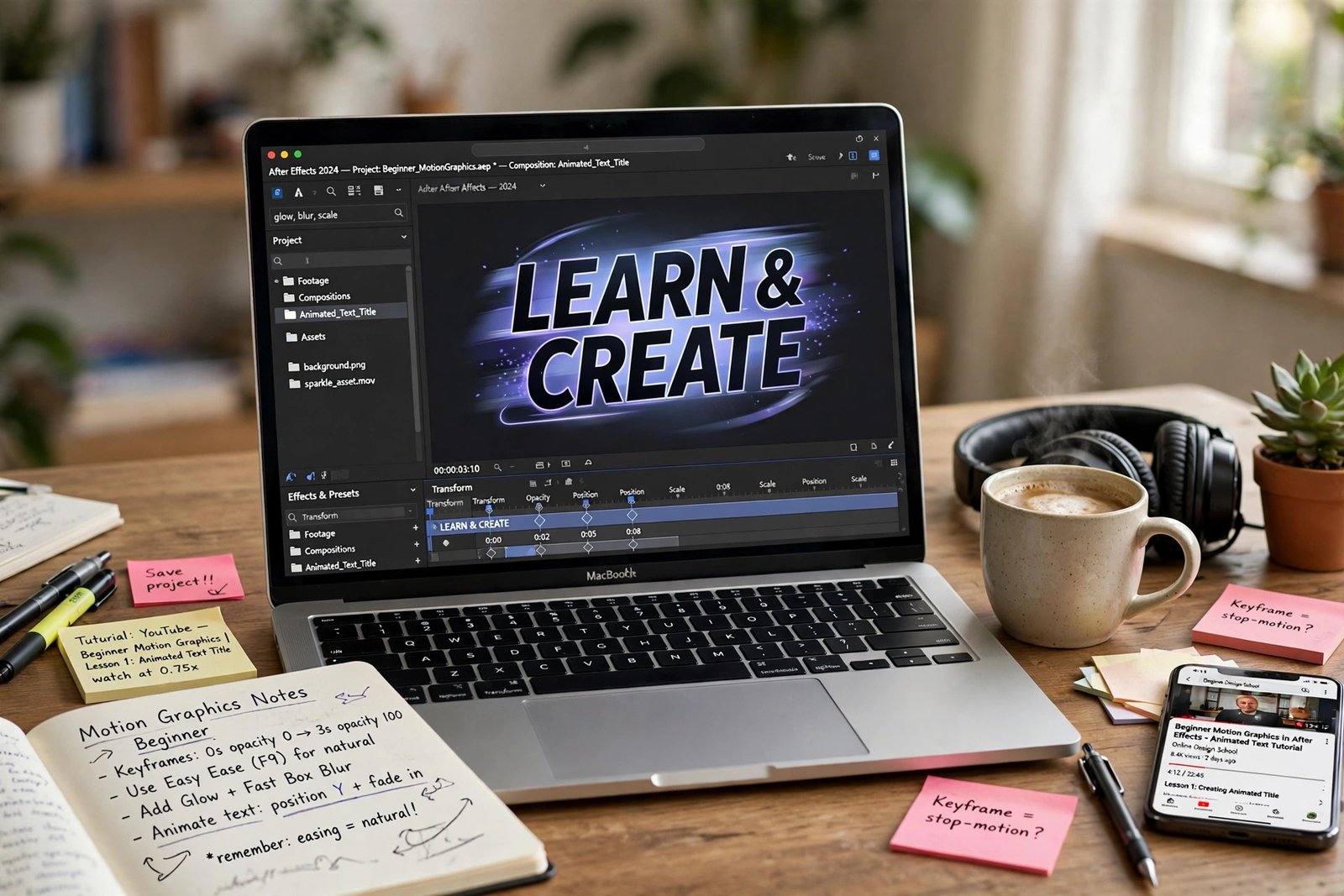
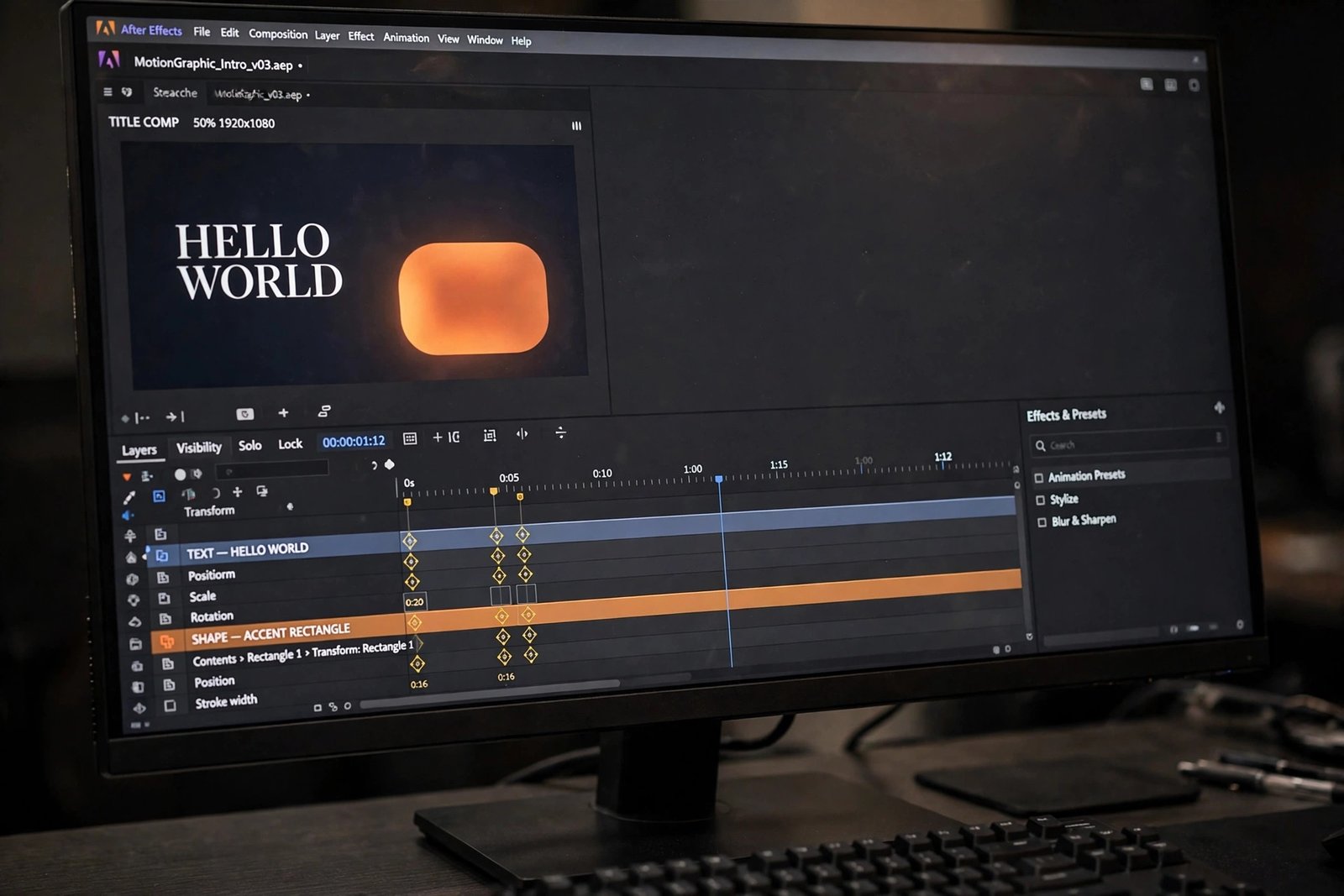
Keyframes are the heart of animation. A keyframe is a marker that says what a thing looks like at one moment in time. You set one keyframe at the start, with a shape on the left, and one at the end, with the shape on the right. The software fills in the movement between them, which is called interpolation, and it is automatic.
Easing controls how the movement feels. Without easing, an object moves at a flat speed and stops dead, which looks robotic. Easy ease makes it start slowly, speed up, and slow down at the end, which looks natural. Learn the graph editor, which lets you shape easing curves, early in your study.
Timing is how long a movement takes. A fast move feels energetic, and a slow move feels calm. Most title animations last between half a second and two seconds. If a move takes too long, the viewer gets bored. If it takes too short, the viewer misses it.
Anticipation is a small move in the opposite direction before the main move. A character crouches before it jumps, and a shape pulls back slightly before it slides forward. That tiny pause makes the main move feel stronger. Squash and stretch is a related idea: a soft object squashes when it lands and stretches when it moves fast, which makes it feel alive.
Learn these five ideas by watching good work frame by frame. Pause a title animation, step through it slowly, and ask what moved, how fast, and what eased.
Step 1: Pick your software
After Effects is the industry standard for motion graphics, and it is the tool most tutorials use. It is made by Adobe, and it is sold only as a subscription. As of November 2026, Adobe lists After Effects on its own at 22.99 US dollars a month on the annual plan billed monthly, with a 7 day free trial of the full version. The trial converts to a paid plan unless you cancel. Check the Adobe pricing page before you buy, because prices change.
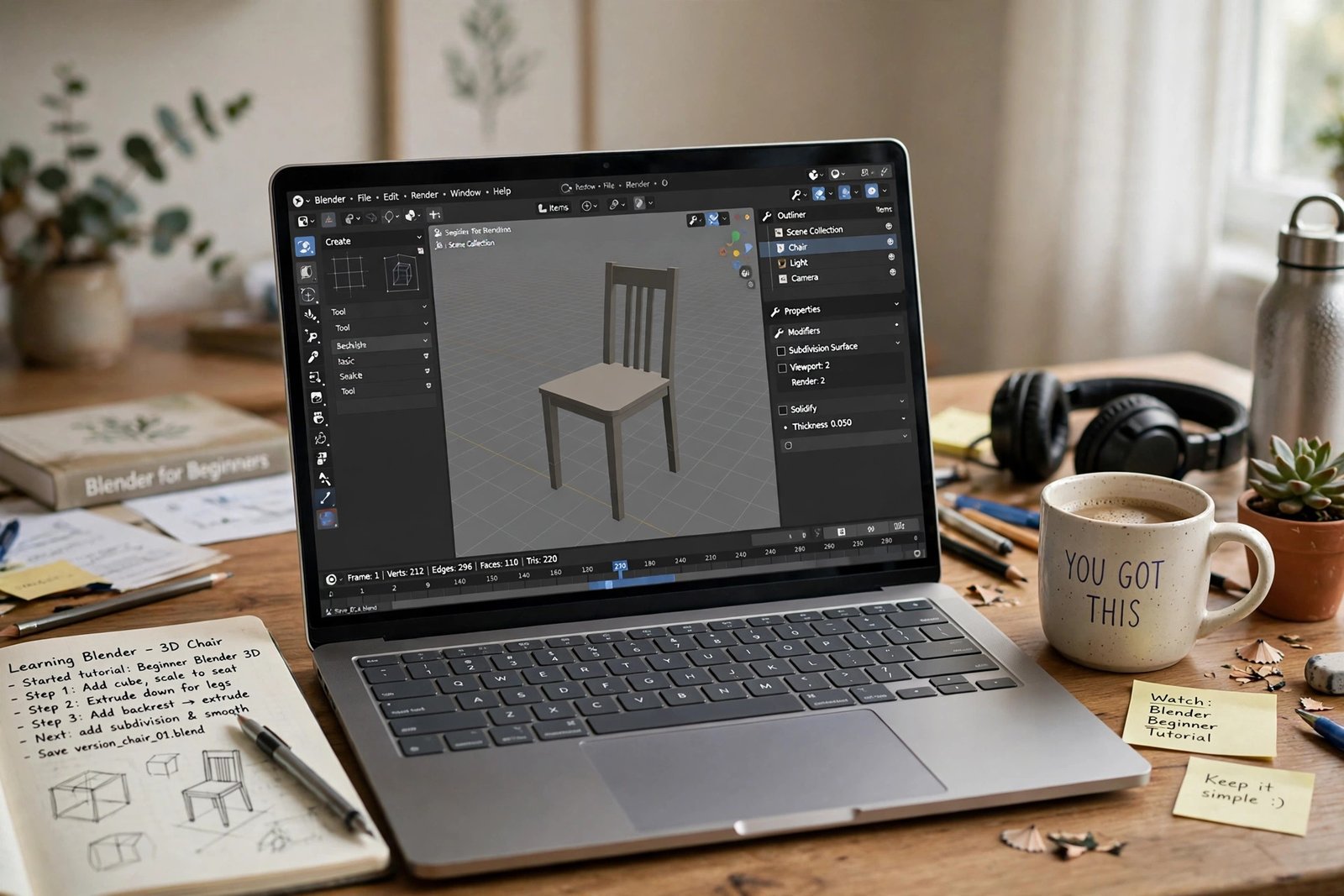
If you cannot afford a subscription, start with a free tool. DaVinci Resolve is free, and its Fusion page is a full motion graphics and compositing workspace. Blender is also free, and it can animate text and shapes in 3D. CapCut is free and simple, and it suits short social media animations.
| Software | Cost | Learning curve | Best for |
|---|---|---|---|
| After Effects | 22.99 US dollars a month, 7 day free trial | Medium | Most jobs, most tutorials |
| DaVinci Resolve Fusion | Free, Studio 295 US dollars one time | Steep | Free motion graphics and compositing |
| Blender | Free | Medium to steep | 3D motion graphics |
| CapCut | Free | Easy | Short social media animations |
Start with After Effects if you can afford it, because most tutorials and most jobs use it. Start with DaVinci Resolve Fusion if you need a free tool that can do real work. Do not buy a subscription until you have finished a few free tutorials.
Download After Effects from Adobe, and download DaVinci Resolve from Blackmagic Design. Use the official sites only.
Step 2: Learn your tool basics
Open your chosen tool and learn the interface before you try to animate. Learn where the timeline is, where the layers live, and where the preview controls sit. A layer is one element in your animation, such as a line of text or a shape.
Learn to create a composition, which is the project file that holds your animation. Set the size to match where the video will play: 1920 by 1080 pixels for YouTube, and 1080 by 1920 pixels for vertical social video. Set the frame rate to 30 frames per second to start. A frame is one still image in the video.
Learn to import files, to trim layers on the timeline, and to preview your work with the space bar. Learn to save often, because motion graphics software can crash.
Spend your first week on basics only. Make ten tiny animations: a dot that moves across the screen, a square that grows, a word that fades in. Each one should take less than 30 minutes. These small exercises are the best way to learn motion graphics online.
Step 3: Animate text and shapes
Text and shapes are the core of motion graphics. Learn them before you touch effects or 3D.
Start with a lower third, which is the name bar that appears at the bottom of a video. Build a coloured bar, add a name in white text, and animate the bar sliding in from the left while the text fades up.
Next, try kinetic type, which is text that moves in time with words or music. Animate each word to pop in as it is spoken. Keep the movement simple: fade, slide, or scale.
Then learn shape layers. A shape layer is a vector shape, such as a circle or a rectangle, that you can animate without importing a file. Learn to animate the path of a shape, so a line draws itself across the screen, and learn trim paths, which let you reveal a stroke bit by bit.
Step 4: Learn compositing and tracking
Compositing is the job of combining several layers into one finished shot. A title over a video clip, a logo over a photo, and a graphic over a green screen are all compositing. Learn to blend layers, to adjust opacity, which is how see through a layer is, and to use blending modes.
Motion tracking is the job of making a graphic follow something that moves in a video. A label that follows a walking person, or a title that sticks to a moving car, uses tracking. Learn the basic point tracker first, which follows one bright spot in the video and applies that movement to your graphic.
Green screen work, also called keying, removes a solid colour background so you can place a person over a new background. Learn Keylight, which is the main keying tool in After Effects, and learn to clean the edges with a light choke and a spill suppressor. Aim for edges that look clean on a phone screen.
Step 5: Build practice projects
Follow this project ladder to learn motion graphics online, and keep every finished project for your reel.
| Level | Project | New skill |
|---|---|---|
| 1 | Lower third name bar | Keyframes, easing, layer order |
| 2 | Animated logo reveal | Masks, trim paths, timing |
| 3 | Kinetic type clip, 10 seconds | Text animation, rhythm |
| 4 | Explainer clip, 30 seconds | Storyboarding, voiceover timing |
| 5 | Social media promo, 15 seconds | Vertical format, fast cuts, captions |
For the explainer clip, pick a simple idea, such as how a kettle works or how to save for a holiday. Write a short script first, record a rough voiceover on your phone, then animate to match the words. This teaches you to plan before you animate.
Use free assets for practice. Sites such as Mixkit and Pexels offer free video clips and music you can use without paying. Check the licence on each file before you use it in public work.
Step 6: Build a demo reel
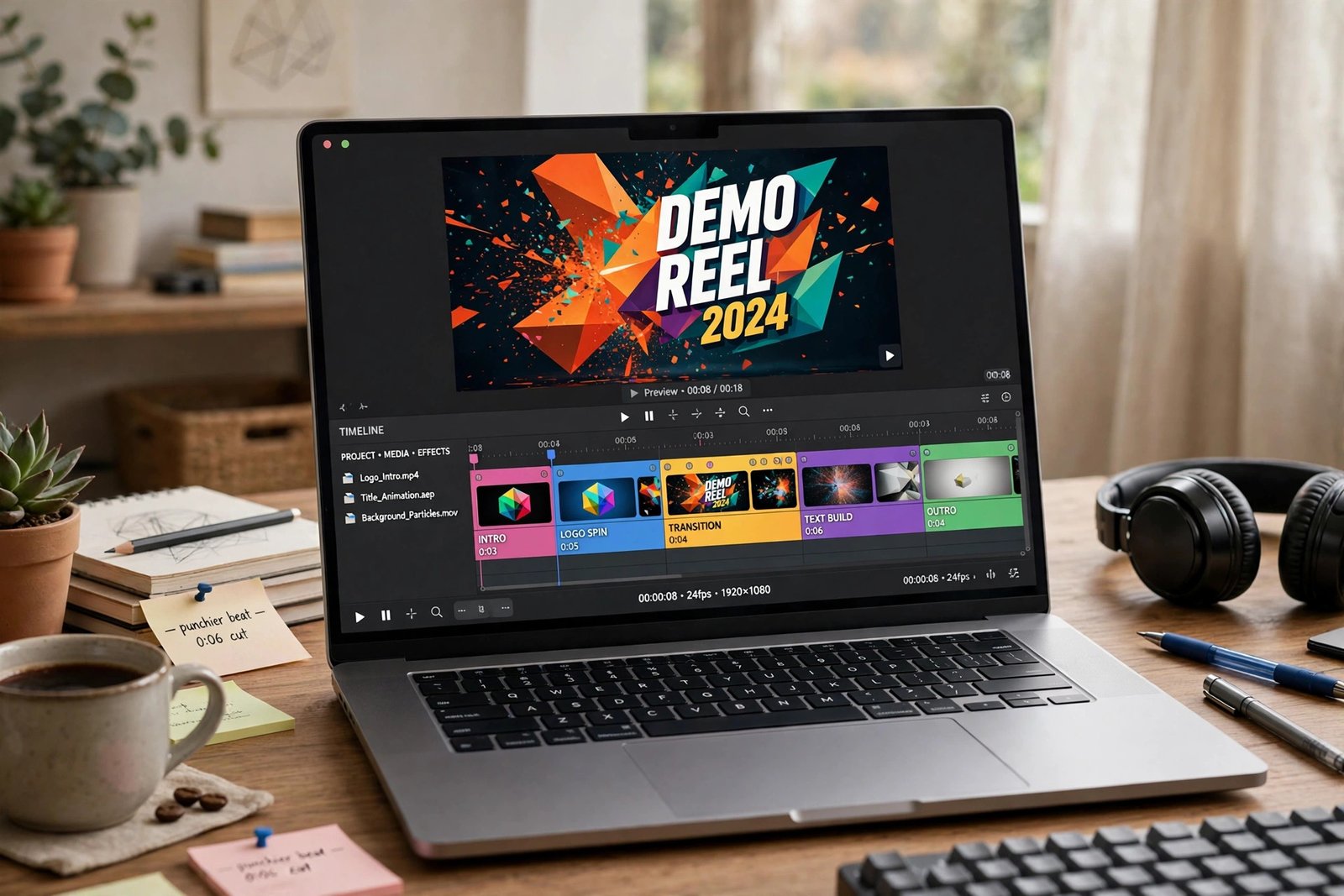
A demo reel is a short video that shows your best motion graphics work. It is the main thing clients and employers ask for. Keep it between 30 and 60 seconds long, and put your best clip first, because many viewers stop watching after ten seconds.
Include 4 to 6 short clips, each 5 to 10 seconds long. Show variety: a lower third, a logo animation, a kinetic type clip, and an explainer extract. Add your name and contact details at the end, and add music that fits the pace. Do not include unfinished work.
Host the reel on Vimeo or YouTube, and link it from your portfolio page. Update it every few months, and remove old clips when your new work is clearly better.
If you want to earn from video skills, read our guide on how to work as a freelance video editor. Video editing is the sister skill to motion graphics, and many clients hire for both. Our guide on how to edit YouTube videos for beginners is also useful, because YouTube work is a common first source of motion graphics jobs.
Free vs paid routes
| Route | Cost | Best for | Notes |
|---|---|---|---|
| Free route | 0 dollars | Most beginners | YouTube tutorials, DaVinci Resolve, Blender, CapCut |
| Paid course route | 30 to 300 US dollars | Structured learning | Skillshare, Udemy, and School of Motion intro courses |
| Certificate programme | About 3,495 US dollars | People who want a formal certificate | Noble Desktop style certificate, 90 hours, check current fees |
The certificate programmes are the most expensive option by far. The Noble Desktop style Video Editing and Motion Graphics Certificate, sold through providers such as SDFM, lists 90 hours of live training in six units of 18 hours each, plus a 12 hour AI bonus unit, with full tuition of about 3,495 US dollars and a list price of 6,390 US dollars. Check the provider page before you consider it, because prices and discounts change.
The free route is genuinely strong for motion graphics. Free YouTube channels such as School of Motion, SonduckFilm, Video Copilot, and Dope Motions teach the core skills well. Pair them with a free tool and a project ladder.
Example only: a 10 week study plan, with the hours shown
This example uses made up numbers. It is an example only, and it shows how much time a beginner plan takes.
Suppose you study 7 hours a week, for 10 weeks. That is 7 times 10, which is 70 hours in total.
Tool basics and tiny animations: 7 hours. Text and shapes: 14 hours. Compositing and tracking: 14 hours. Practice projects: 21 hours. Demo reel: 7 hours. Review and rework: 7 hours. Add them up: 7 plus 14 is 21, plus 14 is 35, plus 21 is 56, plus 7 is 63, plus 7 is 70 hours.
After 70 hours you should have five finished practice projects and a short demo reel. You will not be a professional yet, because most working motion designers have hundreds of hours of practice. But 70 hours of focused work is enough to know whether you enjoy the skill.
What it costs to learn motion graphics online and what to expect
| Item | Typical cost | Notes |
|---|---|---|
| Free tutorials and free tools | 0 dollars | YouTube, DaVinci Resolve, Blender, CapCut |
| After Effects subscription | 22.99 US dollars a month | Single app, annual plan billed monthly, November 2026 |
| A paid online course | 30 to 300 US dollars | Skillshare, Udemy, School of Motion intro courses |
| Certificate programme | About 3,495 US dollars | Noble Desktop style, 90 hours, check current fees |
| A computer that can run After Effects | 0 to 800 US dollars | Most modern laptops work; more memory helps |
| Total to learn the basics | 0 to 300 US dollars | Most learners spend under 300 US dollars |
Expect a slow start. Basic title animations take 2 to 4 weeks to learn. A solid demo reel takes 2 to 3 months of steady practice. Compositing and tracking take longer, because they need an eye for detail that only comes from practice. Build the reel first, then look for work.
Common mistakes
- Do not animate everything at once, because too much movement hides the message.
- Do not use easing on every keyframe by default, because some moves should be sharp and fast.
- Do not copy a tutorial exactly and call it your work, because you learn nothing and the reel looks generic.
- Do not make text too small or too fast, because viewers on phones will miss it.
- Do not skip the storyboard, because animating without a plan wastes hours.
- Do not buy an expensive certificate before you try the free route, because you may not enjoy the work.
- Do not use music you do not have the right to use, because it can get your reel removed.
- Do not make your demo reel longer than 60 seconds, because most viewers stop watching.
Risks and scams to watch for
Paid motion graphics courses attract the same scams as other online courses. Check before you pay. A real course names its teacher, shows a full syllabus, and lets you see sample lessons. A fake course hides the teacher and pressures you to pay today.
Watch for these warning signs. The course promises a guaranteed job or a set income. The price is only shown after a sales call. The certificate is called accredited but no accrediting body is named. The seller asks for payment by bank transfer or gift card.
AI tools are now part of motion graphics, and they bring their own risks. AI can draft a background or a texture, but it can also produce images that copy another artist work. Check the licence for any stock, music, or AI asset before you use it in paid work.
Frequently asked questions
What software do I need for motion graphics?
After Effects is the standard tool, and most tutorials use it. If you cannot afford a subscription, start with DaVinci Resolve Fusion, which is free and can do real motion graphics work. Blender is also free and suits 3D motion graphics.
Is After Effects hard to learn?
It is medium hard. The interface has many panels, and the first week feels confusing. After you learn the timeline, layers, and keyframes, the rest builds slowly. Most beginners can make a simple title animation in their first week.
How long does it take to learn motion graphics?
Basic title animations take 2 to 4 weeks. A solid demo reel takes 2 to 3 months of steady practice at about 7 hours a week. Compositing and tracking take longer. These are guide estimates, not promises.
Can I learn motion graphics for free?
Yes. Free YouTube channels, free tools such as DaVinci Resolve and Blender, and free assets are enough to learn the whole skill.
What is the difference between motion graphics and video editing?
Video editing cuts and joins filmed clips. Motion graphics creates movement from scratch with keyframes, shapes, and text. The two skills overlap, but they are different jobs with different tools.
Do I need to know how to draw to learn motion graphics?
No. Motion graphics uses shapes, text, and simple illustrations, not hand drawing. A sense of timing and a good eye for design matter more than drawing skill.
Conclusion
To learn motion graphics online, start with the core principles, pick one tool, animate text and shapes first, then learn compositing and tracking, and finish with a short demo reel. The free route is genuinely strong, After Effects is the standard tool if you can afford it, and an expensive certificate programme is optional. Practise every week, finish each project in the ladder, and keep your reel short and strong.
To go further, read how to work as a freelance video editor for the closest related work, how to edit YouTube videos for beginners for YouTube work, and how to offer AI video editing services for the AI angle, then browse the full Digital Skills category for more guides. The facts in this guide were checked against Adobe, Blackmagic Design, and the SDFM certificate page in November 2026, and prices are stated as of November 2026.
Note for the reader: prices are in US dollars unless stated otherwise, and they change often, so check the official pricing page before you pay. Earning results vary; nothing on this site is financial advice.