How to Work as a Freelance Video Editor in 2026
A freelance video editor turns raw footage into a finished video that people want to watch. You cut out the dull parts, fix the sound, add music and graphics, grade the colour, and export the file in the right format for YouTube, Instagram, TikTok, or a company website. Creators and businesses shoot more video than ever, but editing takes time they do not have, and that gap is where freelance editors make their living.
This guide is for you if you already know the basics of editing, or you are close to finishing your first projects, and you want to turn that skill into paid client work. It covers the tools to learn, the portfolio to build, how to price videos, and how to find clients who will pay for good editing.
In this guide
- What a freelance video editor does
- Step 1: Pick one type of video and one type of client
- Step 2: Learn one editing program properly
- Step 3: Build a portfolio of three or four samples
- Step 4: Set your rates and packages
- Step 5: Find your first clients
- Step 6: Deliver the work and win repeat business
- Worked example: pricing a YouTube video edit
- What it costs and what to expect
- Common mistakes
- Risks and scams to watch for
- Frequently asked questions
- Conclusion
What a freelance video editor does
A freelance video editor is an independent worker who edits video for different clients instead of working for one employer. You review raw footage, cut it into a logical order, fix the sound and colour, add titles and graphics, and export the finished video in the format each platform needs.
The work spans many types of video and many types of client.
| Type of video | What it involves | Who buys it |
|---|---|---|
| YouTube videos | Long videos, Shorts, course videos | Creators, educators, businesses |
| Short form social video | Reels, TikToks, LinkedIn clips | Brands, creators, small businesses |
| Corporate video | Training videos, product demos, internal messages | Companies, agencies |
| Real estate video | Property walkthroughs and listings | Estate agents, property firms |
| Podcast video | Video podcasts and short clips from episodes | Podcast hosts, networks |
| Wedding and event video | Post production on footage others filmed | Videographers, couples, event firms |
Editors who specialise in one or two of these types earn more and find clients more easily than generalists who try to serve everyone. Technical editing skill is the starting point. What separates good editors from great ones is storytelling instinct: the ability to sense rhythm, decide what to cut, and build momentum that keeps a viewer watching. That takes time and repetition to learn, but it is learnable.
If you are still learning to edit, start with our guide on how to edit YouTube videos for beginners, then come back here when you can finish a short video on your own.
Step 1: Pick one type of video and one type of client
Creators hire editors who already understand their kind of video. A gaming creator wants someone who gets fast pacing and in jokes. A finance creator wants clean graphics and clear explanations. If your portfolio says "I edit everything", it is harder for anyone to picture you working on their channel.
Pick a niche you actually watch. You will know the style, the humour, and what the audience expects, and that shows in your work. Good starting niches include education and talking head videos, gaming and commentary, vlogs and travel, podcasts and interviews, and short form clips. A niche is not permanent. You can widen it once you have clients and a reputation. It simply makes you the obvious choice for someone, rather than one option among many.
Say your offer in one sentence. For example: "I edit YouTube videos for finance creators, with clean graphics and tight pacing." Use that sentence on your profile, your website, and in every first message to a possible client.
Step 2: Learn one editing program properly
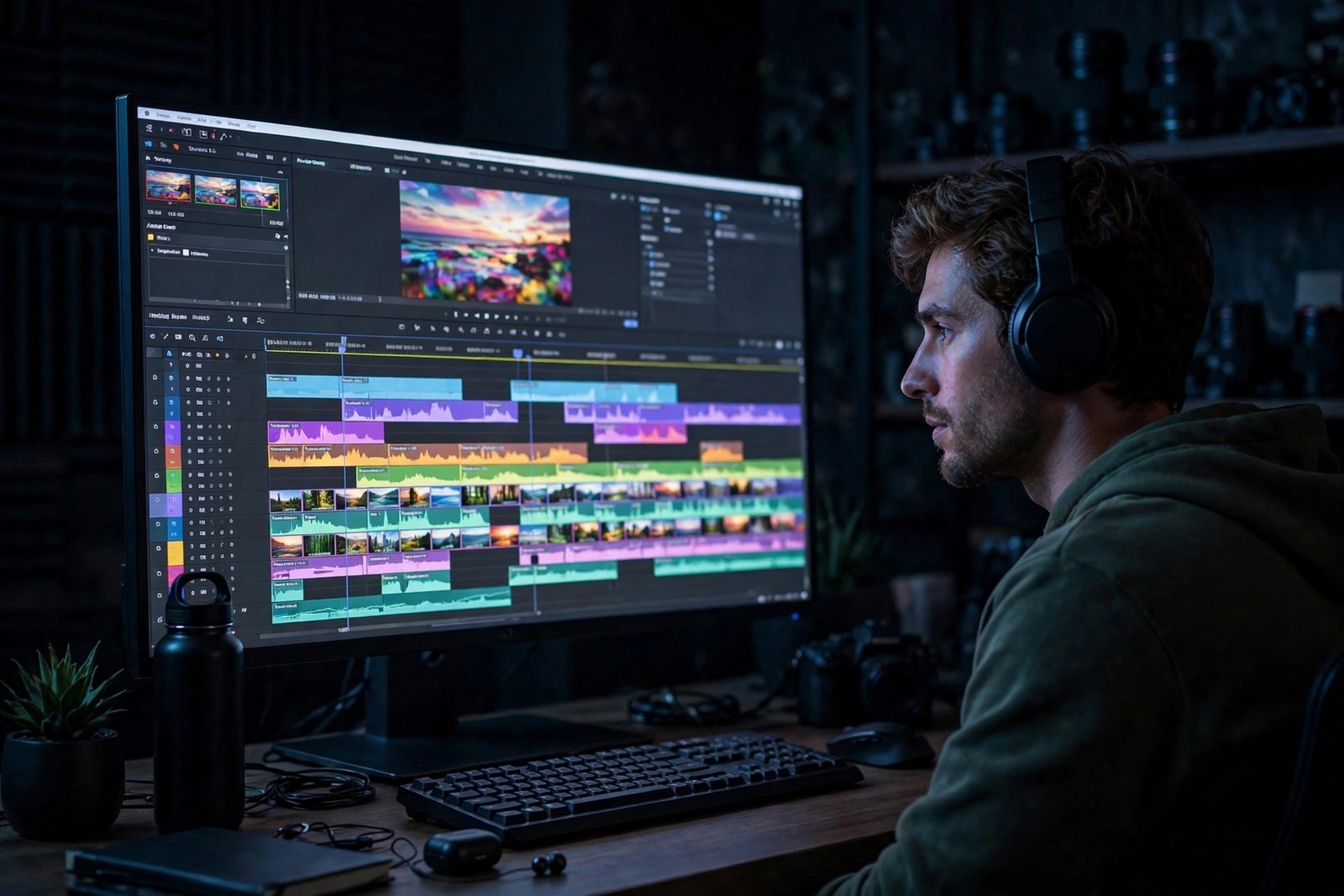
You do not need every editing program. Pick one and learn it well. The main choices are Adobe Premiere Pro, DaVinci Resolve, Final Cut Pro, and CapCut. Premiere Pro is the industry standard, and most client files arrive as Premiere projects, so knowing it is close to mandatory for agency and corporate work. DaVinci Resolve has a capable free version, and its colour grading tools are widely praised. Final Cut Pro is Mac only, fast, and popular for social content and YouTube. CapCut is free and popular for short form work, but it is not a full professional editor.
Learn the program by finishing videos, not by watching tutorials alone. Edit stock footage into a 60 second brand video, a travel reel, or a product showcase. That costs nothing and shows your skills in a format clients recognise. Free stock footage is available from sites such as Pexels and Pixabay.
Build the supporting skills that clients pay extra for. Colour grading makes footage look polished, even at a basic level. Motion graphics, such as lower thirds and animated titles, open a whole new category of work and higher rates. Audio cleanup, such as noise reduction and levelling, is a real differentiator, because most raw footage sounds mediocre. Learn the export settings for each platform, because clients notice when an editor delivers a file that looks wrong on the platform it was built for.
Step 3: Build a portfolio of three or four samples
Three or four strong pieces beat twenty average ones. Creators are busy and often watch only the opening of one or two samples, so put your best, most relevant work first. Each sample needs a one line label: the niche, what you did, and how long it took.
If you have no clients yet, make spec edits. A spec edit is work you make on your own initiative to show what you can do. Film your own footage and edit it in the style of your niche, ask a friend or a small creator for raw footage you are allowed to use, or use footage that is openly licensed for reuse, after you read the licence terms. Keep each sample short: a 60 to 90 second highlight of a longer video is easier to watch than a full 15 minute edit.
A good portfolio piece has a strong first ten seconds, because your sample is an audition for keeping viewers watching. A before and after, if you have the raw footage, shows your decisions, not just the result. Host the samples on a simple website or a shared folder, and add a short showreel, which is a short video featuring highlights of your editing, with your best moments first.
You can also offer one free edit to a local business, a nonprofit, or a creator you genuinely respect. Do exceptional work, and ask for a testimonial and permission to use the video in your portfolio. Keep free work small, such as one Short rather than a full episode, so you are not giving away days of work.
Step 4: Set your rates and packages
Rates for freelance video editors vary widely by project type, experience, and whether you price per project or per hour. Published guides suggest broad ranges, with beginners at the lower end and specialists in corporate video, motion graphics, or colour grading at the higher end. Do not copy a number from an article. Research what editors with your experience charge in your market, and place yourself honestly in that range.
Three pricing models work well for this service.
| Model | How it works | Best for |
|---|---|---|
| Per finished video | One fee for one edited video | YouTube videos, brand videos |
| Hourly | You charge per hour of editing | Unclear scopes, ongoing help |
| Monthly retainer | A fixed monthly fee for a set number of videos | Creators who publish every week |
Per video pricing usually suits editors best, because the client knows the price before they agree, and you get rewarded for working fast. When you quote a per video fee, think about the length of the raw footage, the length of the finished video, the number of revisions, the turnaround time, and any extras such as motion graphics or captions. Put all of it in writing.
Retainers are the best business model once you have regular clients. A brand that needs 8 to 12 social clips a month on a retainer is more valuable than chasing individual projects, because monthly recurring revenue is far more stable than project to project hunting. Wait for two or three good deliveries, then suggest a regular arrangement while the client is happy. Keep a style notes document with fonts, music, pacing, and preferences, so every edit feels consistent.
Step 5: Find your first clients
Freelance platforms are a good place to start. Upwork suits specific profiles, such as "YouTube video editor" rather than a generic "video editor", and our guide on how to make money on Upwork explains how its fees and profiles work. Upwork charges freelancers a service fee on earnings, so check the current fee page before you set your price. Fiverr works well for gigs built around specific deliverables, such as editing a YouTube video up to ten minutes, and our guide on how to make money on Fiverr covers how to set one up. YouTube also has a creator marketplace where creators find collaborators, which is worth joining with a complete profile.
Direct outreach is where the real income is. Search Instagram or TikTok for creators in your niche who post video content but whose editing quality is rough. Send a short, friendly message with one specific idea, such as a tighter intro, and a link to one relevant sample. Keep it under 100 words. Follow up once, about a week later, then let it go politely.
Other direct routes work well too. Email real estate agencies in your area, because property video is in high demand and the clips are short. Reach out to podcast hosts who record video but are not turning it into social clips, and offer to produce five social clips from their latest episode as a paid trial. Check local business groups for owners with unused footage. Join communities where creators hang out, such as video editing forums and creator groups, and be genuinely helpful there. Referrals from one satisfied client are consistently the best source of new business once you have your first few projects done.
Step 6: Deliver the work and win repeat business
Agree the scope, price, and revision limit in writing before you start. Ask good questions: which past videos does the client love, which fonts and colours do they always use, what do they dislike, and when is the deadline? A clear brief prevents most disputes.
Deliver on time, and if something will be late, say so early. Calm, honest updates build more trust than silence. Send a short preview link first, collect feedback within a clear window, such as three to five days, so projects do not drift for weeks, and then deliver the final files with a clear name and the right export settings for each platform.
Take payment up front, or at least a deposit, especially with new clients. Chasing late payments is a common freelance headache, and most of it is preventable with a bit of structure. Keep a backup of every project until the client has confirmed the final files, because losing client footage is a serious error that is completely preventable.
After two or three good deliveries, suggest a retainer, ask for a referral, and ask for a short written review. Bring ideas too: if you notice where viewers drop off in their audience retention, which is how much of each video people watch, suggest a fix. Clients keep editors who care about the channel. For managing several clients at once, read our guide on how to manage multiple freelance clients.
Worked example: pricing a YouTube video edit
Example only: these numbers are not typical results. They show the maths, not what you will earn.
Suppose a creator asks you to edit a 10 minute YouTube video from 45 minutes of raw footage. You estimate the work will take 6 hours: 1 hour to review the footage, 3 hours to cut and assemble it, 1 hour for colour, sound, and titles, and 1 hour for revisions and export. You set your hourly rate at $40 per hour, which is a planning figure for this example only. The base cost is 6 hours times $40, which is $240. You add a buffer of 25 percent for revisions and unknowns, which is $60. The total project fee is $300.
You ask for a 50 percent deposit of $150 before you start, and the remaining $150 when the final video is delivered. The agreement includes two rounds of revisions and a turnaround of five working days. Any extra revision round, or a rush delivery, costs extra and is agreed in writing first.
Now check the real costs. If a platform takes a 20 percent fee, that is $60 from the $300, and software, storage, tax, and unpaid admin time take more on top. Your take home pay is lower than the headline fee, so always work out what you keep after costs before you accept a price.
What it costs and what to expect
| Item | Typical cost |
|---|---|
| Computer | $0 if you own a capable machine, $600 to $1,200 for a suitable new one |
| Editing software | $0 for DaVinci Resolve free version, subscription or one off fees for others |
| External SSD for client files, 1 TB | $80 to $120 |
| Backup drive or cloud storage | $50 to $100 per year |
| Headphones and a monitor | $50 to $200 |
| Total startup | $0 to $300 if you own a capable computer, $800 to $2,000 if you need one |
Expect a realistic timeline. If you sign up on freelance platforms today with a basic portfolio, you can land a first paid job within two to four weeks, and direct outreach to local businesses or creators can work even faster if your pitch is specific and your sample is strong. Building a steady part time income usually takes several months, and a full time income takes longer. Many part time editors build up gradually over their first year. Judge the work after six months of steady effort, not after two weeks.

Common mistakes
- Trying to edit every type of video instead of picking one niche.
- Learning new software endlessly instead of finishing portfolio samples.
- Racing to the lowest price on a platform to win work.
- Starting a project without a written scope, price, and revision limit.
- Delivering files in the wrong format for the platform.
- Skipping backups and risking the loss of client footage.
- Working without a deposit and chasing late payments.
- Offering a full free edit instead of a small, bounded sample.
- Ignoring audio, because bad sound ruins good pictures.
- Stopping all outreach the moment one project starts.
Risks and scams to watch for
The biggest risk is losing client footage. Raw video files are large, and a one hour 4K shoot can easily be 50 to 100 GB. Keep every project on an external drive and back it up to a second drive or cloud storage. Do not delete raw files until the client has confirmed the final video and you have agreed a handover date.
A second risk is scope creep. A client who asks for "a few more changes" five times has doubled your work for free. Protect yourself with a written revision limit, such as two rounds, and quote any extra rounds separately before you do them.
Watch for scams aimed at new freelancers. A common one is a client who asks for a large unpaid test edit before they agree to hire you. A short sample is normal, but a full video is not. Another is a fake client who overpays and asks you to refund the extra money before the payment clears. Never refund money until it has fully cleared in your account. Also avoid any client who asks you to buy software, pay a fee to get the job, or edit stolen footage without permission. Real clients pay you, not the other way round.
Copyright matters in this work. Use only music, footage, and graphics you have a licence for, or that are free to use under clear terms. Using a popular song without permission can get a client's video removed or claimed, and the client will blame you.
Frequently asked questions
Do I need a degree to be a freelance video editor?
No. Clients care about proof of work more than a degree. A strong showreel and three or four samples in the style they want matter far more than a qualification. A degree in film or media can help, but it is not required.
How much does a freelance video editor charge?
Rates vary widely by project type, experience, and whether you price per video or per hour. Beginners often charge less while they build reviews, and specialists in corporate video, motion graphics, or colour grading charge more. Research your market, and price per finished video where you can.
Which editing software should I learn first?
Pick one program and learn it well. DaVinci Resolve is free and professional, which makes it a good starting point. Premiere Pro is the industry standard and the one most client files arrive in. Final Cut Pro suits Mac users, and CapCut suits short form work.
Where do freelance video editors find clients?
The best first channels are freelance platforms, direct outreach to creators, and your network. Platforms help you build reviews, outreach lets you choose exactly who you work with, and referrals from happy clients become your most reliable source over time.
How long does it take to get the first client?
It varies widely. With a basic portfolio on freelance platforms, many editors land a first paid job within two to four weeks. Direct outreach can work faster if your pitch is specific and your sample matches the client's style. Building a steady income takes several months of consistent work.
Do I need an expensive computer to edit video?
You need a capable machine, but not a top of the range one. For basic 1080p editing, a modern laptop with 16 GB of memory works fine. For 4K editing and colour grading, more memory and a fast drive help. A used machine can be a sensible starting point if your budget is tight.
Conclusion
Working as a freelance video editor means turning raw footage into videos that hold a viewer's attention, and selling that skill to creators and businesses who do not have time to edit. Pick one type of video and one type of client, learn one editing program properly, build three or four strong samples, price per finished video with a written scope, and find clients through platforms, direct outreach, and referrals. Back up every project, take a deposit, and turn happy clients into monthly retainers.
Next, read how to edit YouTube videos for beginners, how to find high paying freelance clients, and how to work as a freelance UX designer. Then browse all freelancing guides to plan your next step.
Reader note: copyright, tax, and business rules differ by country, so check your local rules and a qualified accountant before you take on clients. Platform fees and software prices change often, so check the current pages before you quote a price. Earning results vary with experience, location, demand, time, competition, expenses, and platform fees; nothing on this site is financial advice.