How to Repurpose Blog Posts for Social Media in 2026
You spent hours writing a blog post. It was read on publish day, then it faded. That is a waste of good work. Learning how to repurpose blog posts for social media lets one strong post work for weeks, in formats each platform actually rewards, without writing a new article every day.
This guide shows you how to pick the right post, build an asset bank from it, turn it into nine formats, adapt each format for its platform, run a two week calendar from one batching session, and track what works. It is written for a blogger with a small audience and limited time, not for a team with a studio.
In this guide
- Why one good post should work harder than a single publish day
- Pick the right post to repurpose
- Build your asset bank
- Nine formats, each with a blogging example
- Adapt, do not copy: a platform comparison table
- A two week posting calendar for one article
- Templates and AI use, with a fact check step
- Track what works by format and topic
- Mistakes to avoid
- Frequently asked questions
Why one good post should work harder than a single publish day
Most readers never see a post on publish day. They find it later through search, or they see it because you shared it again in a new format. Repurposing gives a post more chances to be found, by more kinds of readers, on platforms they already use. A reader who skips a long article may watch a short video on the same idea.
Repurposing also saves time. Turning one researched post into seven or more social assets takes far less time than writing seven new posts. The blog post stays the home base, and social posts are doorways into it.
Pick the right post to repurpose
Do not repurpose every post. Pick posts that are evergreen, which means they stay useful for months, that already answer a real question, and that performed reasonably well, either in search, in email clicks, or in comments. A post that helped readers once is likely to help new readers in a new format.
Build your asset bank
Before you make any social post, build an asset bank from the article. An asset bank is a short document with the raw material for every format. It should hold: the main promise in one sentence, five to seven key takeaways, two or three useful statistics or facts you verified in the article, two short quotes or strong lines, three questions readers ask about the topic, and three action steps a reader can take today.
Writing the asset bank first stops you from copying the whole article into a social post, and it stops repetition, because you can see which takeaway you already used.
Example only: these numbers are not typical results. Imagine a blog post titled "How to plan a month of blog posts in one afternoon". Its asset bank might hold: promise, "Plan a month of posts in one afternoon, without burning out"; takeaways, "Pick one theme per week", "Write ten headlines, keep one", "Batch research before drafting", "Use a simple spreadsheet, not a complex tool", and "Review last month's posts before planning the next"; questions, "How many posts should I plan at once?", "What if I run out of ideas mid month?", and "How long should planning take?"; action steps, "List four weekly themes", "Draft ten headlines", and "Block one afternoon for research". From that one bank, you can make a carousel, a video, a thread, and a Pinterest graphic, each using a different takeaway, so followers do not see the same post four times.
Nine formats, each with a blogging example
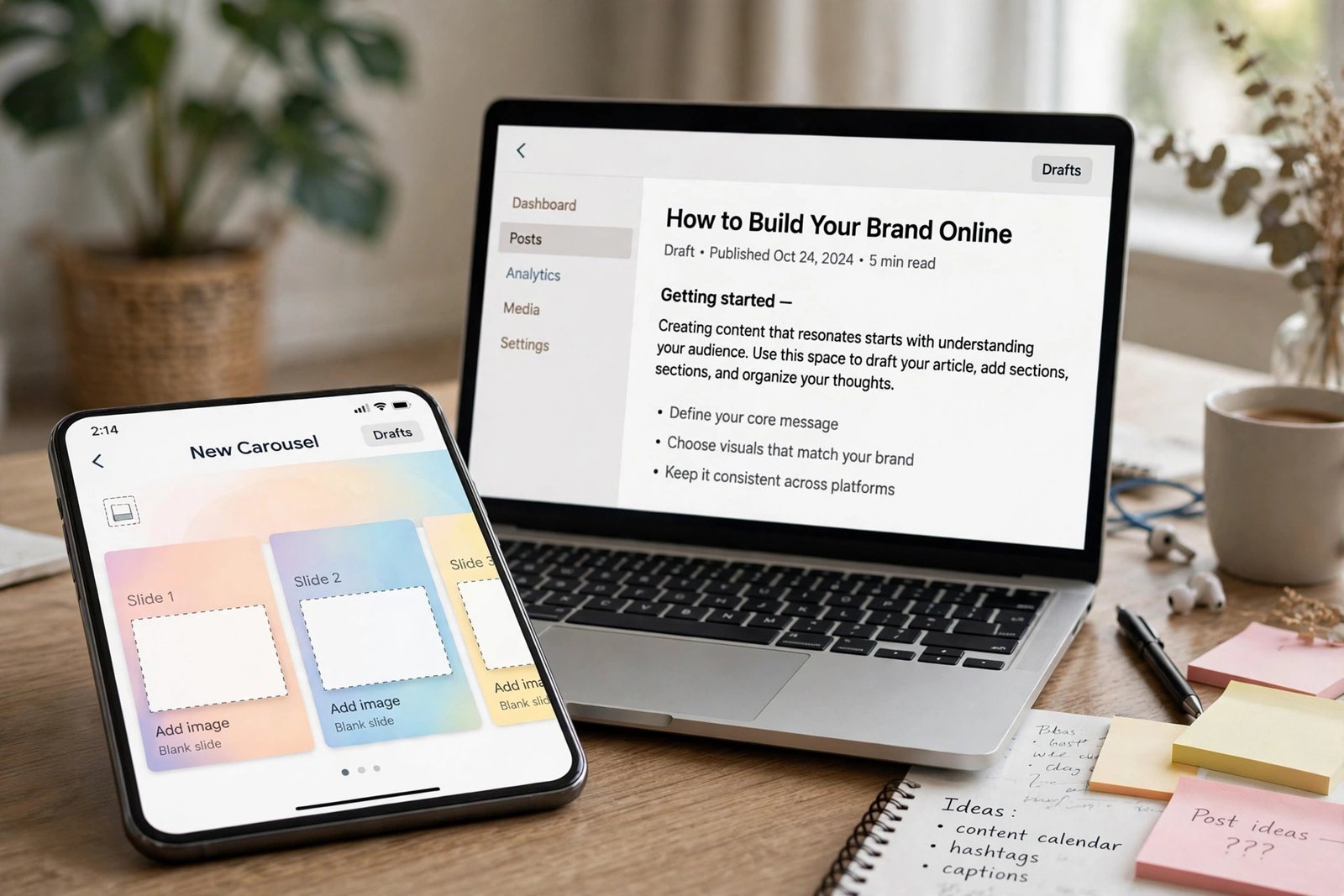
Carousel. A carousel is a set of swipeable slides, usually on Instagram, LinkedIn, or Facebook. Use one takeaway per slide, with a clear title slide and a final slide that links to the full post. Example: slide one, "A month of blog posts, planned in one afternoon"; slides two to six, one planning step each; final slide, "Full plan with a free template on the blog".
Text insight post. Take one strong takeaway and turn it into a short standalone post for X, LinkedIn, Facebook, or Threads. Lead with the insight, add one sentence of context, and end with a question or a link. Example: "Most bloggers plan posts one at a time. Planning a month at once saves the weekly decision fatigue. Do you plan weekly or monthly?"
Short vertical video. Teach one lesson in under a minute, for TikTok, Reels, or Shorts. Open with the problem in the first three seconds, show one step, and end with the link in the caption or bio. Example: a 40 second video showing a spreadsheet with four weekly themes, with the spoken line, "Here is how I plan a month of posts in one afternoon."
Question and answer series. Turn reader questions into short posts, one question per post, over several days.
Checklist or infographic. Turn a process from the post into a visual checklist or infographic. A checklist suits Pinterest and LinkedIn well, because readers save it for later. Keep the design simple, with large text and plenty of white space, so it reads on a phone.
LinkedIn post or document. For a professional angle, write a longer LinkedIn post that tells a short story about the problem, then gives three takeaways. A LinkedIn document, which is a swipeable PDF, can hold the full checklist version of the post.
Before and after post. Show a clear contrast, for example planning posts every Sunday night versus planning a month in one afternoon with a spreadsheet.
Pinterest graphic. Pinterest is a search engine for ideas, not just a social feed, so a vertical graphic with a clear title and a benefit works well for bloggers. Make one graphic per takeaway, or one graphic for the full checklist, and link each pin to the full post. For more on Pinterest as a traffic source, read how to make money on Pinterest.
Email teaser. Send a short email that shares one takeaway, tells a brief story, and links to the full post. The email is a doorway, not a copy. For the full email system behind this format, read how to build an email list for a blog.

Adapt, do not copy: a platform comparison table
Copying the same caption to every platform is the most common repurposing mistake. Each platform rewards a different hook, length, visual, and call to action. Adapt the same takeaway for each platform, rather than pasting the same text everywhere.
| Platform | Hook that works | Length guide | Visual | Call to action |
|---|---|---|---|---|
| A bold benefit on the first slide | Short caption, carousel for depth | Carousel or vertical image | Save this, or read the full post via the bio link | |
| A relatable problem or question | One to two short paragraphs | Image or short video | Comment with your answer, or read the full post | |
| X | One sharp insight, no setup | One short post, or a short thread | Text first, image optional | Reply, or follow the link to the full post |
| A short story, then three takeaways | Medium length, scannable paragraphs | Document or single image | Comment, or read the full guide | |
| A clear title that matches a search | Short pin title and description | Vertical graphic or checklist | Save the pin, then open the full post | |
| TikTok and Shorts | The problem in the first three seconds | Under one minute, one lesson only | Vertical video with captions | Follow for more, link in bio or caption |
A two week posting calendar for one article
You do not need to post every day to repurpose well. A two week calendar for one article gives each format room to breathe, and it avoids flooding followers with the same post. Here is a simple calendar you can reuse.
Day 1: publish the blog post, and share a text insight post on X and Facebook. Day 2: publish the carousel on Instagram and LinkedIn. Day 4: publish the Pinterest graphic, with a keyword rich pin title. Day 6: publish the short vertical video on TikTok, Reels, and Shorts, adapted per platform. Day 8: send the email teaser to your list. Day 10: publish the question and answer post, using the most common reader question. Day 12: publish the checklist or infographic on Pinterest and LinkedIn. Day 14: publish the before and after post on Facebook and Instagram, and link back to the full article one last time for this cycle.
That is eight social assets from one article, spread over two weeks, without repeating the same caption. You can revisit the article again in three months with a fresh angle, as long as the post is still accurate.
Templates and AI use, with a fact check step
Templates save time and keep formats consistent. Make one template for each format you use often: a carousel template, a thread template, a video script template, and a pin template. Each template should hold placeholders for the hook, the takeaway, the visual idea, and the call to action, but no fixed text. Fill it from the asset bank each time, so every post stays specific to its article.
AI tools can speed up drafting, for example by turning a post section into a first draft caption, or by suggesting ten headline variations. Use AI as a drafting helper, not as a publisher. Always fact check AI output against your article before you post, because AI tools can invent statistics, misquote your post, or soften a careful claim into a promise. If an AI draft claims a result, a rate, or a rule that your article does not support, remove it. You are responsible for every post under your name, however it was drafted. For headline help in this workflow, read how to write blog headlines.
Batching workflow: 45 to 90 minutes for a week of posts
Batching means making several posts in one session, instead of one post each day.
| Batching step | Minutes | Task |
|---|---|---|
| Asset bank | 10 | Build or refresh the asset bank |
| Text posts | 20 | Draft four text posts, one takeaway each |
| Visuals | 20 | Design one carousel and one Pinterest graphic |
| Video | 15 | Script and record one short video, one takeaway only |
| Scheduling | 10 | Schedule across the calendar, with platform native captions |
Track what works by format and topic
Track more than clicks. For each format, note saves, shares, comments, watch time for video, and email signups from the linked post.
Use UTM tags to track clicks from social posts to your blog. A UTM tag is a short code added to a link, such as a source name, that analytics tools can read. Keep UTM tags simple and consistent, then review monthly which formats and topics performed best.
For more on growing an audience on visual platforms, read how to grow Instagram followers and how to grow blog traffic.
What repurposing costs, and how long it takes
Repurposing costs nothing if you use free design tools, free scheduling, and your phone for video. Costs appear if you pay for a design tool, a scheduling tool, or stock images. Check each tool's official pricing page before you commit, and start free until a paid feature clearly saves you time each week.
Time is the real cost. A batching session takes 45 to 90 minutes per article, plus a few minutes a day to reply to comments. Adaptation, not volume, is what makes repurposing work.
Mistakes to avoid
- Copying and pasting the same caption to every platform, instead of adapting hook, length, and visual.
- Squeezing a whole article into one post, so readers learn nothing new by visiting the blog.
- Linking without a native hook, so the post reads like an advert for a link.
- Repurposing a weak or outdated post, instead of picking an evergreen post that already helped readers.
- Posting all formats on the same day, which floods followers and wastes the calendar.
- Publishing AI drafts without checking facts, quotes, and claims against the original article.
- Judging every format by clicks alone, and missing saves, shares, watch time, and signups.
Frequently asked questions
How do I repurpose a blog post for social media?
Build an asset bank from the post, with its promise, takeaways, questions, and action steps. Then turn one takeaway at a time into platform native formats, such as a carousel, a short video, a text post, or a Pinterest graphic, each adapted for its platform and linked back to the full post.
Which social media formats work best for blog posts?
Carousels, short vertical videos, Pinterest graphics, and text insight posts work well for most bloggers, because each one teaches one idea quickly and links to the full post. The best format for you depends on where your readers already spend time, so test two or three formats first, and expand what works.
How many social posts can I get from one blog post?
One strong post can produce seven to ten social assets without repetition, by using a different takeaway, question, or format for each post. A two week calendar with eight assets, as shown in this guide, is a realistic starting point for one article.
Should I post the same content on every platform?
No. Share the same idea, adapted for each platform, not the same text. Change the hook, the length, the visual, and the call to action to fit how readers use that platform. Followers who see you on two platforms should see two useful posts, not the same post twice.
How do I know if repurposing is working?
Track saves, shares, comments, watch time, email signups, and clicks, not clicks alone, and use simple UTM tags to see which platform sent visits to your blog. Review those numbers monthly by format and topic, then make more of what works, and stop repeating what does not.
Conclusion: one post, one asset bank, eight doorways
Repurposing is not about posting more. It is about giving one good post more doorways, in formats readers actually use. Build the asset bank, pick one takeaway per post, adapt it for each platform, and spread the posts over two weeks. Then track what worked, and repeat the cycle for your next strong post.
Your next step is to pick your best evergreen post, build its asset bank today, and make four posts from it in one batching session. Then read how to build an email list for a blog to turn social visitors into subscribers, and browse all our guides in the blogging category.