How to Write Blog Headlines That Get Clicks in 2026
A reader decides in seconds whether to open your post. The headline does most of that work. You can write a strong article, but if the headline is vague, readers will scroll past it and open a clearer one instead. Learning how to write blog headlines is therefore one of the highest value skills a blogger can build.
This guide explains the three headlines every post has, what makes a headline clickable without being clickbait, ten formulas you can copy, length rules for search and social, and a simple way to test headlines with free tools. It is written for bloggers who publish on their own site and share posts on social media and by email.
In this guide
- The three headlines every post has
- What makes a headline clickable
- Ten headline formulas with before and after rewrites
- Power words, and words to avoid
- Length and keyword rules for search
- Adapting one headline for Pinterest, Facebook, X, and email
- The ten version workflow and headline checklist
- Testing headlines with Search Console
- Clickbait traps to avoid
- Frequently asked questions
The three headlines every post has
Most bloggers think a post has one headline. It actually has three, and they serve different jobs.
The SEO title is the title shown in Google search results. It should include the main keyword near the front, and it should fit on one line in search results, which usually means about 50 to 60 characters. The on page H1 is the large heading readers see at the top of the post itself. It can be a little longer and more natural than the SEO title, and it does not need to match the SEO title word for word. The social headline is the text you write when you share the post on Pinterest, Facebook, X, or in an email. It can be more personal, more direct, or framed as a question, because the reader already knows something about you or the topic from the platform.
Keeping these three apart stops a common mistake. A headline written only for social media may lack the keyword searchers type. A headline written only for search may sound flat on social media. Write each version for its own surface, and keep the promise the same across all three. The post must deliver what every version promises.
What makes a headline clickable
Three things make a headline work. First, a specific promise. The reader should know what they will learn, and why it matters to them. "Blogging tips" promises nothing specific. "Seven cheap packed lunch ideas for work" promises a number, a topic, and a reader. Second, a clear reader benefit. The headline should answer the reader's silent question: what is in this for me? Third, honest scope. The headline should promise only what the post delivers. A headline that overpromises may win a click, but the reader will leave fast, and that hurts trust and future clicks.
Specificity is the easiest lever. Add a number, a reader group, a time frame, or a concrete outcome. "How to save money" is vague. "How to cut your weekly food bill in four steps" is specific. The second headline still needs a good post behind it, but it gives the reader a reason to click.
Ten headline formulas with before and after rewrites
Use these formulas as starting points, not as templates to fill without thought. Each one works because it makes a specific promise. Each rewrite below shows a weak headline, then a stronger version for a blogging example.
- Number plus outcome. Weak: "Packed lunch tips". Strong: "15 cheap packed lunch ideas for work that actually fill you up". The number sets scope, and the ending names the benefit.
- How to plus outcome. Weak: "How to blog better". Strong: "How to plan a month of blog posts in one afternoon". The reader sees the task and the time saved.
- Question. Weak: "Blog traffic". Strong: "Why is your blog traffic flat, even though you post every week?" A question works when it names a problem the reader already has.
- Mistake or warning. Weak: "Blog mistakes". Strong: "Seven blogging mistakes that quietly kill new blogs". This works only if the post really explains each mistake and how to fix it.
- Why plus explanation. Weak: "Why keywords matter". Strong: "Why your posts rank on page two, and how to move them up". The second half gives the reader a reason to read on.
- Without plus benefit. Weak: "Blog without stress". Strong: "How to publish weekly without burning out". This formula suits readers who want a result without a painful cost.
- Comparison. Weak: "Free versus paid tools". Strong: "Free versus paid keyword tools: what a new blogger actually needs". The added clause tells the reader who the comparison is for.
- List plus reader group. Weak: "Ideas for bloggers". Strong: "Nine post ideas for food bloggers who are stuck for topics". Naming the reader group makes the headline feel written for one person.
- Step by step promise. Weak: "Start a blog". Strong: "Start a blog in a weekend: a step by step plan for beginners". The time frame and the reader level make the promise concrete.
- Bracketed clarity. Weak: "Email list guide". Strong: "How to build an email list for a blog (with a free checklist)". The bracket adds useful detail without lengthening the main promise. Use brackets sparingly, and only when the extra detail is genuinely useful.
Power words, and words to avoid
Power words are words that add feeling or urgency to a headline. Useful groups include curiosity words (secret is overused, so prefer "hidden", "overlooked", or "quiet"), value words ("free", "simple", "step by step", "checklist"), and proof words ("tested", "proven" only when you can support the claim, "beginner friendly"). Use one power word per headline. Two or more can make a headline sound like an advert.
Avoid words that overpromise, such as "guaranteed", "easy money", "ultimate", and "game changing", and avoid vague praise words such as "amazing" and "incredible". If a headline needs a shock word to earn a click, the post probably needs a stronger topic.
| Power word group | Example words | Use with care |
|---|---|---|
| Curiosity | hidden, overlooked, quiet | Do not promise a secret the post does not hold |
| Value | simple, step by step, checklist | Only when the post really is simple or includes a checklist |
| Proof | tested, beginner friendly | Only when you can support the claim |
Length and keyword rules for search
For Google search, keep the SEO title near 50 to 60 characters, and put the main keyword near the front. Google may cut off a longer title in results, which hides the end of your promise. Count characters, not words, because long words take more space. A title of eight short words can fit, while a title of eight long words may not.
For the on page H1, you have more room, but still keep it under about 70 characters where you can. Readers should grasp the topic in one glance. Put the main keyword in the H1 too, but write it naturally. If the SEO title and the H1 differ slightly, that is fine, as long as both promise the same post.
The main keyword should appear in the SEO title, the H1, and the first paragraph of the post. That is enough. For the full process of choosing that keyword in the first place, read how to do keyword research for a blog.
Adapting one headline for Pinterest, Facebook, X, and email
One headline rarely fits every platform well. Adapt the hook, the length, and the call to action, while keeping the same promise.
| Surface | What works best | Length guide | Example adaptation |
|---|---|---|---|
| Google search | Keyword near the front, clear promise | 50 to 60 characters | How to plan a month of blog posts in one afternoon |
| Benefit on the image, clear topic in the pin title | Short pin title, benefit led | A month of blog posts, planned in one afternoon | |
| Conversational hook, one question or benefit | One to two short sentences | Struggling to plan posts? This one afternoon plan covers a full month. | |
| X | Short, direct, one idea | One short sentence | Plan a month of blog posts in one afternoon. Here is how. |
| Personal, reader focused subject line | Under about 50 characters where possible | Your month of blog posts, planned this afternoon |
The ten version workflow and headline checklist
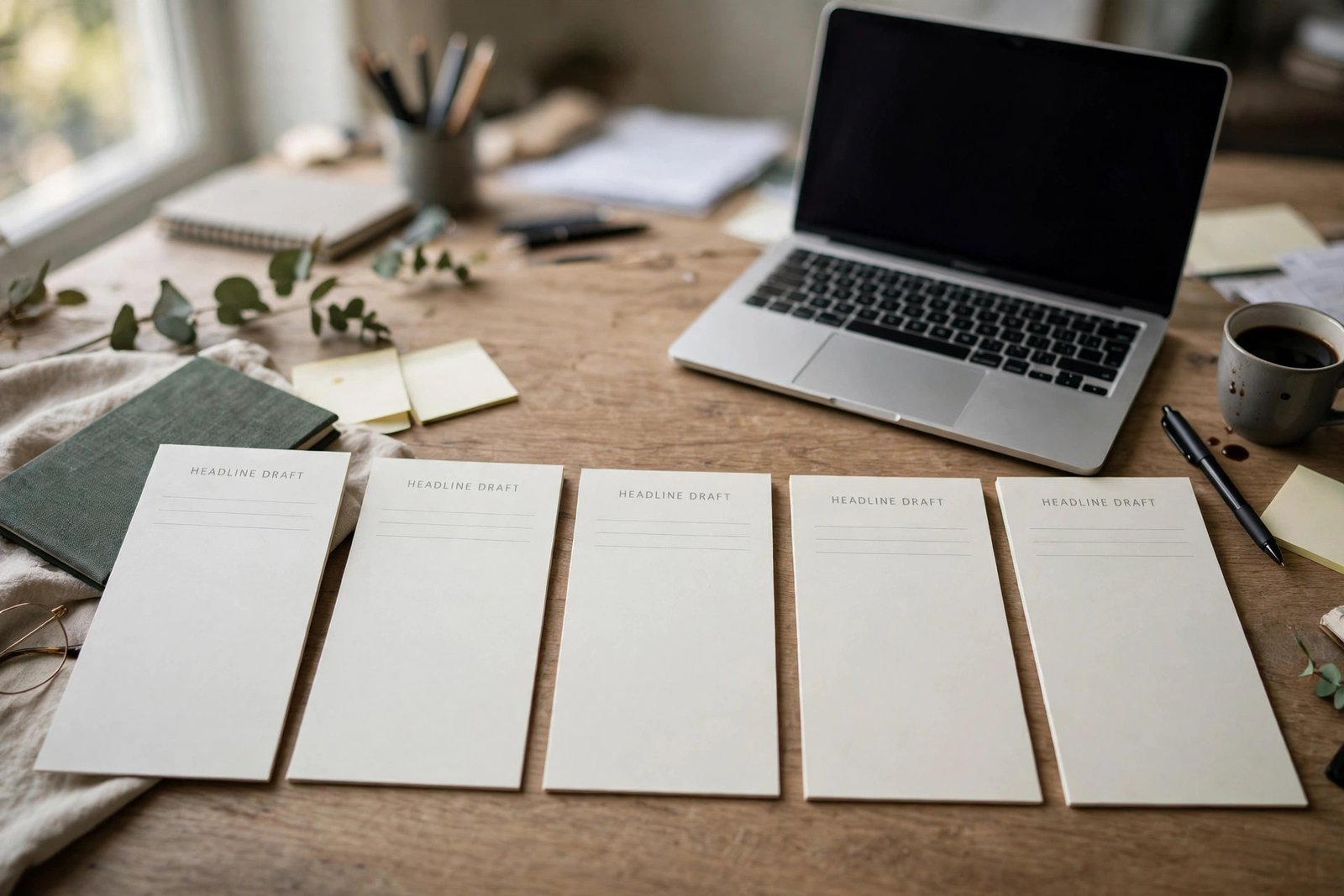
Never publish the first headline you think of. Write ten versions for each post. The first three are usually obvious. Versions four to seven force you to try new angles. Versions eight to ten often hold the best idea, because you have used up the easy options.
Then filter the ten. Remove any headline that overpromises, any headline that could fit ten other posts, and any headline that hides the topic. From the survivors, pick the one with the clearest promise and the most specific benefit. If two are close, test them, as described below.
Run this checklist on the winner before you publish. Does it name the reader or the problem? Does it make one specific promise? Could it only fit this post? Is the keyword near the front for search? Does it fit the length limit for its surface? Does the post deliver exactly what it promises? If any answer is no, rewrite once more. A headline that passes this checklist is rarely perfect, but it is rarely weak either.
Testing headlines with Search Console
You can test headlines without paid tools. Publish the post with your best headline, then wait two to four weeks so Google Search Console has enough data. Open the Performance report, filter to the post's URL, and look at impressions and clicks. Impressions mean the post appeared in search results. Clicks mean readers chose it. The click through rate is clicks divided by impressions, shown as a percentage.
If impressions are high but clicks are low, the headline or the meta description may be the problem. Try a clearer promise, a more specific benefit, or a keyword closer to what searchers type. Change one thing at a time, then wait another two to four weeks before you judge the result. If impressions are low, the problem is more likely the topic or the ranking position, not the headline alone, so check the keyword and the post depth first. For more on growing search traffic, read how to grow blog traffic and how to write blog posts that rank on Google.
Example only: these numbers are not typical results. Imagine a post that appeared 1,000 times in search results and received 20 clicks. Its click through rate is 20 divided by 1,000, which is 2 percent. After a headline rewrite that names the reader benefit more clearly, the same post appears 1,000 times and receives 35 clicks, which is 3.5 percent. That is a useful gain from one change, but it is only an example. Your numbers will differ by topic, position, and competition.
What testing costs, and how long it takes
Headline testing costs nothing in tools. It costs patience. Each test needs two to four weeks of data, and you should test one change at a time. A blogger who rewrites a headline every day will never know which version worked. Plan one headline review per month for your top ten posts, and keep a simple note of each change and its date. That habit beats constant tinkering.
Testing risk is small, but keep a copy of the old headline before you change it, so you can restore it if clicks fall.
Common mistakes
- Writing a headline after the post, in a rush, instead of treating it as part of the post itself.
- Using the same headline for search, social media, and email, even though each surface rewards a different style.
- Promising a result the post does not deliver, which earns one click and loses a reader.
- Hiding the topic behind clever wordplay, so searchers cannot tell what the post is about.
- Stuffing the headline with keywords until it reads like a list, not a sentence.
- Using shock words or fake urgency to force a click.
- Never testing a headline, so a weak title stays live for years.
Frequently asked questions
How do you write a good blog headline?
Write a headline that makes one specific promise to one reader group, names the benefit clearly, and matches what the post delivers. Then check its length for search, put the main keyword near the front, and run it through the checklist in this guide before you publish.
What makes a headline get clicks?
A headline gets clicks when it is specific, when it promises a benefit the reader wants, and when it appears in front of the right reader at the right time. Specificity and benefit matter more than cleverness, and honesty matters more than shock value, because a reader who feels misled will not click again.
How many words should a blog headline be?
For Google search, think in characters, not words, and aim for 50 to 60 characters so the title is not cut off in results. That is often six to ten words, depending on word length. For social media and email, shorter is usually better, with one clear idea per headline.
Should the SEO title and H1 be different?
They can be different, and often should be. The SEO title is written for search results, with the keyword near the front and a tight character limit. The H1 is written for readers on the page, and it can be a little longer and more natural. Both must promise the same post.
How do I test which headline works best?
Publish your best headline, wait two to four weeks, then check impressions, clicks, and click through rate for that post in Google Search Console. If clicks are low compared with impressions, change one element, such as the benefit or the keyword order, wait another two to four weeks, and compare. Change one thing at a time, and keep a note of each version.
Conclusion: write ten, publish one, test it
Good headlines are not found. They are written in batches, filtered hard, and tested slowly. Write ten versions, pick the clearest promise, adapt it for each surface, and review the result in Search Console after a few weeks. That workflow turns headline writing from guesswork into a skill you can improve with every post.
Your next step is to apply the workflow to your next post, then learn the skill that brings readers back after they click. Read how to build an email list for a blog, and browse all our guides in the blogging category. For sharper titles on video, see how to write YouTube titles.