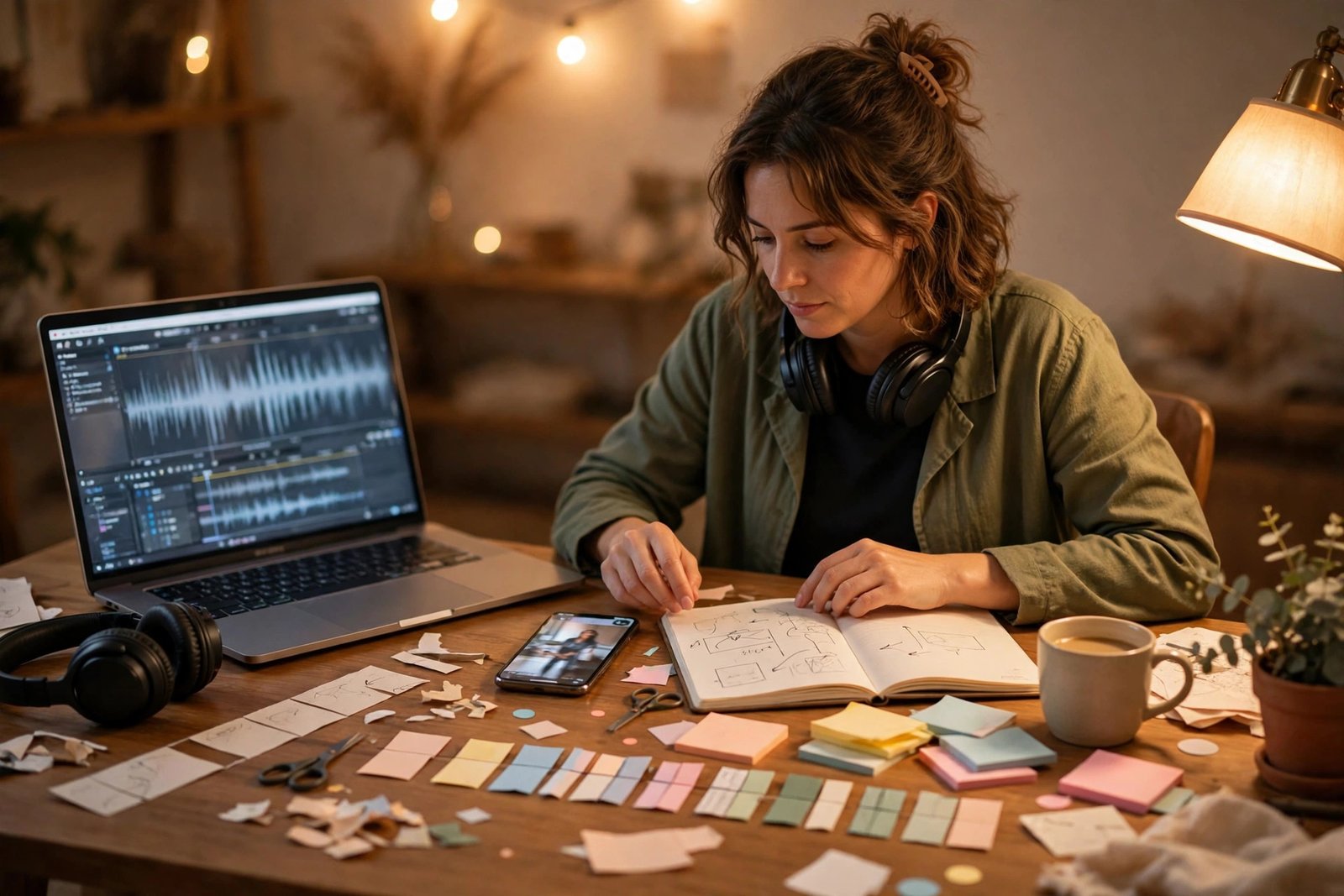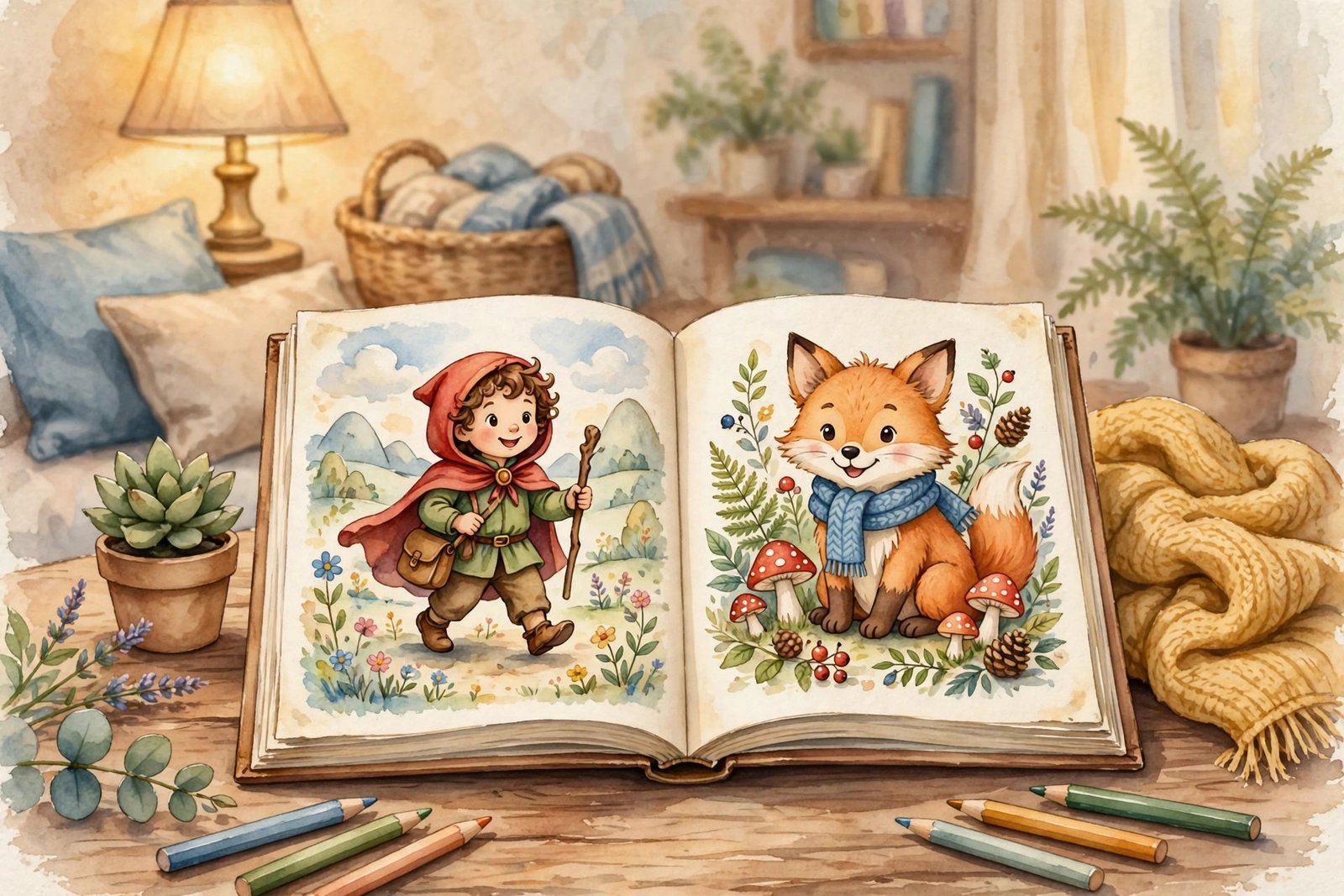
Parents and grandparents love a gift that feels personal. A storybook where the child is the hero, with their name, their pet, and their favourite place inside the story, is a gift they remember. That is why personalised children's books sell. Learning how to sell AI-generated children's books online means using AI to draft the story and pictures faster, then doing the human work that makes the book worth buying: editing the story, keeping the pictures consistent, designing the pages properly, and following the rules of the shop where you sell it.
This guide is for beginners who like stories and design, and who want a digital product business. You do not need to be a trained illustrator or a published author. You need a clear niche, a repeatable process, and the patience to check every page before a customer sees it. Sales are slow at first, and no book sells itself.
What selling AI-generated children's books actually means
An AI-generated children's book is a short illustrated story where AI tools helped create the text, the pictures, or both, and a human directed, edited, and assembled the final book. The AI is a helper, not the author. You choose the story, the characters, the lesson, and the age group. You check the words for reading level, the pictures for errors, and the pages for layout. The customer buys a finished book, not a pile of AI output.
Most sellers start with one of two products. The first is a personalised digital book, usually a PDF, where the buyer gives you the child's name and details and you customise the story for them. The second is a printed book sold through Amazon KDP, where Amazon prints and ships each copy. Personalised PDFs pay more per sale and need more work per order. Printed books pay less per sale but need no work after publishing. Many sellers start with personalised PDFs on Etsy, then add a printed version later.
Be honest about the quality bar. Parents read these books to their children at bedtime. A story with a plot hole, a picture with six fingers, or a page where the text does not match the picture will get a bad review. Your editing is the product.
The two ways to sell: personalised PDFs and printed books
Personalised PDFs sell on Etsy and Gumroad. The buyer orders, sends you the child's name, age, favourite animal, and any other detail you ask for, and you produce a custom PDF within a day or two. Prices are usually higher than a generic book, because the product is made for one child. The work is per order, so you need a fast process: a story template, a character sheet, and a checklist for each order.
Printed books sell on Amazon KDP. You upload a finished book, set a price, and Amazon prints a copy each time someone orders. You do not hold stock and you do not ship anything. The royalty depends on the price, the page count, and the printing cost, so a short colour picture book earns less per sale than many beginners expect. Check the KDP royalty and printing cost pages before you set a price, because a price that looks good can leave almost nothing after printing.
| Way to sell | Where | Work per order | What to watch |
|---|---|---|---|
| Personalised PDF | Etsy, Gumroad | 30 to 60 minutes to customise and deliver | Clear instructions for buyers, fast delivery, consistent pictures |
| Printed book | Amazon KDP | None after publishing | Disclosure rules, printing costs, royalty per sale |
| Printable colouring book | Etsy, Gumroad | None after listing | Simple, clean pages that print well at home |
| Your own shop | Shopify or your own site | You handle payments and delivery | You must find your own buyers |
The tools you need, and what they cost
You need four tools: a writing assistant, an image generator, a design tool, and a shop. ChatGPT or Claude drafts the story. Midjourney or DALL-E creates the pictures. Canva lays out the pages and exports a print-ready PDF. Etsy or Gumroad sells the finished book. All of these have free or low-cost plans, and your total monthly cost can stay under 50 to 100 dollars while you learn.
The image generator is the tool to choose carefully. Character consistency, the same child looking the same on every page, is the hardest part of this business. Midjourney is popular for storybook art because it handles style well, but you will still need to test prompts and keep a character reference sheet. DALL-E, built into ChatGPT, is easier to start with and handles text in pictures better. Try both before you pay for one.
Keep your costs in a simple list. Etsy charges a 0.20 dollar listing fee per item, a 6.5 percent transaction fee on the item price plus shipping, and about 3 percent plus 0.25 dollars in payment processing for US sellers, so roughly 10 percent of a sale goes to fees. Check the current fee page before you price a book, because fees change and they differ by country.
Step 1: Pick a niche and an age group
Pick one age group and one kind of story before you make anything. A niche is a specific reader plus a specific kind of book. "Personalised bedtime stories for children aged 3 to 6" is a niche. "Children's books" is not, because a book for a three-year-old and a book for a ten-year-old are different products with different words, pictures, and prices.
Choose an age group you understand. A book for ages 3 to 5 needs short sentences, big pictures, and a simple idea, such as sharing or being brave. A book for ages 6 to 8 can have a longer story and a small problem to solve. A colouring book for ages 3 to 7 needs clean, simple outlines.
Research what already sells. Search Etsy for personalised children's books and read the listings and the reviews. Note the prices, the page counts, and what buyers praise or complain about. You are researching the market, not copying anyone's book. If buyers complain about inconsistent pictures, that is the problem your process must solve.
Step 2: Write the story with AI, then edit it like an author
Write the story in three stages: plan, draft, and edit. First, plan it on one page: the hero, the problem, the journey, and the ending. A children's story needs a clear problem and a kind ending, and it should fit in 12 to 24 pages, with one idea per page. Decide the reading level and the lesson before you write a word, because changing the lesson halfway through means rewriting the whole book.
Second, draft it with AI. Give the writing tool your plan, the age group, the number of pages, and the child's details if it is a personalised book. Ask for one short paragraph per page, in simple words, and read the draft out loud. If a sentence is hard to say out loud, it is too hard for a child to hear.
Third, edit it yourself, twice. Read it once for the story: does the plot make sense, does the hero change, and does the ending feel kind? Read it again for the words: are the sentences short and right for the age? Fix every problem you find. AI often writes a story that starts well and then repeats itself, or gives the hero a new friend on page 10 who was never introduced. Those are the errors your editing must catch. For the ebook side of this business, read our guide to creating and selling ebooks online.
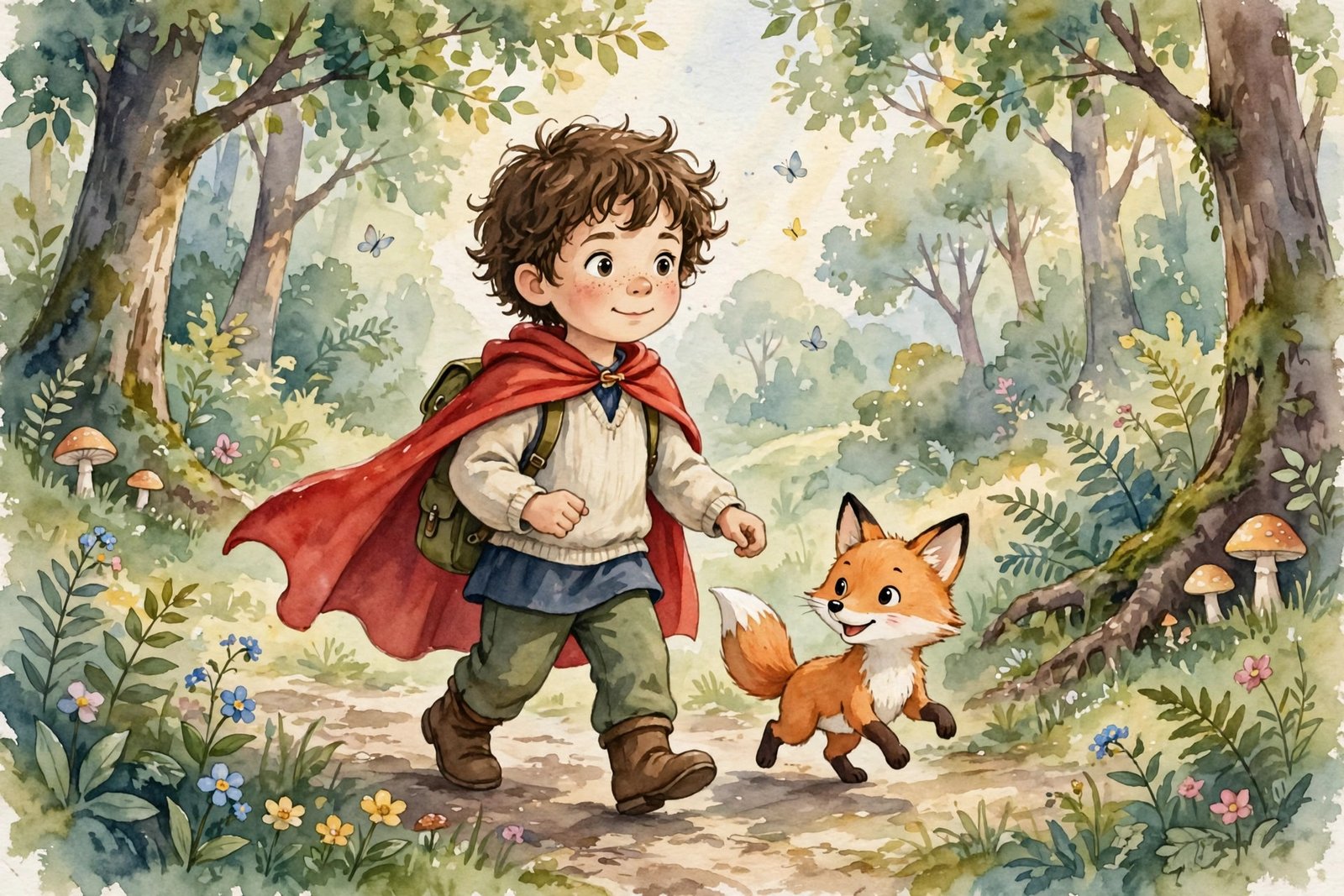
Step 3: Illustrate it and keep the characters consistent
Character consistency is the hardest part, and it is where most AI children's books fail. A hero who has brown hair on page 2 and blonde hair on page 5 looks wrong, and parents notice. Solve it before you make the book, not after.
Start with a character sheet. Write one paragraph that describes the hero in the same words every time: age, hair, clothes, and one clear feature, such as a red cape or a green backpack. Write a similar paragraph for each animal or friend. Use those exact words in every image prompt, plus the same style words each time, such as "soft watercolour, warm colours, gentle children's book illustration". Generate the hero first, pick the best version, and use it as the reference for every later picture.
Check every picture with a simple list: does the hero look the same, are hands and faces correct, and does the picture match the words on the page? AI image tools still make mistakes with hands, text, and counting, so expect to remake one picture in three. A picture with wrong fingers, a floating object, or misspelled words must be remade, not shipped.
Step 4: Design the book and check every page
Design the book in Canva or a similar tool, one page at a time. Put one short paragraph on each page, with the picture above or beside it, and leave enough white space that the page feels calm. Use a large, clear font, and keep the text in the same place on every page. Export the finished book as a high-resolution PDF for digital sales, or as a print-ready PDF for KDP, following the size and bleed rules of the shop you use.
Check the whole book before you list it. Read it from start to finish on a phone and on a computer, because many buyers read the PDF on a phone first. Print one page on paper if you sell a printable version, to check the colours and text. Ask one other person to read it, because a fresh pair of eyes catches errors you have read past ten times. Fix every error before the book goes on sale.
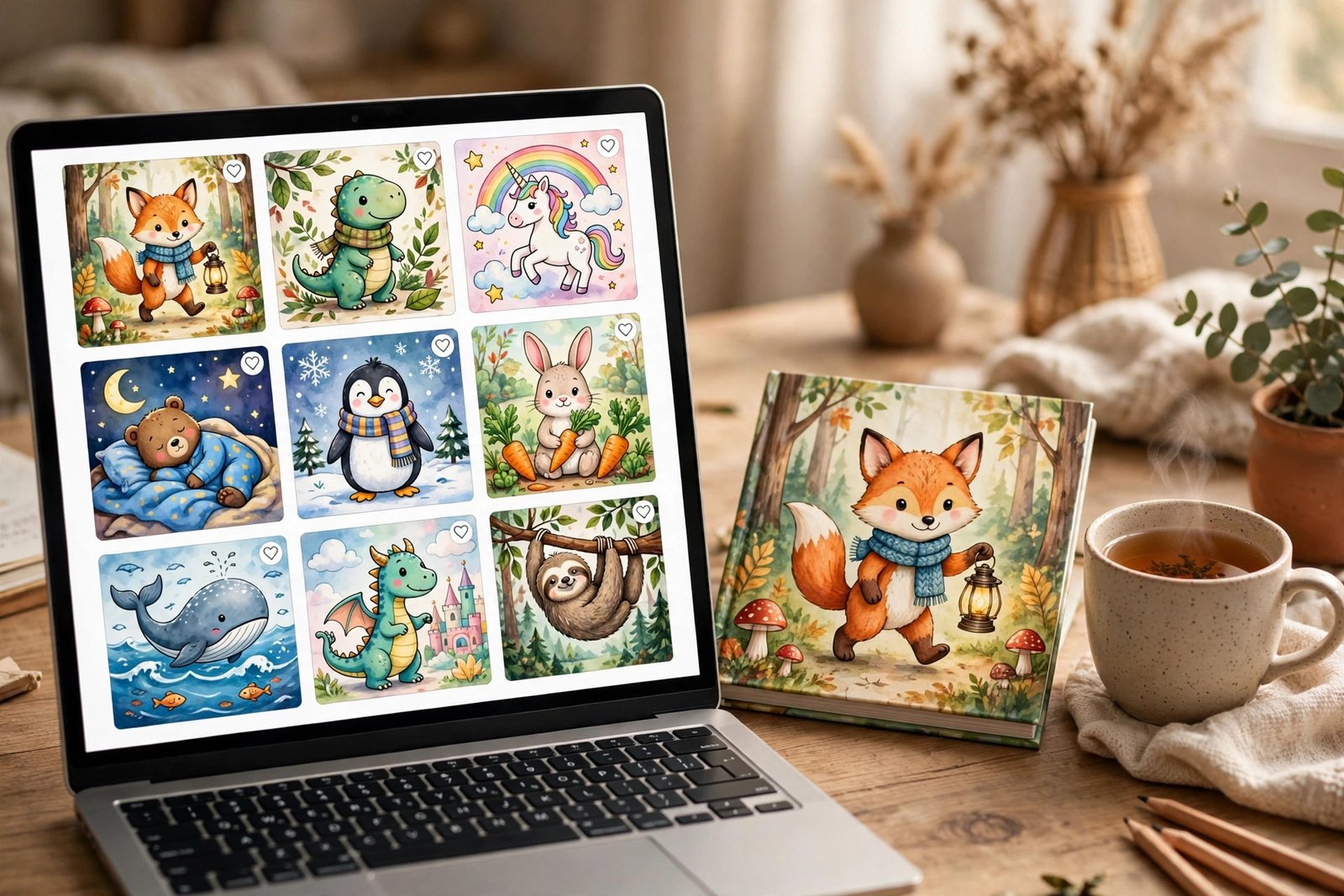
Make a good cover. The cover is the first thing a buyer sees, and it should show the hero, the title, and a warm, clear picture. Do not put small text on the cover that nobody can read in a thumbnail. Use the same character and style as the inside pages, so the buyer gets what the cover promises.
Step 5: List it, price it, and handle orders
Write the listing like a parent is reading it. Say the age group, the number of pages, what is personalised, how the buyer sends you the details, and how long delivery takes. Show example pages and say clearly whether the product is a digital PDF or a printed book. Buyers who are confused do not buy, and buyers who are misled leave bad reviews.
Example only: these numbers are not typical results. Suppose you sell a personalised PDF for 20 dollars. Etsy takes about 10 percent in fees, about 2 dollars, leaving about 18 dollars before tax and tool costs. If each order takes 45 minutes, that is about 24 dollars per hour before costs. Real results vary widely, and most new shops sell slowly until they have reviews. Do not price below your costs to get sales.
Handle orders quickly and kindly. Reply to the buyer the same day, confirm the details you received, and deliver within the time you promised. If a buyer asks for a small change, make it once for free, and say so in the listing. After delivery, ask politely for a review. Good reviews are the main way a new shop grows.
What it costs, and what to expect in the first months
Your main costs are AI tool subscriptions, a design tool, and shop fees, with a realistic starting budget of 50 to 100 dollars a month for tools, plus listing fees. Your time is the bigger cost: expect two to three weeks to make your first book properly, including the story, the pictures, the design, and the checks. The first sale often takes two to four weeks after listing, and steady sales take longer, because a new shop with no reviews ranks low in search.
Results vary with your niche, your pictures, and how well you market the shop. Most beginners sell a few copies in the first months, not hundreds. Anyone who promises a fixed monthly income from a first book is selling a course, not a fact. Treat the first book as a test: if it sells and gets good reviews, make a second book in the same style. If it does not sell, change the cover, the title, or the niche first. Set aside money for tax, because book income is taxable in your country.
Common mistakes that lose buyers
- Publishing a story you never read out loud, so the sentences are too long for a child.
- Letting the hero change appearance from page to page.
- Shipping pictures with wrong hands, wrong text, or objects that do not match the story.
- Writing a listing that does not say the age group, the page count, or the delivery time.
- Ignoring a buyer's message, then wondering why they left a bad review.
- Making a second book before the first one has any reviews or sales.
Risks, rules, and scams to watch for
The rules matter more for children's books than for most digital products, because you are selling to families. If you sell on Amazon KDP, you must tell Amazon whether your book contains AI-generated text, images, or translations when you publish or republish it. AI-generated images include the cover and the interior artwork. You do not need to disclose AI-assisted content, where you created the content and used AI only to edit or improve it. Read the Amazon KDP content guidelines before you publish, because getting this wrong can get a book removed.
Copyright is the second rule to understand. In the United States, copyright protects human authorship, and purely AI-generated material with no human creative input is not protected, while your own selection, arrangement, and editing can be protected to the extent of your human contribution. Do not use characters, stories, or images from existing books, films, or brands, even if an AI tool can imitate them. Use your own characters and stories, and keep records of your prompts and edits.
Also protect children in your process. Never ask a buyer for a child's photo unless you truly need it, and never store children's personal details longer than the order needs. If you use a child's photo as a reference, say so in the listing and delete it after delivery. Watch for scams: a "buyer" who asks for your bank login, a "publisher" who asks for money to list your book, or a course that promises a fixed income from AI books are all warning signs. Real buyers pay through the shop.
Frequently asked questions
How do I sell AI-generated children's books online?
Make a short, well-edited book with AI help, design it properly, and list it on Etsy as a personalised PDF or on Amazon KDP as a printed book. Follow the platform's disclosure rules and deliver orders quickly.
Do I need to disclose AI use when I sell a children's book?
On Amazon KDP, yes, for AI-generated text, images, or translations in the book. You do not need to disclose AI-assisted use, where you created the content and used AI only to edit or improve it. Etsy has its own rules, so check the current policy before you list.
Can I copyright an AI-generated children's book?
In the United States, copyright protects human authorship. Purely AI-generated material is not protected, but your own writing, selection, arrangement, and editing can be protected to the extent of your human contribution. This is a general guide, not legal advice, so check with a qualified professional if it matters for your business.
How much can I earn selling AI children's books?
It varies widely. A new shop with no reviews usually sells a few copies in its first months. Earnings depend on price, fees, how many books you list, and how well you market the shop. Treat early income as uncertain and plan for a slow start.
What age group should I write for?
Start with ages 3 to 6 if you are new to this. The stories are shorter, the sentences are simpler, and parents buy them as gifts. Books for older children need longer stories, which is harder to get right with AI help.
How do I keep the same character on every page?
Write one fixed description of the hero and use the exact same words in every image prompt. Generate the hero first, keep the best version as a reference, and remake any picture where the character looks different.
Conclusion
Selling AI-generated children's books online is a craft business: AI makes the first draft and the first pictures faster, but your editing, design, and care for the reader are what make a book worth buying. Pick one age group, write a short story and edit it properly, keep your characters consistent, and follow the disclosure rules. Start today by choosing your age group and writing a one-page plan for your first story.
To go further, read our guide to creating and selling ebooks online, our guide to selling digital products on Etsy, and our guide to making money with AI image generation. You can also browse all our AI earning guides. Earning results vary; nothing on this site is financial advice.