
Most small businesses lose customers they never meet. A visitor lands on their website at night, asks a question, gets no answer, and buys from a competitor the next morning. The business owner knows this happens and hates it, but has no one to fix it. That is the problem you solve when you learn how to offer AI lead generation services to small businesses. You build a small system that answers visitors, collects their details, books them in, and follows up when they go quiet.
A lead is simply a person who has shown interest and shared a way to contact them, usually a name, a phone number, or an email address. Lead generation is the work of finding those people and turning their interest into a conversation with the business. AI helps by answering questions instantly, sorting good leads from casual browsers, and sending follow-ups automatically. You are not selling software. You are selling more conversations with real buyers, and you charge for the system that produces them.
What AI lead generation services include
A lead generation service has four parts, and a client usually needs all four working together. First, capture: something on the client's website or social pages that invites visitors to ask a question or leave their details. Second, respond: an AI chatbot or messaging flow that answers common questions at any hour and collects contact details. Third, follow up: automatic emails and texts that remind the lead to book a call or visit. Fourth, organise: a simple pipeline where every lead sits in a stage, from new enquiry to booked appointment to closed sale, so nothing gets lost.
Your job is to build this system for one type of business, then repeat it for similar businesses with small changes. The AI part is the chatbot and the follow-up messages. The human part, and the part clients pay for, is choosing the right questions, writing answers that sound like the business, and checking that the system works every week.
Be clear about what you do not sell. You do not promise a fixed number of sales, because you cannot control how the business handles a lead once it arrives. You promise a working system, a set number of leads captured, and a report that shows what happened. That honesty keeps clients longer than a big promise that falls apart in month two.
Which small businesses make the best clients
The best clients are service businesses where one customer is worth a lot of money. Dentists, plumbers, roofers, electricians, solicitors, estate agents, gyms, clinics, and home improvement firms all fit, because one extra job can be worth hundreds or thousands of pounds. When a single lead is valuable, the owner can afford to pay you a monthly fee.
Avoid businesses where each sale is tiny and the owner has almost no margin, such as a small cafe or a corner shop. They may want leads, but they cannot pay enough to cover your time and your software costs. Also avoid businesses with no website traffic at all, because a chatbot on a site nobody visits captures nothing. Your system needs visitors to work with, so check that the business already gets enquiries, even if it handles them badly.
| Client type | Why they need it | What a good result looks like |
|---|---|---|
| Dentist or clinic | Patients enquire after hours and book elsewhere | More booked appointments from the same website traffic |
| Plumber or roofer | Emergency enquiries arrive at night and weekends | Every enquiry answered in minutes, with a call booked |
| Estate agent | Buyers ask the same questions about every listing | Questions answered instantly, viewings booked automatically |
| Gym or fitness studio | Trial signups stall when nobody follows up | Trial bookings chased up the same day, not a week later |
| Solicitor | New clients need a quick answer before they choose | Enquiries sorted by case type and passed to the right person |
The tools you need, and what they cost
You need a platform that can hold the chatbot, the follow-up messages, and the pipeline in one place. HighLevel is the platform most small agencies use for this, because it combines a website chat widget, a customer database, calendars, and automations in one account, and it lets you copy a finished setup to the next client. Its published plans in 2026 are 97 dollars a month for Starter, 297 dollars for Unlimited, and 497 dollars for Agency Pro, with a 14 day free trial, and phone, text, and AI usage billed on top from a prepaid wallet. Check the current pricing page before you commit, because plan names and prices change. A recent HighLevel pricing guide checked in November 2026 confirms the same three tiers and notes that Agency Pro is now shown as Founder on the pricing page at the same price.
You also need a way to record short demo videos. Loom has a free plan that is enough for a two minute walkthrough. A spreadsheet handles notes and lead tracking at the start. That is the whole stack. Do not buy five tools before you have one client.
Your costs matter because they set your minimum price. If your platform costs 97 dollars a month and you have two clients, each client must cover at least half of that, plus your time. Work this out before you quote anyone, and write it down. A service that loses money on every client is not a business, however good the technology looks.
Step 1: Pick one niche and learn how it buys
Pick one type of business and study how its customers actually decide. A niche is a specific type of client plus a specific problem you solve. "Lead generation for small businesses" is too broad. "AI lead capture and follow-up for dental clinics" is a niche, because you can learn the questions patients ask, the treatments that matter, and the words the clinic uses.
Spend a week learning the niche before you build anything. Visit ten clinic websites, read their enquiry forms, and note the questions that repeat: prices, opening hours, and how to book. Read Google Maps reviews too, because they show what customers praise and complain about. That research becomes the knowledge base for your chatbot.
Choose a niche with businesses near you if you can. Local owners are easier to meet in person, and a face-to-face demo closes deals faster than a cold email. If you cannot meet them, a short video demo works well, but local is easier for your first client.
Step 2: Build a demo system for a real business
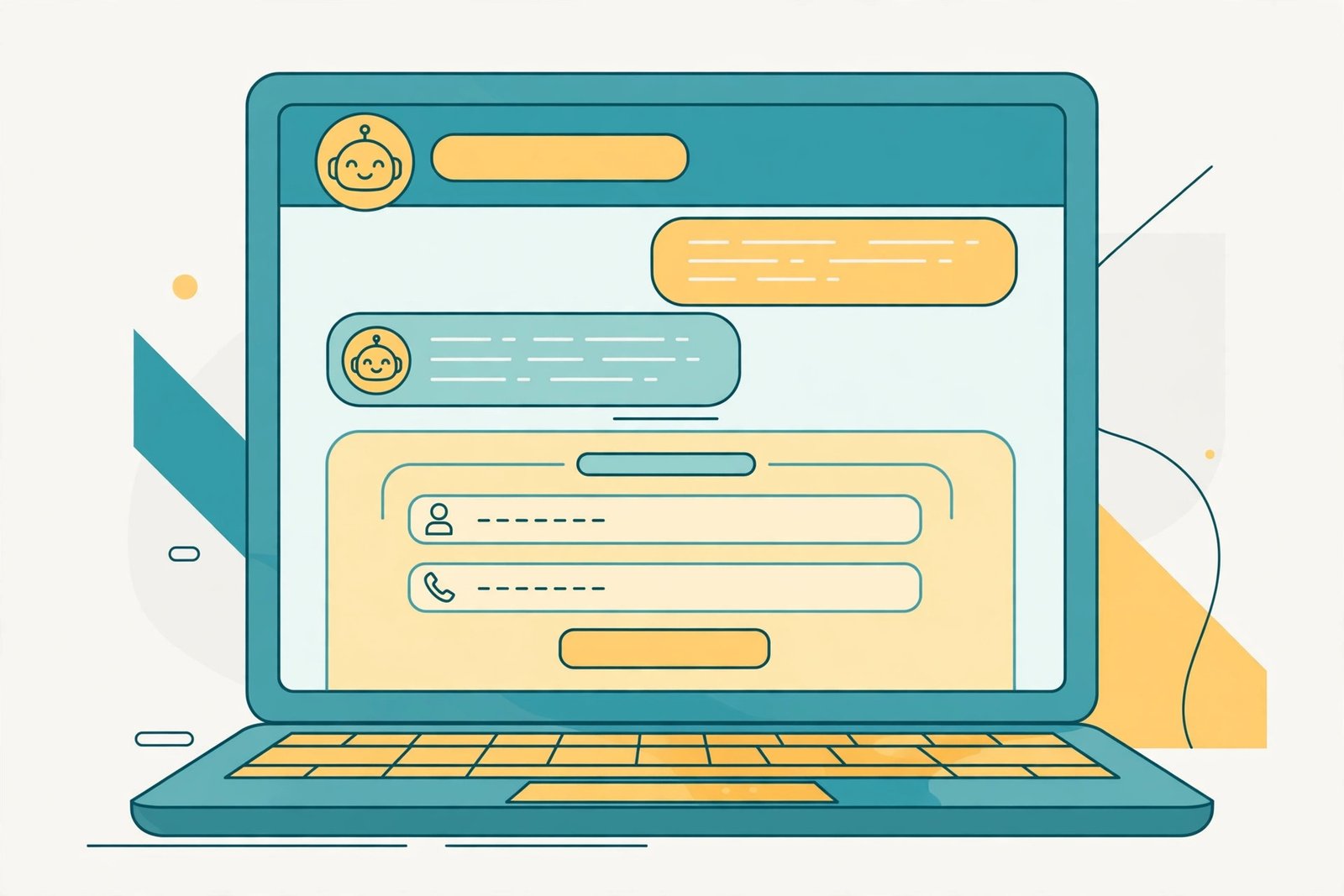
Never sell with slides. Build a working demo for a real business in your niche, using only public information from its website. Train a chatbot on its services, prices, opening hours, and common questions. Set up a simple pipeline with the stages a real enquiry follows, such as new lead, call booked, quote sent, and closed. Connect the chatbot to a calendar so it can offer appointment times.
Keep the demo small and honest. It should answer the ten most common questions, collect a name and phone number, and hand over to a human when it does not know the answer. A chatbot that invents prices or promises appointments that do not exist will embarrass the business and lose you the sale.
Record a two minute video of the demo in action. Show the chatbot answering a real question from the business's own website, then show the lead appearing in the pipeline. Send the business a link to try the demo themselves. A business owner who watches their own bot answer a customer question correctly is halfway to buying. If you want to see how a similar service is packaged, read our guide to selling AI chatbots to small businesses and our guide to building AI agents for small businesses.
Step 3: Set your prices and packages
Keep pricing simple: one setup fee and one monthly fee. The setup fee covers building the system, training the chatbot, and connecting the calendar. The monthly fee covers hosting, monitoring, small updates, and your monthly report. Many beginners charge a setup fee roughly equal to one month of the retainer, then a monthly fee after that.
Example only: these numbers are not typical results. Suppose you charge 300 dollars a month per client and your platform costs 97 dollars a month. Two clients bring in 600 dollars, which covers the platform and leaves about 500 dollars before tax and your time. Higher value niches, such as roofing or legal services, can support a higher fee, because one extra job is worth far more. Price from the value of one customer to the business, not from your costs alone, and never promise a fixed number of sales.
Offer two packages, not five. A basic package covers the chatbot, the pipeline, and a monthly report. A fuller package adds follow-up messages by email and text and a monthly review call. Two packages make the choice easy for the buyer and keep your work manageable. Write down what each package includes, how many changes are included each month, and what costs extra. Clients respect clear limits more than vague promises.
Step 4: Reach out with the demo, not a sales pitch
Make a list of 30 businesses in your niche. Check each one for the same signs: a website with traffic, a contact form or chat widget, and slow or missing replies. Join their list or send a test enquiry and see how long an answer takes. The businesses that reply slowly, or not at all, are your best prospects.
Contact the owner directly, in person if possible. Show the demo on your laptop or send the two minute video. Say what the system does in one sentence: "I built a demo that answers your website visitors at night and books them into your calendar." Then ask if they want a free trial for one week. A short trial works because the owner sees real leads arrive before paying. Set the trial up properly, track every lead, and show the owner the list at the end of the week. If the trial produces nothing, say so honestly and ask what to change, rather than hiding the result.
Do not send the same generic email to a hundred businesses. Ten personal messages with a real demo beat a hundred template emails. If a business says no, ask why and improve the demo.

Step 5: Set up, launch, and report results every month
Once a client says yes, set the system up in stages and test everything before it goes live. First, load the real knowledge base: services, prices, hours, service areas, and the answers the owner gives on the phone every day. Second, connect the calendar and test a booking from start to finish with your own email and phone. Third, set up the follow-up messages and read each one out loud to check the tone. Fourth, turn the chatbot on and watch the first ten conversations yourself, fixing wrong answers the same day.
Your monthly work is small but regular. Check the conversations each week and fix any wrong answer. Update prices and hours when the client changes them. At the end of each month, send a short report: how many leads arrived, how many booked, and what you changed. A client who sees a clear report every month stays.
Keep a simple record for each client: the date the system went live, the number of leads per week, and the number of bookings. This record is your proof when you ask for a higher fee or when a new prospect asks what your service actually does.
What it costs, and what to expect in the first months
Your main cost is the platform subscription, which starts at 97 dollars a month for HighLevel Starter, plus small usage charges for texts and calls. Your time is the other cost. Expect to spend two to four weeks learning the platform and building your first demo, then one to two hours per client per week once the system is live. The first month usually brings no income. A realistic path is one client in month two or three, three clients by month six, and steadier income only after those clients renew for a second and third month.
Results vary with your niche, your outreach, and how well the client's business follows up on leads. A chatbot can capture a lead, but it cannot force a busy owner to call back. When you report results, separate the two numbers: leads your system captured, and leads the business converted. If a client never calls their leads back, no chatbot will save them, and you should say so early.
Set aside money for tax in your country. Client payments are income, and your local tax authority will expect a share. Rules differ by country, so check with your local tax authority or a qualified accountant before you spend what you earn.
Common mistakes that lose clients
- Selling to every type of business at once, so no demo ever feels specific.
- Letting the chatbot invent prices, dates, or promises the business cannot keep.
- Never checking the conversations, so wrong answers repeat for weeks.
- Reporting vanity numbers, such as chatbot messages sent, instead of leads and bookings.
- Promising a fixed number of sales, which you cannot control.
- Ignoring follow-up, so leads go cold and the client blames the chatbot.
Risks, rules, and scams to watch for
Lead generation touches real customer data, so privacy rules apply. In many countries you need a clear legal basis to collect and store personal details, and you must tell visitors what you collect and why. In Europe, the GDPR requires this, and similar rules exist in the UK, Canada, and several US states. Ask the client how they handle consent and data storage. Never sell or share a client's lead list with anyone else.
Be careful with text messaging rules. In the United States and many other countries, marketing texts need consent, and there are strict rules about when and how you can send them. If your follow-up includes texts, use the client's approved wording and only message people who agreed to be contacted. If you are unsure, keep follow-up to email until you have checked the rules for that country.
Watch for scams aimed at new agencies. A "client" who asks you to pay for software licences upfront, who sends a cheque for more than your fee and asks for the difference back, or who asks for your bank login details is not a client. Real clients pay you, not the other way round. Also beware of courses that promise a fixed monthly income from lead generation with no work. The work is real, the outreach is hard, and anyone who says otherwise is selling a course, not a business.
Frequently asked questions
How do I offer AI lead generation services to small businesses?
Pick one niche, build a working demo for a real business in that niche, and show the owner how it captures leads and books appointments. Charge a setup fee plus a monthly fee, and report leads and bookings every month.
Do I need coding skills to build a lead generation system?
No. Modern platforms such as HighLevel let you build chatbots, pipelines, and follow-ups with visual tools and plain language instructions. You need to understand the business and write clear answers, not write code.
How much can I charge for AI lead generation services?
It depends on the value of one customer in your niche. Many beginners charge a few hundred dollars a month per client, with higher fees in niches where one job is worth thousands. Price from the value you create, and check your platform costs first so the fee covers them.
What is the difference between lead generation and a chatbot service?
A chatbot is one tool. Lead generation is the full system: capture, instant answers, follow-up, and a pipeline that tracks every lead. Clients pay more for the system because it covers the whole journey from visitor to booked appointment.
How do I prove the service works?
Track two numbers every month: leads captured and appointments booked. Show the client the list, the conversations, and the bookings. A short monthly report with real numbers is the proof that keeps clients paying.
Can I run this service from another country?
Yes, if you can serve the client's time zone and language. Many lead generation services are sold remotely. Make sure you understand the privacy and messaging rules in the client's country, and be available during their business hours for support.
Conclusion
Offering AI lead generation services to small businesses is a practical service business: you find businesses that lose enquiries, build a system that answers visitors and books them in, and charge a monthly fee to keep it working. Pick one niche, build a real demo, price from the value of one customer, and report honest numbers every month. Start today by choosing your niche and listing ten businesses that reply slowly to their own website visitors.
To go further, read our guide to AI automation services for small businesses, our guide to offering AI services as a freelancer, and our guide on how to find high paying freelance clients. You can also browse all our AI earning guides. Earning results vary; nothing on this site is financial advice.