How to Make Money with AI Image Generation in 2026
Learning how to make money with AI image generation is tempting, because the tools can produce a striking image in seconds. The trap is to believe that making images is the same as selling them. It is not. Thousands of people can generate images now, so buyers pay for something more: images that fit a real brief, a portfolio that proves you can deliver, and a service that saves a client time. This guide focuses on earning from client services and freelance work, with stock and print on demand as supporting routes, because that is where a beginner can win.
This guide is for beginners who like visual work and want to earn from AI image tools. You will learn the three income routes, how to pick your lane, which tools to use, how to build a portfolio, how to price client work, and the legal checks you must not skip.
In this guide
- How to make money with AI image generation: three routes
- Pick your lane: which route fits your skills and time
- Choose your tools: Midjourney, Firefly, DALL-E, Ideogram, Leonardo and Stable Diffusion
- Build a portfolio that wins clients
- Client services in detail: thumbnails, banners, product images and brand assets
- Pricing client work: per image, per project and packages
- Stock sites in detail: Adobe Stock rules and what sells
- Print on demand in detail: picking products and designs that sell
- Prompts that sell: a repeatable prompt system
- Legal checks: copyright, disclosure and style similarity
- Contracts, revisions and delivery
- Your first 30 days plan
- What it costs and what to expect
- Common mistakes
- Risks and scams to watch for
- Frequently asked questions
How to make money with AI image generation: three routes
There are three main routes, and they pay in different ways. Most earners use one main route and one supporting route.
| Route | How you earn | How fast the first income comes | Main drawback |
|---|---|---|---|
| Client services | A client pays you for images made to their brief | Fastest, once you have a portfolio | You must find clients |
| Stock sites | Buyers licence your images | Slow, needs a large portfolio | Low income per image |
| Print on demand | Your designs sell on products | Slow, needs many designs | Low income per sale |
Client services pay best per hour, because a client pays for images made to their exact brief. Stock sites pay a small amount per download, so they only earn when you have hundreds of good images listed. Print on demand pays a small amount per product sold, so it only earns when you have many designs.
This guide leans into client services, because that is where a beginner can earn first, and because the existing EarnQuill guide on selling AI art already covers art sales in depth. If you want the art-selling side, read how to sell AI art online.
Pick your lane: which route fits your skills and time
Pick your lane by answering three questions. First, how much time do you have each week? Client services need a few focused hours per client, while stock and print on demand need many hours of quiet production before any income appears. Second, do you like talking to clients? Client services need calls, briefs, and revisions. Third, what do you already know? A designer who knows layout will win client work faster.
If you have ten hours a week and you like people, start with client services, and add stock later with your leftover images. If you have five hours a week and you dislike client calls, start with stock, and treat it as a slow build.
Do not try all three routes at once. Pick one main route for 90 days, and judge it by finished work and real enquiries.
Choose your tools: Midjourney, Firefly, DALL-E, Ideogram, Leonardo and Stable Diffusion
You need one main image tool, plus one editing tool. Learn one tool well before you pay for a second.
| Tool | Best for | What to know before you pay |
|---|---|---|
| Midjourney | Detailed, stylish images for client work | Paid plans only. Check the live pricing and terms pages, because they change often. |
| Firefly | Safe commercial use, fits Adobe tools | Built into Adobe products |
| DALL-E | Quick images from ChatGPT, good for drafts | Easy to start |
| Ideogram | Images with readable text, such as posters and logos | Strong on text in images, where other tools fail |
| Leonardo | Game assets and characters | Good for repeatable styles |
| Stable Diffusion | Full control and custom models | Free, but needs a good computer |
Midjourney is the tool most clients know by name, and it produces the most polished results for client work, but its prices and terms change often, so check the live Midjourney pricing and terms pages on the day you choose. Firefly is a strong choice if you already use Adobe tools. DALL-E is the easiest place to start, because it sits inside ChatGPT. Ideogram is the best choice when the image must include readable words, such as a poster or a book cover. Leonardo suits game assets and character work. Stable Diffusion gives you the most control, but it needs more learning time.
For editing, use Canva or Photoshop, depending on what you already know. AI tools make the image, but editing is what makes it fit the client's brief: cropping, fixing hands and text, and adjusting colour. If you want to build the design skill behind the service, read how to learn graphic design online.
Build a portfolio that wins clients
A portfolio is a small set of your best work, shown the way a client will see it. It matters more than any tool you use, because it is the only proof a client has.
Build your portfolio in three steps. First, pick three services to show, such as YouTube thumbnails, product photos, and social media banners. Second, make four finished examples for each service, twelve in total, each one made to a realistic brief you wrote yourself. Third, present each one with the brief and the finished image.
Make the briefs realistic. Instead of "a nice landscape", write "a thumbnail for a video about saving money, aimed at viewers aged 25 to 40, with a clear title". A portfolio built on real briefs looks like client work.
Put the portfolio on a simple page, with your twelve images, your three services, your prices, and a clear way to contact you. Do not show fifty images. Twelve strong ones beat fifty average ones.
Client services in detail: thumbnails, banners, product images and brand assets
Client services mean making images to a brief, for a fee. Four services sell most often.
YouTube thumbnails are small images that make people click a video. A good thumbnail has one clear subject, a short readable title, and strong contrast, because it is seen at a small size on a phone. Creators buy thumbnails in packs, often ten at a time.
Social media banners and posts are images for Instagram, Facebook, LinkedIn, and X. Clients need them every week, in the right size for each platform. A monthly package of posts is a steady income, and it is easier to sell than one-off images.
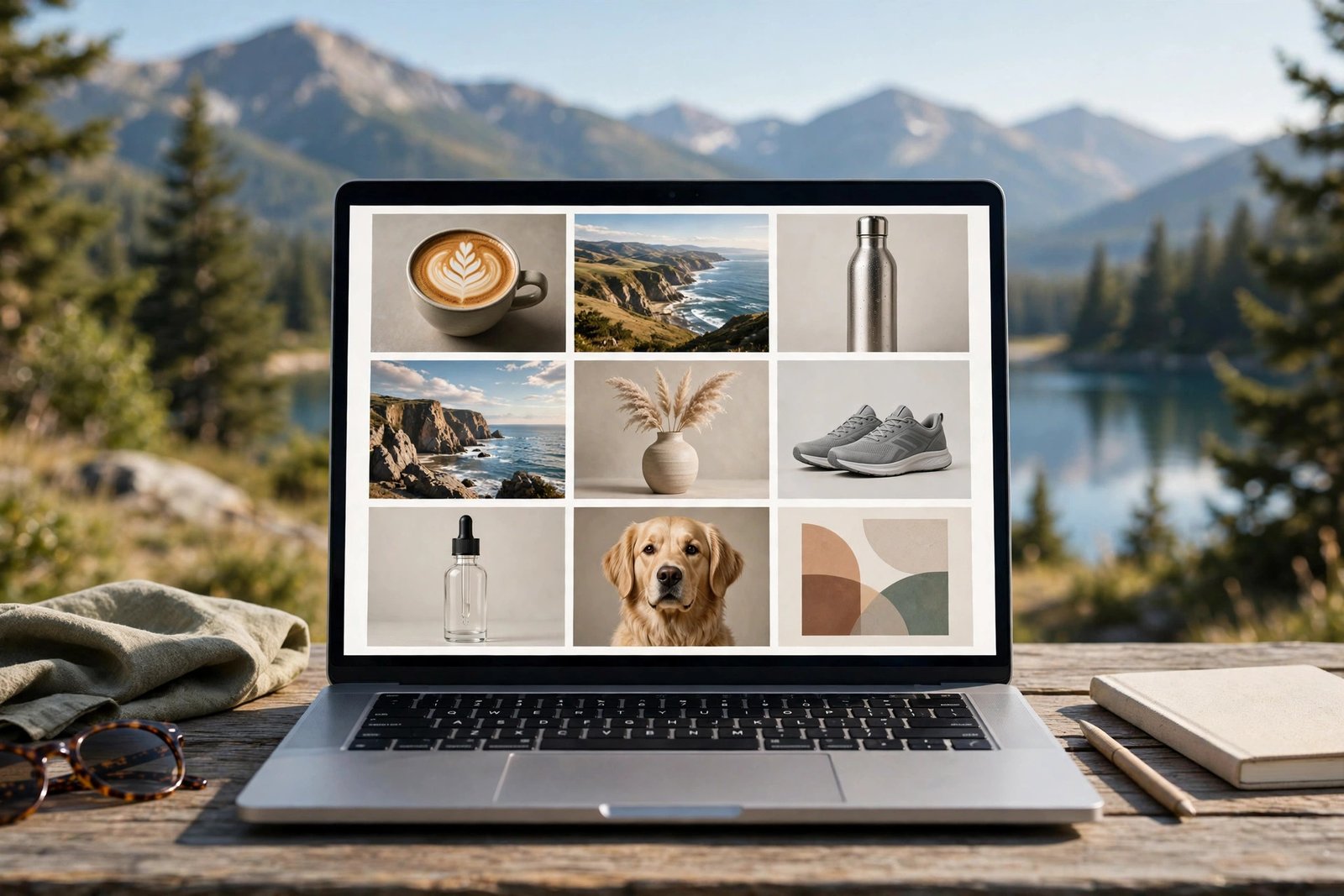
Product images are clean images of a product, often on a plain background or in a lifestyle setting. Online sellers need them for their stores, and they pay for consistency across the whole range.
Brand assets are the images a business uses everywhere: a logo variation, a hero image, and a set of icons. These pay the most per job, but they need the most care.
For each service, agree the brief in writing before you start: the size, the style, the colours, the text, the deadline, and the number of revision rounds.
Pricing client work: per image, per project and packages
There are three ways to charge, and each suits a different job.
| Pricing model | How it works | Best for | Watch out for |
|---|---|---|---|
| Per image | One price per finished image | Simple, repeatable images | Revisions can eat your time |
| Per project | One fixed price for the whole job | A clear brief with a clear end | Scope creep if the brief is vague |
| Package | Monthly price for a set number of images | Creators and shops who need images weekly | You must deliver on time |
A simple starting point is 10 to 30 dollars per image for thumbnails and social posts, 50 to 150 dollars for a product image set, and 200 to 500 dollars for a brand asset job. These are starting points, not market rates, and they vary by niche, client, and country. Raise your prices after every five finished jobs, or when your calendar fills up.
Example only: these numbers are not typical results. Imagine you sell a package of ten thumbnails a month for 200 dollars, and each thumbnail takes 30 minutes, including generation, editing, and delivery. That is five hours of work for 200 dollars, which is 40 dollars per hour before costs. If your image tool costs 30 dollars a month, you keep 170 dollars before tax. If the same client then asks for a product image set for 150 dollars, and it takes four hours, that is about 37 dollars per hour.
Stock sites in detail: Adobe Stock rules and what sells
Stock sites let buyers licence your images for their own projects, and you earn a small amount each time an image is downloaded. Adobe Stock is the best known stock site for AI images, and its rules are the strictest.
Adobe's generative AI content guidelines set clear rules. You must always select the "Created using generative AI tools" checkbox for all content created with generative AI. Do not include names of artists, real people, or fictional characters, references to works still in copyright, names of government agencies, or references to third-party intellectual property, in prompts, titles, or keywords. Any AI content depicting an identifiable person requires a model release, and if it only resembles a person you must select the "People and Property are fictional" checkbox. Read the Adobe Stock generative AI content guidelines yourself before you upload, because breaking these rules can remove your content or close your account.
What sells on stock sites is simple and useful: business, food, travel, health, and lifestyle images with clean space for text. What does not sell is art with no clear use, or images that look like everyone else's. Upload in batches, use honest keywords, and label AI content exactly as the site asks. Expect slow income: a portfolio of a few hundred images may earn only a small amount per month. For the wider stock business, read how to sell stock photos online.
Print on demand in detail: picking products and designs that sell
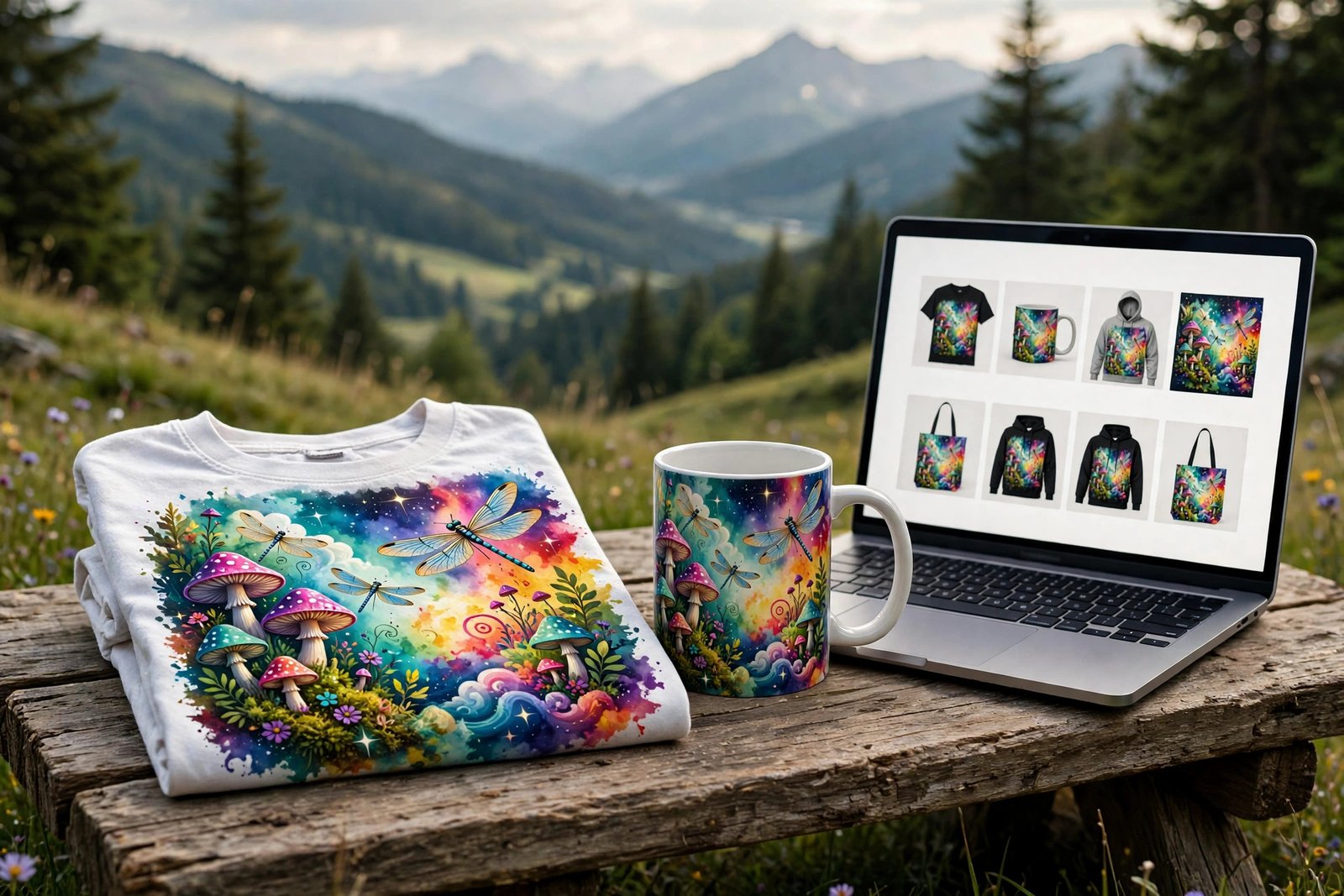
Print on demand means your design is printed on a product, such as a T-shirt, a mug, or a poster, only when a customer orders it. You do not hold stock, and you earn a small amount per sale.
Pick products that suit your designs. Simple text designs and bold graphics suit T-shirts and mugs. Detailed art suits posters and canvas prints. Pick three products per design, and test which one sells.
Designs that sell are simple, readable, and aimed at one group: a funny line for dog owners, a clean design for nurses, a bold graphic for gamers. Designs that fail are vague, crowded, or copied from a trend you do not understand. Make twenty designs in one niche before you judge the route. For the print on demand business in depth, read how to start AI print on demand.
Prompts that sell: a repeatable prompt system
A prompt is the written instruction you give the image tool. Good prompts are repeatable, which means you can use the same structure for every job.
Split your prompt into fixed parts and variable parts. The fixed parts stay the same for a service: the camera angle, the light, the texture, and the style. The variable parts change for each job: the subject, the colour, the season, and the mood. Write your prompt system down in a document, and reuse it. When a prompt works well, save it with the finished image.
Test every prompt three times before you use it for a client. AI tools vary, and the same prompt can give three different results. Pick the best one, edit it, and deliver only the edited version.
Legal checks: copyright, disclosure and style similarity
Three legal checks matter for AI images. First, check the tool licence. Your image tool gives you a licence to use what it makes, and that licence decides whether you can sell the image. Paid plans usually allow commercial use, but read the terms yourself, on the day you plan to sell.
Second, understand the copyright position. The US Copyright Office said in its January 2025 report on AI and copyrightability that copyright does not extend to purely AI-generated material, or to material where there is not enough human control over the expressive elements, and that prompts alone do not provide enough control. It also said that copyright protects the original expression in a work created by a human author, even if the work also includes AI-generated material. In plain words, the more real creative work you add, the stronger your claim. Read the US Copyright Office report on AI and copyrightability yourself if you sell in the United States, and check your local rules elsewhere.
Third, watch style similarity. Do not make images in the style of a living artist, and never use a real artist's name in your prompt, your title, or your tags. That creates legal risk and it can get your stock account closed.
Disclosure means telling the buyer how the image was made. Stock sites require you to label AI content. A simple line in your proposal, such as "I use AI image tools for the first version, then I edit and finish every image myself", prevents most problems. If you sell through Amazon KDP, check the live KDP content guidelines first, because the disclosure rules for AI content were not verified from KDP itself for this guide.
Contracts, revisions and delivery
Agree every job in writing before you start: the brief, the price, the deadline, the revision rounds, the file formats, and the licence. Two revision rounds are a fair standard for client work. More than that, and you should charge extra.
Deliver files in the formats the client asked for, usually JPG or PNG, at the size they need, and keep a copy of everything you deliver. Name files clearly, so the client can find them. If the client wants the source files or the prompts, agree that in advance, and charge for it. For the wider freelance business, read how to start freelancing.
Your first 30 days plan
| Week | Action | What done looks like |
|---|---|---|
| Week 1 | Learn and pick a lane | One tool learned, one lane chosen |
| Week 2 | Portfolio | Twelve finished images in three services |
| Week 3 | Outreach | Ten creators contacted, with a sample each |
| Week 4 | First job and stock | First paid job delivered |
Do not expect income in the first month.
What it costs and what to expect
Your costs are an image tool subscription, an editing tool, and your time. A paid image tool costs around 10 to 30 dollars a month. Your main cost is the time spent building the portfolio and finding clients.
Income varies widely, and no honest guide can promise a figure. Competitor guides report wide ranges, and those ranges are their claims, not verified facts. One guide reports freelance design work at 1,000 to 8,000 dollars per month, stock income at 200 to 2,000 dollars per month, and print on demand at 200 to 3,000 dollars per month. Treat these as rough reports, not as promises. Client services pay first and fastest, while stock and print on demand pay slowly and need volume.
Common mistakes
- Sending a client a raw AI image with broken hands, broken text, or a distorted face.
- Copying a living artist's style, or using a real artist's name in prompts and tags.
- Uploading to a stock site without reading its AI labelling rules.
Risks and scams to watch for
Watch for clients who ask for a full set of images before any payment is agreed, or who ask you to send the finished files before they pay. Agree the price and the payment terms in writing first, and ask for a deposit on larger jobs. Watch for "agencies" that charge you a fee to join. Real clients pay you, not the other way round.
Also watch for the risk in your own work. An AI image can include a recognisable brand logo, a real person's face, or a copyrighted character, even when you did not ask for it. Check every image before you deliver it. If a stock site rejects your image, read the reason, fix it, and do not upload the same image again without changes.
Frequently asked questions
Can you make money with AI image generation?
Yes, but the money comes from the service, not from the tool. Clients pay for images that fit their brief, delivered on time and edited well. Stock and print on demand pay slowly and need volume.
Which AI image tool is best for making money?
There is no single best tool. Midjourney suits polished client work, Firefly suits Adobe users, DALL-E suits fast drafts, Ideogram suits images with readable text, and Leonardo suits game assets. Pick one tool, learn it well, and check its live pricing and terms.
Do I need artistic talent to sell AI images?
No, but you need a good eye and editing skill. You must judge which image fits the brief, fix what is wrong, and deliver a clean finished file.
Where can I sell AI-generated images?
You can sell client services directly, list images on stock sites such as Adobe Stock, or sell designs through print on demand platforms. Each route has its own rules, so read the terms before you list anything.
Is it legal to sell AI-generated images?
In most cases, yes, if the tool licence allows commercial use, the platform allows AI images, and you label the work honestly. Copyright rules differ by country, so check your local rules and the platform terms.
How much can you make with AI art?
There is no reliable typical figure, because earnings depend on your route, your prices, and how many clients or buyers you reach. Client services pay first, while stock and print on demand need hundreds of images or designs before they earn steadily.
Do I need to disclose that an image was made with AI?
Yes, on stock sites, which require you to label AI content, and you should tell clients too. A simple line in your proposal is enough. Check the live rules for each platform, because they change.
Conclusion: sell the service, not the tool
AI image generation can earn you money, but only when you sell the service around it. Pick one lane, learn one tool well, and build a portfolio of twelve strong images made to real briefs. Price your work by the image, the project, or the package, agree every job in writing, and check every image before you deliver it.
Your next step is to write three realistic briefs today, and make four images for each one. Then learn the selling side with how to sell stock photos online, how to set freelance rates, and how to sell AI-generated music online. You can also browse all our guides in the AI earning category.
Note for the reader: copyright and tax rules differ by country, so check your local rules. Earning results vary; nothing on this site is financial advice.