
How to Offer AI Automation Services to Small Businesses in 2026
Small businesses do not buy "AI transformation". They buy a result: enquiries answered faster, invoices chased without nagging, or a weekly report that writes itself. If you want to learn how to offer AI automation services to small businesses, sell one costly workflow, not a vague promise. This guide shows you how to find that workflow, price it from measured facts, build it safely, and hand it over cleanly.
In this guide
- What you can sell
- Choose a niche and a workflow that can survive discovery
- Sell an assessment first
- Score the opportunity
- Price from scope and measured value
- Choose the platform after the workload
- Build it safely
- Handover and maintenance
- Find first clients
- Rules and refusal
- Frequently asked questions
What you can sell
Automation means a system that does a repeated task without a person doing every step. AI helps in some steps, such as drafting a reply or sorting an enquiry, but many steps are simple rules, such as "if a form is submitted, create a task". Selling rules based work as AI work would be misleading, so be clear about where AI actually helps and where rules are enough. Seven starter services cover most small business needs:
Lead intake. A new enquiry from a form or email is sorted, recorded in one place, and sent to the right person, with no enquiry lost in an inbox.
Follow up. A polite follow up message goes out after a quote or a viewing, at a set time, and stops when the person replies.
Invoice reminders. A reminder goes out before and after a payment date, with a clear record of what was sent and when.
Review requests. A request for a review goes out after a completed job, in a way that follows the platform's rules and never offers a reward for a positive review.
Reporting. A weekly report pulls numbers from the business systems into one summary, so the owner can see sales, enquiries, and outstanding work at a glance.
Enquiry classification. Incoming messages are sorted by type, such as sales, support, or complaint, and sent to the right queue.
Document handling. A document is filed, named, and summarised in a consistent way, so staff can find it later.
Each service needs a buyer, a trigger, and a deliverable. A trigger is the event that starts the workflow, such as a form submission. A deliverable is the finished result, such as a task in the right queue or a report in the owner's inbox. If you cannot name the trigger and the deliverable in one sentence, the service is not ready to sell. Chatbots are one possible workflow inside this wider service, answering enquiries and capturing bookings. For chatbot specific advice, see our guide on how to sell AI chatbots to small businesses.
Choose a niche and a workflow that can survive discovery
A niche is a narrow group of buyers with a shared need. Good starter niches include property managers, salons, home services firms, and small e-commerce sellers, because they all handle repeated enquiries, appointments, or orders. Pick one niche, then pick one workflow inside it. A workflow that can survive discovery is one that still makes sense after you ask hard questions about it.
Discovery means the interview where you learn how the work really happens. Ask about volume, which means how many times the task happens each month. Ask who owns the task, and who handles exceptions, which are the cases that do not fit the normal path. Ask what data the workflow touches, and whether any of it is sensitive or regulated. Ask what success looks like, in a number you can measure, such as hours saved per month or enquiries answered within one working day. If the owner cannot answer these questions, or if no one owns the exceptions, the workflow is not ready to automate. A workflow with no measurable baseline cannot be priced from value, and a workflow with no exception owner will fail the first time something unusual happens.
Sell an assessment first
Do not quote a full build before you understand the workflow. Sell a fixed scope assessment first, which is a paid diagnostic with a clear deliverable. One published example prices such an assessment at 299 dollars, and that figure is presented as an illustrative offer, not a market rate. Your own price should reflect your time, your market, and the depth of the report.
A good assessment report includes a workflow map, which is a simple diagram of the current steps. It includes a baseline, which is the current time or cost of doing the task by hand. It includes risk notes, such as data sensitivity and failure points. It includes a recommended platform, a pilot scope, and acceptance criteria, which are testable statements of what "working" means. It ends with prioritised recommendations, so the owner can choose what to build first. An assessment protects both sides: the owner gets a useful report even if they do not buy the build, and you get paid for the thinking before you commit to a price.
Score the opportunity
Scoring helps you compare workflows fairly and say no to weak ones. Use a simple framework with six factors, each scored out of a share of one hundred points: time savings (25), repeatability (20), feasibility (20), data accessibility (15), ease of human review (10), and business impact (10). Time savings means hours saved per month. Repeatability means how often the same task happens. Feasibility means whether the tools and data can actually do the job. Data accessibility means whether you can reach the needed records safely. Ease of human review means whether a person can check the result before it goes out. Business impact means whether the result matters to sales, service, or cost.
Security and regulatory requirements are not scored. They are gates that can stop a job outright. If a workflow touches health data, payment card data, or other regulated information, and you cannot handle it safely and lawfully, do not take the job. A high score on time savings never overrides a failed safety gate.
Price from scope and measured value
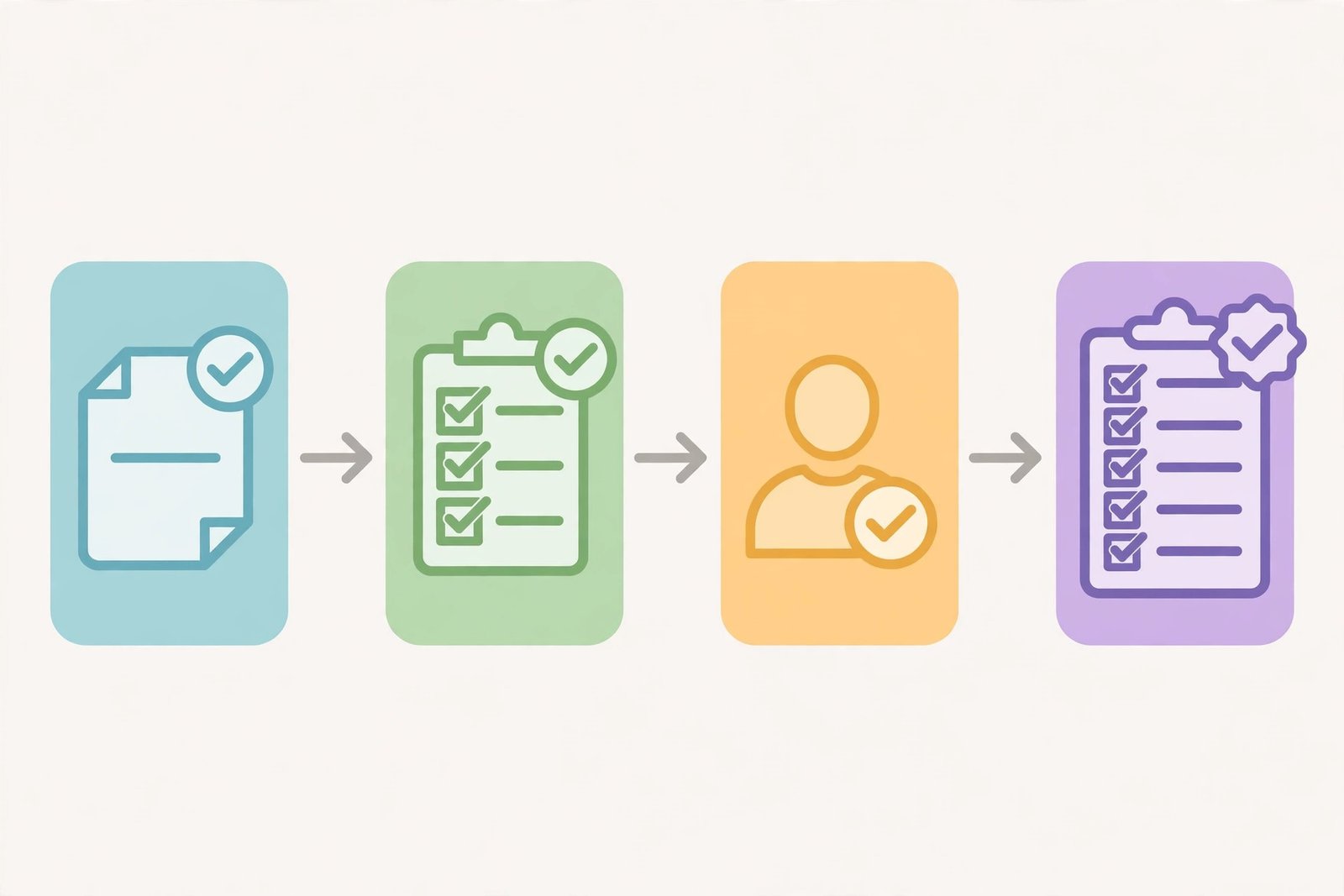
Price an automation project from scope first, then check it against measured value. Scope means the exact work: discovery, setup, integration, testing, documentation, training, and a correction period after launch. Estimate each part separately, then add them up. That gives you a cost based price. Then measure the value: the baseline hours saved per month, times a fair hourly cost, minus the software cost. That gives you a value based check. If the fee breaks even in a few months under honest assumptions, the owner can see the sense of it. If it takes years, the workflow may be too small to automate, or the scope may be too large.
Example only: these numbers are not typical results, and they follow a published hypothetical example. Suppose a task takes 40 hours per month, and the loaded cost of that time is 35 dollars per hour. The monthly cost of doing it by hand is 1,400 dollars. If software costs 100 dollars per month, the maximum measured saving is 1,300 dollars per month. A build fee of 3,000 dollars would break even in about 2.31 months under those assumptions. But that maths assumes the saved time is really saved: if staff are redeployed to other work rather than paid less, the benefit is capacity, not cash profit. Say that clearly in your proposal, and never promise savings as guaranteed profit. Two published guides deliberately avoid giving market price ranges, and one published set of service fees is labelled illustrative, not a verified average, so treat any price you see online as a scenario to check, not a rate to copy.
Charge three things separately: a fixed fee for the build, a capped fee for discovery or assessment, and a named monthly maintenance plan.
Choose the platform after the workload
Choose the platform after you know the workload, not before. Rules based tools suit simple if this, then that steps. Workflow platforms such as Zapier, Make, and n8n suit multi step work across apps, and they bill in different units, so compare carefully. Zapier bills by task, while n8n cloud pricing checked in July 2026 showed a Starter plan at 20 euros per month for 2,500 executions and a Pro plan at 50 euros for 10,000 executions when billed annually. Recheck current prices on each provider's own page before you quote, because billing units and prices change. Native automation inside the business's own system, such as a CRM, a help desk, or a shop platform, may be cheapest when the workflow lives inside one app. Agent platforms, which let an AI agent carry out multi step tasks across apps, suit work where the steps vary and need judgement, but they need stronger approval controls, because an agent can take actions such as sending messages or spending money. If you self host on your own server, state in writing who owns updates, backups, and recovery.
Build it safely
Build the record flow before the AI step. A record flow means the system keeps a stable record of each item, with states such as pending, approved, completed, and failed, and with the source text kept beside any AI summary. Use stable IDs, which are unchanging references for each item, so a repeated event does not create a second action. Write acceptance tests before you build. An acceptance test is a check that proves the workflow works. Test a complete request reaching the right queue, a missing field creating a review item instead of a guessed value, a repeated event creating no second action, and an uncertain AI answer staying in review. Add human approval where the result affects a customer or a payment, and a rollback plan to return to manual work if the workflow fails.
Handover and maintenance
Handover is part of the product, not an afterthought. A good handover includes a workflow diagram, a list of connected accounts and who owns them, field mappings showing which field goes where, acceptance test results, a pause and retry walkthrough, a manual fallback for when the workflow stops, and a runbook, which is a short guide for running and fixing the workflow. Customer accounts must stay owned by the customer, with narrow access for you that can be revoked. Never hold a client's accounts hostage to force them to keep paying you.
Maintenance is named work, not a vague promise. A maintenance plan should state monitoring frequency, response windows, which fixes are included, and that new systems or new workflows need a new quote. Agree a maintenance price you can support: a plan you cannot staff will fail, and a failed automation that no one fixes is worse than no automation at all. When a workflow fails, pause it, preserve the evidence, find the first wrong step, reconcile any actions already taken outside the system, and only then retry. Do not retry blindly, because a second run can double send messages or payments.

Find first clients
Find first clients by interviewing owners, not by pitching a tool. Ask an owner to walk you through one repeated task, note the volume and the pain, and name the workflow in your follow up message. Offer a paid assessment, not a free build. Demo with synthetic data, which is made up test data, never with the business's real customer records.
Rules and refusal
Keep data to a minimum: ask only for the fields the workflow needs. Use customer owned accounts, narrow access, and clear log retention, which means how long records are kept. Follow email marketing law, such as the CAN-SPAM rules in the United States, for marketing messages, and follow the Federal Trade Commission rule banning fake reviews and testimonials, dated August 2024, when a workflow touches review requests. Never make deceptive earnings or savings claims to sell a job.
Say no when a job needs AI but has no exception owner, no measurable baseline, regulated data you cannot handle safely, or an owner who expects guaranteed savings. Refusing a bad job protects your reputation and your clients. A job that does not need AI at all should be sold as simple automation, not dressed up as AI work.
Frequently asked questions
Do you need to code to sell automation services?
Not always. Many workflows can be built with visual workflow platforms and no code. But you do need to understand triggers, data fields, failure paths, and testing. Coding helps when a workflow needs a custom step or an unsupported integration, and you should be honest about that limit and bring in help or decline the job.
How should a first pilot be priced?
Price the assessment and the pilot separately. The assessment is a fixed fee for the report. The pilot is a fixed fee for one narrow workflow with clear acceptance criteria and a test period. Do not price a pilot as a share of hoped for savings, because savings are not guaranteed.
Should you charge a monthly retainer for automation?
Yes, for maintenance, if the plan names the work: monitoring, response windows, included fixes, and what needs a new quote. A retainer that promises "everything included" without limits will be abused or will fail. Name the scope and stick to it.
What happens when a workflow fails?
Pause it first, so it cannot send more wrong messages or take more wrong actions. Preserve the records, find the first wrong step, and reconcile anything already done outside the system. Then fix the cause, test with sanitised data, and restart with human review until it is stable again.
Who owns the automation after handover?
The customer owns their accounts, their data, and the workflow built for their business, unless your written agreement says otherwise. You may own reusable templates or general methods, but the client's workflow, diagram, and runbook belong to the client. Put ownership, access, and termination terms in writing before the build starts.
Conclusion
One niche, one workflow, one paid assessment, one tested pilot, then a second workflow only after the first is handed over cleanly. That sequence builds trust and proof, while a vague promise of transformation builds neither. Start by interviewing one owner about one repeated task this week. For social scheduling automation inside a content service, see our guide on how to offer AI social media content services, and for general proposal advice, read how to offer AI services as a freelancer. Earning results vary, and nothing on this site is financial advice.