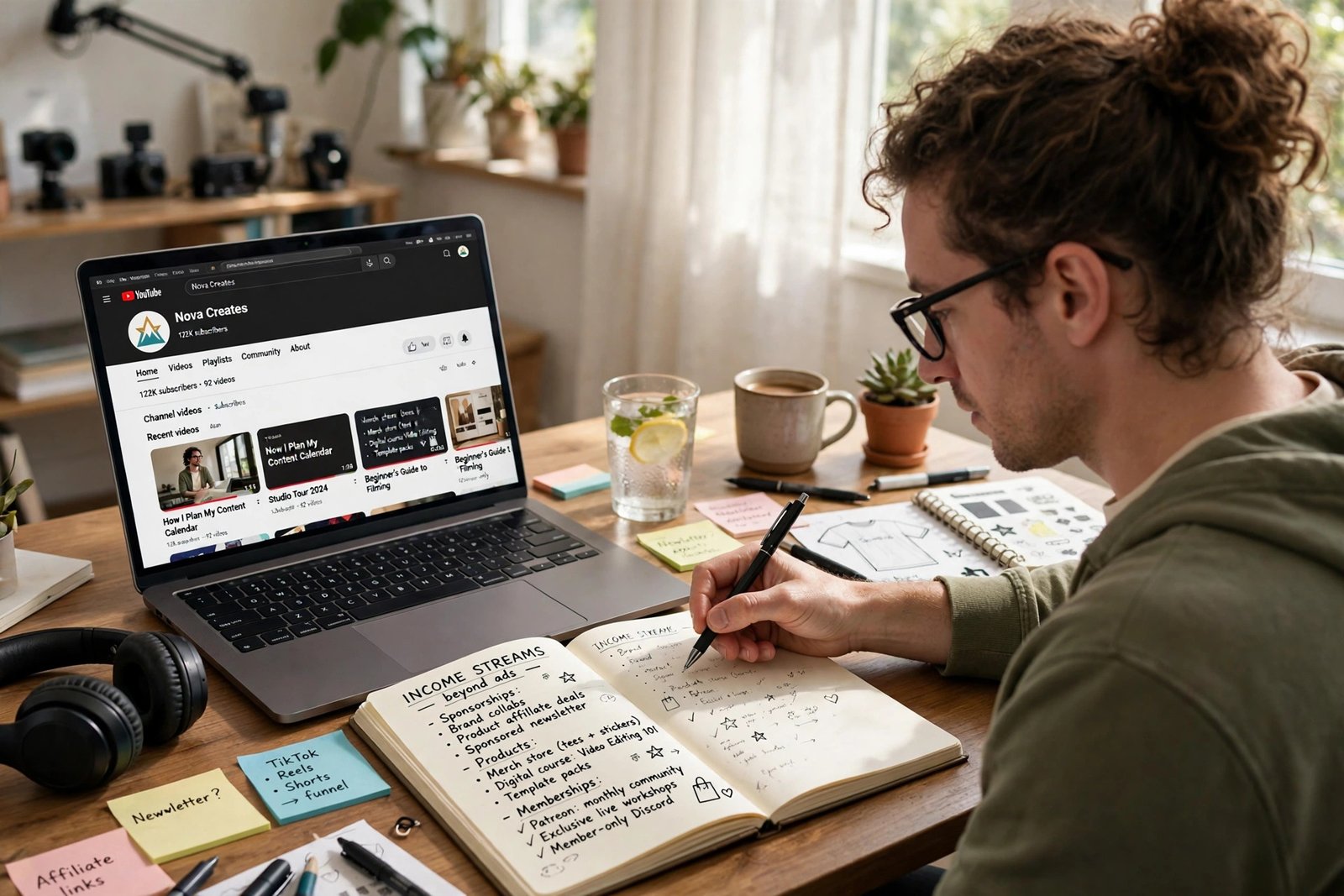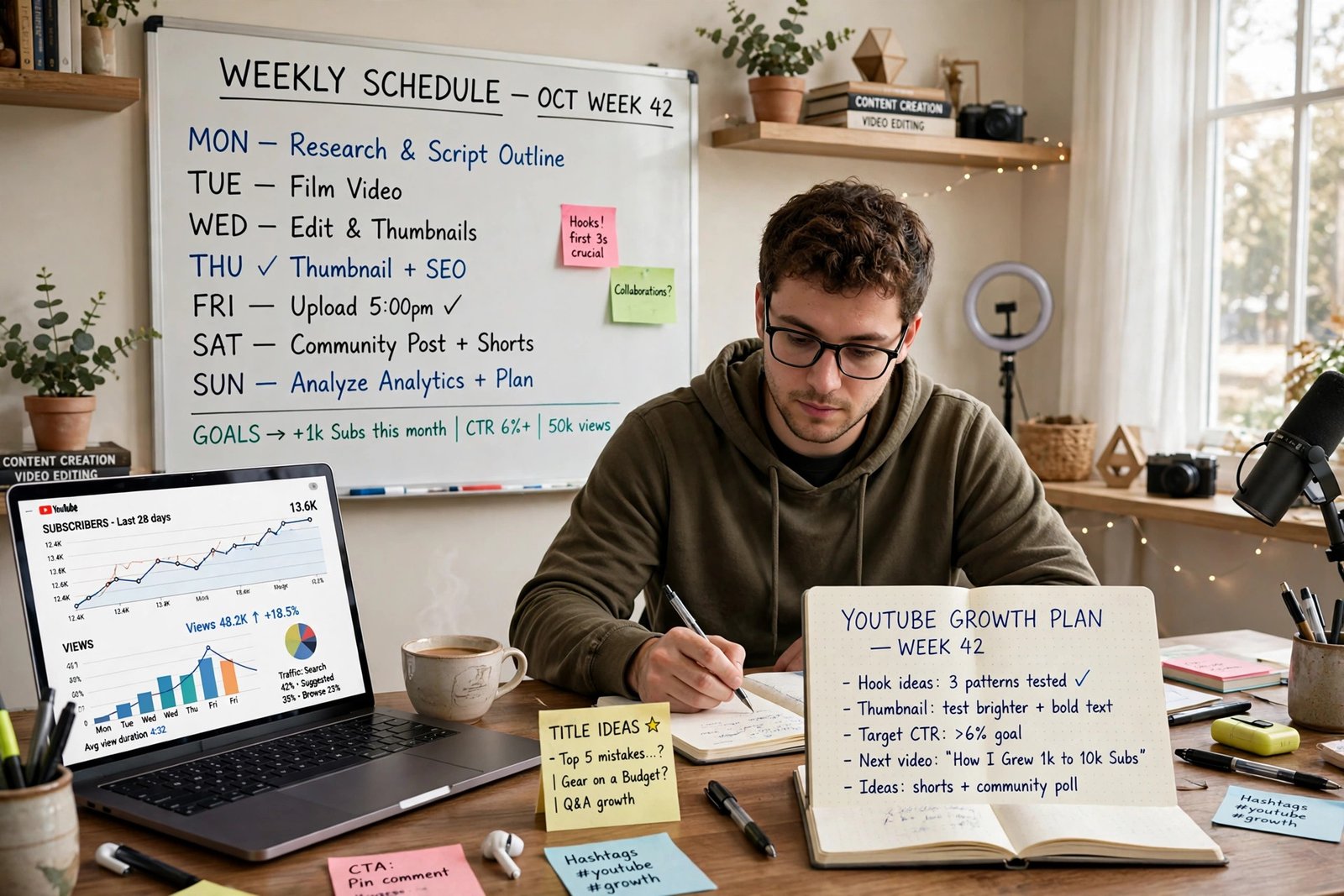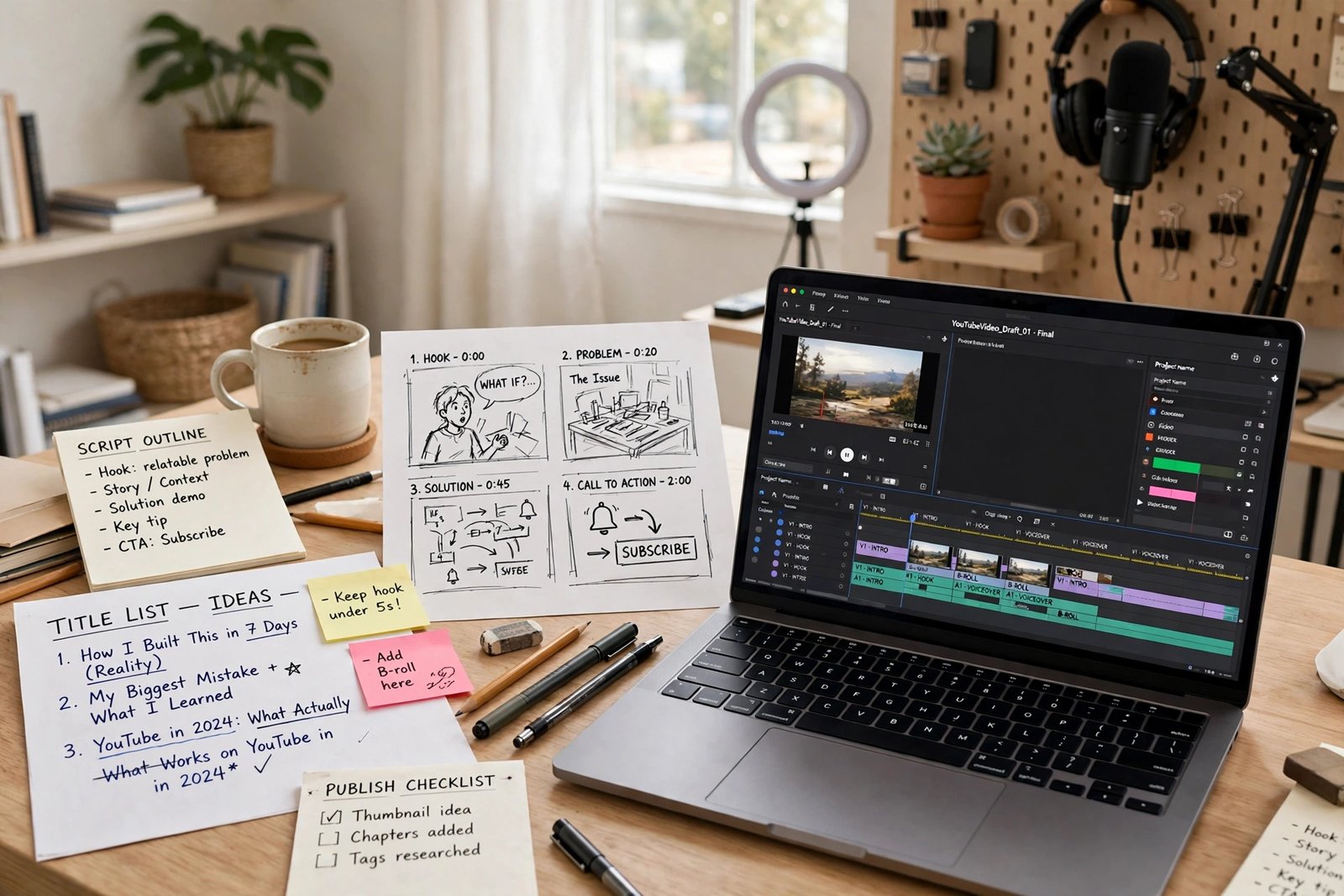
A single YouTube video gets views in rounds, not all at once. YouTube first shows it to a small group of viewers who are likely to want it, watches how they respond, and then shows it to a wider group if the response is strong. If the response is weak, the video stops expanding, even if it is well made. That pull model explains why a good video can start slowly and why a misleading video can stall quickly. This guide covers the craft of one video only, from validating the idea to reviewing it after publishing. Channel setup, long-term growth systems, and monetization each have their own guides, linked where they matter as a next step. If your channel is not set up yet, start with How to Start a YouTube Channel in 2026.
How one video gets views
The signals that decide expansion are simple to list and hard to fake. Impressions count how often YouTube shows the video. Click-through rate counts clicks after seeing it, reflecting title, thumbnail, and topic. Watch time and retention show how long viewers stay, and where they leave. Satisfaction signals, such as likes, comments, shares, and returning viewers, show whether viewers valued it. Traffic source matters too: a video can come from Home, from Up next suggestions, from Search, from the Shorts feed, or from Subscriptions, and each source behaves differently. Check traffic sources in Studio before judging a video, since one total hides the difference. The rest of this guide improves each signal in order, starting before you film anything.
Validate before filming
Validate before filming, because the most common reason a video fails is that nobody wanted it, not that it was poorly edited. Use this worksheet and require a pass on at least three checks before you film. First, search demand: do viewers search for this question, and do similar videos already get views? Second, outliers: did one video on this topic perform far better than its channel usually performs? Third, comment questions: do viewers ask this question in comments, communities, or under your earlier videos? Fourth, your edge: can you answer it better or more completely, with an example, demonstration, or structure others lack? Fifth, the test Short: can you cut a thirty to sixty second version answering a sharp part of the question, and does it earn interest before you commit to a full video? If an idea fails three or more checks, change the angle or pick another idea. Validation does not guarantee views, but it prevents filming a video nobody asked for.
Package before shooting
Package before shooting, because title and thumbnail are the promise a viewer judges before watching. Write them before the script, so the video delivers what they promise. A title should state one clear outcome, put the key phrase early, and stay readable at a glance. Keep titles under about fifty characters where possible, though YouTube allows up to one hundred. A thumbnail should show one idea and one clear subject, with large text only if it adds something the image alone cannot say. Title and thumbnail must make one promise together. Before-and-after rewrites show the difference. A weak package says: "Cooking Vlog Number 12", with a thumbnail of a messy kitchen. A stronger package says: "5 Dinners in 30 Minutes", with a thumbnail showing five finished plates. A weak package says: "My Thoughts on Freelancing", with a thumbnail of a person shrugging. A stronger package says: "Your First Freelance Proposal, Step by Step", with a thumbnail showing a short proposal outline. In each rewrite, the viewer learns the outcome before clicking, and the video must deliver that outcome. Where available on desktop, Test and Compare lets you test up to three titles or thumbnails by watch-time share, a useful check for long-form videos. It does not apply to Shorts in the same way, so do not build a Shorts plan around it.
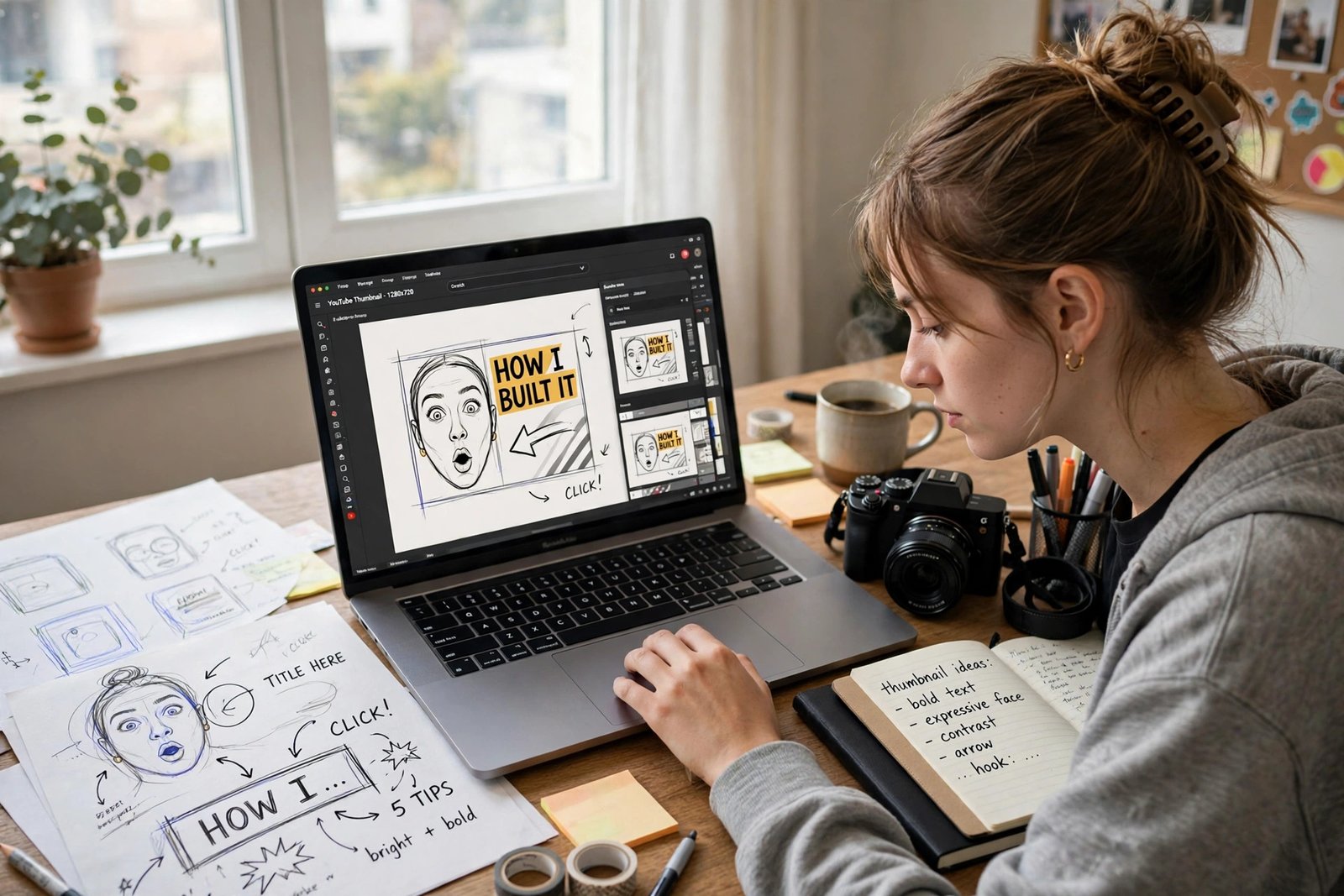
Hook viewers fast
The hook is the first thirty seconds, and its job is to confirm the promise, show the result, and earn the next minute. Viewers decide quickly whether to stay, so do not open with a long greeting, a channel trailer, or a story that delays the point. Use one of five hook formulas, chosen to fit the video. Result first: show the finished result, then the path to it. Problem: state the viewer problem in their own words, then promise the fix. Mistake: name a common mistake and its cost, then promise the better method. Question: ask the exact question viewers search for, then answer it. Story: open with a short, relevant moment that leads into the problem, then cut to the promise. After the hook, cut ruthlessly: greetings that add nothing, repeated points, long pauses, and tangents that do not move the viewer toward the result.
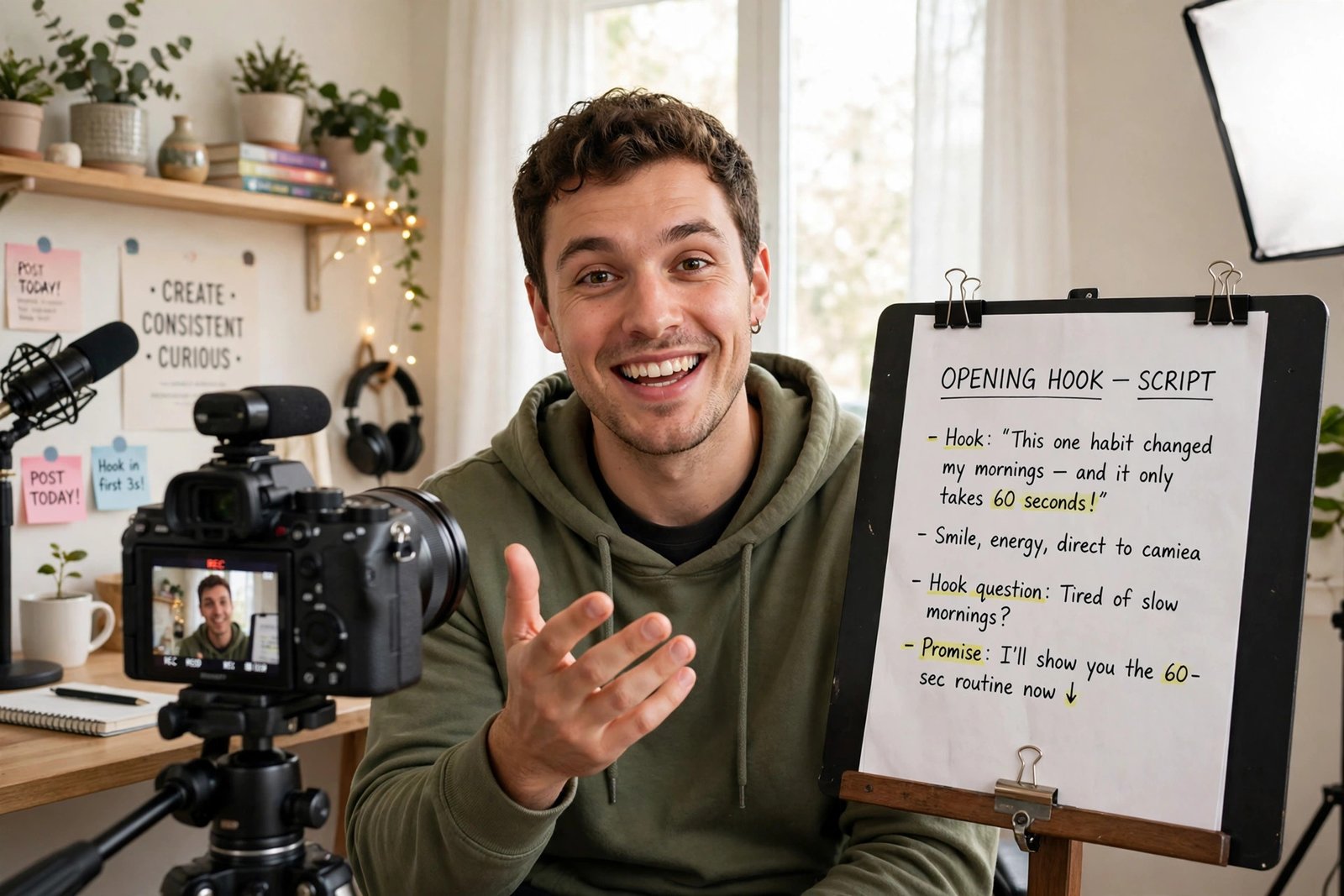
Edit for retention
Structure and editing keep viewers watching after the hook, through a payoff chain: each section ends with a small result or a clear next question, so the viewer always has a reason to stay. Plan the chain before editing: promise, first step with a visible result, second step that builds on it, a common mistake and its fix, then the final result and the next video to watch. Pace the edit to the topic. Tutorials need calm, clear steps with on-screen text. Demonstrations need close shots of the work itself, not long shots of talking about it. Add captions, since many viewers watch with sound off at first. Clear voice audio matters more than background music, which should never compete with speech. After publishing, read its retention graph in Studio. A sharp early drop points to a weak hook or misleading package, a drop at one section points to a slow or repetitive part, and a slow decline is normal for a long tutorial. Fix the section the graph points to, not the whole video.
Write description and chapters
Description, chapters, and search details help the right viewers find the video and understand it before they click. Write the first two lines of the description as a plain summary: who the video is for, what it covers, and what result the viewer will get. Those lines appear in search and on the watch page, so do not waste them on greetings or hashtags. Add chapters for clear sections in longer videos, so viewers can jump to the part they need. Use a handful of relevant tags: tags play a minimal role in discovery compared with title, thumbnail, topic, and viewer behaviour. Add links only where they genuinely help, such as a related video in the same series, a product you actually used, or a free resource mentioned in the video, with disclosure where a link is paid or affiliate. For the series system that gives a good video a next video, read How to Grow a YouTube Channel in 2026.
Package the Short version
Shorts need different packaging for the same idea, because a Short is judged in a fast vertical feed, not on a watch page. A good Short for a single video does one of three jobs. It can test the idea before filming, by answering one sharp part in under a minute. It can clip the strongest moment from the finished video, with a complete mini-answer, linked to the full video where that option is available. Or it can stand alone as a short answer naming the full video for viewers who want complete steps. Keep the first frame clear, since it acts as the thumbnail in the feed, and keep the promise small and complete: a Short that teases without answering gets swiped past. One warning from the competitor research: Shorts using music for more than a minute where an active Content ID claim applies can be blocked in some places, so check music rights before publishing a longer Short with commercial music. Shorts run up to three minutes, but the most effective test Shorts are often well under a minute, because they must prove the idea fast.
Review after publishing
After publishing, review on a schedule, not by refreshing the view count every hour. At 24 hours, check impressions, click-through rate, and early retention. Low impressions may mean YouTube has not yet found the audience, so wait; low click-through rate points to the package, so test a title or thumbnail change. At 7 days, check traffic sources and retention by section. A Search-grown video needs a clear title and description, while a suggestions-grown video needs strong retention and a series link at the end. At 28 days, judge total views, returning viewers, subscribers gained, and whether it sends viewers to another video. Write down one lesson for the next video, then stop tweaking. For income streams that a well-viewed video can support, read How to Make Money on YouTube Without Ads in 2026, and for ad thresholds, read How to Monetize a YouTube Channel in 2026.
Diagnose a flop
When a video flops, diagnose it by traffic source before you blame the topic or yourself. Low impressions point to weak idea or audience fit, so revisit validation for the next video. Healthy impressions but low clicks point to unclear title and thumbnail, so rewrite the package and test variants where available. Healthy clicks but early exits point to a misleading hook or package, so tighten the opening and match the title. If viewers stayed but growth stopped, the topic audience may be small, or the video may lack a next step, so add a series link and move on. Do not buy views, use bots, re-upload the same video, or make the title more exaggerated than the video. Clickbait that breaks trust teaches YouTube to show your videos less, and teaches viewers not to return. A flop is data about one video, not a verdict on the channel.
Risks and limitations
Single-video craft has real limits worth stating plainly. No formula, hook, title, or thumbnail guarantees views, and results vary with experience, niche, audience, time, competition, and platform rules. Recommendation behaviour and features change, so current Studio guidance matters more than any older tactic, including this guide, once it ages. Vendor statistics and creator benchmarks in competitor guides are not verified platform figures, and should not be treated as targets. A video can follow every step here and still underperform because the topic demand is small, the audience is crowded, or timing is poor. Judge craft over several videos, not by one video on one day.
Frequently asked questions
How do YouTube videos get views?
YouTube shows a video to a small likely audience first, then expands it if viewers click, watch, and respond well. Views come from Home, suggestions, Search, the Shorts feed, and Subscriptions, and each source behaves differently, so check traffic sources before judging a video.
How do I write a YouTube title that gets clicks?
State one clear viewer outcome, put the key phrase early, and keep it readable at a glance. The title and thumbnail must make one promise together, and the video must deliver that promise, or viewers will leave and the video will stop expanding.
What makes a good YouTube thumbnail?
One clear idea, one clear subject, and large text only if it adds something the image alone cannot say. Simplify until a viewer understands the video in two seconds on a phone screen, and make sure the thumbnail matches the title, not a different promise.
How long should a YouTube hook be?
Aim to confirm the promise and show the result within the first thirty seconds. Skip long greetings and channel trailers, use a hook formula that fits the video, and cut anything that delays the viewer from reaching the first useful step.
Why did my YouTube video stop getting views?
Check traffic sources and the bottleneck: low impressions point to idea or audience fit, low clicks point to title and thumbnail, early drop-off points to hook or misleading packaging, and a small topic audience may simply mean slow steady growth. Diagnose one bottleneck, fix it in the next video, and do not buy views or re-upload the same video.
Conclusion
A video that gets views is built in order: validate against demand, outliers, comment questions, your edge, and a test Short; package title and thumbnail as one promise before filming; hook in thirty seconds; edit a payoff chain; write a description and chapters that help the right viewers find it; package a Short that answers one thing; and review at 24 hours, 7 days, and 28 days, diagnosing flops by traffic source. Do that workflow for one video, write down one lesson, and apply it to the next. Your next step is to run the validation worksheet on your strongest idea today, write its title and thumbnail before you film, and use the YouTube Earning category page for supporting guides.