How to Learn Podcast Production Online in 2026
To learn podcast production online, learn recording basics first, then editing, then mixing and publishing, and finish a short episode after each stage. Podcast production means planning, recording, editing, and publishing audio so it sounds clear and consistent. This guide teaches the skill itself, with honest timelines and low cost starting options.
In this guide
- What podcast production is and who should learn it
- Step 1: Plan your show and learn by listening
- Step 2: Set up recording gear and a quiet space
- Step 3: Record clean audio every time
- Step 4: Edit and mix for clear, consistent sound
- Step 5: Publish, distribute, and improve each episode
- What it costs and what to expect
- Common mistakes
- Risks and scams to watch for
- Frequently asked questions
What podcast production is and who should learn it
Podcast production covers the full workflow behind an episode. You plan the topic, record voices, edit out mistakes, balance volume, add music where it fits, export the file, and publish it through a hosting service. A hosting service stores your audio and creates the feed that podcast apps read.
You should learn podcast production if you want to start your own show or help others publish theirs. The skill combines audio technique with clear communication. If you later want to sell production help with AI tools, read our separate guide on how to make money with AI podcast production services. This guide stays on learning the craft, not on selling services.
Podcast production suits patient creators who enjoy detail. Editing takes time, and good sound comes from repeatable habits. It suits you less if you want instant results, because clear audio improves over many episodes.
Step 1: Plan your show and learn by listening
Start with a simple show idea. Write one sentence that says who the show helps and what each episode delivers. Choose a format you can repeat, such as solo teaching, interviews, or co hosted discussion. A repeatable format makes production faster and helps listeners know what to expect.
Learn by listening with a notebook. Pick three shows you respect and note their structure. Note how long the intro lasts, how guests are introduced, and how episodes end. Note sound quality too, such as room echo or volume changes. You are studying craft, not copying content.
Plan three episode outlines before you buy gear. Each outline needs a topic, three to five main points, and a clear closing. If you cannot outline three episodes, your idea needs more work. Planning first prevents expensive gear purchases for a show you will not sustain.
Step 2: Set up recording gear and a quiet space
You can start with a phone and free editing software. For better sound, most beginners add a USB microphone and headphones. Headphones matter because they let you hear problems while you record. Choose a quiet room with soft furnishings, such as curtains and cushions, because hard bare rooms create echo.
Learn basic acoustics in plain terms. Echo comes from sound bouncing off hard surfaces. Record close to the microphone, keep the room quiet, and turn off fans and notifications. A closet full of clothes often sounds better than a large empty room.
| Starter item | Why you need it | Low cost note |
|---|---|---|
| Microphone | Captures your voice clearly | Start with phone or USB mic |
| Headphones | Lets you monitor sound live | Any closed headphones help |
| Computer | Runs recording and editing software | Most laptops are enough |
| Editing software | Cuts, cleans, and exports audio | Free options exist, such as Audacity |
| Quiet space | Reduces echo and background noise | Soft furnished room works well |
Do not buy advanced gear before you record ten practice episodes. Skill in mic placement and room choice improves sound more than expensive equipment at the start. Upgrade only when you can name the exact problem new gear will solve.
Step 3: Record clean audio every time
Record a short test before every session. Speak at your normal volume, listen back on headphones, and check for hum, echo, and distortion. Distortion happens when audio is too loud and clips. Keep levels moderate, because quiet clean audio can be raised later, but clipped audio cannot be fixed well.
Use a simple recording checklist. Close windows, silence phones, check mic position, and record ten seconds of room silence. Room silence helps editing tools reduce background noise later. Speak slightly across the microphone, not directly into it, to reduce harsh breath sounds.
For remote guests, record each person on a separate track where possible. Separate tracks make editing easier, because you can fix one voice without affecting the other. Ask guests to use headphones and a quiet room. Send guests a short setup note before the call, because ten minutes of setup saves an hour of editing.
Step 4: Edit and mix for clear, consistent sound
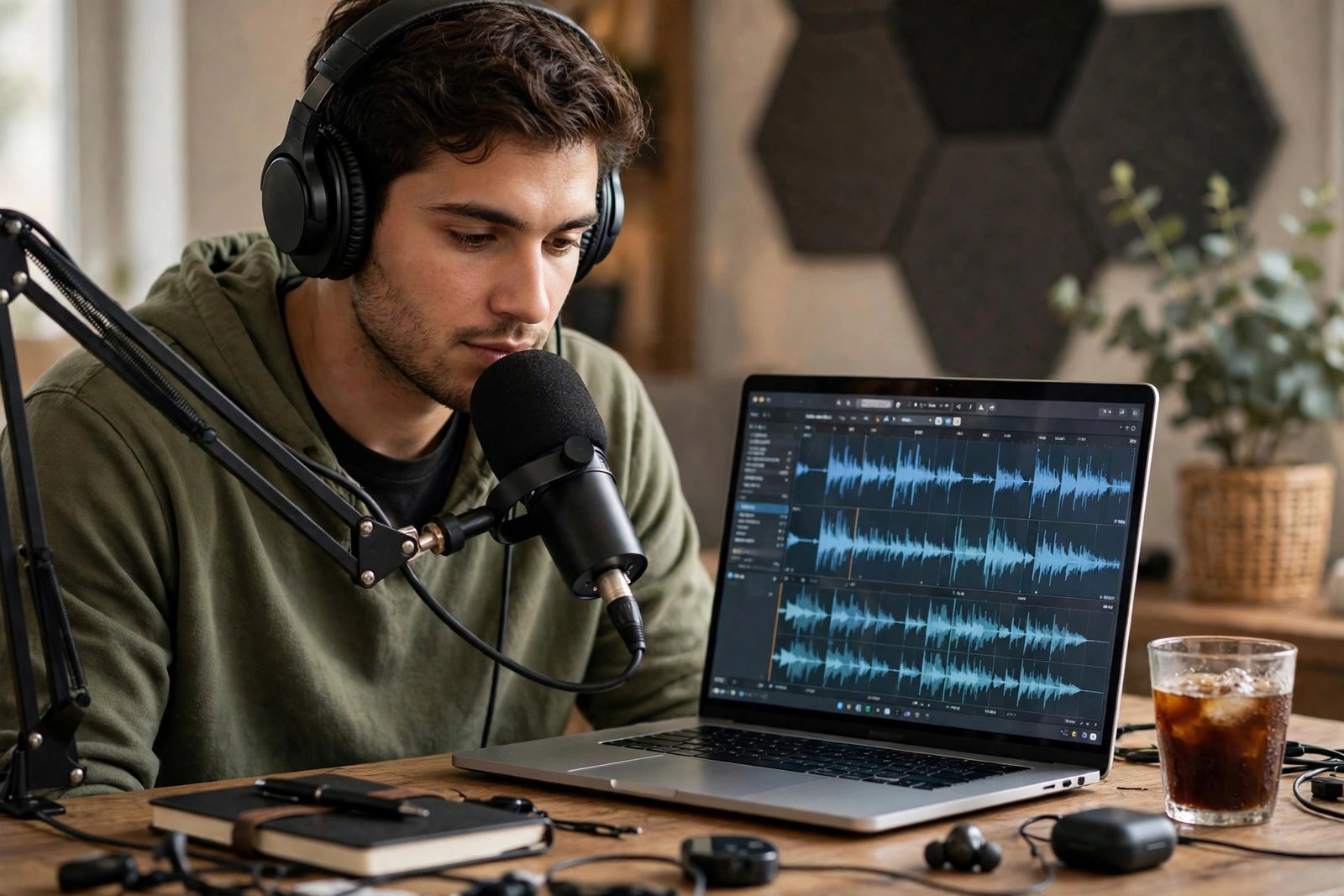
Editing means cutting mistakes, long pauses, and repeated lines. Mixing means balancing volume and tone so voices sound clear and even. Learn editing first, then basic mixing. A clean edit with steady volume beats heavy effects on messy audio.
Work in a fixed order. First, cut mistakes and shape the story. Next, reduce background noise with care, because strong noise reduction can make voices sound watery. Then use equalisation, often called EQ, to reduce muddiness and harshness. Then use compression to even out loud and quiet parts. Compression reduces the gap between loud and soft sounds. Add music only where it supports the content, and keep it low under speech.
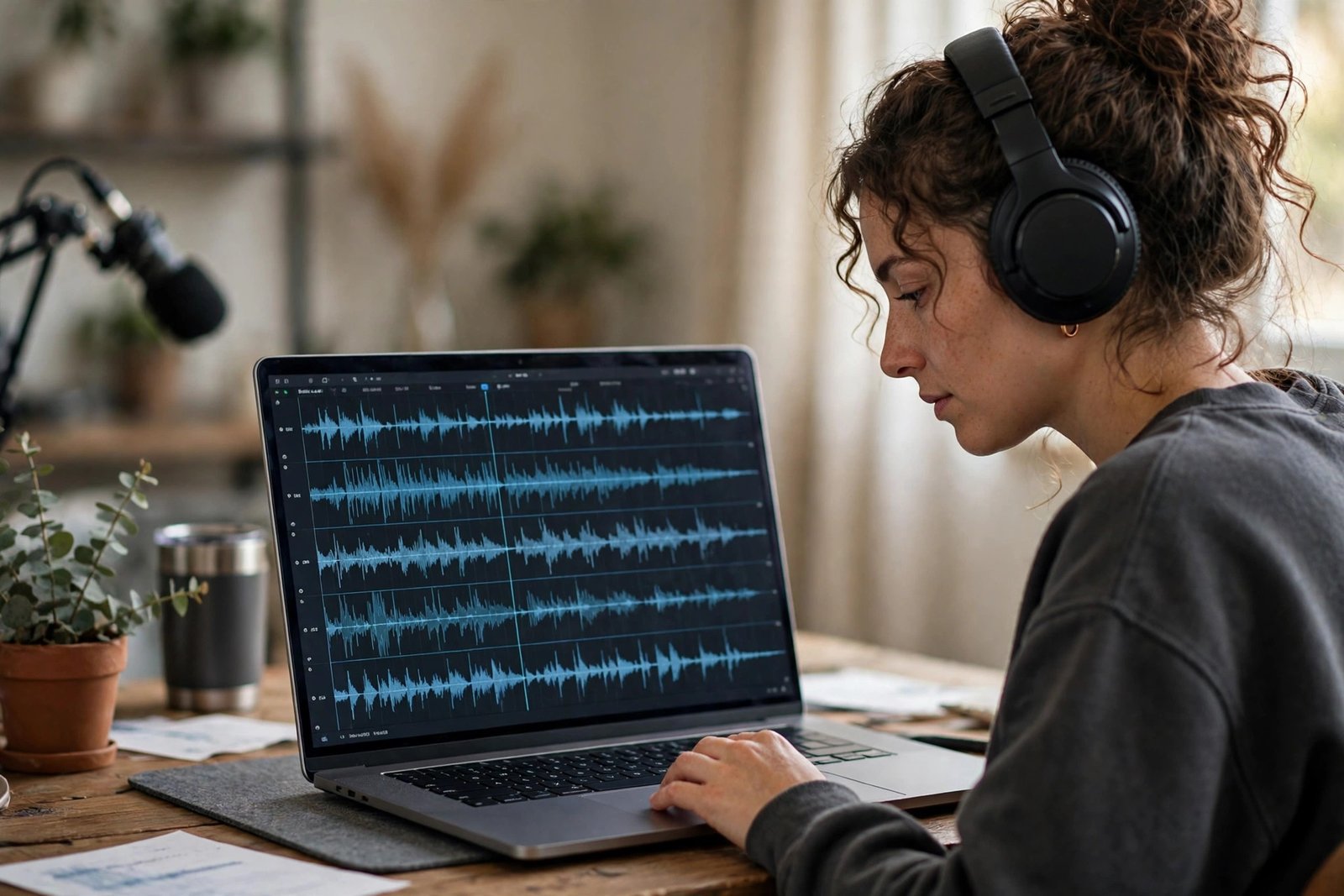
Export a test file and listen on phone speakers and earbuds. Most listeners hear podcasts on small speakers, not studio monitors. If voices stay clear on a phone, your mix will work for most listeners. Keep project files and raw recordings backed up, because you may need to fix or re export an episode later.
If you want related editing foundations, read our guide on how to learn video editing, because timeline habits transfer between audio and video work. For audio clean up help, note that tools can assist, but they do not replace good recording.
Step 5: Publish, distribute, and improve each episode
Choose a podcast hosting service to store episodes and generate your feed. A feed, often called an RSS feed, is the file podcast apps check for new episodes. Upload your final audio, title, description, and cover art to the host. Cover art must meet platform size rules, so check your host guidance before you design it.
Submit your show to major directories through your host or directly. Apple explains the process in its guide to submit a new show, including RSS feed submission through Apple Podcasts Connect. You can also follow Apple guidance on getting started with Apple Podcasts. Validation checks your feed and files, and review checks content rules, so fix feed errors at the host first.
Improve one thing per episode. Keep a production log with recording notes, edit time, and one lesson learned. Review listener feedback for clarity and pacing, not only praise. Consistency matters more than perfection. A clear episode every week beats a perfect episode every few months.
Worked example
Example only: these numbers are not typical results.
Imagine you produce one 30 minute episode each week while you learn.
- Planning and outline: 1 hour
- Recording session: 1 hour
- Editing and mixing: 3 hours
- Export, upload, and notes: 1 hour
- Total per episode: 1 plus 1 plus 3 plus 1, which is 6 hours
Over 8 weeks, that is 6 hours times 8, which is 48 hours of practice. Many beginners find edit time drops from 3 hours to about 1.5 hours per episode after 8 to 10 episodes, because cuts and settings become routine. Recalculate with your own episode length. Shorter episodes help you learn faster at the start.
What it costs and what to expect
You can start for no course cost and low gear cost. Free editing software and free hosting tiers exist, and many teachers publish free lessons. Paid courses add structure, feedback on your audio, and community. Prices vary widely, from low cost short courses to expensive certificate programmes, so check the official course page for the current price as of November 2026 before you pay. Gear costs also vary. Start with what you own, then add a microphone and headphones when you record regularly.
Expect months of steady improvement. Clean recording habits usually take 2 to 4 weeks of practice. Confident editing usually takes 2 to 3 months of weekly episodes. Audience growth takes longer and is never guaranteed. Podcast production skill does not guarantee income. Results vary with topic, consistency, quality, and promotion.
Common mistakes
- Buying expensive gear before learning mic placement and room choice, which wastes money on the wrong fix.
- Recording without headphones, which means you discover hum and echo only after the session ends.
- Recording too loud and clipping audio, which cannot be repaired cleanly in editing.
- Editing with heavy effects first, instead of cutting mistakes and balancing volume in order.
- Skipping the phone speaker check, which hides unclear voices that most listeners will hear.
- Publishing without backups of raw audio and project files, which makes fixes impossible later.
- Changing format every episode, which confuses listeners and slows production.
- Expecting audience growth from production quality alone, when topic and consistency matter just as much.
Risks and scams to watch for
Be careful of courses that promise large audiences or set income from podcasting. No course can guarantee listeners or sponsorships, because growth depends on topic, quality, consistency, and promotion. Check whether a course includes feedback on your actual audio. Feedback is where paid training adds the most value, because generic lessons cannot hear your room or your voice.
Watch for fake growth services that sell downloads, reviews, or chart placement. Bought downloads and fake reviews break platform rules and can harm your show. Grow through clear topics, guest outreach, and consistent publishing instead.
Also watch music and clip rights. Do not use commercial music or long clips from other shows without permission. Use royalty free music with a licence you understand, and keep records of licences. If you lose money to a scam, contact your payment provider first. In the United States, the Federal Trade Commission explains how to report fraud. Readers in other countries should use their own consumer protection body.
Frequently asked questions
How long does it take to learn podcast production online?
Clean recording habits usually take 2 to 4 weeks of practice. Confident editing and mixing usually take 2 to 3 months of weekly episodes. Your pace depends on episode length and how often you publish and review your work.
Can I learn podcast production for free?
Yes. Free editing software, free lessons, and free hosting tiers let you start at low cost. Paid courses add structure and feedback on your audio. Start free, finish several episodes, then pay only if you need guided feedback.
What gear do I need to start learning?
You need a microphone or phone, headphones, a computer, editing software, and a quiet soft furnished room. Start with what you own. Add a USB microphone and closed headphones when you record regularly and can name the problem they solve.
Do I need to be a good speaker to learn production?
No. Production skill is about recording, editing, and publishing clearly. Speaking improves with practice and editing. Many producers work behind the scenes for other hosts. Clear structure and clean audio matter more than a perfect voice.
How do I publish a podcast to Apple Podcasts and Spotify?
Upload episodes to a hosting service that creates your RSS feed. Then submit the feed to directories through your host or directly in each platform. Apple validates the feed and reviews content, so fix metadata and files at the host first.
Will podcast production skill guarantee me income?
No. Production skill can support your own show or client work, but income depends on demand, quality, consistency, and promotion. Results vary. Build a small portfolio of finished episodes before you offer services to others.
Conclusion
To learn podcast production online, plan a repeatable format, record clean audio in a quiet room, edit and mix in a fixed order, and publish through a host with careful feed checks. Finish short episodes often, keep a production log, and improve one thing each time. If you want related skills, read our guides on how to learn video editing, how to learn photo editing online, and the best digital skills to learn. You can also browse all our guides in the digital skills category.
Earning results vary; nothing on this site is financial advice.