Templates are one of the simplest digital products to sell, because the buyer understands the value in seconds. A resume template, a budget spreadsheet, a content calendar, or a set of social media designs promises a faster result than starting from a blank page. That clarity is your advantage, but it also means competition is strong. To sell templates, you need a useful template, a listing that shows it clearly, and a price that matches what buyers already expect.
This guide covers templates only: which formats sell, how to build a template buyers can actually use, how to list it, how to license it, and how to support it without spending your life on emails. It does not cover courses or ebooks, which have their own guides on this site, and it only gives starter price ranges. Full pricing method is in the pricing guide linked below.
What buyers want from a template
A buyer does not buy a template for its beauty alone. They buy it to skip work. The best templates remove decisions: the structure is done, the labels are clear, the example content shows how it should look, and the instructions say what to do first. A beautiful template that confuses its buyer will get refunds and bad reviews. A plain template that works in five minutes will get repeat buyers.
Choose a format that fits the task
Different tasks suit different formats, and the format decides where you can sell and what buyers expect. Pick the format your buyers already use. If your buyers plan in Notion, a PDF planner will not help them, however good it looks. If your buyers design in Canva, a Photoshop file excludes them.
| Format | Best for | Buyer needs | Watch out for |
|---|---|---|---|
| Notion template | Planning, tracking, content systems | A free or paid Notion account | Duplication steps must be clear; test the duplicate link |
| Canva template | Social posts, presentations, planners | A free or paid Canva account | Check which elements are free versus paid in Canva |
| Spreadsheet (Sheets or Excel) | Budgets, trackers, calculators | Sheets or Excel | Formulas must work in both; test on mobile |
| Document template | Resumes, letters, planners, worksheets | Word, Docs, or Pages | Fonts must be common or embedded; check page breaks |
| Social media template pack | Posts, stories, covers | Canva or design software | Sizes must match current platform specs; check before launch |
Notion and Canva templates are popular first products because buyers already live in those tools and sharing is simple. Spreadsheet templates suit tracking tasks where calculation matters. Document templates suit anything a buyer prints or sends, such as resumes and invoices. Social template packs suit creators and small businesses that post often and want a consistent look.
Build a template buyers can use in minutes
Start with one use case and one user. "A content calendar for solo creators who post three times a week" is buildable. "A content system for everyone" is not. List the exact tasks your buyer does, then design the template around those tasks in the order they do them. If a step is missing, the buyer stalls. If a step is confusing, the buyer emails you.
Build the template, then test it as a stranger. Duplicate it, open it fresh, and complete the task using only what is inside the file. Note every moment of confusion and fix it. Add a short start page or instruction sheet: what the template is for, how to copy or duplicate it, what to change first, and where to get help. Keep instructions short and visual where possible. A two minute video walkthrough, even recorded on a phone, can prevent many support emails, though it is optional for a first template.
Write a listing that shows the product
On a marketplace, your listing does the selling. Buyers scroll quickly, compare options, and click the listing that looks most useful. Your listing must answer three questions in seconds: what is this, who is it for, and what does it look like inside.
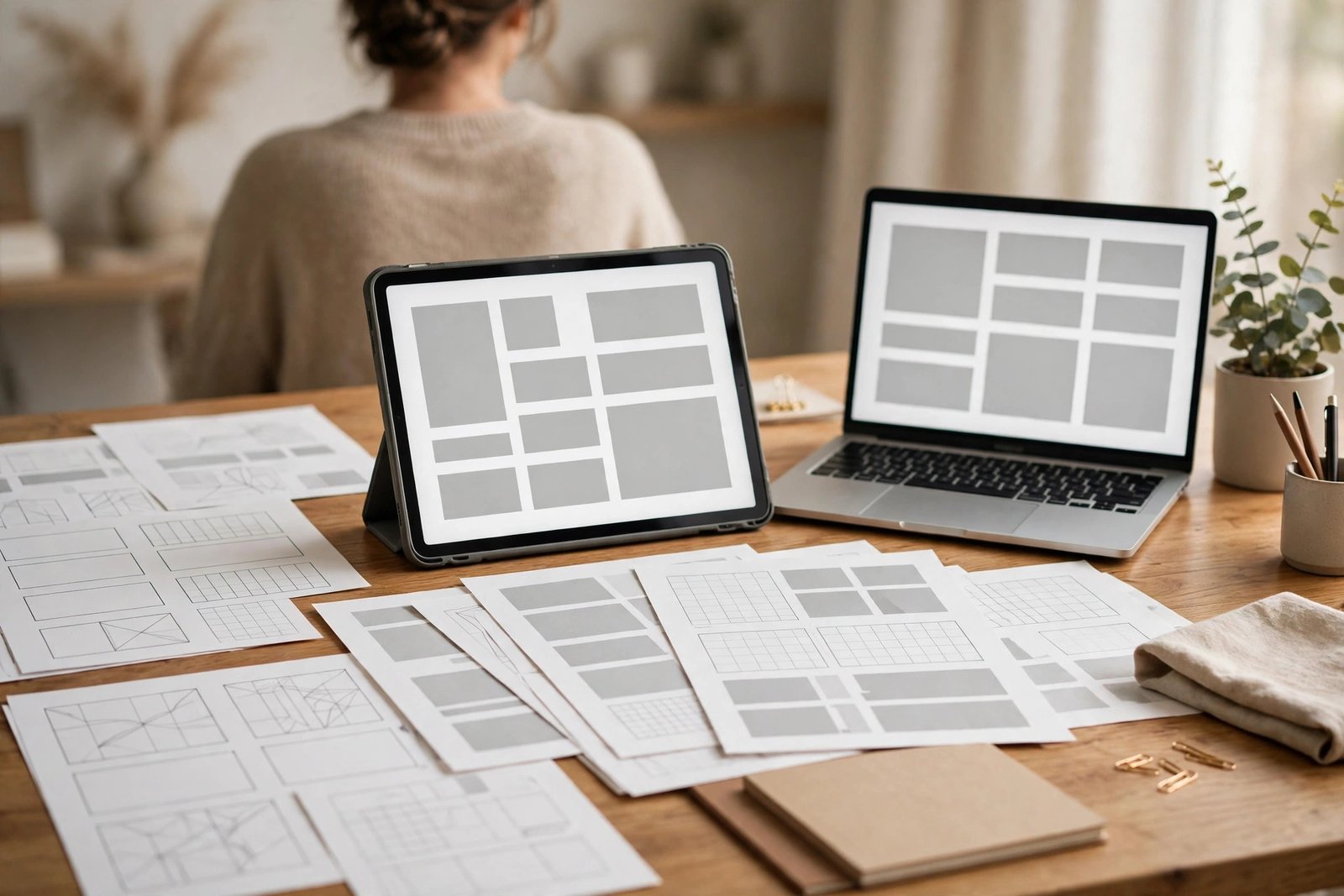
The preview images matter more than any other part of the listing. Show the template itself, not a decorative graphic about it. Include a full view of the main page, a close view of a key section, and a view showing example content filled in. If the template has multiple pages, show the best three or four. Use clean mockups that look like the real product, and do not use screenshots of someone else's work or stock images that misrepresent what the buyer receives.
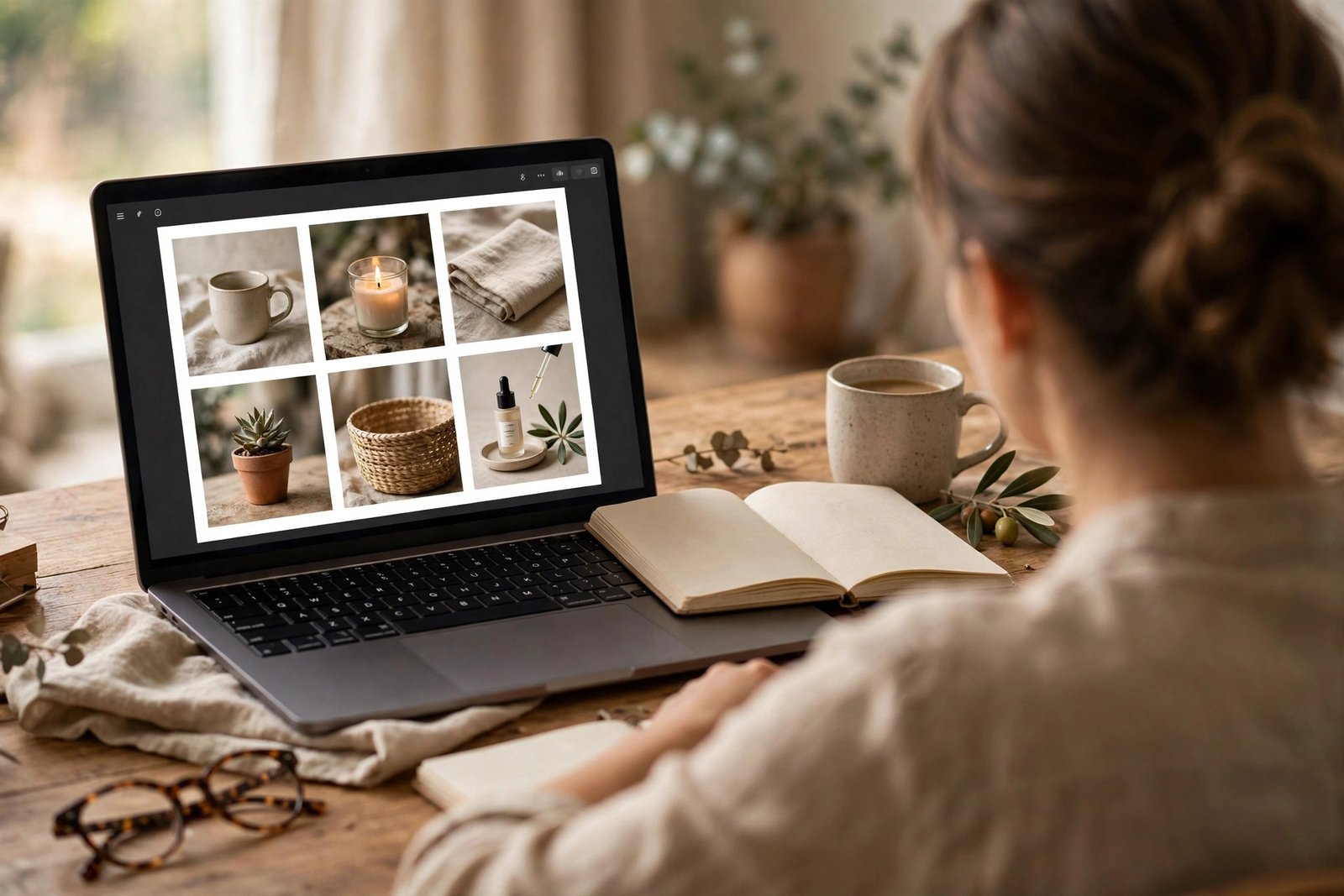
The title should name the product and its user in plain words, such as "Freelancer Budget Spreadsheet for Google Sheets." The description should open with the problem and the result, then list exactly what is included: number of pages or sheets, file formats, tools required, and whether updates are included. End with practical details: how delivery works, what licence the buyer receives, and your support and refund policy. Honest details build trust, and trust converts browsers into buyers.
Price your first template pack
Template buyers compare prices quickly, because similar templates sit side by side on marketplaces. A first template usually sells in a low range: single templates often sit at low single figures, and small packs at low double figures. Those are starter ranges only, not rules. The full method for choosing a price, including fees, value, and tiers, is in the pricing guide on this site, and you should read it before setting a final price.
Three pricing habits help beginners. First, check live fee pages before you price. Marketplaces and payment processors charge transaction fees, payment processing fees, and sometimes listing fees, and those fees change. A price that looks fine before fees can become unprofitable after them. Second, price the pack, not just the page count. A ten page template that saves a buyer an hour is worth more than a fifty page template that saves nobody any time. Third, start at a price that lets strangers say yes easily, then raise it as reviews and proof accumulate. Early sales and reviews are worth more than a high price with no sales.
Licence, ownership, and protecting your work
A licence tells the buyer what they may do with the template. Most template sellers offer a personal licence: the buyer may use it for their own projects but may not resell, share, or give it away. Some sellers offer a commercial licence at a higher price, allowing use in client work. Write your licence in plain language on the listing and inside the download. State clearly what is allowed, what is not, and what happens with client work. Plain language prevents most disputes.
You cannot fully prevent copying or sharing, and worrying about it excessively will slow you down. Practical protections help: add a small credit line inside the file, use your shop name in file names, and include a licence note in the download. Watermarking the preview images (not the delivered file) also helps, because it stops people using your listing images as the product itself. If you find your template resold, report it through the marketplace's process with proof of your original files and dates. Keep your source files and creation dates as evidence.
Also respect other creators' rights in your own work. Do not include fonts, photos, icons, or graphics you do not have the right to resell. Use your own designs or assets with a licence that explicitly allows use inside products for resale. This is not just a legal point; marketplaces remove listings built on unlicensed assets, and a removal can cost you ranking and reviews you worked hard to earn.
Support without burning out
Support is where many template sellers quietly burn out, because every buyer question feels urgent and every message interrupts building. A good support routine protects your time and still treats buyers well. Start with prevention: a clear instruction sheet, a short FAQ inside the download, and a listing that states exactly what tools and versions the template needs. Most support questions come from missing information, not from difficult buyers.
Set a support promise you can keep, such as replies within two working days by email, and state it on the listing. Answer in batches once or twice a day instead of reacting to every message instantly. Keep a document of repeated questions and turn the answers into an updated instruction sheet. Each update reduces future messages. For genuinely broken files, fix fast and apologise plainly; a quick fix often turns an unhappy buyer into a positive reviewer.
Know the boundary of your support. You support the template working as described, not the buyer's whole business, their software training, or custom redesigns. If a buyer asks for custom work, you may offer it as a separate paid service or decline politely and point them to the instructions. A clear boundary, stated kindly, is fair to both sides and keeps a small shop sustainable.
Risks and limits
Template income varies widely. Some niches are crowded, and standing out takes time, good previews, and reviews. Platform rules and fees change, search rankings shift, and a template built for one tool version may need updating when that tool changes. Sales can be seasonal: resume templates rise when hiring rises, planner templates rise at the start of a year. Plan for uneven months rather than assuming steady daily sales.
Do not promise income results you cannot guarantee. A template that helps a buyer organise their work is a real, honest product even if it never earns a large income. Treat your first template as a low cost test: build it well, list it well, learn from buyers, and improve. If it sells steadily, expand with related templates in the same niche. If it does not, the feedback tells you whether to fix the template, the listing, or the niche itself.
Frequently asked questions
What templates sell best online?
Templates that solve a repeated, specific task tend to sell best: budgets, planners, resumes, content calendars, invoices, and social media packs for a clear audience. A template for a narrow buyer with a clear task usually outsells a generic template aimed at everyone.
Where can I sell templates?
Marketplaces such as Etsy suit discovery by buyers who search there, while Gumroad and Payhip suit selling to your own audience with a simple checkout. Your own website gives you the most control but needs its own traffic. Many sellers start on one marketplace and add their own site later.
Do I need professional design skills to sell templates?
You need clean, usable design, not professional credentials. A template with clear layout, readable type, consistent spacing, and a working structure will outsell a flashy template that confuses buyers. Study top listings in your niche to learn the standard, then practise until your work meets it.
How do I protect my templates from being resold?
Use a clear licence, add a credit line inside the file, watermark preview images, and keep your source files and dates. You cannot prevent all sharing, but a clear licence and marketplace reporting handle most cases. Focus most of your energy on making the next good template, not on policing the first one.
Should I sell one template or a pack?
Start with one strong template to learn the process, then bundle related templates into a pack once you know what buyers want. Packs usually earn more per sale and give buyers better value, but a pack of weak templates will not outsell one strong template.
Your next step
Your next step is to pick one task your buyers repeat and build the simplest template that completes it well. Test it as a stranger, photograph its inside pages for the listing, and publish it on one marketplace with a clear licence and support promise. Then watch what buyers ask for, because their questions are your brief for the second template.
For the wider journey, read How to Create Your First Digital Product in 2026 if you have not yet validated an idea, and read How to Price Digital Products in 2026 before you set a final price. For related product types, see How to Create and Sell an Online Course in 2026 and How to Sell Ebooks and Guides Online in 2026. If you want to compare template selling with other ways of earning from digital skills, read the guide to selling AI art online (/ai-earning/how-to-sell-ai-art-online) and How to Start an Online Business as a Beginner in 2026.