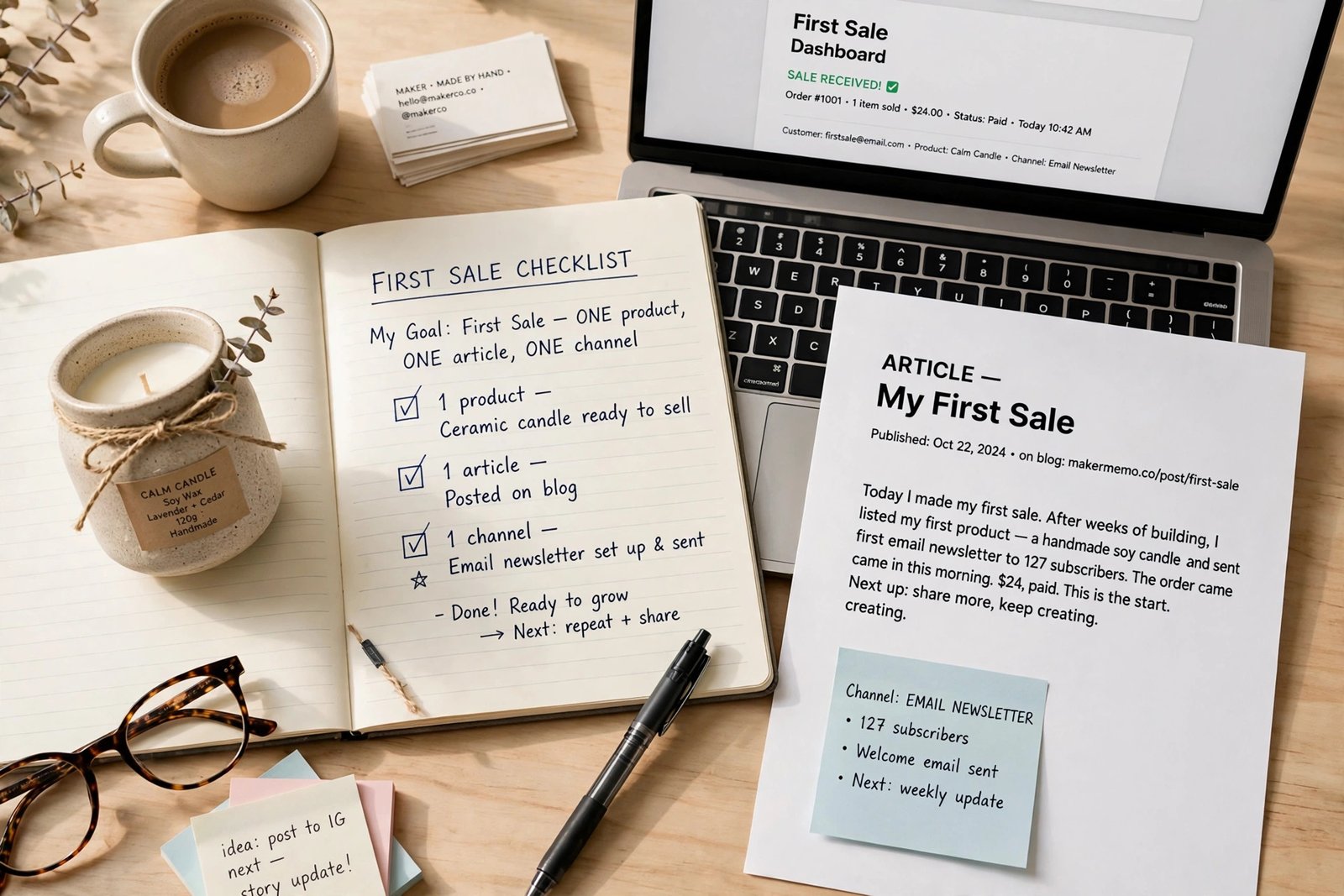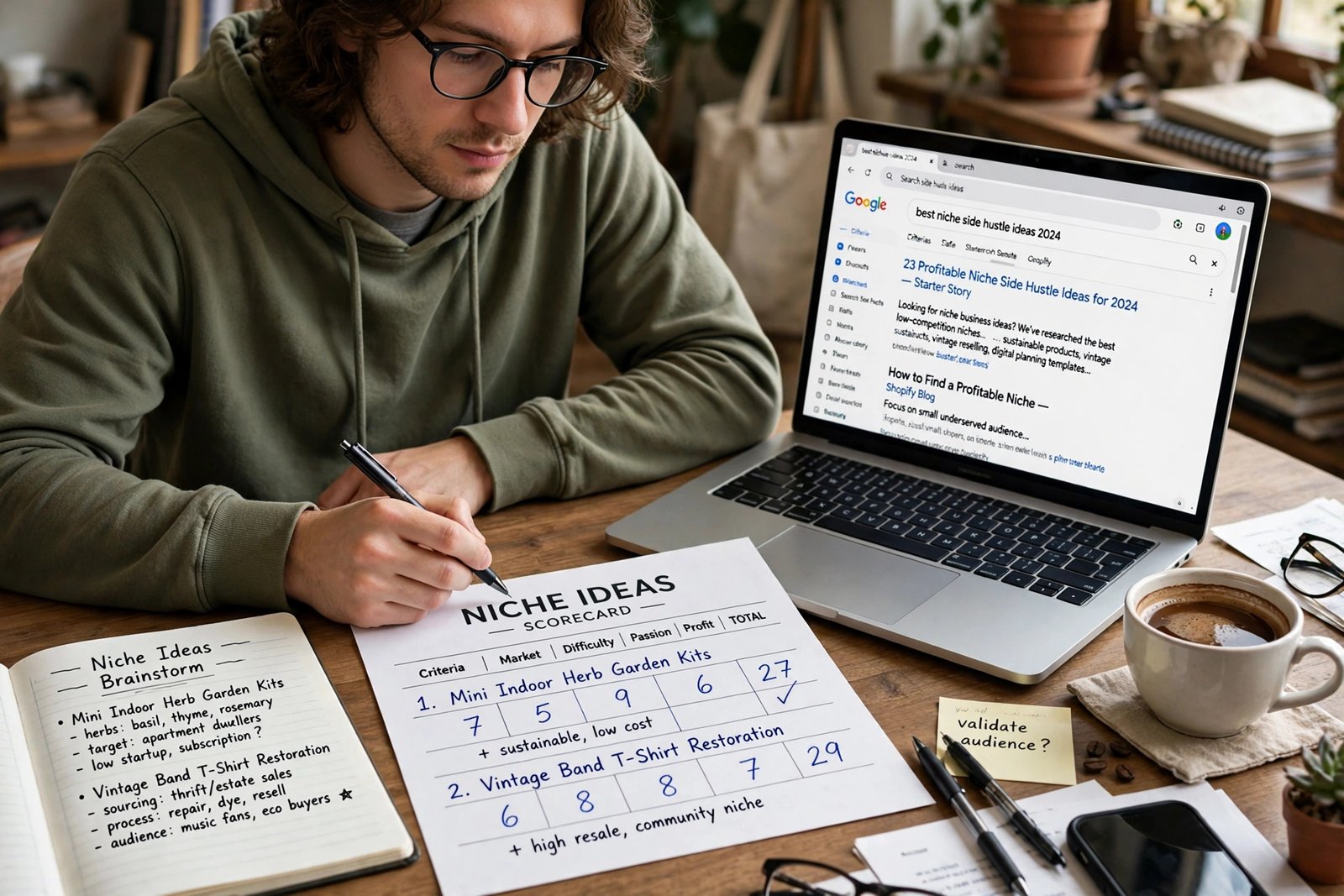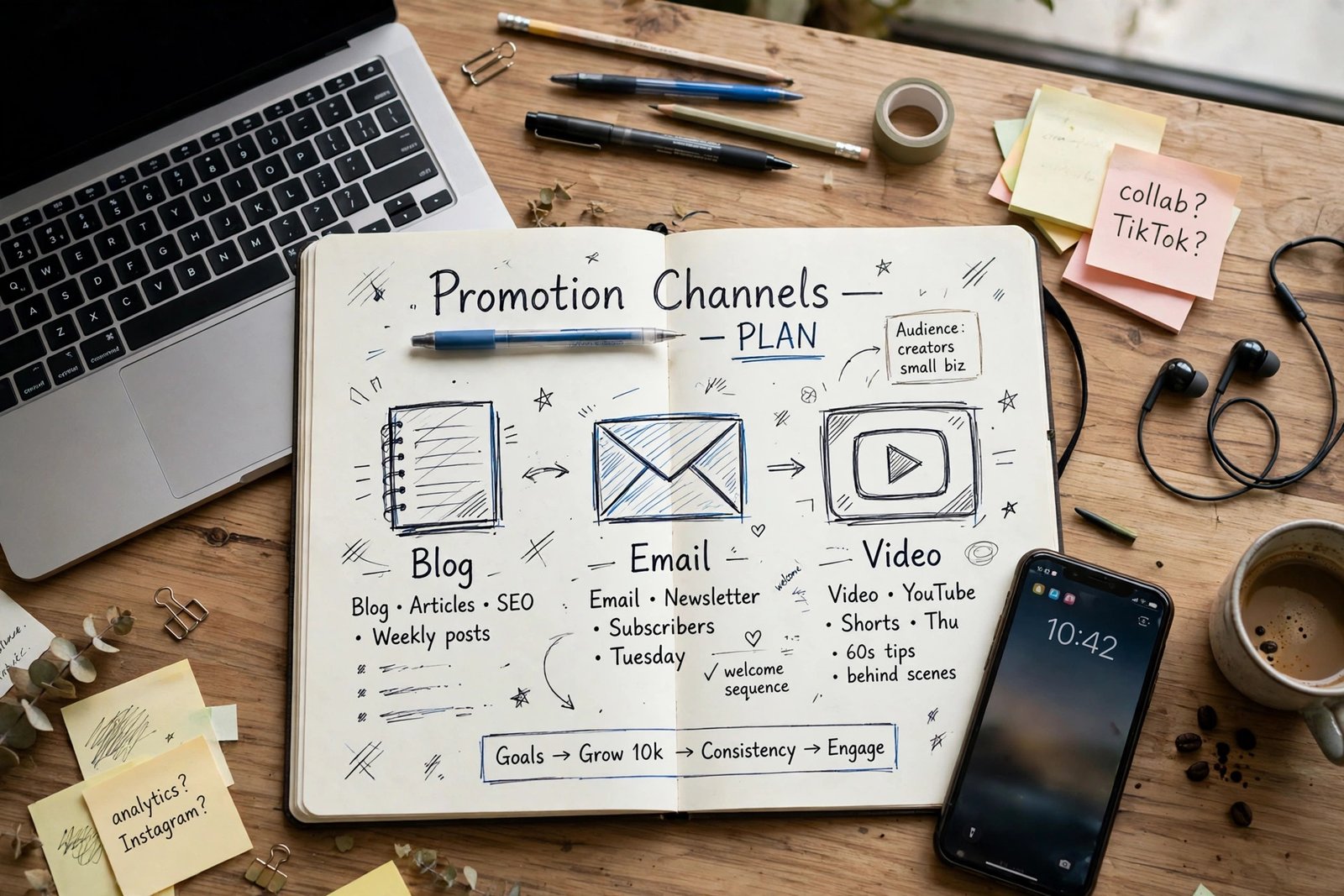
You have a product and a programme, but your links sit in content nobody clicks. That is usually a placement problem, not a product problem. Promotion is not posting a link as often as possible. It is putting the right link, in the right place, at the moment a reader is ready to decide, with a clear disclosure nearby. This guide shows how to promote affiliate products in 2026 across blog, email, video, social, Pinterest, and short-form channels, plus paid ads, coupons, and landing pages. It covers promotion only. It does not repeat niche selection or programme comparison. For those steps, read How to Choose a Profitable Affiliate Niche in 2026 and Best Affiliate Programs for Beginners in 2026. The start roadmap is How to Start Affiliate Marketing in 2026.
In this guide
- The placement map: where links go, what to say, where disclosure goes
- Blog placements that convert
- Email promotion that keeps trust
- Video, social, Pinterest, and short-form promotion
- Paid ads, coupons, and landing pages
- Tracking with sub-IDs
- Your two channel starter plan
- Common mistakes, risks, frequently asked questions
The placement map
A placement is where a link appears in content. A call to action is the short wording that tells a reader what will happen if they click, such as "Check current price" or "See full details". Vague wording such as "click here" tells the reader nothing and usually performs worse. Disclosure should appear before the first affiliate link in each piece of content, and again where a platform requires it, such as in a video description or a social post caption. The table below is the core of this guide. Use it to plan each piece, not to copy links everywhere.
| Channel | Where the link goes | Call to action wording | Where disclosure goes | What not to do | | Blog review or tutorial | In the text after a feature, in a comparison table, in a short checklist | Check current price, See full details, Compare plans | At the top, before the first link | Do not fill every paragraph with links | | Blog roundup | Under each item, plus a table at the top | See why it fits, Check price for this use case | At the top, before the list | Do not list products you cannot explain | | Resource page | Next to a one sentence benefit per tool | Visit the tool, See pricing | At the top of the page | Do not add every programme you ever joined | | Email | One main link per email, after helpful content | See the tool I use, Check current offer | At the top or directly above the link | Do not send link-only emails every day | | YouTube video | Near the top of the description, plus a verbal mention | Link in the description, Full details below | In the video and in the description | Do not read a sales script with no demonstration | | Instagram or Facebook | Bio link page, Stories link sticker where available, post caption link where allowed | Link in bio, Full guide in bio | In the caption and on the linked page | Do not post direct links where the platform or programme bans them | | Pinterest | Pin link to a helpful article or landing page, not only to a merchant | Read the full comparison, See the tutorial | On the linked page, before the first link | Do not pin the same link repeatedly with no new content | | Short-form video | Bio link page, caption mention | Full steps in bio link, See the guide linked in bio | In the caption and on the linked page | Do not promise results in the first seconds |
Blog placements that convert
Blog content works for promotion because readers arrive with a question and stay long enough to compare options. Four formats do most of the work. A single product review should start with disclosure, then explain who the product is for, who it is not for, what it costs, and what its limits are, with links after key features, not in every sentence. A tutorial should place links in a short "what you need" box at the top and again inside the steps where the product is actually used. A roundup should start with a comparison table, then give each product its own section with pros, cons, price notes, and a clear "best for" line. A resource page should list only products you genuinely recommend, with one sentence per product, grouped by use, and updated regularly.

Email promotion that keeps trust

Video, social, Pinterest, and short-form promotion
Video promotion works when the viewer sees the product in use. A tutorial should show the product solving a real problem, mention the link verbally, and place the link near the top of the description. A review should compare the product with an alternative, show its limits, and link to a fuller written guide where readers can compare prices and features. Do not rely on a raw affiliate link alone in a video description if the platform or programme prefers a landing page or blog post. A landing page or blog post gives readers context, disclosure, and a comparison, which usually converts better than a direct merchant link with no explanation. For Pinterest business guidance, see Pinterest Business. For channel growth that supports video promotion, read How to Grow a YouTube Channel in 2026.
Paid ads, coupons, and landing pages
Paid ads are not a beginner shortcut. They can work, but they require a budget, a landing page, and a clear understanding of programme rules. Many programmes ban bidding on their brand name, ban direct linking from an ad to a merchant site, or ban certain ad formats. Breaking those rules can lose commissions or an account. If you test paid ads later, send traffic to a helpful blog post or landing page first, not directly to a merchant, unless the programme explicitly allows direct linking. Track cost per click and cost per sale carefully, because ad spend can exceed commissions quickly. Start with a tiny test budget, one product, and one landing page, and stop if the numbers do not work. Do not borrow money to fund affiliate ads.
Tracking with sub-IDs
Tracking tells you which content actually earns, so you can repeat what works and fix what does not. A sub-ID is a short label you add to a tracking link, such as a code for a specific article, email, or video. Many networks and programmes allow sub-IDs, or offer a dashboard that shows clicks by link. Use a simple naming system, such as article name plus placement, and keep a spreadsheet of every link, its sub-ID, and where it appears. Check your dashboard weekly for three figures: clicks, sales, and refunds. Also check earnings per click, which is total commission divided by clicks, and earnings per visitor, which is total commission divided by visitors. Those figures help you compare content fairly, even when traffic differs.
Your two channel starter plan
Beginners should start with two channels, not twelve. Choose your main channel, where you publish helpful content, and one supporting channel, where you share that content and answer questions. For example, a blog plus Pinterest, a blog plus email, or video plus email. Publish on a weekly routine you can sustain. A simple routine is: publish one helpful piece on the main channel, share it once on the supporting channel with a clear summary, answer comments and questions, and review tracking figures at the end of the week. Repeat that loop for 90 days before adding a third channel.
| Week task | Main channel | Supporting channel | Review at week end | | Publish | One helpful guide, review, or tutorial | One summary post or pin linking to it | Clicks and questions received | | Engage | Reply to comments on the guide | Reply to comments on the shared post | Which questions repeat | | Improve | Fix the weakest section or table | Update the pin or post if needed | One fix to test next week |
Common mistakes
- Posting links everywhere without helpful content, which readers ignore and platforms may penalise.
- Using vague calls to action such as "click here", which tell readers nothing about what they will find.
- Hiding disclosure, or placing it only at the bottom of a page, which breaks trust and programme rules.
- Promoting too many products at once, so no product gets a clear, honest recommendation.
- Choosing products only for high commission, without checking quality, refunds, or reader fit.
- Spamming groups, comments, or direct messages with links, which harms reputation and can lead to bans.
- Running paid ads without checking brand bidding and direct linking rules, then losing commissions.
- Ignoring tracking, so you keep repeating content that gets clicks but no sales, or traffic but no clicks.
- Copying another creator hook or claim, such as a dramatic result, without evidence or context.
Risks and scams to watch for
Promotion risks include platform bans, programme removal, and loss of reader trust. Platforms ban spam, misleading claims, and fake engagement. Programmes remove affiliates who break promotion rules, hide disclosure, or use deceptive tactics. Readers stop trusting creators who recommend every product, hide that links earn commission, or promise results they cannot prove. Protect yourself by following platform rules, programme terms, and disclosure guidance. The Federal Trade Commission endorsement guides are a useful reference for disclosure, but rules differ by country, so check local rules too. Never buy views, followers, or engagement to promote affiliate links. Artificial traffic distorts your tracking and can lead to removal. Never post fake reviews, fake testimonials, or screenshots that imply results you did not achieve. If a promotion tactic feels deceptive, do not use it, even if another creator uses it successfully for a short time.
Frequently asked questions
What is the most effective way to promote affiliate products?
There is no single most effective way for everyone. The best method depends on your channel, audience, and product. Blog reviews and tutorials work well for search traffic, email works well for trusted readers, and video works well for demonstrations. Start with two channels, track results, and expand the method that brings engaged readers who actually buy.
Where should I place affiliate links?
Place links where a reader is ready to decide: after you explain a feature, in a comparison table, in a short checklist, or at the end of a tutorial step. Use clear wording such as "Check current price" or "See full details". Avoid filling every paragraph with links, because that looks like advertising and reduces trust.
Can I promote affiliate links on social media?
Yes, if the platform and the programme allow it, and if you disclose clearly. Check each platform rules for where links may go, such as bio link pages or Stories stickers, and check programme rules for banned placements. Send readers to a helpful guide or landing page when a direct link is not allowed or would give readers no context.
Should beginners run paid ads for affiliate products?
Usually not at the start. Paid ads need a budget, a landing page, and careful tracking, and many programmes ban brand bidding or direct linking. Beginners should first prove that content converts with free traffic, then test ads later with a tiny budget, one product, and one landing page, if programme rules allow it.
How do I track which content makes affiliate sales?
Use sub-IDs or dashboard link reports where your programme offers them, and keep a simple spreadsheet of each link and where it appears. Check clicks, sales, and refunds weekly, and compare earnings per click and earnings per visitor across content. Change one thing at a time, so you can tell what caused any improvement.
Conclusion
Promotion works when you place one clear link, at a decision moment, with honest wording and visible disclosure, in content that already helps the reader. Start with two channels, use the placement map for each piece, track with sub-IDs, and fix one weakness at a time. Do not spam links, do not hide disclosure, and do not chase every channel at once. Your next step is to choose your two channels today, plan one piece with the placement map, and then follow the first sale sequence: read How to Make Your First Affiliate Sale in 2026, and use the Affiliate Marketing category page to find the start, niche, and programme guides. Results vary, and nothing on this site is financial advice.