How to Earn Money on Dribbble in 2026
Learning how to earn money on Dribbble starts with one fact. Dribbble is a portfolio site first and a hiring site second. Clients browse design work, find a designer whose style fits, and make contact. The money comes from the projects that follow. This guide shows you how it works in 2026, what it costs, and how you get paid.
In this guide
- What Dribbble is and how to earn money on Dribbble
- Who Dribbble suits, and who should skip it
- Step 1: Build a profile that gets found
- Step 2: Set your work preferences and Services
- Step 3: Win work through project requests and the jobs board
- How payment works on Dribbble
- Free versus Pro: what it costs
- How to price your work
- How to earn money on Dribbble without a following
- What it costs and what to expect
- Common mistakes
- Risks and scams to watch for
- Frequently asked questions
- Conclusion
What Dribbble is and how to earn money on Dribbble
Dribbble is an online community where designers share short visual previews of their work, called shots. A shot can show a logo, an app screen, a website layout, a brand identity, or an illustration. Other designers comment on shots, and clients search them when they need design work. The audience is design led, and the standard of work on show is high.
Designers earn on Dribbble in four main ways. The first is client leads. A client finds your work in search or in a feed, visits your profile, and sends a project request. The second is the jobs board, which lists full time, remote, and freelance roles. The third is the freelance board, for short term freelance work. The fourth is Services, which let you package an offering, such as a logo package, into a ready to book item with a set price and scope.
Dribbble also lets you transact through the platform itself. Clients send a project request, you send a proposal, the client pays through Dribbble, and you deliver the work and get paid through Dribbble. This is optional. You can still take a lead off the platform, but then Dribbble cannot help if payment becomes a problem.
Who Dribbble suits, and who should skip it
Dribbble suits designers who already have strong visual work to show. Brand designers, UI and UX designers, web designers, illustrators, and motion designers all fit well, because their work shows well in a small preview. It also suits designers who enjoy sharing work in public and building a reputation over time.
It suits designers less well in some clear cases. If you are still learning design basics, your shots will sit beside polished work from experienced designers. If your service is hard to show in an image, such as design research, Dribbble will bring you fewer leads than a platform built around written proposals. If you need paid work this week, Dribbble is the wrong place to start, because building visibility takes weeks or months. A general marketplace may serve you better while your profile grows. Our guide to making money on Fiverr explains a faster route to a first paid job, and our guide to making money on Upwork covers proposal based work.
Step 1: Build a profile that gets found
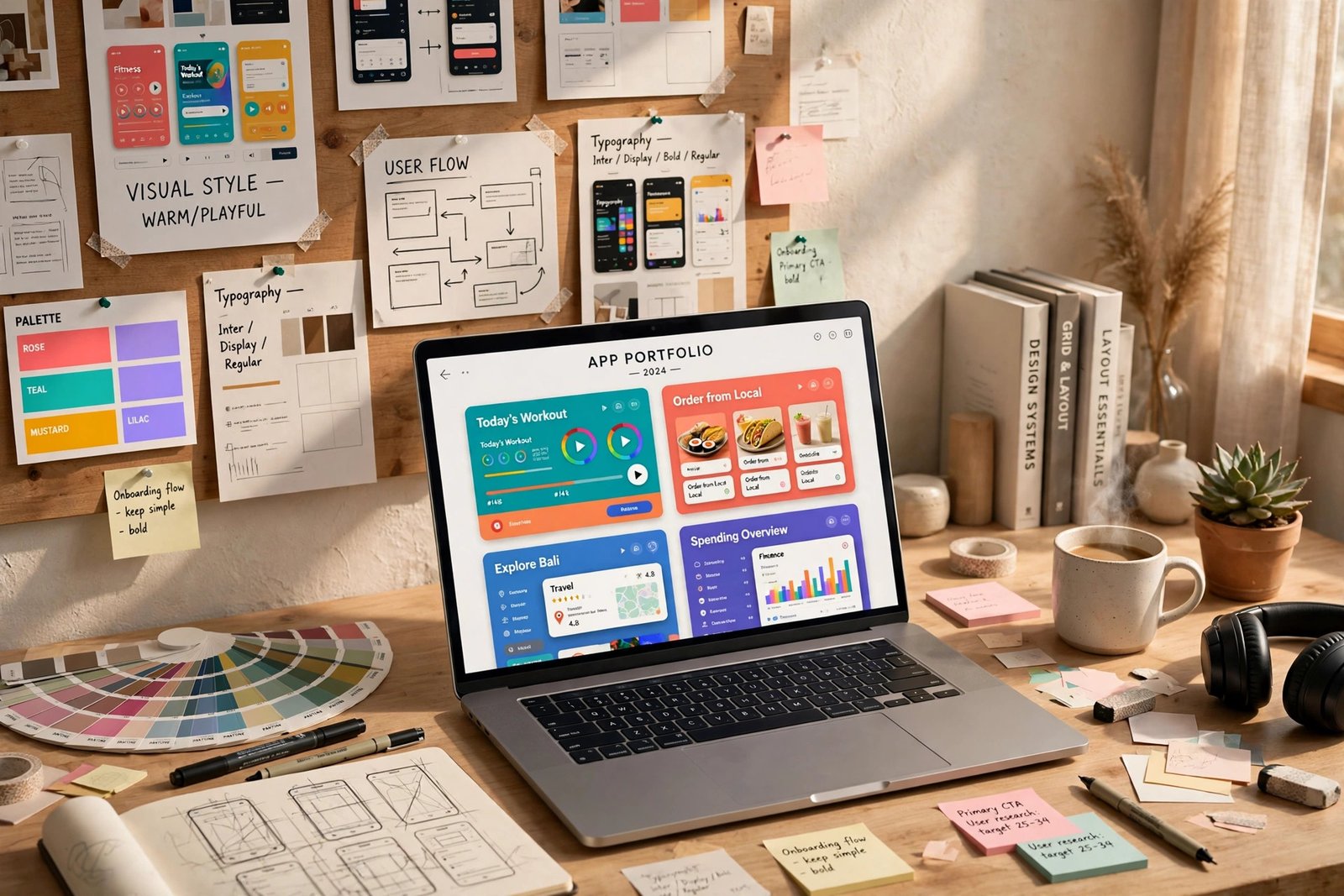
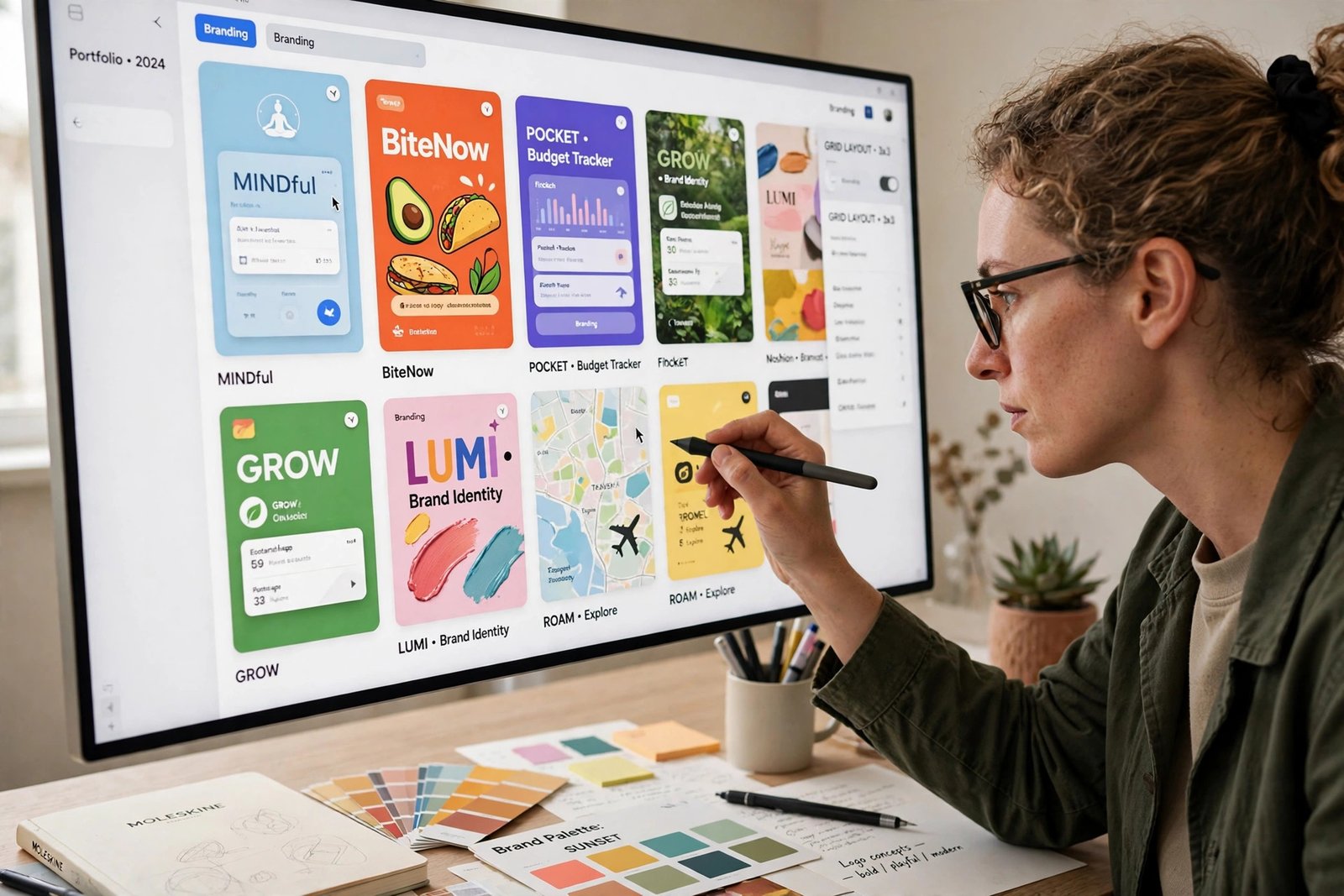
Your profile is your shop window, so treat it as a sales page rather than a gallery. Start with five to ten of your strongest pieces. Each shot should show finished work at its best, with a clear title that says what the project is. A title such as "Logo and brand identity for a coffee roaster" tells a client more than "Untitled 4". Write a short description for each shot, and add tags a client would search for.
Add a professional profile photo and complete the biography, work history, and education sections. Clients hire people, not just images, so add a short note about the work you enjoy and name the industries you have worked in.
Post new work often, and add a case study when you can, because it shows that you can handle a real job from start to finish. Comment on other designers' work and answer comments on your own shots, because designers who take part in the community get seen more often.
Step 2: Set your work preferences and Services
Work preferences are the settings that control whether clients can find you for hire, so set them before you expect any enquiries. Dribbble's Help Centre states that designers do not appear in hiring searches until work preferences are set. Add the type of work you want, your budget range, your skills, and your location. Be thorough, because these details decide which searches you appear in.
Next, set up Services. A Service packages one offering into a clear item a client can book, such as a logo design package or a landing page design. Give each Service a clear name, a short description of what is included, a price, and a delivery time. Services make it easy for a client to say yes without a long negotiation.

Step 3: Win work through project requests and the jobs board
Learning how to earn money on Dribbble starts with a project request. A client who likes your work sends a request that describes the project. You talk through the scope, agree the details, and send a proposal. Your proposal can include milestones, which are project stages with a payment attached, and an optional kickoff payment at the start. The client pays in advance, for the full project or one milestone at a time. Dribbble holds the funds and releases payment when the client reviews and releases a milestone. Do not start work until Dribbble confirms that the funds are secured.
The jobs board is the second route. It lists full time, remote, and freelance roles posted by companies. Apply only where your skills and style are a genuine match, with a short application that points to two or three relevant shots. The freelance board works in a similar way for shorter projects. Check both boards often, because good listings attract many applicants fast.
When a client contacts you directly, ask what they need, when they need it, and what their budget range is. Then send a short proposal that states the scope, the price, the timeline, and what is included. Clear proposals win work, and they protect you from scope creep.
How payment works on Dribbble
Dribbble takes payment in full before work begins and holds it until the work is complete, which removes the risk of non payment. The process has five steps.
- The client sends a project request, or you agree a project with a client you found elsewhere.
- You discuss the scope and send a proposal with milestones and an optional kickoff payment.
- The client pays in advance, for the full project or one milestone at a time.
- You deliver the work for each milestone.
- Dribbble releases payment when the client reviews and releases the milestone.
Before you can receive payments, connect a payout method in your account settings, so a first payment is not delayed by setup. Completing projects through Dribbble also improves your ranking in Designer Search, so each finished project can bring more visibility for the next one. Dribbble explains the process in its Help Centre guide to getting hired, and the fees in its September 2024 blog post.
| Fee | Who pays | Amount as of November 2026 |
|---|---|---|
| Designer platform fee | Designer without annual Pro | 3.5% of the project value |
| Designer platform fee | Designer with annual Pro | 0% |
| Client platform fee | Client | 7.5% of the project value |
| Payment processing fee | Client | 2.9% plus 0.30 US dollars |
These figures come from Dribbble's own blog post of September 2024. On a 3,000 US dollar project, a designer without Pro pays 105 US dollars in fees and receives 2,895 US dollars, while a designer with annual Pro receives the full 3,000 US dollars. The client pays 3,319 US dollars in total. Check the current fee page before you quote, because fees can change.
Free versus Pro: what it costs
You can use Dribbble for free. A free account lets you post shots, build a profile, and receive project requests. Pro is a paid subscription that adds priority visibility, analytics, a pitch video, a masthead image, and a headline. Its most useful earning benefit is the 0% platform fee on projects transacted through Dribbble.
The price of Pro needs a warning. Dribbble's official blog post from September 2024 states that annual Pro cost 96 US dollars per year at that time, and that the price was not being raised. A third party review updated in September 2026 states Pro at 12 US dollars per month billed annually, which is 144 US dollars per year. Those figures conflict, and the current 2026 price could not be confirmed from an official page. Check the price on Dribbble's own Pro page before you pay. At 96 US dollars a year, Pro pays for itself on about 2,743 US dollars of project work at the 3.5% fee rate. At 144 US dollars, it pays for itself on about 4,114 US dollars of work.
| Plan | Cost | Platform fee on projects | Best for |
|---|---|---|---|
| Free | No cost | 3.5% | Testing Dribbble and building a portfolio |
| Pro (annual) | 96 US dollars per year as of September 2024, unconfirmed for 2026 | 0% | Designers winning regular work on Dribbble |
How to price your work
Pricing is where many new designers lose money, so take time to get it right. Start by working out your costs, including your time, software, taxes, and the platform fee. One third party listing reports public designer hourly rates of 60 to 135 US dollars, but that is a reported range, not a rule.
Quote projects by value where you can, not by the hour. A logo that helps a business win customers is worth more than the hours it took to draw. Give a fixed price for a clear scope, state what is included, and charge more for rush work. Never quote before you know the scope, because an unclear scope turns small jobs into large unpaid ones.
If you are new, price a small project to cover your time and the fee, then raise your prices as you collect finished projects and reviews. Show your rates in your work preferences, so clients with budgets far below yours do not waste your time.
How to earn money on Dribbble without a following
Starting with no followers is normal, and every designer on Dribbble began there. Make your profile look like the profile of a working designer, even before you have clients, with self started projects. Redesign a local business logo, design an app screen for a service you use, or create a brand identity for an imaginary coffee shop. Label these as concept work if they are not real client projects.
Next, use the jobs board and the freelance board every day. Apply to a small number of listings that fit your skills well, and write each application for that specific job. Mention one detail from the listing, point to one or two shots that match the work, and state your price and timeline. One tailored application a day beats ten copied messages.
Also share your shots on your other social profiles, and add a link to your Dribbble profile in your email signature. When someone outside Dribbble wants to hire you, you can bring them to Dribbble to transact, because the client only needs a free account to send a project request.
What it costs and what to expect
Learning how to earn money on Dribbble costs nothing, and a free account is enough to start. The real costs are your time and your tools. You need design software, a computer that can run it, and hours each week to make new work and apply for jobs. Pro is optional, and the 3.5% platform fee applies only when you are paid through Dribbble.
Set honest expectations. Most new designers take weeks or months to win a first paid project, because clients choose designers with visible work and a track record. Spend your first months building strong shots and completing small projects. Each finished project can improve your place in Designer Search.
Worked example, example only: these numbers are not typical results. Imagine you win a branding project worth 2,000 US dollars through Dribbble. Without Pro, the 3.5% fee is 70 US dollars, so you receive 1,930 US dollars. With annual Pro, the fee is 0%, so you receive the full 2,000 US dollars. If Pro costs 96 US dollars a year, you need about 2,743 US dollars of project work a year for the saving to cover it. If Pro costs 144 US dollars, you need about 4,114 US dollars. Pro is worth it when your Dribbble income is regular, and not before.
Common mistakes
- Leaving work preferences blank, which keeps you out of hiring searches.
- Using vague shot titles and no tags, so clients cannot find your work by search.
- Starting work before Dribbble confirms that the client has paid, which removes your payment protection.
- Treating Dribbble as a fast income source, when it rewards steady posting over months.
Risks and scams to watch for
The main risk in learning how to earn money on Dribbble is taking work outside the platform without protection. If a client asks you to work off Dribbble and pay later, you have no payment guarantee and no support if they disappear. Keep first projects on the platform until you trust the client. A second risk is scope creep, where a client keeps asking for more work after the price was agreed. Prevent it with a written scope and a limit on revision rounds, and charge for extra work.
Watch for scams that target designers. Be wary of anyone who asks you to pay a fee to receive a job, asks for your bank details before any work is agreed, or offers a very large project with no brief and urgent pressure to start. Real clients describe the project, discuss the price, and pay through a proper channel. If something feels wrong, stop and check the person or company before you send any work. In the United States, you can report fraud to the Federal Trade Commission at ReportFraud.ftc.gov.
Frequently asked questions
Can you earn money on Dribbble?
Yes, learning how to earn money on Dribbble means winning design projects from clients who find your work. Clients send project requests, you agree a price and scope, and you get paid through Dribbble when the work is done. Income depends on your portfolio, how often you post, and how fast you respond.
How do designers get paid on Dribbble?
Designers get paid through Dribbble after connecting a payout method. The client pays in advance, Dribbble holds the funds, and payment is released when the client reviews and releases a milestone. Do not start work until Dribbble confirms that the funds are secured.
What is Dribbble Pro?
Dribbble Pro is a paid subscription that adds priority visibility, analytics, a pitch video, and a headline. Its main earning benefit is a 0% platform fee on projects transacted through Dribbble, compared with 3.5% without annual Pro. The price was 96 US dollars per year in September 2024, but the current 2026 price could not be confirmed, so check it on Dribbble before you pay. You do not need Pro to get work, so start free and upgrade only when the fee saving is worthwhile.
How much does Dribbble charge freelancers?
Dribbble charges designers a 3.5% platform fee on projects transacted through the platform, or 0% with an annual Pro subscription. These figures come from Dribbble's own blog post of September 2024. Clients pay a separate 7.5% platform fee plus a payment processing fee of 2.9% and 0.30 US dollars.
How much do designers earn on Dribbble?
Earnings vary widely, and there is no typical figure. One third party listing reports public designer hourly rates of 60 to 135 US dollars, but that is a reported range, not a promise. Your income depends on your skills, your rates, and how often you win work. Most beginners earn nothing in their first weeks and build up slowly.
Conclusion
Learning how to earn money on Dribbble comes down to a simple method. Build a small portfolio of your best work, set your work preferences so clients can find you, package clear Services, respond fast to project requests, and transact through Dribbble so your payment is protected. Price your work to cover the 3.5% fee, or use Pro to remove it once your income is regular.
To compare other design platforms, read our guide to earning money on 99designs, which covers contest based design work, and our guide to earning money on DesignCrowd, which covers another design marketplace. For a broader freelance base, our guide to making money on Fiverr shows how packaged services work. You can browse all of them in the earning platforms category.
Earning results vary, and nothing on this site is financial advice. Fees and Pro pricing can change, so check Dribbble's own pages before you quote or pay. Facts here were checked against Dribbble's official blog and Help Centre on 2026-11-19.