How to Learn Email Marketing Online in 2026
Learning how to learn email marketing online is a smart choice for anyone who wants a practical digital skill. Email marketing is the work of sending useful messages to people who agreed to hear from you, so that they stay interested, trust you and eventually buy. It is one of the oldest digital skills, and it is still one of the most valuable, because an email list is an asset you own, while a social media following belongs to a platform that can change its rules overnight. This guide gives you the order that works, the free courses that teach it well, a practice plan that uses real tools, a 12 week study plan, honest costs and the compliance rules that protect you from fines.
In this guide
- What is email marketing, and why does it still work?
- What skills do you need to learn?
- Step 1: Learn the basics and the terminology
- Step 2: Learn how to build a list the right way
- Step 3: Learn email copywriting
- Step 4: Learn design and layout
- Step 5: Learn automation and segmentation
- Step 6: Learn how to measure what works
- Step 7: Learn the rules: GDPR, CAN-SPAM and PECR
- A 12 week study plan
- How to learn email marketing online: what it costs
- Common mistakes to avoid
- Risks and scams to watch for
- Frequently asked questions
What is email marketing, and why does it still work?
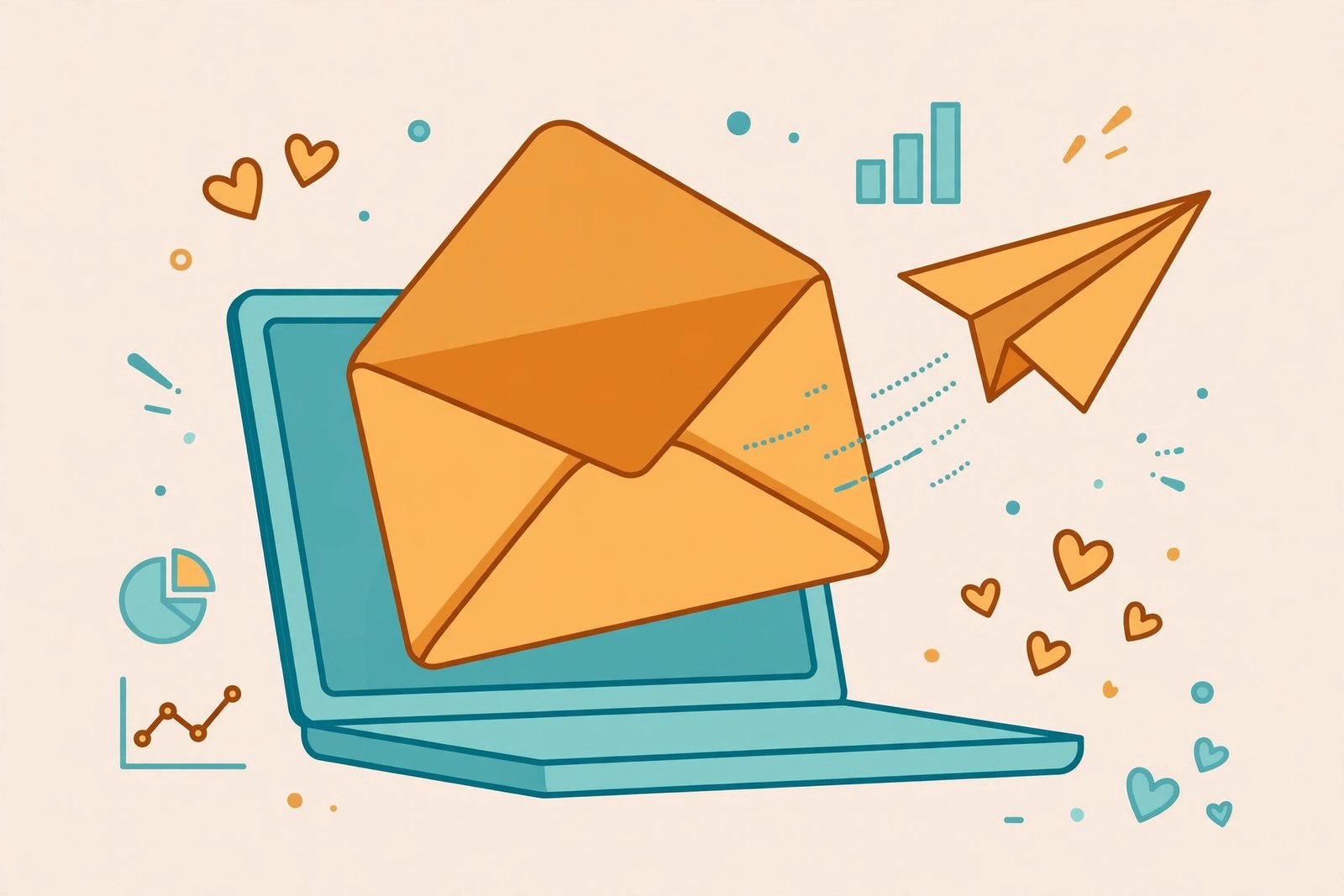
Email marketing means sending emails to a list of people who gave you permission, with a clear purpose: to inform, to help, to build trust or to sell. A typical campaign has a subject line, a short message, one clear action for the reader and a link to a page or a product. The work behind it includes growing the list, writing the emails, designing them, sending them at the right time and checking what happened next.
It still works for a simple reason. Email reaches people directly, in a place they check every day, and the message does not disappear in a feed. A blog post can bring visitors once, but an email list brings them back. That is why almost every business with a website also has an email list, and why email marketers are hired by agencies, small businesses and content creators.
Email marketing is about learning the skill, not about offering it as a service, and this guide stays on the learning side. If you want the client side later, our guide on how to make money with AI email marketing services covers that path, and our guide on how to sell digital products with email marketing shows how email supports product sales.
What skills do you need to learn?
Email marketing uses four skills, and you can learn them one at a time. First, strategy: knowing who the email is for, what it should achieve and when to send it. Second, writing: subject lines and short messages that sound like a person, not a brochure. Third, design: a clean layout that works on a phone and a desktop. Fourth, data: reading open rates, click rates and unsubscribe rates, and using them to improve.
You also need a working knowledge of one email tool, such as Mailchimp, MailerLite or Brevo. These tools handle sending, list management, automation and reporting, and they all offer a free plan for small lists. Learn one tool well rather than collecting certificates for five.
Step 1: Learn the basics and the terminology
Start with a short free course. HubSpot Academy offers a free email marketing certification course that takes about four hours and covers the fundamentals: strategy, list growth, deliverability and measurement. It is one of the most recommended free options, and the Omnisend review of email marketing courses lists it first for beginners.
Learn these terms early, because every course and every report uses them. Open rate is the share of delivered emails that get opened. Click rate is the share of delivered emails that get a click. Conversion rate is the share of readers who do the thing the email asked for, such as buying or signing up. Unsubscribe rate is the share of readers who leave the list. Deliverability is the share of emails that reach the inbox instead of the spam folder. Bounce rate is the share of emails that could not be delivered at all.
A healthy list looks something like this, using the benchmarks from the Lilach Bullock guide: small lists often see 35 to 50 percent open rates, 2 to 8 percent click rates and unsubscribe rates under 0.5 percent. These figures are a guide, not a target, and they fall as a list grows. If your numbers are far worse, the problem is usually the list, the subject line or the sending frequency, not the tool.
Step 2: Learn how to build a list the right way
A good email list is built slowly, with permission, and a bad list is bought or scraped. Never buy an email list. Purchased lists contain people who never asked to hear from you, they produce spam complaints, they damage your sender reputation, and they can break the law. Build your own list instead.
Learn how to grow a list properly. The standard methods are a signup form on a website, a lead magnet, which is a free useful file or guide that people receive in exchange for their email address, and a clear promise about what subscribers will receive and how often. Learn how to write a signup form that sets expectations: say what you send, how often and what the reader gets. Our guide on how to build an email list for a blog covers this in detail from the blogging side.
Practise by building a small list for a topic you care about. Create a free Mailchimp or MailerLite account, make a signup form, and write a one page lead magnet. Then ask five friends to sign up and send them one welcome email. That exercise teaches you more than a week of theory, because you see the whole process from form to inbox.
Step 3: Learn email copywriting
Email copywriting is short, clear writing that sounds like one person talking to another. Learn to write subject lines first, because nobody reads an email they do not open. A good subject line is short, specific and honest. It tells the reader what is inside, and it does not promise what the email does not deliver.
Learn the structure of a good email. Open with one sentence that gives the reader a reason to keep reading. Give one useful idea or one clear story. End with one action, such as reading an article, replying to the email or viewing a product. One email, one action. Emails that ask for five things get none of them.
Write in the second person, keep sentences short, and read your draft out loud before you send it. If it sounds like a person, keep it. If it sounds like a brochure, rewrite it. The Coursera guide to learning email marketing makes the same point: learn to write for the reader's needs, not for your own, and keep the focus on helping first and selling second.
Practise by writing three emails for the same topic: a welcome email, a helpful tip email and a short offer email. Send them to yourself, open them on your phone, and check that they read well on a small screen. Most email is read on phones, so the mobile view is the real view.
Step 4: Learn design and layout
Email design is simpler than web design, and you can learn the essentials in a week. Learn the standard layout: a logo or a short header, one headline, one image at most, short paragraphs and one clear button. Learn to keep the width narrow, the text large enough to read on a phone, and the images small enough to load quickly.
Learn about dark mode and accessibility. Some readers view email with a dark background, so check that your text stays readable. Use enough contrast, write real alt text for images, and never send an email that is only an image, because spam filters and screen readers cannot read it.
Use the templates inside your email tool. They are tested, they work on phones, and they save you hours. Customise the colours and the logo, but do not rebuild the layout from scratch until you know why. A clean template with good writing beats a fancy custom design with weak copy every time.
Step 5: Learn automation and segmentation
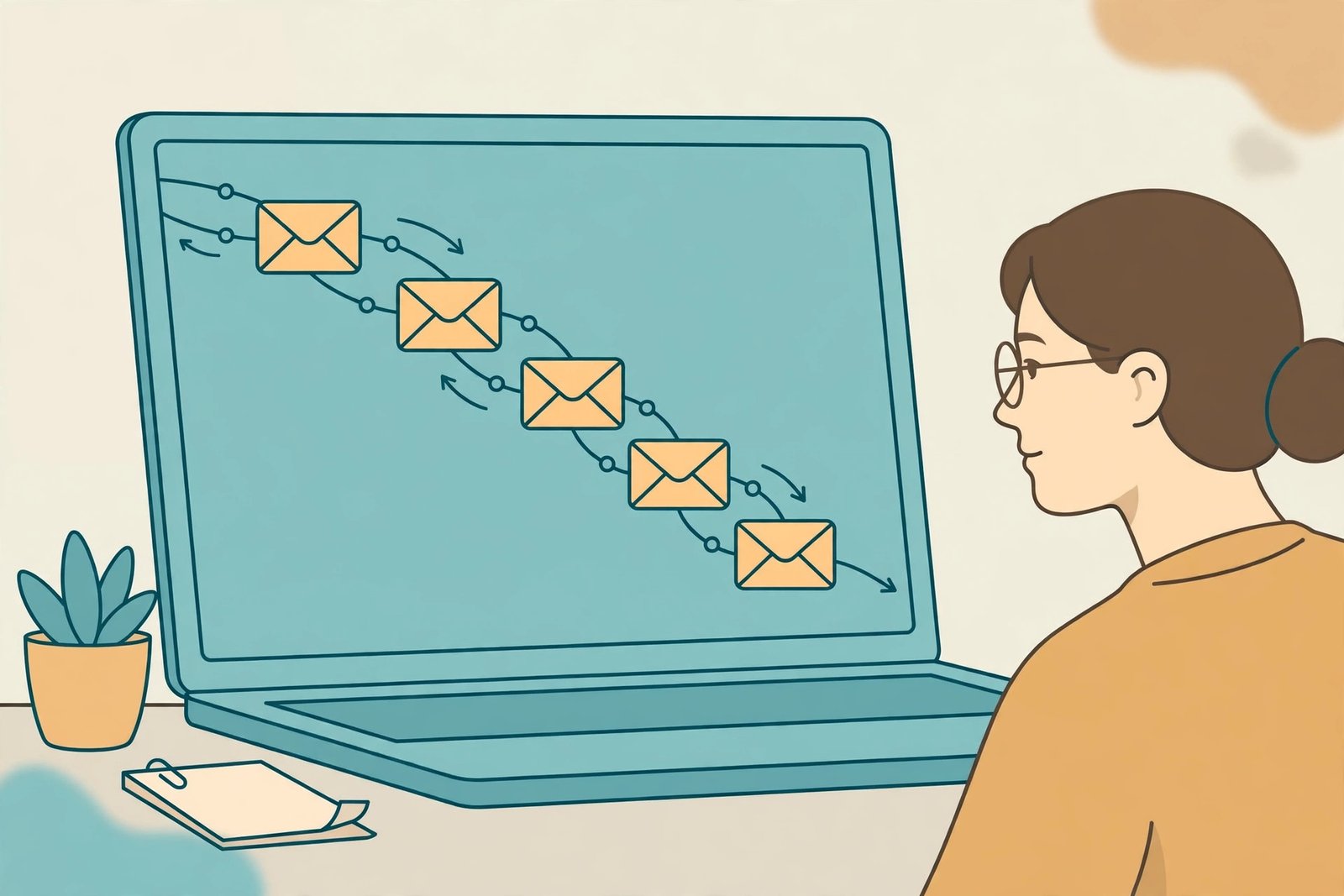
Automation is what makes email marketing powerful, and it is the skill that employers pay most for. An automated sequence is a set of emails that send themselves when a trigger happens, such as a new signup or a purchase. Learn these three sequences first.
The welcome sequence sends two or three emails to a new subscriber over the first week. It introduces you, delivers the lead magnet and sets expectations. The abandoned cart sequence reminds a shopper about items left in a cart, usually with one reminder after a day and one more after three days. The re-engagement sequence sends a short message to subscribers who have not opened an email for months, asking if they still want to hear from you, and removes those who do not respond.
Segmentation means splitting your list into groups and sending each group the message that fits it. The simplest segments are new subscribers, active readers, past buyers and inactive subscribers. Learn to send different messages to each group, and to test one change at a time. A subject line test, where half the list gets one subject line and half gets another, is the easiest test to learn, and it teaches you how to read results honestly.
Step 6: Learn how to measure what works
Email marketing is measurable, and learning to read the numbers is a core skill. After every send, check four figures: the open rate, the click rate, the unsubscribe rate and the conversion rate. Then ask one question: what changed since the last send, and did it help.
Learn to test one thing at a time. If you change the subject line, the send time and the design all at once, you will never know which change mattered. Change one thing, send, compare, and keep the winner. This habit is called A/B testing, and it is the difference between a marketer who guesses and a marketer who learns.
Learn to clean your list regularly. Remove email addresses that bounce, and remove subscribers who have not opened anything for six months. A smaller, engaged list beats a large, dead list every time, because inbox providers watch engagement and send the mail of senders with dead lists to spam.
Step 7: Learn the rules: GDPR, CAN-SPAM and PECR
Email marketing is regulated, and getting the rules wrong can lead to fines and to your emails being blocked. Learn the rules for the country you work in, because they differ.
In the United Kingdom and the European Union, the General Data Protection Regulation (GDPR) and the Privacy and Electronic Communications Regulations (PECR) apply. The UK Information Commissioner's Office explains that business-to-business marketing emails have different rules from emails to individual consumers, and that the soft opt-in can allow some marketing to existing business customers who bought from you before. You can read the official guidance on the ICO business-to-business marketing page. The short version is this: get clear permission, tell people what they are signing up for, make it easy to unsubscribe, and keep a record of consent.
In the United States, the CAN-SPAM Act applies. It requires a truthful sender name and subject line, a physical postal address in every email, a clear way to opt out, and that opt-out requests are honoured within ten business days. It does not require permission before the first email, but it does require honesty and a working unsubscribe link.
Learn these rules before you send to a real list. They are not optional, and they are the first thing a careful employer will ask about. If you are unsure, check the regulator's own guidance for your country rather than trusting a blog summary.
A 12 week study plan
This plan assumes 5 to 8 hours a week. If you have less time, stretch each stage rather than skipping it.
| Weeks | Focus | What you finish |
|---|---|---|
| 1 to 2 | Basics and terminology | HubSpot free course, a glossary of key terms |
| 3 to 4 | List building | A signup form, a lead magnet, five real subscribers |
| 5 to 6 | Copywriting | Three emails written: welcome, tip and offer |
| 7 | Design and layout | One template customised and tested on a phone |
| 8 to 9 | Automation and segmentation | A welcome sequence and two list segments |
| 10 | Measurement | An A/B test on subject lines, a results report |
| 11 | Compliance | A written checklist for GDPR, PECR and CAN-SPAM |
| 12 | Portfolio | A one page summary of your practice campaign with results |
Worked example, example only: these numbers are not typical results. Suppose you study 6 hours a week for 12 weeks. That is 72 hours in total. If you spend 12 hours on the basics, 12 hours on list building, 18 hours on copywriting and design, 15 hours on automation and measurement, 5 hours on compliance and 10 hours on your portfolio summary, you will have a practice campaign, a welcome sequence and a written record of your skill. If you can only study 3 hours a week, the same plan takes about 24 weeks. The hours matter more than the calendar.
How to learn email marketing online: what it costs
You can learn email marketing for nothing. HubSpot's free course, Mailchimp's free plan, MailerLite's free plan and Brevo's free plan cover the whole beginner path. The Omnisend review lists the main paid options for comparison: the Google Digital Marketing and E-commerce Certificate costs about $49 a month after a seven day free trial, the Digital Marketing Institute certificate costs about $445, DigitalMarketer's email marketing mastery costs about $495, CXL's email marketing course costs about $299, and Skillshare costs about $167.88 a year. These prices are from the Omnisend review published in January 2026 and are given at the time of writing in November 2026, so check the course page before you enrol.
Expect 3 to 6 months to reach a level where you can run a real campaign with confidence, and 6 to 12 months to reach a level where you can apply for junior roles. The Coursera article on email marketing certification notes that certification can help with hiring, but it also notes that hands-on practice matters more. Results vary with your background, your location, the time you put in and local demand. No course guarantees a job, and no certificate replaces a practice campaign that you can show.
Common mistakes to avoid
- Buying an email list, which damages your sender reputation and can break the law.
- Sending too often, which drives unsubscribes, or too rarely, which makes people forget you.
- Writing subject lines that promise what the email does not deliver, which destroys trust.
- Asking for five actions in one email, which means the reader does none of them.
- Never testing anything, which means you keep repeating the same errors.
- Ignoring the mobile view, even though most email is read on phones.
- Never cleaning the list, which pushes your emails into spam folders.
- Sending without permission, which is the fastest way to get reported and blocked.
Risks and scams to watch for
Be careful with expensive courses that promise a high income from email marketing. No course can guarantee income, and the free material from HubSpot and the email tools covers the fundamentals. Check the refund policy, read independent reviews, and try the free material first. If a provider pressures you to sign up today, walk away.
Watch for advice that tells you to buy lists, to hide the unsubscribe link or to use misleading subject lines. These tricks work once and then destroy your sender reputation, which is hard to rebuild. Watch for fake job offers that ask you to pay for training or software before you start work. Real employers do not ask applicants for payment.
Protect your accounts. Use a strong password on your email tool, turn on two-factor authentication, and never share your login details. When you practise, use only the email addresses of people who agreed to receive your messages.
Frequently asked questions
Can I learn email marketing online?
Yes. Every core skill in email marketing can be learned online, from strategy and copywriting to automation and compliance. HubSpot's free course covers the fundamentals, and the free plans of Mailchimp, MailerLite and Brevo let you practise with real tools. What matters is building a practice campaign, not collecting certificates.
How long does it take to learn email marketing?
For a beginner studying 5 to 8 hours a week, expect about 3 months to run a practice campaign with confidence, and 6 to 12 months to reach a level where you can apply for junior roles. The exact time depends on your starting point and your weekly hours.
Do I need a certification to work in email marketing?
No, but a recognised certificate can help your application stand out. Employers care more about a practice campaign you can show than about a certificate alone. If you pay for a certificate, pair it with a real project: a welcome sequence, a tested subject line and a results report.
What tools should I learn first?
Learn one tool well. Mailchimp is the most widely known, MailerLite is simple and cheap for small lists, and Brevo offers a generous free plan. Pick one, build a practice campaign in it, and learn the others later if a job asks for them.
Is email marketing still worth learning in 2026?
Yes. Email marketing is one of the oldest digital skills and it remains widely used, because an email list is an asset a business owns. It also pairs well with other skills such as content writing, social media and digital marketing, which makes it a strong addition to a broader skill set.
Do I need to know how to code to do email marketing?
No. Modern email tools use drag and drop editors, and you can build professional campaigns without writing code. Basic HTML helps if you want to customise templates, but it is not required for most roles. Our guide on how to learn digital marketing online covers the wider field.
Conclusion
Learning how to learn email marketing online comes down to a simple order: learn the basics and the terms, build a small list with permission, write short honest emails, design them cleanly, automate a welcome sequence, measure what works and learn the rules that protect your readers. Pick one free course, follow the 12 week plan, and send your first practice campaign this week. Start today with the HubSpot free course, and set up a free Mailchimp or MailerLite account.
To keep building, read our guides on how to learn digital marketing online, how to build an email list for a blog and how to sell digital products with email marketing, and browse all our skill guides on the Digital Skills category page. Earning results vary; nothing on this site is financial advice.