How to Make Money with Instagram Broadcast Channels in 2026
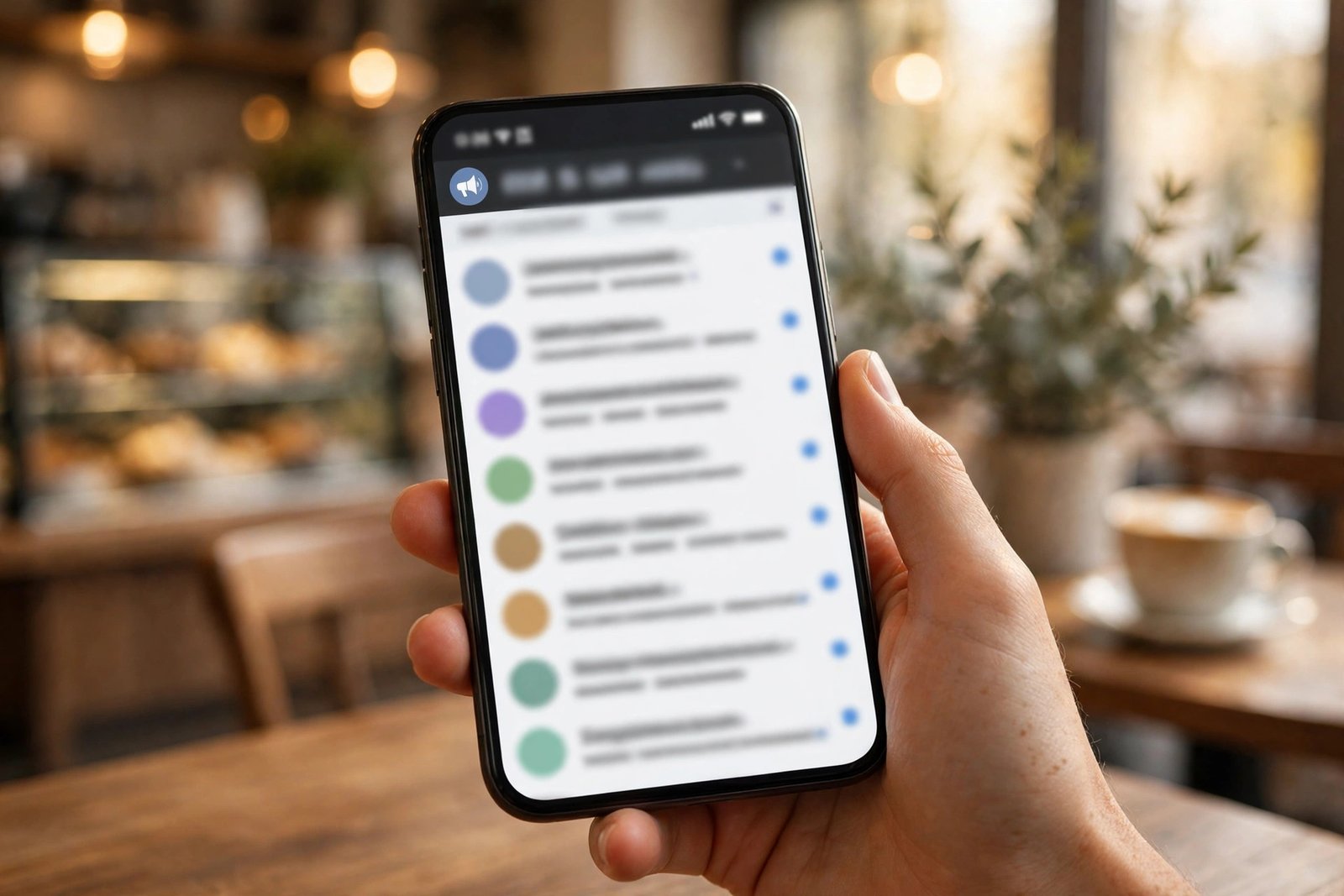
Learning how to make money with Instagram broadcast channels starts with a simple idea. A broadcast channel is a one-to-many messaging space inside your followers' direct message inbox. You post, and your members get a notification on their lock screen. No algorithm decides whether they see it. That direct line is what makes the channel valuable, and it is also what makes it easy to ruin. Useful messages build trust and sales. Daily sales spam gets the channel muted, and a muted channel earns nothing.
This guide covers the five ways a broadcast channel earns money, who can charge for one, how to set it up, and what to post so subscribers stay. It is written for a creator who already posts on Instagram and wants to turn their most engaged followers into income. It covers the broadcast channel format only. For the wider Subscriptions feature, read our guide to how to make money with Instagram subscriptions.
In this guide
- What a broadcast channel is
- The 5 ways to earn from a broadcast channel
- Who can charge for a broadcast channel
- Step 1: Create the channel
- Step 2: Turn on subscriptions
- Step 3: Set the price and write the promise
- Step 4: Plan what subscribers get each week
- Step 5: Grow the channel
- Using polls and early access to sell
- Worked example: what a small paid channel could earn
- What it costs and what to expect
- Common mistakes
- Risks and scams to watch for
- Frequently asked questions
What a broadcast channel is
Instagram launched broadcast channels in February 2023 as a public, one-to-many messaging tool in the direct messages tab. Only the channel owner can post by default, although you can invite another creator or add moderators. Followers join and can react with emojis or vote in polls, but they cannot send their own messages.
A channel is different from Stories and Reels. A channel message lands in the inbox and sends a push notification, which gives it higher open rates than a feed post, but every message costs attention. Members chose to hear from you directly, and they will leave if the messages stop being worth the interruption.
Channels work best as the middle of your funnel. Reels and feed posts attract new people. The channel gathers your most interested followers in one place. From there, you can sell to them, ask them questions, and keep them close. A channel on its own, with no audience feeding into it, will stay empty.
The 5 ways to earn from a broadcast channel
A channel does not run ads, and Instagram does not pay you for sending messages. The money comes from what the channel lets you do.
| Model | How it pays | What you need | Best for |
|---|---|---|---|
| Subscriber-only channel | Monthly subscription fee | 10,000 followers and eligibility | Creators with loyal fans |
| Sponsored placements | A brand pays for one message | A channel with 5,000 or more members | Creators with an engaged niche |
| Flash sales | Members buy a product at a discount | A digital product or shop | Sellers with a product ready |
| Affiliate links | Commission on sales through your link | An affiliate programme | Reviewers and niche experts |
| Service openings | Clients book your paid service | A service to sell | Freelancers and agencies |
Subscriber-only channels are the steadiest model. If you are eligible for Instagram Subscriptions, you can make a channel that only paying subscribers can join and read.
Sponsored placements suit larger channels. A brand pays for one dedicated message, such as a voice note with a tracked link. Package it with your other sponsorships, and show your member count and poll rate in your media kit to justify the price.
Flash sales suit sellers. When you launch a template, a mini-course or a product, offer channel members an early access link and a discount code before you tell your public feed. The time limit and the exclusive price are what make members buy now instead of later.
Affiliate links work because a recommendation in a direct message feels like a tip from a trusted friend, not an ad. Share one affiliate link at a time, with a short voice note explaining how you use the product yourself. Always label it clearly as an affiliate link.
Who can charge for a broadcast channel
Charging for a channel means turning on Instagram Subscriptions, which has its own eligibility rules. Instagram's Help Centre lists these requirements, as quoted in Buffer's guide to Instagram Subscriptions, and they are worth checking in the app before you plan around them, because the country list changes.
| Requirement | What it means |
|---|---|
| Professional account | A creator or business account, not a personal profile |
| At least 10,000 followers | The main bar for most creators |
| 18 or older | You must be an adult to offer paid subscriptions |
| Eligible country | Instagram lists the countries where it is available |
| Good standing | Follow the Partner Monetisation Policies and Community Standards |
The country rule catches many creators by surprise. Instagram's published country list includes India, the UK, the US, Australia and Canada, but it does not include Pakistan. If you live in a country that is not on the list, you cannot turn on subscriptions yet. Earn from the channel through flash sales, affiliate links and service openings instead, which have no follower threshold.
The revenue split is generous on paper. Instagram's Help Centre says its own revenue share is currently 0%, while Apple and Google take their standard in-app purchase fee of about 30%. That means for a $5 subscription bought inside the app, about $3.50 reaches you after the app store fee. The word "currently" is doing work in that sentence, so plan as if it could change. You also need to earn at least $100 before your first payout, and you set up a payout account with a bank or PayPal in your Professional dashboard.
Step 1: Create the channel
Open Instagram, go to your profile, and tap the option to create a channel. Give it a clear name that says what members will get. "Weekly meal plans and shopping lists" is clearer than "Sarah's channel". Write one sentence that tells people why they should join, and pick a simple profile image for the channel.
Decide whether the channel is public or subscriber-only before you launch it. A public channel grows faster, because anyone can join. A subscriber-only channel earns directly, but it grows slower. Start with one public channel if you are under the 10,000 follower bar, and add a paid one later.
When you create the channel, Instagram notifies your followers automatically. That first notification is free reach, so make sure your first three messages are useful.
Step 2: Turn on subscriptions
If you meet the eligibility rules, turn on subscriptions from your Professional dashboard. Open your profile, tap Professional dashboard, scroll to Monetisation, tap Subscription, pick your monthly price, and tap Publish.
You choose the price from Instagram's preset price points, which run from $0.99 to $99.99 per month. You can change the price later, but only new subscribers pay the new price. Set up your payout account at the same time.
If you do not see the option, you are under a requirement or in a country where the feature is not available yet. Do not pay anyone who offers to unlock it for you. No third party can do that.
Step 3: Set the price and write the promise
Price is a promise, not just a number. A $3 subscription that delivers one useful tip a week is fair. A $10 subscription that delivers nothing new will lose members in the first month. Start low, prove the value, and raise the price only after members stay.
A good starting range is $2.99 to $4.99 a month for a new channel. That price is low enough to try without thinking hard, and high enough to matter if a few hundred people join. Higher prices of $9.99 or more suit channels that offer direct access to you.
Write the subscription promise in one or two sentences, and put it where subscribers see it before they pay. Examples include "One exclusive tutorial and one live question session every week" or "A daily market note and a monthly portfolio review". The promise must name something concrete that does not appear on your public feed.
Step 4: Plan what subscribers get each week
Turning on subscriptions is easy. Justifying the price every week is the real work. Subscribers stay when they know what to expect and when you deliver it on time.
A simple weekly plan looks like this. On Monday, send one exclusive tip or tutorial. On Wednesday, send a behind-the-scenes update. On Friday, run a poll or ask a question, and answer the best replies. Once a month, hold a subscriber-only live session. That rhythm gives members four useful messages a week without flooding their inbox.
Voice notes work well in channels, because they feel personal and take less time to make than a polished video. A two-minute voice note explaining a lesson creates a stronger connection than a long block of text. Polls work well too, because they let members tap once and feel involved. Keep the value-to-pitch ratio at about 80 to 20.
Step 5: Grow the channel
A broadcast channel does not grow on its own. Point people at it every week from your public content. Add a link in your Stories and put it in your bio. When a Reel does well, share it in the channel first and tell your public followers that channel members saw it early.
Run a simple welcome flow for new members. Pin a message that says what the channel is, how often you post, and what they get. Ask one question in your first week and reply to the answers. Early replies turn a quiet channel into a community.
Our guide to how to grow Instagram followers covers the public growth that feeds a channel, and our guide to how to make money on Instagram with a small account shows what to do while you are still under the 10,000 follower bar.
Using polls and early access to sell
Polls are the most underused selling tool in a broadcast channel. A poll tells you what members want before you build it. Ask members to vote between two product ideas. The results are market research from your best customers, and they cost you nothing.
Early access is the second tool. When you launch a product, give channel members the link and a discount code 48 hours before your public feed sees it. Keep the launch simple: one message that names the problem, one that shows the product, and one with the link and the code.
Track each offer with its own link or code, so you know which channel messages actually sold something. If a product sells well to channel members and nowhere else, launch there first every time.
Worked example: what a small paid channel could earn
Example only: these numbers are not typical results, and they are shown only to explain how the maths works.
Imagine a fitness creator with 12,000 followers who opens a subscriber-only broadcast channel at $4.99 a month. About 2% of followers subscribe in the first three months, which is 240 subscribers. The gross is 240 multiplied by 4.99, which is $1,197.60 a month. Apple and Google take about 30% on in-app purchases, which is about $359.28, so the creator keeps about $838 a month before tax.
The creator also runs one flash sale each quarter for a workout template at $19, and channel members buy 40 copies, which adds $760 in that month. In a normal month the income is about $838, and in a sale month it is about $1,598. The creator spends about 6 hours a week on channel content. That is a realistic shape for a small paid channel: steady subscription income plus occasional sales. If you are not in an eligible country, the subscription part does not apply to you.
What it costs and what to expect
Starting a broadcast channel costs nothing. The costs are time and consistency. Plan for 3 to 5 hours a week to write messages, record voice notes, run polls and answer replies. A paid channel needs more, because subscribers expect a schedule you keep.
A realistic timeline is 3 to 6 months to reach 10,000 followers if you are starting from a few thousand, and longer from zero. Growing the channel takes another few months after that. Income before the subscription bar comes from flash sales, affiliate links and service openings, which have no threshold.
Tax rules apply to channel income too, and they differ by country. If you sell through affiliate links, disclose them clearly every time. Our guide to how to earn money with Instagram affiliate marketing covers disclosure and link placement.
Common mistakes
- Posting sales messages every day, so members mute the channel and never come back.
- Charging for a channel that posts the same content as the public feed, so subscribers see no reason to stay.
- Setting a high price before proving any value, then wondering why nobody subscribes.
- Buying followers to reach 10,000, which breaks Instagram's rules and brings an audience that never buys.
Risks and scams to watch for
Fake follower sellers are the most common trap. A service promises 10,000 followers for a fee, so you can unlock subscriptions. Those followers are bots or inactive accounts, they will not buy anything, and Instagram can remove them or restrict your account. Grow followers with real content, not a purchase.
"Monetisation unlock" services are the same scam in different clothes. No third party can turn on subscriptions for you. Only Instagram can, through the Professional dashboard, and only if you meet the rules. Never pay anyone who claims otherwise.
Undisclosed affiliate links are a quieter risk. If you earn a commission from a link and do not say so, you break advertising rules in many countries and you break trust with your members. Add a short label such as "affiliate link" every time. Keep records of your income and expenses from the start.
Frequently asked questions
Can you make money from Instagram broadcast channels?
Yes, but Instagram does not pay you for sending messages. You earn through paid subscriptions, sponsored messages, flash sales, affiliate links, and service openings. The channel is the direct line to your most engaged followers, and the income comes from what you sell through it.
How do I turn on paid subscriptions for my broadcast channel?
You need a professional account with at least 10,000 followers, to be 18 or older, to live in an eligible country, and to follow Instagram's Partner Monetisation Policies. If you qualify, open your Professional dashboard, tap Monetisation, tap Subscription, pick a monthly price and tap Publish.
How much can you charge for a broadcast channel?
Instagram's preset price points run from $0.99 to $99.99 a month. Most new creators start at $2.99 to $4.99 a month, which is low enough to try and high enough to matter. Higher prices suit channels that offer direct access to you, such as weekly question sessions or monthly reviews.
Do you need 10,000 followers to earn from a broadcast channel?
You need 10,000 followers for paid subscriptions, but not for the other income routes. A public channel of any size can earn from flash sales, affiliate links, sponsored messages and service openings.
How often should you post in a broadcast channel?
Three to five useful messages a week is a good pace, with at least four out of five messages offering value and no sales agenda. Posting several times a day will get your channel muted. A short weekly rhythm is easier to keep than daily posting.
Conclusion
Learning how to make money with Instagram broadcast channels in 2026 comes down to treating the channel as a direct line to your best followers, not as another feed to fill. Build a public channel first, post useful messages three to five times a week, use polls to learn what members want, and sell through early access, flash sales and affiliate links. When you reach 10,000 followers in an eligible country, turn on subscriptions and charge for a clear weekly promise. Keep the price fair, keep the schedule, and protect the trust that makes the channel worth paying for.
To keep building, read our guide to how to make money with Instagram subscriptions for the full feature, our guide to how to grow Instagram followers for the audience a channel needs, and our guide to how to earn money with Instagram affiliate marketing for affiliate income through the channel. You can browse the rest of the Social Media Earning category for more platform guides.
Earning results vary; nothing on this site is financial advice. Check Lilach Bullock's guide to Instagram Subscriptions, which quotes the Help Centre directly, for the latest rules and country list before you plan around any threshold, and check your local tax rules when income starts.