
How to Automate an Online Business in 2026
You spend your week repeating the same small tasks. Welcome emails, invoices, booking reminders, order updates, and social posts all take time, and they take attention away from the work that actually grows your business. Automation can help, but only if you automate the right task in the right order. This guide shows how to automate an online business safely, starting with an audit, not with a new tool subscription.
Automation, in this guide, means a decision made once that runs the same way every time. A welcome email that sends itself after a sign up is automation. A payment reminder that sends itself three days before a due date is automation. Automation does not replace judgement. It removes repeatable work so you can use judgement where it matters.
In this guide
You will learn how to audit your week, score tasks before building, pick one first workflow, build it with tests, measure the result honestly, keep sensitive tasks human, and avoid the silent failures that damage trust.
Step 1: Audit your week before you buy anything
Track your tasks for three to seven days. For each task, record the task name, how often it happens, how long it takes, who does it, which tools it touches, and whether human judgement is needed. A simple notebook or spreadsheet is enough. Do not buy a tool until this audit shows a clear repeatable task.

| Task | Frequency | Time each time | Needs judgement? |
|---|---|---|---|
| Welcome email to new subscriber | Every sign up | A few minutes | No, if the message is fixed |
| Invoice reminder | Weekly | Several minutes | No, if the amount is fixed |
| Booking reminder | Every booking | A few minutes | No |
| Public reply to a complaint | Occasional | Varies | Yes, always |
| Refund decision | Occasional | Varies | Yes, always |
After a week, add up the time for repeatable tasks. Many owners are surprised by how much time goes to small, identical jobs. That total is your starting point. It is also a reality check. If a task takes only ten minutes a month, automating it may save less time than setting it up costs.
Step 2: Score tasks before you build
Not every repeatable task should be automated first. Score each task on three factors. Frequency asks how often it happens. Sameness asks whether it is identical every time. Stakes ask what happens if it fails silently, which means it stops working without telling you.
Automate high frequency, high sameness, low stakes tasks first. Delivery emails, receipts, booking reminders, and invoice reminders fit this group well. Leave high stakes tasks with human approval, even if they repeat. Public replies in your name, refunds, complaints, pricing decisions, and hiring decisions all need a human reading the situation.
A useful priority order for many small businesses is delivery first, then email follow up, then publishing. Delivery affects paying customers directly, so a reliable delivery workflow pays off quickly. Email follow up comes next, because it keeps new contacts warm without daily manual work. Publishing comes third, because scheduled posts help consistency, but they do not fix a broken offer.
Do not automate a broken process. If your welcome email says the wrong thing, automation will send the wrong thing faster. Fix the message, the offer, or the process first, then automate the fixed version.
Step 3: Pick one first automation
Pick the highest scoring task, not the most annoying task. Annoyance is a poor guide, because an annoying task may need judgement every time. A boring, identical task is usually a better first automation.
Write down what done looks like before you build. For a welcome sequence, done might mean: a new subscriber receives a welcome email within minutes, receives a useful follow up on day three, and is added to the correct list, with no duplicate emails. That clear definition makes testing possible. Without it, you cannot tell whether the automation worked.
Give yourself one week to build and test one workflow. Resist the urge to build five workflows at once. If one breaks, you will not know which one caused the problem, and customers may receive duplicate or missing messages.
Step 4: Five starter workflows that suit most small businesses
These five workflows cover the most common needs. Pick one, not all five, for your first build.
- Welcome sequence. A new subscriber or buyer receives a welcome message, then a short follow up with one useful resource, then an invitation to reply or book. Keep it to three messages at most to start.
- Order delivery and receipt. A buyer receives a receipt at once, then delivery details when the order ships, then a short follow up after delivery. Each message should state what happens next.
- Invoice and payment reminders. A client receives an invoice on the due date, a polite reminder three days before payment is due, and a firmer reminder after the due date, with a link to pay.
- Booking and reminders. A client books a time, receives confirmation at once, receives a reminder a day before, and receives a short follow up after the session.
- Social scheduling from a batch. You write several posts in one sitting, schedule them over the week, and check replies yourself each day. Scheduling the post is automation. Replying as if you were present, when you are not, is not honest automation.
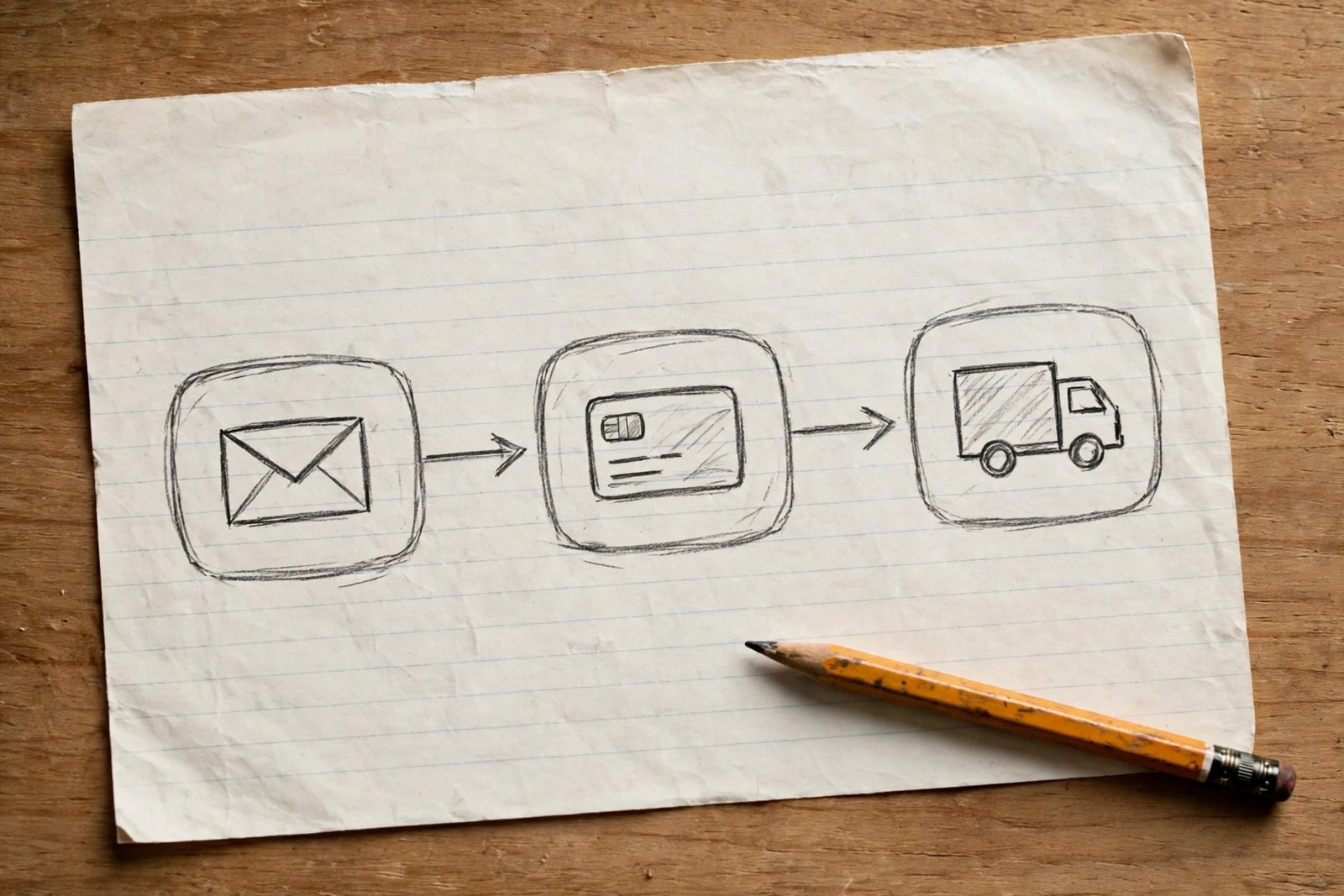
Step 5: Build it safely with a real test
Connect only the apps the workflow truly needs. Start with built in features in tools you already use, such as scheduled emails, booking reminders, or invoice reminders. Add a connector tool, such as Zapier or Make, only when two tools genuinely must talk to each other and no built in option exists. A smaller stack breaks less often and costs less to maintain.
Test with one real example. Add yourself as a test subscriber, buyer, or booking, and follow the full journey. Check that the email arrived, the record was saved in the right place, the payment link worked, and no duplicate message was sent. Check on a phone as well as on a computer. Fix every error before you turn the workflow on for real customers.
Run the workflow for one week and review errors daily at first. Check for missing messages, duplicate messages, wrong names, and failed connections. Keep a short error log. If the same error appears twice, pause the workflow, fix the cause, and test again before restarting.
Step 6: Measure the result honestly
Measure time saved, errors, response time, and any change in conversion, which means the share of people who take the next step, such as buying or booking. Also record tool cost. A workflow that saves one hour a month but costs more than that hour is worth to you may still be worth it for reliability, but you should decide that openly, not by accident.
Use your own hourly value, not a borrowed rate from a guide. If your time is worth a modest amount while you are starting out, use that amount. If your time is worth more because client work fills your week, use that amount. The maths is simple. Time saved in hours, multiplied by your hourly value, minus monthly tool cost, equals rough monthly value. That figure is an estimate for your own decision, not a promise of profit.
Example only: if a workflow saves 2 hours a month, and you value your time at 20 units per hour, the time value is 40 units. If the tool costs 15 units a month, the rough monthly value is 25 units. Those numbers are not typical results. They show only how to do the calculation with your own figures.
Ignore impressive ROI percentages quoted in tool guides unless you can see the maths behind them. A percentage built on an assumed hourly rate and a tiny tool cost can look huge while saving almost no real time. Trust your own audit numbers instead.
Step 7: Keep a human list
Some tasks should stay human, even when they could be automated. Keep this list visible where you work, and check new automation ideas against it.
- Complaints and refunds, because tone and fairness matter more than speed.
- Public replies in your name, because a wrong automatic reply can damage trust.
- Pricing decisions, because they need judgement about value and costs.
- Hiring decisions, because they affect real people and your business culture.
- Any message that needs reading the room, such as a sensitive customer situation.
A useful rule from experienced solo owners is to split drafting from sending. An automated draft can prepare a reply, but a human should read and approve it before it goes out, at least for sensitive topics. That split saves time without giving up control.
Step 8: Choose a small stack first
Start with what you already pay for. Many email tools, booking tools, shop platforms, and accounting tools already include reminders, sequences, and receipts. Use those built in features before adding a new subscription.
Add a connector only when it solves a real gap, such as moving a new booking into your customer list automatically. When you do add one, document what it connects, what triggers it, and what it should do. That note will save you hours when something breaks months later.
Tool prices change often, so check the official pricing page on the day you choose. Do not rely on a price quoted in an old guide. Also check free plan limits, such as how many active automations or contacts are included, because a free plan that fits today may stop fitting as your list grows.
Step 9: When automation goes wrong
Silent failure is the biggest automation risk. A workflow can stop working without any warning, and you may only notice when customers complain or sales fall. Build a weekly numbers check into your routine. Read the key numbers once a week, such as new subscribers, orders, bookings, and messages sent. If a number cannot be read, leave a gap and note why, instead of guessing or carrying last week figure forward. An honest gap is more useful than a false number.
Other failure signs include duplicate emails, missing receipts, bookings that never appear in your calendar, and customers who say they never received a message. When you spot one, pause the workflow, check the connection, and test with one example before restarting. Change one automation at a time, so you can tell what fixed the problem.
Also protect customer data. Automation moves personal data between tools, such as names, emails, and order details. Use only tools you trust, limit access to what each tool needs, and check privacy rules in your country. Never automate messages that collect sensitive personal details by email unless you have a safe and lawful way to handle them.
Stagger tasks when you schedule many messages. Sending a large batch at once can trigger spam filters or rate limits. Spread scheduled posts and emails across the day, and keep volumes modest until you know the system is stable.
Common mistakes
- Automating before auditing, and buying tools for tasks that barely exist.
- Building five workflows at once, then failing to find which one broke.
- Automating a broken offer or a confusing message, so the problem spreads faster.
- Letting automatic replies handle complaints, refunds, or sensitive messages.
- Trusting ROI percentages from a vendor guide instead of measuring your own time.
- Ignoring error logs until customers report the problem first.
Frequently asked questions
Do I need to know code to automate my business?
No. Most small business automation uses built in features or visual connector tools, where you choose a trigger and an action from menus. Code helps for complex cases, but it is not needed for the starter workflows in this guide.
How much does automation cost?
It can start at no extra cost, if you use built in features in tools you already pay for. Connector tools usually charge a monthly fee that rises with usage. Check current official pricing, start with the smallest plan that fits, and compare the cost with the time you actually save.
Will automation hurt customer relationships?
It can, if it replaces human care on sensitive topics. It helps relationships when it makes basic service faster and more reliable, such as instant receipts and clear booking reminders. Keep complaints, refunds, and public replies human, and automation will usually help, not hurt.
What should I never automate?
Never fully automate complaints, refunds, public replies in your name, pricing decisions, or hiring decisions. You may use automation to draft or organise these tasks, but a human should read and approve the final action.
How much time will I really save?
It depends on your audit. A single workflow may save only minutes a month at first, and that is fine if it also improves reliability. Savings grow as volume grows. Measure your own time before and after, and do not trust a guide that promises a fixed number of hours for every business.
Conclusion
Audit your week, score tasks by frequency, sameness, and stakes, and build one workflow with a real test. Measure the result with your own numbers, keep sensitive tasks human, and check for silent failures every week. That careful pace beats a large stack of automations that nobody maintains.
Your next step is to audit this week, build one workflow next week, and measure it for two weeks before adding a second. One reliable workflow is a stronger foundation than five shaky ones.
For related reading, see how to start an online business as a beginner, how to validate a business idea, how to start a paid newsletter, and how to scale a small online business. Browse all guides in the online business category.